
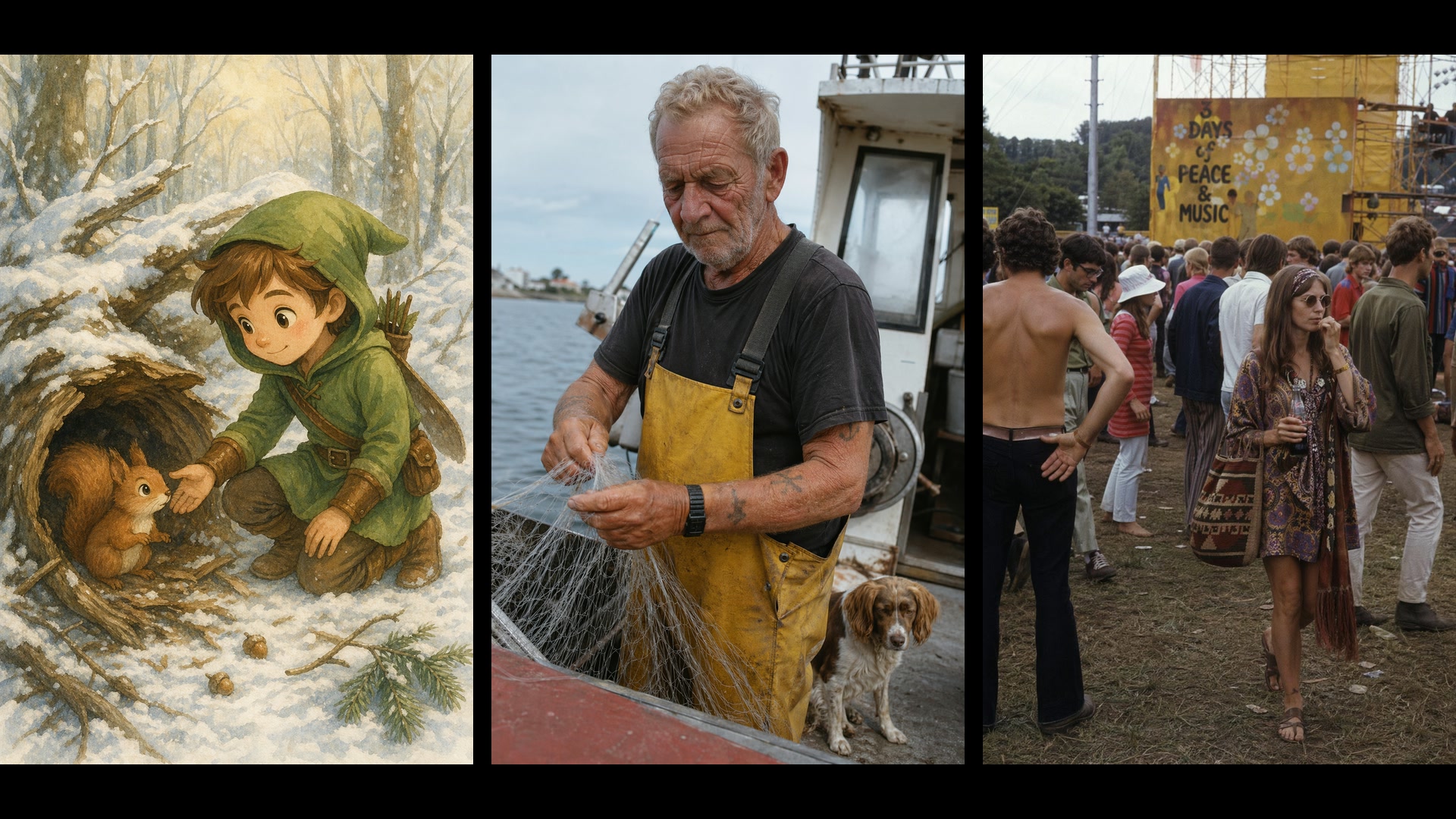
GPT Image 2 免费在线 AI 图片生成器
描述一张海报、一张产品图或一幅课堂图解,或者上传最多 16 张参考图,就能得到版式里自带清晰文字的图片。先用低画质出草稿,每张 1 积分,满意后再升到最高 4K 出成品。 现在就在 Yovid 上用 GPT Image 2 开始创作。
GPT Image 2 能生成什么图片
生成 GPT Image 2 图片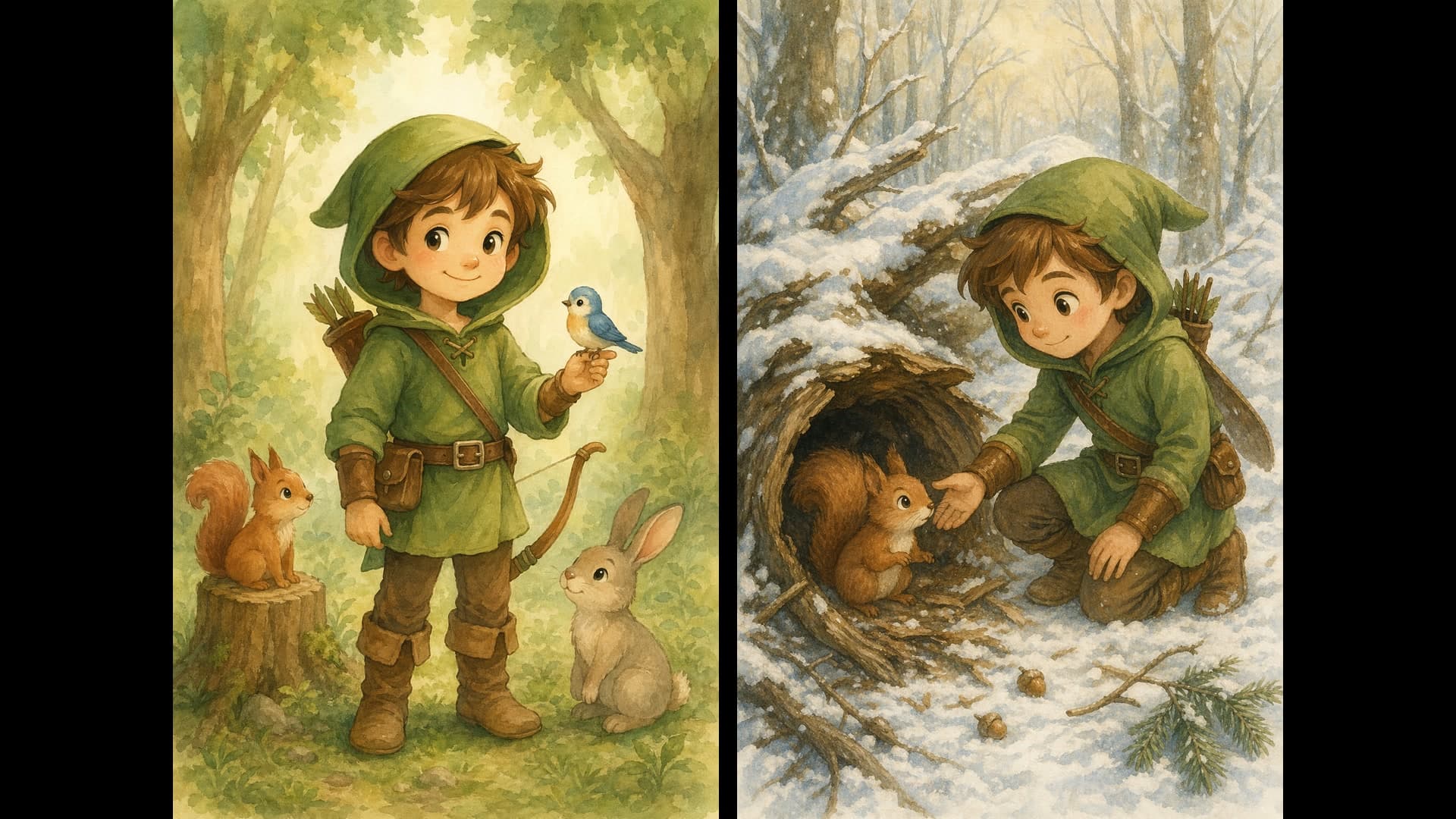
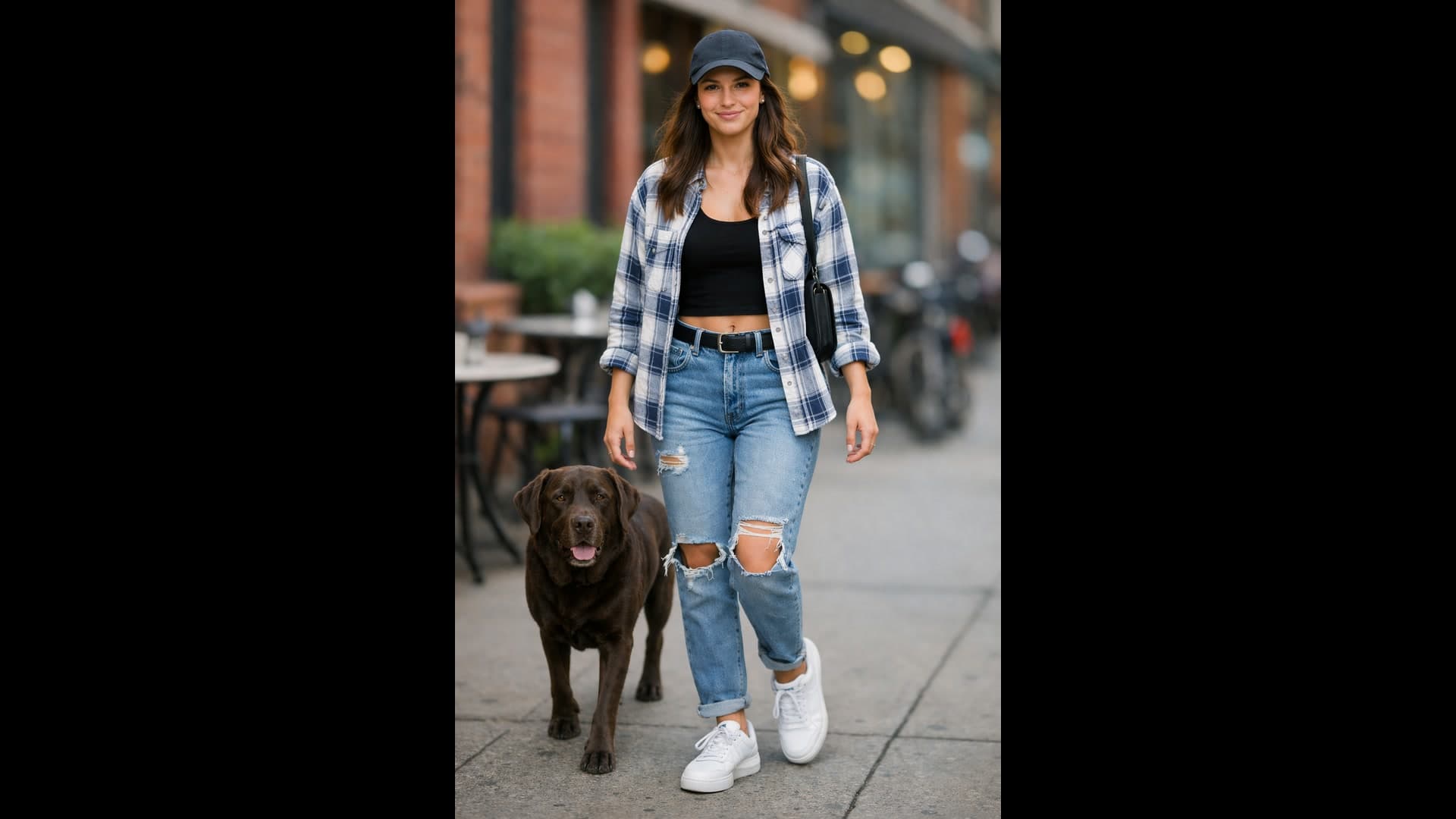
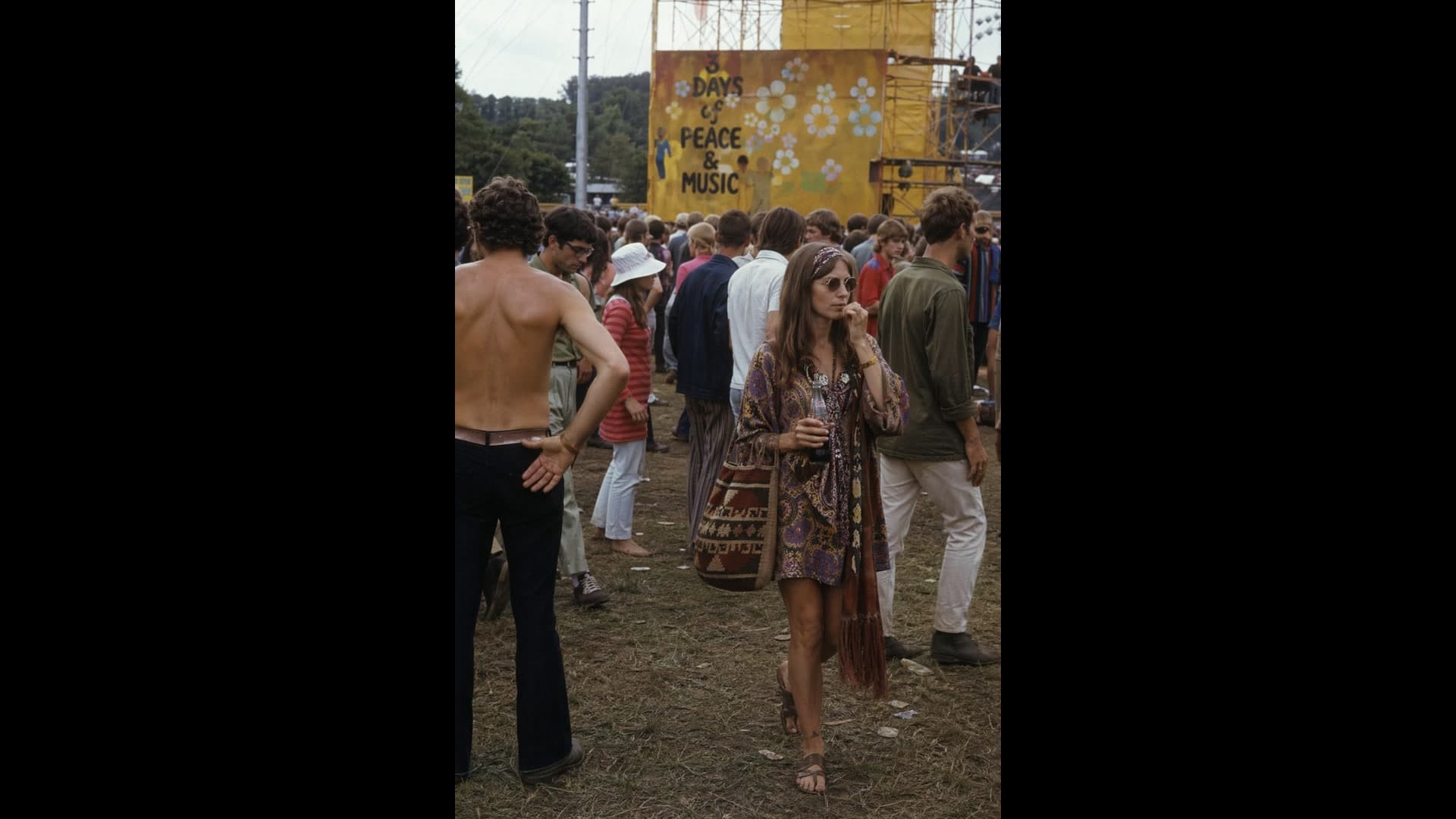
为什么在 Yovid 上用 GPT Image 2 生成图片
- 真正看得清的文字:标语、标题和标签清晰可读,并且落在版式需要的位置。
- 信息图、图解和幻灯片:带标注的图解、图表和演示文稿页面,看起来就像成品讲义。
- 不摆拍的写实感:真实的皮肤、旧布料和自然日光,而不是光鲜的影棚精修。
- 描述要改的地方,就能修图:上传一张图,说清楚要去掉、替换或换风格的部分,其余保持不变。
- 一次请求最多 16 张参考图:把不同照片里的人物、产品和服装合成到同一张图里。
- 从草图或风格参考到成品图:把粗糙的线稿变成照片,或者按参考图的风格画一个新主体。
- 一条提示词,最多 10 个备选:一次要多个版本,留下效果最好的那张。
- 设置与费用:3 档画质,1K 到 4K,15 种比例预设加自定义尺寸,支持透明背景。
真正看得清的文字
OpenAI 把 GPT Image 2 定位为面向生产的图像模型,所以字体笔画清晰,并且融进画面构图,而不是浮在表面。把确切的文字放进引号,说明放在哪里、字体是什么气质,文案就会作为设计的一部分出现。
短标题是最稳的用法。小字或大段文案请选中画质或高画质,发布前务必校对:OpenAI 也提到,精确的文字位置有时需要再试一次。
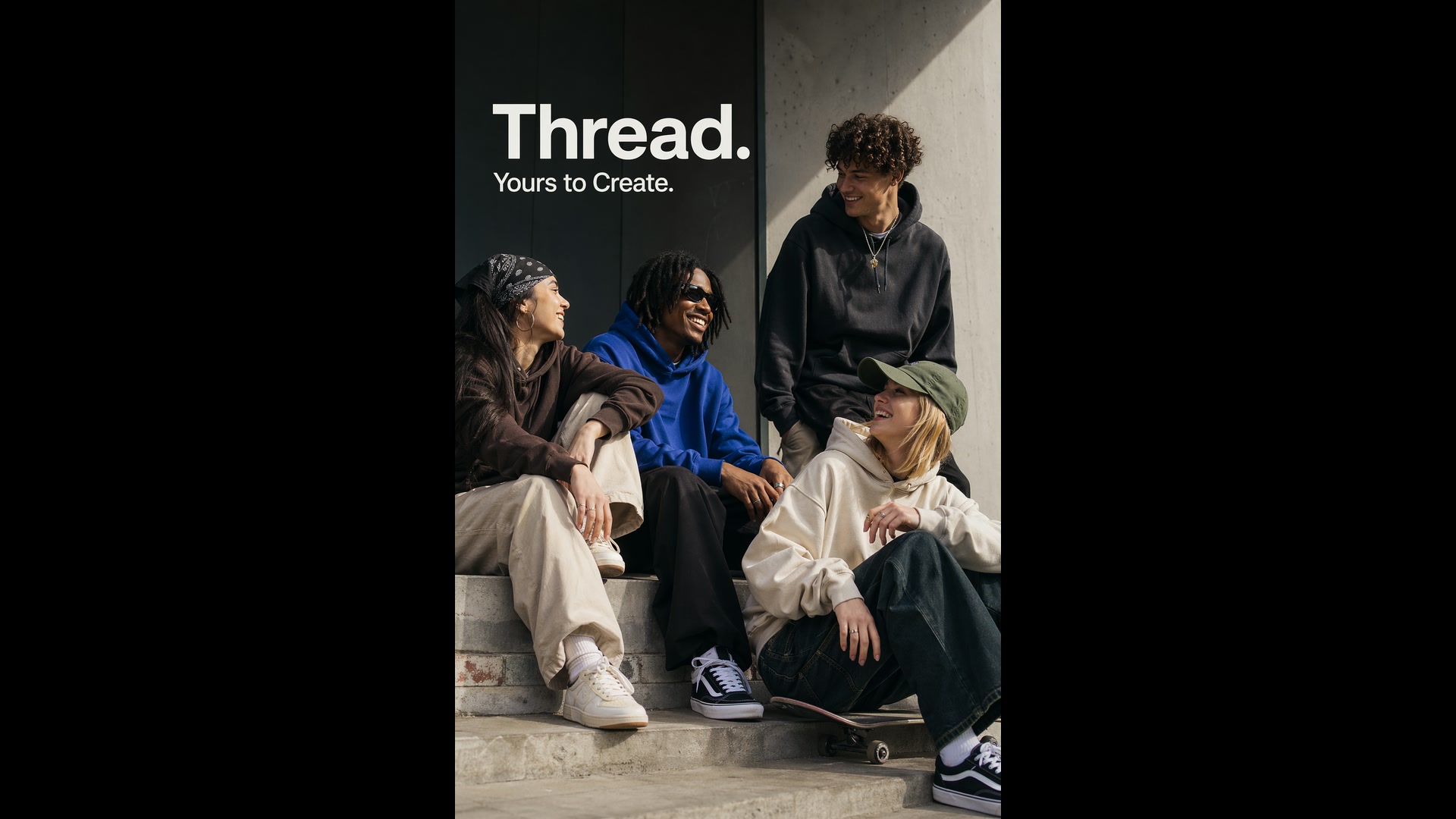
 GPT Image 2
信息图、图解和幻灯片
像对设计师那样下需求,而不是对画师:这张图给谁看、标题是什么、哪些标签和数字必须出现,哪些内容不要。GPT Image 2 会把箭头、图例和标签排成一张结构完整的图,小到生物课讲义,大到融资路演页都行。
幻灯片选横版比例;图里有小字、图表坐标轴或脚注时,选高画质。
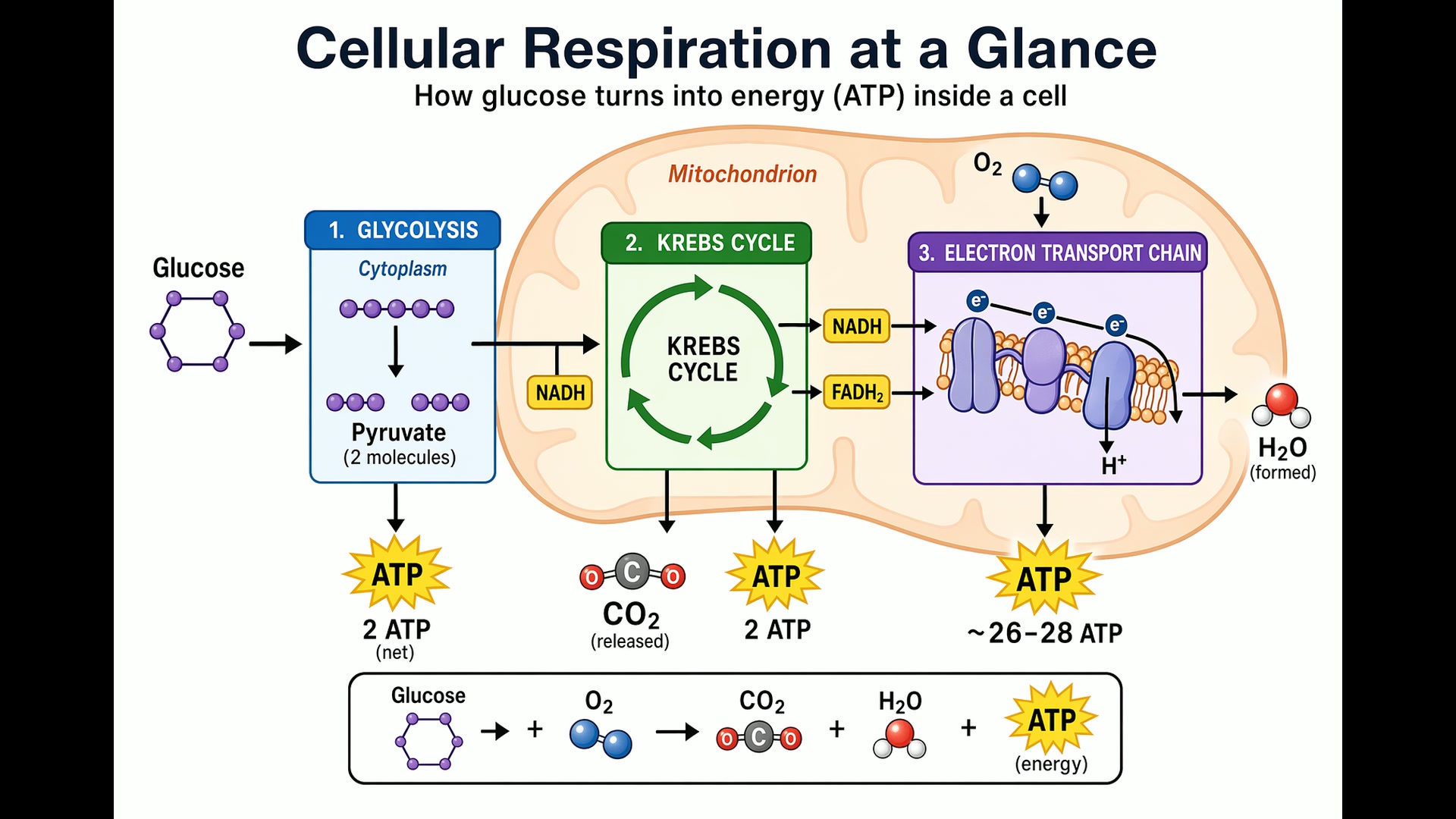 GPT Image 2
不摆拍的写实感
提示词要像摄影师在抓拍那样写:镜头、光线、取景,以及你期待看到的瑕疵。OpenAI 自己的建议是写上 "photorealistic" 这个词,它会把 GPT Image 2 推进摄影模式,再要求毛孔、皱纹和胶片颗粒。
除非真有需要,别写 "studio" 或 "glamour" 这类词,它们会把结果引向精修的广告风。
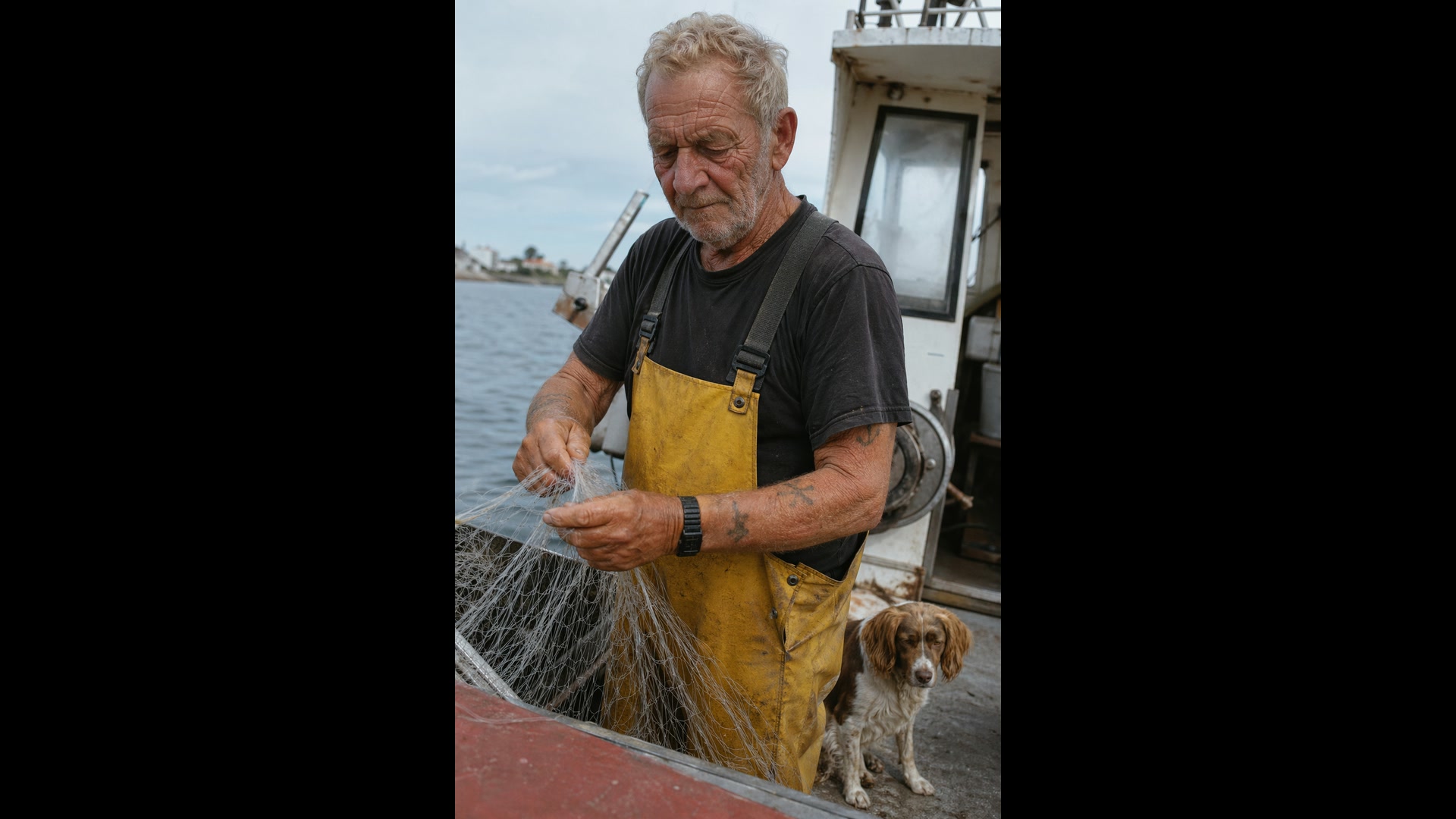 GPT Image 2
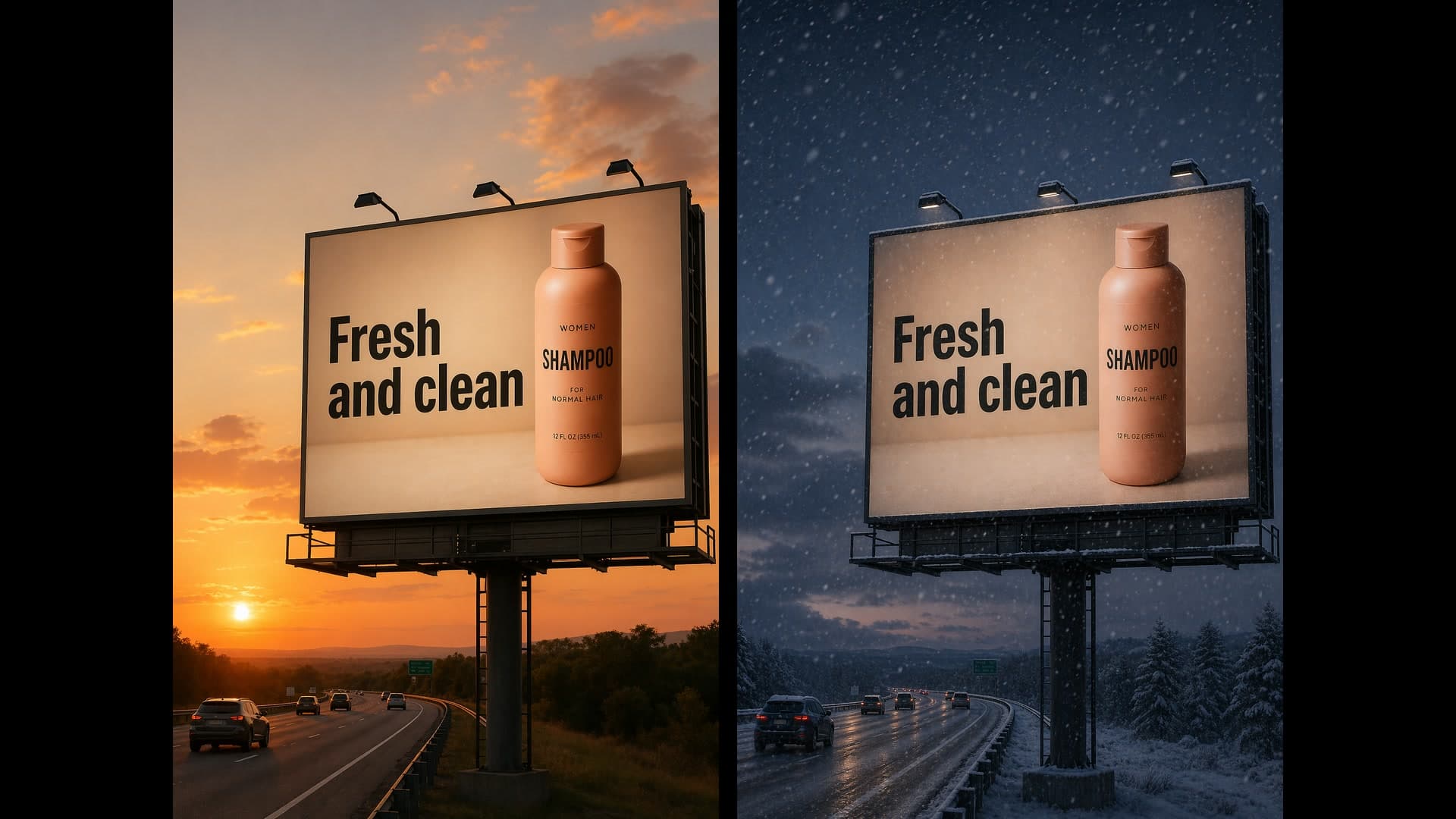
描述要改的地方,就能修图
点明唯一要改的那一处,再列出必须保留的:脸、姿势、裁切、光线。GPT Image 2 会以高保真读取每张上传的图片,所以小改动就是小改动,不会把整个画面重画一遍。
同样的方法也适用于换房间里的家具、给场景换一个季节的光线,或清掉画面里多余的东西。每次追问时都重复一遍保留清单,细节就不会跑偏。
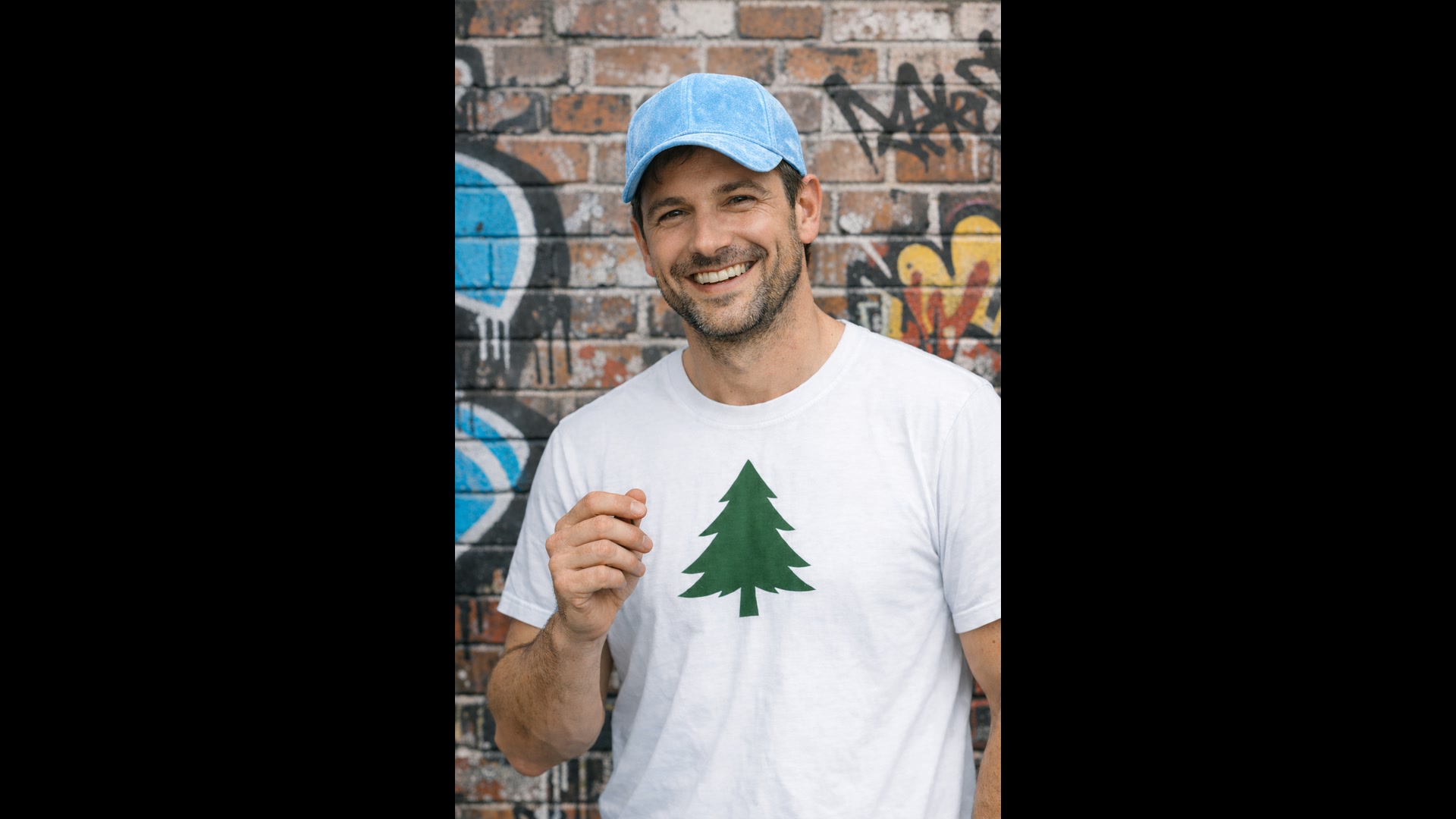
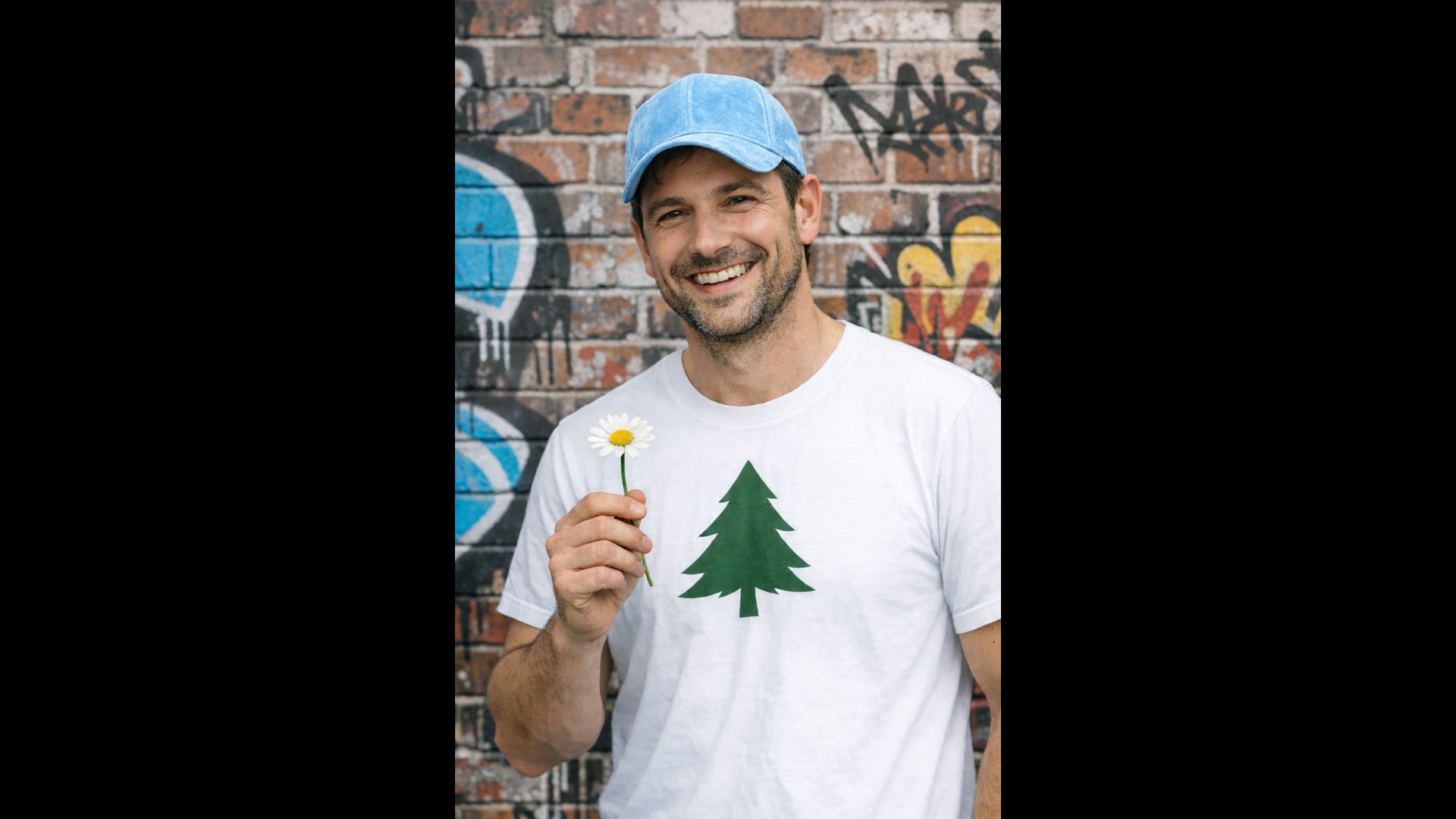 1GPT Image 2
一次请求最多 16 张参考图
最多附上 16 张图片,并说明每张的用途:Image 1 是人物,Image 2 是西装外套,Image 3 是上衣,Image 4 是靴子。GPT Image 2 会把它们穿到身上、摆进场景或合成为一张图,并匹配场景的光线、阴影和色彩。
虚拟试穿、把产品放进生活场景、在主人身边加一只宠物,都是这个用法。在提示词里给输入编号,并说清楚什么放到哪里。
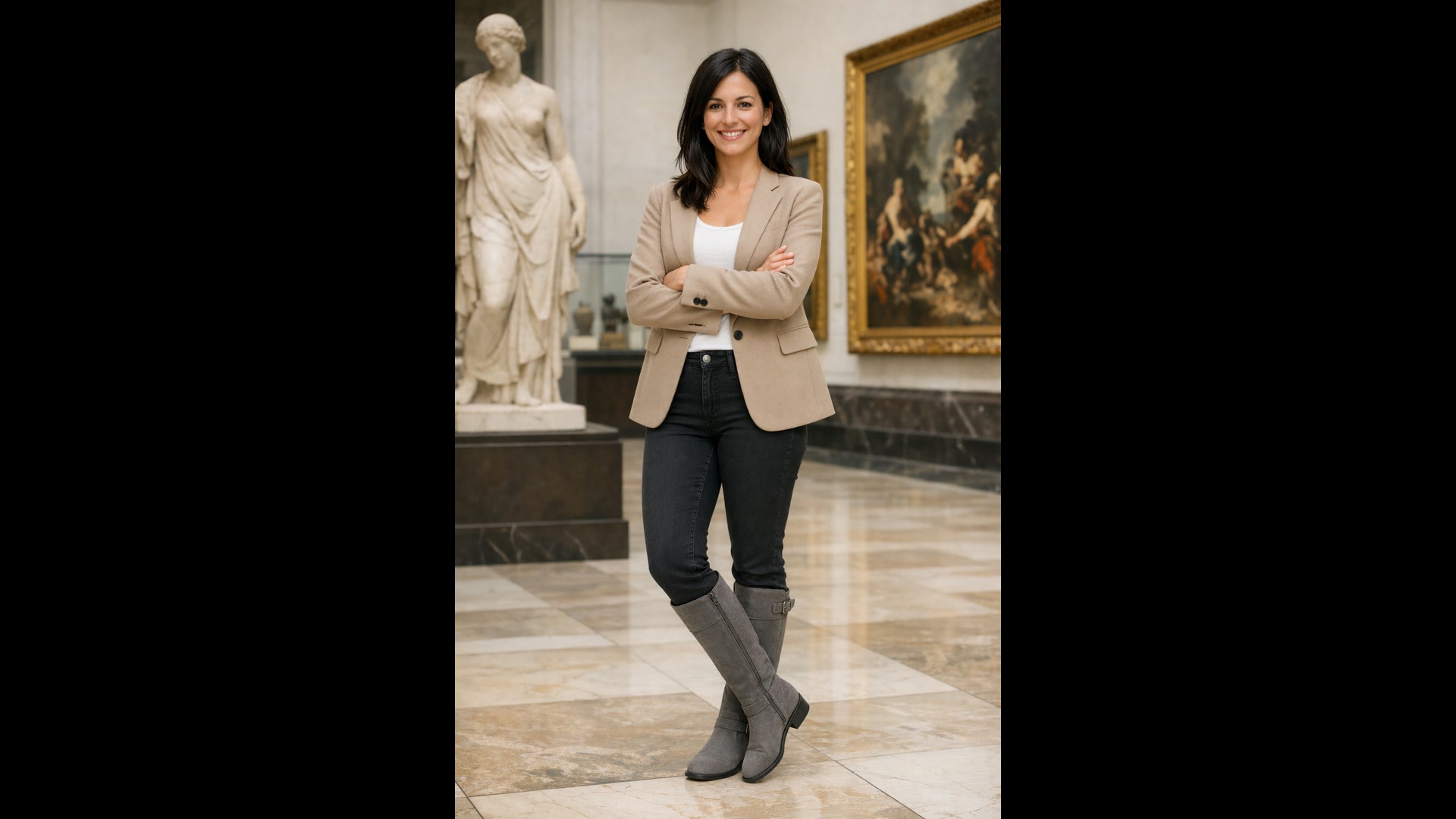
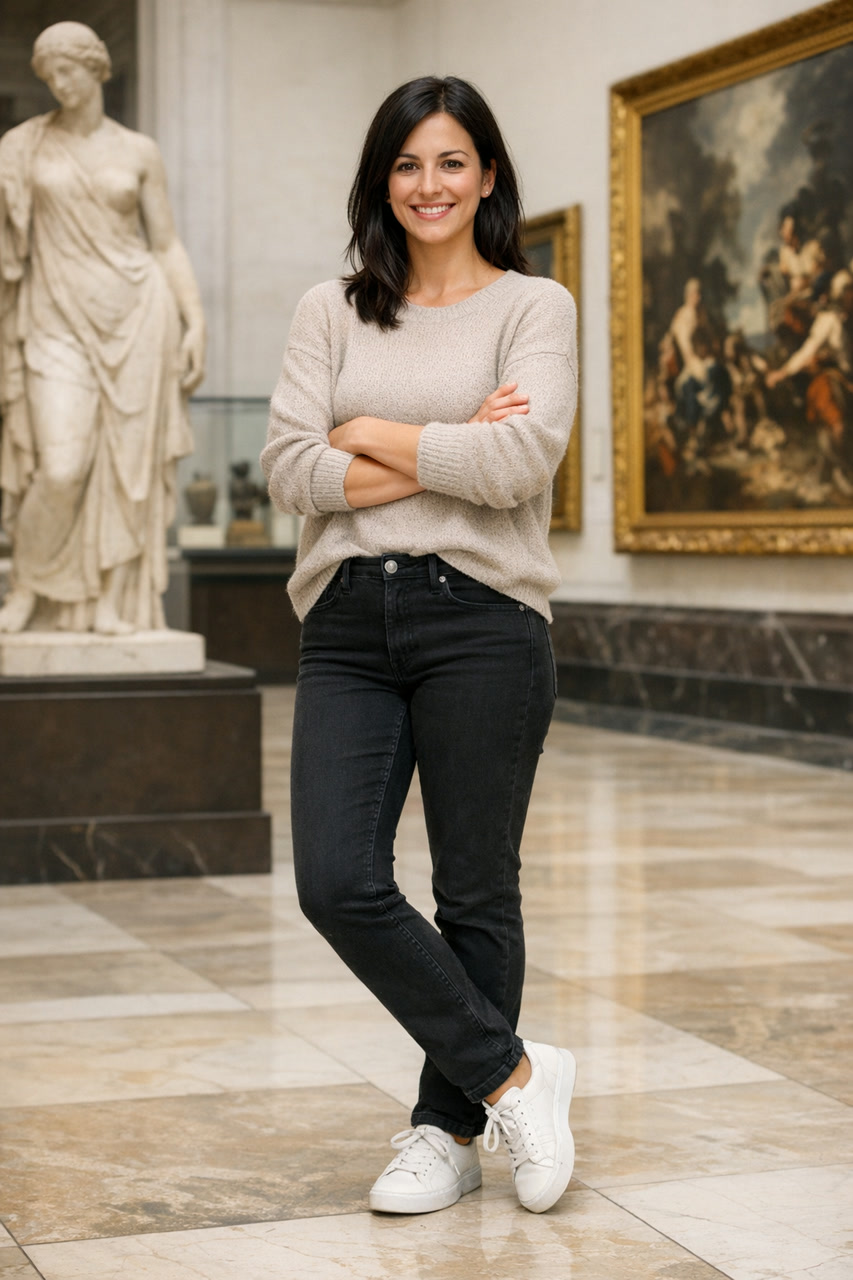
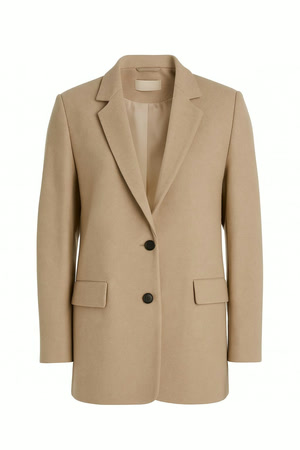
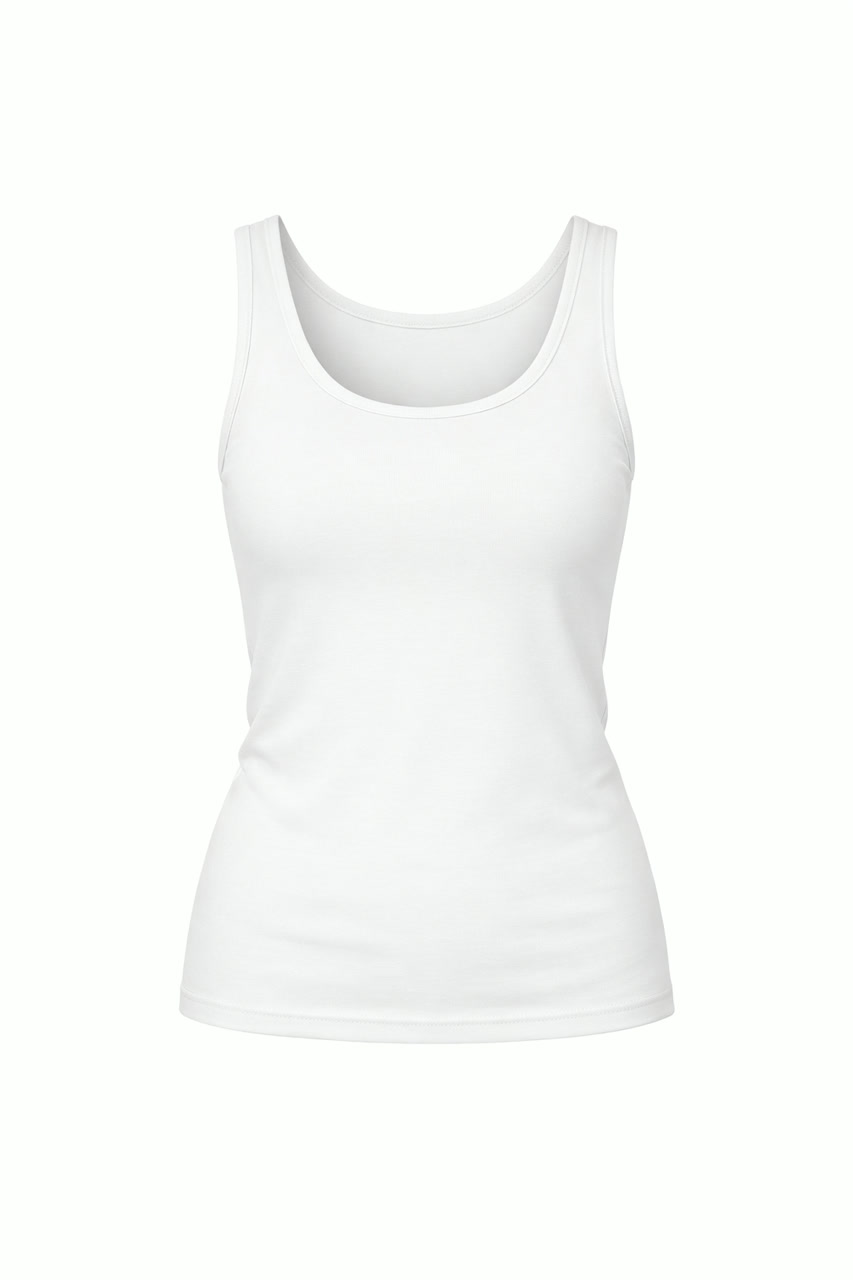
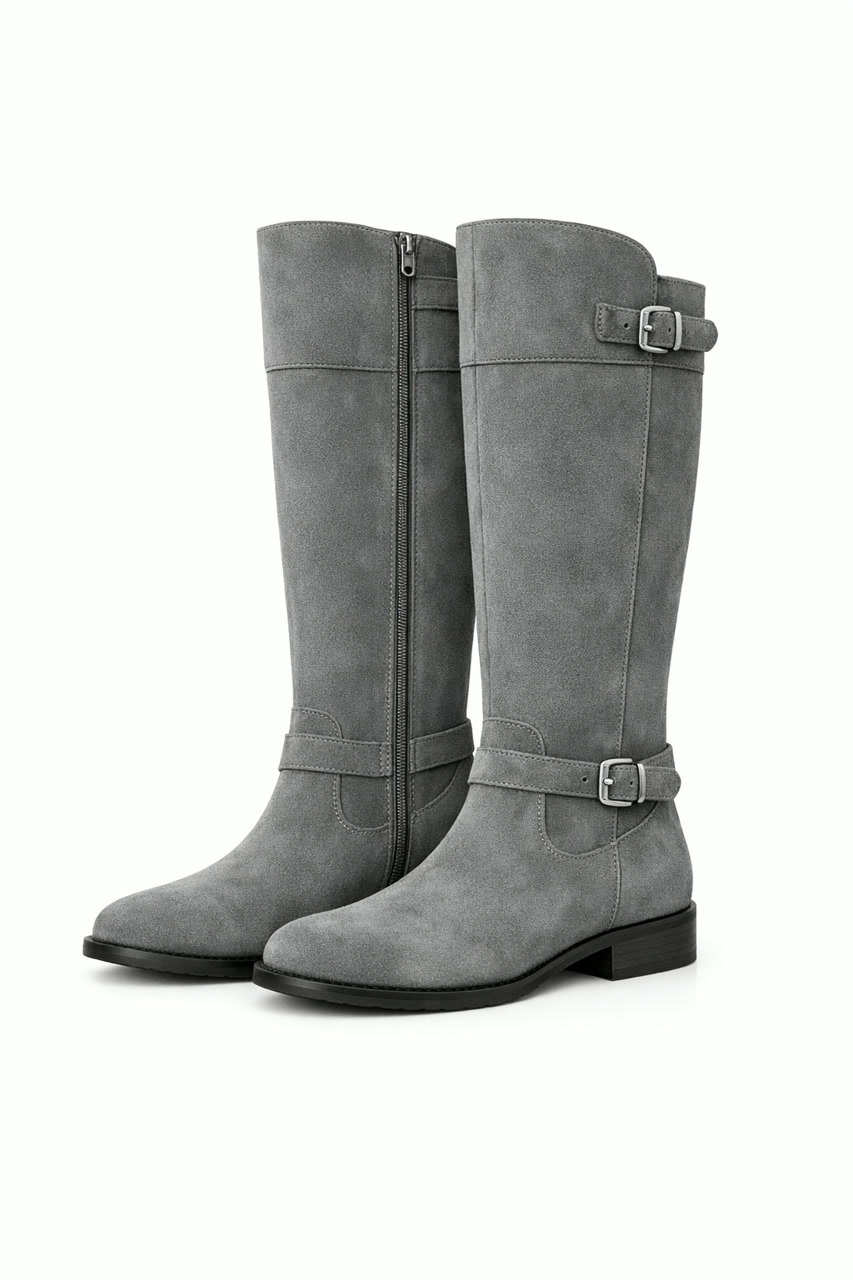 GPT Image 2
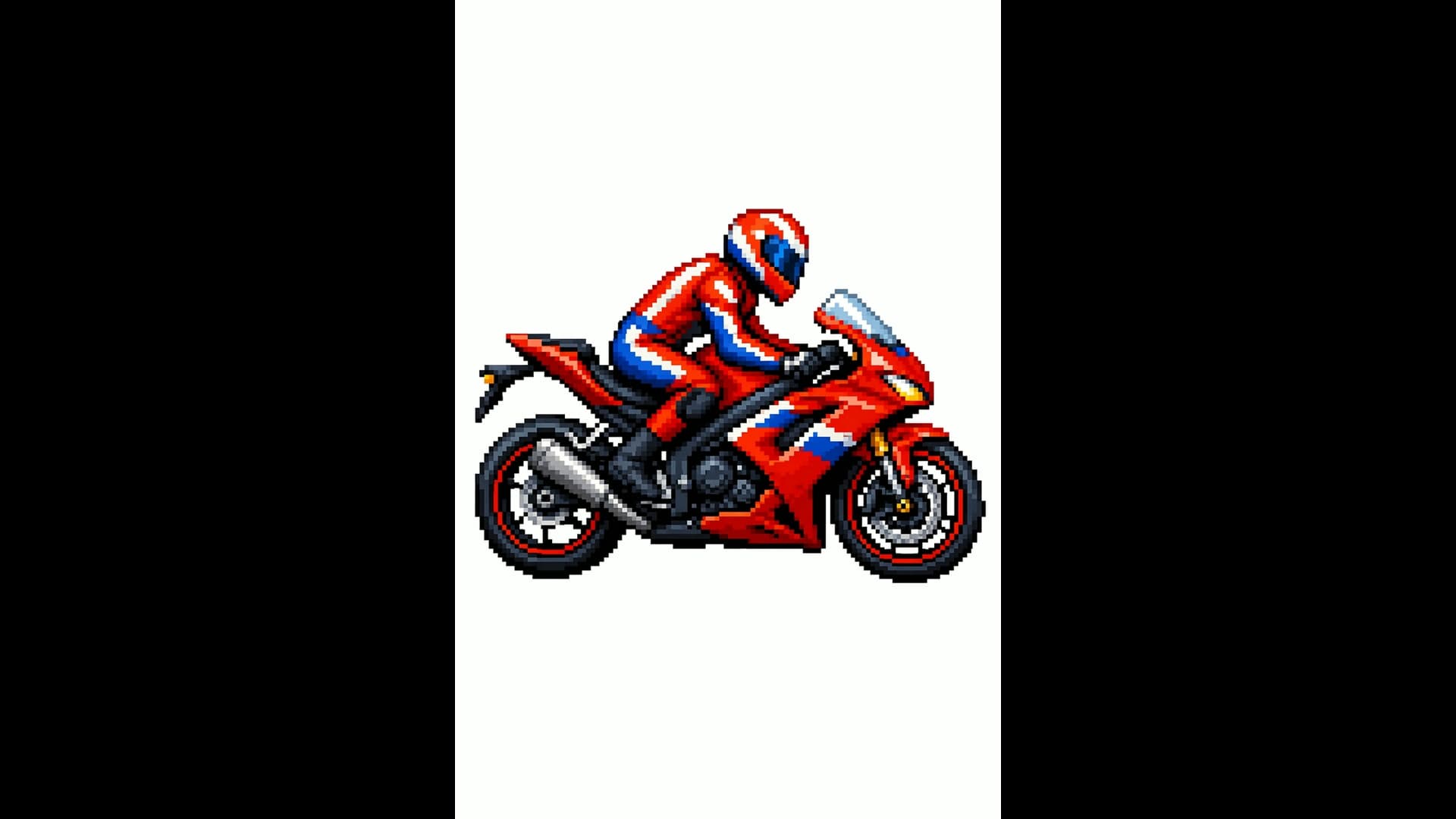
从草图或风格参考到成品图
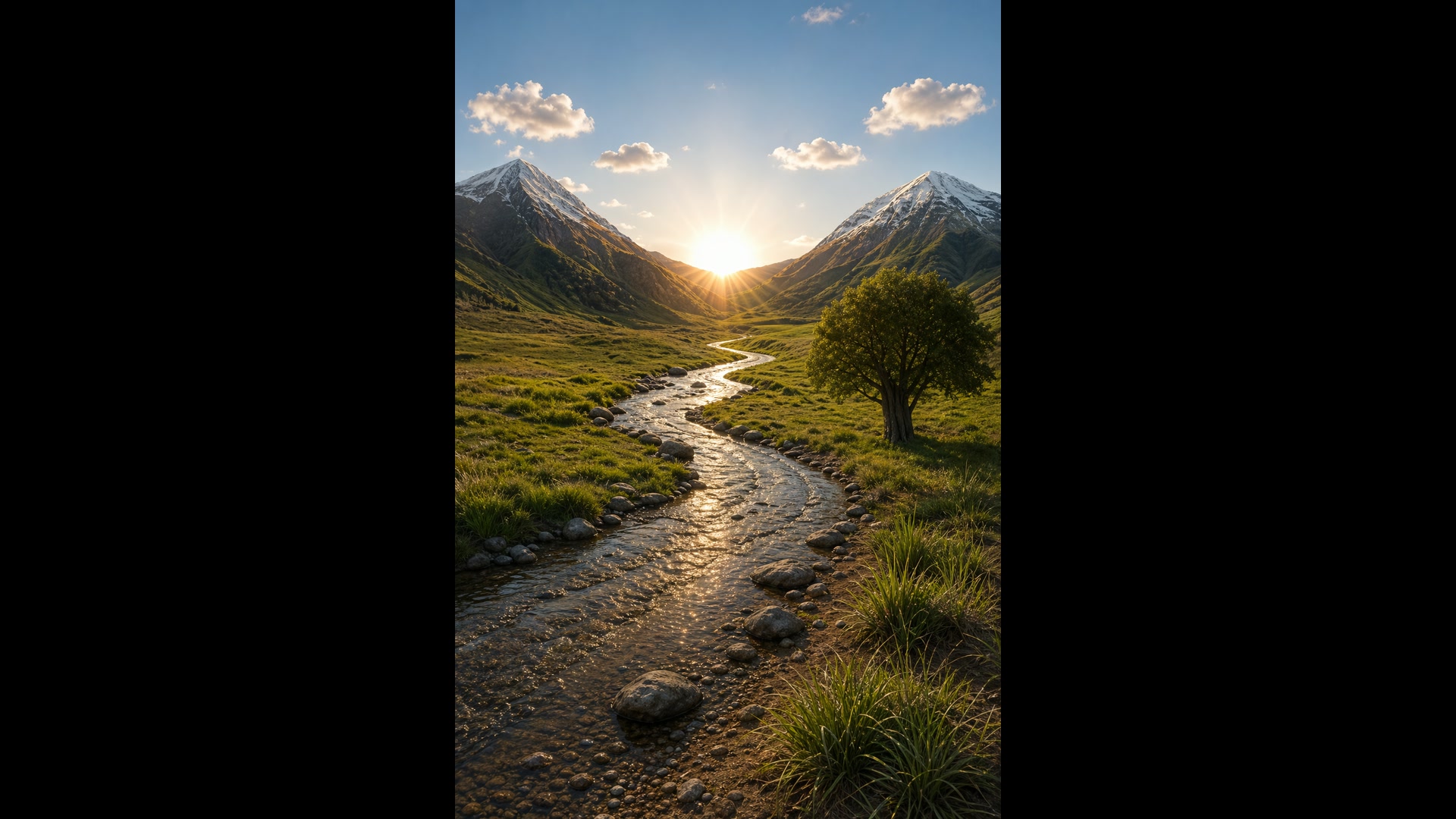
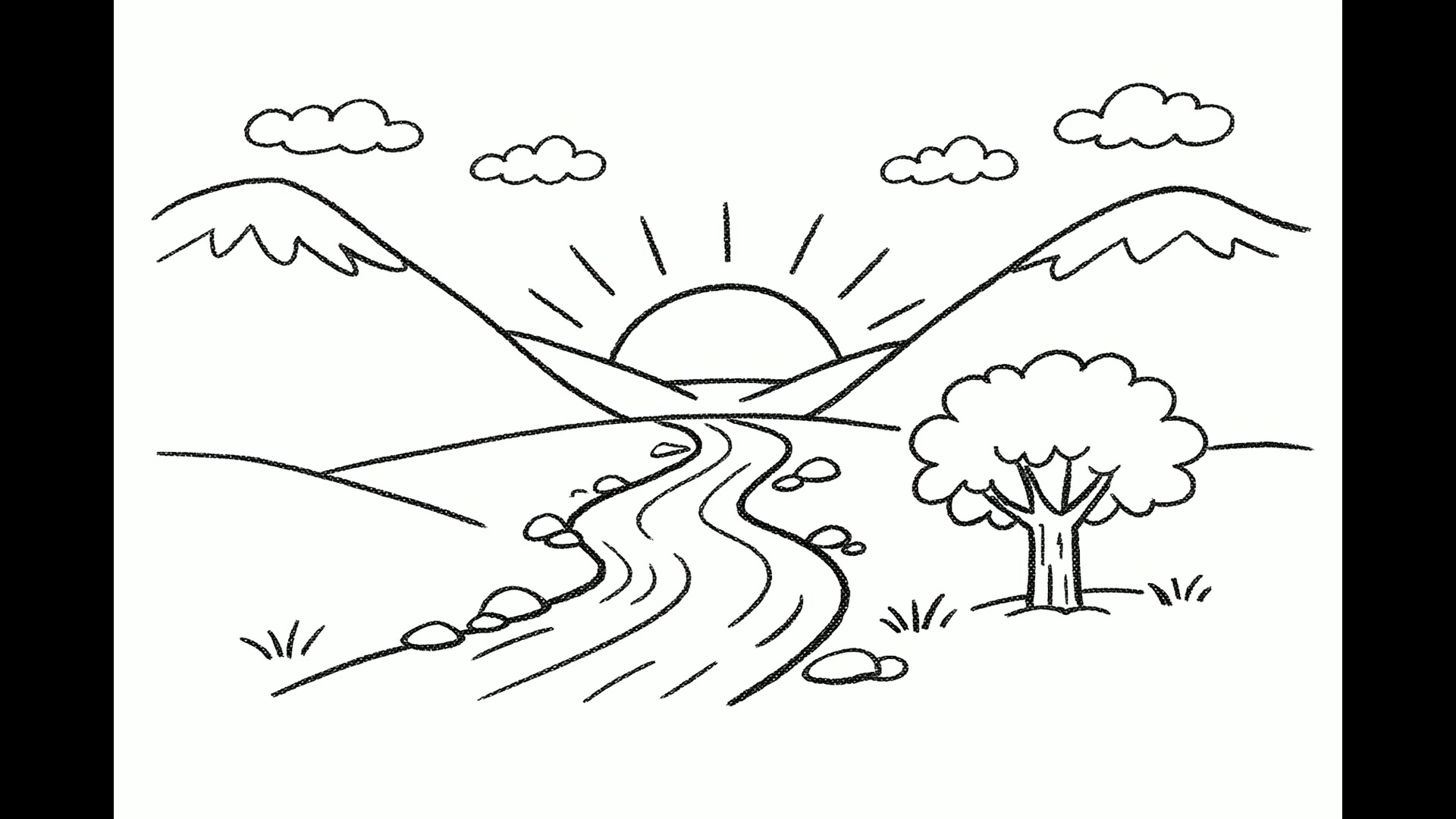
上传一张线稿,GPT Image 2 会用真实的材质和光线把它渲染出来,保留你画的内容和大致位置。换成风格参考图,比如一张像素画,它就会用同样的视觉语言画一个新主体。
当草图本身就是需求时,告诉它不要添加新元素或文字。
 1GPT Image 2
一条提示词,最多 10 个备选
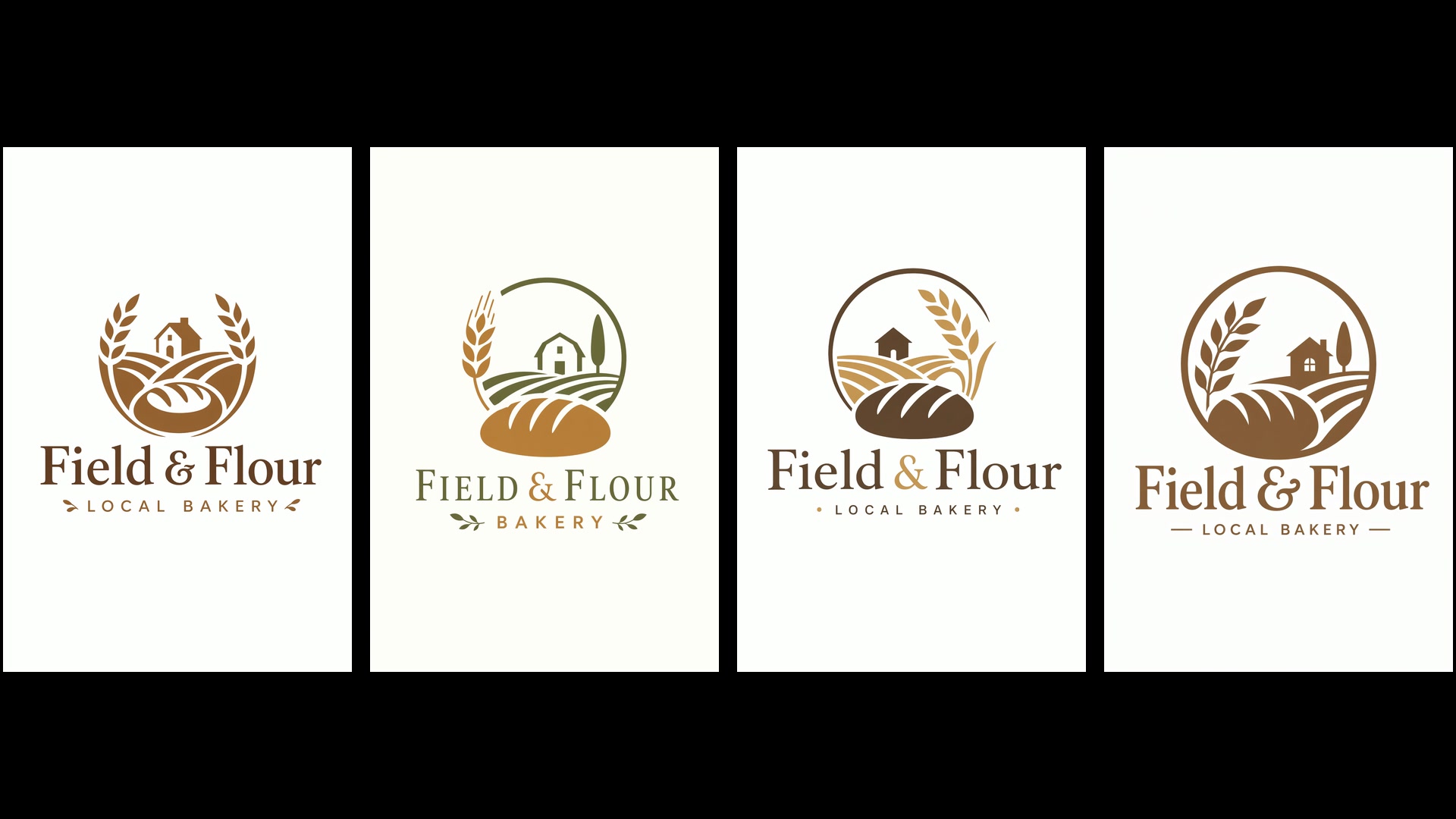
把生成张数设为 1 到 10 之间的任意数,整批图片都出自同一条提示词,这是在定稿前探索 logo、广告版式或包装的最快方式。每张图都按你选的画质和分辨率计费。
下面这四个面包店标志,就来自同一次请求。
 GPT Image 2
设置与费用
还在找创意时,先用低画质:任何分辨率下都是每张 1 积分。构图确定之后,再升到中画质或高画质。OpenAI 把超过 2K(2560x1440)的输出视为实验性质,所以 4K 的结果请仔细检查。
| 画质 | 低、中或高默认中画质。 |
|---|---|
| 分辨率 | 1K、2K 或 4K默认 1K。自定义尺寸每边最大 3840 px。 |
| 每张积分 | 低 1 · 中 2 至 9 · 高 8 至 33在 1K、2K 和 4K 下:中画质分别为 2、6、9 积分,高画质分别为 8、21、33 积分。 |
| 宽高比 | 15 种预设,从 3:1 到 1:3,另有自动或自定义包含 1:1、4:5、2:3、3:2、16:9、9:16 和 21:9。 |
| 单次生成张数 | 1 到 10 |
| 参考图 | 最多 16 张 |
| 背景 | 不透明或透明OpenAI 仍将透明输出标注为预览功能。 |
| 提示词长度 | 最多 32,000 个字符 |
GPT Image 2 最适合谁用
文字清晰、编辑忠实、参考图额度大,让它成为真正干活的工具,而不是玩具。它最擅长这些工作:
- 营销与广告团队:活动创意、户外广告牌和社媒广告,标题已经排好,一份需求最多出十个版本。
- 电商与服饰团队:用单独的服装照片做虚拟试穿,把产品放进新场景,不用重拍就能换背景。
- 教师与科普作者:带标注的图解、信息图和讲义,你列出的每个术语都会出现在页面上。
- 创始人与产品设计师:路演幻灯片、App 界面稿和 logo 探索,在投入设计工时之前先有东西可以评审。
- 插画师与故事创作者:绘本角色逐页保持一致,漫画逐格规划,静帧还能直接交给 Yovid 的视频模型做成动画。
GPT Image 2 vs GPT Image 2.5、Nano Banana 2.1、Nano Banana Pro、Seedream 5.0 对比
除最后一行外,每一格都直接读取各模型目前在 Yovid 图片生成器里提供的设置,花积分之前就能比较分辨率、参考图、单次张数和价格。
| 功能 / 模型 | GPT Image 2 | GPT Image 2.5 Sunburst | Nano Banana 2.1 | Nano Banana Pro | Seedream 5.0 Pro |
|---|---|---|---|---|---|
| 最高分辨率 | 4K | 4K | 4K | 4K | 2K |
| 预设宽高比 | 1:1, 1:2, 2:1, 1:3, 3:1, 2:3, 3:2, 3:4, 4:3, 4:5, 5:4, 9:16, 16:9, 9:21, 21:9 | 1:1, 1:2, 2:1, 1:3, 3:1, 2:3, 3:2, 3:4, 4:3, 4:5, 5:4, 9:16, 16:9, 9:21, 21:9 | 1:1, 1:4, 4:1, 1:8, 8:1, 2:3, 3:2, 3:4, 4:3, 4:5, 5:4, 9:16, 16:9, 21:9 | 1:1, 2:3, 3:2, 3:4, 4:3, 4:5, 5:4, 9:16, 16:9, 21:9 | 1:1, 4:3, 3:4, 3:2, 2:3, 16:9, 9:16, 4:5, 5:4, 21:9, 9:21 |
| 参考图 | 16 | 16 | 14 | 14 | 10 |
| 单次生成张数 | 10 | 10 | 1 | 1 | 1 |
| 每张积分(默认设置) | 2 | 1 | 3 | 6 | 2 |
| 最适合 | 文字多的版式、忠实的编辑,以及单次最多 10 张的批量生成。 | 最精准的编辑,另有 xhigh 和 max 画质。 | 快速出单图,支持最高 8:1 的极端比例。 | 细节丰富、构图复杂的单图,最高 4K。 | 字节跳动的旗舰画风,生图和编辑都适用。 |
积分为各模型默认设置下生成一张图的消耗(GPT Image 2 和 2.5:1K 中画质;其他模型取各自的默认分辨率),随 Yovid 实时价格更新。
GPT Image 2 的优势与局限
它在 Yovid 图片模型阵容里哪里领先,哪些情况换个模型或设置更合适。
优势
- 图中文字:标题、标签和界面文案清晰可读,并且待在版式之内。
- 改哪儿是哪儿:每张上传的图都以高保真读取,所以你没提到的人脸、产品和背景都会保留。
- 参考图与批量:16 张参考图,比 Yovid 上任何 Nano Banana 或 Seedream 模型都多,单次最多生成 10 张。
- 低成本草稿:低画质在任何分辨率下都是每张 1 积分,试创意很便宜。
局限
- 4K 属实验性质:OpenAI 将超过 2560x1440 的输出评为实验性质,所以 4K 的结果波动更大。
- 复杂提示词较慢:OpenAI 指出,复杂的提示词最长可能需要两分钟。
- 反复出现的细节可能跑偏:角色或品牌元素在不同次生成之间可能变化;请复用同样的参考图,并重复写明必须保留的内容。
- 追求精准可选更新的模型:GPT Image 2.5 Sunburst 增加了 xhigh 和 max 画质,编辑精度要求最高时选它。
如何在 Yovid 上使用 GPT Image 2
- 第 1 步
选择 GPT Image 2
打开图片生成器;本页已默认选好 GPT Image 2,也可以在模型菜单的 OpenAI 下找到它。
- 第 2 步
写需求,添加参考图
描述主体、版式,以及放进引号的确切文字,附上最多 16 张图片,再设置宽高比、分辨率、画质和张数。
- 第 3 步
生成并留下最好的一张
对比结果,需要时把最满意的一张作为参考图上传,做一次针对性的修改,最后下载留下的那张。
GPT Image 2 提示词示例,拿来就能改
真实的 GPT Image 2 提示词(有删减),旁边就是它们生成的图片。在生成器里打开任意一条,设置同样的比例,改改细节,就是你自己的作品。
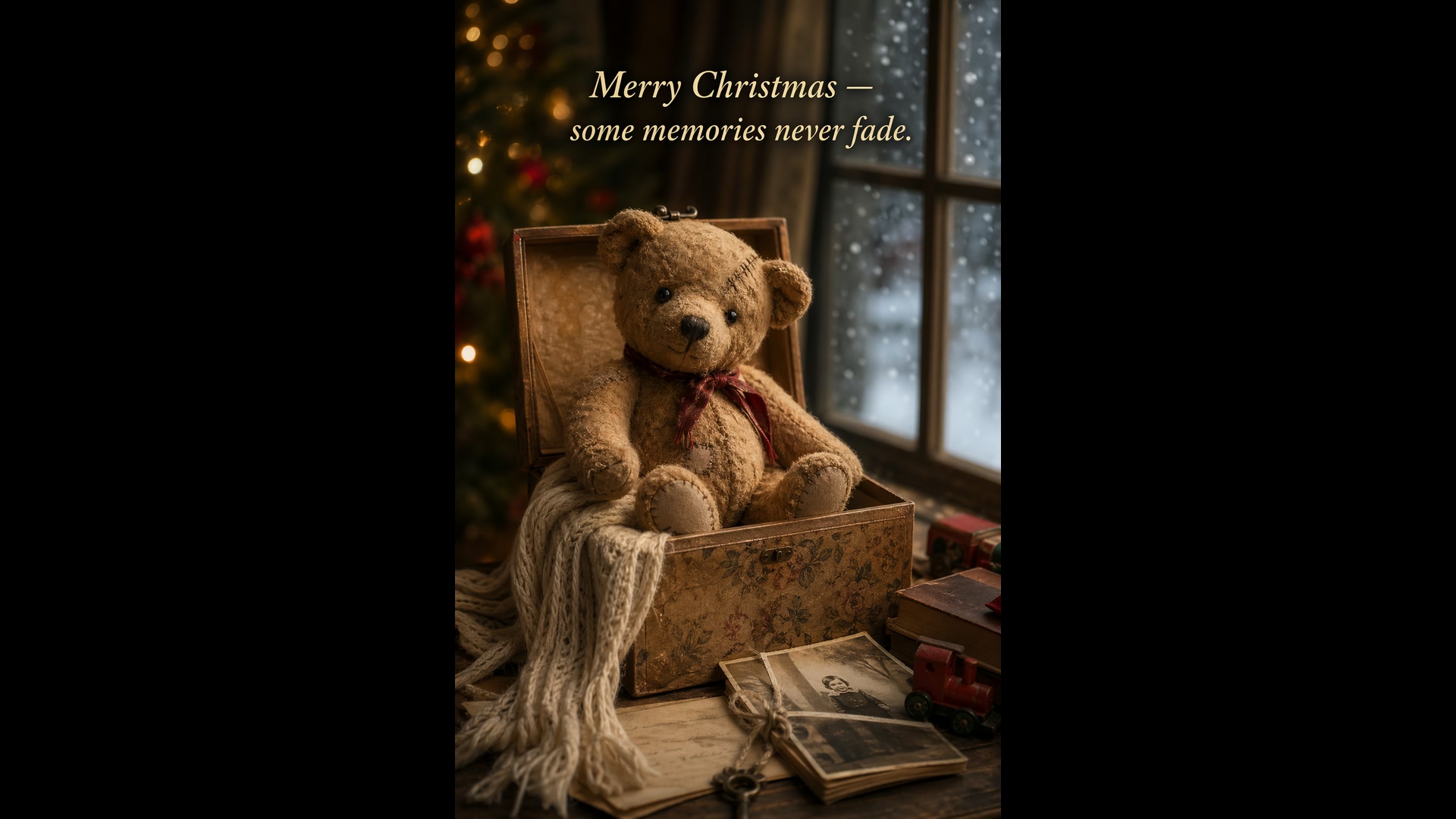
泰迪熊圣诞贺卡
文生图 · 2:3试试这条提示词Create a Christmas holiday card illustration. Scene: a cozy Christmas scene with an old teddy bear sitting inside a keepsake box, slightly worn fur, soft stitching repairs, placed near a window with falling snow outside. Mood: warm, nostalgic, gentle, emotional. Style: premium holiday card photography, soft cinematic lighting, realistic textures, shallow depth of field. Include ONLY this card text (verbatim): "Merry Christmas — some memories never fade."
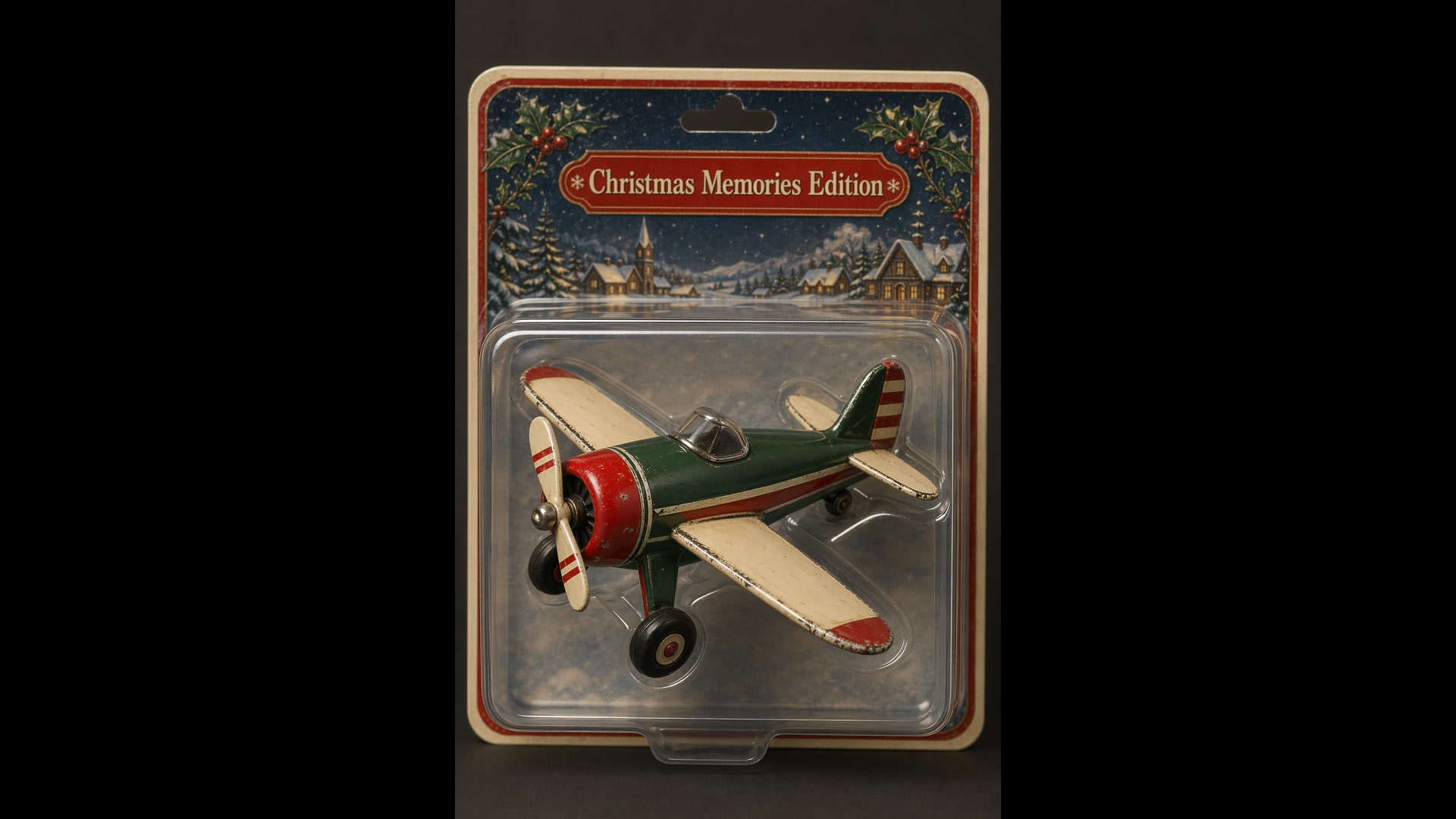
吸塑包装的收藏玩具
文生图 · 2:3试试这条提示词Create a collectible action figure of a vintage-style toy propeller airplane with rounded wings, a front-mounted spinning propeller, slightly worn paint edges, in blister packaging. Style: premium toy photography, realistic plastic and painted metal textures, studio lighting, shallow depth of field, sharp label printing. Include ONLY this packaging text (verbatim): "Christmas Memories Edition"
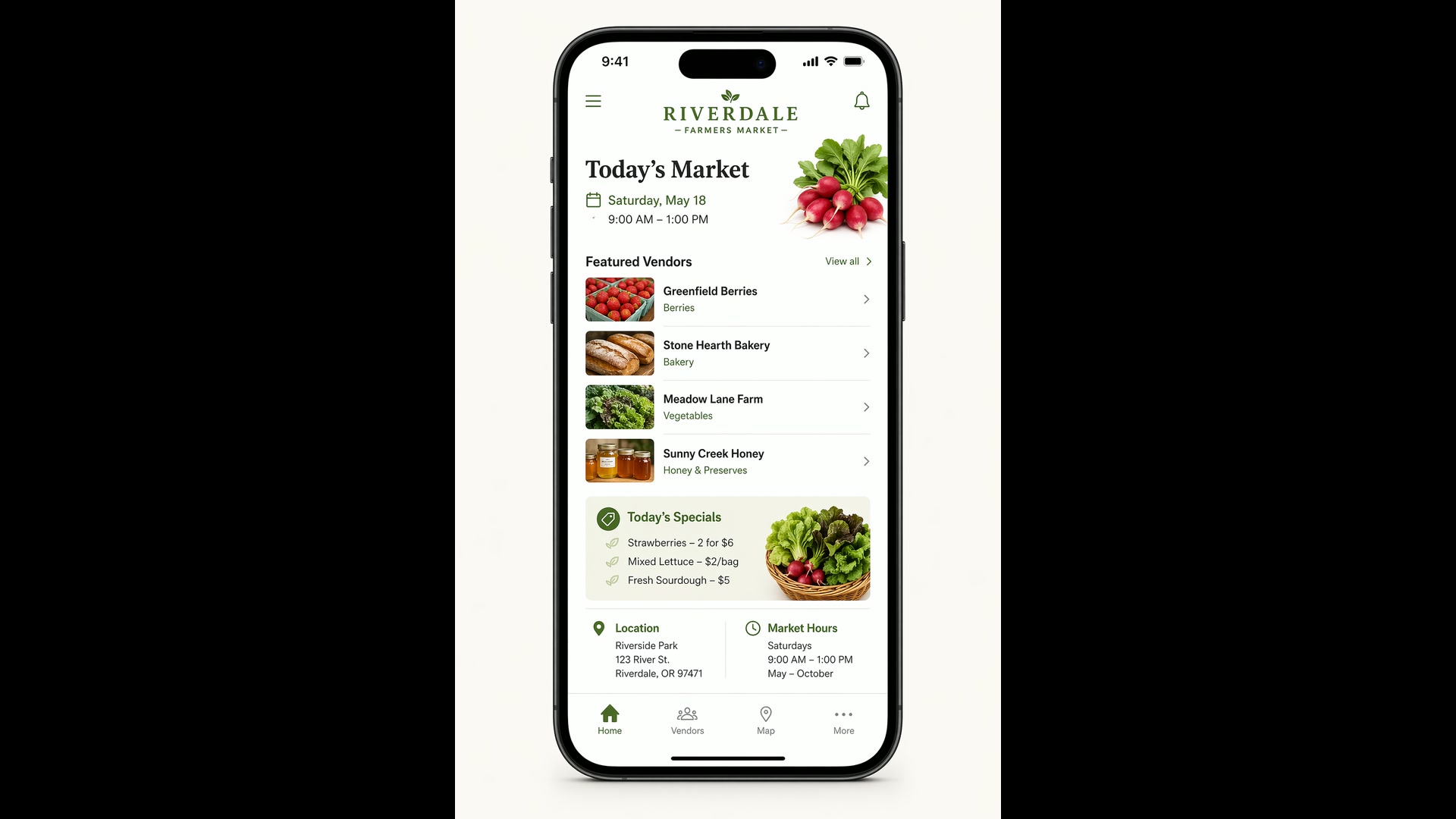
农夫集市 App 界面
文生图 · 2:3试试这条提示词Create a realistic mobile app UI mockup for a local farmers market. Show today’s market with a simple header, a short list of vendors with small photos and categories, a small “Today’s specials” section, and basic information for location and hours. White background, subtle natural accent colors, clear typography, and minimal decoration. Place the UI mockup in an iPhone frame.
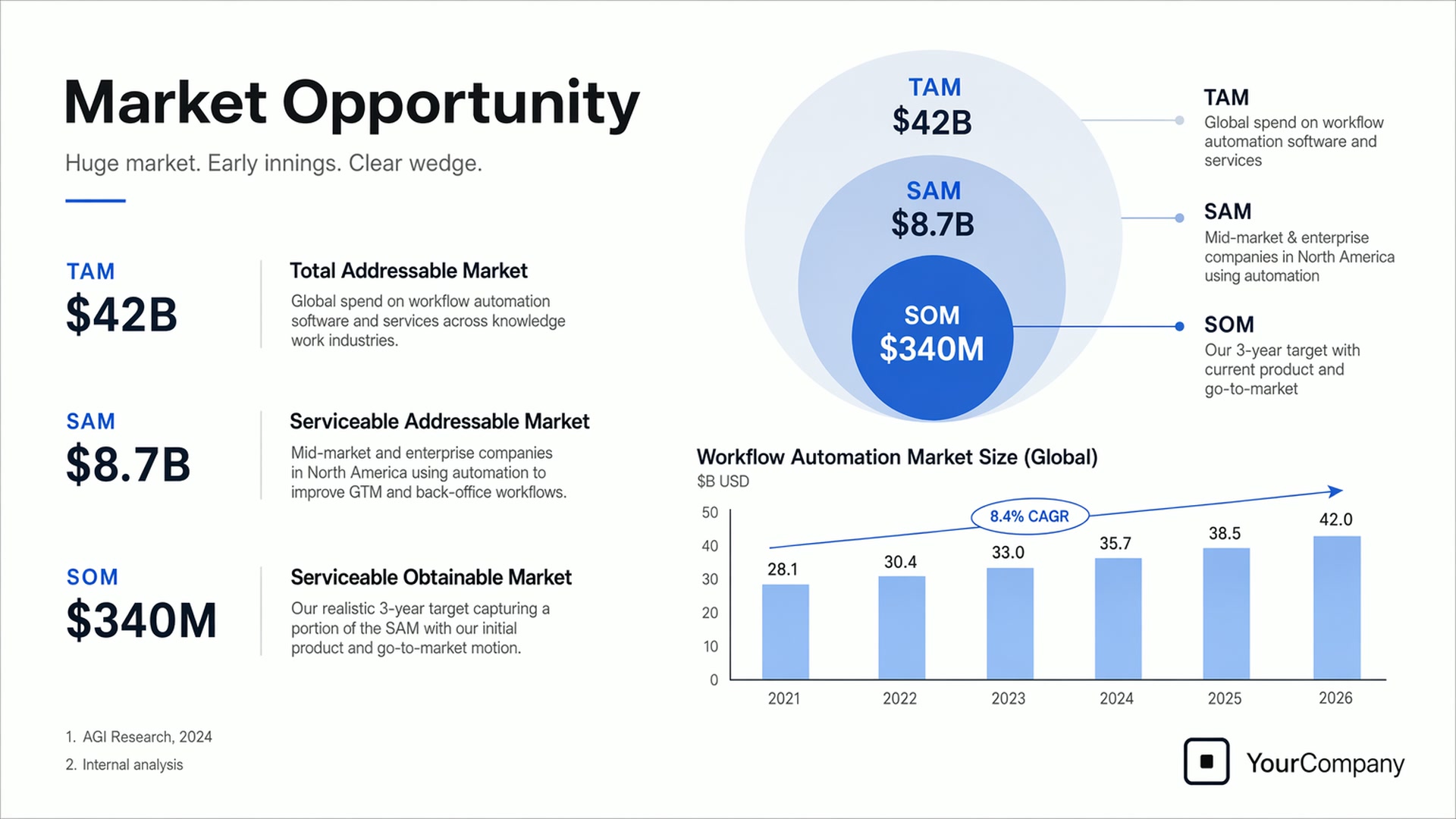
路演幻灯片
文生图 · 16:9试试这条提示词Create one pitch-deck slide titled "Market Opportunity" that feels like a real Series A fundraising slide. Use a clean white background, modern sans-serif typography, and a crisp, minimal layout. Include a TAM/SAM/SOM concentric-circle diagram in muted blues and grays (TAM: $42B, SAM: $8.7B, SOM: $340M), a clean bar chart showing market growth from 2021 to 2026, and a company logo placeholder in the bottom-right corner.
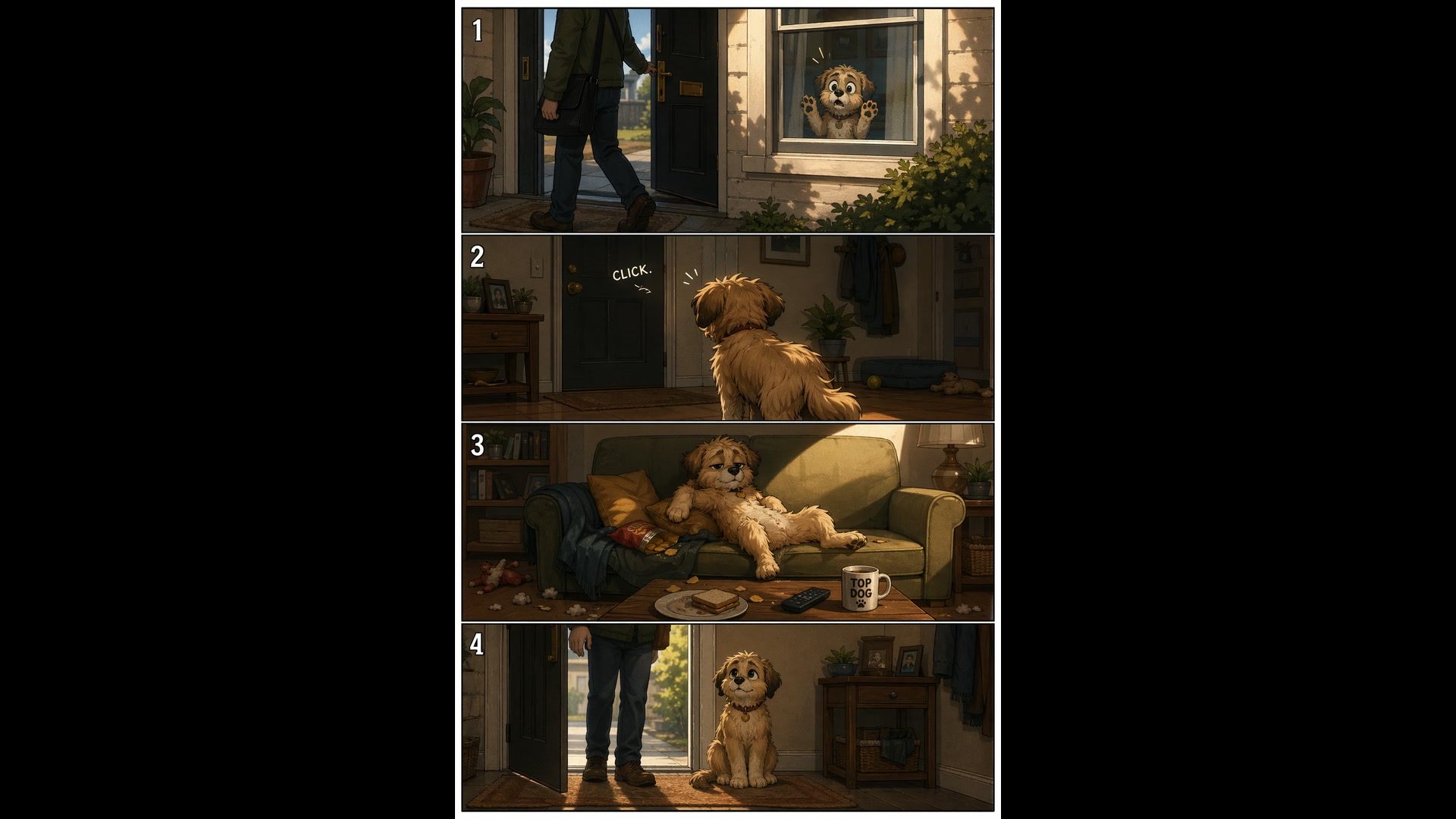
宠物四格漫画
文生图 · 2:3试试这条提示词Create a short vertical comic-style reel with 4 equal-sized panels. Panel 1: The owner leaves through the front door. The pet is framed in the window behind them, small against the glass, eyes wide. Panel 2: The door clicks shut. The pet slowly turns toward the empty house, eyes sharp with possibility. Panel 3: The pet sprawls across the couch like it owns the place, crumbs nearby. Panel 4: The door opens. The pet is seated perfectly by the entrance, as if nothing happened.
渔船上的老水手
文生图 · 2:3试试这条提示词Create a photorealistic candid photograph of an elderly sailor standing on a small fishing boat. He has weathered skin with visible wrinkles, pores, and sun texture, and a few faded traditional sailor tattoos on his arms. He is calmly adjusting a net while his dog sits nearby on the deck. Soft coastal daylight, shallow depth of field, subtle film grain, natural color balance. No glamorization, no heavy retouching.
Yovid 上的更多图片与视频模型
让图片更进一步的进阶指南
把 GPT Image 2 的静帧变成视频:图生视频提示词、逐镜头的提示词公式,以及各视频模型的对比。
常见问题
GPT Image 2 是什么?
GPT Image 2 可以免费用吗?
GPT Image 2 生成一张图要多少积分?
GPT Image 2 支持哪些分辨率和宽高比?
GPT Image 2 能修我的照片吗?
可以上传多少张参考图?
GPT Image 2 擅长在图里放文字吗?
GPT Image 2 能生成透明背景的图片吗?
GPT Image 2 的图片有水印吗?可以商用吗?
GPT Image 2 和 GPT Image 2.5 有什么区别?