
GPT Image 2 免費線上 AI 圖片生成器
描述一張海報、一張產品照或一幅課堂圖解,或上傳最多 16 張參考圖,就能得到版面裡自帶清晰文字的圖片。先用低畫質打草稿,每張 1 積分,滿意後再升到最高 4K 出成品。 馬上在 Yovid 用 GPT Image 2 開始創作。

GPT Image 2 能生成什麼圖片
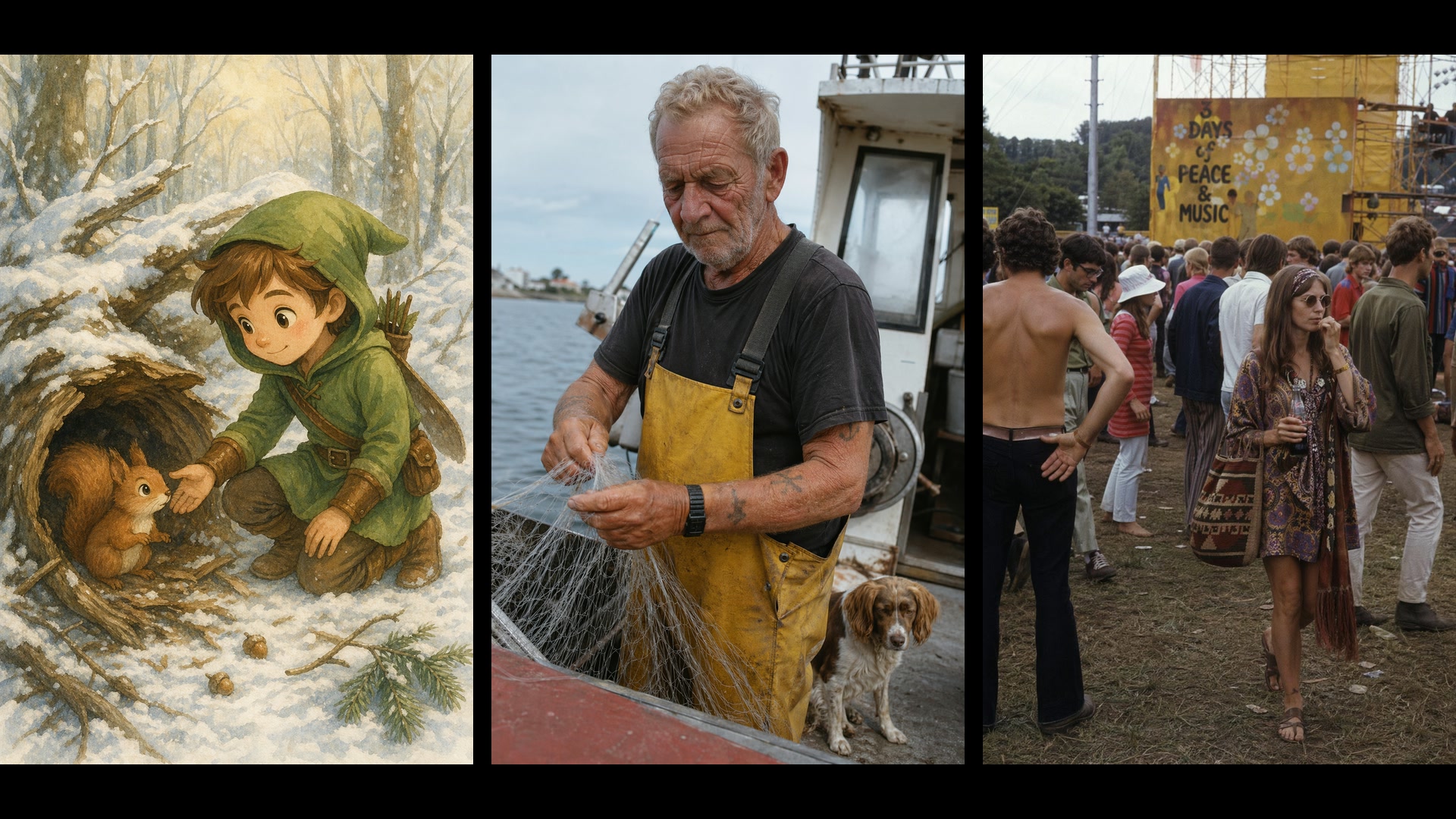
為什麼在 Yovid 用 GPT Image 2 生成圖片
- 真正看得清楚的文字:標語、標題和標籤清晰可讀,而且落在版面需要的位置。
- 資訊圖表、圖解與簡報:附標註的圖解、圖表和簡報頁面,看起來就像完稿的講義。
- 不擺拍的寫實質感:真實的皮膚、磨舊的布料和自然光,而不是光滑的棚拍修圖感。
- 用描述來修改照片:上傳圖片,說明要移除、替換或換風格的部分,其餘全部保留。
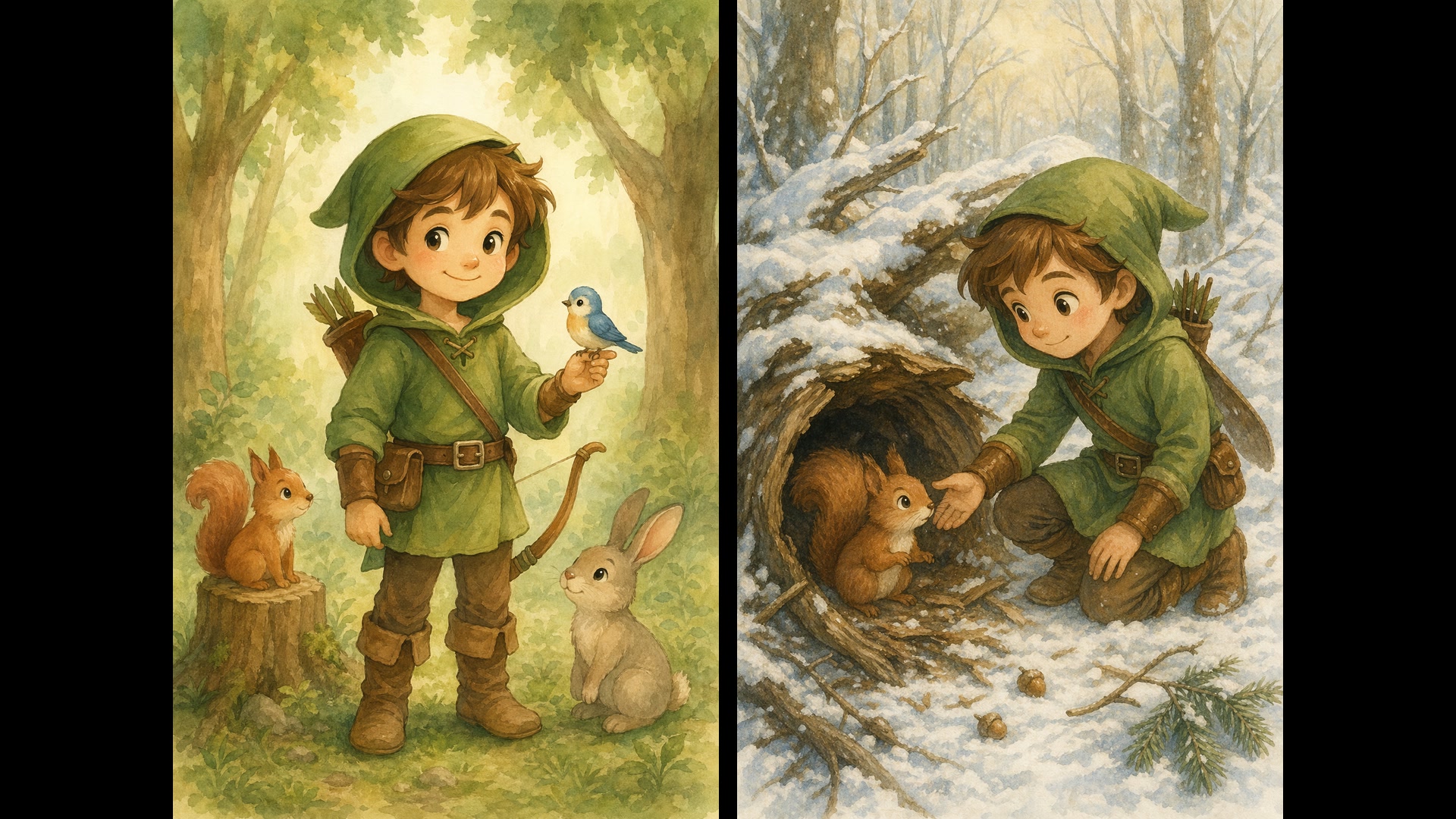
- 單次請求最多 16 張參考圖:把不同照片裡的人物、商品和服飾,合成同一張畫面。
- 從草圖或風格參考,到完成的圖片:把潦草的線稿變成照片,或照著參考圖的風格畫出新的內容。
- 一條提示詞,最多 10 個選擇:一次要幾個版本,再留下最合用的那個。
- 設定與所需積分:三種畫質、1K 到 4K、15 種比例預設加自訂尺寸,以及透明背景。
真正看得清楚的文字
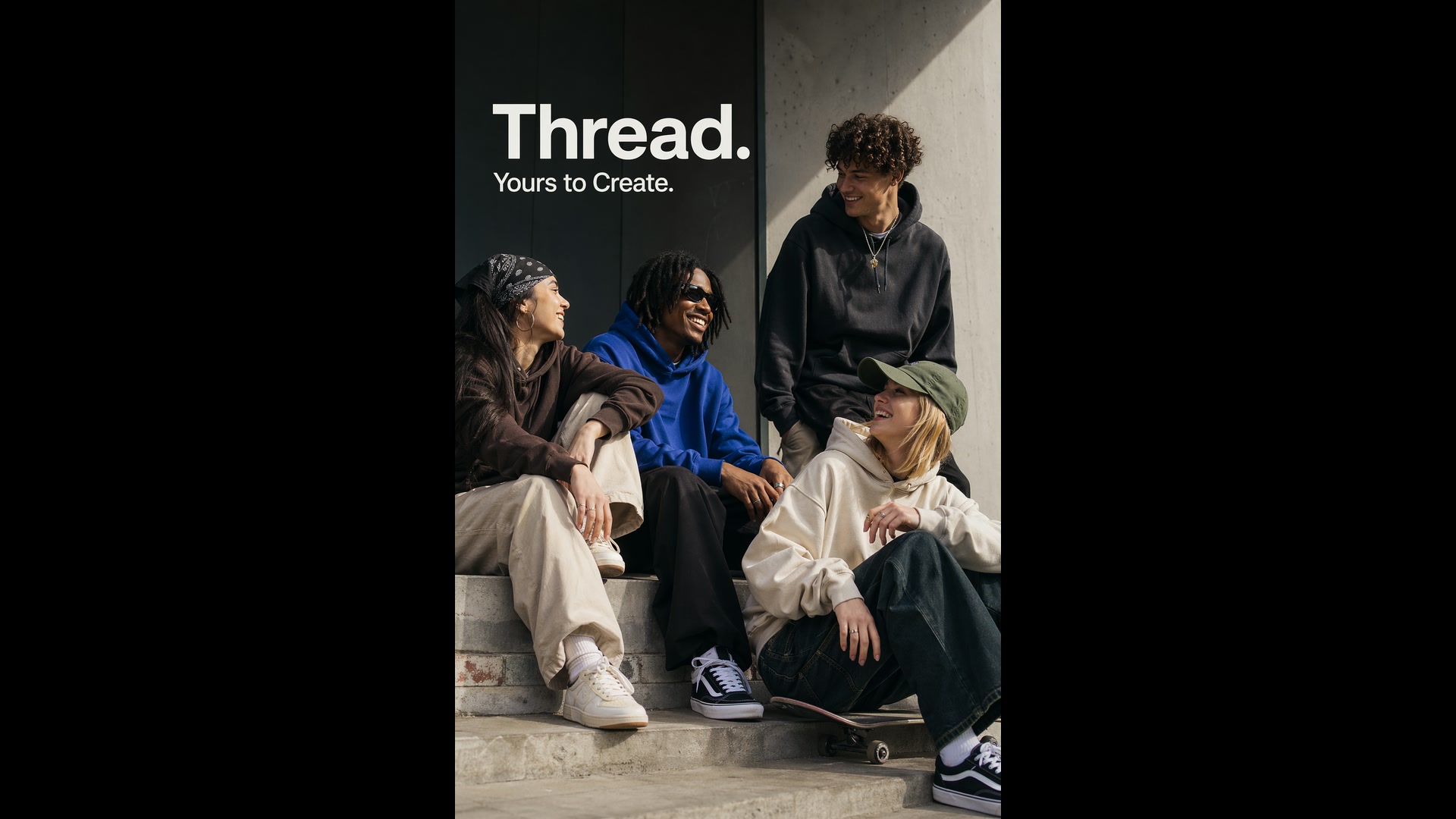
OpenAI 把 GPT Image 2 定位為可直接用於正式製作的圖片模型,所以字體筆畫俐落,並且融入畫面構圖,而不是浮在表面。把確切的文字放進引號,說明放在哪裡、字體要什麼氣質,文案就會成為設計的一部分。
短標題最穩。小字或大段文案請選中畫質或高畫質,發布前務必校對:OpenAI 也提到,精確的文字位置有時需要再試一次。
 GPT Image 2
資訊圖表、圖解與簡報
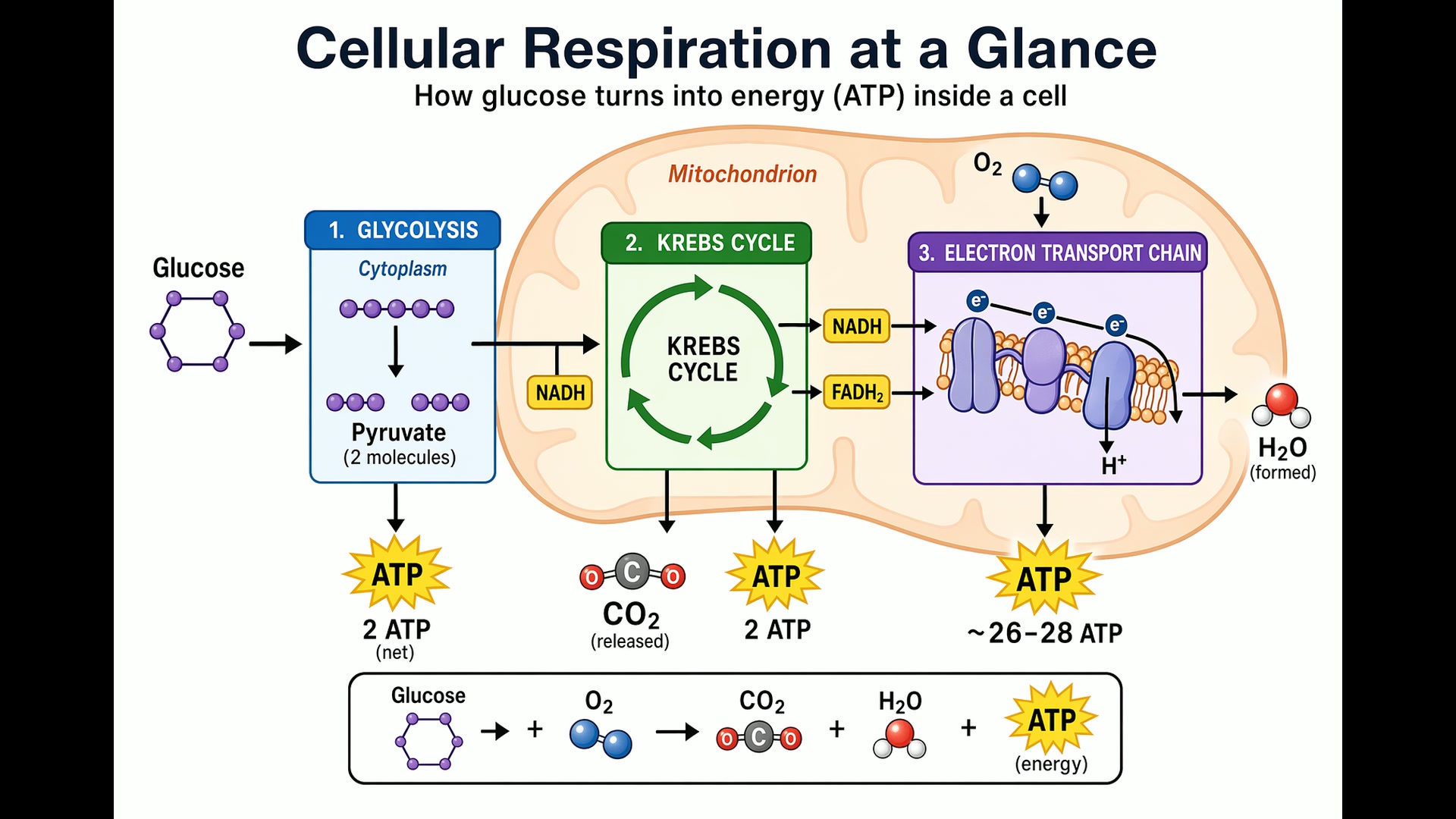
像對設計師那樣交代需求,而不是對畫家:這張圖給誰看、標題是什麼、哪些標籤和數字一定要出現、哪些內容不要放。GPT Image 2 會把箭頭、圖例和標籤排成一張結構完整的圖,小到生物課講義,大到募資簡報頁都行。
簡報選橫式比例;圖裡有小字、圖表座標軸或註腳時,選高畫質。
 GPT Image 2
不擺拍的寫實質感
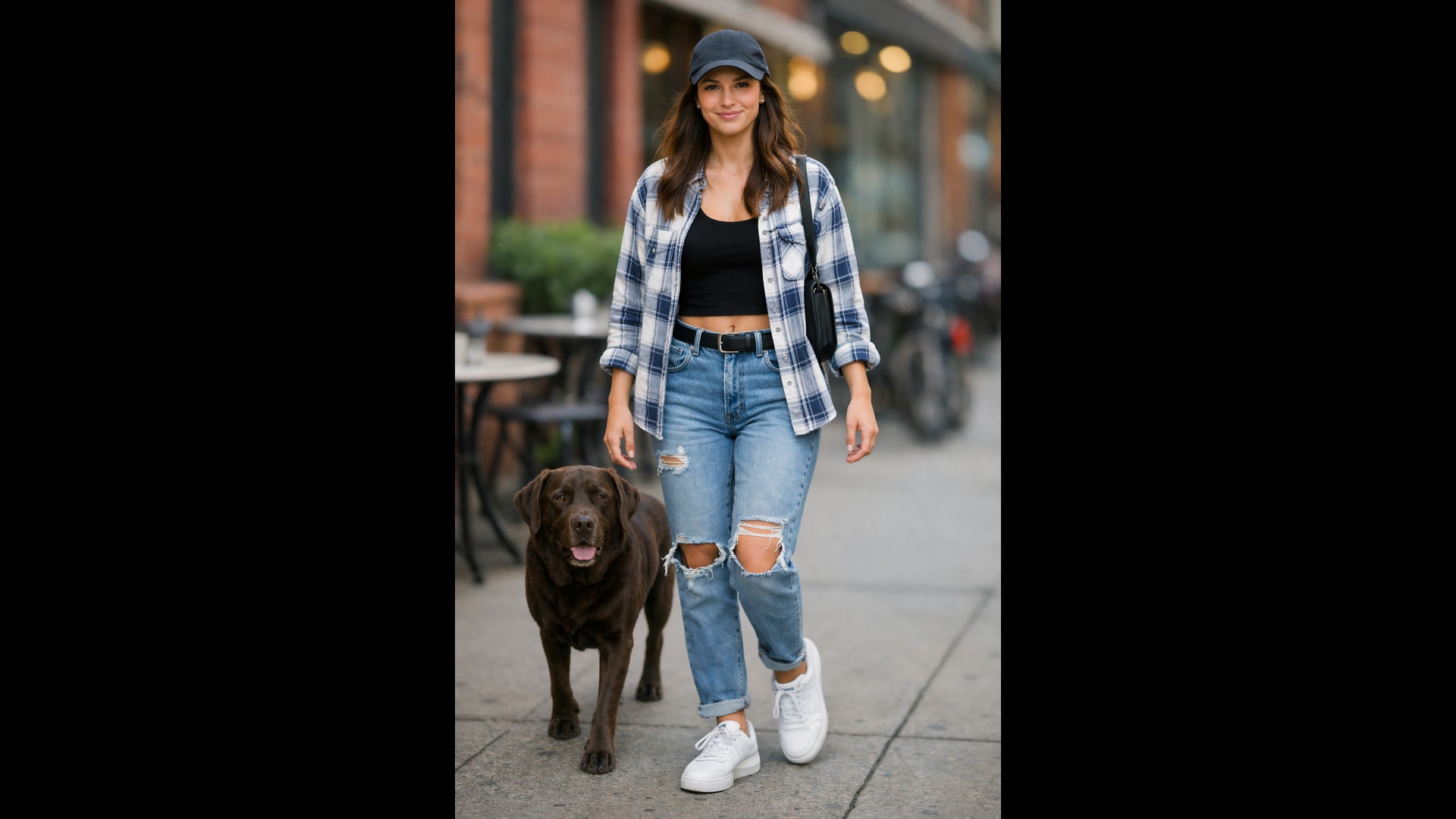
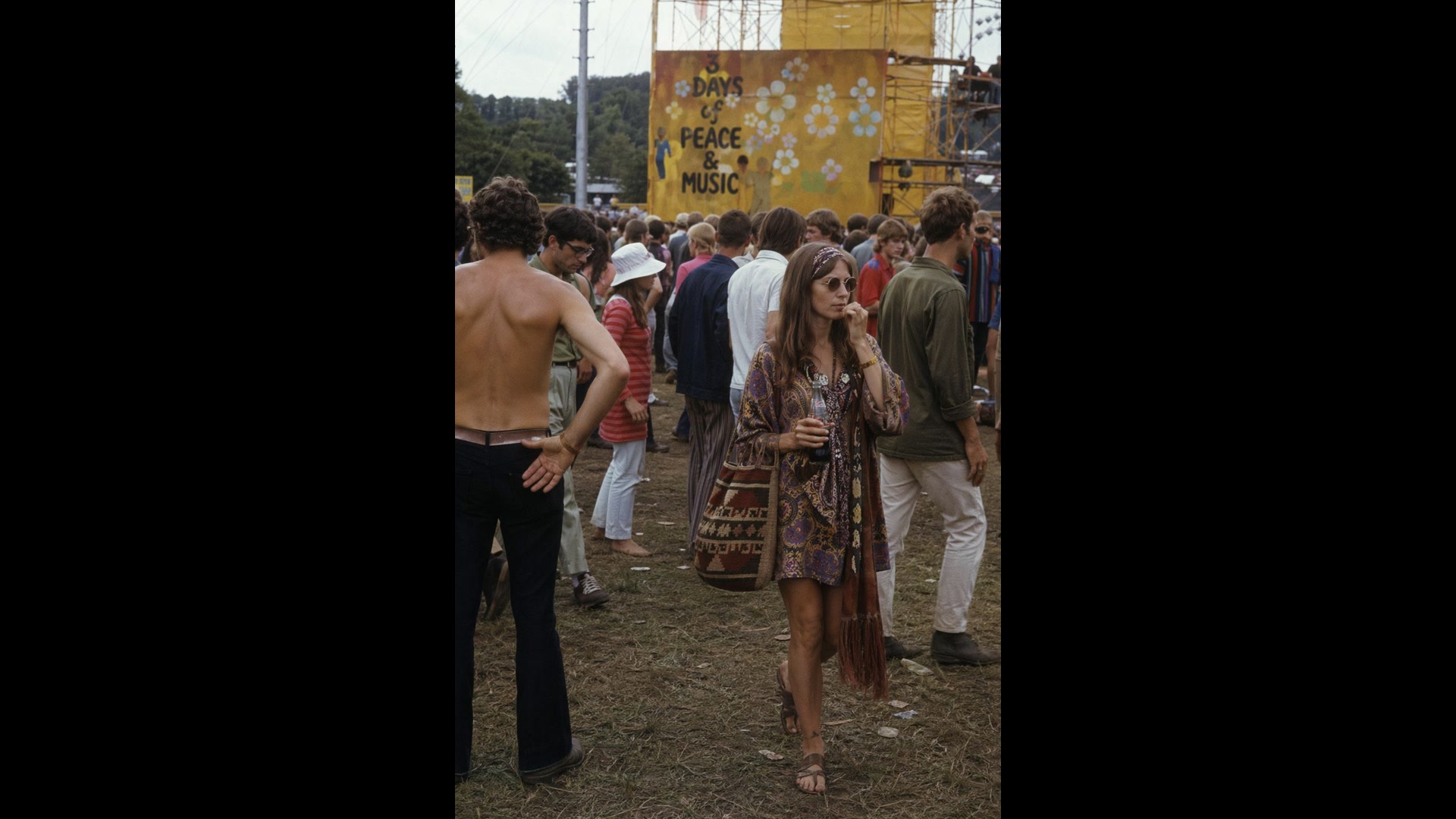
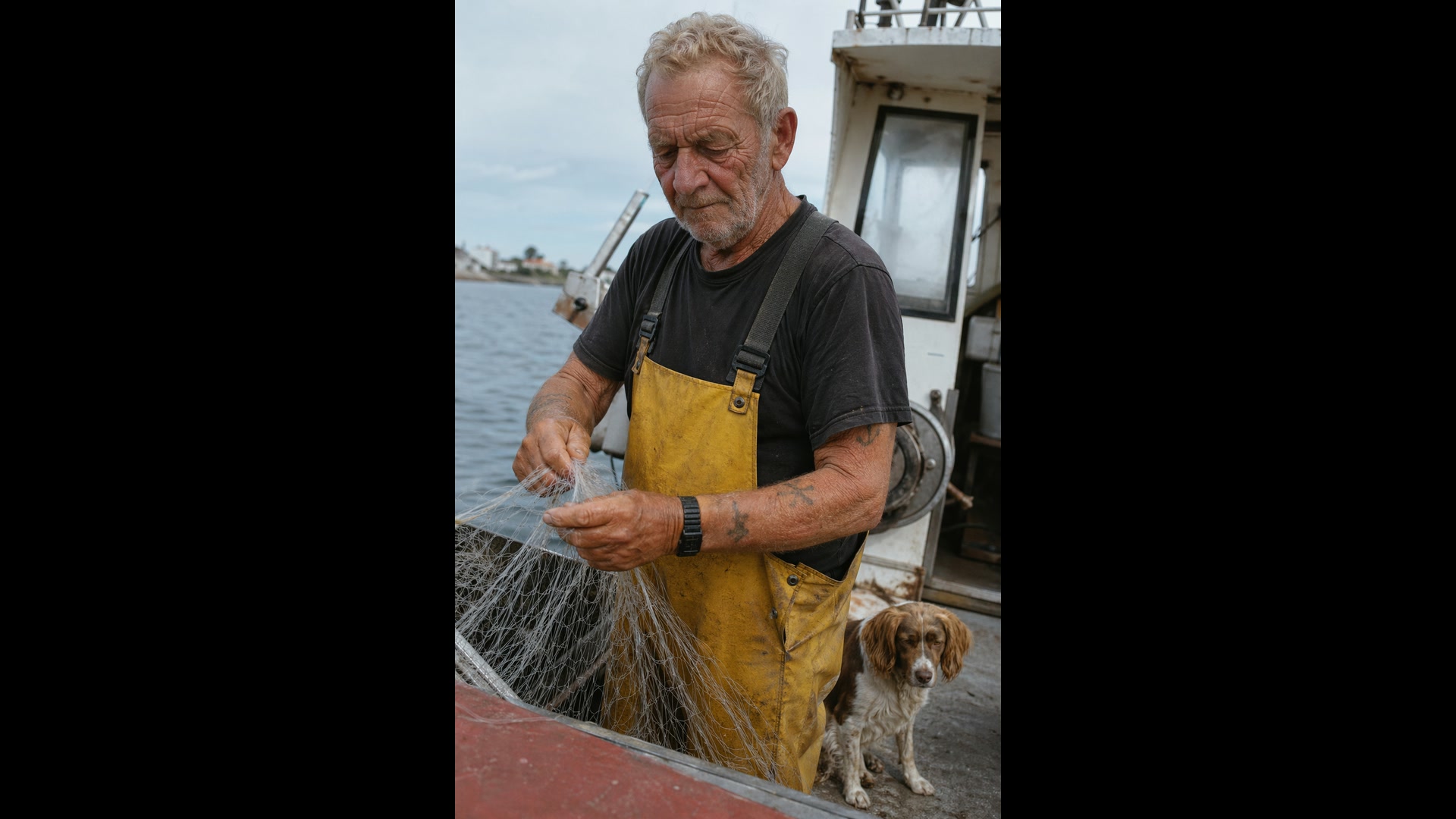
提示詞要像攝影師在捕捉一個瞬間:鏡頭、光線、構圖,以及你預期會看到的瑕疵。OpenAI 自己的建議是加上「photorealistic」這個詞,讓 GPT Image 2 切換到攝影模式,並且要求毛孔、皺紋和底片顆粒。
除非真的想要,否則別寫「studio」或「glamour」這類字眼;它們會讓成品偏向精修的廣告風。
 GPT Image 2
用描述來修改照片
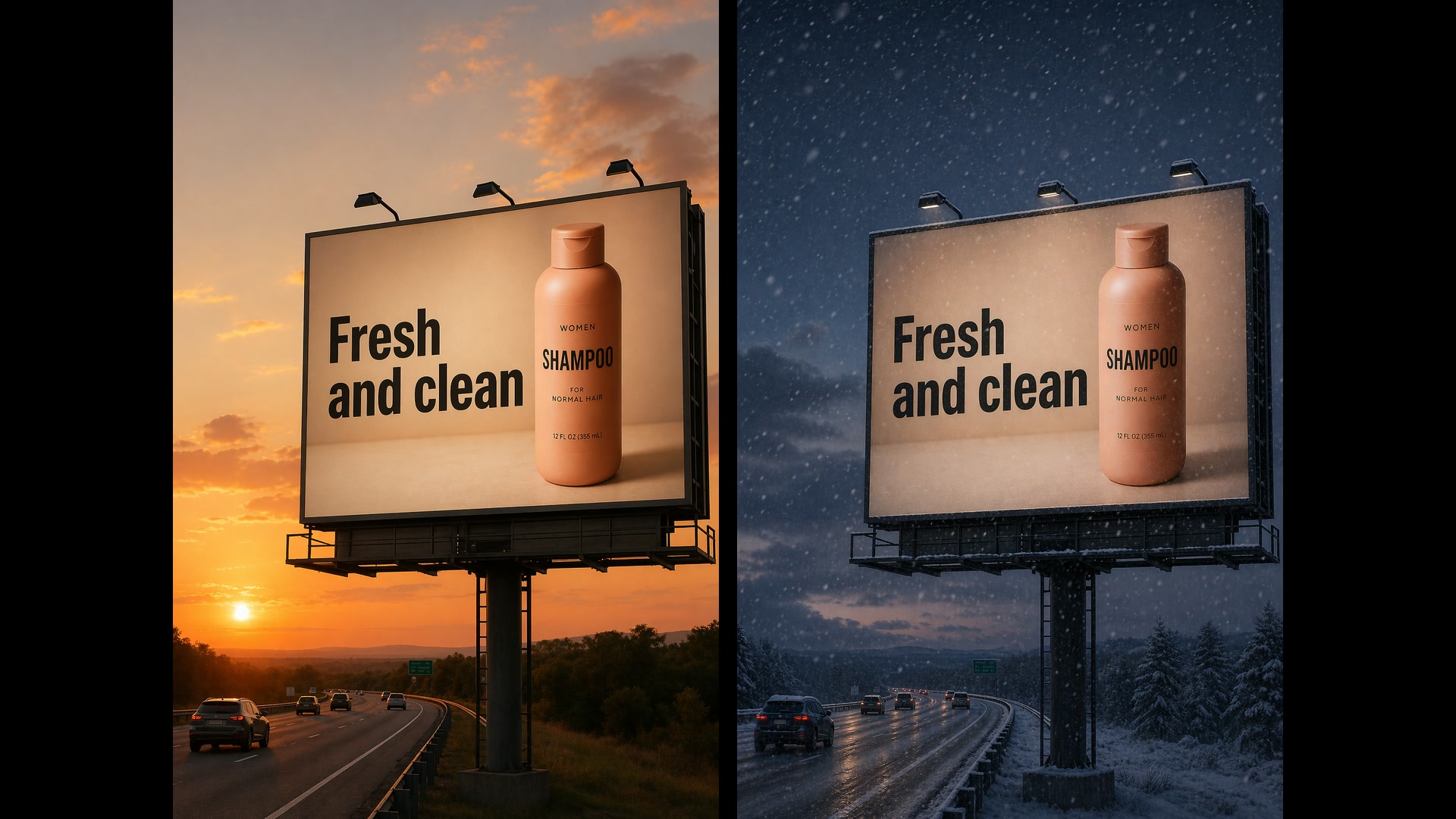
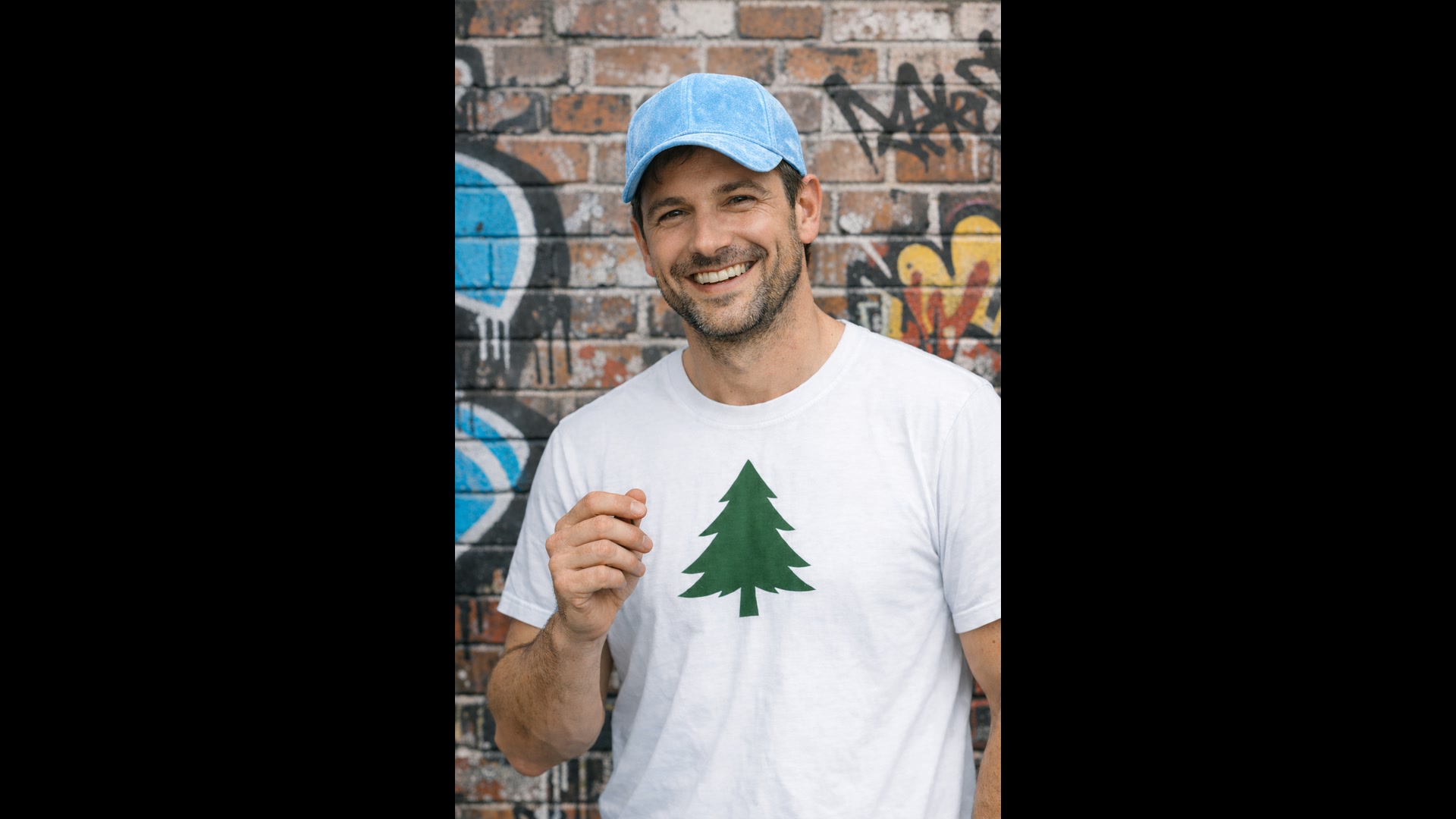
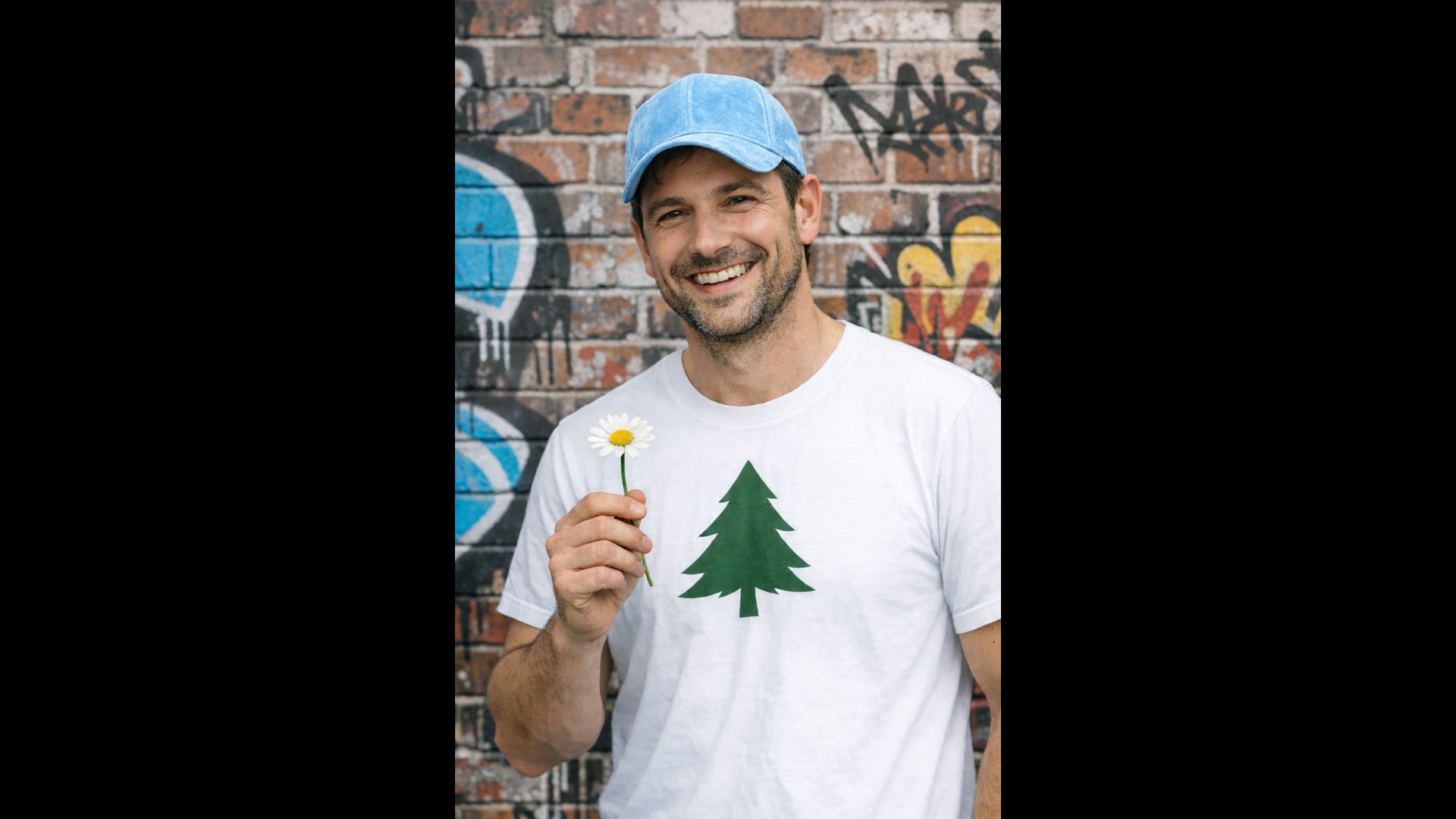
點出唯一要改的那一處,並列出必須保持不變的部分:臉孔、姿勢、裁切、光線。GPT Image 2 會以高保真度讀取每一張上傳的圖片,所以小幅修改就只是小幅修改,不會把整個畫面重畫一遍。
同樣的做法也能替換房間裡的家具、為場景換上另一個季節的光線,或清掉多餘的物件。每次後續修改都重複一次「保持不變」清單,細節才不會跑掉。
 1GPT Image 2
單次請求最多 16 張參考圖
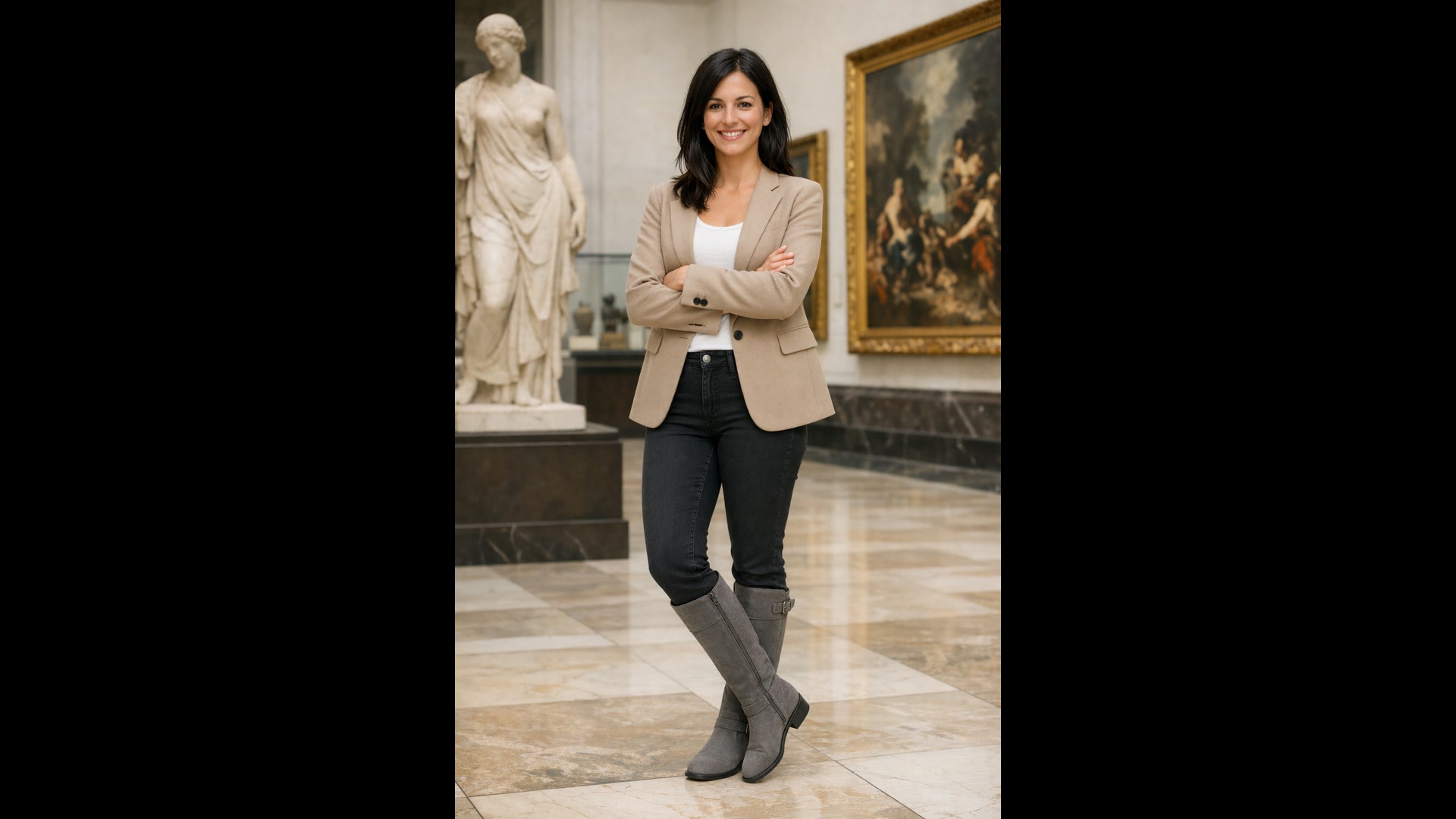
最多附上 16 張圖片,並說明每一張的用途:圖 1 是人物,圖 2 是西裝外套,圖 3 是上衣,圖 4 是靴子。GPT Image 2 會幫人物穿上、擺放或合成進同一張圖,並配合場景的光線、陰影和色彩。
虛擬試穿、把商品放進生活場景,或在飼主身邊加一隻寵物,都是這樣做。在提示詞裡替輸入圖編號,並明確說出什麼要放到哪裡。
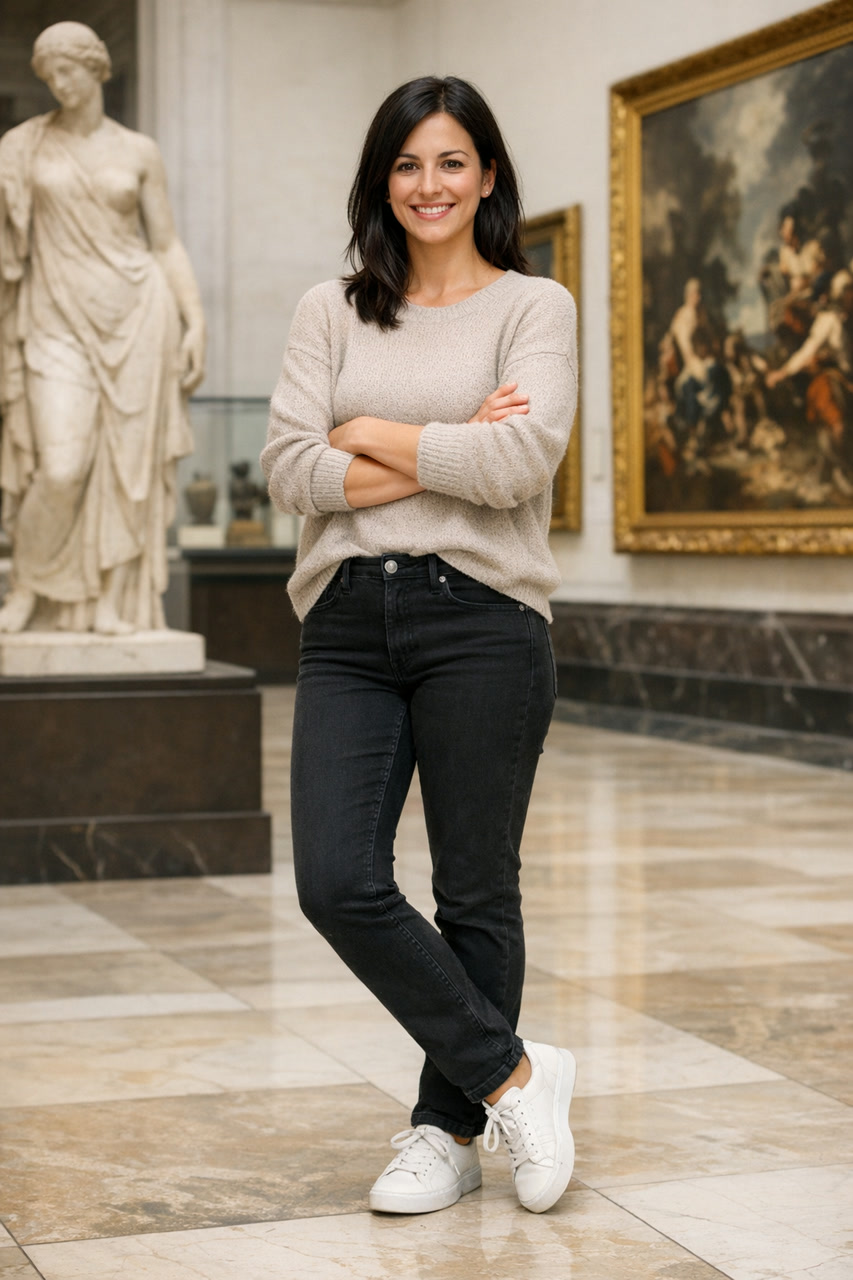
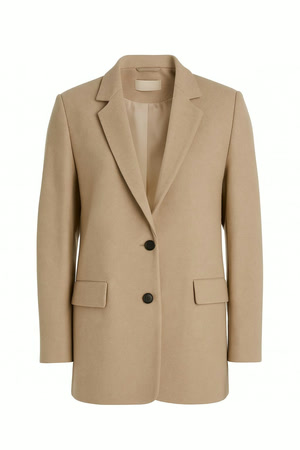
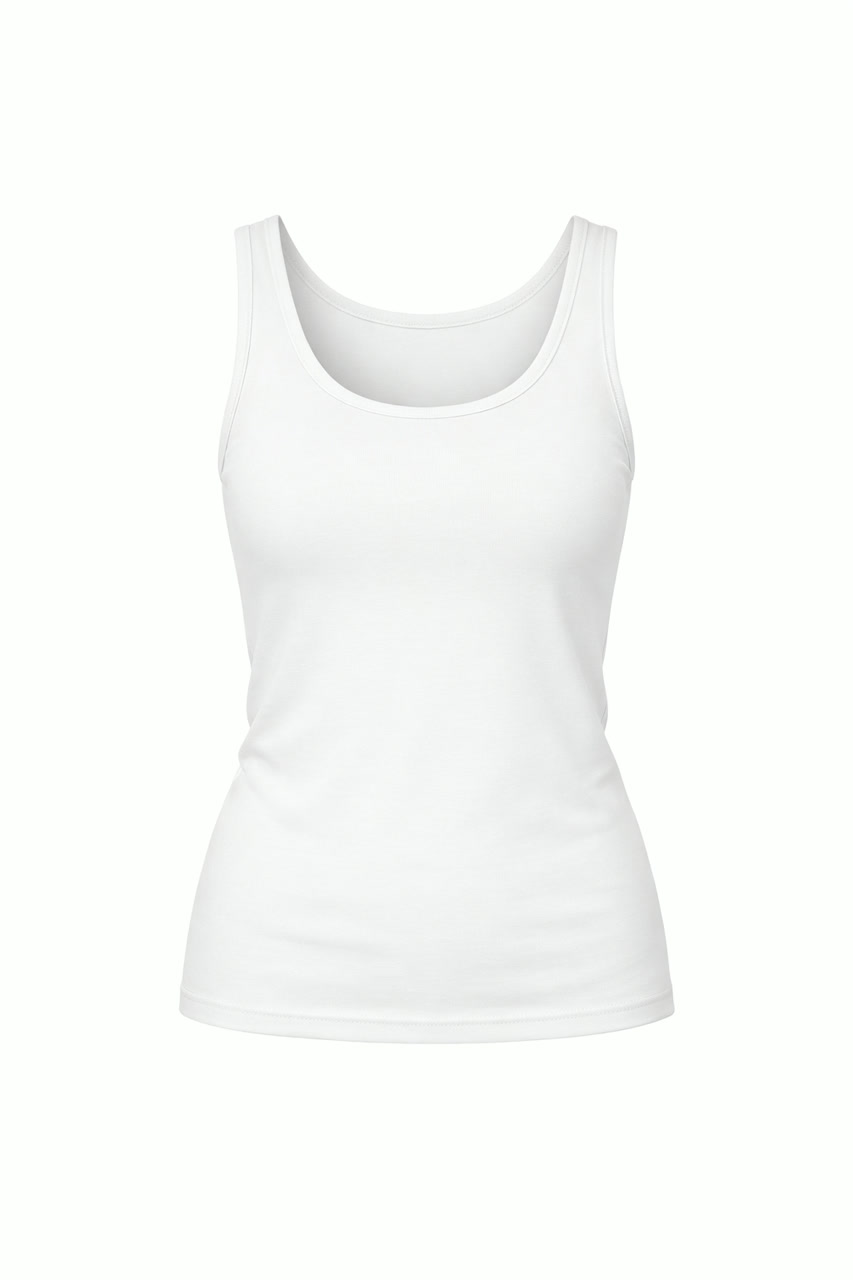
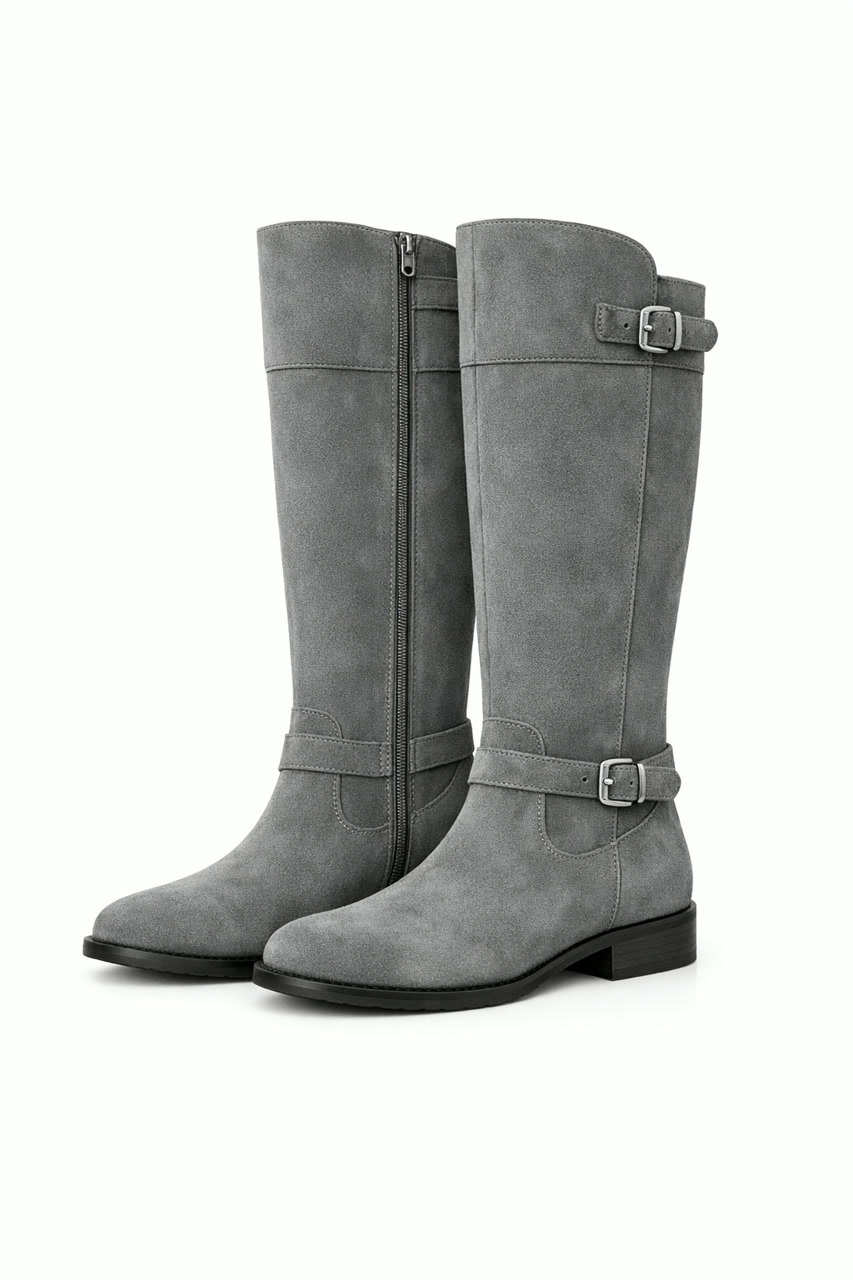 GPT Image 2
從草圖或風格參考,到完成的圖片
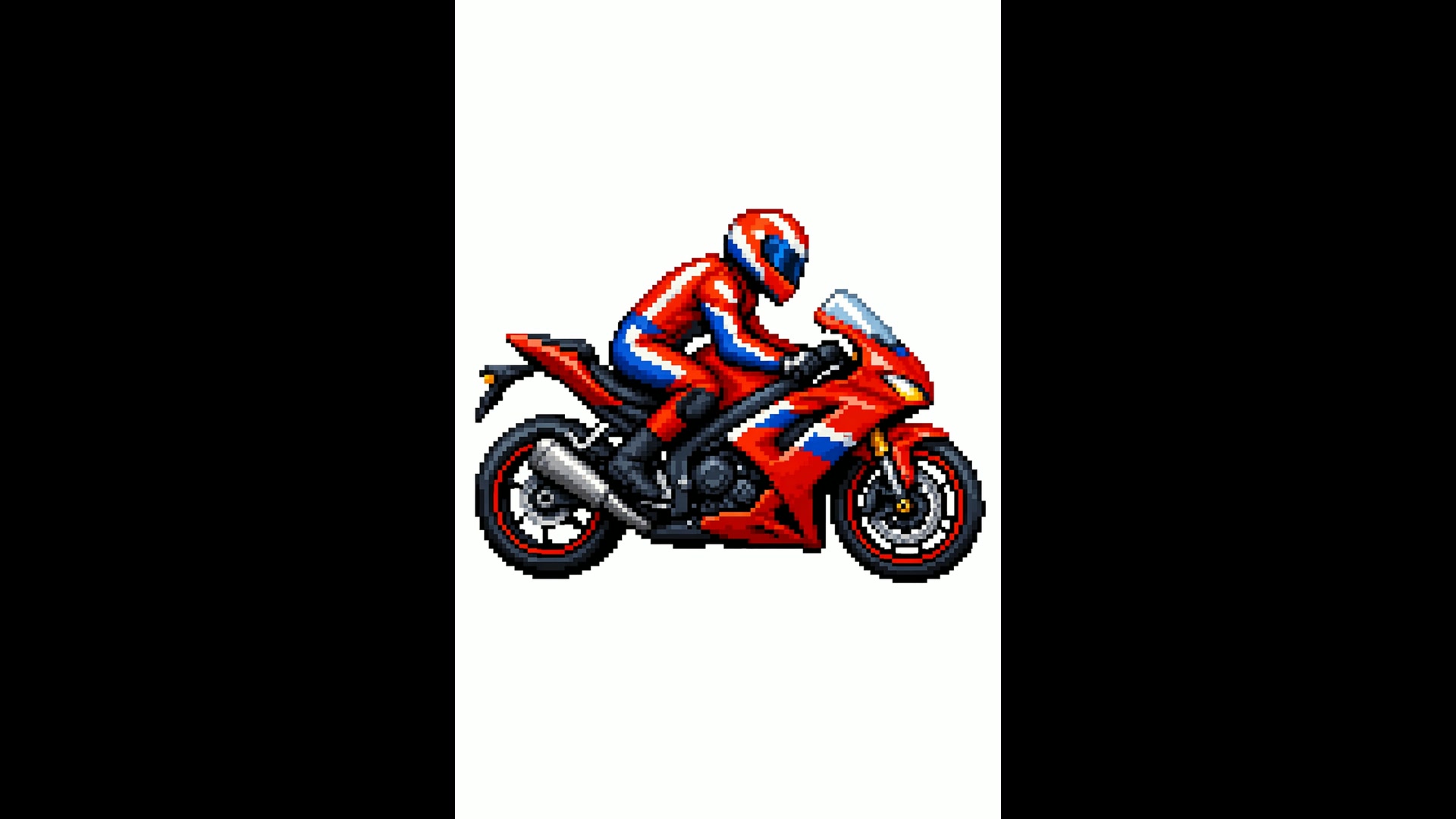
上傳一張線稿,GPT Image 2 會用真實的材質和光線把它畫出來,保留你畫的內容和大致位置。若改成指定風格參考,例如一張像素畫,它就會用同樣的視覺語言畫出新的主題。
當草圖就是需求本身時,記得告訴它不要添加新的元素或文字。
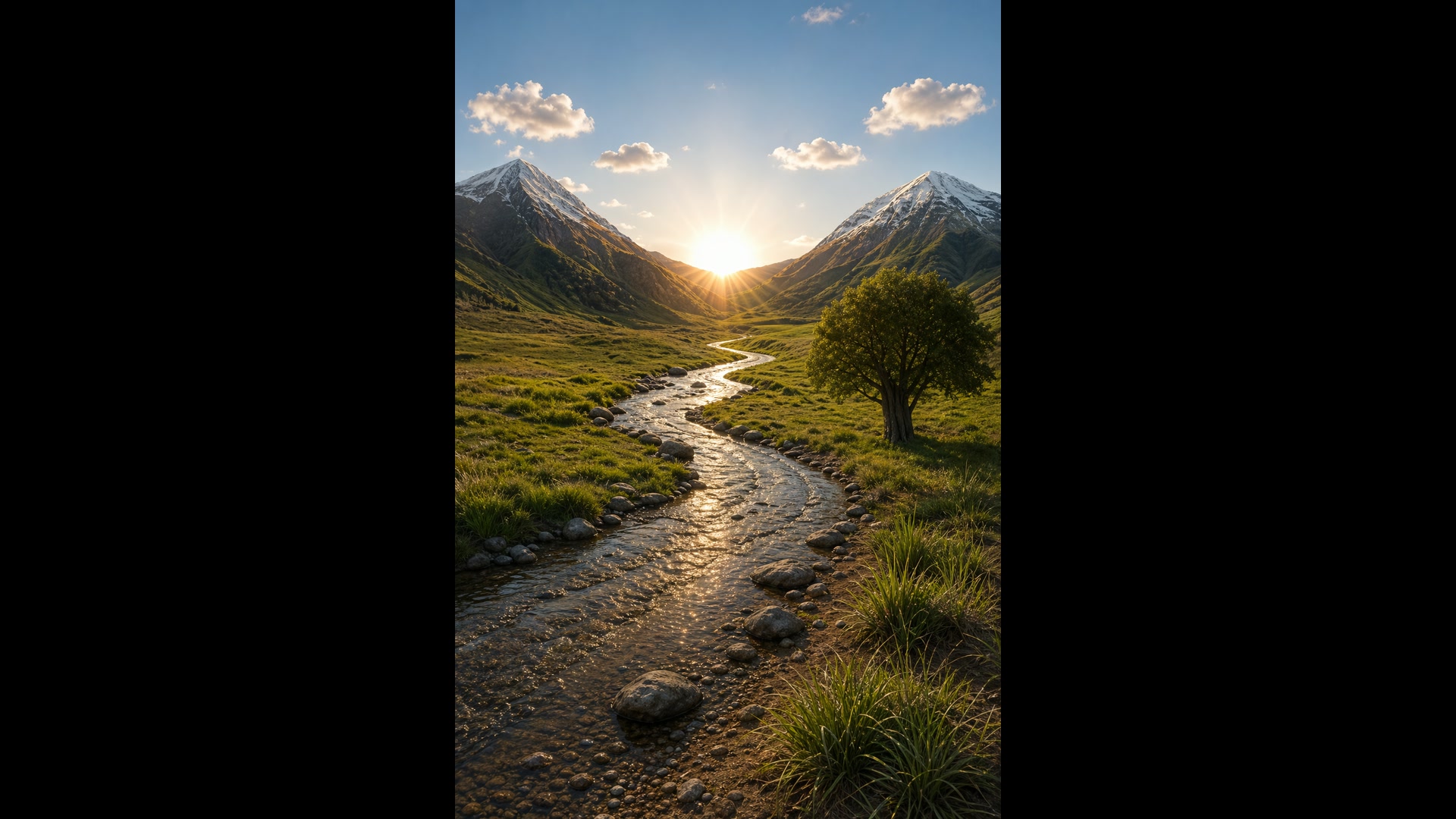
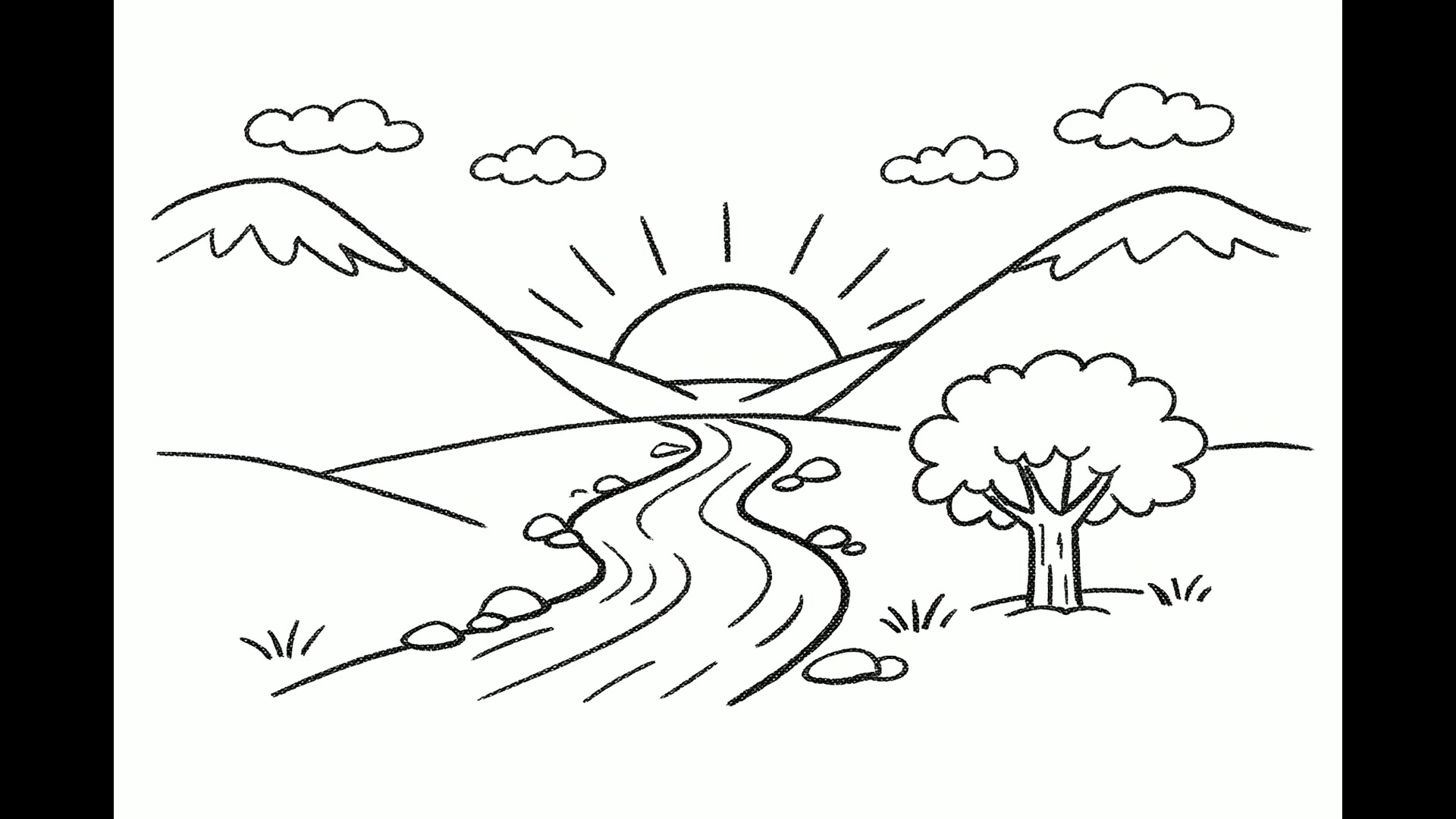 1GPT Image 2
一條提示詞,最多 10 個選擇
把張數設為 1 到 10 之間的任何數字,整批圖都出自同一條提示詞,是在定案前探索標誌、廣告版面或包裝最快的方法。每張圖都依你選的畫質和解析度計費。
下面四個烘焙坊標誌,就是同一次請求一起生成的。
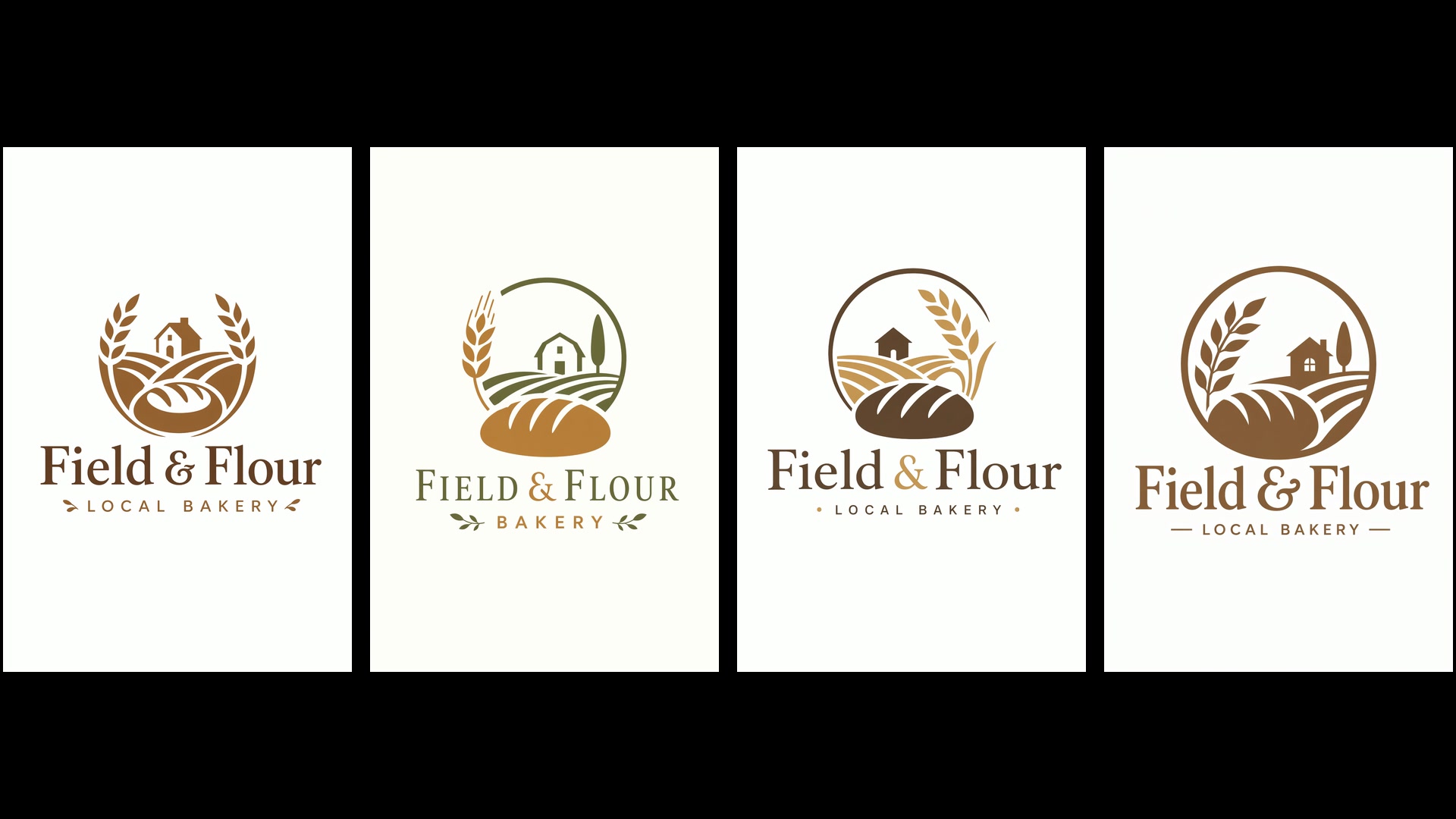 GPT Image 2
設定與所需積分
還在找點子的時候,先停在低畫質:不論哪種解析度,一張都是 1 積分。構圖確定後,再升到中畫質或高畫質。OpenAI 把超過 2K(2560x1440)的輸出視為實驗性質,所以 4K 的結果請仔細檢查。
| 畫質 | 低、中或高預設為中。 |
|---|---|
| 解析度 | 1K、2K 或 4K預設 1K。自訂尺寸每邊最多 3840 畫素。 |
| 每張積分 | 低 1 · 中 2 至 9 · 高 8 至 33在 1K、2K、4K 下:中畫質為 2、6、9 積分,高畫質為 8、21、33 積分。 |
| 長寬比 | 15 種預設,從 3:1 到 1:3,另有自動與自訂包含 1:1、4:5、2:3、3:2、16:9、9:16 和 21:9。 |
| 單次張數 | 1 到 10 張 |
| 參考圖 | 最多 16 張 |
| 背景 | 不透明或透明OpenAI 仍將透明輸出標示為預覽功能。 |
| 提示詞長度 | 最多 32,000 字元 |
GPT Image 2 最適合誰
文字清晰、修改精準、參考圖額度又大,讓它成為真正能做事的工具,而不是玩具。以下這些工作是它的強項:
- 行銷人員與廣告團隊:活動概念圖、廣告看板和社群廣告,標題已經排好,一份需求最多可出十個版本。
- 電商與時尚團隊:用不同服飾照片做虛擬試穿、把商品放進新場景,不必重拍就能換背景。
- 老師與知識內容作者:附標註的圖解、資訊圖表和講義,你列出的每個詞彙都會出現在畫面上。
- 創業者與產品設計師:募資簡報頁、App 畫面模擬圖與標誌發想,在投入設計工時之前先看到成果。
- 插畫家與說故事的人:繪本角色從頭到尾長相一致、一格一格規劃的漫畫,以及可以直接用 Yovid 影片模型動起來的靜態圖。
GPT Image 2 vs GPT Image 2.5、Nano Banana 2.1、Nano Banana Pro 和 Seedream 5.0
除了最後一列,表格裡每一格都直接讀取各模型目前在 Yovid 圖片生成器裡提供的設定,花積分之前,就能比較解析度、參考圖、單次張數和價格。
| 功能 / 模型 | GPT Image 2 | GPT Image 2.5 Sunburst | Nano Banana 2.1 | Nano Banana Pro | Seedream 5.0 Pro |
|---|---|---|---|---|---|
| 最高解析度 | 4K | 4K | 4K | 4K | 2K |
| 長寬比預設 | 1:1, 1:2, 2:1, 1:3, 3:1, 2:3, 3:2, 3:4, 4:3, 4:5, 5:4, 9:16, 16:9, 9:21, 21:9 | 1:1, 1:2, 2:1, 1:3, 3:1, 2:3, 3:2, 3:4, 4:3, 4:5, 5:4, 9:16, 16:9, 9:21, 21:9 | 1:1, 1:4, 4:1, 1:8, 8:1, 2:3, 3:2, 3:4, 4:3, 4:5, 5:4, 9:16, 16:9, 21:9 | 1:1, 2:3, 3:2, 3:4, 4:3, 4:5, 5:4, 9:16, 16:9, 21:9 | 1:1, 4:3, 3:4, 3:2, 2:3, 16:9, 9:16, 4:5, 5:4, 21:9, 9:21 |
| 參考圖 | 16 | 16 | 14 | 14 | 10 |
| 單次張數 | 10 | 10 | 1 | 1 | 1 |
| 每張積分(預設設定) | 2 | 1 | 3 | 6 | 2 |
| 最適合 | 文字量大的版面、精準修改,以及一次最多 10 張的批量。 | 最精準的修改,另有超高與最高畫質。 | 快速單張出圖,含最高 8:1 的極端比例。 | 細節豐富、構圖複雜的單張圖,最高 4K。 | ByteDance 旗艦級的畫風,適合生成與修改。 |
積分為各模型在 Yovid 預設設定下生成一張圖的價格(GPT Image 2 與 2.5:中畫質 1K;其他模型為各自的預設解析度),依 Yovid 線上定價即時更新。
GPT Image 2 的優勢與限制
Yovid 圖片陣容中,它領先的地方,以及改用其他模型或設定更合適的時候。
優勢
- 圖中文字:標題、標籤和介面文案清晰可讀,並且待在版面之內。
- 改得精準:每張上傳的圖片都以高保真度讀取,所以你沒提到的臉孔、商品和背景都會保留。
- 參考圖與批量:16 張參考圖,比 Yovid 上任何 Nano Banana 或 Seedream 模型都多,單次最多 10 張。
- 草稿很便宜:低畫質不論解析度都是一張 1 積分,測試點子的成本很低。
限制
- 4K 屬於實驗性質:OpenAI 將超過 2560x1440 的輸出視為實驗性質,所以 4K 的結果落差較大。
- 複雜提示詞較慢:OpenAI 指出,複雜的提示詞最久可能要兩分鐘。
- 重複出現的細節可能跑掉:角色或品牌元素在不同次生成間可能有變化;請重複使用同樣的參考圖,並再次說明必須保留的部分。
- 追求精準有更新的選擇:GPT Image 2.5 Sunburst 新增超高與最高畫質,修改精準度最重要時就選它。
如何在 Yovid 使用 GPT Image 2
- 第 1 步
選擇 GPT Image 2
開啟圖片生成器;從這個頁面進入會預先選好 GPT Image 2,也可以在模型選單的 OpenAI 底下找到它。
- 第 2 步
寫下需求,加入參考圖
描述主體、版面,把確切的文字放進引號,附上最多 16 張圖片,再設定比例、解析度、畫質和張數。
- 第 3 步
生成並留下最好的一張
比較結果,需要的話把喜歡的一張上傳為參考圖,針對單一處再修一次,然後下載你要留下的圖片。
GPT Image 2 提示詞範例,從這裡開始
真實的 GPT Image 2 提示詞(經過精簡),旁邊就是它們生成的圖片。在生成器裡開啟一條,設成一樣的比例,再改掉細節,就變成你的作品。
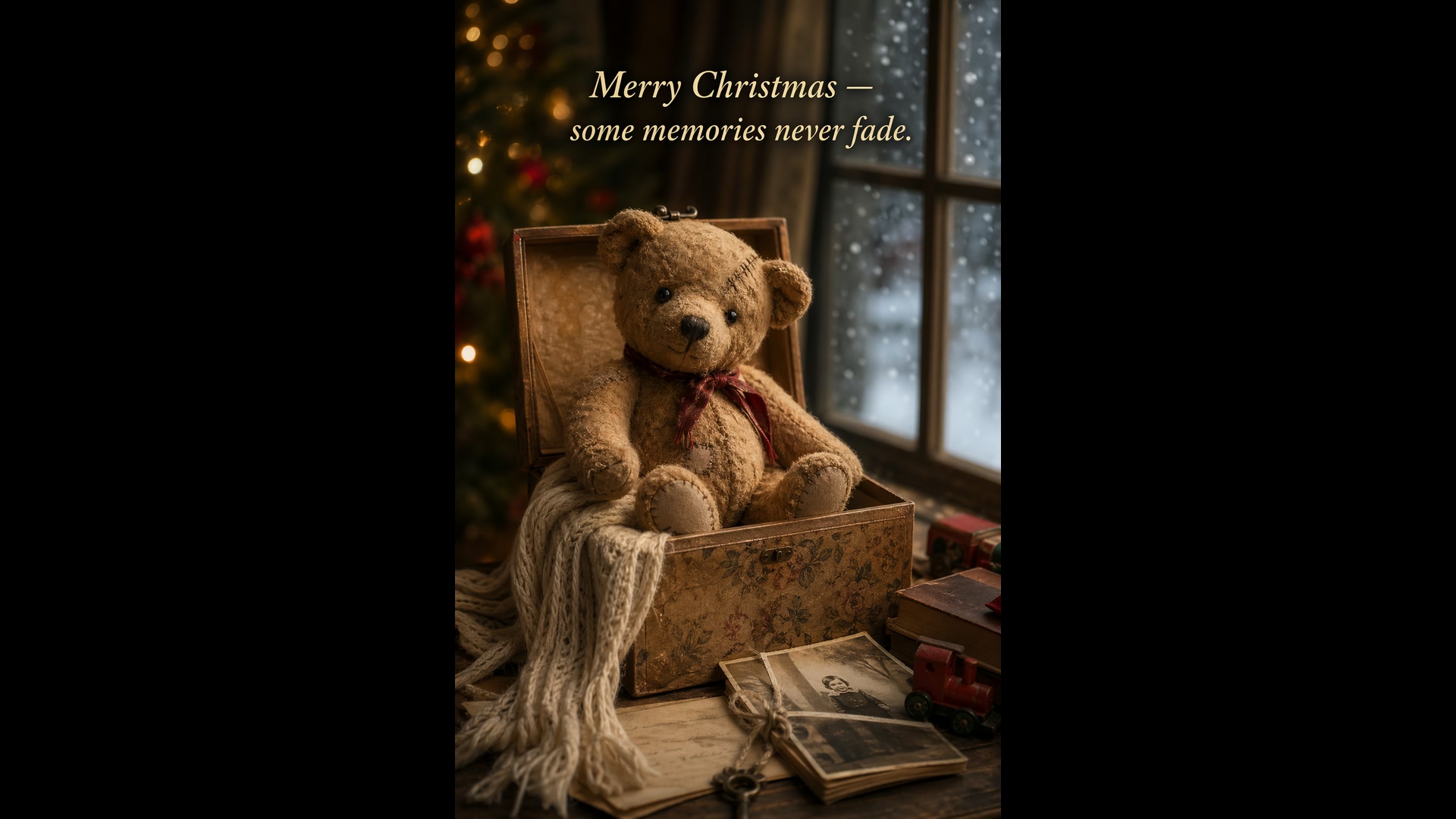
泰迪熊聖誕卡
文字生成圖片 · 2:3試用這條提示詞Create a Christmas holiday card illustration. Scene: a cozy Christmas scene with an old teddy bear sitting inside a keepsake box, slightly worn fur, soft stitching repairs, placed near a window with falling snow outside. Mood: warm, nostalgic, gentle, emotional. Style: premium holiday card photography, soft cinematic lighting, realistic textures, shallow depth of field. Include ONLY this card text (verbatim): "Merry Christmas — some memories never fade."
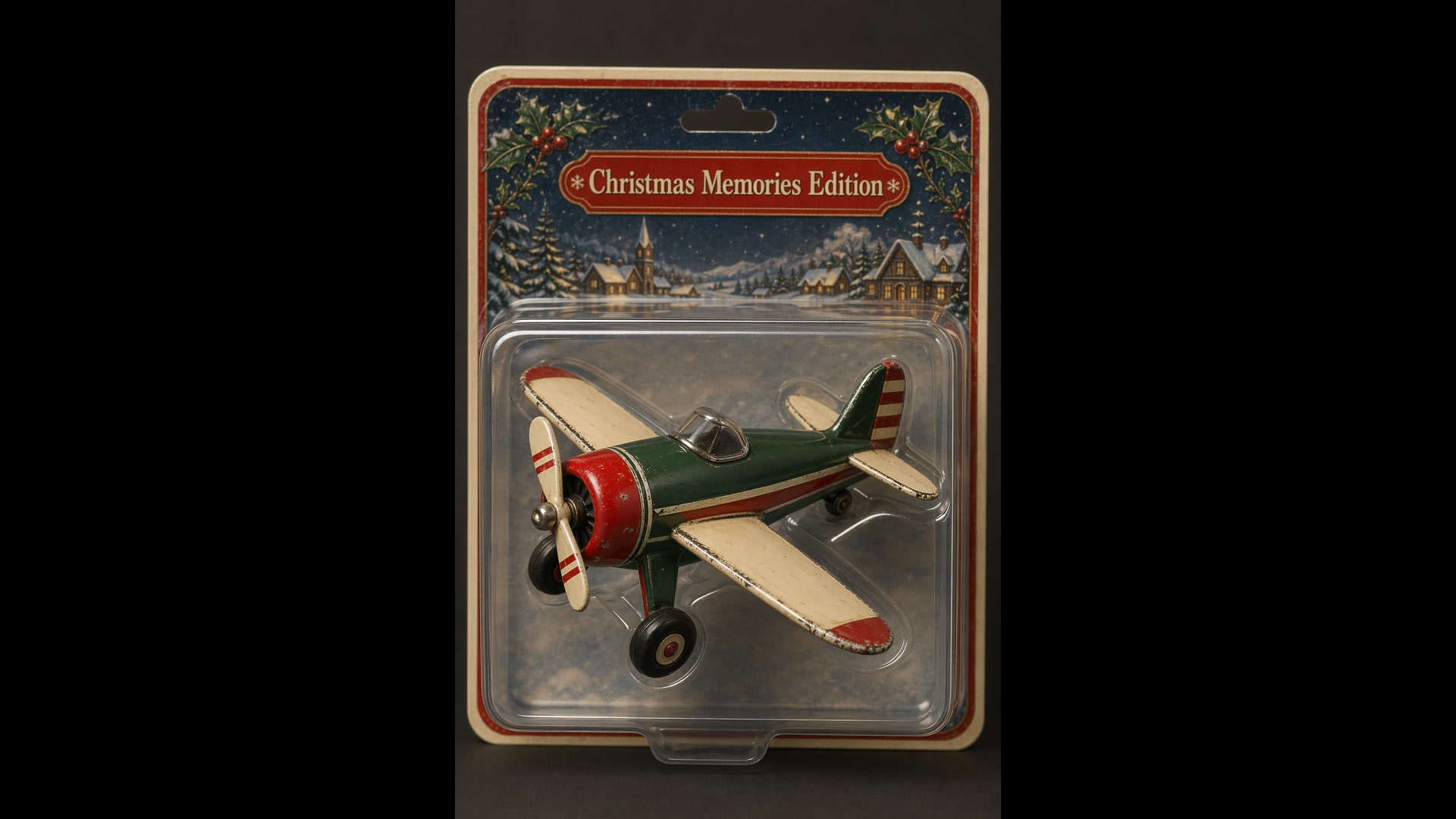
吸塑包裝的收藏玩具
文字生成圖片 · 2:3試用這條提示詞Create a collectible action figure of a vintage-style toy propeller airplane with rounded wings, a front-mounted spinning propeller, slightly worn paint edges, in blister packaging. Style: premium toy photography, realistic plastic and painted metal textures, studio lighting, shallow depth of field, sharp label printing. Include ONLY this packaging text (verbatim): "Christmas Memories Edition"
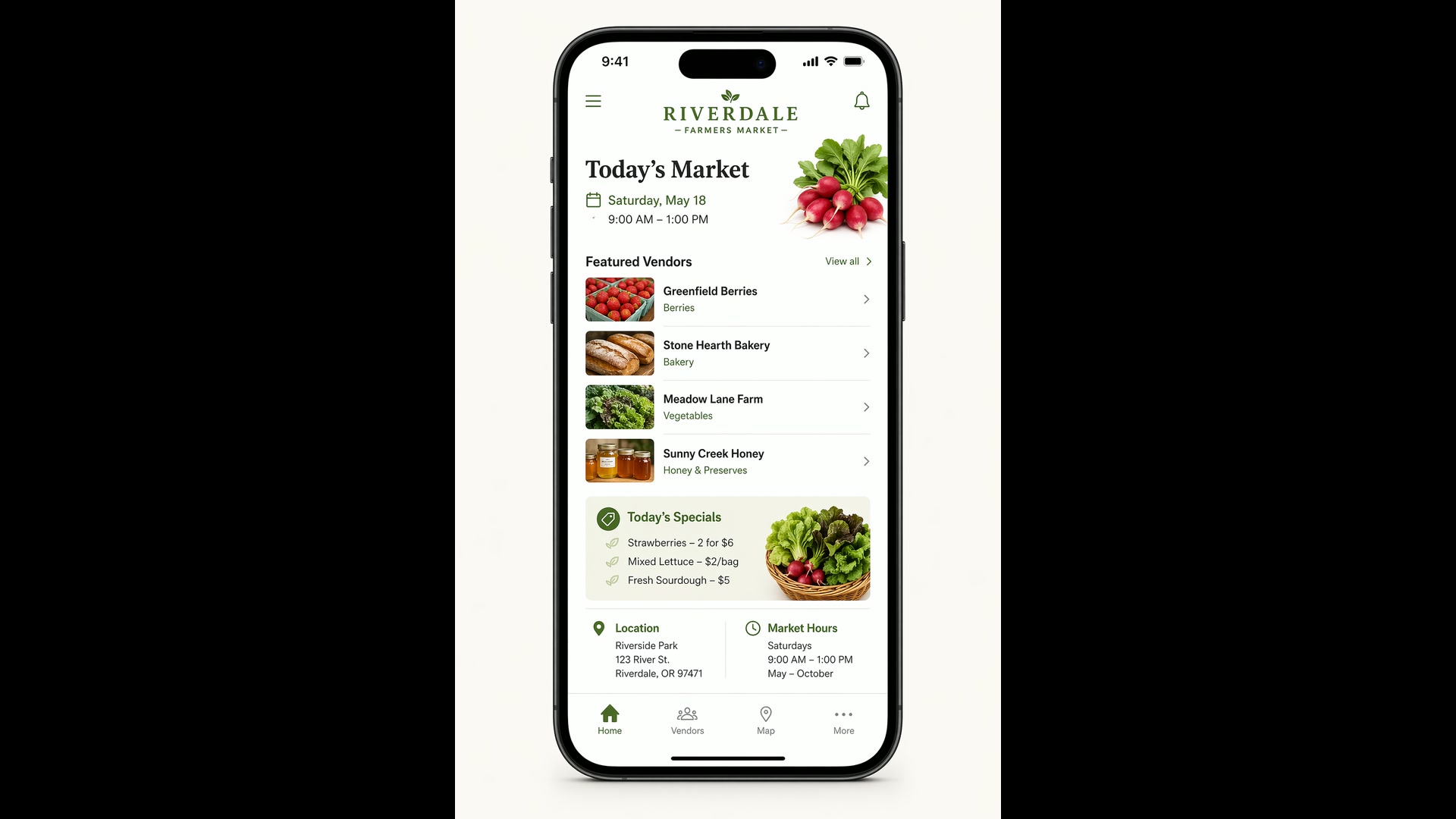
農夫市集 App 畫面
文字生成圖片 · 2:3試用這條提示詞Create a realistic mobile app UI mockup for a local farmers market. Show today’s market with a simple header, a short list of vendors with small photos and categories, a small “Today’s specials” section, and basic information for location and hours. White background, subtle natural accent colors, clear typography, and minimal decoration. Place the UI mockup in an iPhone frame.
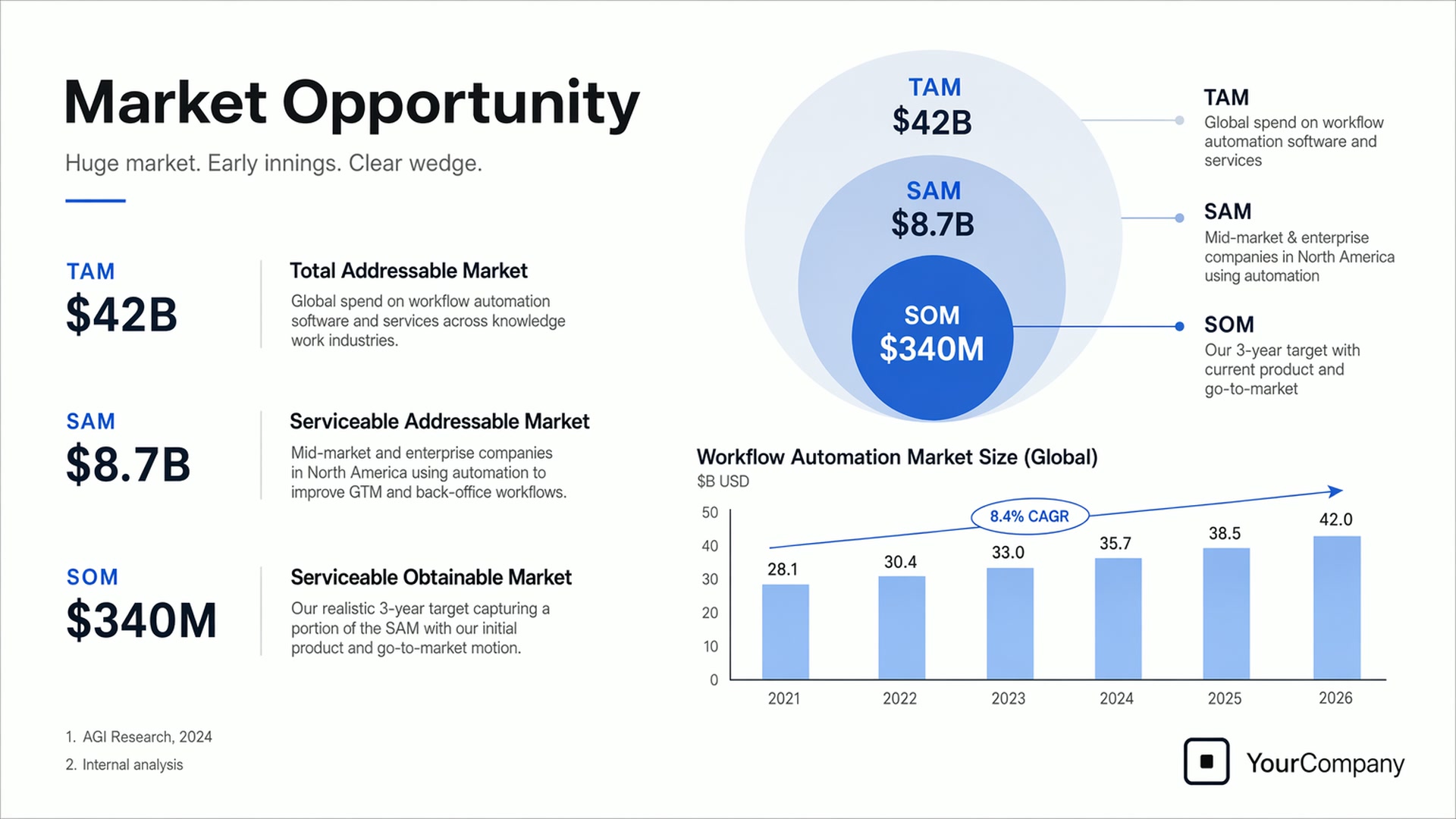
募資簡報頁
文字生成圖片 · 16:9試用這條提示詞Create one pitch-deck slide titled "Market Opportunity" that feels like a real Series A fundraising slide. Use a clean white background, modern sans-serif typography, and a crisp, minimal layout. Include a TAM/SAM/SOM concentric-circle diagram in muted blues and grays (TAM: $42B, SAM: $8.7B, SOM: $340M), a clean bar chart showing market growth from 2021 to 2026, and a company logo placeholder in the bottom-right corner.
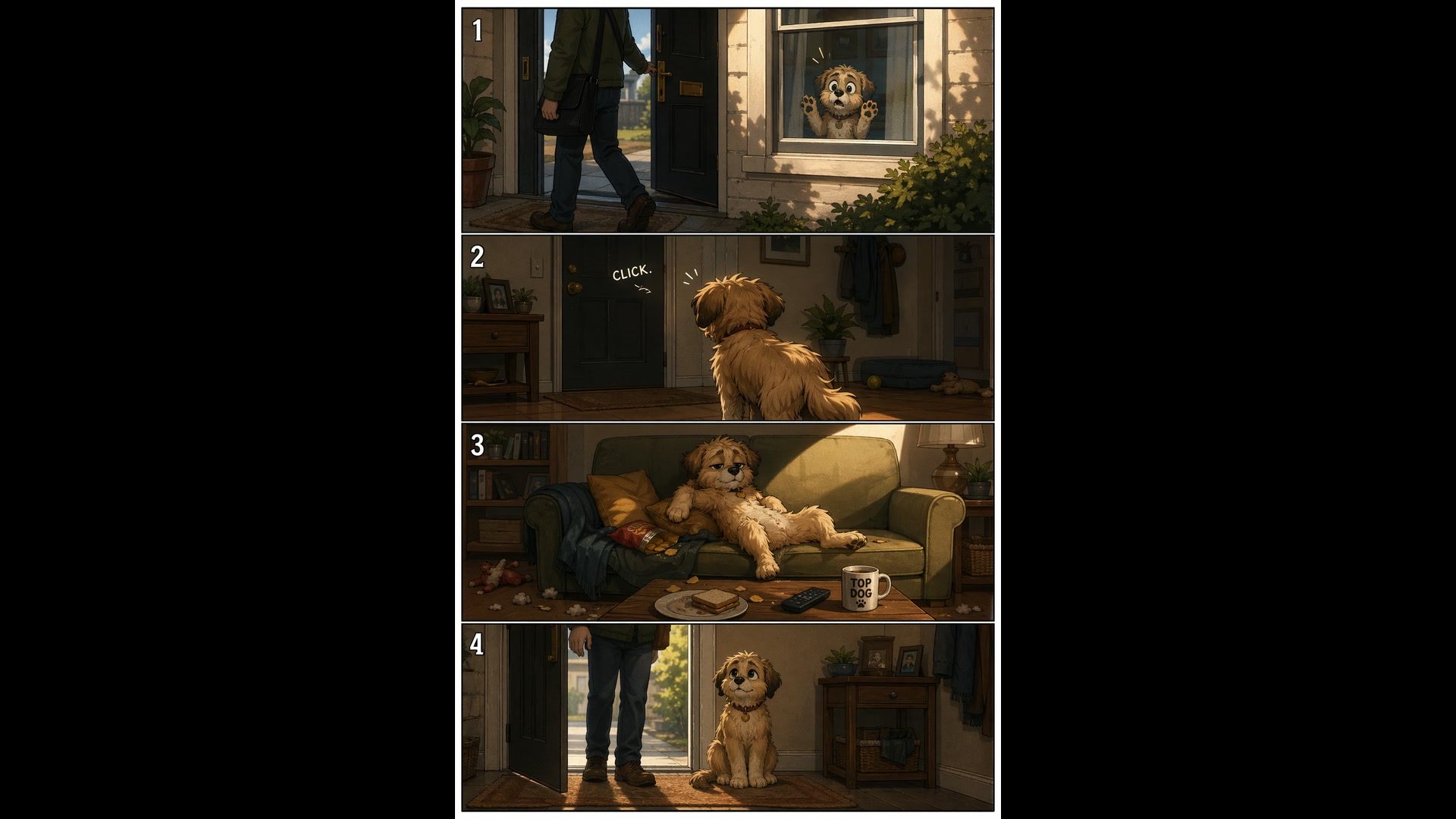
四格寵物漫畫
文字生成圖片 · 2:3試用這條提示詞Create a short vertical comic-style reel with 4 equal-sized panels. Panel 1: The owner leaves through the front door. The pet is framed in the window behind them, small against the glass, eyes wide. Panel 2: The door clicks shut. The pet slowly turns toward the empty house, eyes sharp with possibility. Panel 3: The pet sprawls across the couch like it owns the place, crumbs nearby. Panel 4: The door opens. The pet is seated perfectly by the entrance, as if nothing happened.
漁船上的老水手
文字生成圖片 · 2:3試用這條提示詞Create a photorealistic candid photograph of an elderly sailor standing on a small fishing boat. He has weathered skin with visible wrinkles, pores, and sun texture, and a few faded traditional sailor tattoos on his arms. He is calmly adjusting a net while his dog sits nearby on the deck. Soft coastal daylight, shallow depth of field, subtle film grain, natural color balance. No glamorization, no heavy retouching.
Yovid 上的更多圖片與影片模型
讓你的圖片更進一步的指南
把 GPT Image 2 的靜態圖變成影片:圖片轉影片提示詞、逐個鏡頭拆解的提示詞公式,以及各影片模型的並列比較。
常見問題
GPT Image 2 是什麼?
GPT Image 2 可以免費使用嗎?
生成一張 GPT Image 2 圖片要多少積分?
GPT Image 2 支援哪些解析度和長寬比?
GPT Image 2 可以修改我的照片嗎?
最多可以上傳幾張參考圖?
GPT Image 2 擅長在圖片裡放文字嗎?
GPT Image 2 可以生成透明背景的圖片嗎?
GPT Image 2 的圖片有浮水印嗎?可以商用嗎?
GPT Image 2 和 GPT Image 2.5 有什麼不同?