
Seedance 2.0 免費線上 AI 影片生成器
一個鏡頭一個鏡頭地描述場景,附上首影格,或最多 9 張圖片和 3 段參考影片,就能得到一支 4–15 秒、聲音已經到位的影片,最高 1080p。只要在 15 秒以內,每秒費用比 Seedance 2.5 更低。 馬上在 Yovid 用 Seedance 2.0 開始創作。

Seedance 2.0 能生成什麼畫面
為什麼在 Yovid 用 Seedance 2.0 做影片
- 15 秒就是一個完整場景:多個鏡頭、轉場,加上配套的聲音,全部來自一次生成。
- 每個鏡頭都是同一張臉:參考圖鎖定角色的臉孔、服裝和道具,跨剪輯、跨機位都不走樣。
- 讓參考影片決定鏡頭怎麼動:最多 3 段影片引導運鏡、節奏和動作;圖片則決定出現的人物或物件。
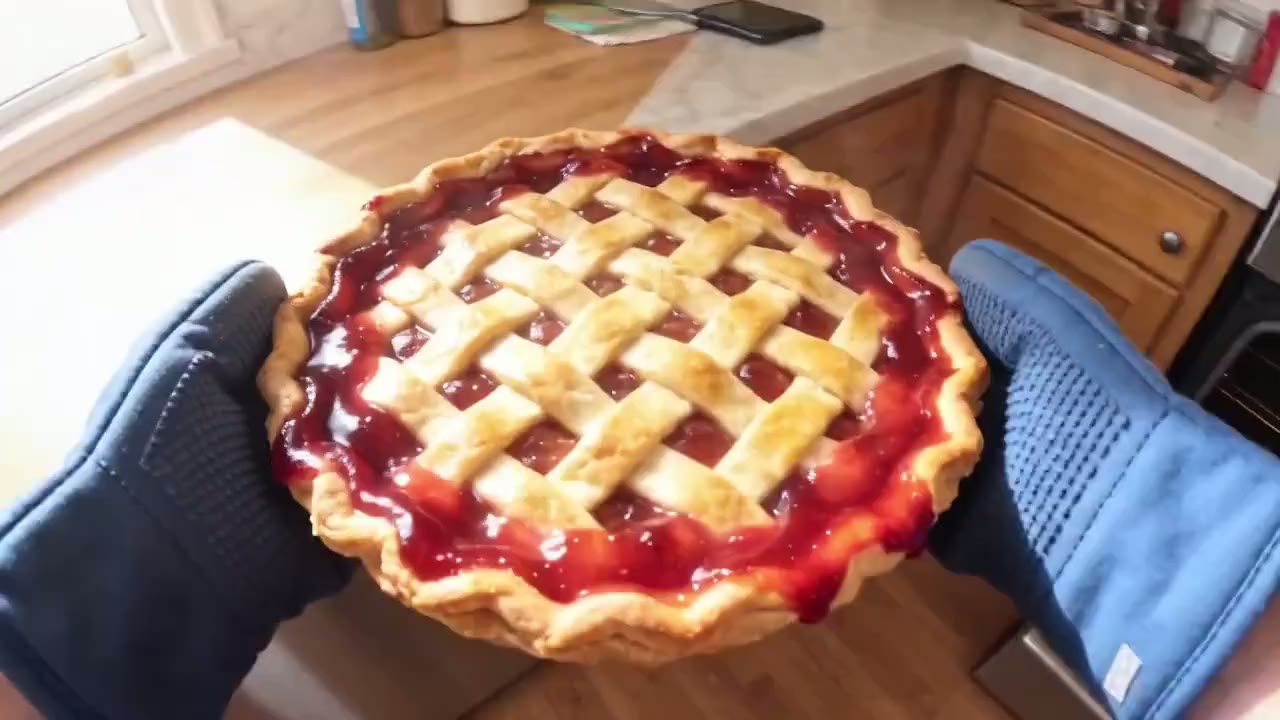
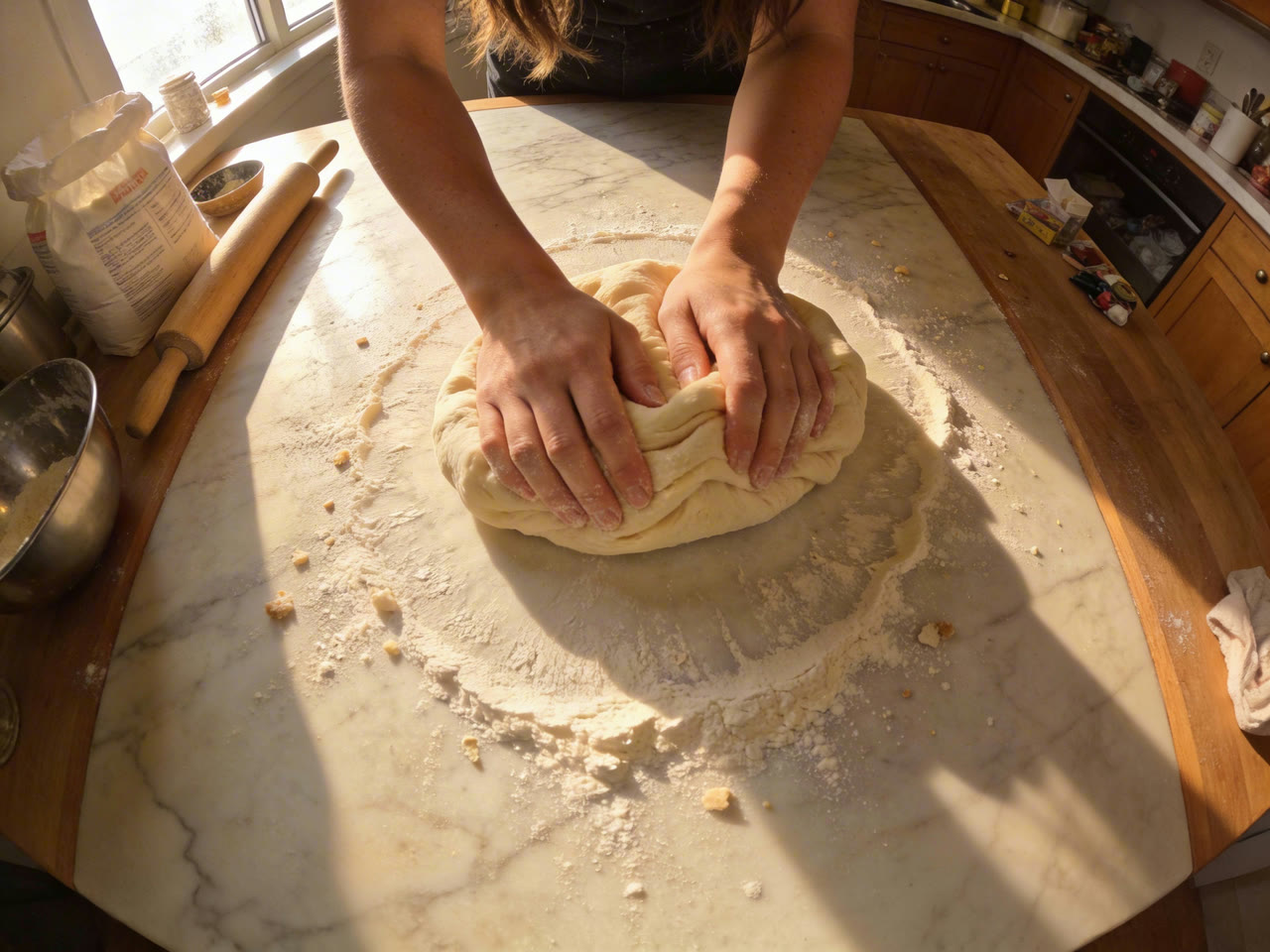
- 雙手、物件與可信的物理表現:揉麵、沖洗、端起烤盤,看起來就像真實操作,重量和接觸感都真切。
- 換鏡頭,不換演員、不換場景:從遠景切到特寫,臉孔、服裝和場地都不會漂移。
- 材質逼真的產品廣告:把產品換進現成的影片裡,或圍繞產品照做一支新廣告。
- 每秒費用比 Seedance 2.5 更低:相同解析度下,比 Seedance 2.5 便宜大約五分之一到四分之一。
- 所有設定,一次看清:6 種畫面比例加自適應、3 種解析度、聲音開關,以及文字、影格或參考素材輸入。
15 秒就是一個完整場景
ByteDance 把 Seedance 2.0 做成多鏡頭輸出:一次生成就能從遠景開場、切到特寫、再落在一個反應鏡頭上,對白、現場環境音和音效在同一次運算中以雙聲道一起產出。15 秒的長度,剛好裝得下一個有頭有尾的小場景。
在 Yovid 上,長度是一個 4 到 15 秒的滑桿,預設 5 秒。調整提示詞時先跑短版本,等鏡頭順序對了,再用完整長度生成。


 Seedance 2.0
每個鏡頭都是同一張臉
最多可附上 9 張圖片,並告訴模型每一張的用途:@Image 1 管臉孔,@Image 2 管服裝,@Image 3 管場景。ByteDance 自家的指南建議用一張清晰的大頭照,加上一張全身照,而不是多角度的角色設定圖,因為模型可能把設定圖誤認成好幾個人。
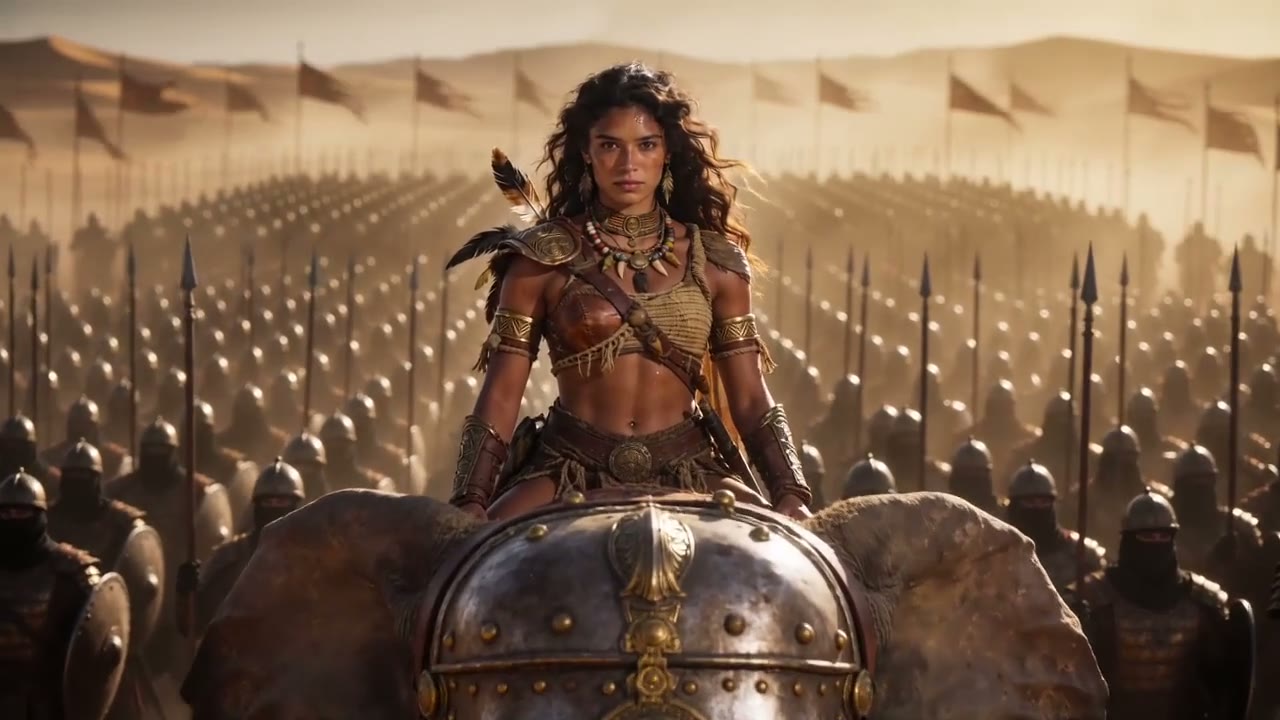
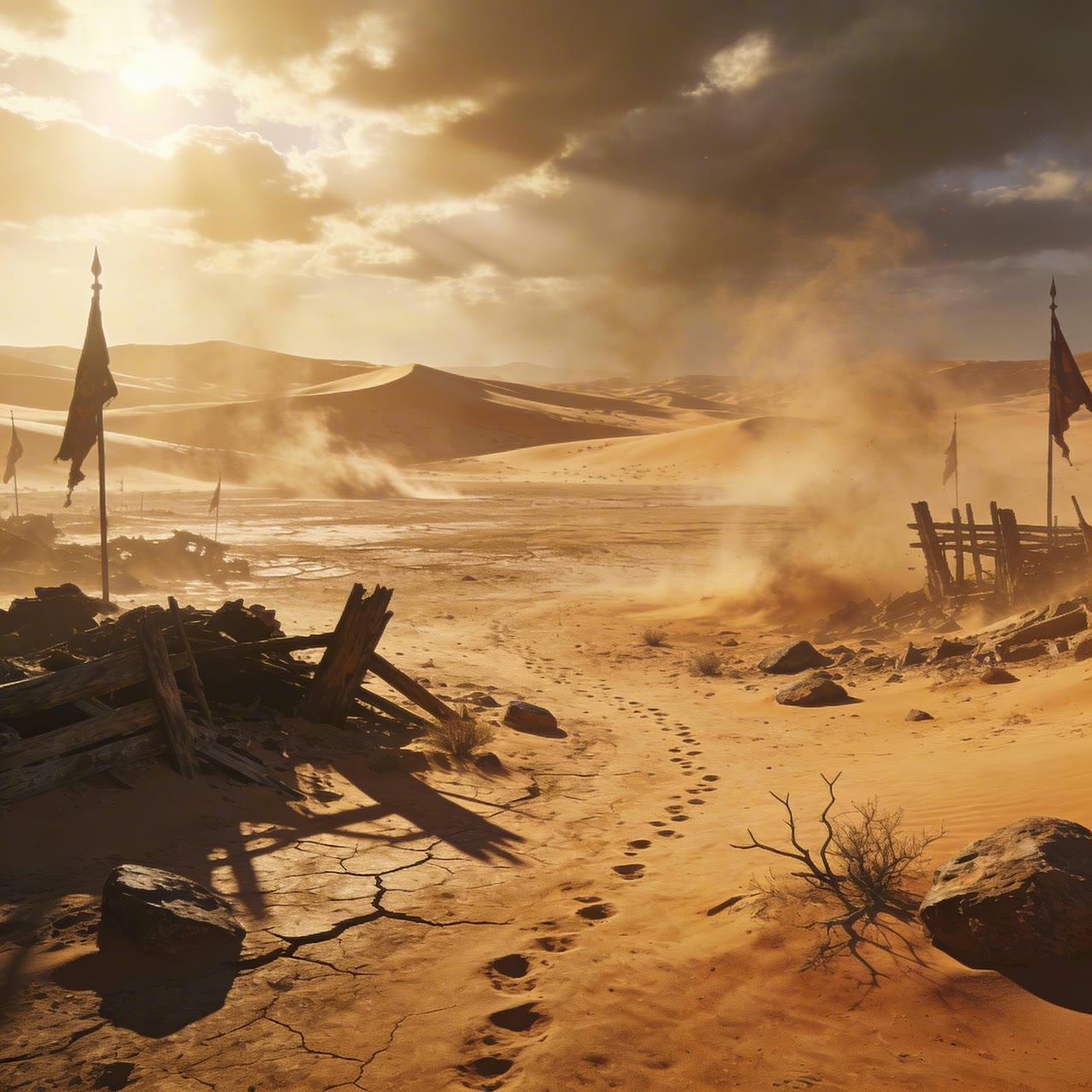
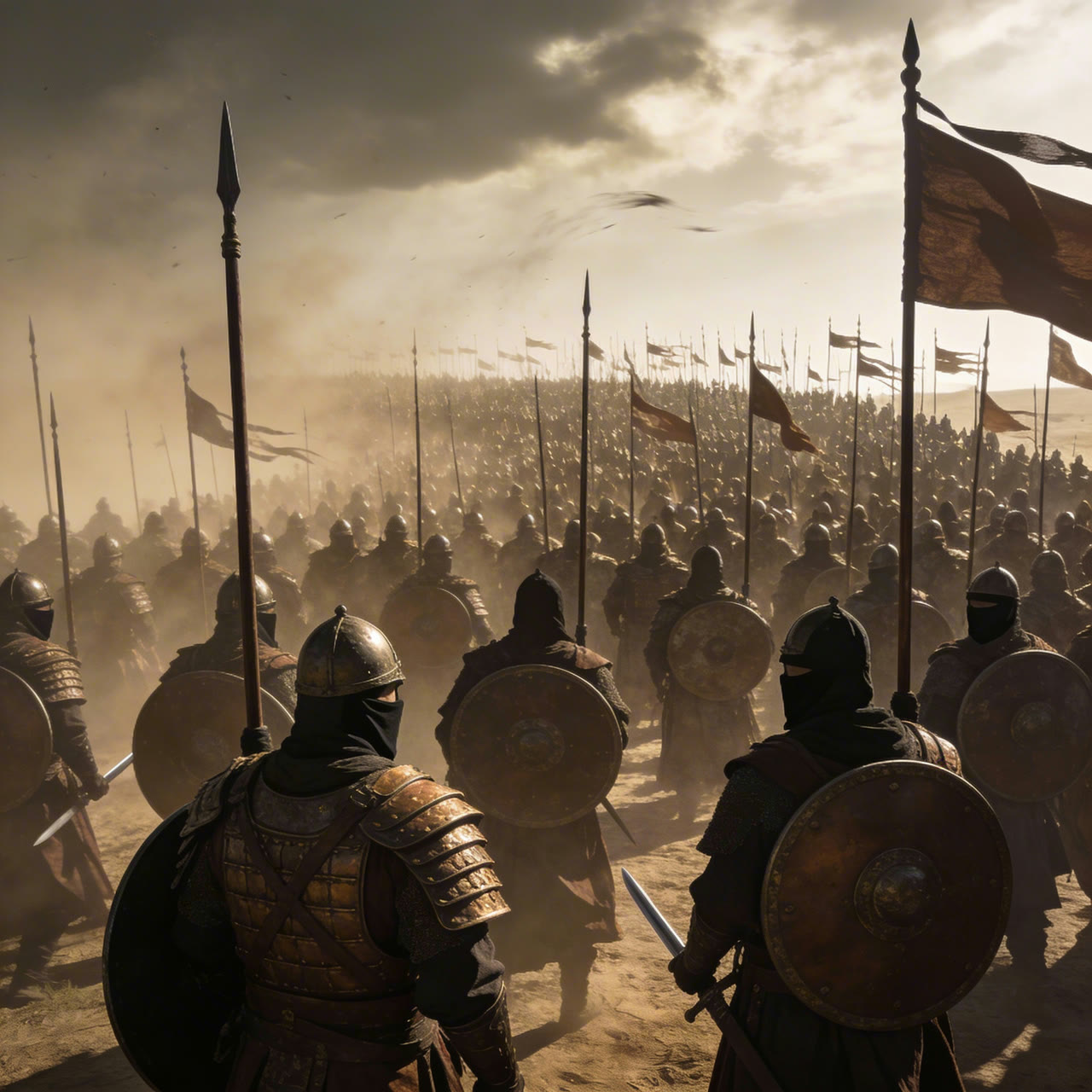
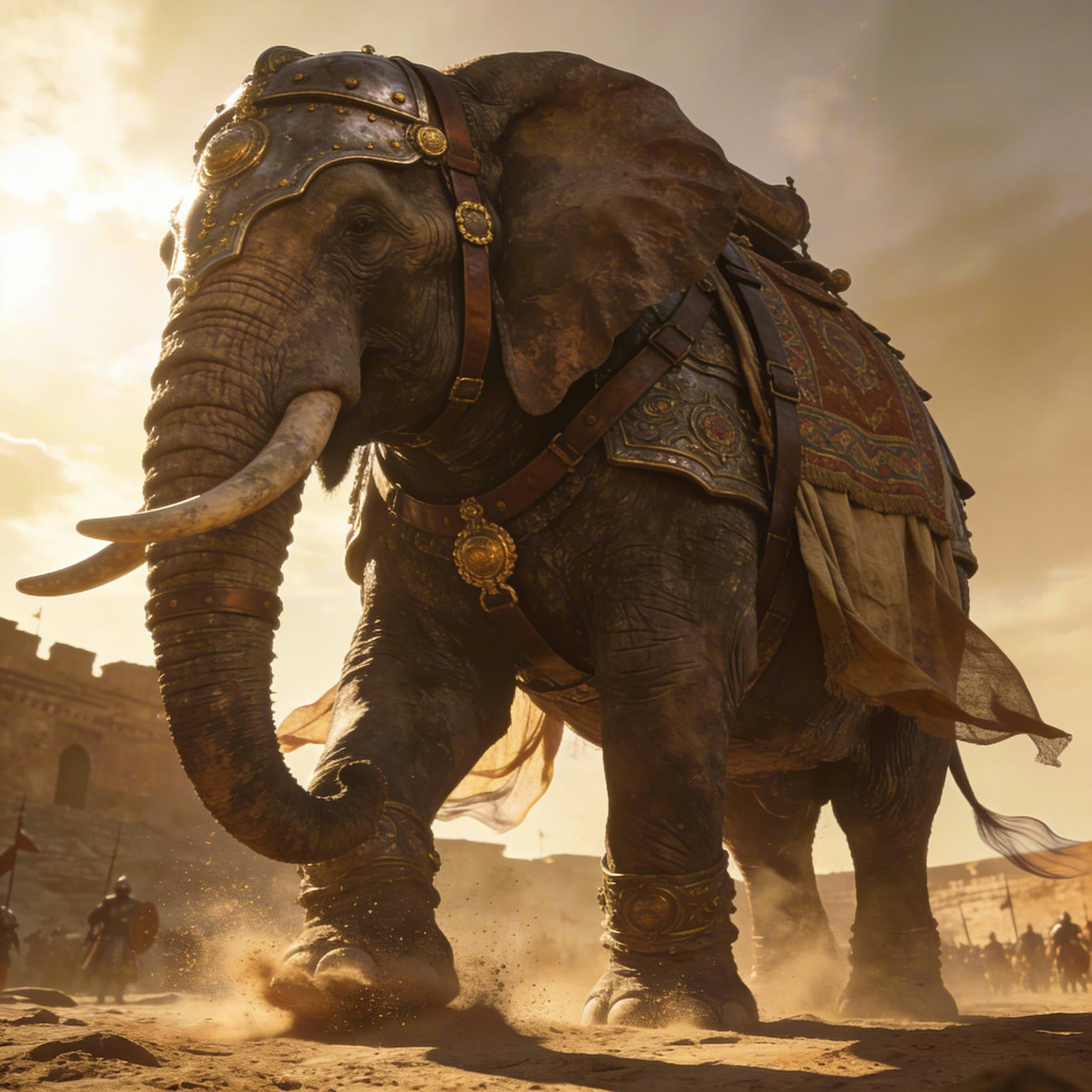
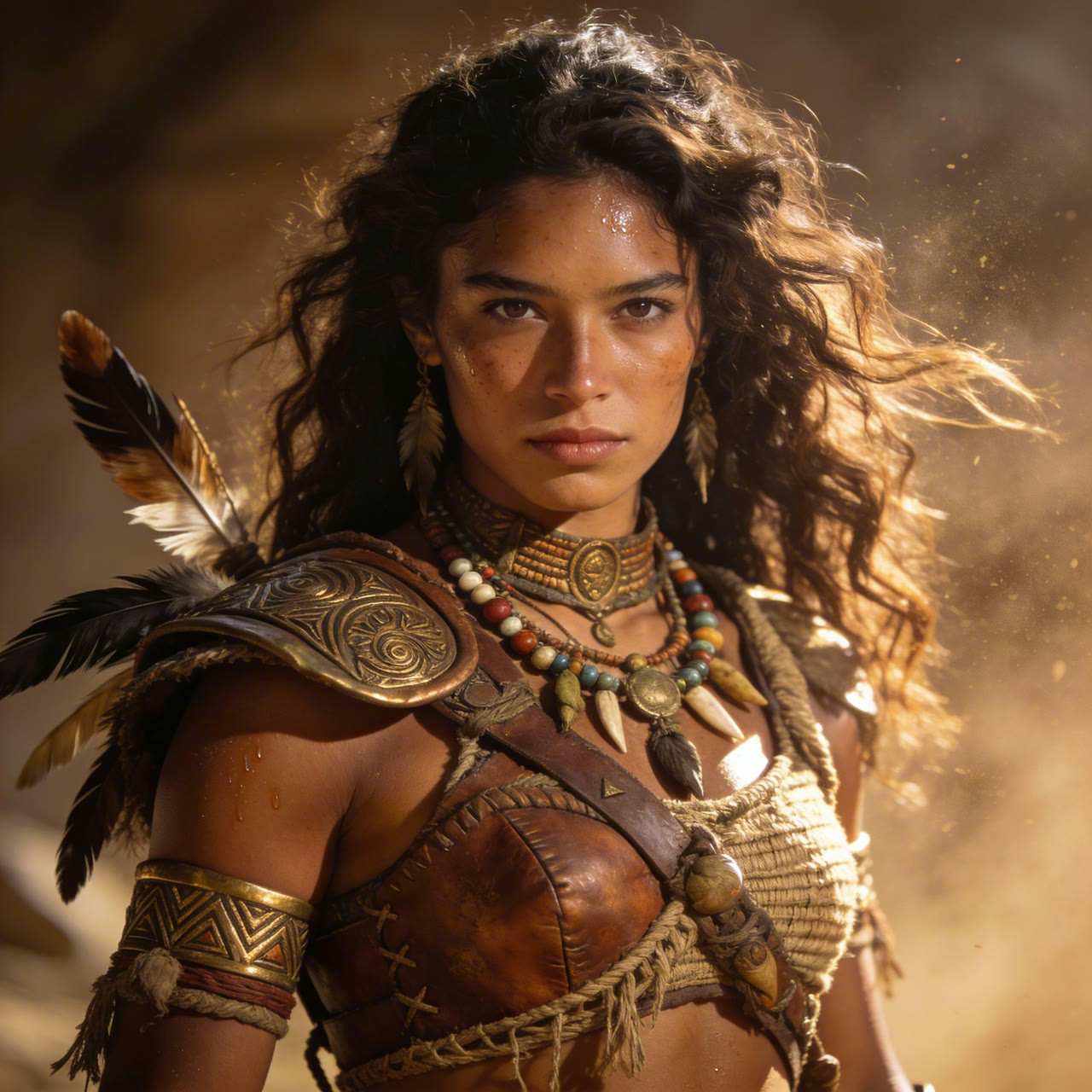
下方的示範用了 4 張參考圖,分別定下女戰士、她的戰象、軍隊的盔甲和沙漠的光線;從開場大遠景到中景,再到仰拍戰象邁步,她的臉孔和裝束始終一致。
 Seedance 2.0
讓參考影片決定鏡頭怎麼動
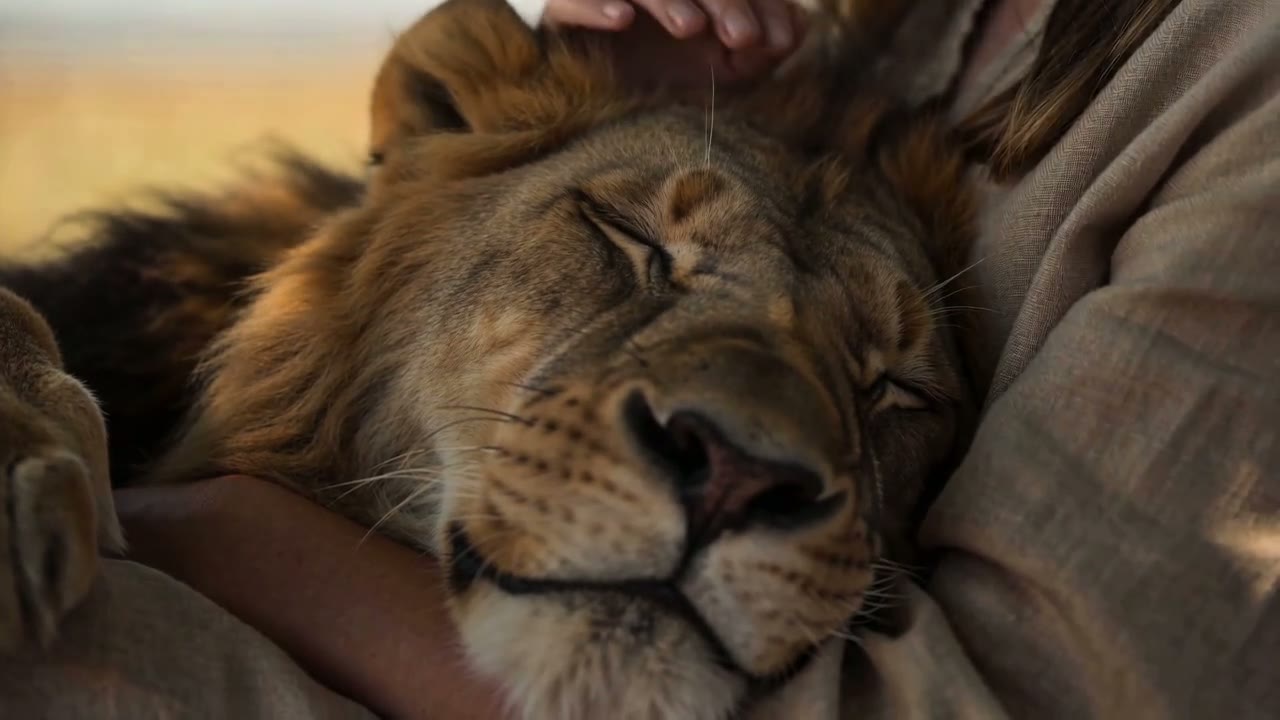
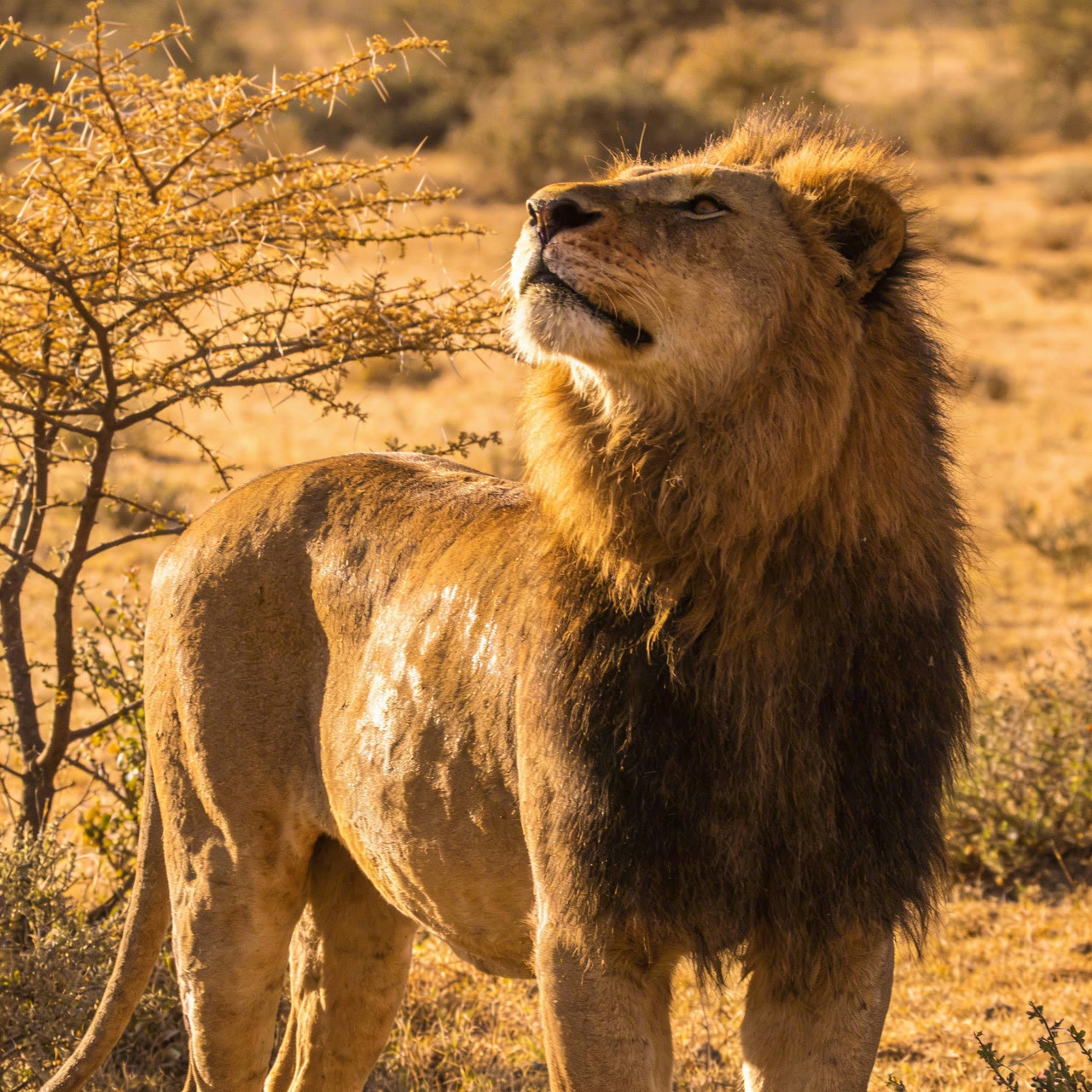
參考影片告訴 Seedance 2.0 鏡頭該怎麼動:鏡頭往哪裡走、每個節拍多長、主體怎麼行動;圖片則提供畫面裡出現的人物、產品或生物。ByteDance 的示範保留了女孩帶著貓在金合歡樹下休息那支影片的每個鏡頭和節奏,再用單張參考圖裡的獅子取代了貓。
在 Yovid 輸入框裡,最多可附上 3 段影片和 9 張圖片,用 @ 把每個檔案插入提示詞,並說明它負責什麼,例如「follow the camera move in @Video 1」。使用參考影片的生成,按影片長度加上輸出長度計費。想編輯或延長手上既有的影片,請改用 Seedance 2.5,兩種模式它都有專屬支援。
 1Seedance 2.0
雙手、物件與可信的物理表現
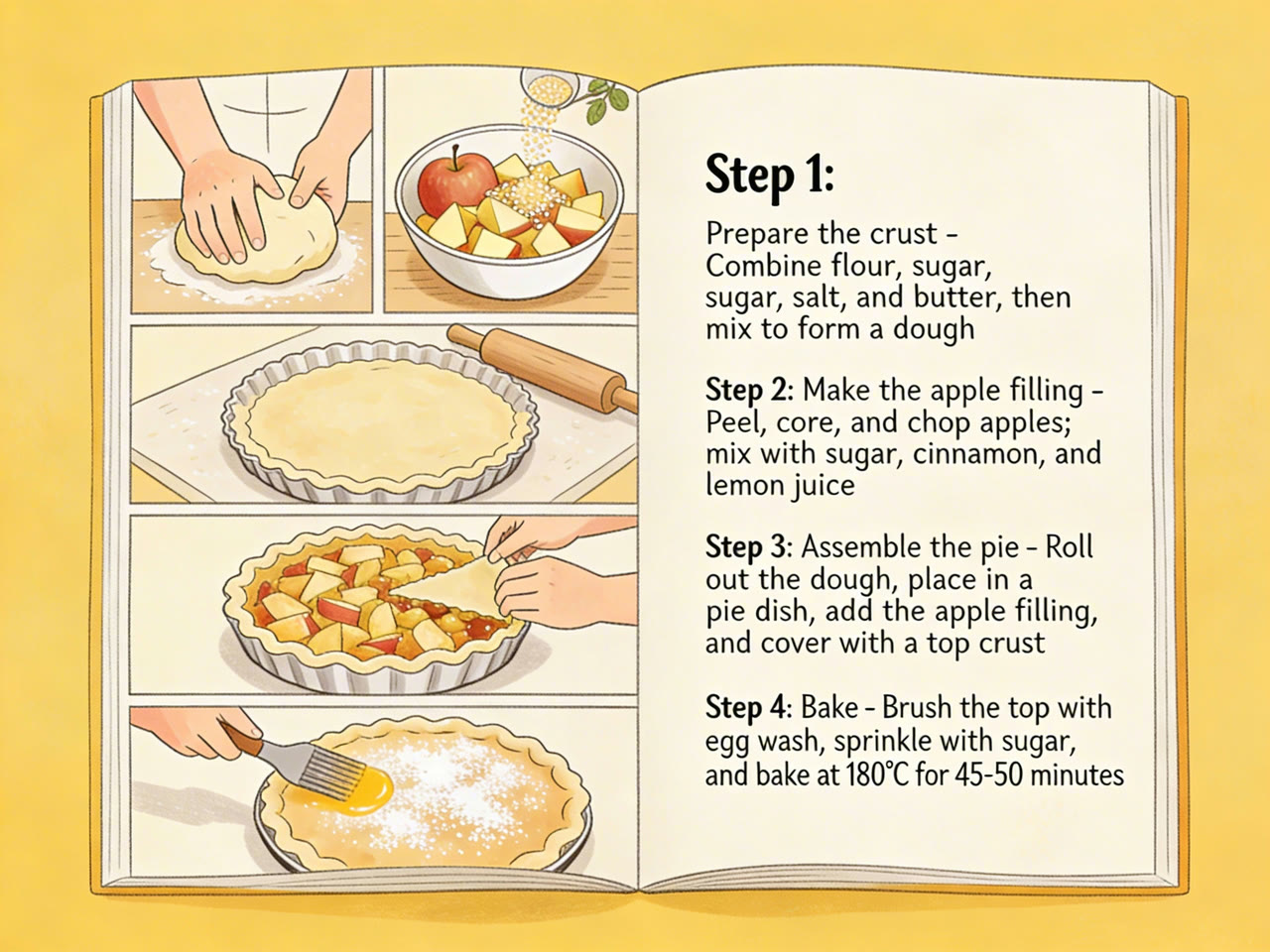
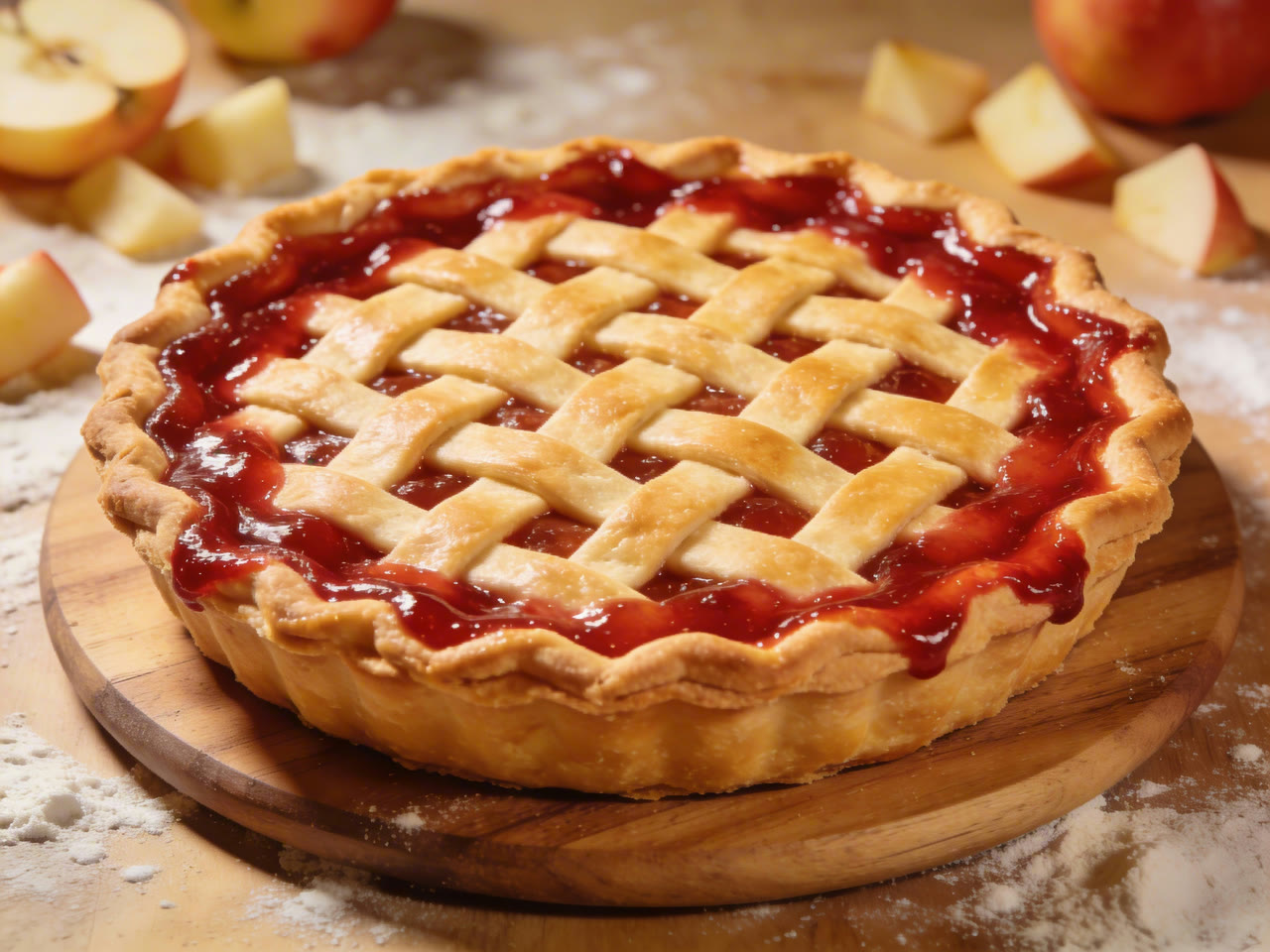
影片模型最容易露餡的地方就是雙手。Seedance 2.0 讓手指、麵團、流水和滾燙的派盤都表現得合乎常理,第一人稱鏡頭也夠穩,每個步驟都看得清清楚楚。
把動作寫成具體的身體動作,並加上速度和力道,例如「slowly folds the dough」或「lifts the dish with both mitts」,每個鏡頭只給一個運鏡。ByteDance 的提示詞指南指出,疊加推、搖、傾斜等多種運鏡,是畫面不穩的常見原因。
 Seedance 2.0
換鏡頭,不換演員、不換場景
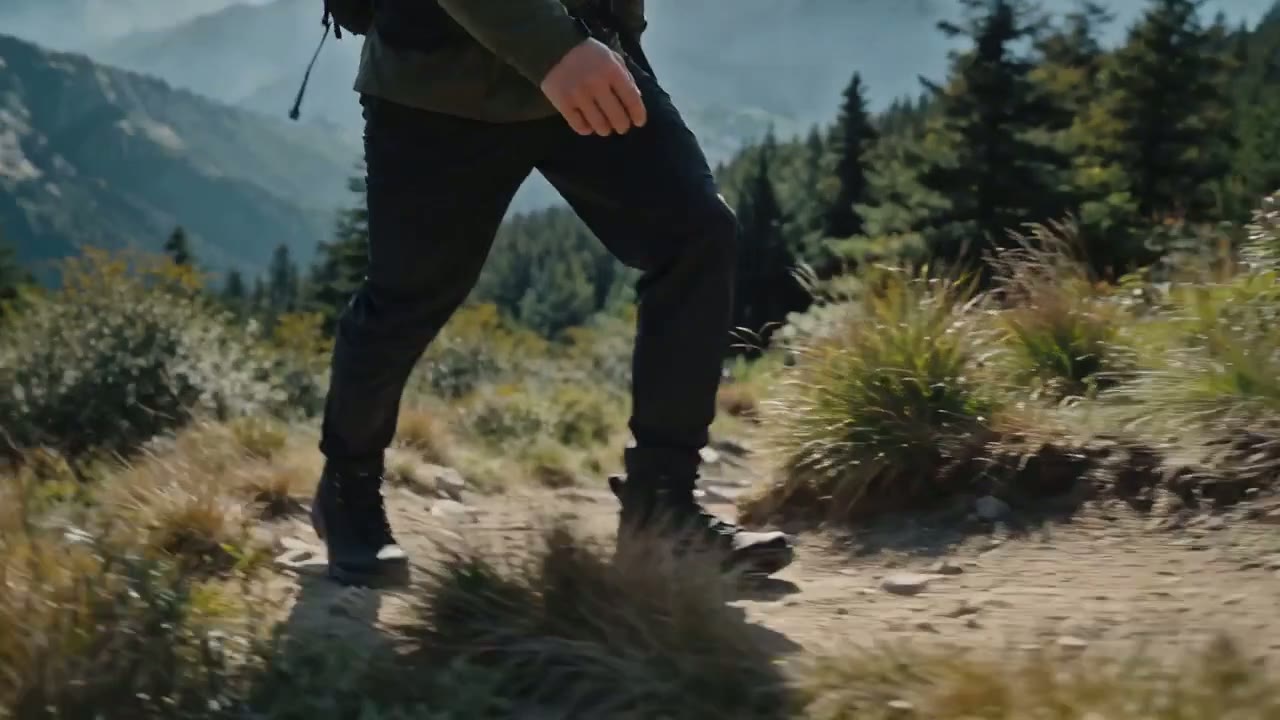
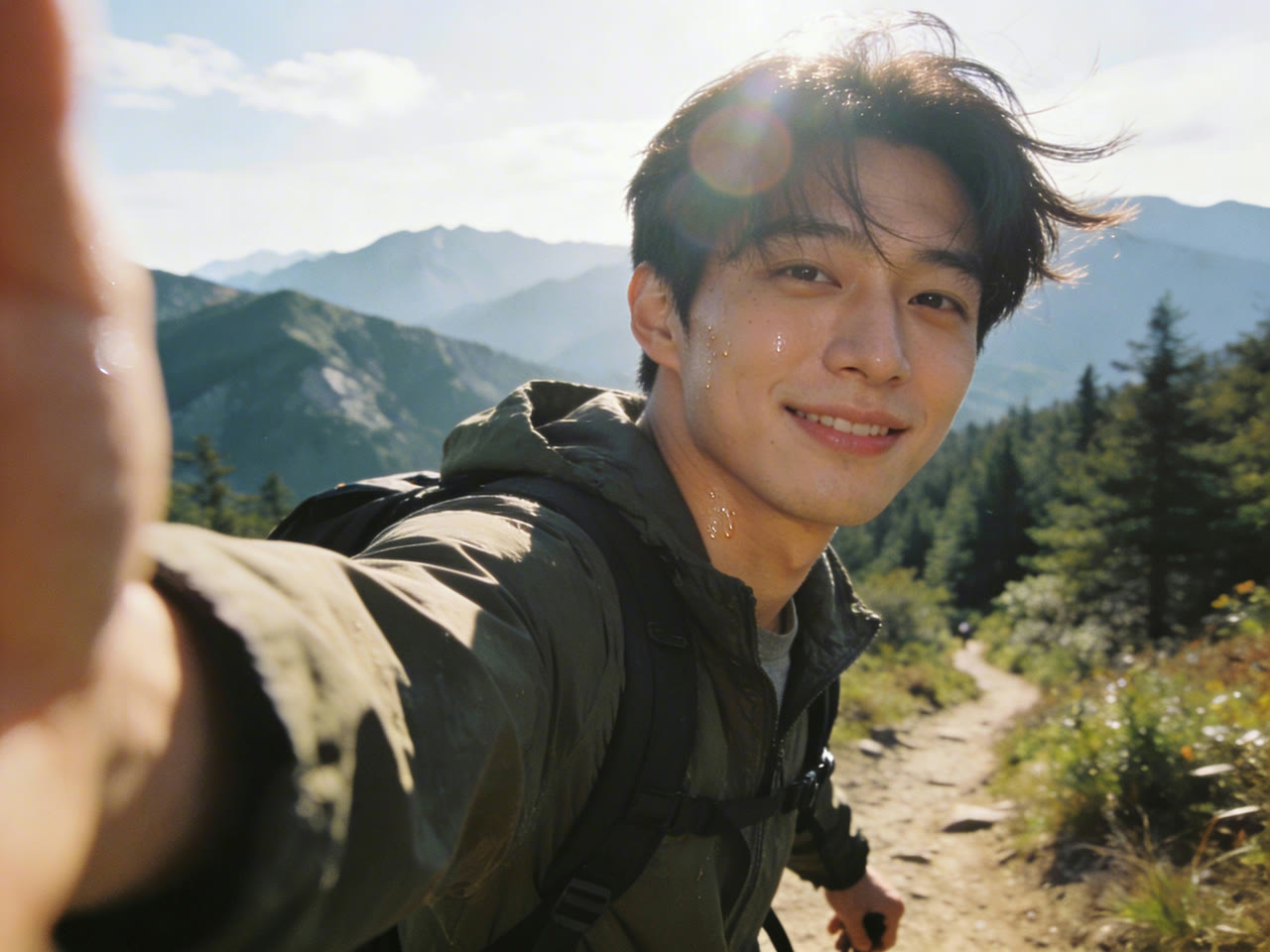
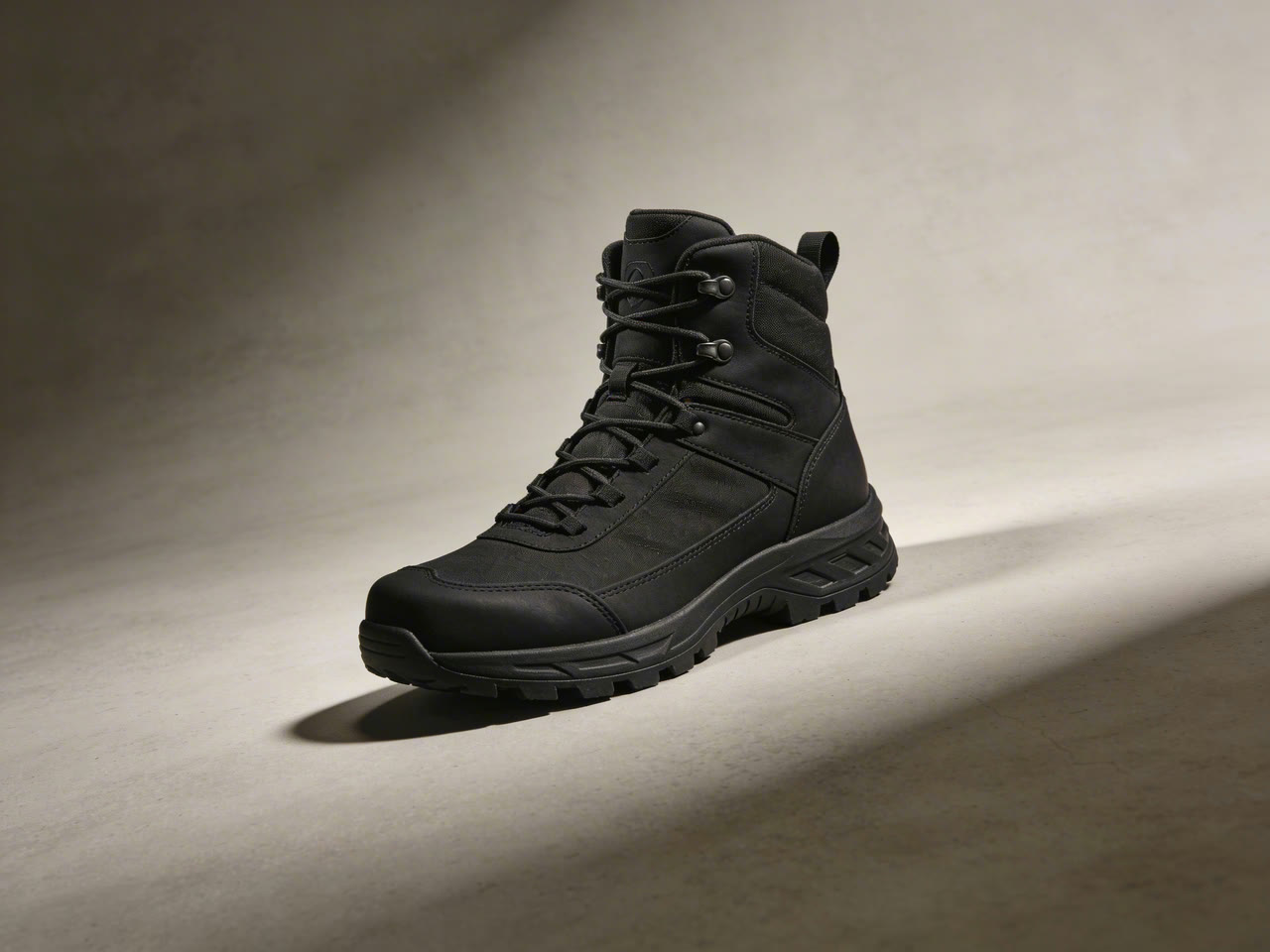
好的剪輯只改變取景,其他一切不變。在下方的示範中,從山脊大遠景到跟拍、側臉特寫,再到每一步的微距鏡頭,登山者的臉孔和外套、產品圖裡的登山鞋都完全一致。
把場景寫成編號的鏡頭清單:Shot 1、Shot 2、Shot 3,每個鏡頭寫明畫面裡有誰、做什麼、鏡頭怎麼動。ByteDance 建議不要硬性指定精確的時間碼,讓模型自己安排鏡頭節奏,每個鏡頭保持簡單。

 Seedance 2.0
材質逼真的產品廣告
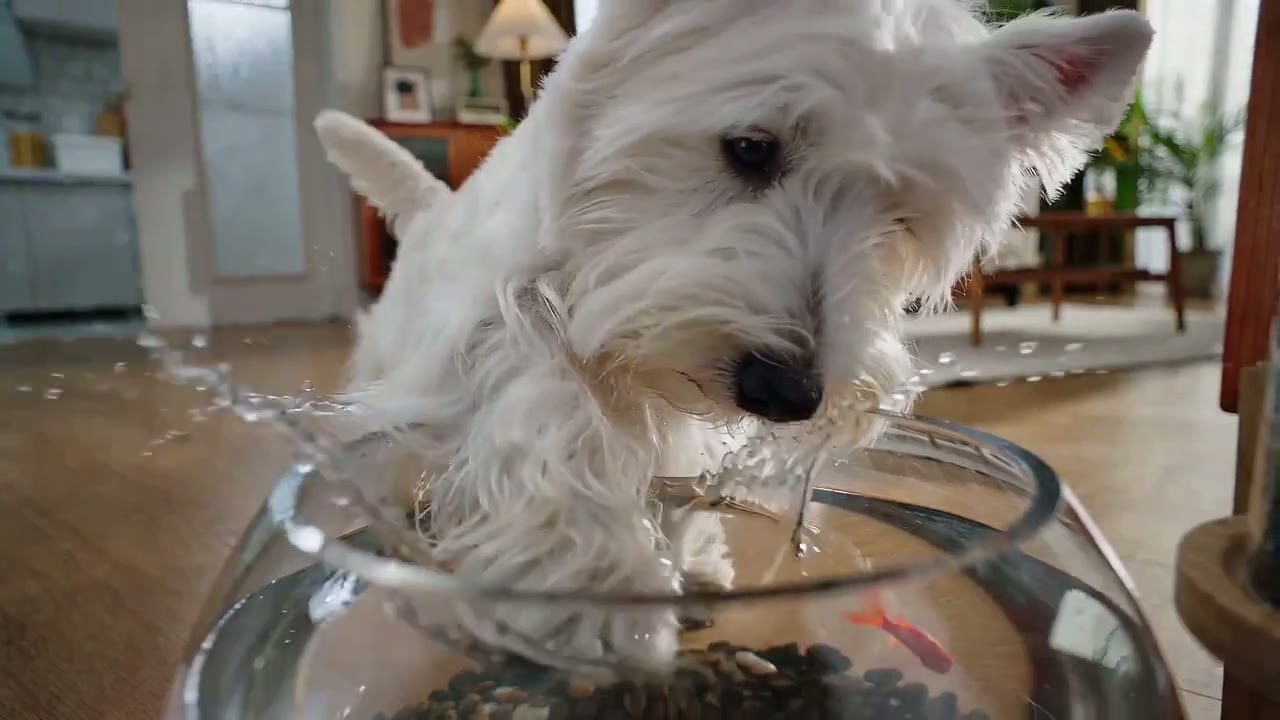
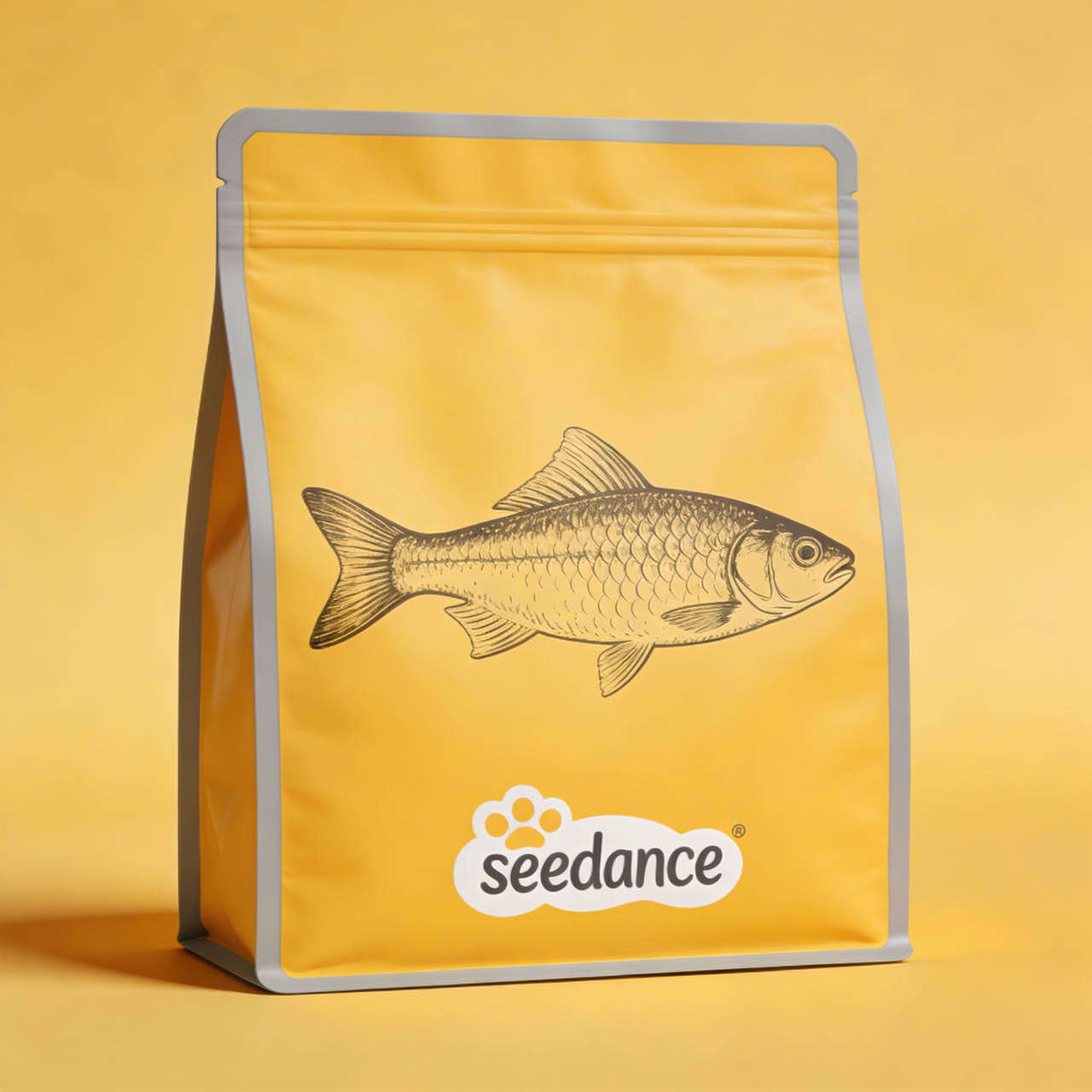
Seedance 2.0 可以直接替換完成廣告裡的產品。在下方這個 ByteDance 的示範中,一張包裝圖替換了 15 秒廣告裡所有的飼料袋,運鏡、角度變化和部分遮擋時都跟得上,而㹴犬、金魚缸和剪輯節奏維持原樣。
上傳 1 到 3 張乾淨的產品照作為參考,並在提示詞中點名產品,標籤和外型就能維持不變。
 1Seedance 2.0
每秒費用比 Seedance 2.5 更低
15 秒以內的片段,用 Seedance 2.0 就能以較低的成本,得到 ByteDance 的多鏡頭有聲影片。它沒有草稿模式,所以先用 480p 低成本測試,滿意的版本再切到 720p 或 1080p。
| 480p | 每秒約 2.3 積分5 秒的測試約 12 積分。 |
|---|---|
| 720p | 每秒 5 積分預設解析度;5 秒影片為 25 積分,Seedance 2.5 約為 31 積分。 |
| 1080p | 每秒約 11.3 積分Pro、Premium 和積分包可用。Lite 最高 720p。 |
| 搭配參考影片 | 720p 每秒約 3 積分按參考影片長度加上輸出長度計算。 |
所有設定,一次看清
寫提示詞之前先選好畫面比例,主體和運鏡路徑才會依照它來構圖。從起始圖片開始時,選擇自適應就會沿用那張圖片的比例。
| 長度 | 4 到 15 秒預設 5 秒。 |
|---|---|
| 解析度 | 480p、720p 或 1080p預設 720p。 |
| 畫面比例 | 16:9、9:16、1:1、4:3、3:4、21:9 或自適應 |
| 輸入方式 | 文字、首影格加可選的尾影格,或參考素材輸入框最多 9 張圖片和 3 段影片。 |
| 聲音 | 預設開啟每次生成都可以單獨關閉。 |
| 輸出格式 | MP4,24 fps |
Seedance 2.0 最適合誰
15 秒的長度、內建聲音,價格又比 Seedance 2.5 更低,很適合以下這幾類工作:
- 短影音創作者:為 Reels、TikTok 和 Shorts 準備的直式 9:16 短片,生成時就帶著聲音,不必另外處理音訊。
- 電商賣家:用 1 到 3 張商品照就能做出產品廣告,從生活情境鏡頭到乾淨的商品形象照。
- 短劇與分鏡創作者:多鏡頭場景,靠參考圖讓演員陣容保持一致,可直接剪進更長的片段。
- 測試創意的廣告團隊:同一個點子先出幾個便宜的 480p 版本,勝出的再用 1080p 重新生成,花費比在 Seedance 2.5 上做同樣的事更少。
- 插畫師與動畫師:風格化與動畫角色,也不會碰上讓真人實拍類提示詞失敗的寫實臉孔限制。
Seedance 2.0 vs Seedance 2.5、Seedance 2.0 Mini、Kling 3.0 和 MiniMax H3
除了最後一列,表格裡每一格都直接讀取各模型目前在 Yovid 生成器裡提供的設定,你看到的長度、參考素材上限和價格,就是實際會拿到的。
| 功能 / 模型 |  Seedance 2.0 Seedance 2.0 | Seedance 2.5 | Seedance 2.0 Mini |  Kling 3.0 Kling 3.0 |  MiniMax H3 MiniMax H3 |
|---|---|---|---|---|---|
| 最長長度 | 12 秒 | 30 秒 | 15 秒 | 15 秒 | 15 秒 |
| 最高解析度 | 1080p | 1080p | 720p | 1080p | 2K |
| 畫面比例 | 16:9, 9:16, 1:1, 4:3, 3:4, 21:9 | 16:9, 9:16, 1:1, 4:3, 3:4, 21:9 | 16:9, 9:16, 1:1, 4:3, 3:4, 21:9 | 16:9, 9:16, 1:1 | 21:9, 16:9, 4:3, 1:1, 3:4, 9:16 |
| 參考圖 | 9 | 30 | 9 | — | 9 |
| 參考影片 | 3 | 10 | 3 | — | 3 |
| 編輯或延長上傳的影片 | — | 支援 | — | — | — |
| 5 秒 720p 所需積分 | 20 | 31 | 13 | 13 | 23 |
| 最適合 | 完整的 15 秒有聲場景,最高 1080p,價格比 2.5 更低。 | 超過 15 秒的長度、編輯、延長和大量參考素材。 | 最便宜的 Seedance 測試,免費方案也能用。 | 以角色為主的 1080p 鏡頭,提供三種畫面比例。 | 用少量參考圖生成清晰的 2K 短片。 |
積分為 720p(或模型提供的最接近解析度)5 秒影片的積分包標準價,依 Yovid 線上定價即時更新;訂閱用戶每秒費用更低。
Seedance 2.0 的優勢與限制
它在 Yovid 同類模型中做得更好的地方,以及什麼時候該換別的模型。
優勢
- 價格:各解析度下,每秒都比 Seedance 2.5 便宜約 18–25%。
- 參考素材:每次生成最多 9 張圖片和 3 段影片,用來鎖定臉孔、產品和運鏡。
- 有聲 1080p:畫面與雙聲道音訊一次生成,最高 1080p;Seedance 2.0 Mini 最高只到 720p。
- 多鏡頭:一支影片內可在不同機位間切換,演員和場景保持一致。
限制
- 長度:單次生成 15 秒;Seedance 2.5 最長可到 30 秒。
- 沒有編輯、延長和草稿模式:在 Yovid 上,這些是 Seedance 2.5 的功能。
- 真人臉孔:含有真人、寫實臉孔或相似真人的提示詞或參考素材,常常被 ByteDance 的規則擋下。
- 方案權限:免費方案無法使用;Lite 最高 720p,1080p 需要 Pro、Premium 或積分包。
如何在 Yovid 使用 Seedance 2.0
- 第 1 步
選擇 Seedance 2.0
從這個頁面開啟影片生成器,會預先選好 Seedance 2.0,也可以從模型選單裡挑選。
- 第 2 步
列出鏡頭,加入參考素材
一個鏡頭一個鏡頭地描述場景,附上首影格,或最多 9 張圖片和 3 段影片,再設定長度、比例和解析度。
- 第 3 步
生成並下載
看看帶聲音的成果,需要的話一次只調整一個鏡頭,然後儲存 MP4。
Seedance 2.0 起手提示詞
這些起手提示詞是照著這些影片的鏡頭寫的,並非官方原文。每一條都採用同樣的結構:編號的鏡頭清單、每個鏡頭一個運鏡、最後交代聲音。
黃金時刻的陪伴
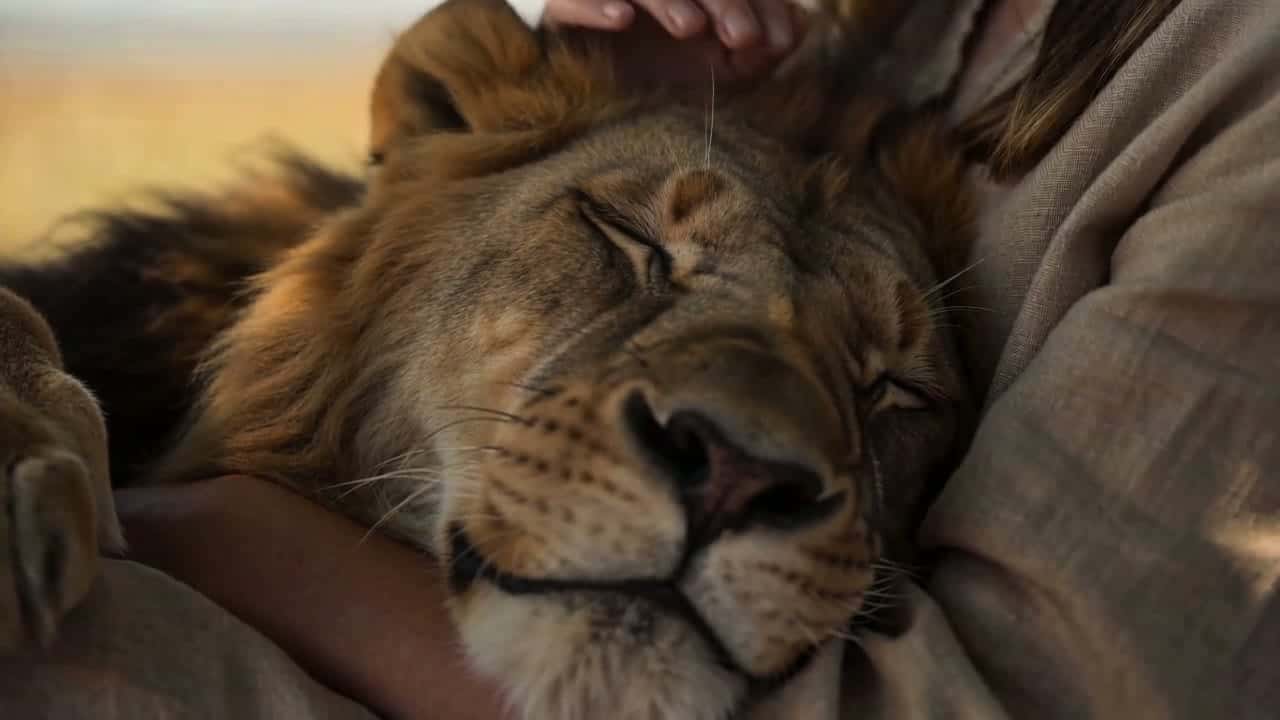
文字轉影片 · 12 秒試用這條提示詞Golden hour on the African savanna, warm backlight, wind moving through dry grass. Shot 1: a still wide shot of a lone acacia tree on the plain. Shot 2: under the tree, a young woman in linen clothes rests against the trunk with her eyes closed, a lion lying across her lap. Shot 3: close-up of the lion’s face as her hand slowly strokes its mane. Natural ambience only, no music.
麵店約會
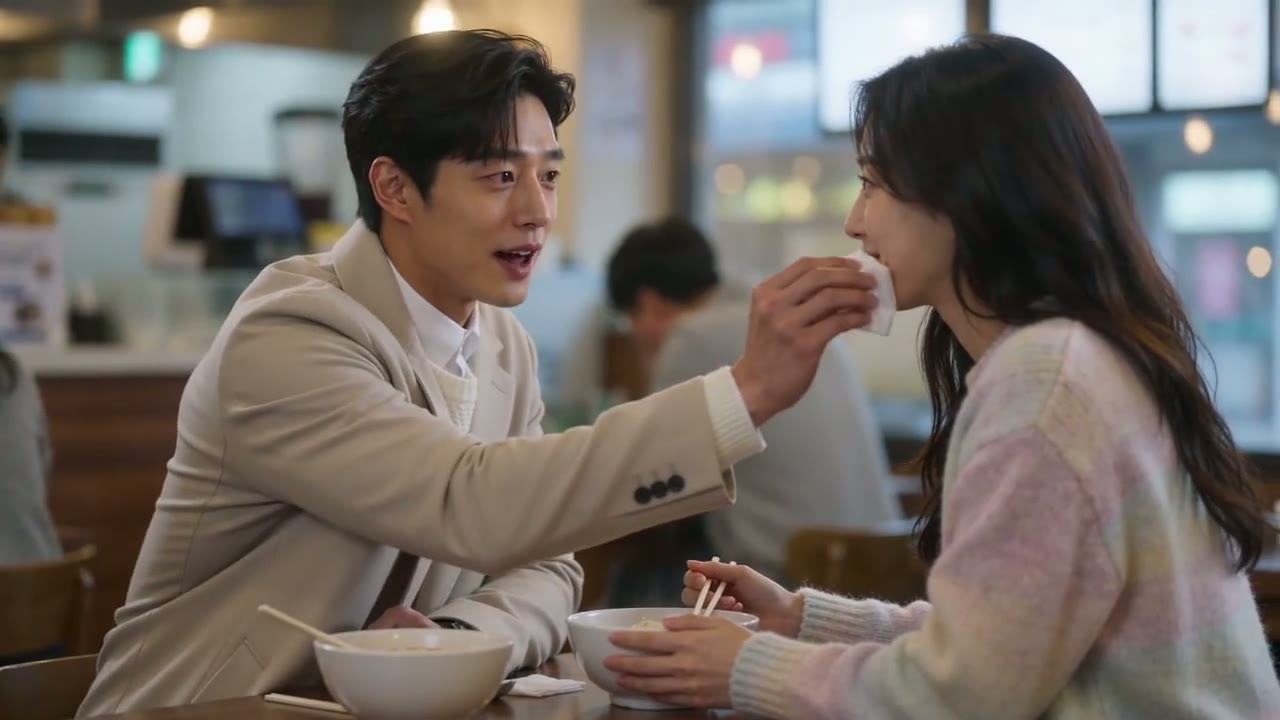
文字轉影片 · 15 秒試用這條提示詞A busy noodle shop at lunchtime, soft window light. Shot 1: wide shot of a young couple at a small wooden table among other diners. Shot 2: close-up of her slurping a long strand of noodles. Shot 3: medium shot, he leans over and dabs her chin with a napkin, and they both laugh. Ambient chatter and clinking bowls.
庭院摺扇對決
文字轉影片 · 8 秒試用這條提示詞Wuxia style, an old wooden courtyard in daylight. A swordsman in flowing white robes holds a folding fan. Shot 1: wide shot as two masked attackers in black close in from both sides. Shot 2: close-up, he snaps the fan open and raises it to eye level. Shot 3: he turns, deflects both blades with the fan and stands still between them. Crisp fabric and footstep sounds.
第一人稱蘋果派
文字轉影片 · 14 秒試用這條提示詞First-person view in a sunny home kitchen. Shot 1: a hand turns the page of an illustrated recipe book. Shot 2: hands knead pie dough on a floured marble counter. Shot 3: apples rinsed under a running tap. Shot 4: a lattice pie bakes in the oven. Shot 5: blue oven mitts lift the finished pie toward the camera. Kitchen sounds only.
梗犬寵物食品廣告
文字轉影片 · 15 秒試用這條提示詞A playful pet-food commercial. Shot 1: a white West Highland terrier sniffs a goldfish bowl on the floor of a bright living room. Shot 2: low angle, the dog dips a paw in and water splashes. Shot 3: a clean yellow studio, kibble falls in slow motion into an open foil bag. Shot 4: back in the living room, the dog sits proudly next to the bag. Light, bouncy music.
送給奶奶的禮物
文字轉影片 · 11 秒試用這條提示詞A sunny village courtyard with brick walls and a tiled roof. Shot 1: wide shot, a young man in a grey hoodie hands his grandmother a gift box tied with a ribbon. Shot 2: close-up of his shy smile. Shot 3: close-up of her surprised, delighted face. Birdsong and soft voices.
Yovid 上的更多影片模型
把 Seedance 2.0 用得更好的指南
鏡頭清單式提示詞、圖片轉影片範例、模型比較和 API 模型限制。