
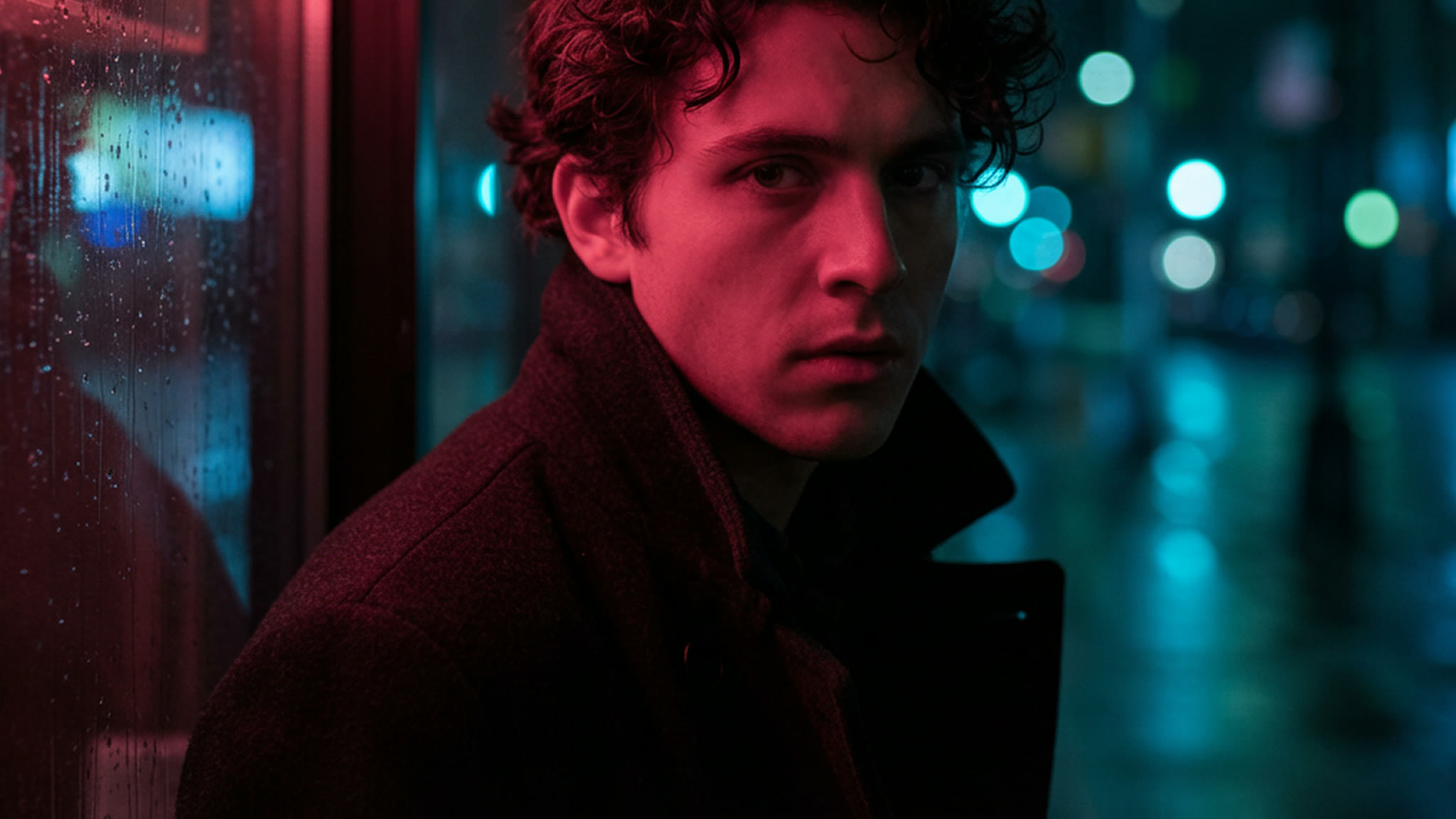
Nano Banana 免費線上 AI 圖片生成器
Google 的 Nano Banana 圖片模型一次到位:日常出圖用 Nano Banana 2.1,文字量大的設計用 Nano Banana Pro,快速打草稿用 Nano Banana 2。寫一條提示詞,或上傳最多 14 張圖片並描述要改的地方,就能得到 1K、2K 或 4K 的成果。 馬上在 Yovid 用 Nano Banana 開始創作。

Nano Banana 能生成什麼圖片
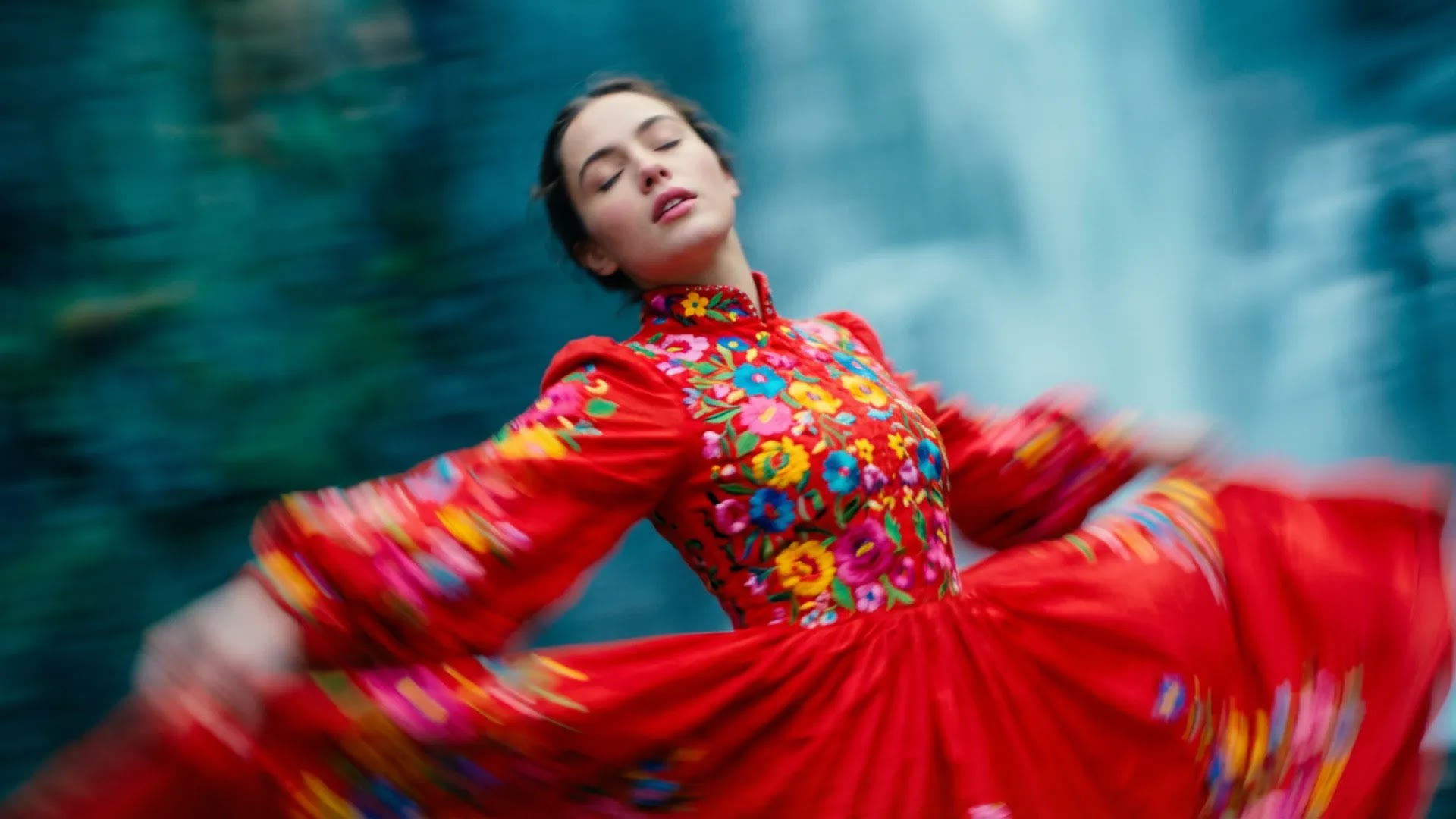
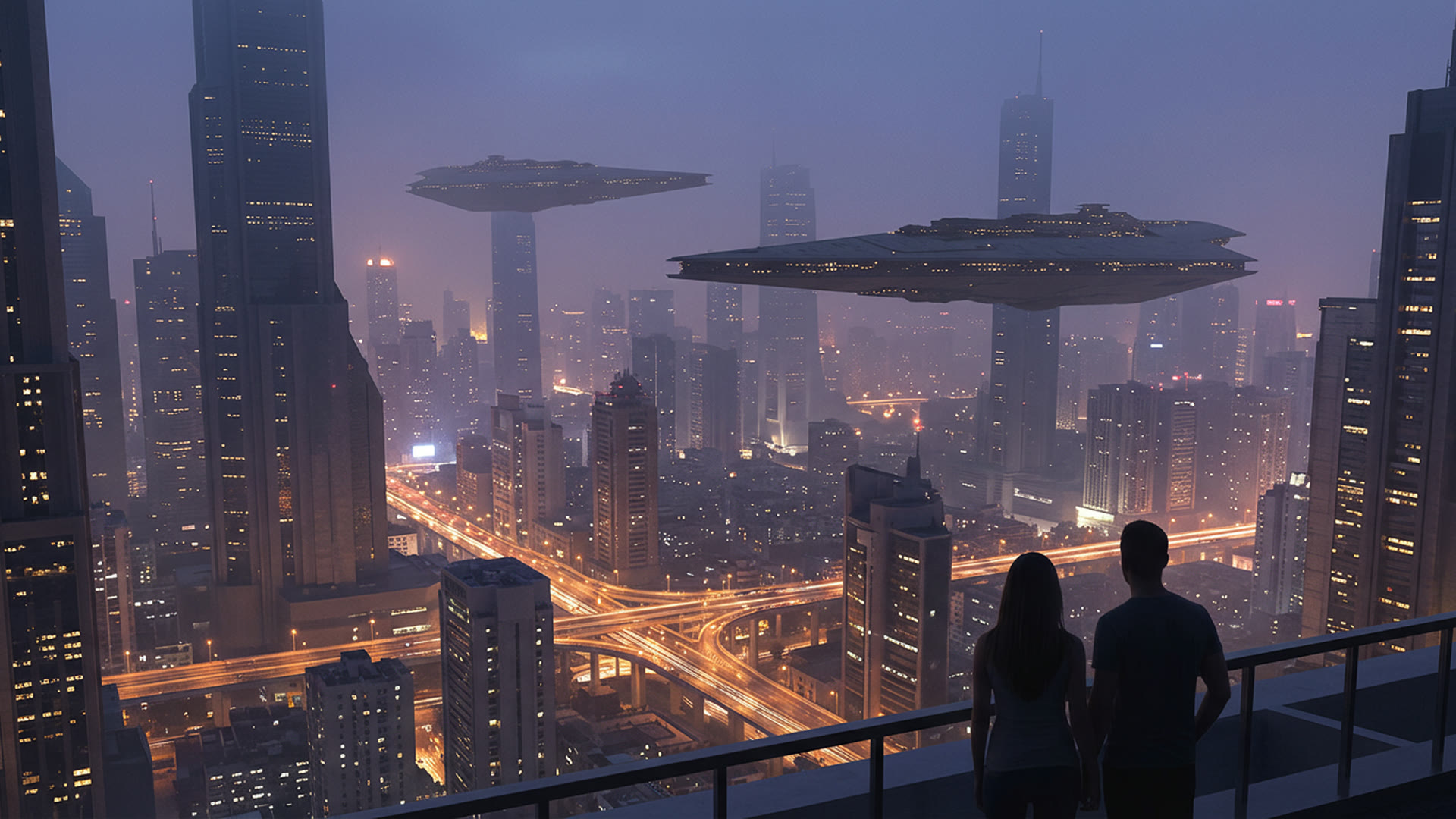
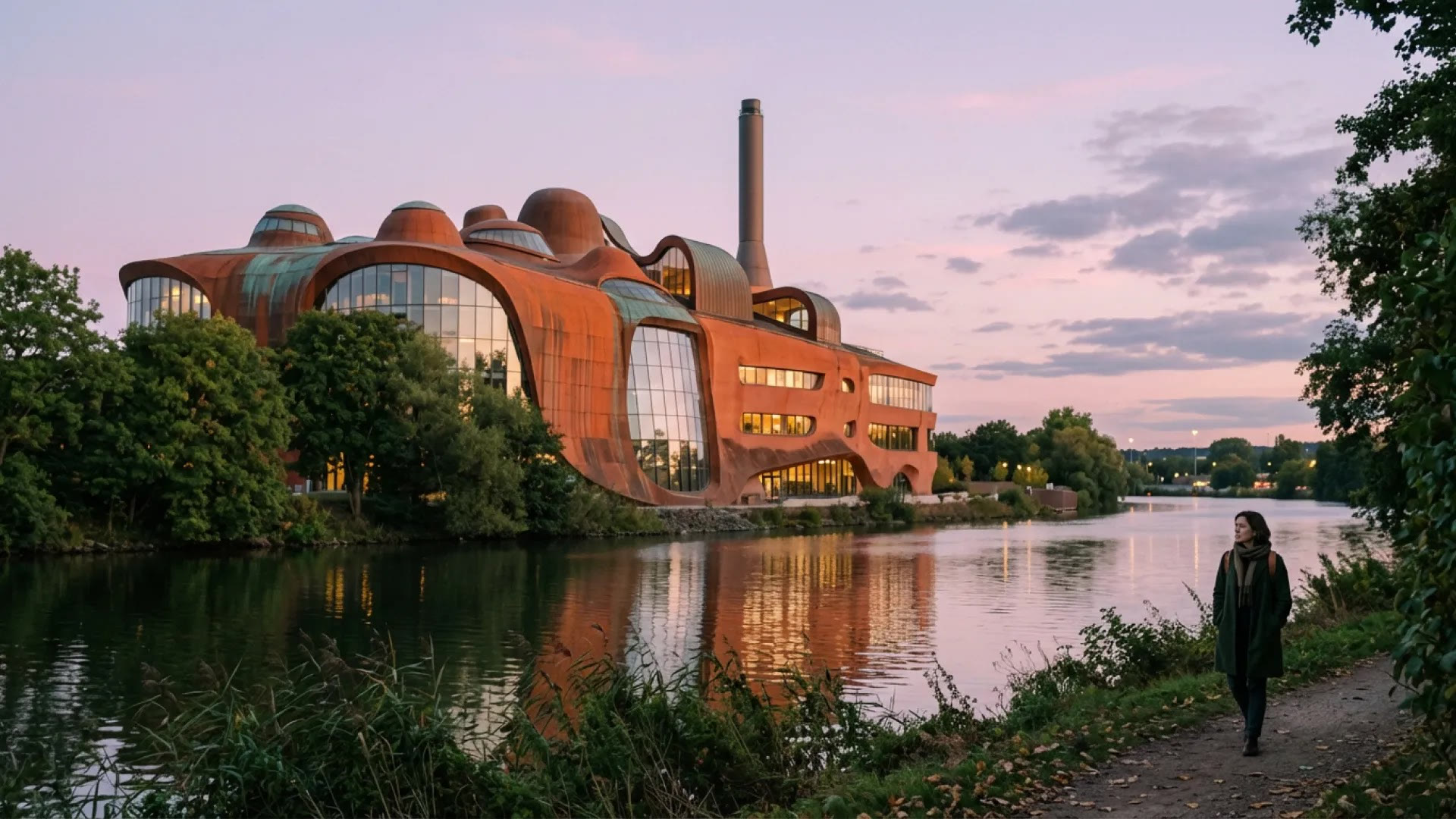
Nano Banana 的與眾不同之處
- 同一個名字,Yovid 上有三款 Google 模型:Nano Banana 2.1、Nano Banana 2 和 Nano Banana Pro 在同一個模型選單裡,各自定價,各司其職。
- 圖裡的字,拼得正確:標題、招牌和標籤都是畫面的一部分,拼法就和你輸入的一樣。
- 憑真實知識畫出的資訊圖表:要一個流程、食譜或圖解,就能得到有標註、有編號步驟的設計版面。
- 說出要改什麼,就能修改照片:上傳圖片,描述一處修改,你沒提到的部分都維持原樣。
- 單次生成最多 14 張參考圖:每個角色、商品或道具都給一張自己的參考圖,放在一起仍能認得出來。
- 重新打光、對焦或取景:直接指導攝影本身:光線方向、景深、拍攝距離、時間。
- 翻譯圖片裡的文字:把標籤、招牌或海報換成另一種語言,周圍的設計原封不動。
- 尺寸、比例與限制,一次看清:最高 4K、1:8 到 8:1 的各種比例、單次一張,提示詞最多 2,000 字元。
同一個名字,Yovid 上有三款 Google 模型
「Nano Banana」原本是 Google Gemini 圖片模型在 2025 年 8 月的暱稱,如今成了一整個系列的名字。Yovid 提供其中三款:Nano Banana 2.1,是 Google 在 2026 年 10 月對 Flash 圖片模型的更新;Nano Banana 2,基於 Gemini 3.1 Flash Image;以及 Nano Banana Pro,基於 Gemini 3 Pro Image。最初的 Nano Banana 和平價的 Nano Banana 2 Lite 在這裡不提供。
本頁會把生成器開在 Nano Banana 2.1,也就是 Google 現在建議新專案使用的版本,並且在三款共有的每種尺寸下都是最便宜的。版面密集或文字很長時,再到模型選單切換成 Pro。
| Nano Banana 2.1 | 1K、2K 或 4K · 2、3 或 5 積分預設開啟。附上大量參考圖時,可能多加 1 積分。 |
|---|---|
| Nano Banana 2 | 0.5K 到 4K · 2 到 6 積分Gemini 3.1 Flash Image,也是唯一提供 0.5K 草稿尺寸的一款。 |
| Nano Banana Pro | 1K、2K 或 4K · 6 或 9 積分Gemini 3 Pro Image,Google 處理最複雜視覺任務的高階模型。 |
| Yovid 未提供 | Nano Banana 與 Nano Banana 2 LiteGoogle 2025 年的原版(Gemini 2.5 Flash Image)和僅支援 1K 的平價模型。 |
圖裡的字,拼得正確
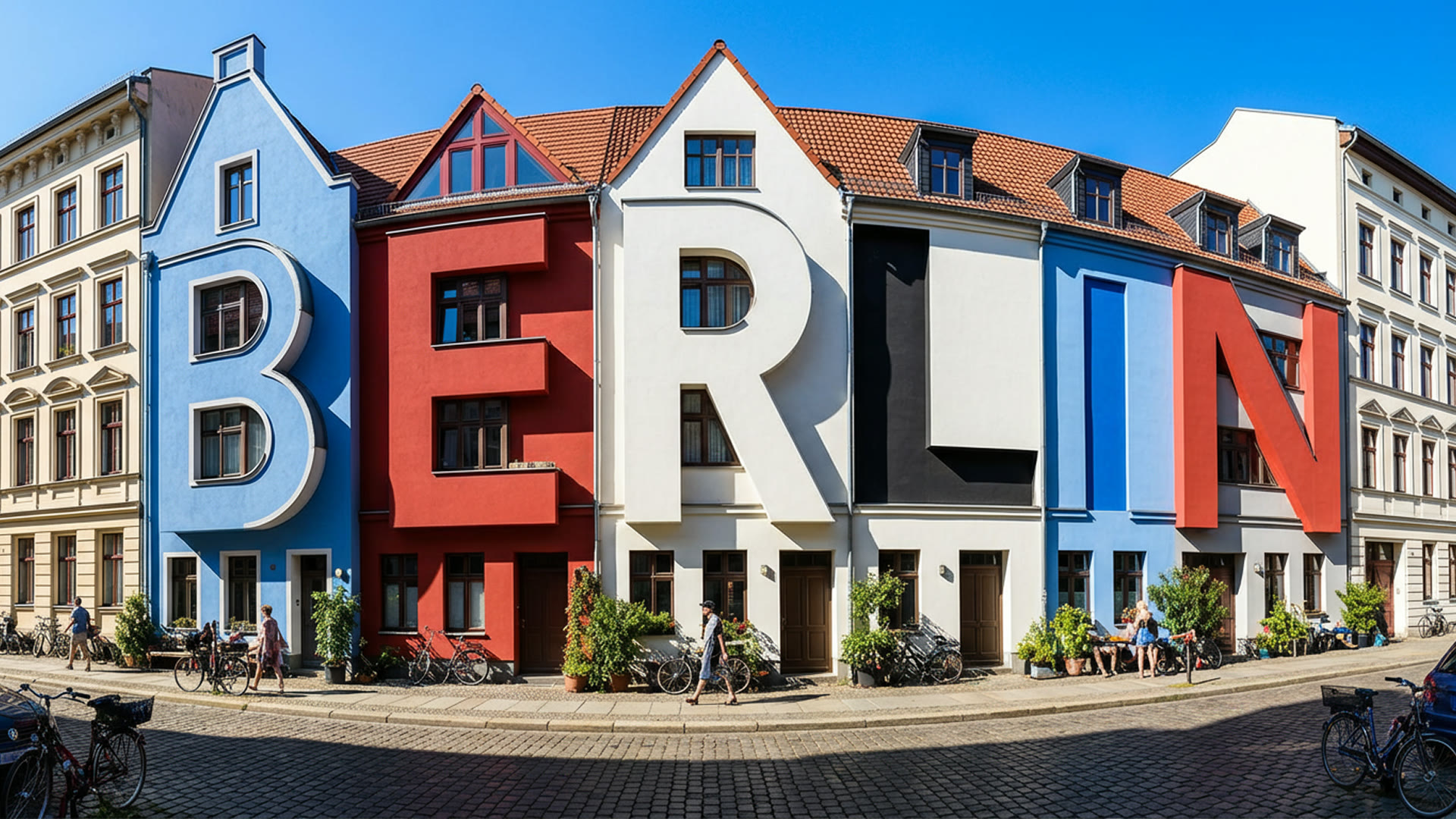
把確切的字句放進引號,並說明它該出現在哪裡:海報標題、店家招牌、罐子上的標籤。目前的 Nano Banana 模型在繪製之前會先構思版面,所以文字可以成為場景本身的一部分,就像下面這條柏林街道,房屋拼出了這座城市的名字。
字數多或多語言的文案,可以試試 Nano Banana Pro,Google 主打它處理最複雜的視覺任務。Google 也提醒要檢查每一個字,因為小字最容易出錯。
 Nano Banana
憑真實知識畫出的資訊圖表
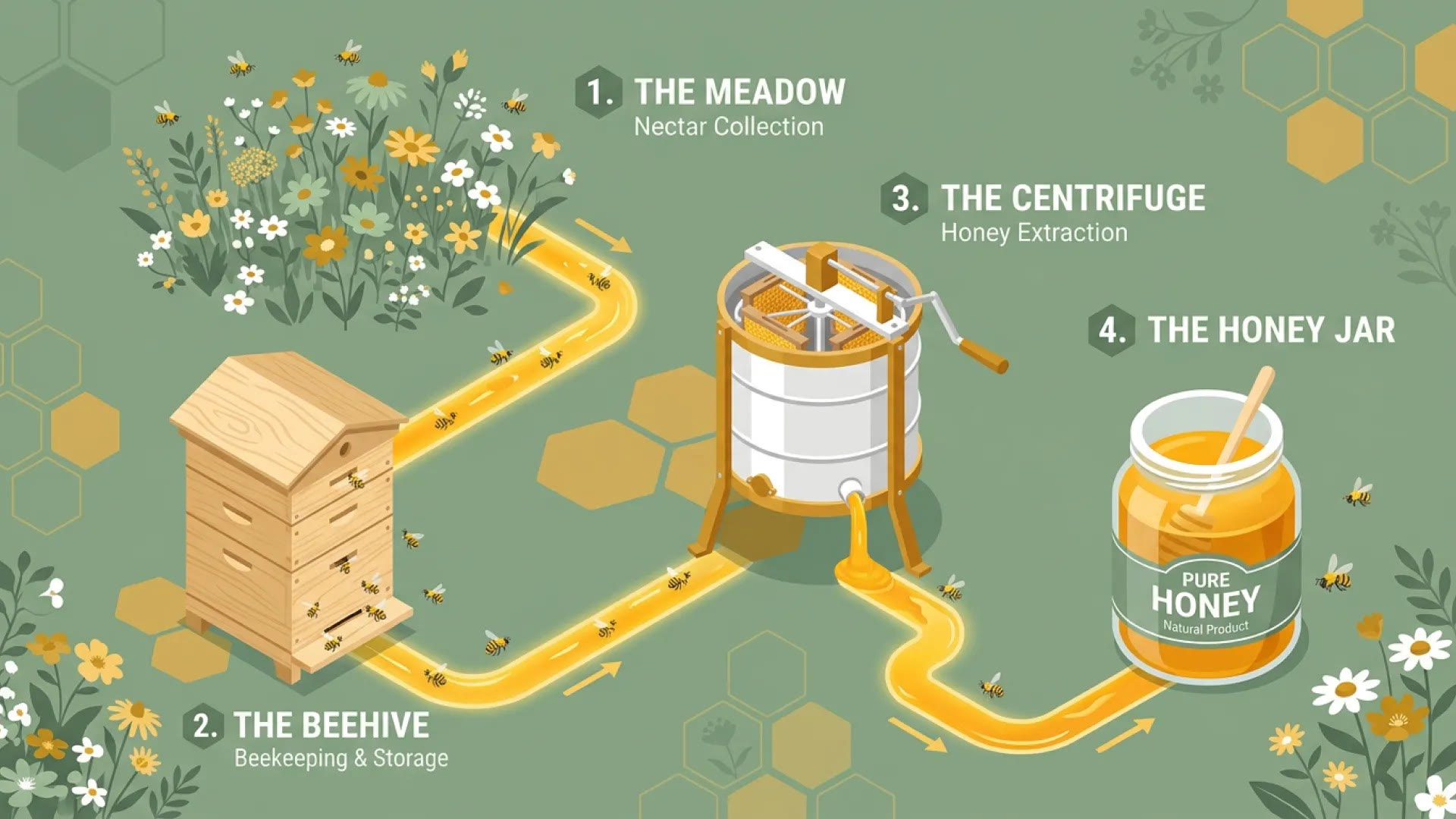
因為這些模型建立在 Gemini 之上,它們本來就知道蜂蜜如何從花田送到罐子裡、稜鏡如何把光分開,並把這些排成編號步驟、標籤和圖示。一句話的需求,往往就足以得到說明圖、課堂講義或菜單看板的第一版草稿。
把這份草稿當作需要查證的素材。Google 警告模型可能誤讀資訊或搞錯事實,所以每個數字和標籤在對外發布前都要確認。
 Nano Banana
說出要改什麼,就能修改照片
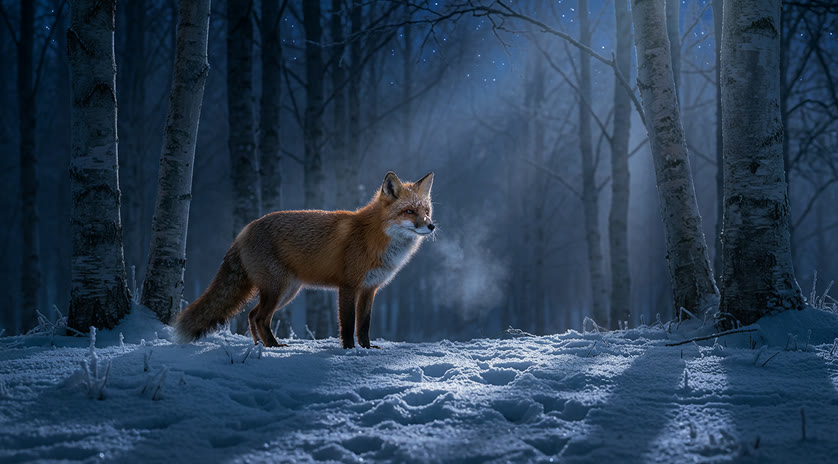
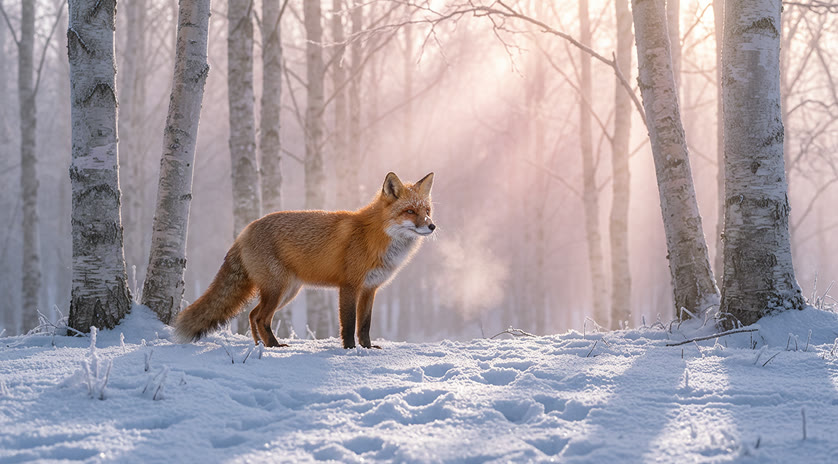
上傳照片,用你平常說話的方式寫下修改內容:改成夜晚、換掉背景、把桌上的杯子拿走。Nano Banana 會保留你沒在指示裡提到的主體、構圖和質感,所以換個氛圍,不會連這張照片一起賠進去。
有什麼一定不能動,就直接說,例如「keep the face and the logo unchanged」。一次只改一處,比同時改五處更容易掌控。
 1Nano Banana
單次生成最多 14 張參考圖
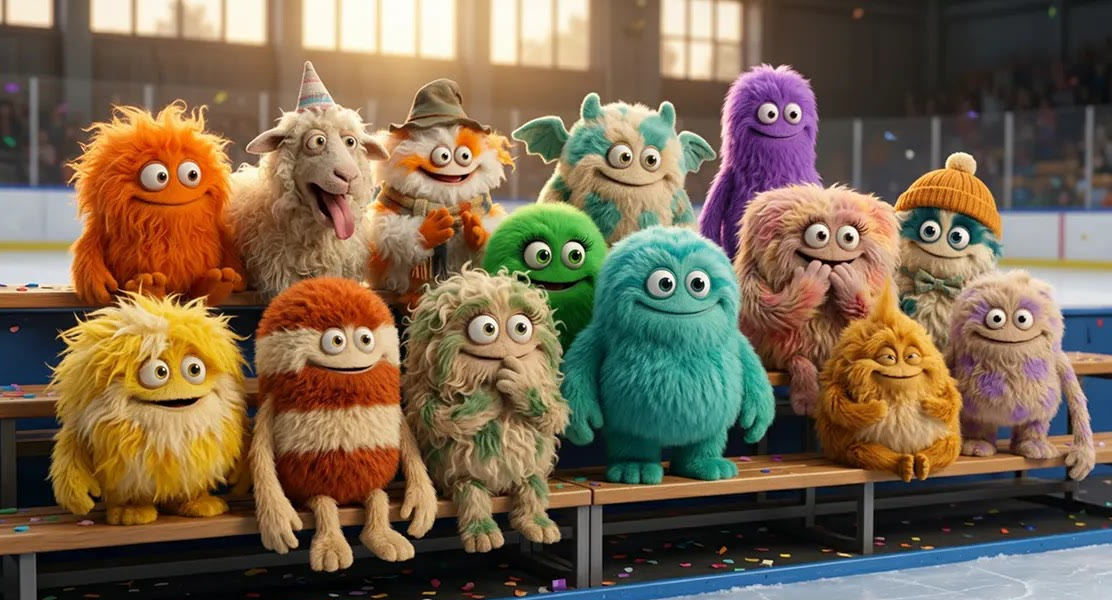
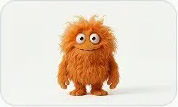
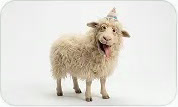
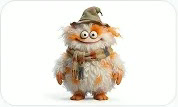
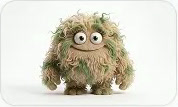
Yovid 上的三款 Nano Banana 模型,單次請求都能吃進最多 14 張參考圖。Google 評估它們能同時讓最多五個角色保持一致,另外還能兼顧物件與道具,足夠應付一整個角色陣容、一條產品線或一整套場景佈置。
下面這張圖,是把 14 隻各自獨立設計的絨毛怪物,一次生成就坐進溜冰場的看台,顏色和服裝都沒走樣。描述場景,並明確寫出什麼不能變;細節交給參考圖。


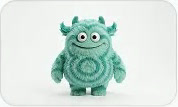
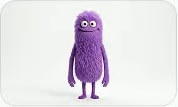
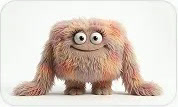
 Nano Banana
重新打光、對焦或取景
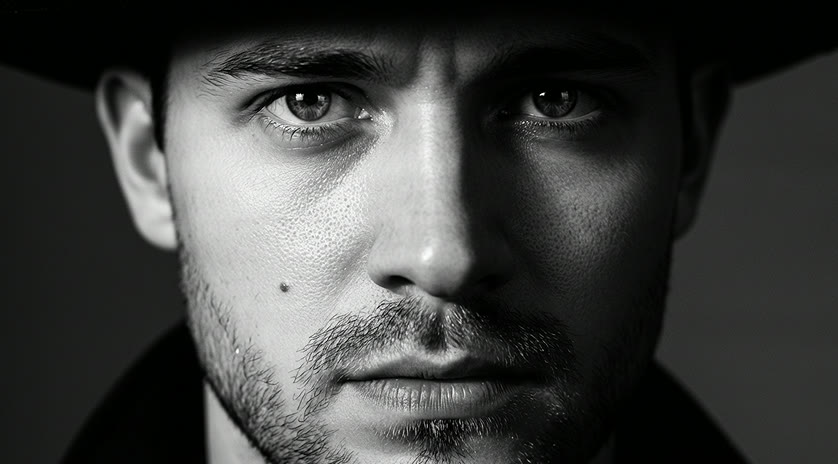
除了增減畫面中的東西,你還能指導一個鏡頭怎麼打光、怎麼取景:從上方打來的硬光、把焦點拉到一隻手上,或同一個瞬間的更寬視角。Google 為了這種棚拍式的控制而打造 Nano Banana Pro,下面的人像保留了男子的五官和神情,周圍的光線卻徹底改變。
用攝影師的方式描述光線:它的方向、它的硬度,以及哪些地方該留在陰影裡。
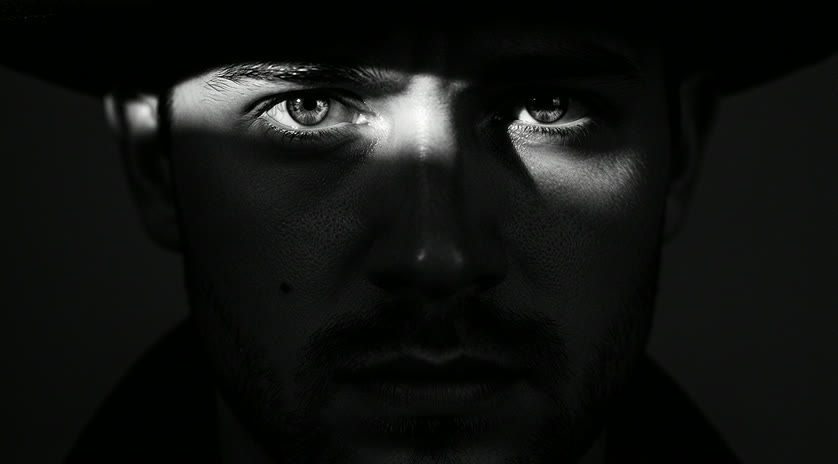
 1Nano Banana
翻譯圖片裡的文字
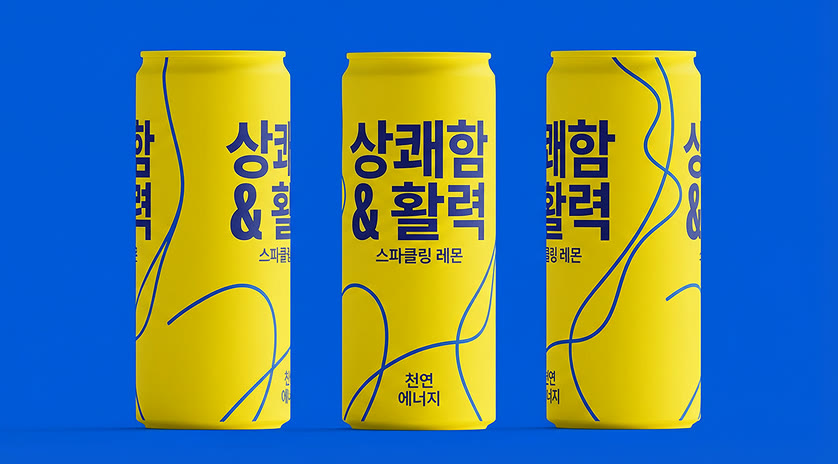
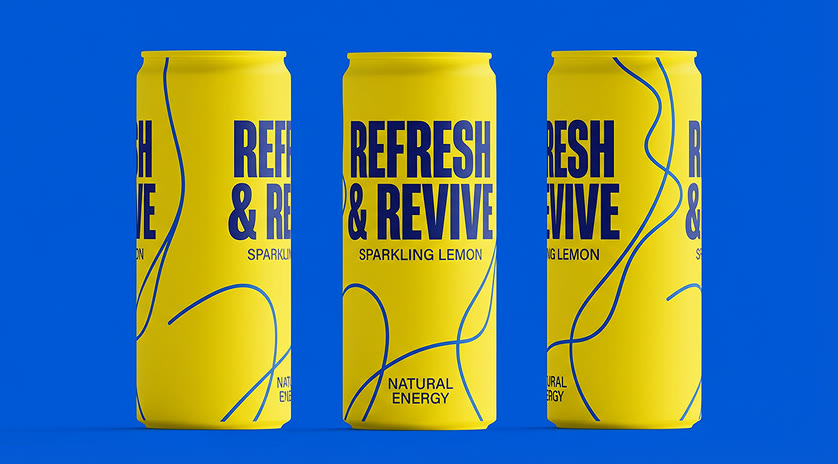
要求把罐子、海報或招牌上的文字換成另一種語言,Nano Banana 會用新的文字重畫,而版面、色彩和商品都維持不動。這是替新市場快速做出包裝或廣告樣稿,再交給設計師完稿的好方法。
請由母語人士檢查結果:Google 把文法、拼字和慣用語列為模型仍可能出錯的項目。
 1Nano Banana
尺寸、比例與限制,一次看清
寫提示詞之前先選好比例,構圖才會依它規劃;也可以維持自動,讓模型挑一個適合需求的畫面。
| 解析度 | 0.5K、1K、2K 或 4K預設 2K。0.5K 僅 Nano Banana 2 提供。 |
|---|---|
| 長寬比 | 自動,或最多 14 種固定比例三款都有 1:1、2:3、3:2、3:4、4:3、4:5、5:4、9:16、16:9 和 21:9;2.1 與 2 另有 1:4、4:1、1:8 和 8:1。 |
| 輸入 | 提示詞,加上最多 14 張圖片附上圖片,這次請求就變成修改。 |
| 提示詞長度 | 最多 2,000 字元 |
| 單次張數 | 1 張想要另一個版本,就再跑一次。 |
| 浮水印 | Yovid 不會添加Google 的隱形 SynthID 標記仍會嵌在每張圖裡。 |
Nano Banana 最適合誰
用描述就能修改、文字清晰可讀、參考圖額度又大,讓它成為真正能做事的工具,而不是玩具。以下這些工作是它的強項:
- 行銷人員與社群團隊:標題直接畫進圖裡的廣告與貼文版本,再依各通路從 1:1 重新裁成 9:16 或 16:9。
- 電商賣家:把商品放到新背景、替另一個市場翻譯標籤,並讓同一件商品在整組照片中保持一致。
- 設計師與插畫家:海報、字體研究、包裝樣稿和分鏡畫面,版面密集時用 Nano Banana Pro。
- 老師與講解者:圖解、流程資訊圖表和講義,一句話需求就能起草,用之前再查證。
- 影片創作者:在這裡做好關鍵影格和角色設定圖,再到 Yovid 的圖片轉影片生成器讓它們動起來。
Nano Banana 2.1、Pro、2 vs GPT Image 2 和 Seedream 5.0
除了最後一列,表格裡每一格都直接讀取各模型目前在 Yovid 圖片生成器裡提供的設定,花積分之前,就能依尺寸、參考圖和價格來挑選。
| 功能 / 模型 | Nano Banana 2.1 | Nano Banana Pro | Nano Banana 2 | GPT Image 2 | Seedream 5.0 Pro |
|---|---|---|---|---|---|
| 最高解析度 | 4K | 4K | 4K | 4K | 2K |
| 長寬比 | 1:1, 1:4, 4:1, 1:8, 8:1, 2:3, 3:2, 3:4, 4:3, 4:5, 5:4, 9:16, 16:9, 21:9 | 1:1, 2:3, 3:2, 3:4, 4:3, 4:5, 5:4, 9:16, 16:9, 21:9 | 1:1, 1:4, 4:1, 1:8, 8:1, 2:3, 3:2, 3:4, 4:3, 4:5, 5:4, 9:16, 16:9, 21:9 | 1:1, 1:2, 2:1, 1:3, 3:1, 2:3, 3:2, 3:4, 4:3, 4:5, 5:4, 9:16, 16:9, 9:21, 21:9 | 1:1, 4:3, 3:4, 3:2, 2:3, 16:9, 9:16, 4:5, 5:4, 21:9, 9:21 |
| 參考圖 | 14 | 14 | 14 | 16 | 10 |
| 單次張數 | 1 | 1 | 1 | 10 | 1 |
| 每張積分 | 3 | 6 | 4 | 2 | 2 |
| 最適合 | 日常出圖與修改,Nano Banana 系列中價格最低。 | 文字量大的版面、資訊圖表和棚拍式的光線控制。 | 決定尺寸之前,先用便宜的 0.5K 打草稿。 | 一次最多 10 張,以及透明背景。 | 低成本靜態圖,可精確自訂畫素尺寸。 |
積分為各模型在預設尺寸下生成一張圖的價格(Nano Banana 系列為 2K,GPT Image 2 為中畫質 1K,Seedream 5.0 Pro 為 1.5K),依 Yovid 線上定價即時更新。尺寸越大越貴,在 Nano Banana 2.1 上附上大量參考圖也可能多加 1 積分。
Nano Banana 的優勢與限制
Nano Banana 系列勝過 Yovid 上其他圖片模型的地方,以及改用其他模型或多花點心力檢查更合適的時候。
優勢
- 用描述修改:只改你點名的部分,照片的其餘部分都保持完整。
- 圖中文字:標題、招牌和標籤清晰可讀,包括翻譯成其他文字。
- 參考圖額度:三款模型單次最多都能用 14 張,並讓多個角色保持一致。
- 三種等級,同一個名字:從 1K 的 Nano Banana 2.1 只要 2 積分,到 Nano Banana Pro 的 4K。
限制
- 單次一張:GPT Image 2 一次最多回傳 10 張;這裡每個版本都得重跑一次提示詞。
- 仍需要校對:小字、小臉孔和資訊圖表裡的事實可能出錯,Google 自己也這麼說。
- Pro 比較貴:Nano Banana Pro 在 2K 為 6 積分、4K 為 9 積分,而且沒有 1:4、4:1、1:8 和 8:1 的比例。
- 沒有即時搜尋:Gemini 可以用 Google 搜尋取得最新資訊,這項功能不包含在 Yovid 的生成器裡。
三步驟生成一張 Nano Banana 圖片
- 第 1 步
選擇一款 Nano Banana 模型
開啟圖片生成器;從這個頁面進入會預先選好 Nano Banana 2.1,Nano Banana 2 和 Pro 也在同一個選單裡。
- 第 2 步
寫下提示詞,加入圖片
描述畫面或修改內容,附上最多 14 張參考圖,再設定長寬比和尺寸。
- 第 3 步
檢查後下載
確認結果裡的文字,下載圖片,或帶著下一項修改再上傳一次。
Nano Banana 提示詞範例,從這裡開始
Google 為這些 Nano Banana 2 和 Nano Banana Pro 圖片所寫的提示詞(經過精簡)。每一條都會在 Nano Banana 2.1 開啟;想貼近原作可以切換模型,再把細節改成你的。
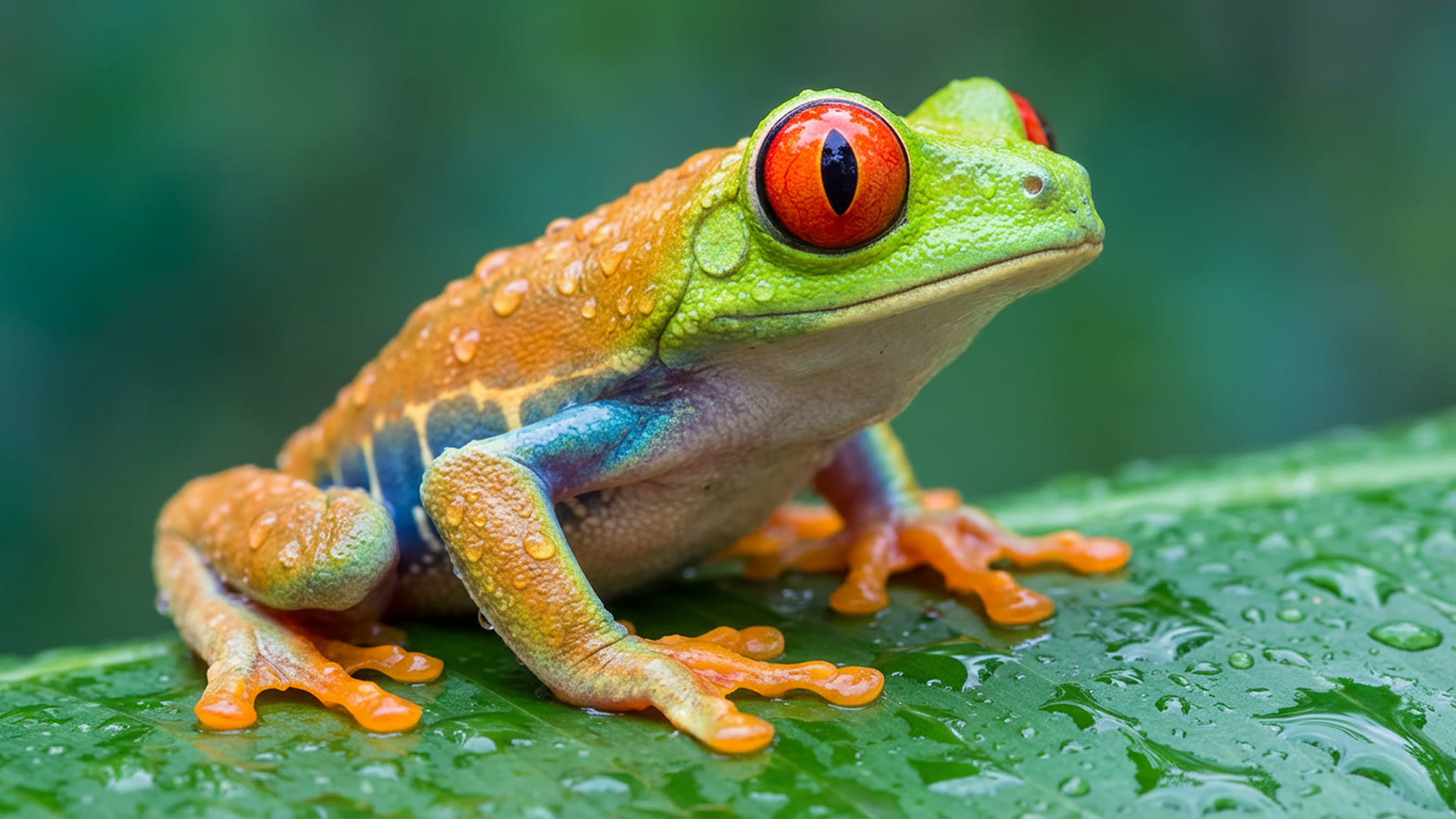
紅眼樹蛙
Nano Banana Pro · 微距A stunning close-up photograph of a red-eyed tree frog on a large, dewy green leaf, its body angled away but its head turned to face us. Lime-green head and back fading to orange legs, an iridescent blue band along its side, a pale translucent belly. Frog and leaf are covered in glistening water droplets; the background is a soft, out-of-focus blend of green and teal. So detailed you can see the skin texture and the tiny suction pads on its orange feet.
來源:Google DeepMind · Nano Banana Pro
試用這條提示詞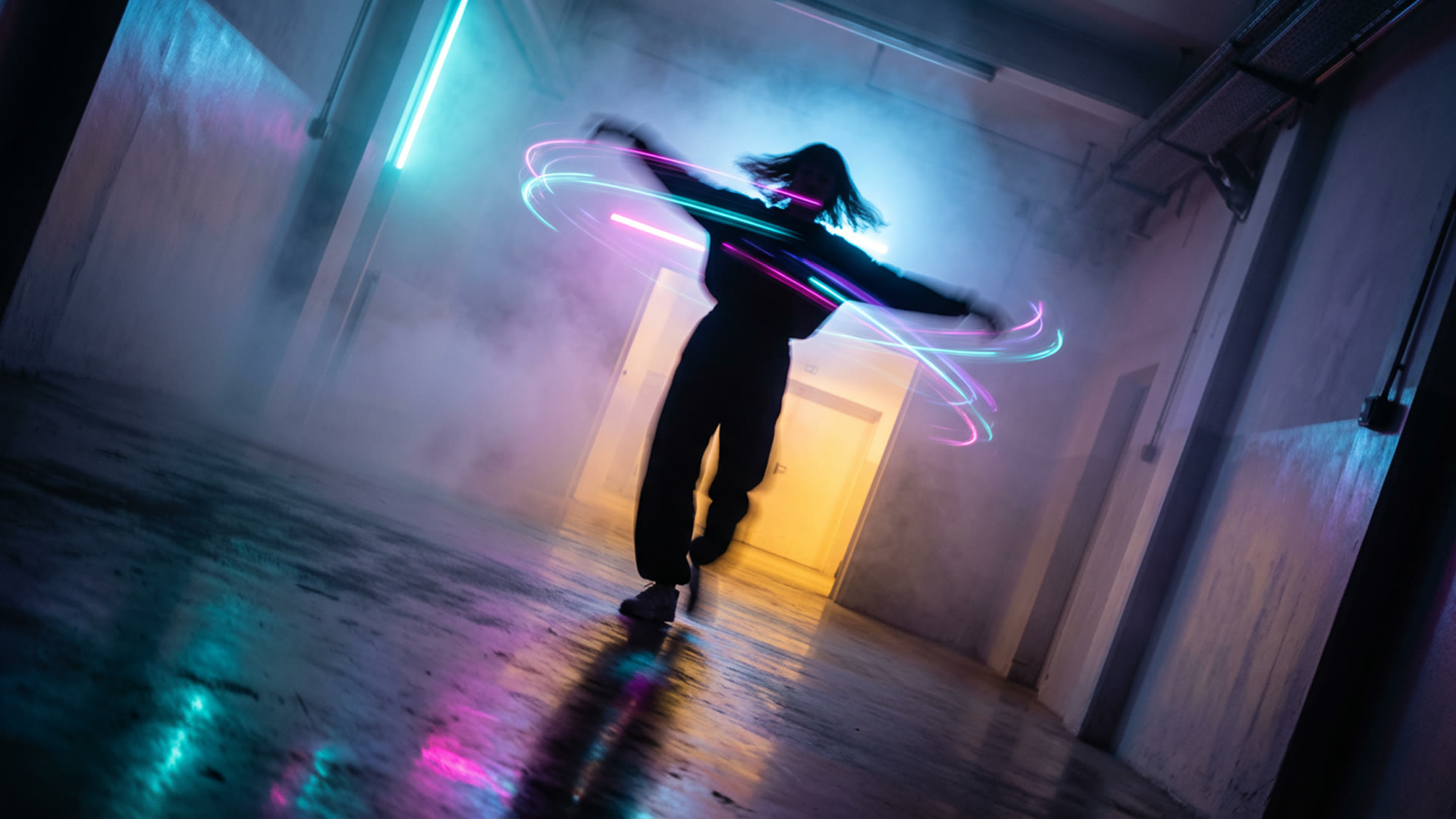
迷霧中旋轉
Nano Banana Pro · 長曝光A figure captured mid-spin in a corridor of light and mist, arms flung wide, head tilted back. The twirl stirs the dense colored fog into eddies of cyan, magenta and violet light around the silhouette. A warm yellow-orange portal lights the mist from ahead while a cool blue glow from behind adds depth. The dark, mirror-like floor reflects a blurred smear of motion. Slight Dutch angle.
來源:Google DeepMind · Nano Banana Pro
試用這條提示詞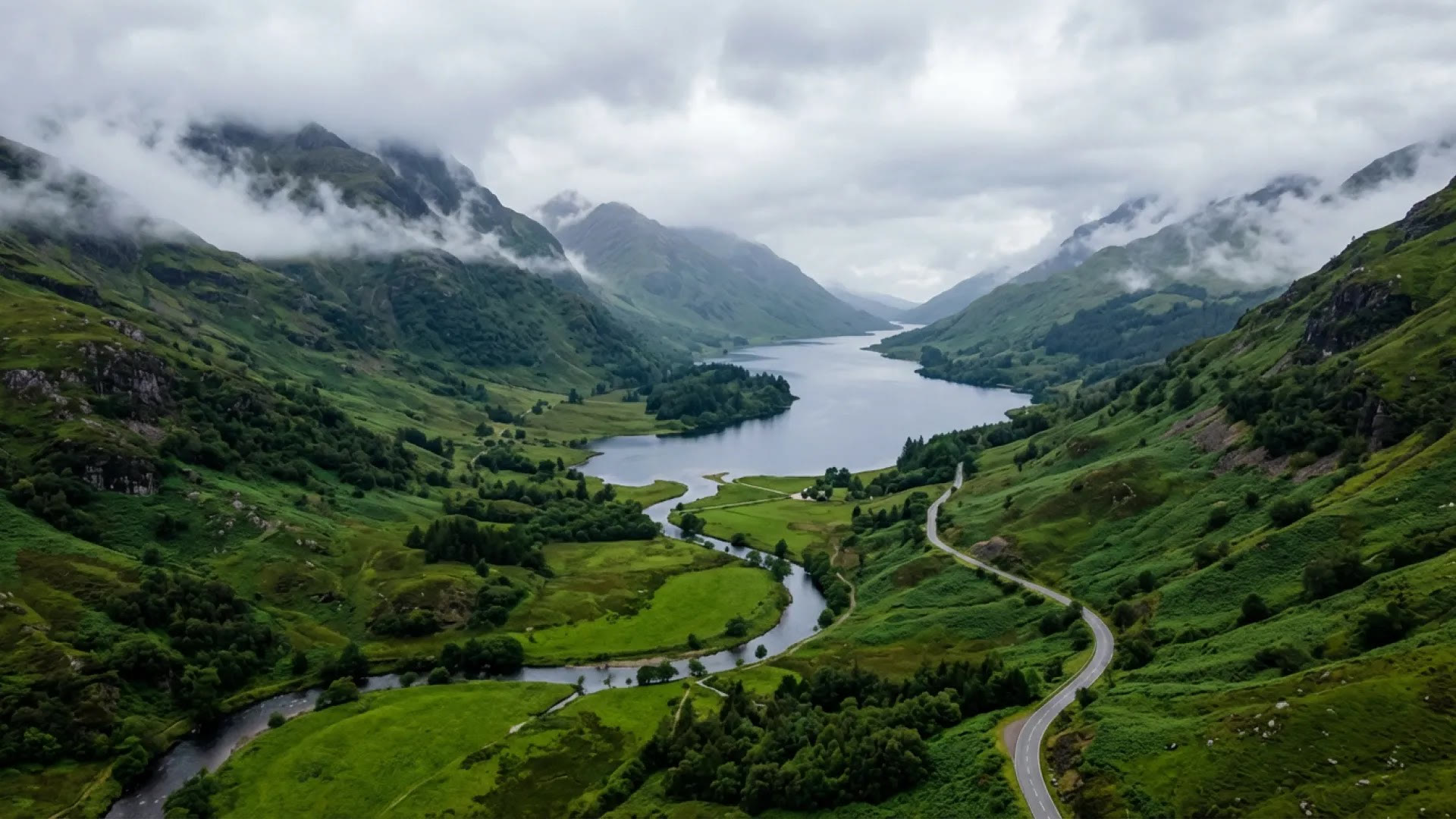
高地山谷俯瞰
Nano Banana 2 · 空拍風景A moody aerial shot looking down into a misty valley of rolling, verdant hills, with a winding river and a dark blue-grey loch reflecting an overcast sky. A narrow road snakes through the hills on the right; steep green mountains rise on both sides, their peaks shrouded in low mist. Soft, diffused light and deep emerald greens; serene, untamed wilderness like the Scottish Highlands.
來源:Google DeepMind · Nano Banana 2
試用這條提示詞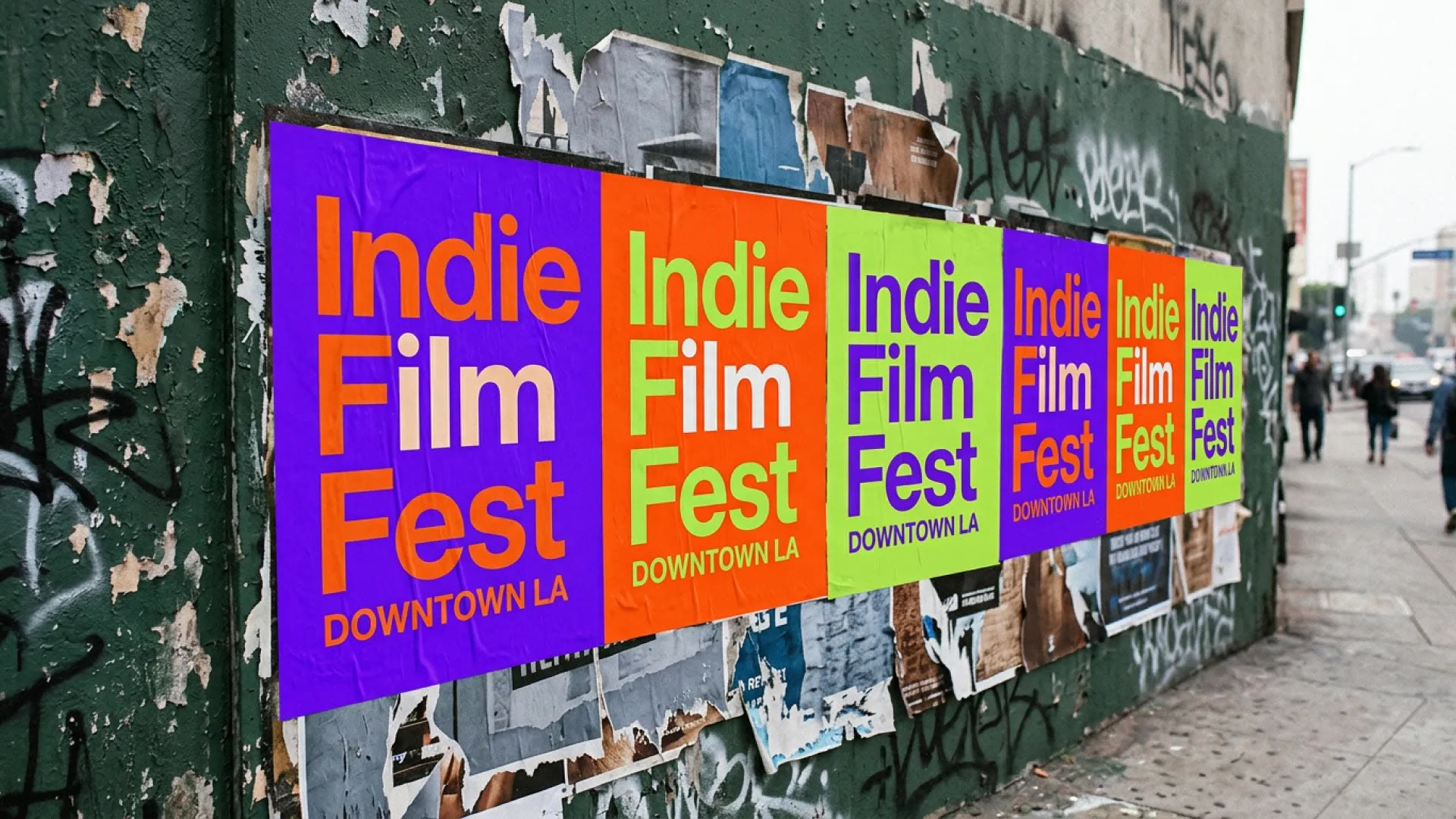
影展海報
Nano Banana 2 · 場景中的文字A candid photograph of freshly wheat-pasted posters on a heavily textured dark green wall in Downtown Los Angeles. The posters read "Indie Film Fest" with "DOWNTOWN LA" in smaller letters below, alternating electric purple, blazing orange and lime green backgrounds. Torn, faded older posters underneath, graffiti tags and peeling paint around them. Diffused daylight, blurred pedestrians and traffic, slightly grainy.
來源:Google DeepMind · Nano Banana 2
試用這條提示詞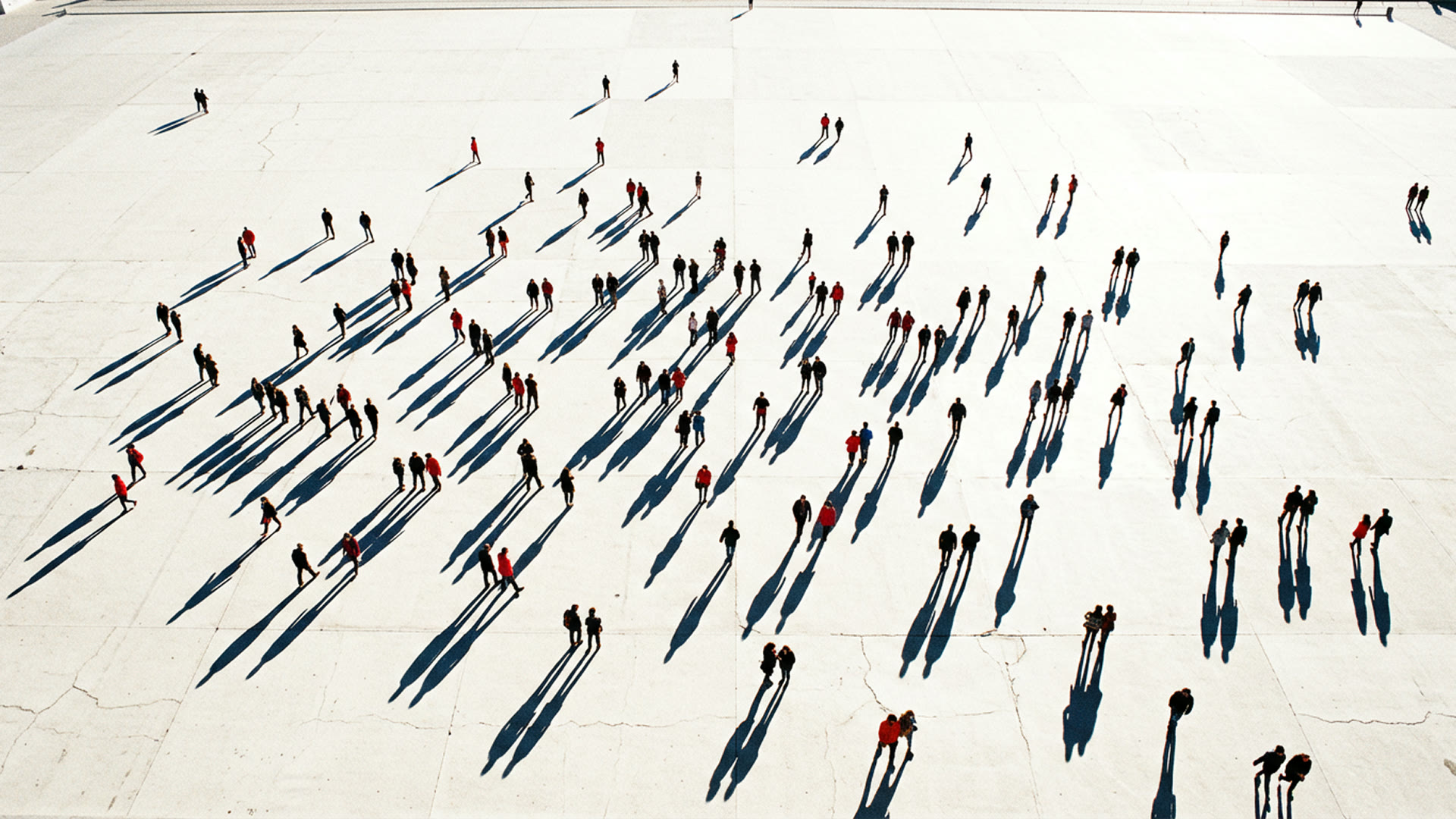
廣場上的長長影子
Nano Banana Pro · 高角度A high-angle, almost top-down photograph of a crowd dispersed across a vast, pale, sun-drenched concrete plaza, figures scattered unevenly. A low, bright sun casts long, dark, sharply defined shadows from each person, all pointing the same way, slicing across the ground like graphic lines. The people are small dots of red, black and blue against the bleached-out ground.
來源:Google DeepMind · Nano Banana Pro
試用這條提示詞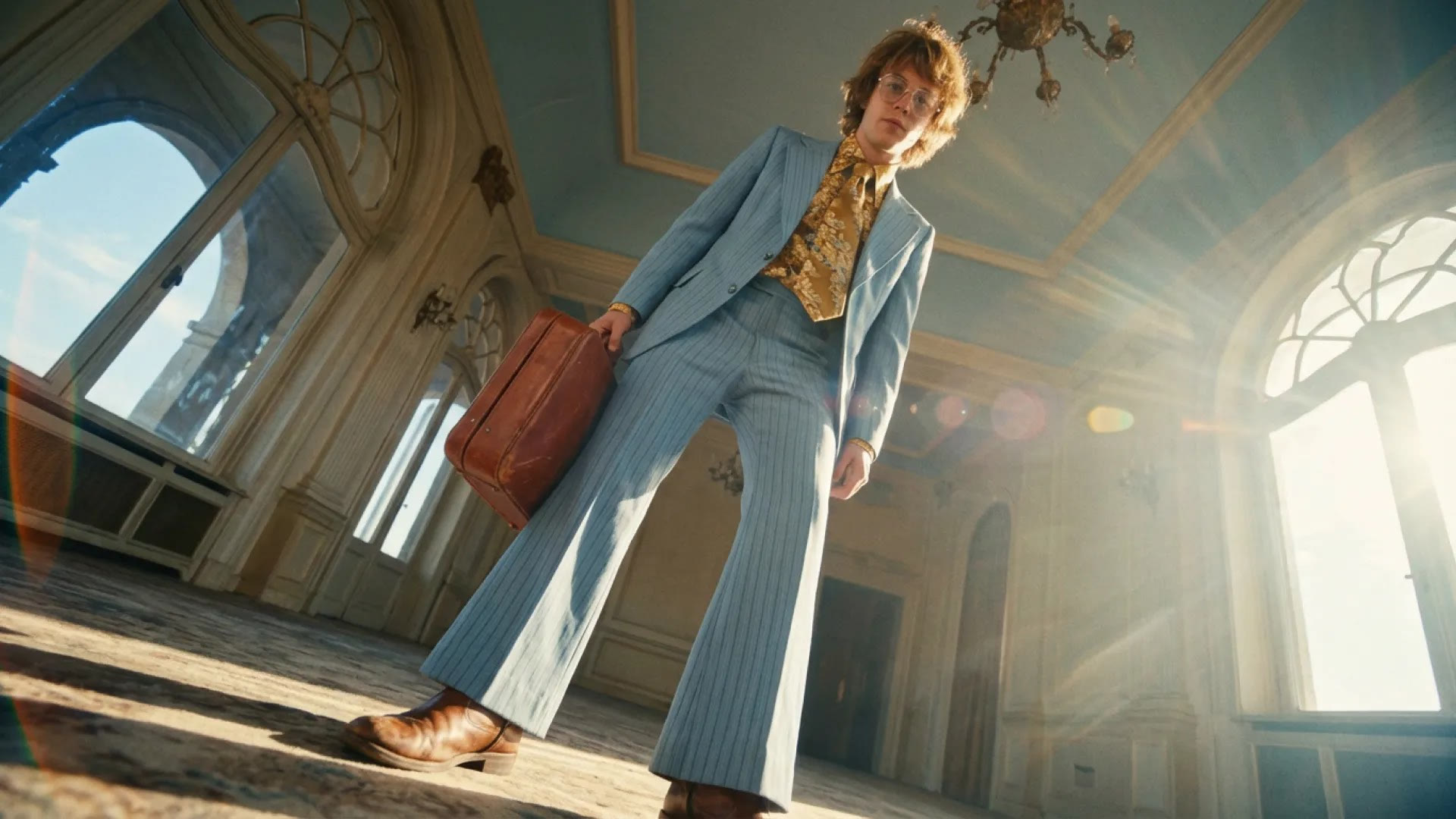
細條紋西裝,低角度
Nano Banana 2 · 電影感人像A cinematic still shot with a wide-angle lens from an extremely low angle: a young, slender man in a light blue pinstripe suit with bell-bottoms, a gold floral shirt and tie, wire-rimmed glasses and shaggy sun-kissed hair, holding a worn reddish-brown leather briefcase. Golden sunlight flares from behind his shoulder in a grand room with arched windows and a pale blue ceiling. Cool blues and warm amber, a nostalgic art-house look.
來源:Google DeepMind · Nano Banana 2
試用這條提示詞
Yovid 上的更多模型
讓你的圖片更進一步的指南
讓完成的靜態圖動起來:圖片轉影片提示詞、影片模型比較,以及逐個鏡頭拆解的提示詞公式。
常見問題
Google Nano Banana 是什麼?
Nano Banana 可以免費線上使用嗎?
Nano Banana 2.1、Nano Banana Pro 和 Nano Banana 2 有什麼差別?
生成一張 Nano Banana 圖片要多少積分?
Nano Banana 可以修改我自己的照片嗎?
Nano Banana 的圖片有浮水印嗎?
Nano Banana 支援哪些解析度和長寬比?
Nano Banana 一次最多可以上傳幾張圖片?
Yovid 上的 Nano Banana 和 Gemini 裡的是同一個模型嗎?
Nano Banana 的圖片可以商用嗎?