
Kling 4.0 Flash:又快又省的 AI 影片草稿
Kling 4.0 Flash 是 Kling 4.0 更快、更便宜的版本。用一段提示詞或一張圖片,就能生成 3–20 秒、有聲音的 720p 影片。先用它測試點子、多做幾個版本,再為最終成品付費。 馬上在 Yovid 用 Kling 4.0 Flash 開始創作。
Kling 4.0 Flash 是 Yovid AI 影片生成器 裡 10 多個模型之一,同一段提示詞可以換到 Kling、Veo 或 Wan 上比較。

Kling 4.0 Flash 影片範例
為什麼在 Yovid 用 Kling 4.0 Flash 做影片
- 文字轉影片,約兩分鐘完成:輸入提示詞,一分半到三分鐘就能拿到一支 5 秒、有聲音的 720p 影片。
- 低成本版本,適配各種格式:每支影片都很省點數,同一個點子可以分別做成 16:9、9:16 和 1:1,或多試幾次,留下最好的。
- 一張首影格,圖片轉影片:上傳一張照片或一個影格,Flash 會讓它動起來,並保留原圖的主體、光線和構圖。
- 每支影片都有原生聲音和人聲:每支影片都附有立體聲音軌:環境音、音效,提示詞中引用台詞時還有人聲。
- 最長 20 秒:3 到 20 秒任選,預設 5 秒。
- 依長度計算點數:按秒計費,生成前在輸入框就能看到。
- 所有設定,一次看清:長度、解析度、畫面比例、輸入方式和提示詞上限,都與生成器目前提供的一致。
文字轉影片,約兩分鐘完成
Flash 主打速度。在 2026 年 11 月 4 日的測試中,單獨執行時一支 5 秒影片 89 秒就完成;同時送出五支,全部在 192 秒內完成,等待時間大約是 Kling 4.0 的一半。
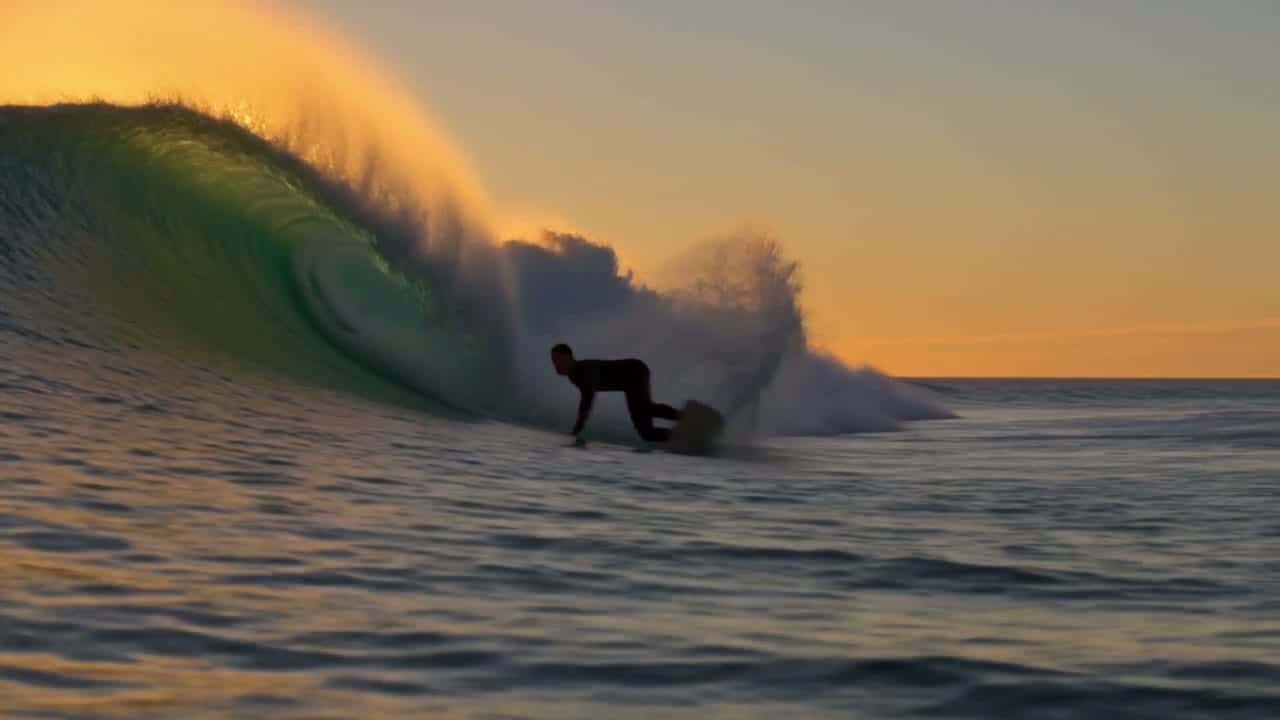
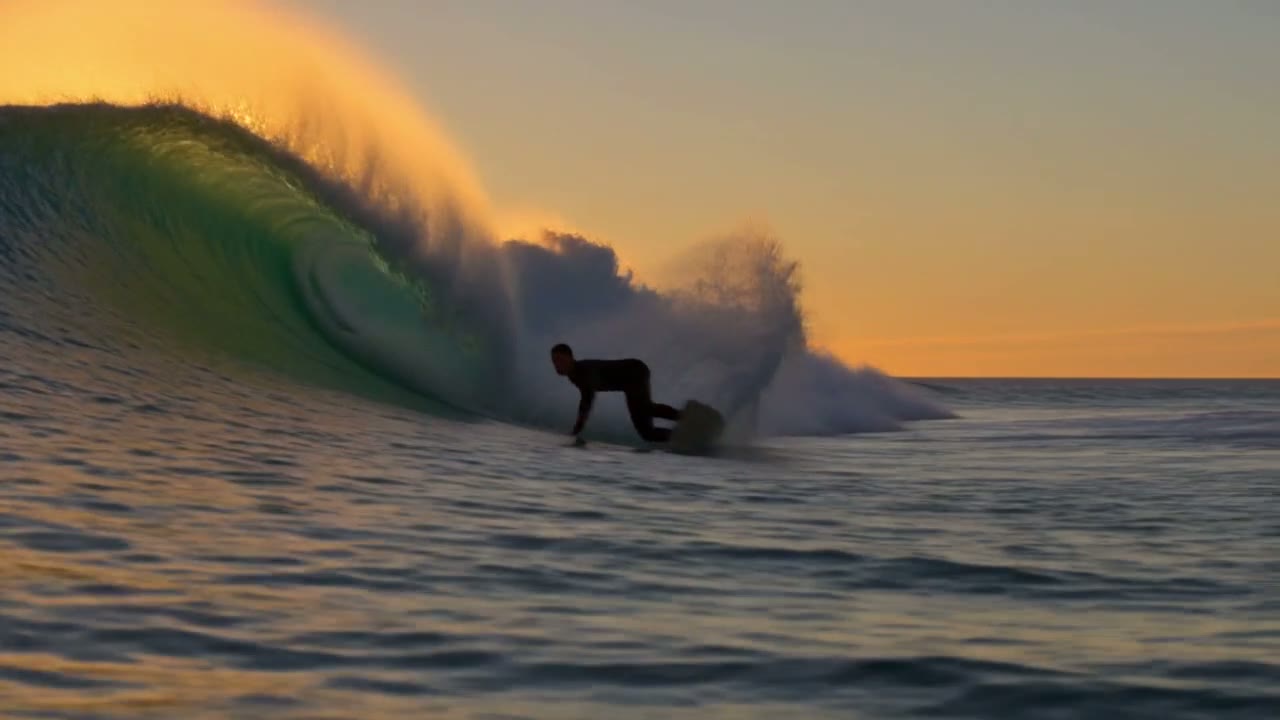
這個衝浪鏡頭裡的一切都來自下方的提示詞:低角度跟拍、逆光浪花和慢動作。
 Kling 4.0 Flash
低成本版本,適配各種格式
短影音行銷通常需要同一個點子的好幾種尺寸:YouTube 用橫式,Reels 和 TikTok 用直式,動態消息用方形。用 Flash 做這些額外版本,點數比 Kling 4.0 少 40%。
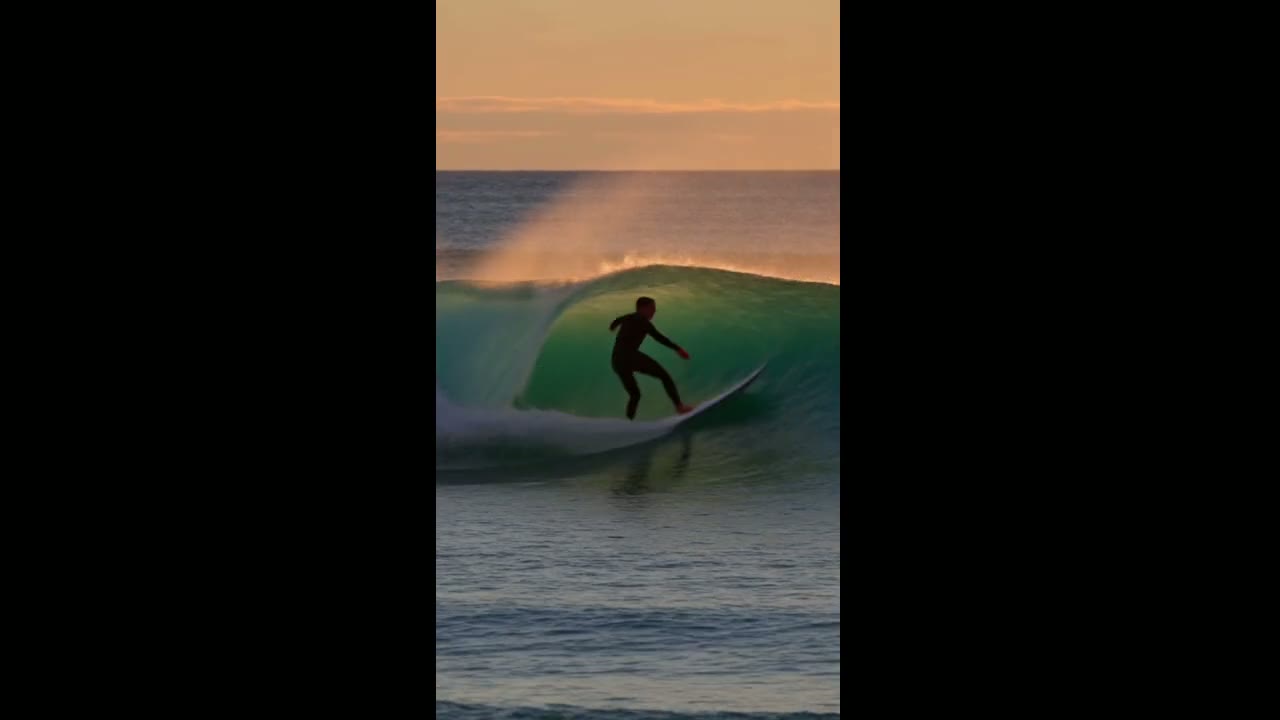
這支直式影片用的是上面衝浪鏡頭的同一段提示詞,只把畫面比例改成 9:16。Flash 重新構圖整個場景,而不是直接裁切。
 Kling 4.0 Flash
一張首影格,圖片轉影片
加入首影格,再描述接下來發生的事。影片的畫面比例依照你的圖片,不必另外選擇;主體、色彩和光線也會從靜態畫面延續下來。
這裡的首影格取自另一支 Flash 影片。Flash 只接受首影格;如果鏡頭的開頭和結尾都要固定,請改用 Kling 4.0,它也接受尾影格。
 Kling 4.0 Flash
每支影片都有原生聲音和人聲
Flash 會和畫面一起生成聲音,所以草稿裡已經有需要的空間底噪、腳步聲或海浪聲。聲音沒有關閉的開關;如果打算另外配樂,生成後再把影片靜音即可。
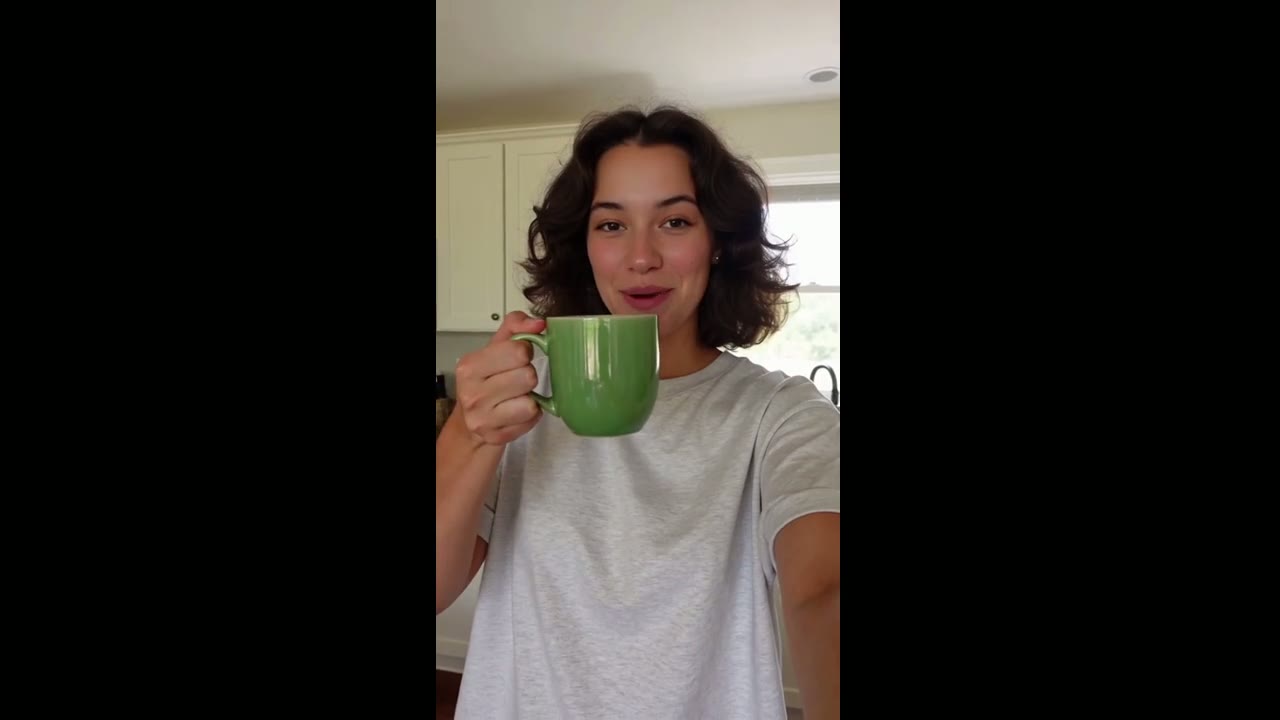
在這支自拍風格的影片裡,提示詞用引號給了女生一句台詞,這是短句對白效果最好的寫法。
 Kling 4.0 Flash
最長 20 秒
Flash 最適合廣告和社群貼文用的短循環片段,但當某個瞬間需要更多空間時,單次生成也能長達 20 秒,例如一段慢慢揭曉的鏡頭,或有兩三個節拍的小故事。
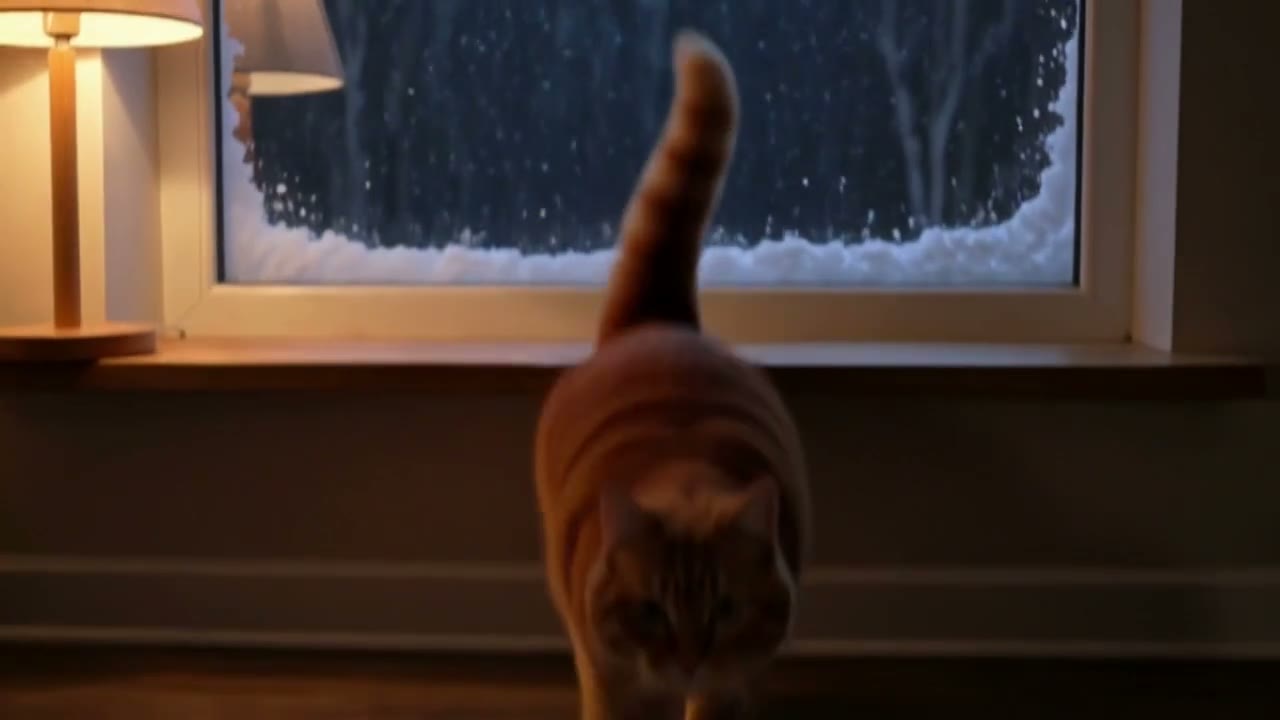
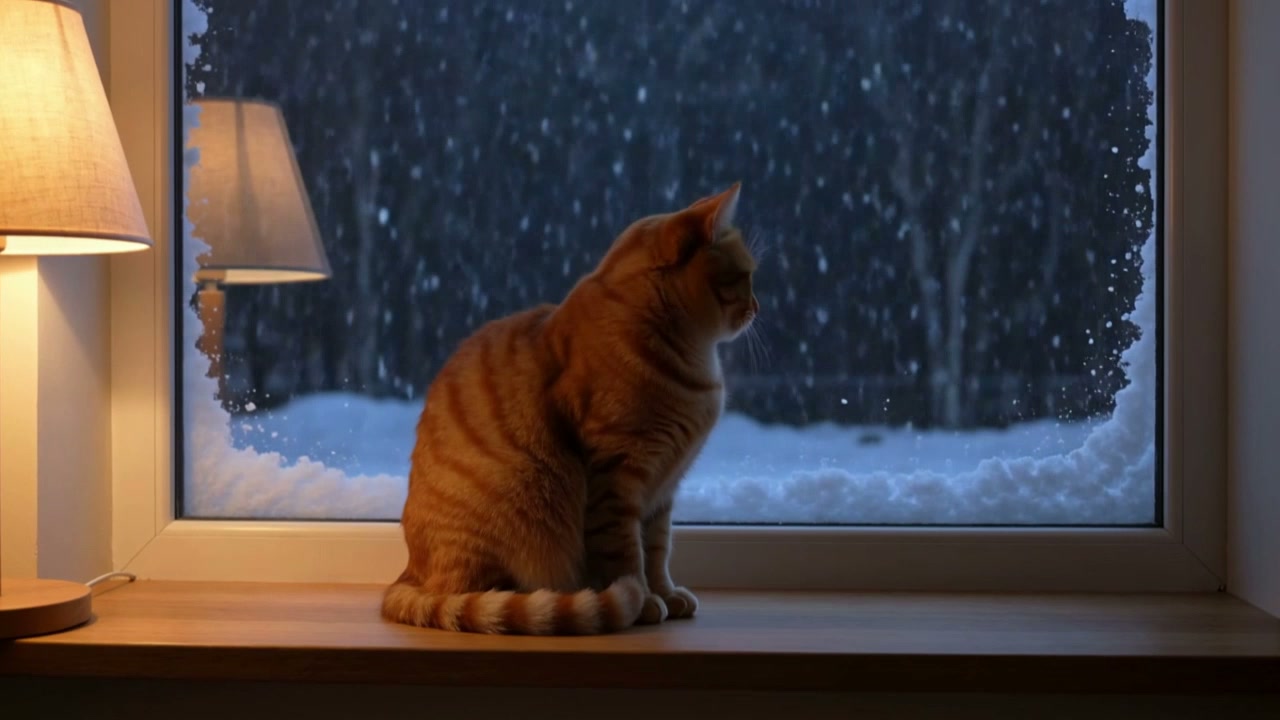
這支 10 秒影片跟著一隻貓,從看著窗外的雪到伸手碰觸玻璃。Flash 按秒計費,所以影片越長,點數越多。
 Kling 4.0 Flash
依長度計算點數
點數依影片秒數計費,聲音一律包含在內,不另外收費。
| 720p | 每秒 1.8 點數5 秒 9 點數,完整 20 秒 36 點數。 |
|---|---|
| 對比 Kling 4.0 | 點數少 40%Kling 4.0 在 720p 下每秒 3 點數。 |
| 訂閱用戶 | 每秒點數更少Lite、Pro 和 Premium 比點數包費率更便宜。 |
所有設定,一次看清
以下就是生成器為 Kling 4.0 Flash 提供的設定,你規劃的內容都能直接生成。
| 長度 | 3 到 20 秒預設 5 秒。 |
|---|---|
| 解析度 | 720pFlash 只有這一個選項。 |
| 畫面比例 | 16:9、9:16、1:1 或 21:9使用首影格時,影片依照你的圖片比例。 |
| 輸入方式 | 文字,或文字加首影格Flash 不支援尾影格和參考檔案。 |
| 提示詞 | 最多 2,500 字元 |
| 聲音 | 一律開啟每支影片都有立體聲的環境音、音效和人聲。 |
| 輸出格式 | MP4 |
Kling 4.0 Flash 最適合誰
Flash 是做草稿、測試和大量產出的模型:便宜到可以常跑,快到可以反覆修改。
- 廣告與社群草稿:在為最終版本投入更多預算之前,先測試開場吸睛點、產品角度或整體氛圍。
- 多種格式版本:同一段提示詞分別做成 16:9、9:16 和 1:1,給 YouTube、Reels、TikTok 和動態消息使用。
- 分鏡與動態腳本:把每一格分鏡或每個影格變成動態鏡頭,檢查節奏和運鏡。
- 空景與循環素材:美食特寫、風景和產品細節,適合需要大量短素材的剪輯。
- 讓靜態圖動起來:用一張首影格,讓照片、算圖或其他影片中的一個影格動起來。
Kling 4.0 Flash vs Kling 4.0、Seedance 2.0 Fast、Seedance 2.0 Mini 和 Kling 3.0
除了最後一列,每一格都直接讀取各模型目前在 Yovid 生成器中提供的設定,花點數之前就能依長度、輸入方式和價格做選擇。
| 功能 / 模型 |  Kling 4.0 Flash | Kling 4.0 |  Seedance 2.0 Fast | Seedance 2.0 Mini | Kling 3.0 |
|---|---|---|---|---|---|
| 最長長度 | 20 秒 | 30 秒 | 15 秒 | 15 秒 | 15 秒 |
| 最高解析度 | 720p | 1080p | 1080p | 720p | 4K |
| 畫面比例 | 16:9, 9:16, 1:1, 21:9 | 16:9, 9:16, 1:1, 21:9 | 16:9, 9:16, 1:1, 4:3, 3:4, 21:9 | 16:9, 9:16, 1:1, 4:3, 3:4, 21:9 | 16:9, 9:16, 1:1 |
| 參考圖 | — | 10 | 9 | 9 | — |
| 參考影片 | — | 5 | 3 | 3 | — |
| 5 秒 720p 所需點數 | 9 | 15 | 19 | 13 | 13 |
| 最適合 | 快速、低成本的 720p 有聲草稿和多版本。 | Kling 最終成品,最長 30 秒、最高 1080p,可用影格或參考素材。 | 用參考圖快速生成 Seedance 影片。 | 免費方案即可測試,支援參考圖片。 | 最長 15 秒、最高 4K 的 Kling 影片。 |
點數為 5 秒影片在 720p 下的點數包標準價,依 Yovid 線上定價即時更新;訂閱用戶每秒費用更低。
Kling 4.0 Flash 的優勢與限制
它在 Yovid 陣容中站得住腳的地方,以及改用其他模型更合適的時候。
優勢
- 速度:測試中一支 5 秒影片 89 秒就完成,等待時間大約是 Kling 4.0 的一半。
- 價格:每秒 1.8 點數,在 720p 下比 Kling 4.0 少 40%。
- 聲音:每支影片都有立體聲音軌,包含環境音、音效和人聲。
- 格式:同一段提示詞可生成 16:9、9:16、1:1 和 21:9。
限制
- 解析度:只有 720p;需要 1080p 請改用 Kling 4.0。
- 影格控制:只支援首影格,不支援尾影格。
- 長度:最長 20 秒,Kling 4.0 則可到 30 秒。
- 參考素材:不支援參考圖或參考影片;Kling 4.0 最多可用 10 張圖片和 5 段影片。
Kling 4.0 Flash 在 Yovid 上的模式與點數
如何在 Yovid 使用 Kling 4.0 Flash
- 第 1 步
選擇 Kling 4.0 Flash
直接使用本頁頂端的輸入框,或開啟影片生成器,在 Kling 篩選條件下選擇 Kling 4.0 Flash。
- 第 2 步
描述鏡頭
寫下主體、動作、運鏡和想要的聲音,有首影格的話也一起加入。要說的台詞放在引號裡。
- 第 3 步
生成並下載
選擇 3 到 20 秒的長度和畫面比例,確認點數總數後開始生成。影片通常兩三分鐘就會完成。
Kling 4.0 Flash 提示詞範例,從這裡開始
這些提示詞都在 Kling 4.0 Flash 上為本頁實際跑過,旁邊就是生成的影片,未經修改。把一段載入生成器,再換掉主體、場景或格式。
拉麵特寫
文字轉影片 · 1:1 · 5 秒試用這條提示詞Close-up of a steaming bowl of ramen on a worn wooden counter. Chopsticks lift a tangle of glossy noodles toward the camera, broth drips back into the bowl, and steam curls through warm backlight. Shallow depth of field, slow push-in, appetizing food-commercial look.
晨霧中的騎士
文字轉影片 · 21:9 · 5 秒試用這條提示詞Wide cinematic shot of three riders on horseback crossing a misty valley at dawn. Sun rays break through the fog behind them, the horses kick up dew from the grass, and the camera slowly pushes forward at ground level. Epic film look, muted greens and gold.
看雪的貓
文字轉影片 · 16:9 · 10 秒試用這條提示詞A small orange cat sits on a windowsill watching snow fall outside at night. It reaches one paw up to the cold glass, pulls it back, then turns its head toward the camera and blinks slowly. Cozy warm lamp light inside, soft blue snow light outside, gentle handheld camera, quiet room sound and a faint purr.
帶一句台詞的自拍
文字轉影片 · 9:16 · 5 秒試用這條提示詞Handheld selfie video in a sunny kitchen. A young woman with curly hair holds a small green ceramic mug up to the phone camera, smiles and says: "Okay, this is the mug I drink from every single morning." She takes a sip and laughs. Natural daylight, casual social-media look, room tone and her voice only.
Yovid 上的更多影片模型
把 Kling 4.0 Flash 用得更好的指南
提示詞公式、圖片轉影片範例,以及 Yovid 上所有影片模型的並列比較。