
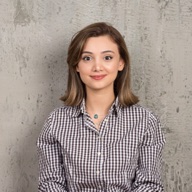
Direct answer: a good image to video prompt describes the motion, not the picture. The model can already see your image, so spend the words on one subject action, one camera move, the pace and how the shot ends. Below are six worked examples from Yovid's image to video AI, each with a starting frame, a prompt and a reference clip.
How these examples were made: the clips are generations from Yovid's template library and the Seedance 2.5, Seedance 2.0 and Kling 3.0 model pages. For each one we took the opening frame and wrote the image to video prompt that describes its motion, so you can see the pattern and reuse it on your own image. They are reference clips, not re-renders of that exact still, so your result will differ.
Contents
- The five-part pattern
- Macro detail: dew on a daisy
- Natural motion: out of a Paris café
- First and last frame: curtains to portrait
- Reference images: the pizza maker
- Sound: a supercar at night
- Big motion: the opera mask
- Mistakes that make a photo drift
- FAQ
The five-part pattern
Every prompt below follows the same order. You do not need all five parts every time, but leaving out the camera or the ending is the most common reason a clip wanders.
| Part | What to write | Example |
|---|---|---|
| Subject action | What the main subject does, in one verb phrase | "She walks out past the café tables" |
| Secondary motion | Hair, fabric, light, particles that react to the action | "coat and hair moving in the breeze" |
| Camera | One move, in plain camera language | "slow tracking shot", "low orbit", "push in" |
| Pace and light | How fast, and what the light does | "golden-hour light", "slow push-in" |
| Ending | Where the shot lands, or a second image as the last frame | "end on the close-up of the model" |
Do not describe what is already in the photo ("a woman in a blue coat"). Repeating it rarely helps and uses up the words the motion needs.
1. Macro detail: dew on a daisy
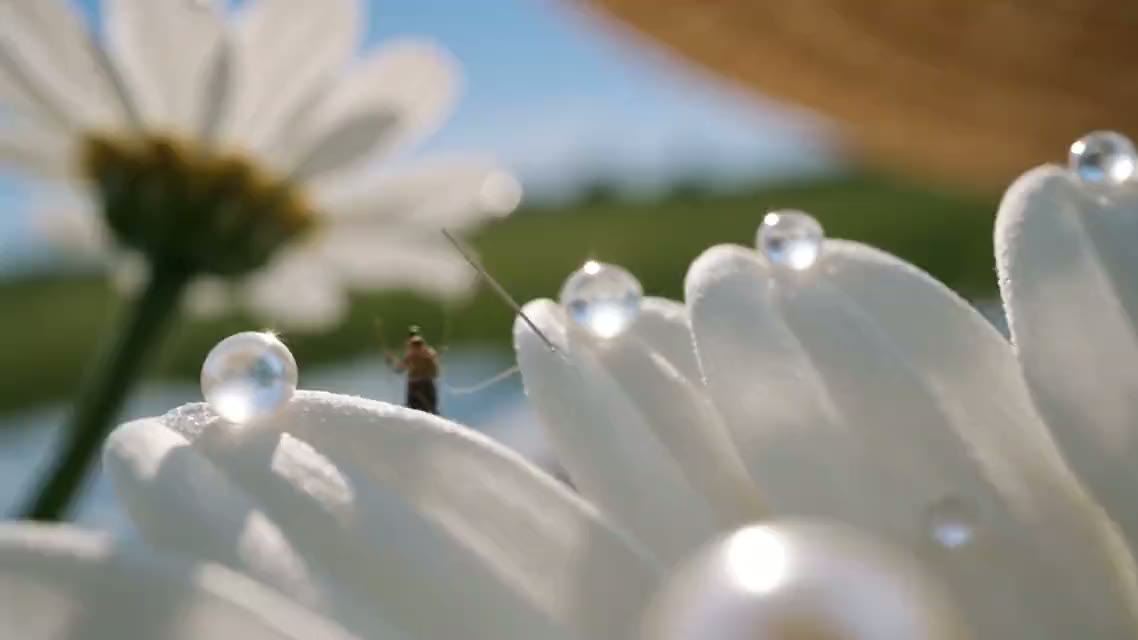
Extreme macro: dew glows like glass beads on the daisy petals while tiny artisans carry pearls across the lace, then glide along the gingham ribbon to the model's blurred smile. Slow push-in, warm side light, film grain.Use with: the image above as first frame · Seedance 2.5 · 16:9 · 1080p · audio on
Why it works: the prompt names the texture it wants to keep (dew, lace, gingham) and gives the camera one slow move, so the model spends its effort on detail instead of on inventing motion.
2. Natural motion: out of a Paris café
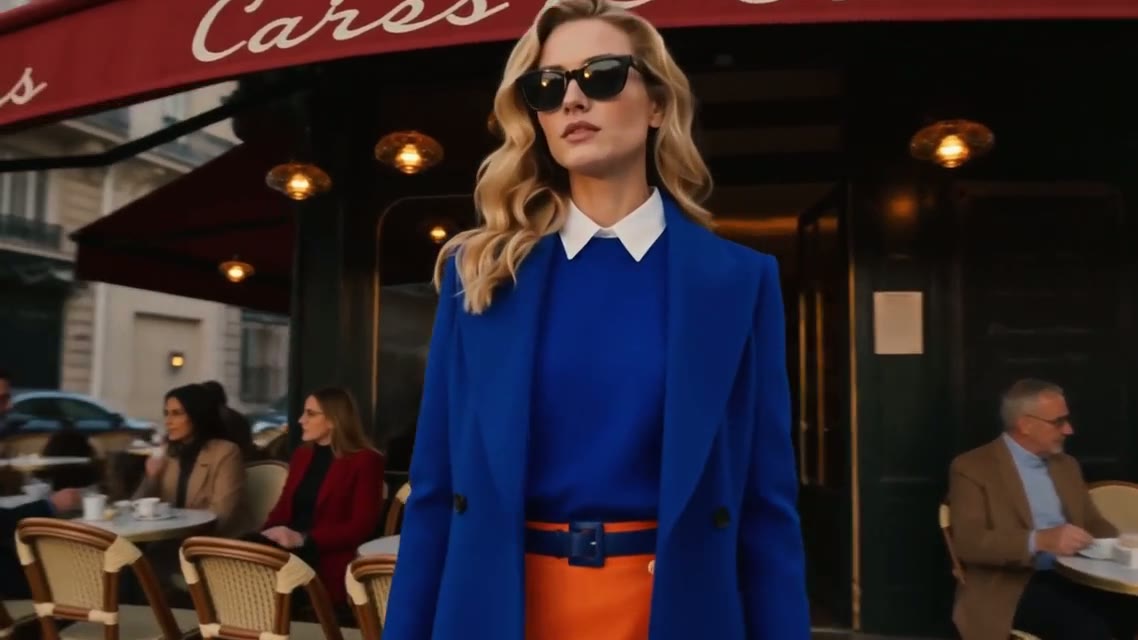
She walks out past the café tables, coat and hair moving naturally in the breeze. Cut to a close-up of her sunglasses, then her blue heels on the cobblestones. Golden-hour light, slow tracking shots.Use with: the image above as first frame · Seedance 2.5 · 16:9 · 1080p · audio on
Why it works: one action (walking out), then explicit cuts. Seedance 2.5 handles multi-shot prompts well, so naming the next shots keeps her face and coat consistent instead of letting the model guess.
3. First and last frame: curtains to portrait
Two images go in: the first frame and the frame the clip must end on.
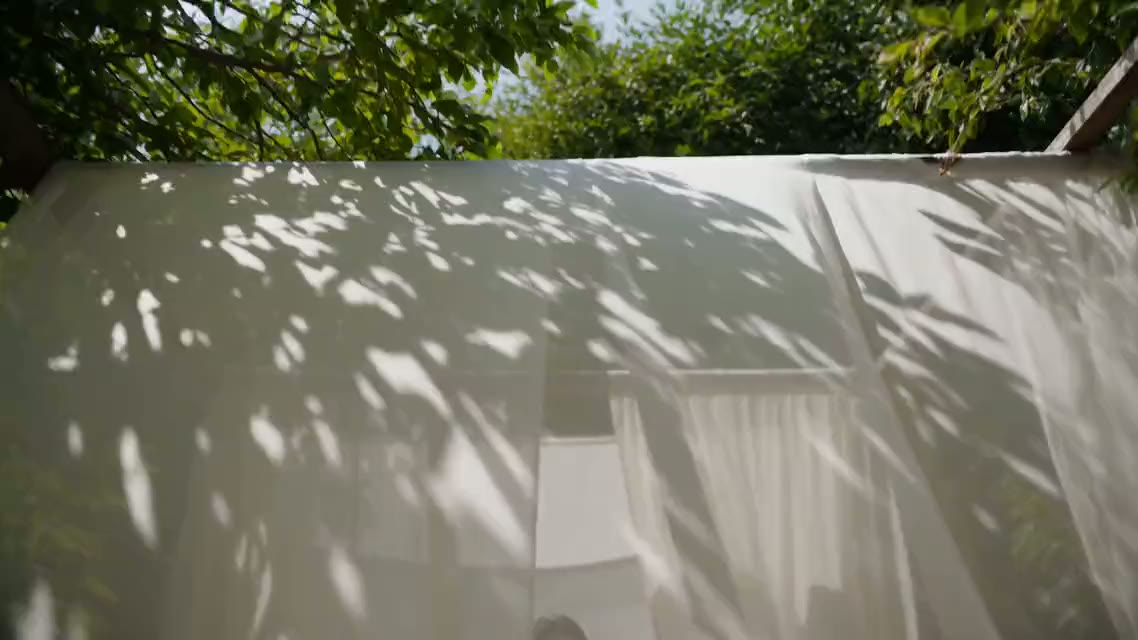
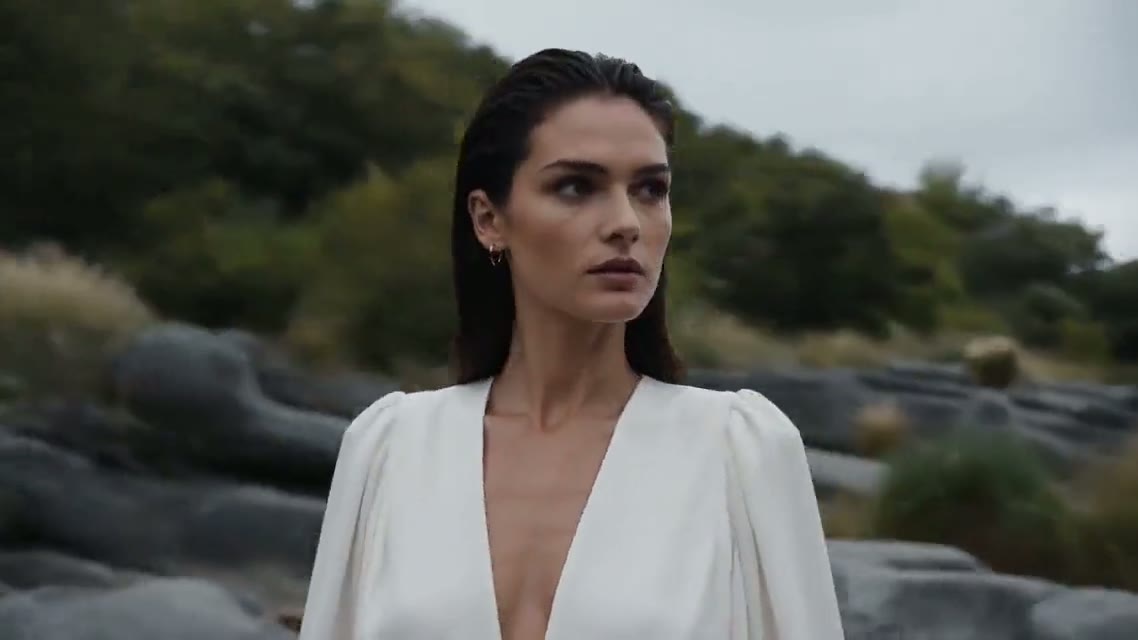
Start on the leaf shadows over the white curtains and end on the close-up of the model by the stream. Sunlight drifts across the fabric, the gauze sweeps the lens to reveal her, and the camera tilts up as she lifts her gaze.Use with: both images as first and last frame · Seedance 2.5 · 16:9 · 1080p · audio on
Why it works: the prompt describes the journey between the two images, not the images themselves. Most models on Yovid accept a first and last frame; SeeDance 1 Pro Fast and the Sora 2 models take a first frame only.
4. Reference images: the pizza maker
Reference images (the pizza maker, the boxes, the shop) instead of a single first frame; one of them is shown here.
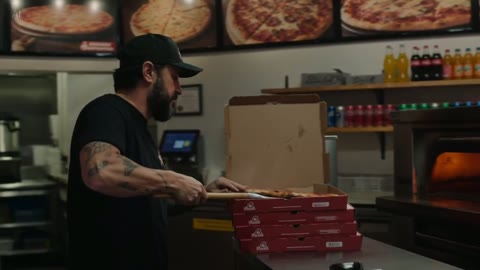
Use the references for the pizza maker and his shop. Seen through the window at night, he slides a pizza from the oven, boxes it and hands it over the counter with a smile. Same face, cap and shirt in every shot, warm neon light.Use with: reference images of the character and the set · Seedance 2.0 · 16:9 · 1080p · audio off
Why it works: the prompt tells the model what each reference is for and states the consistency rule ("same face, cap and shirt"). Seedance 2.5 accepts up to 30 references, Wan 3.0 up to 10, and Seedance 2.0 and MiniMax H3 up to 9.
5. Sound: a supercar at night
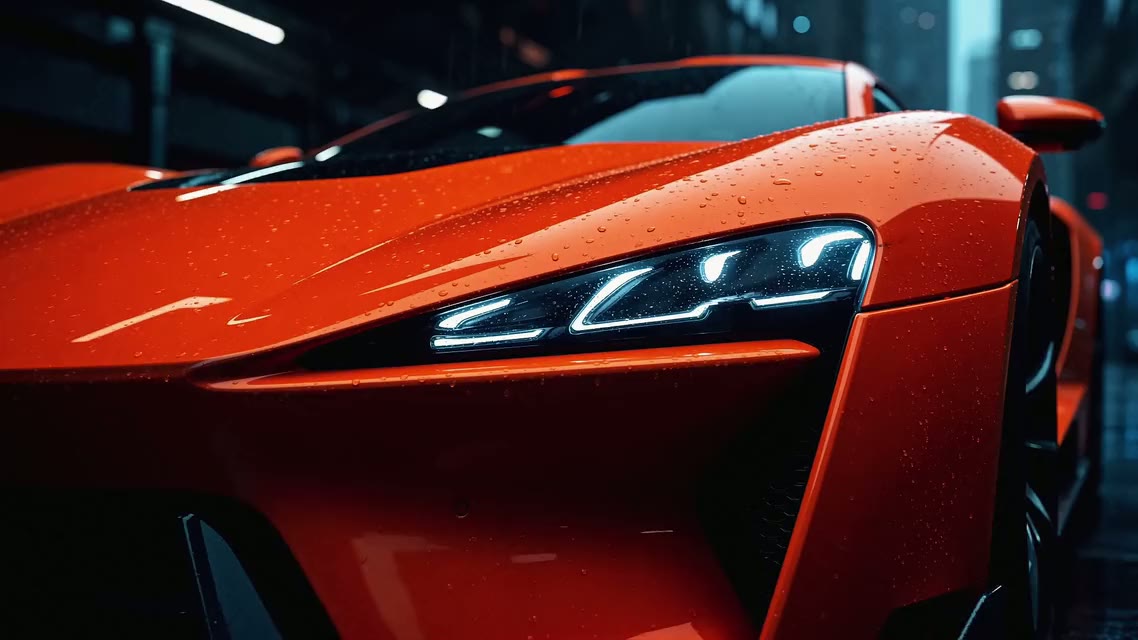
The headlights flicker on and the camera orbits low around the wet body, then pushes in on the front. Rain on the street, a deep engine rumble and tyres hissing on wet asphalt.Use with: the image above as first frame · Seedance 2.5 · 16:9 · 1080p · audio on
Why it works: the sound is written like the light, as concrete events (rumble, tyre hiss) tied to the action. With audio switched on, Seedance generates the soundtrack in the same pass, so it lands on the motion. Unmute the player to hear it.
6. Big motion: the opera mask
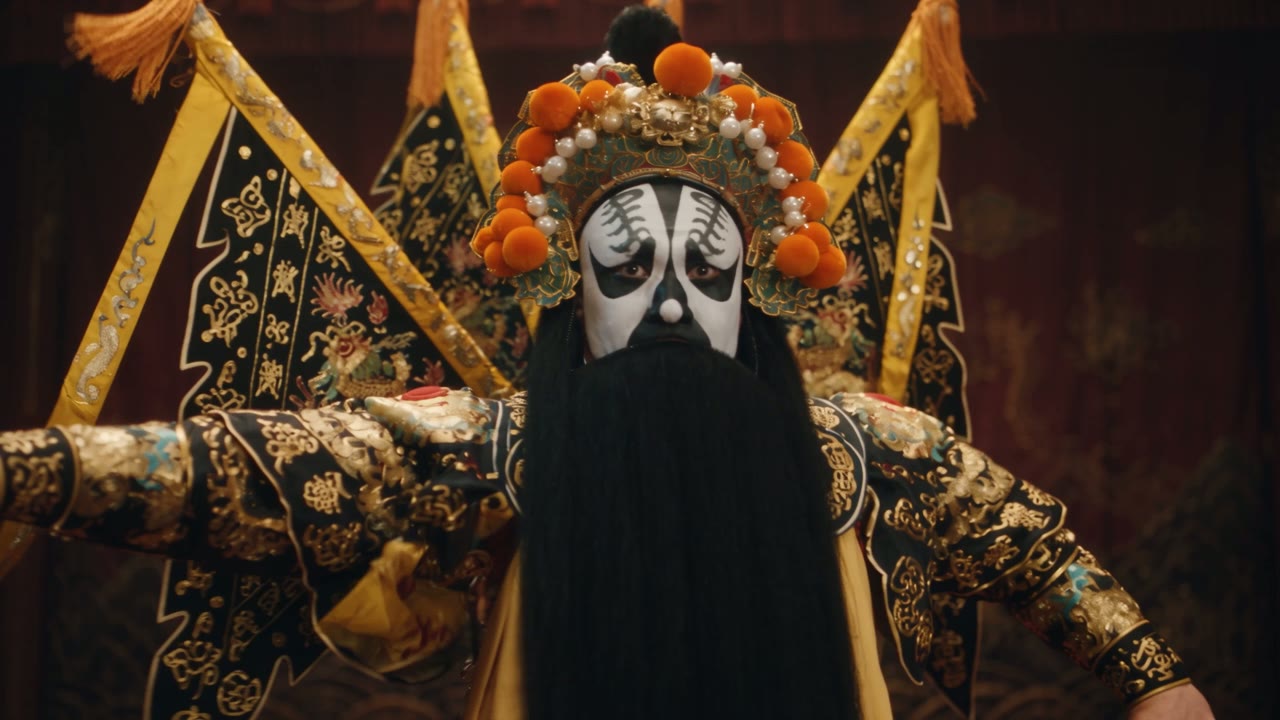
Bring the mask to life: the performer spins and his silk sleeves sweep across the frame while the camera circles fast. Keep the lantern light and the dark stage.Use with: the image above as first frame · Kling 3.0 · 16:9 · 1080p · audio on
Why it works: fast, large motion is where models differ most. If a take smears the face, rerun the same prompt on another model rather than rewriting it. The short "keep" sentence at the end protects the lighting.
Mistakes that make a photo drift
- Two actions in one shot. "She walks out and waves and turns around" splits the motion budget. Pick one.
- Describing the photo. The model already sees it. Use the words for motion and camera.
- Big motion on a small or blurry image. Faces drift first. Start from the sharpest image you have; the Seedance models need at least 300 pixels on each side.
- No ending. Without an end state or a last frame, longer clips wander. Name the final framing.
- Wrong model for the job. Need an exact ending: use a model with first and last frame. Need the same character across shots: use one that takes reference images. The model comparison on the image to video page lists which model does what.
FAQ
What should an image to video prompt include?
The subject's action, any secondary motion, one camera move, the pace and light, and the ending. Leave out what is already visible in the image.
Can I write image to video prompts in other languages?
Yes, the models on Yovid accept prompts in other languages. Keep the camera terms simple and concrete ("push-in", "orbit", "tracking shot"), and if a move is misread, try the English term.
Which model should I start with?
Seedance 2.0 Mini on free credits to test the idea, then Seedance 2.5 for long or multi-shot clips, Kling 3.0 for fast motion, or Veo 3.1 Fast when you need 4K.
How long can an image to video clip be?
Up to 30 seconds per generation on Seedance 2.5 and Wan 3.0, 15 seconds on Seedance 2.0, Kling 3.0 and MiniMax H3, and 8 seconds on Veo 3.1.
Ready to try the pattern on your own photo? Open image to video AI on Yovid, drop in the image and paste the prompt. New accounts get free credits, and free videos carry no watermark.