
Seedance 2.0 Free Online AI Video Generator
Describe a scene shot by shot, add a first frame or up to 9 images and 3 reference clips, and get a 4–15 second video with its sound already in place, up to 1080p. It costs less per second than Seedance 2.5 for anything that fits in 15 seconds. Start creating with Seedance 2.0 on Yovid.
Seedance 2.5 is live
Clips up to 30 seconds with image, video, and audio references.
Kling 3.0
Kling's latest video model, ready in your workspace.
Veo 3.1
Google's video model with native audio.

GPT Image 2.5
OpenAI's image model for creating and editing images.
AI Image Upscaler
Sharpen and enlarge images for cleaner exports.
AI Canvas
Chain image and video steps on one visual board.
Scenes Made with Seedance 2.0
Why Choose Seedance 2.0 on Yovid
- A Complete Scene in 15 Seconds: Several shots, cuts and the sound that goes with them, all from one generation.
- The Same Face in Every Shot: Reference images lock a character’s face, costume and props across cuts and camera angles.
- Let a Reference Clip Set the Shot: Up to 3 video clips guide camera moves, timing and action; images decide who or what appears.
- Hands, Objects and Believable Physics: Kneading, rinsing and lifting look like real handling, with weight and contact you can feel.
- Cuts That Keep the Cast and the Set: Move from a wide shot to close-ups without faces, clothes or the location drifting.
- Product Spots with Convincing Materials: Swap a product into footage you already have, or build a spot around product photos.
- Pay Less per Second than Seedance 2.5: Roughly a fifth to a quarter cheaper than Seedance 2.5 at the same resolution.
- Settings at a Glance: Six frame shapes plus adaptive, three resolutions, sound on or off, and text, frame or reference inputs.
A Complete Scene in 15 Seconds
ByteDance built Seedance 2.0 for multi-shot output: one generation can open on a wide shot, cut to close-ups and land on a reaction, with dialogue, room tone and effects rendered in the same pass in two-channel audio. Fifteen seconds is enough for a small scene with a beginning and an end.
On Yovid the length is a slider from 4 to 15 seconds, 5 by default. Run short versions while you shape the prompt, then render the full length once the shots are in the right order.
 Seedance 2.0
The Same Face in Every Shot
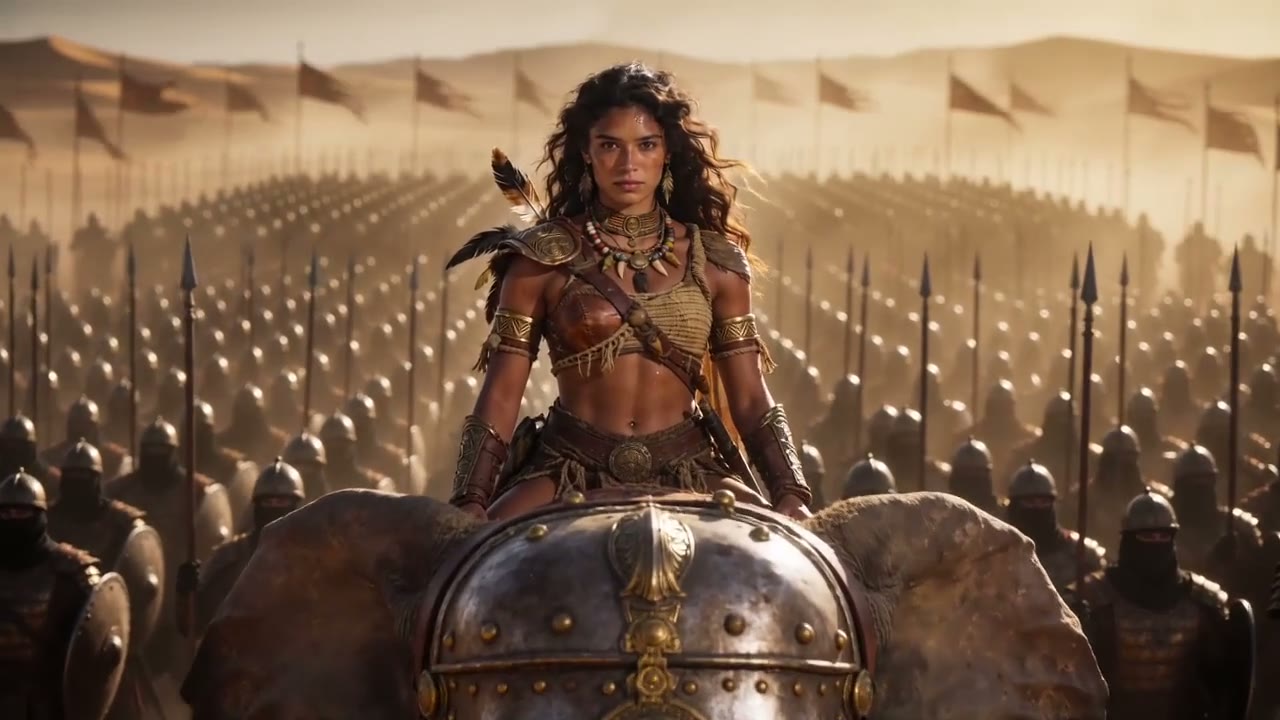
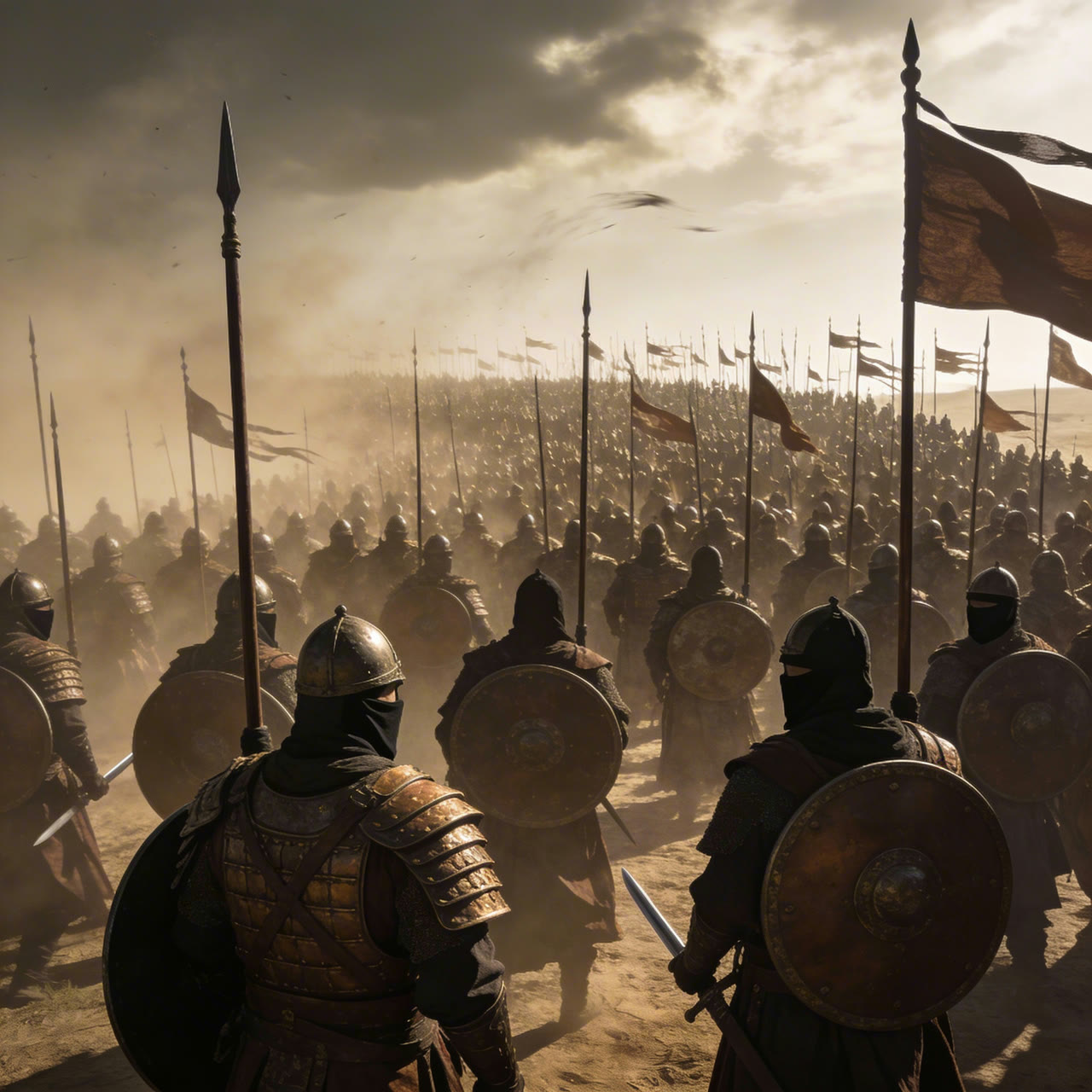
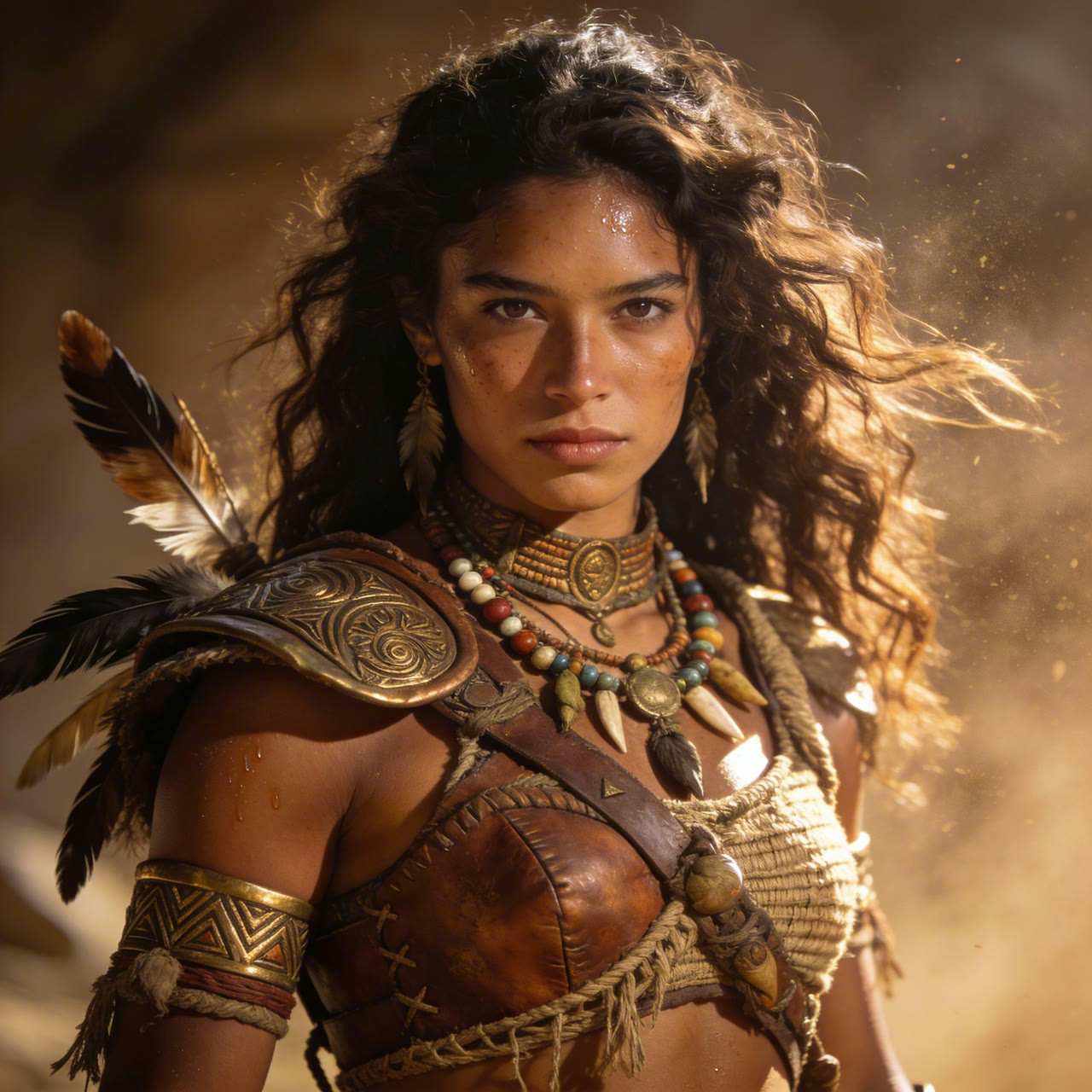
Attach up to 9 images and tell the model what each one is for: @Image 1 for the face, @Image 2 for the costume, @Image 3 for the location. ByteDance’s own guide recommends a plain headshot plus a full-body photo over a multi-angle character sheet, which the model can mistake for several people.
In the demo below four reference images set the warrior, her war elephant, the armor of her army and the desert light, and her face and costume stay the same from the wide establishing shot to the medium shot and the low-angle march.


 Seedance 2.0
Let a Reference Clip Set the Shot
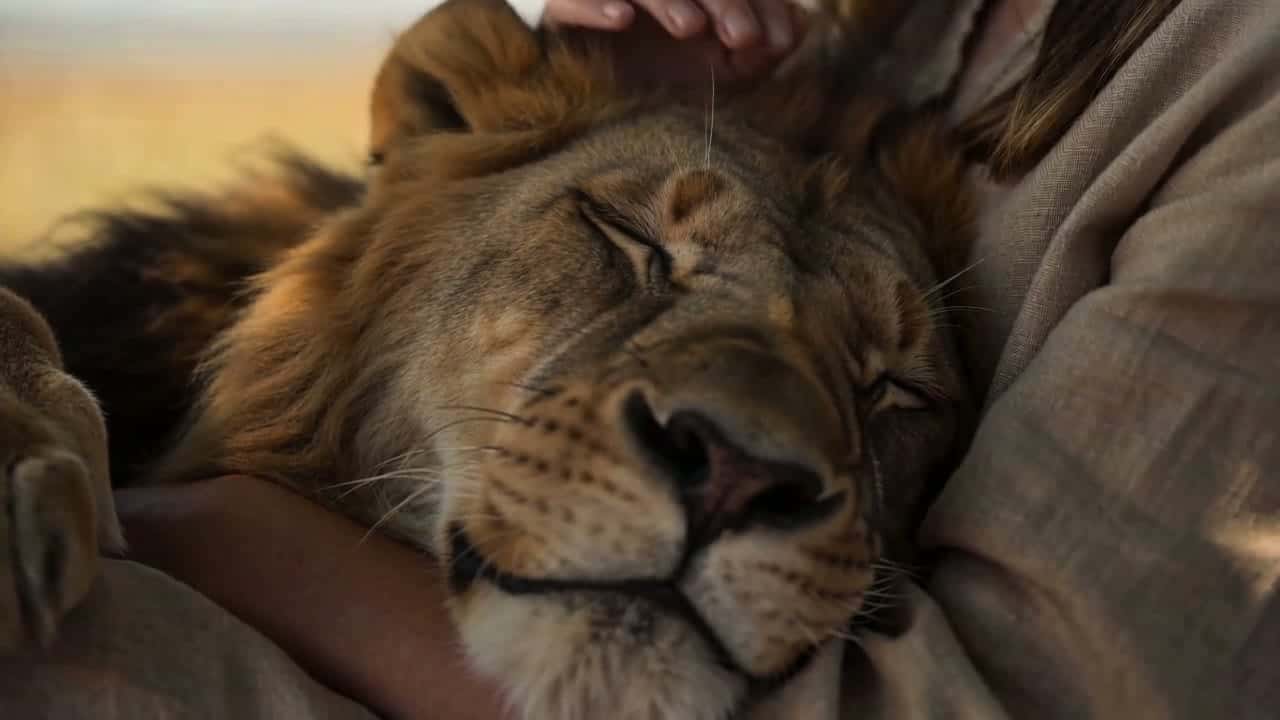
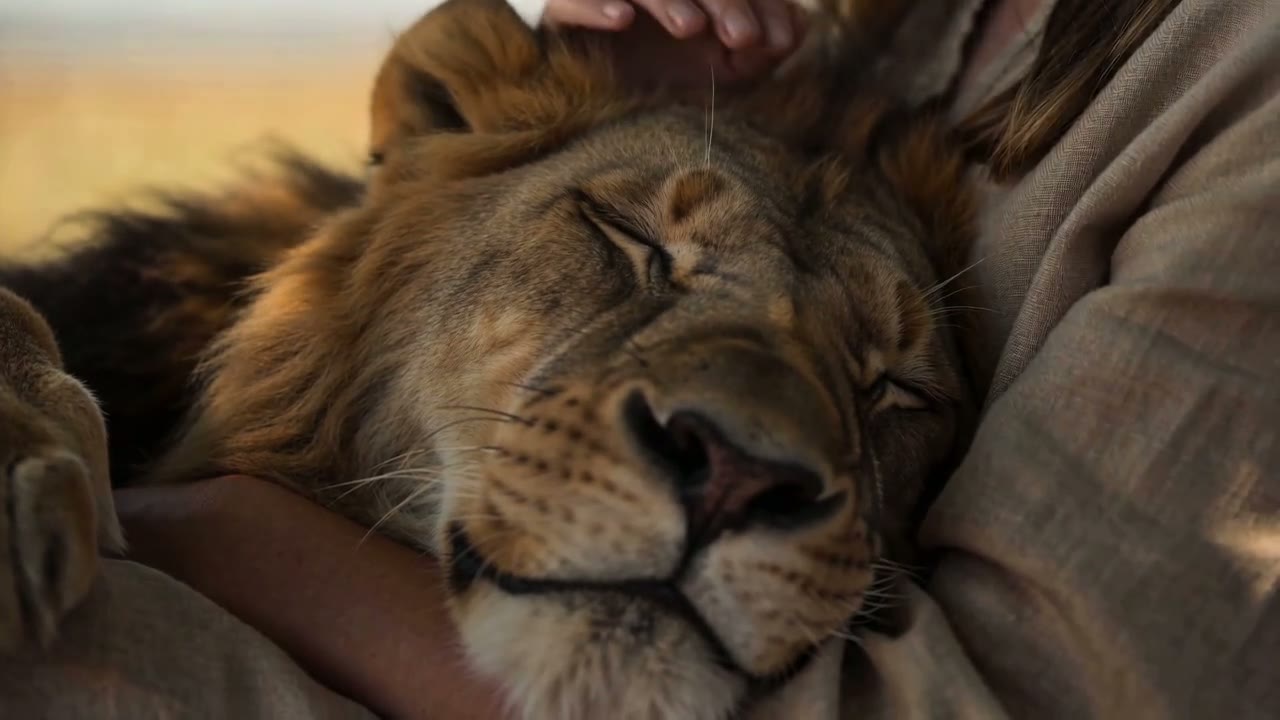
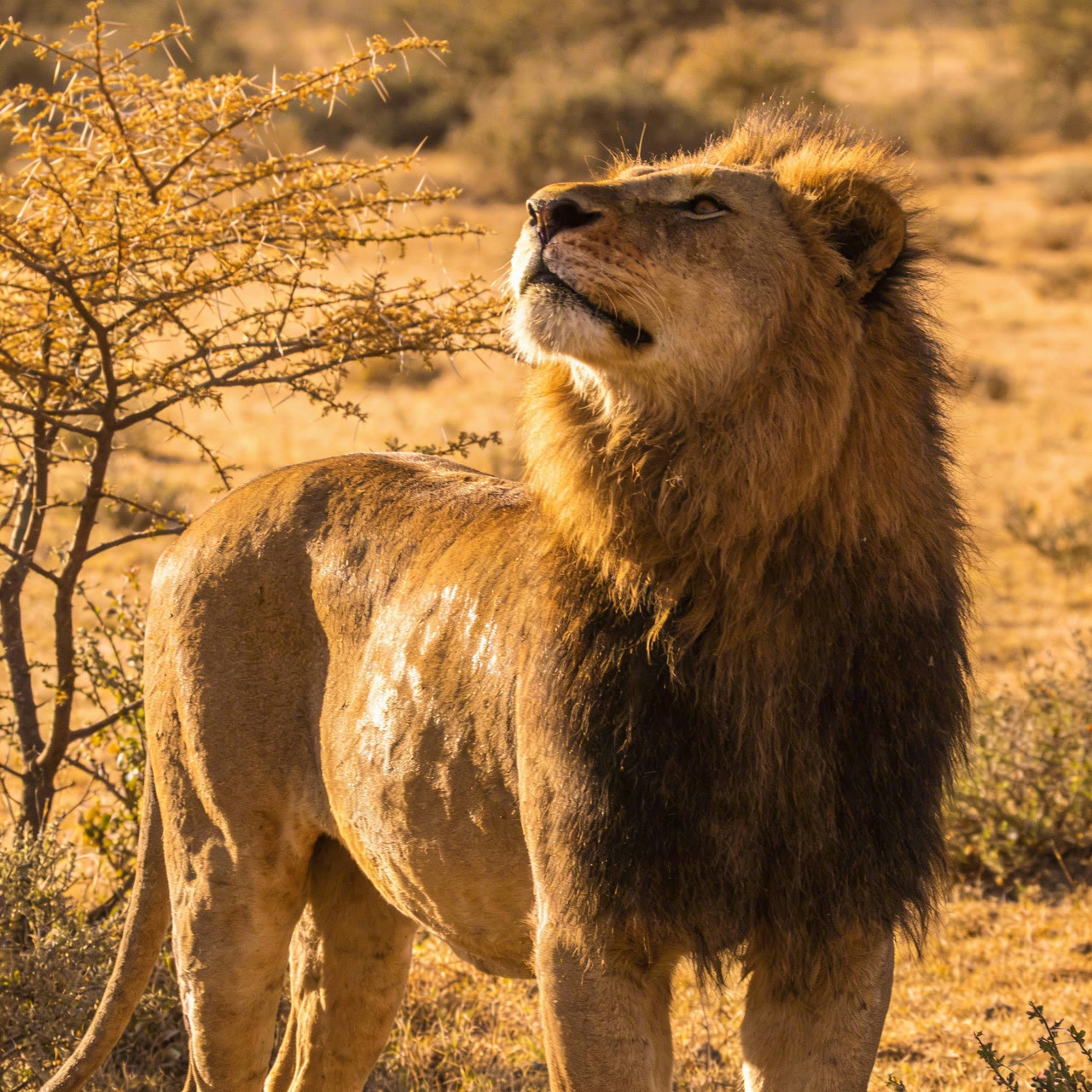
A reference clip tells Seedance 2.0 how the shot should move: where the camera goes, how long each beat lasts, how the subject acts. Images then supply the people, products or creatures that appear in it. ByteDance’s demo kept every shot and the timing of a girl resting with her cat under an acacia tree, and put the lion from a single reference image in the cat’s place.
In the Yovid composer, attach up to 3 clips and 9 images, insert each one into the prompt with @ and say what it controls, for example “follow the camera move in @Video 1”. Generations with a reference clip are billed on the clip’s length plus the output. To edit or extend footage you already have, use Seedance 2.5, which has dedicated modes for both.
 1Seedance 2.0
Hands, Objects and Believable Physics
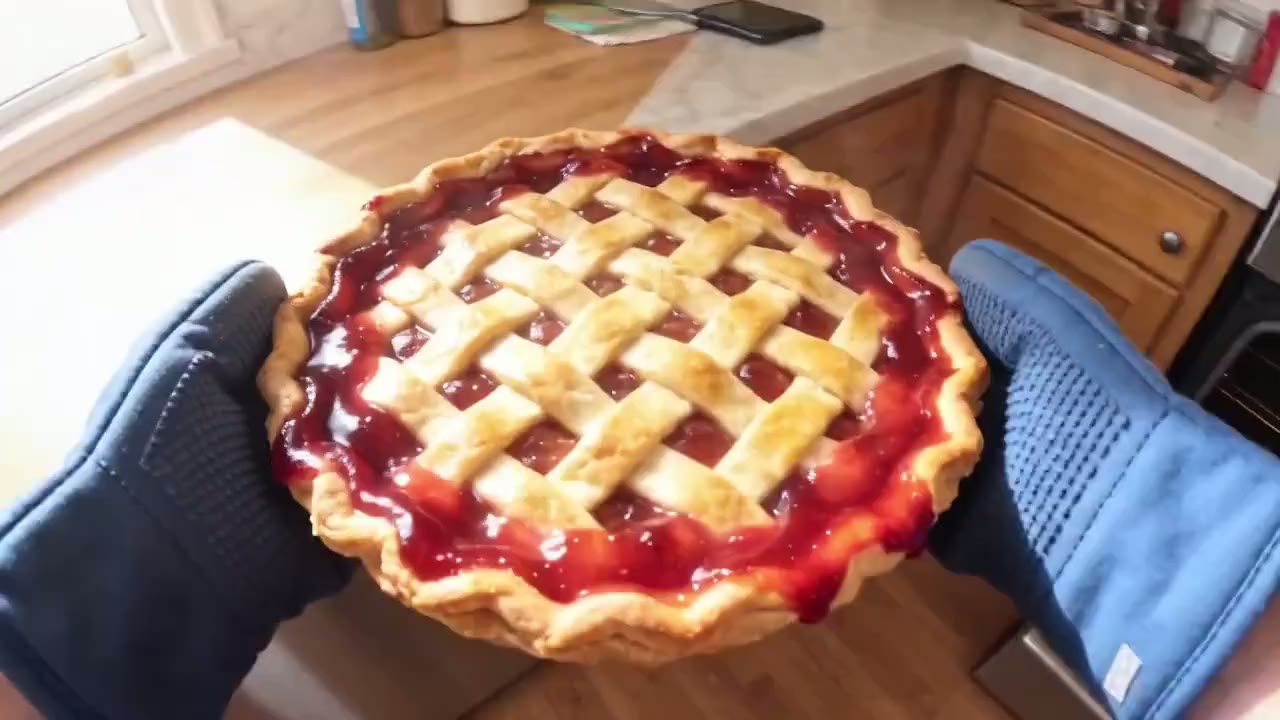
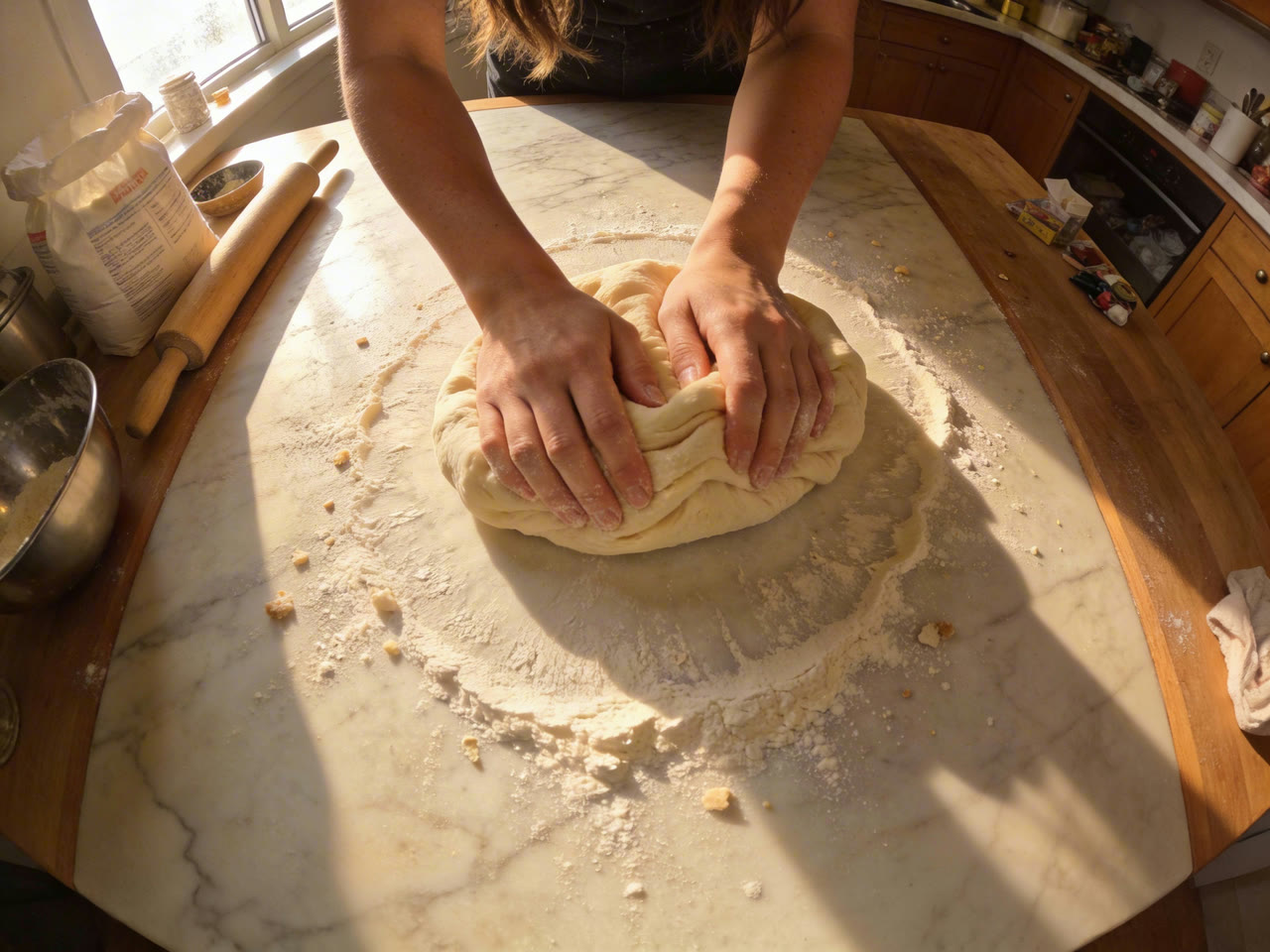
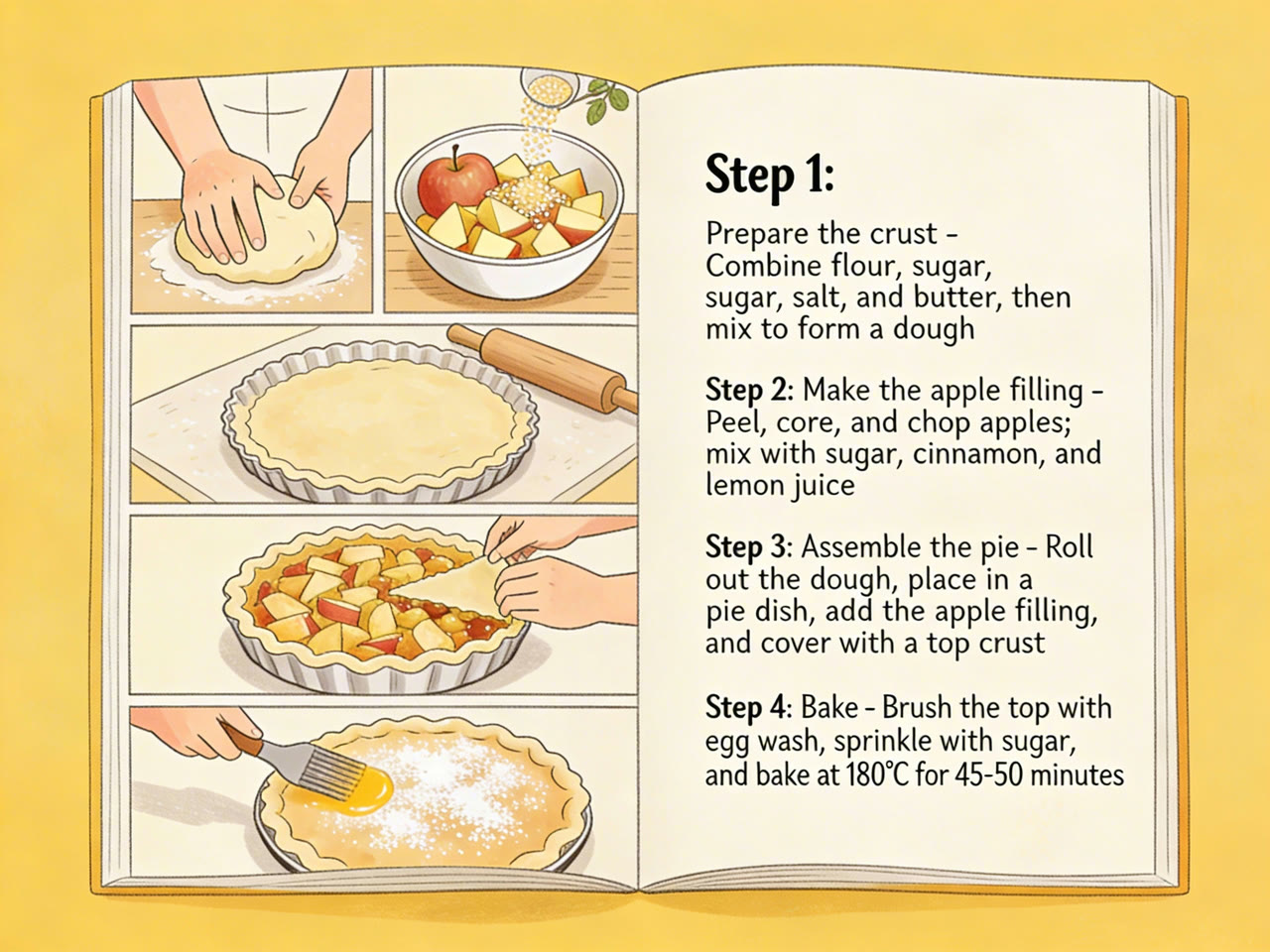
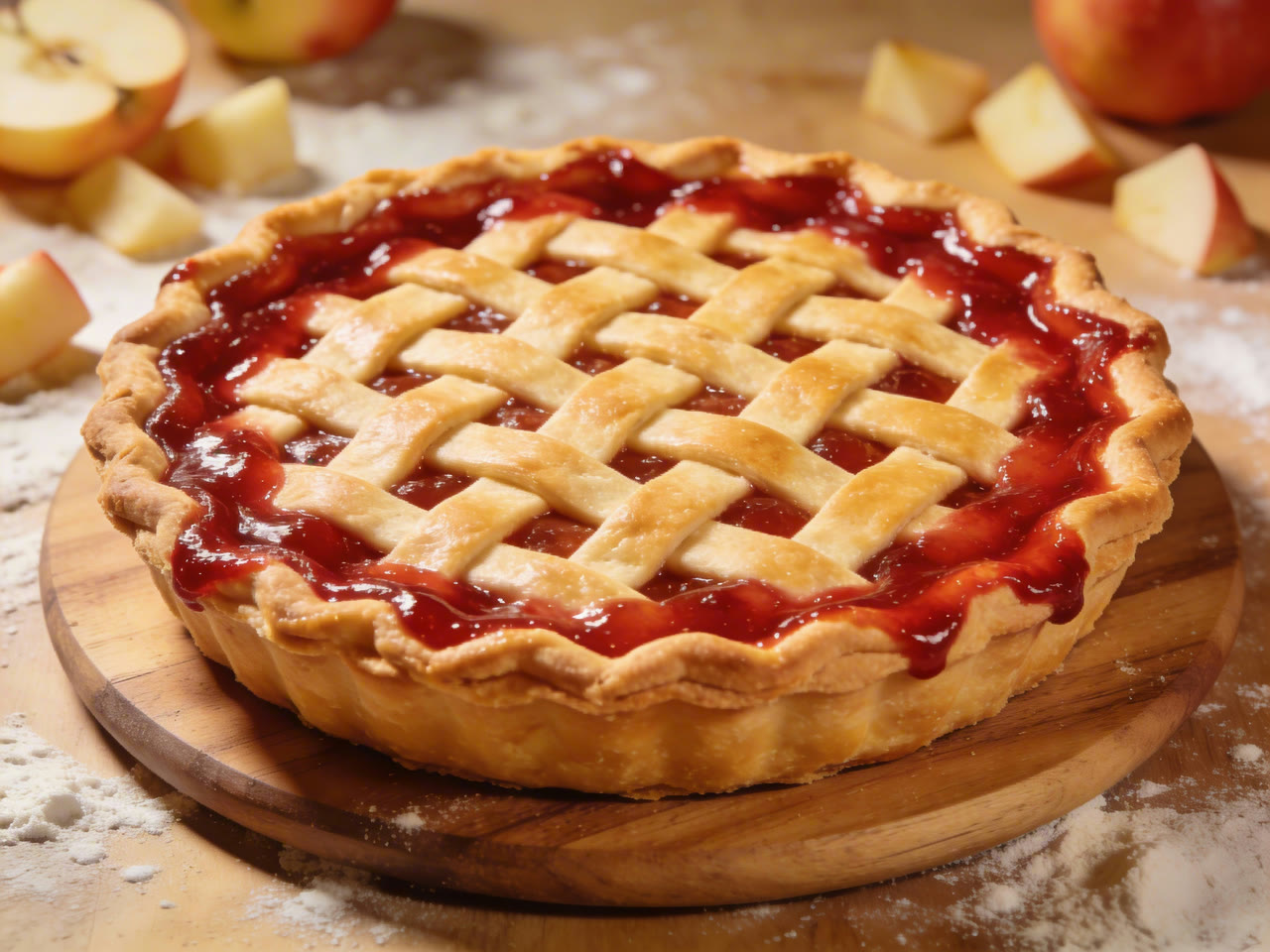
Hands are where video models usually give themselves away. Seedance 2.0 keeps fingers, dough, running water and a hot pie dish behaving as they should, and holds a first-person camera steady enough to read every step.
Write actions as specific body movements with a speed and a force, such as “slowly folds the dough” or “lifts the dish with both mitts”, and give each shot one camera move. ByteDance’s prompt guide flags stacked push, pan and tilt moves as a common cause of unstable frames.
 Seedance 2.0
Cuts That Keep the Cast and the Set
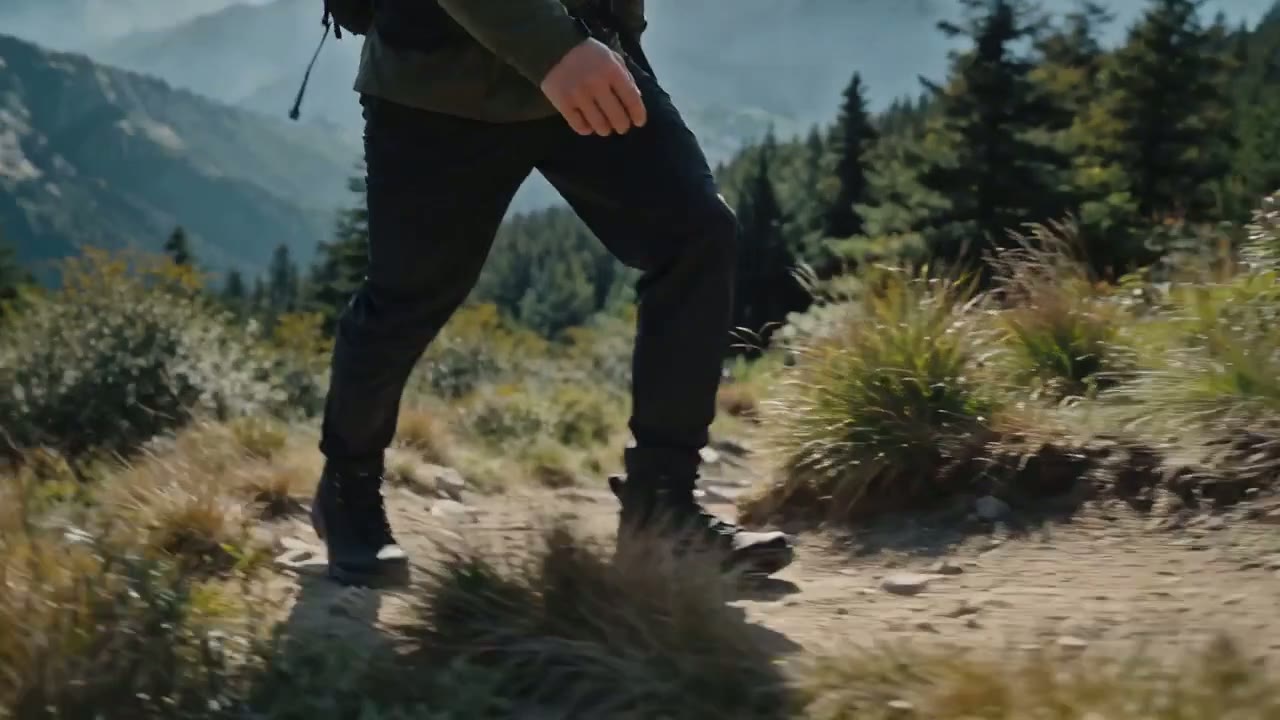
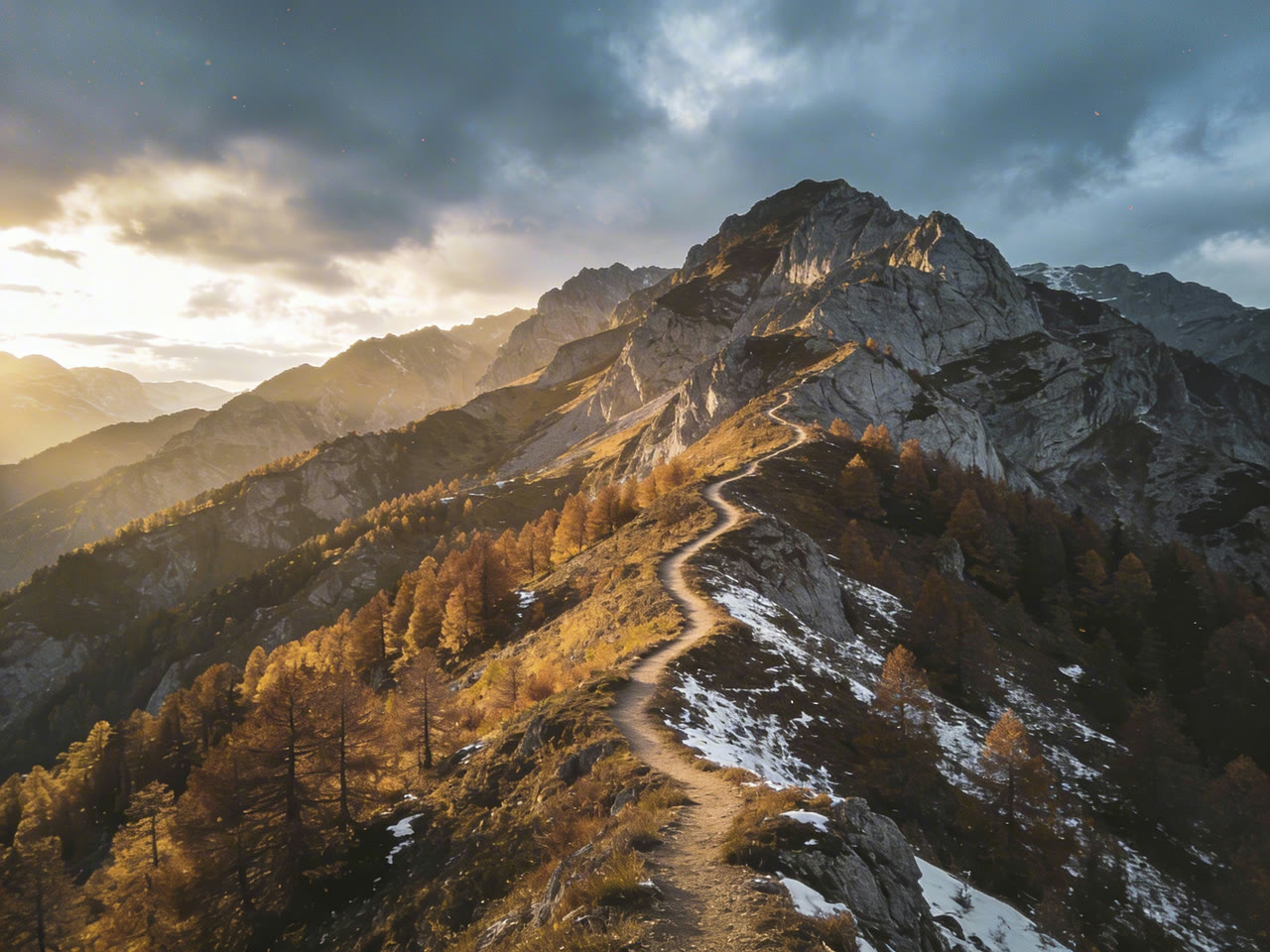
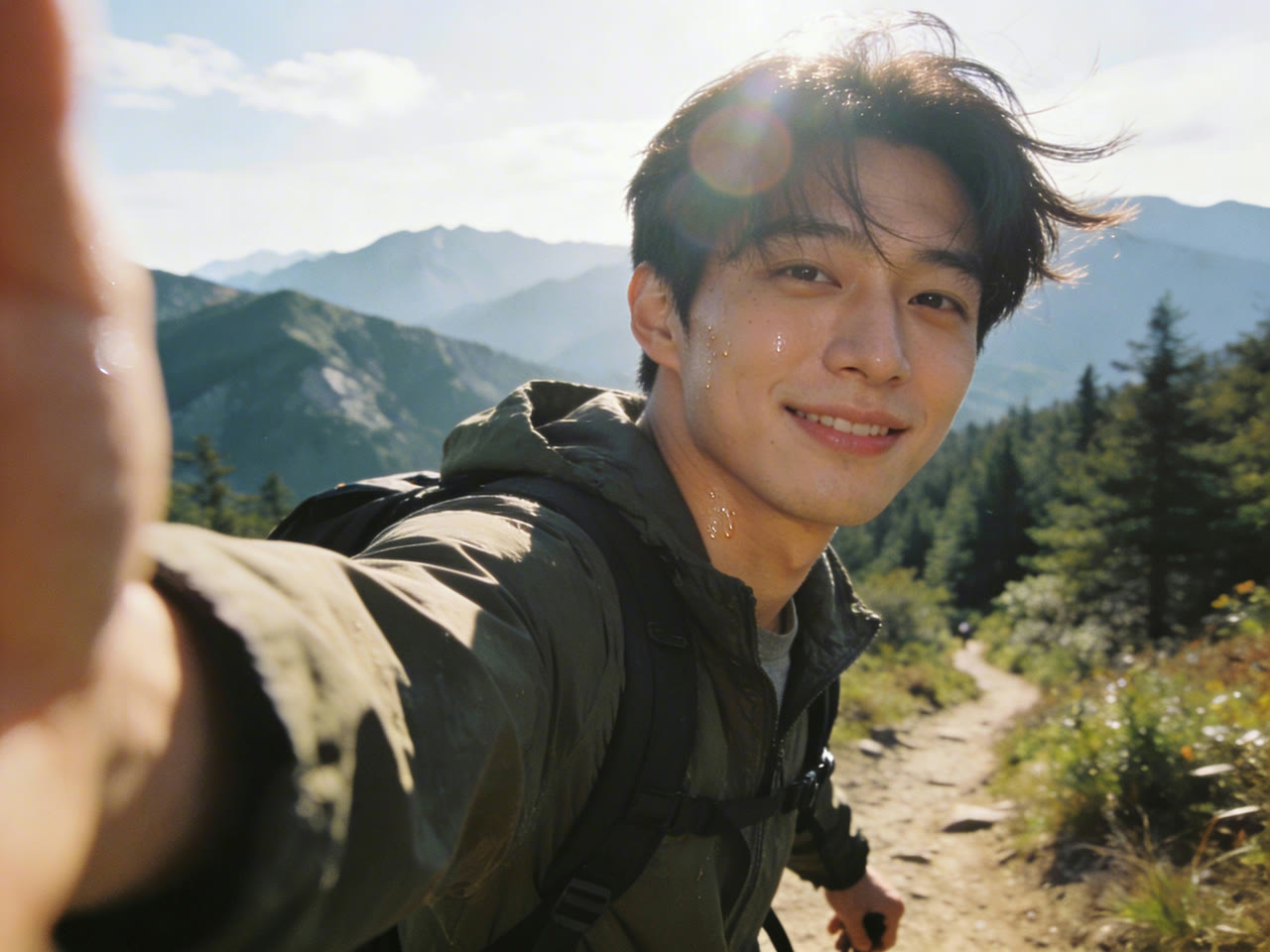
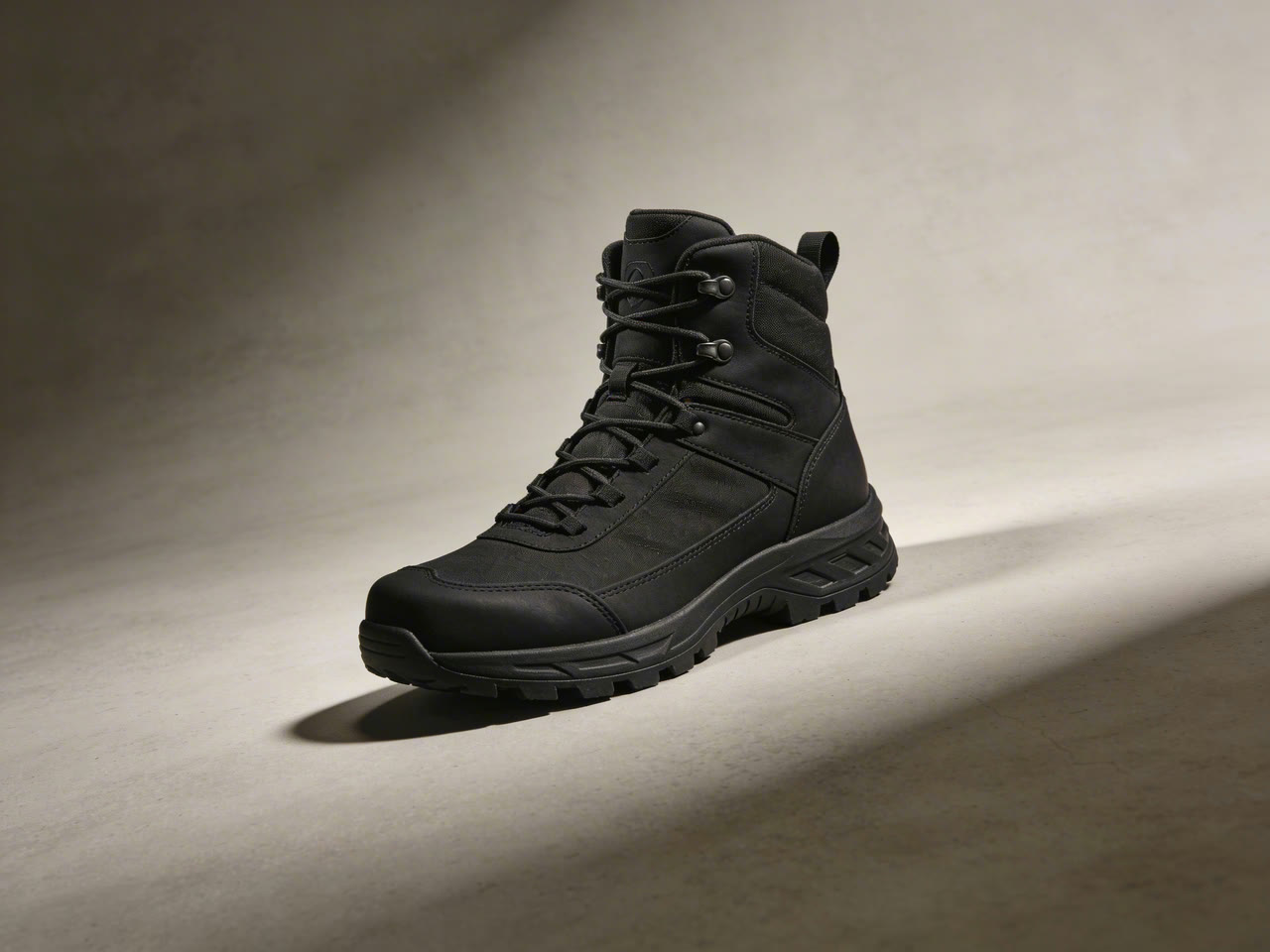
A good cut changes the framing and nothing else. Across the demo below the hiker’s face and jacket and the boots from the product photo stay the same from the wide ridgeline shot through the tracking shot, the side close-up and the macro shots of each step.
Write the scene as a numbered shot list, Shot 1, Shot 2, Shot 3, each with who is on screen, what they do and how the camera moves. ByteDance advises against forcing exact timestamps; let the model pace the shots and keep each one simple.
 Seedance 2.0
Product Spots with Convincing Materials
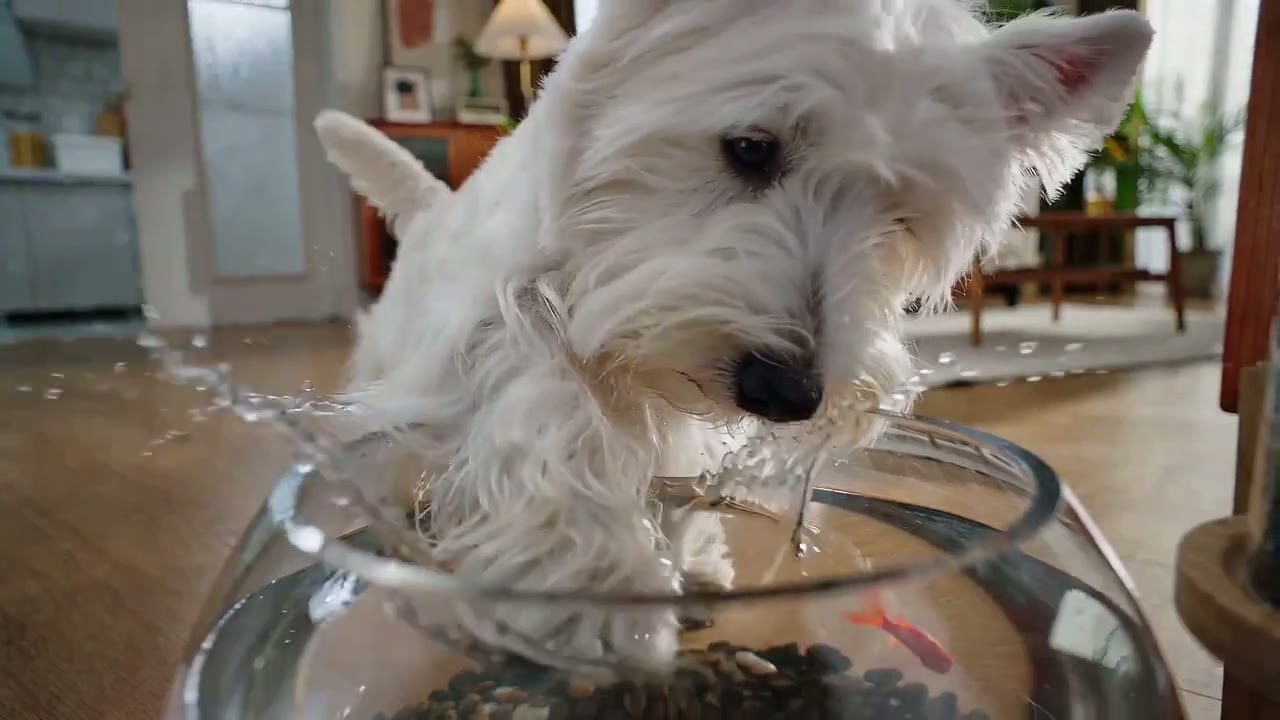
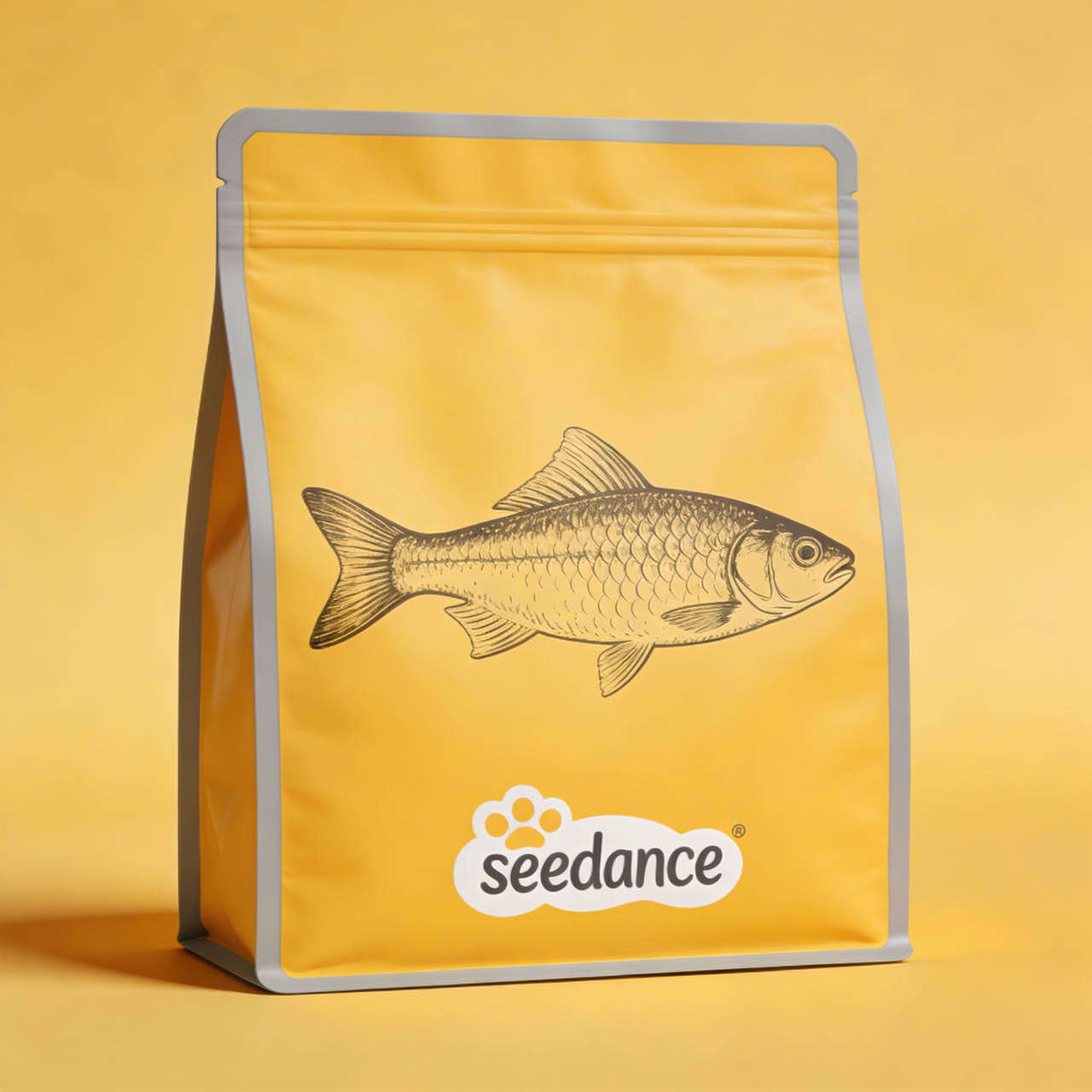
Seedance 2.0 can restyle a product inside a finished ad. In ByteDance’s demo below, one packaging image replaces every dog-food bag in a 15-second spot, tracked through camera moves, changing angles and partial occlusion, while the terrier, the fishbowl and the cuts stay as they were.
Upload one to three clean product photos as references and name the product in the prompt so its label and shape stay put.
 1Seedance 2.0
Pay Less per Second than Seedance 2.5
For clips of 15 seconds or less, Seedance 2.0 is the lower-cost way to get ByteDance’s multi-shot video with sound. There is no draft mode, so use 480p for cheap tests and switch to 720p or 1080p for the version you keep.
| 480p | About 2.3 credits per secondA 5-second test costs about 12 credits. |
|---|---|
| 720p | 5 credits per secondThe default resolution; a 5-second clip is 25 credits, against about 31 on Seedance 2.5. |
| 1080p | About 11.3 credits per secondOn Pro, Premium and credit packs. Lite tops out at 720p. |
| With a reference clip | About 3 credits per second at 720pCounted on the reference clip’s length plus the output length. |
Settings at a Glance
Choose the aspect ratio first so the subject and camera path are composed for it. With a start image, the adaptive setting follows that image’s shape.
| Length | 4 to 15 seconds5 seconds by default. |
|---|---|
| Resolution | 480p, 720p or 1080p720p by default. |
| Aspect ratio | 16:9, 9:16, 1:1, 4:3, 3:4, 21:9 or adaptive |
| Inputs | Text, a first frame with an optional last frame, or referencesUp to 9 images and 3 video clips in the composer. |
| Sound | On by defaultTurn it off per generation. |
| Output | MP4 at 24 fps |
Who Gets the Most out of Seedance 2.0
Fifteen seconds, sound included and a lower price than Seedance 2.5 suit these kinds of work:
- Short-form creators: Vertical 9:16 clips for Reels, TikTok and Shorts that arrive with their sound, no separate audio pass needed.
- E-commerce sellers: Product spots built from one to three product photos, from a lifestyle shot to a clean packshot.
- Short-drama and storyboard makers: Multi-shot scenes that keep a cast consistent from reference images, ready to cut into a longer sequence.
- Ad teams testing concepts: Several cheap 480p versions of an idea, then the winner at 1080p, for less than the same work on Seedance 2.5.
- Illustrators and animators: Stylized and animated characters, which also avoid the photoreal-face restrictions that trip up live-action prompts.
Seedance 2.0 vs Seedance 2.5, Seedance 2.0 Mini, Kling 3.0 and MiniMax H3
All rows except the last one come straight from the settings each model offers in Yovid’s generator today, so the length, reference limits and price you see are the ones you will get.
| Feature / Model |  Seedance 2.0 Seedance 2.0 | Seedance 2.5 | Seedance 2.0 Mini |  Kling 3.0 Kling 3.0 |  MiniMax H3 MiniMax H3 |
|---|---|---|---|---|---|
| Longest clip | 12 s | 30 s | 15 s | 15 s | 15 s |
| Top resolution | 1080p | 1080p | 720p | 1080p | 2K |
| Aspect ratios | 16:9, 9:16, 1:1, 4:3, 3:4, 21:9 | 16:9, 9:16, 1:1, 4:3, 3:4, 21:9 | 16:9, 9:16, 1:1, 4:3, 3:4, 21:9 | 16:9, 9:16, 1:1 | 21:9, 16:9, 4:3, 1:1, 3:4, 9:16 |
| Reference images | 9 | 30 | 9 | — | 9 |
| Reference videos | 3 | 10 | 3 | — | 3 |
| Edit or extend an uploaded clip | — | Yes | — | — | — |
| Credits for 5 s at 720p | 20 | 31 | 13 | 13 | 23 |
| Best for | Complete 15-second scenes with sound at up to 1080p, for less than 2.5. | Takes longer than 15 seconds, edits, extensions and large reference sets. | The cheapest Seedance tests, and available on the free plan. | Character-led shots at 1080p in three frame shapes. | Crisp 2K clips from a handful of references. |
Credits are base credit-pack rates for a 5-second clip at 720p, or the closest resolution a model offers, and follow Yovid’s live pricing. Subscriptions lower the per-second cost.
Seedance 2.0 Strengths and Limits
What it does better than its neighbours on Yovid, and when to reach for a different model.
Strengths
- Price: About 18–25% less per second than Seedance 2.5 at every resolution.
- References: 9 images and 3 video clips per generation to pin faces, products and camera moves.
- 1080p with sound: Picture and two-channel audio in one pass, up to 1080p; Seedance 2.0 Mini stops at 720p.
- Multi-shot: Cuts between angles inside one clip while the cast and the set stay consistent.
Limits
- Length: 15 seconds per generation; Seedance 2.5 goes to 30.
- No edit, extend or draft mode: Those are Seedance 2.5 features on Yovid.
- Real faces: Prompts or references with real people, photoreal faces or lookalikes often fail under ByteDance’s rules.
- Plan access: Not on the free plan; Lite stops at 720p, and 1080p needs Pro, Premium or a credit pack.
How to Use Seedance 2.0 on Yovid
- Step 1
Choose Seedance 2.0
Open the video generator from this page with Seedance 2.0 already selected, or pick it in the model menu.
- Step 2
List your shots and add references
Write the scene shot by shot, attach a first frame or up to 9 images and 3 clips, then set the length, ratio and resolution.
- Step 3
Generate and download
Watch the result with sound, adjust one shot at a time if needed, and save the MP4.
Seedance 2.0 Starter Prompts
Starter prompts written for shots like the ones in these clips, not the original prompts. Each one follows the same pattern: a numbered shot list, one camera move per shot, sound at the end.
Golden-hour companion
Text to video · 12 sTry this promptGolden hour on the African savanna, warm backlight, wind moving through dry grass. Shot 1: a still wide shot of a lone acacia tree on the plain. Shot 2: under the tree, a young woman in linen clothes rests against the trunk with her eyes closed, a lion lying across her lap. Shot 3: close-up of the lion’s face as her hand slowly strokes its mane. Natural ambience only, no music.
Noodle-shop date
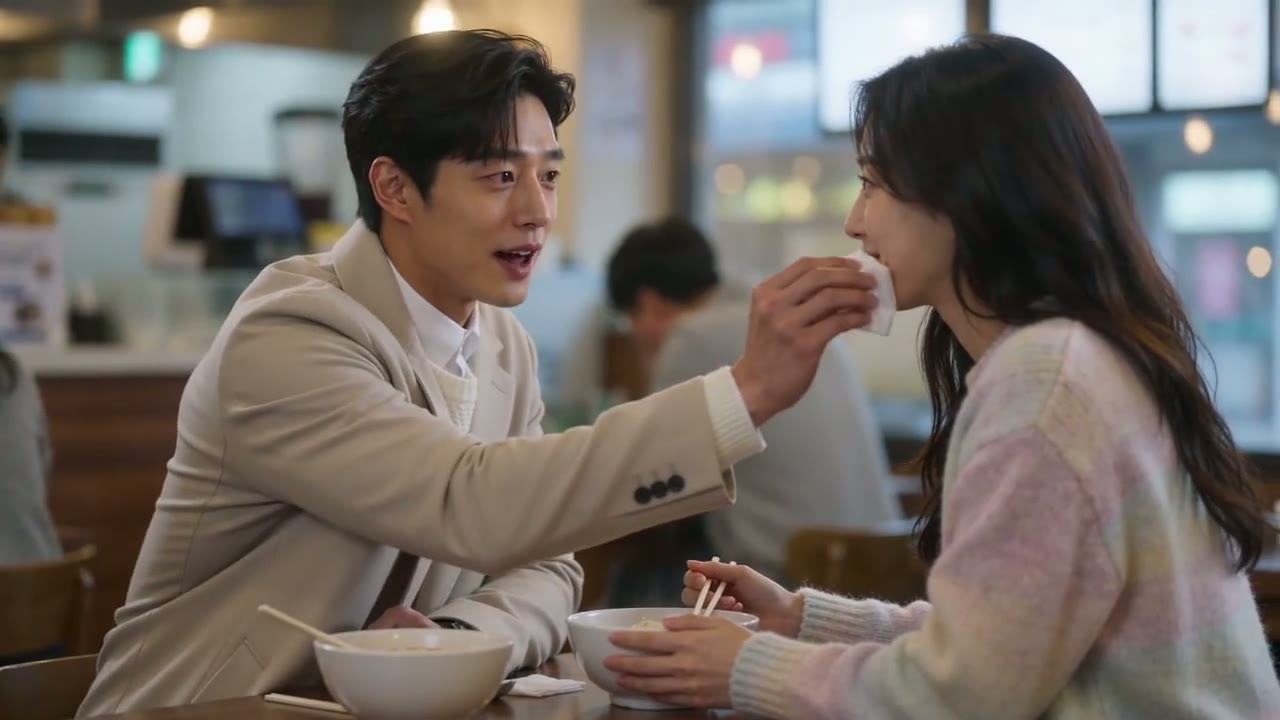
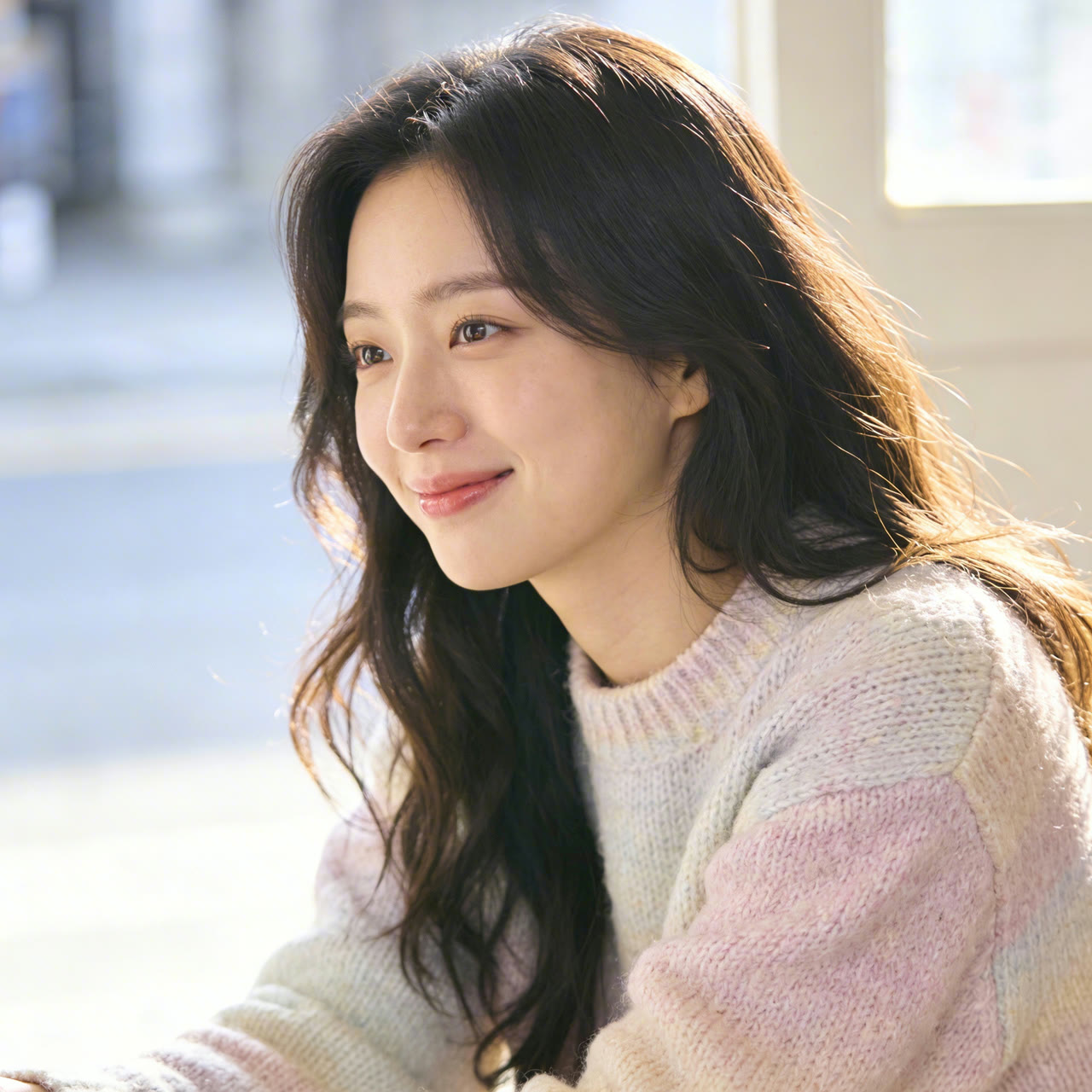
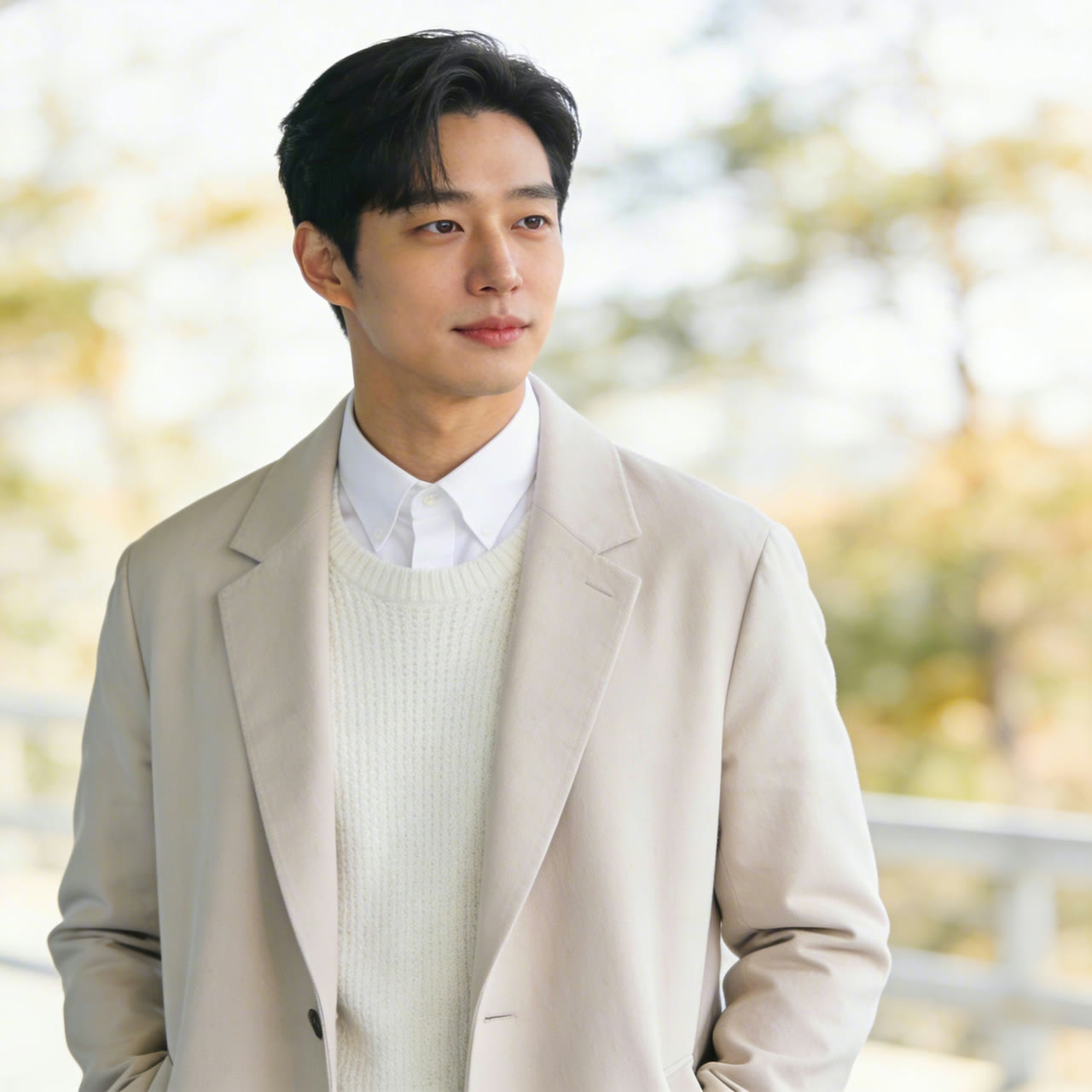
Text to video · 15 sTry this promptA busy noodle shop at lunchtime, soft window light. Shot 1: wide shot of a young couple at a small wooden table among other diners. Shot 2: close-up of her slurping a long strand of noodles. Shot 3: medium shot, he leans over and dabs her chin with a napkin, and they both laugh. Ambient chatter and clinking bowls.
Courtyard fan duel
Text to video · 8 sTry this promptWuxia style, an old wooden courtyard in daylight. A swordsman in flowing white robes holds a folding fan. Shot 1: wide shot as two masked attackers in black close in from both sides. Shot 2: close-up, he snaps the fan open and raises it to eye level. Shot 3: he turns, deflects both blades with the fan and stands still between them. Crisp fabric and footstep sounds.
Apple pie, first person
Text to video · 14 sTry this promptFirst-person view in a sunny home kitchen. Shot 1: a hand turns the page of an illustrated recipe book. Shot 2: hands knead pie dough on a floured marble counter. Shot 3: apples rinsed under a running tap. Shot 4: a lattice pie bakes in the oven. Shot 5: blue oven mitts lift the finished pie toward the camera. Kitchen sounds only.
Terrier pet-food spot
Text to video · 15 sTry this promptA playful pet-food commercial. Shot 1: a white West Highland terrier sniffs a goldfish bowl on the floor of a bright living room. Shot 2: low angle, the dog dips a paw in and water splashes. Shot 3: a clean yellow studio, kibble falls in slow motion into an open foil bag. Shot 4: back in the living room, the dog sits proudly next to the bag. Light, bouncy music.
A gift for grandma
Text to video · 11 sTry this promptA sunny village courtyard with brick walls and a tiled roof. Shot 1: wide shot, a young man in a grey hoodie hands his grandmother a gift box tied with a ribbon. Shot 2: close-up of his shy smile. Shot 3: close-up of her surprised, delighted face. Birdsong and soft voices.
More Video Models on Yovid
Guides for Better Seedance 2.0 Videos
Shot-list prompts, image-to-video examples, a model comparison and the API model limits.
FAQs
What is Seedance 2.0?
How long can a Seedance 2.0 video be?
Is Seedance 2.0 free on Yovid?
How many credits does Seedance 2.0 use?
What is the difference between Seedance 2.0 and Seedance 2.5?
Seedance 2.0 or Seedance 2.0 Mini: which should I use?
Does Seedance 2.0 generate audio and dialogue?
What can I upload as a reference?
Why did my Seedance 2.0 video fail?
Can I use Seedance 2.0 videos commercially?
Direct Your Next 15 Seconds
Write the shot list, add a face or a product, and let Seedance 2.0 render the picture and the sound together.
Create with Seedance 2.0