Turn a written idea into a cinematic AI video. Generate polished scenes, native sound and consistent characters with Seedance 2.5, Kling 3.0, Veo 3.1, and more.
Prompt in, finished shot out: text to video AI examples
A few lines of text are enough for a finished shot. Yovid’s text to video generator turns one prompt into product films, fashion spots, action scenes and social ads, with directed camera moves, steady subjects, sound generated with the picture and no watermark on the download.
Render text to video clips in native 4K with Veo 3.1 Fast on Premium or with a credit pack. Describe the concept, the scene or the story beat, and get crisp detail for hero shots and B-roll that hold up on a big screen. Draft on a cheaper model first, then render the keeper in 4K.
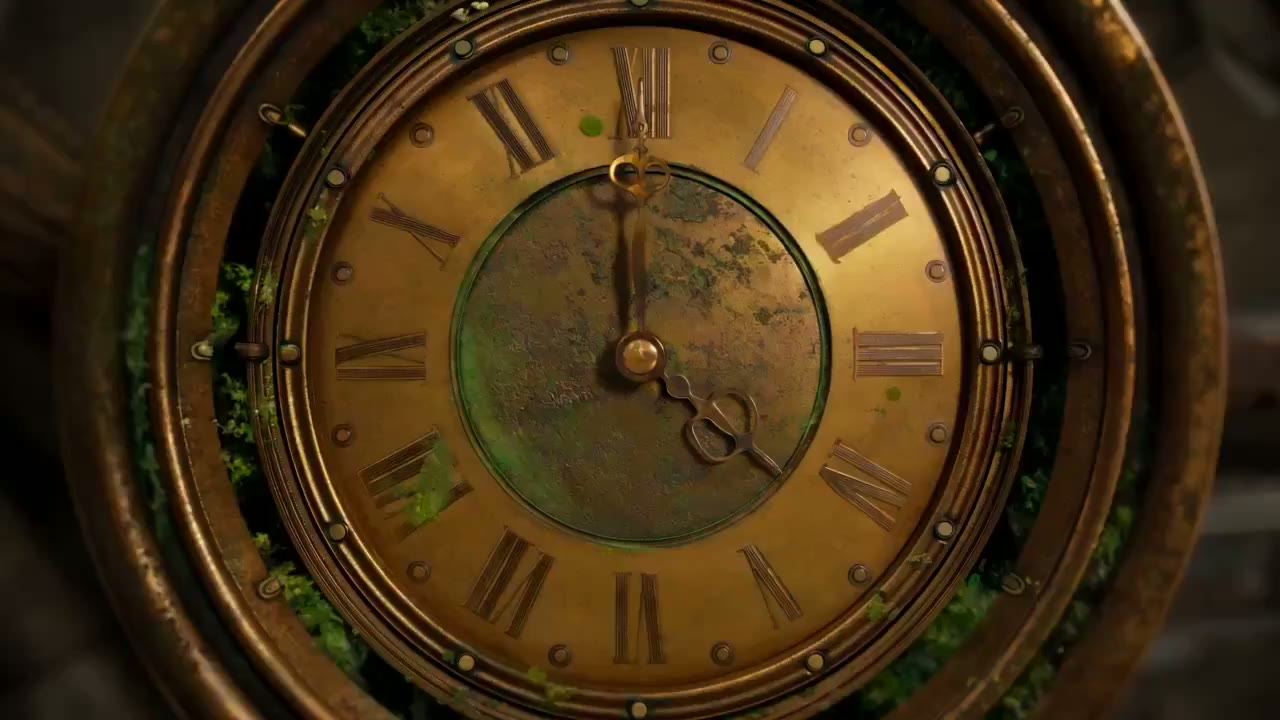
Example prompt: Extreme macro of an antique brass clock face at midnight. The camera pushes through the dial into turning gears, then flies on between towers of old books. Warm golden light, shallow depth of field, crisp metal texture. (Seedance 2.5 · 16:9 · 30s · 1080p)
Cinematic looks from one prompt
Name the lens, the light and the move, and the model frames the shot for you: golden-hour backlight, a slow dolly, rain on glass, a handheld follow. Every model in the picker reads plain camera language, so you direct the look in words instead of hunting for presets.
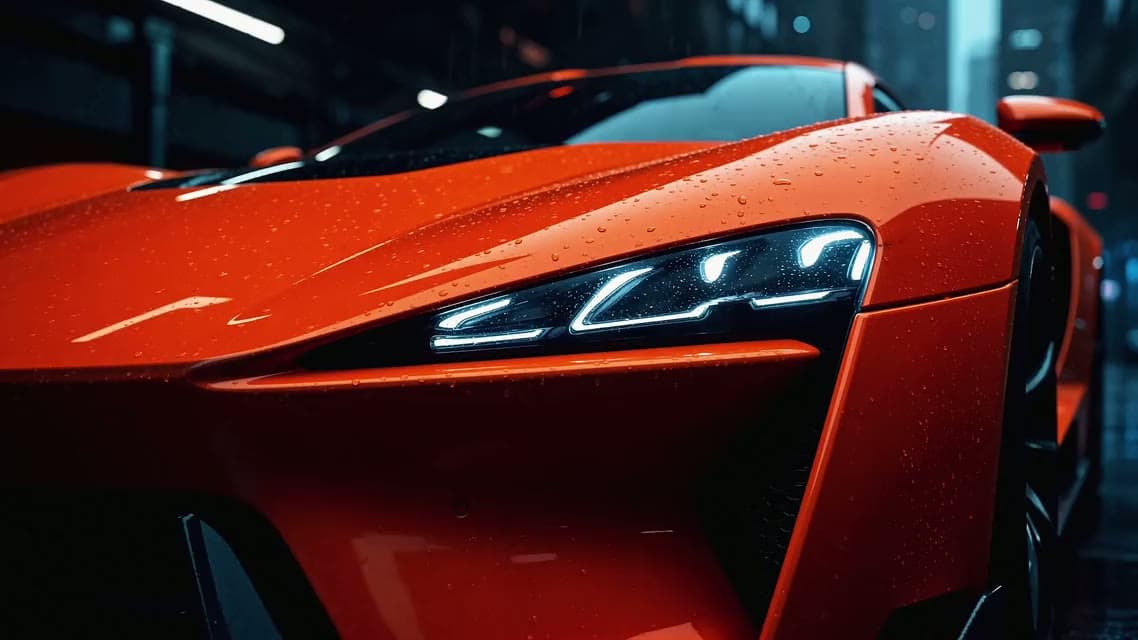
Example prompt: A night commercial for an orange concept supercar. Low wide-angle orbit around the body, macro passes over the headlights and wet paint, streetlights streaking across the glass, slow push-in on a rain-slicked street. Dramatic rim light. (Seedance 2.5 · 16:9 · 15s · 1080p)
30-second takes in a single generation
Seedance 2.5 and Wan 3.0 render up to 30 seconds from one prompt, long enough for a scene that plays out without a cut. Write the prompt in timed beats, such as 0–10s, 10–20s and 20–30s, and each part of the clip gets its own action and camera move.
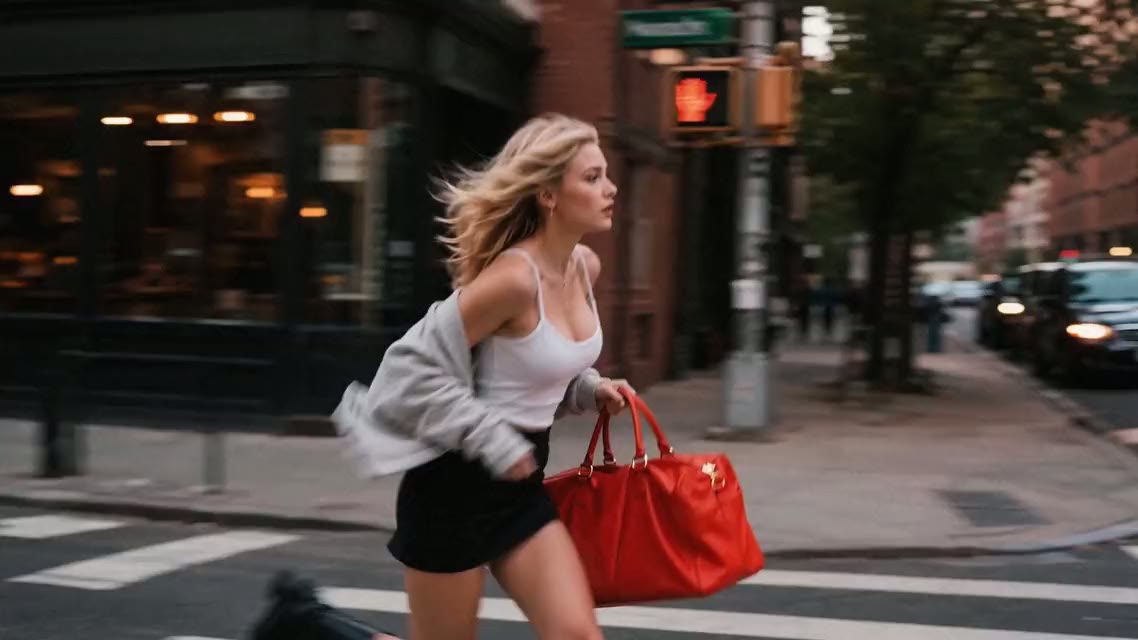
Example prompt: 0–10s: a woman sprints out of a doorway onto a busy street. 10–20s: she weaves between cars and pedestrians as taxis brake. 20–30s: she cuts across the crosswalk, the camera chasing her in one unbroken take. Handheld energy. (Seedance 2.5 · 16:9 · 30s · 1080p)
Steadier motion with the right model
Fast action, crowded frames and long camera moves are where AI video tends to flicker or drift. Yovid puts several model families behind one prompt box, so when a take wobbles you rerun the same words on another model instead of rewriting the prompt from scratch.
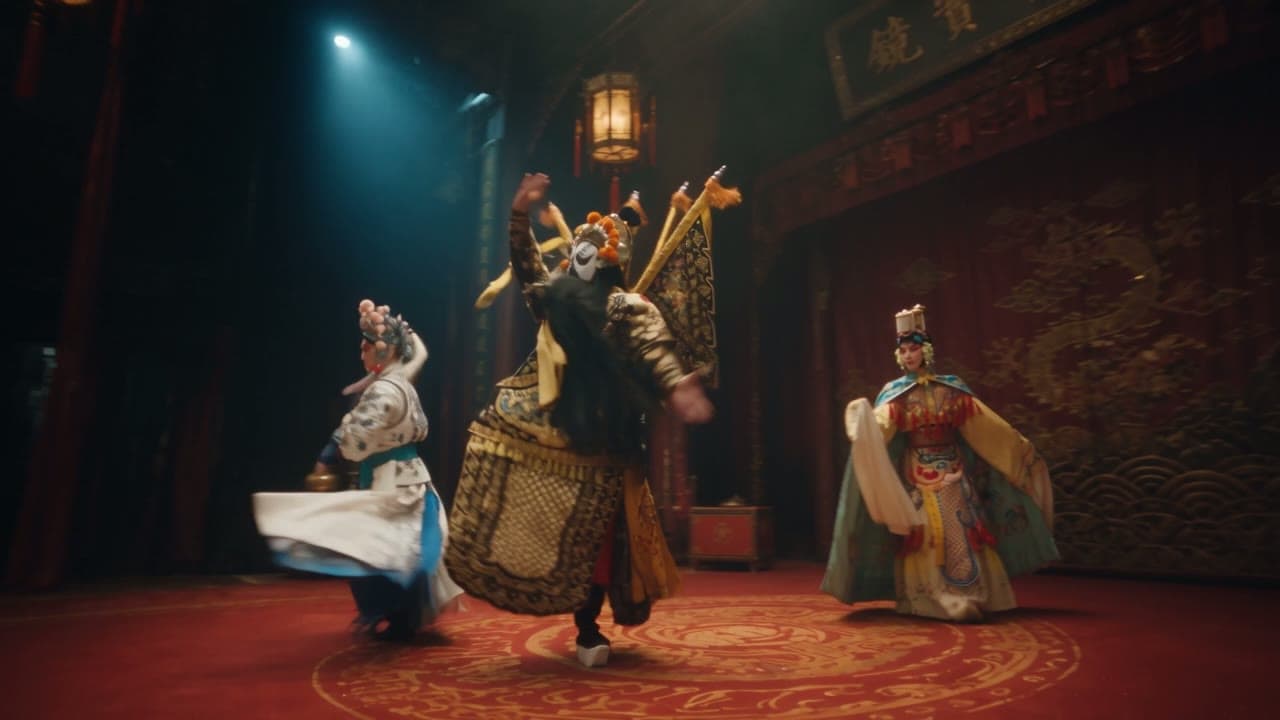
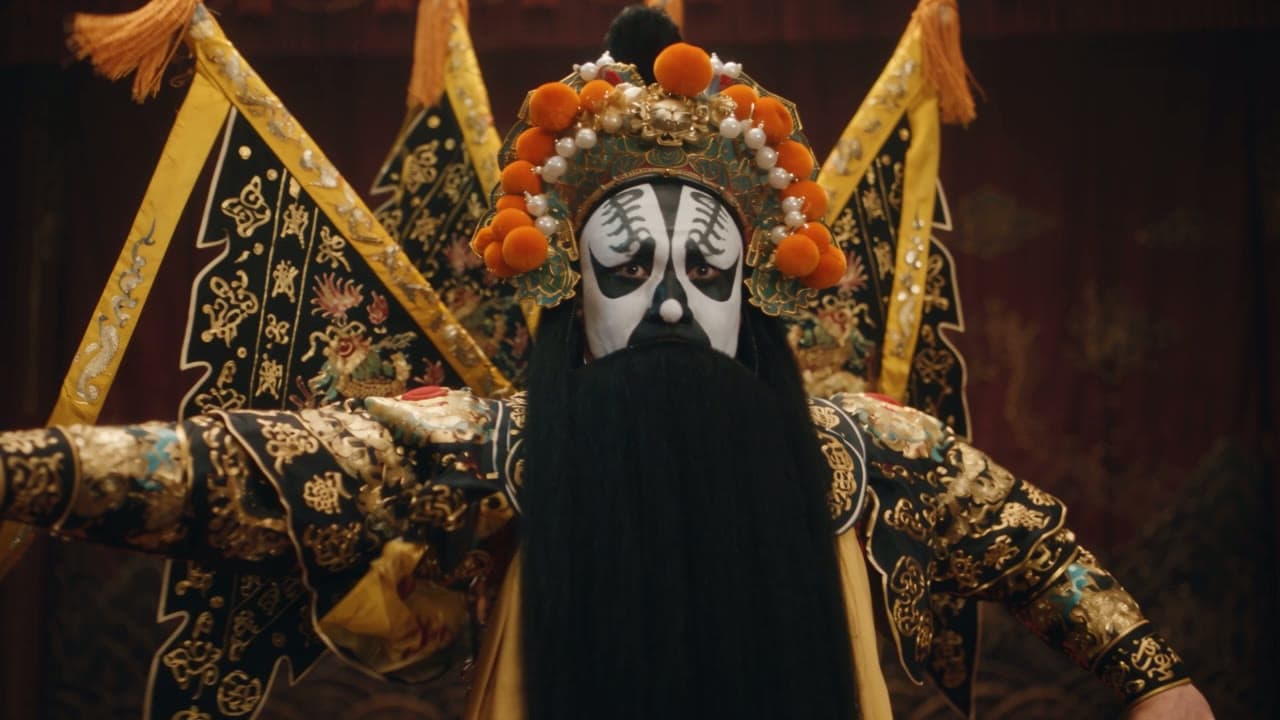
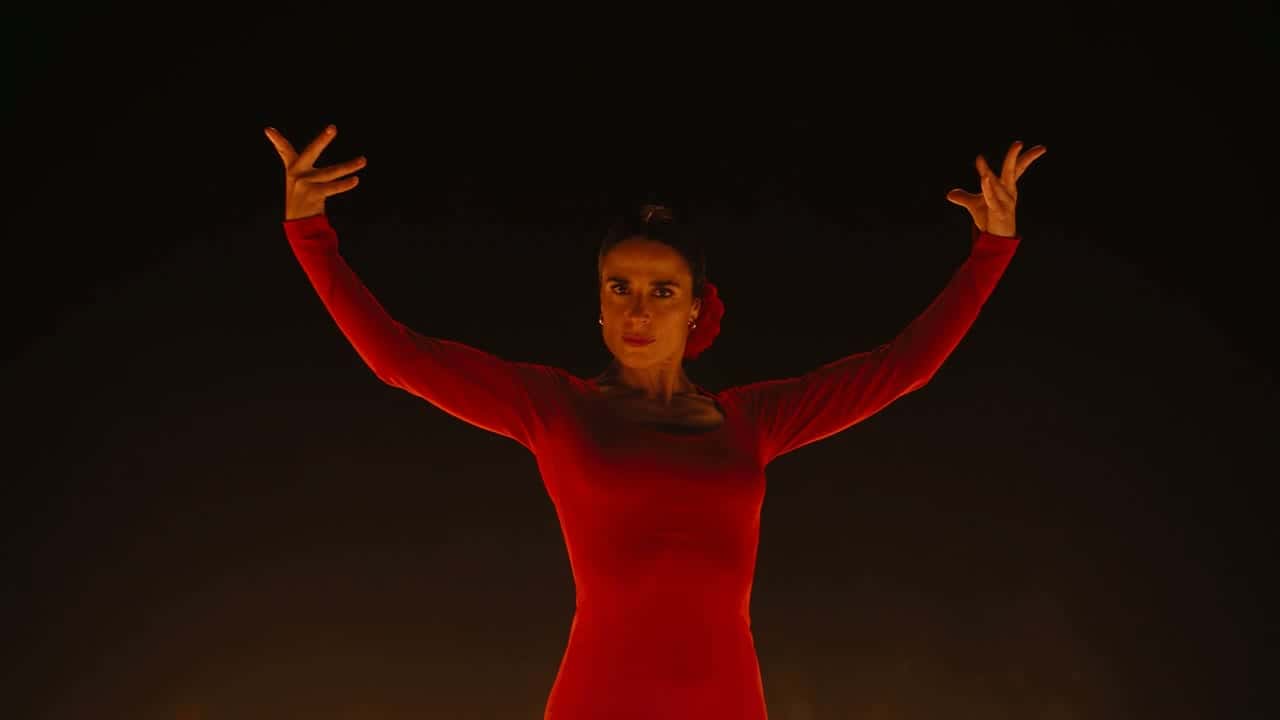
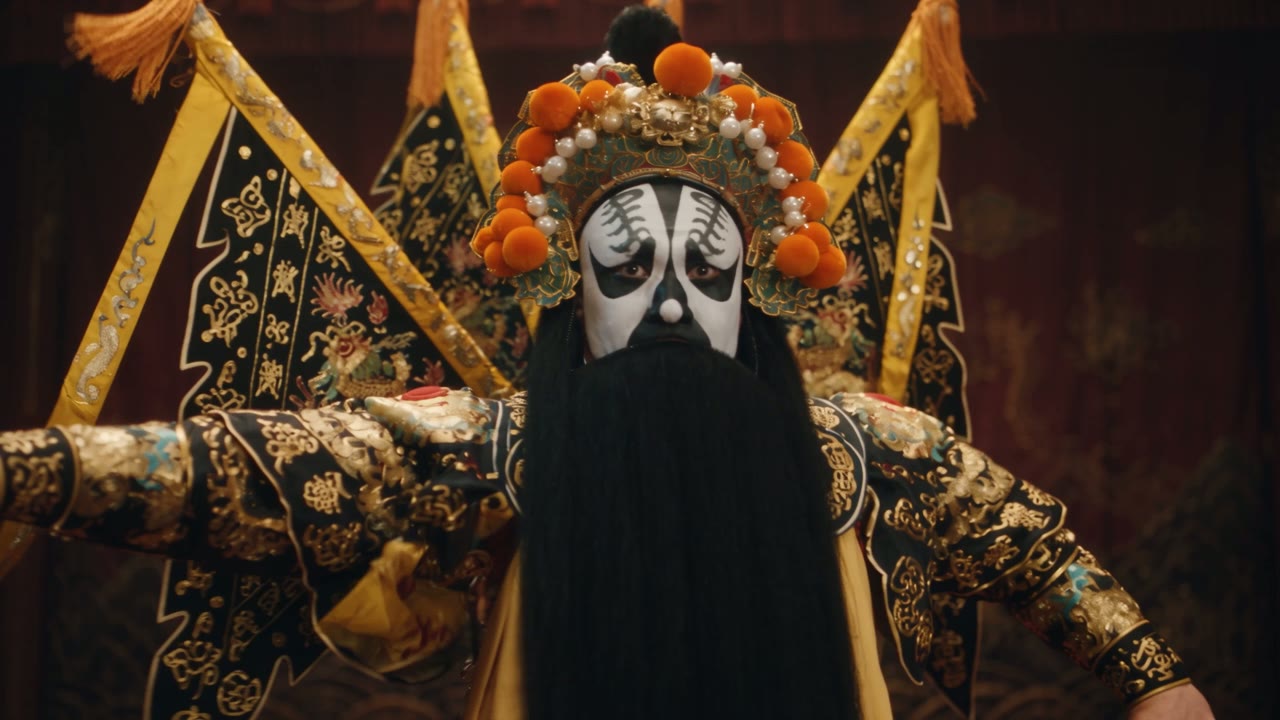
Example prompt: A Peking opera performer in a painted mask and embroidered armour spins on a dark stage, long silk sleeves whipping through the air as the camera circles fast around him. Warm lanterns, deep shadows, precise fabric motion. (Kling 3.0 · 16:9 · 15s · 1080p)
Same face, same product in every shot
Keep faces, outfits, packaging and colours steady from shot to shot. Describe the subject the same way every time, or attach reference images, up to 30 on Seedance 2.5, so the model works from pictures rather than adjectives. Ideal for product reveals, recurring characters and campaign series.
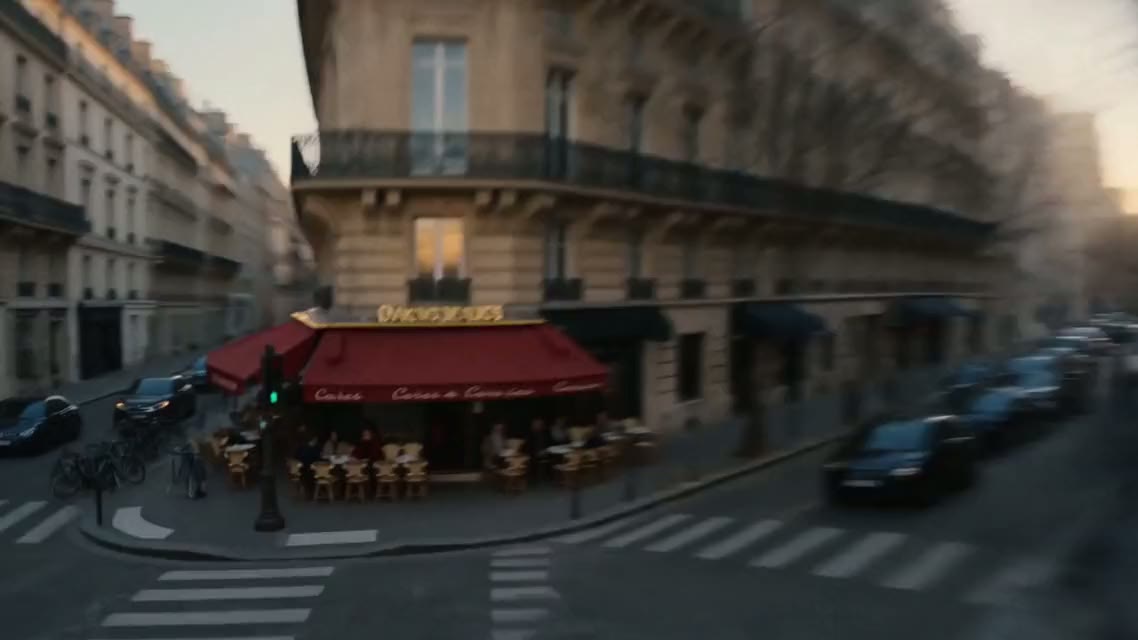
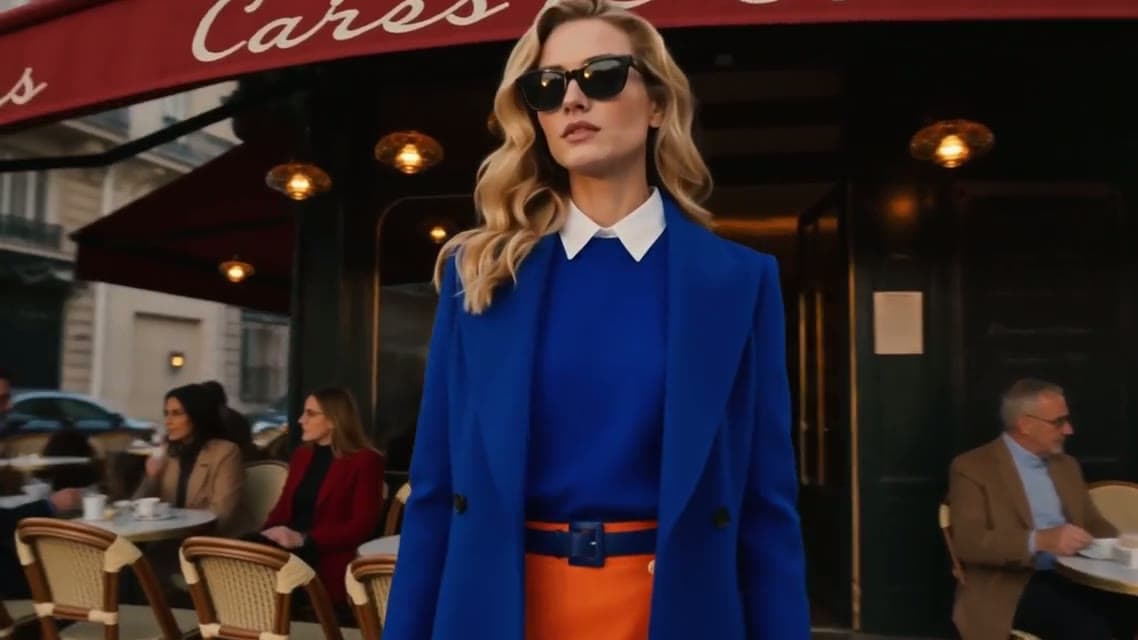
Example prompt: Keep the woman and the cobalt-blue coat from the references. A Paris fashion film: she walks past café terraces on a golden-hour boulevard, close-ups of sunglasses and fabric in motion, warm film grade, same face in every shot. (Seedance 2.5 · 16:9 · 30s · 1080p)
Sound generated with the picture
Switch audio on with Seedance, Kling 3.0, Kling O3 or Wan 3.0 and the soundtrack renders in the same pass as the video, so ambience and effects land on the action. Describe the sound in your prompt the way you describe the light, and the clip arrives ready to post.
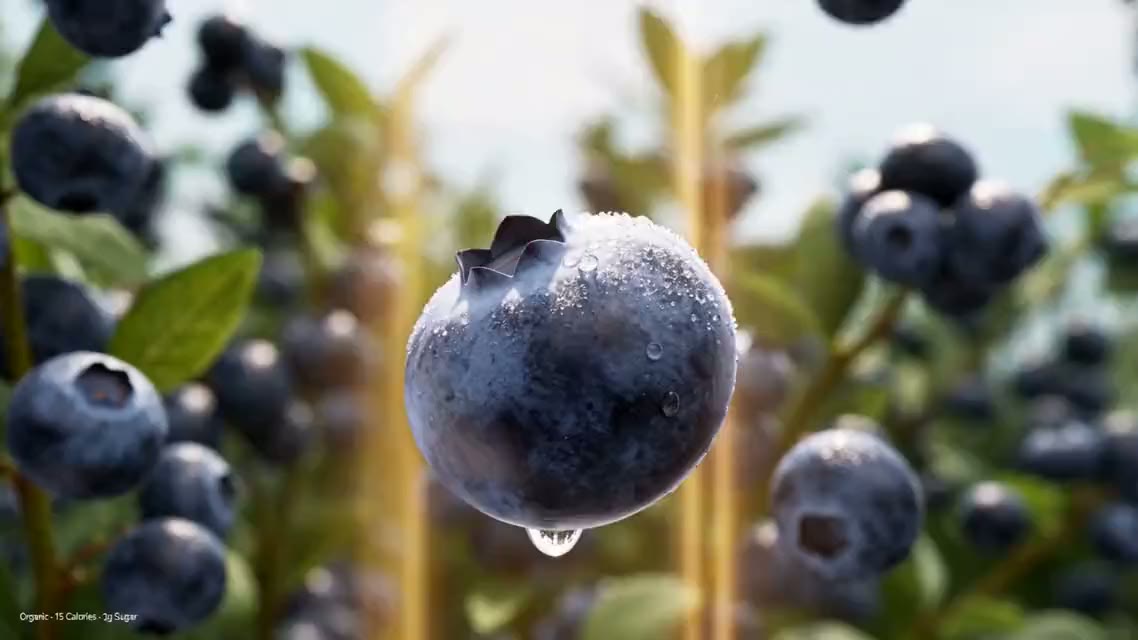
Example prompt: A fruit-juice commercial, no people. A blueberry hangs in golden light, bursts into a cloud of purple juice, and a bottle rises through the droplets; peach and mango swirl into an orange vortex. Juicy splashes, crisp pops, upbeat music. (Seedance 2.5 · 16:9 · 15s · 1080p)
Switch models per shot,one credit balance
Match the model to the prompt: Seedance 2.5 for 30-second multi-shot takes, Veo 3.1 for native 4K, Kling 3.0 for 1080p clips with sound, plus Sora 2, MiniMax H3 and Wan 3.0, all on one credit balance.
Text to video models compared: length, resolution, sound and credits
Every model in the composer, with the limits that decide which one fits the shot. The table is read from the live model settings, so it changes when the models do.
Credits are the standard rate for a 5-second clip at 720p (2K on MiniMax H3, its only setting), before plan discounts; the composer shows the exact cost for your settings. The top resolution you can pick also depends on your plan: free credits stop at 720p, and 4K on Veo 3.1 Fast needs Premium or a credit pack. “No” under Audio switch means you cannot turn sound on or off yourself; Veo 3.1, for one, adds its own native audio.
Who it’s for
Who uses text to video AI on Yovid
Influencers
Turn a trend, a personal moment or a quick idea into a vertical clip for TikTok or Instagram Reels, written in a sentence and posted the same day, without an editing timeline.
Product marketing teams
Write the key message once and generate several ad openings to test, so the campaign direction is settled before anyone books a shoot or a studio.
E-commerce sellers
Show texture, scale and use in a few seconds of motion for listings, stores and social ads, a faster read for shoppers than another static photo.
Storytellers
Turn a plot idea, a character or a shot list into moving scenes for shorts, pitches and channels, without storyboarding every frame by hand.
You write a prompt that describes the subject, the action, the camera and the light. Yovid sends it to the model you pick in the composer and returns a finished clip in minutes, ready to download without a watermark. The six demos above show real prompts with the model and settings they ran on.
Which text to video model should I pick?
Start from what the shot needs. Seedance 2.5 and Wan 3.0 run up to 30 seconds, Veo 3.1 Fast is the only model with native 4K, the Seedance models, Kling 3.0, Kling O3 and Wan 3.0 can generate sound with the picture, and Seedance 2.0 Mini, Seedance 1.5 Pro and SeeDance 1 Pro Fast run on free credits. The comparison table above lists every model’s limits and credit cost.
How long can a text to video clip be?
Up to 30 seconds per generation on Seedance 2.5 and Wan 3.0, 15 seconds on Seedance 2.0, Kling 3.0, Kling O3 and MiniMax H3, 12 seconds on Sora 2, Seedance 1.5 Pro and SeeDance 1 Pro Fast, and 8 seconds on Veo 3.1. For a long take, write the prompt in timed beats, such as 0–10s, 10–20s and 20–30s, so each part gets its own action and camera move.
How do I write a text to video prompt that works?
Describe one shot: who or what is on screen, what happens, how the camera moves, the light, and the sound if the model generates audio. Plain camera language works on every model, for example “slow push-in”, “low orbit” or “handheld follow”. Keep one main action per clip and put style words last.
What is text to video AI good for?
Product demos, ad openings, fashion and lifestyle films, action and fantasy scenes, anime and stylized clips, B-roll, and social videos for TikTok, Reels and YouTube Shorts: anything that is expensive or impossible to film for one shot. Each generation runs from a few seconds up to 30 seconds, depending on the model.
Can I try text to video AI for free?
Yes. New accounts get free credits with no credit card, enough for a first finished clip on the entry models, Seedance 2.0 Mini, Seedance 1.5 Pro and SeeDance 1 Pro Fast, at up to 720p. Free videos carry no watermark. For more clips or the flagship models, choose a plan or a one-time credit pack.
Are the clips cleared for commercial use?
Commercial use is included with Pro, Premium, annual Lite and one-time credit packs; free credits and monthly Lite do not include it. Use the clips in ads, product pages, social campaigns and client work, as long as your prompt does not borrow brands, people or characters you have no rights to.
How many credits does a text to video clip cost?
It depends on the model, the clip length and the resolution. The table above shows the standard credits for a 5-second 720p clip on each model, and the composer shows the exact figure for your settings before you click Generate. Failed generations are not charged, and subscriptions cost less per clip than the standard rate.
What can I do with a clip after it is generated?
Run it through the AI video upscaler for a sharper export, chain image and video steps on AI Canvas, or attach the finished clip as a reference for the next generation so the new shot keeps the same look.

 Seedance 2.5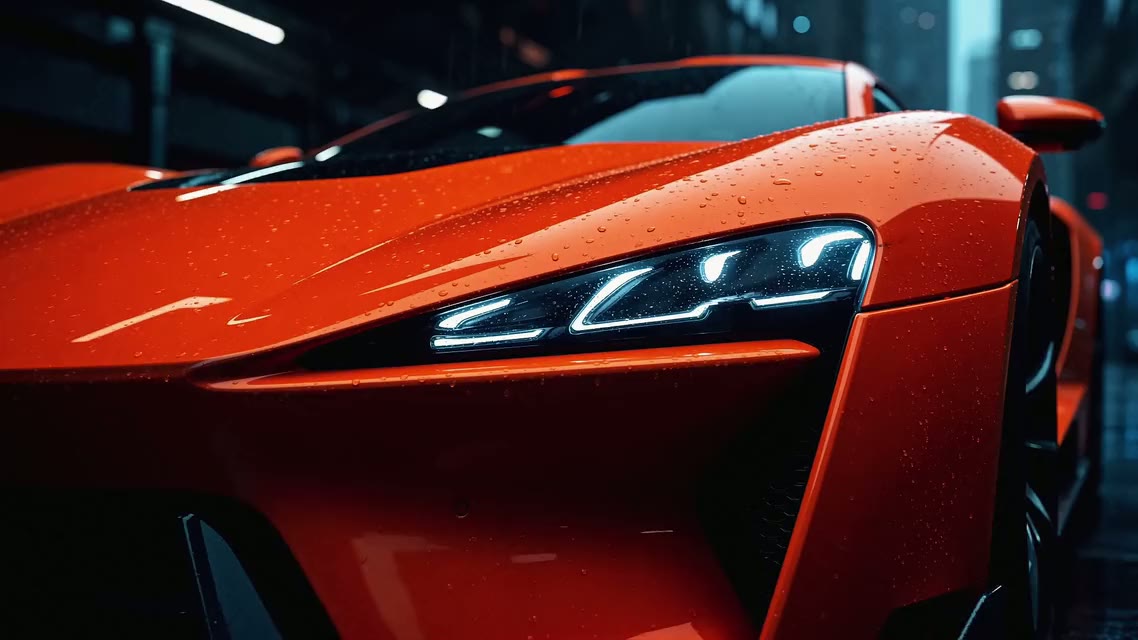
 Kling 3.0