
Kling 2.6 Motion Control Free Online: AI Motion Transfer
Give Kling 2.6 Motion Control one photo of your character and a 3–30 second clip of someone moving. It replays that performance as your character, gestures and expressions included, at 720p or 1080p. Add both files below to start.
Seedance 2.5 is live
Clips up to 30 seconds with image, video, and audio references.
Kling 3.0
Kling's latest video model, ready in your workspace.
Veo 3.1
Google's video model with native audio.

GPT Image 2.5
OpenAI's image model for creating and editing images.
AI Image Upscaler
Sharpen and enlarge images for cleaner exports.
AI Canvas
Chain image and video steps on one visual board.
Kling 2.6 Motion Control in Action
Why Use Kling 2.6 Motion Control on Yovid
- Full-Body Moves, Beat for Beat: Steps, waves and shoulder rolls in your motion video land on your character at the same moment.
- Spins, Drops and Fast Footwork: Big, athletic movements carry over, down to a skater dipping all the way to the ice and rising again.
- Hand Gestures That Keep Their Shape: Finger positions and hand signs survive the transfer instead of melting into a blur.
- Up to 30 Seconds in One Take: The result runs as long as your motion video, from 3 to 30 seconds, with no cuts.
- Realistic Moves, Any Art Style: Realistic performances drive 2D, 3D, anime and painted characters, not only photoreal people.
- Add Scene Details with a Prompt: The movement comes from the video; a short prompt can add props, animals or background action.
- Choose Whose Framing to Follow: Character Orientation decides whether facing and camera come from your image or from your video.
- Every Setting in One Place: One image, one motion video, two quality levels, an orientation switch and an optional prompt.
Full-Body Moves, Beat for Beat
Kling 2.6 Motion Control reads the whole body in the reference clip, not just its outline. Arms, hands, head tilts and weight shifts keep the original timing, so the result still lines up with the music the dancer was following.
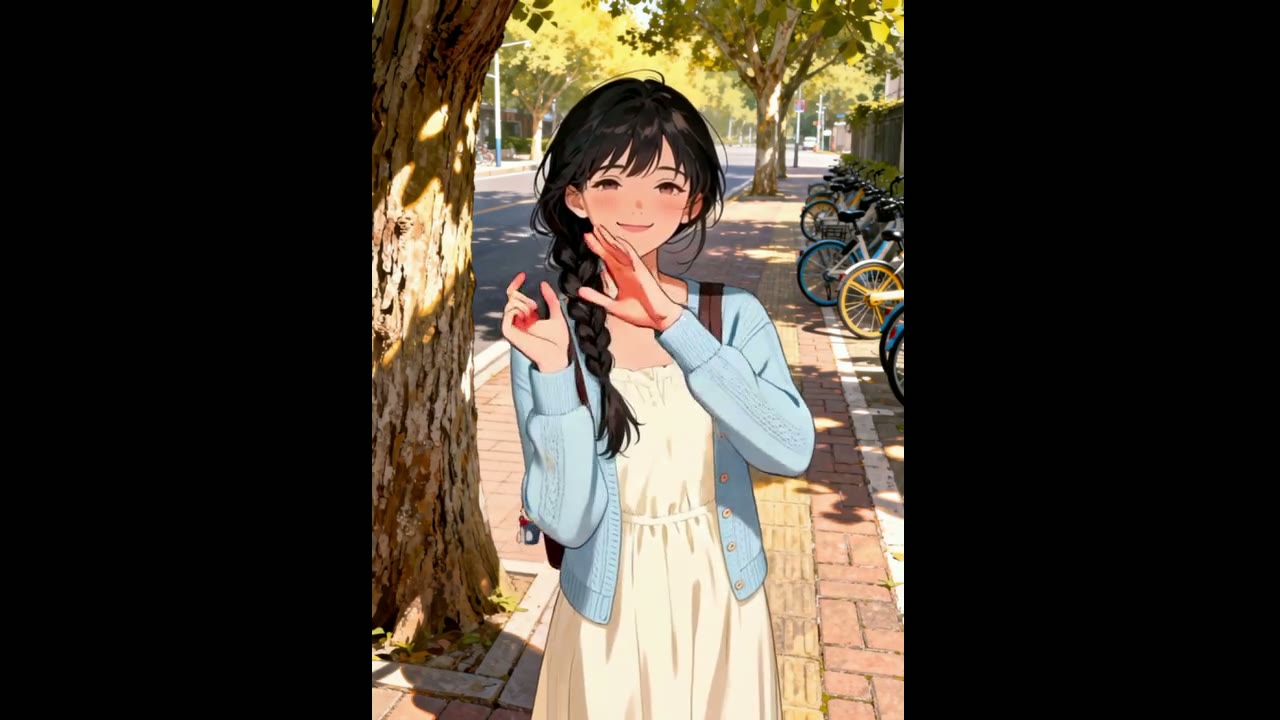
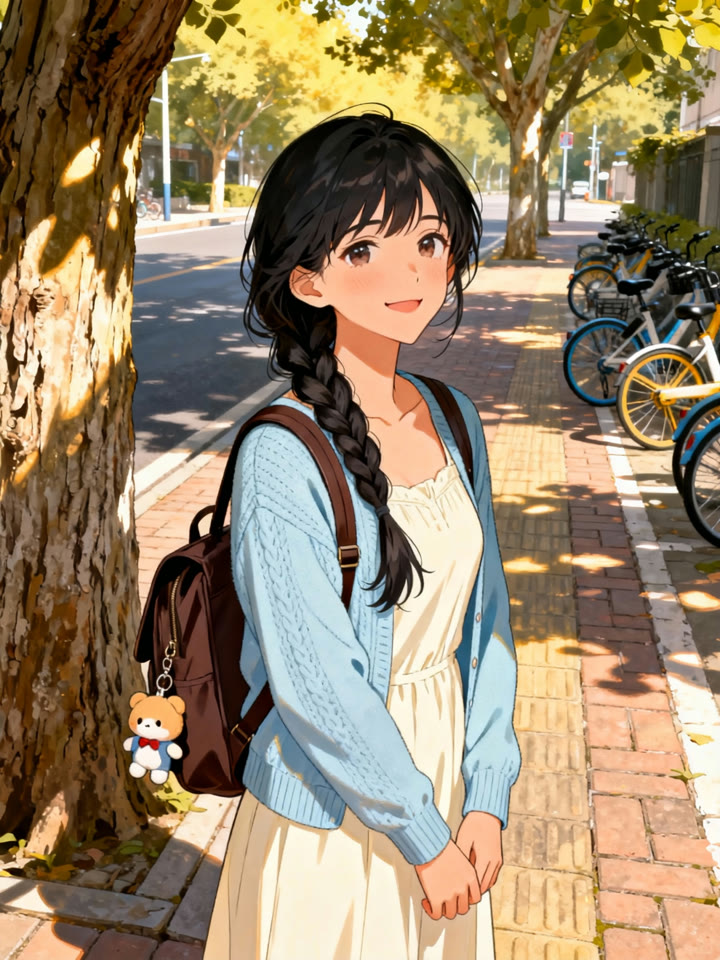
In this demo from Kling, a clip of a girl dancing in a park drives an illustrated character standing under a tree on a city street. The pose, the smile and the two-handed wave at the end come from the footage; the face, outfit and backpack come from the still.
 1
1 Kling 2.6 Motion Control
Spins, Drops and Fast Footwork
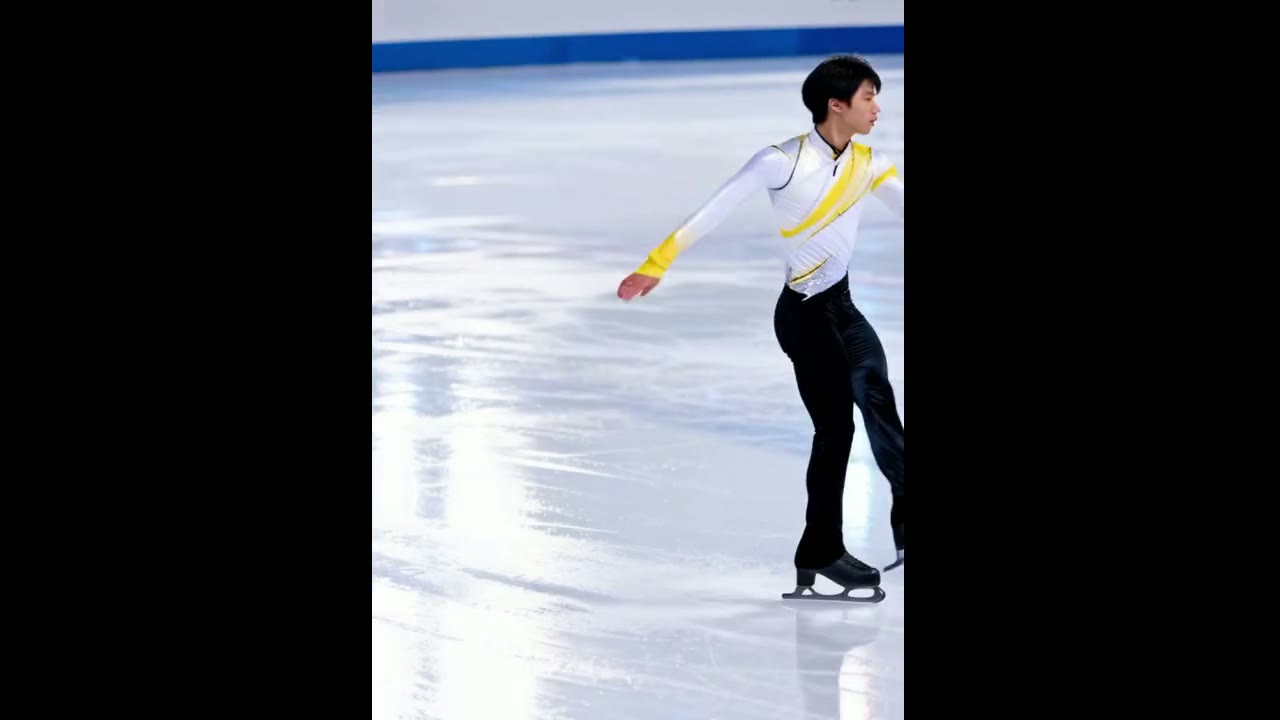
Kling shows off 2.6 Motion Control on athletic, full-body routines. In the showcase, a skater on a frozen lake spins, drops low to the ice and comes back up, and a different skater, taken from a single photo of an indoor rink, does the same routine.
For the cleanest takes, Kling still recommends steady, moderate motion and a performer who stays in frame. Very fast or complex clips can come back shorter than the upload, because the model keeps only the continuous stretch of movement it can follow.
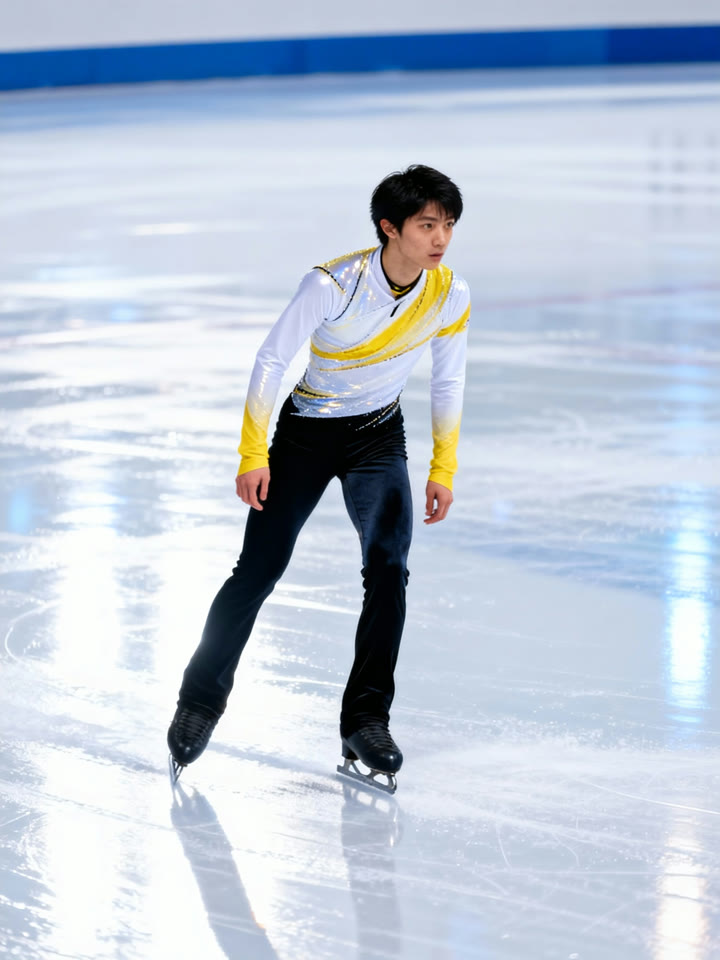 1Kling 2.6 Motion Control
Hand Gestures That Keep Their Shape
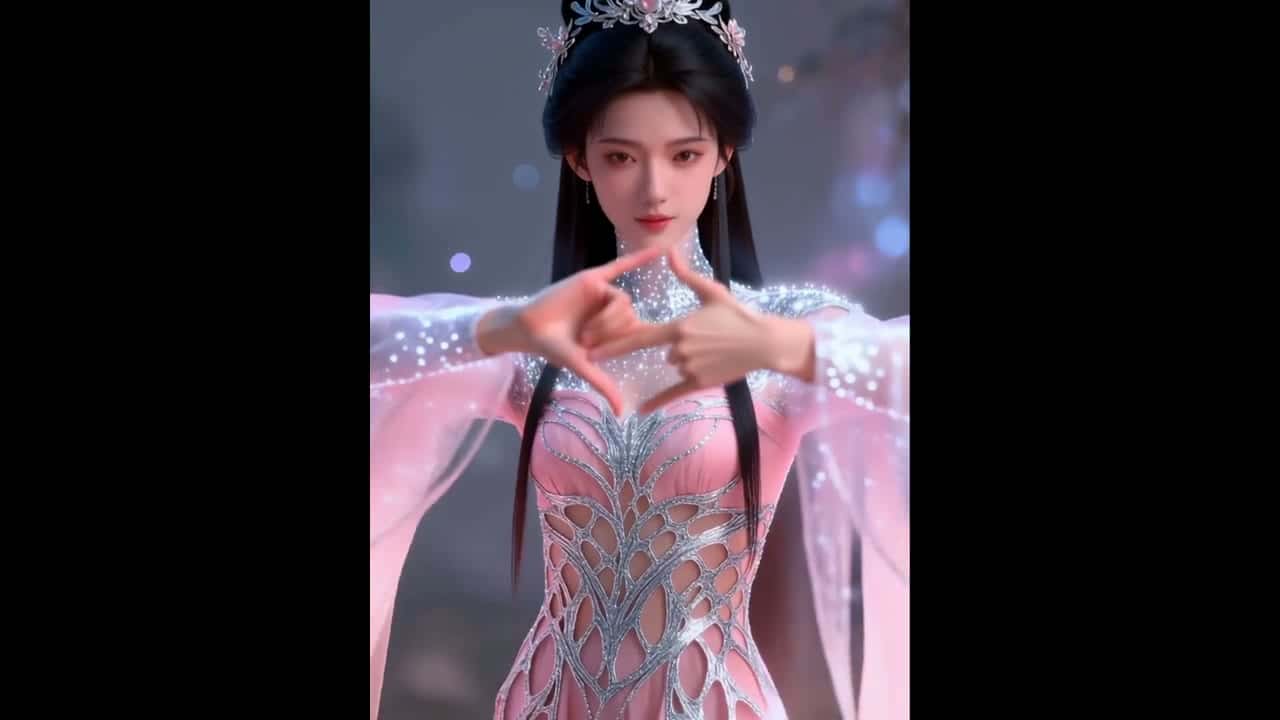
Hands are where motion transfer usually breaks, and Kling singles out hand performance as a 2.6 strength. In this demo, a run of hand seals performed by a man in white robes is replayed, finger for finger, by a crowned character in a pink gown.
For gesture-heavy clips, pick a character image where both hands are visible and uncropped, and keep the performer’s hands in frame for the whole motion video.
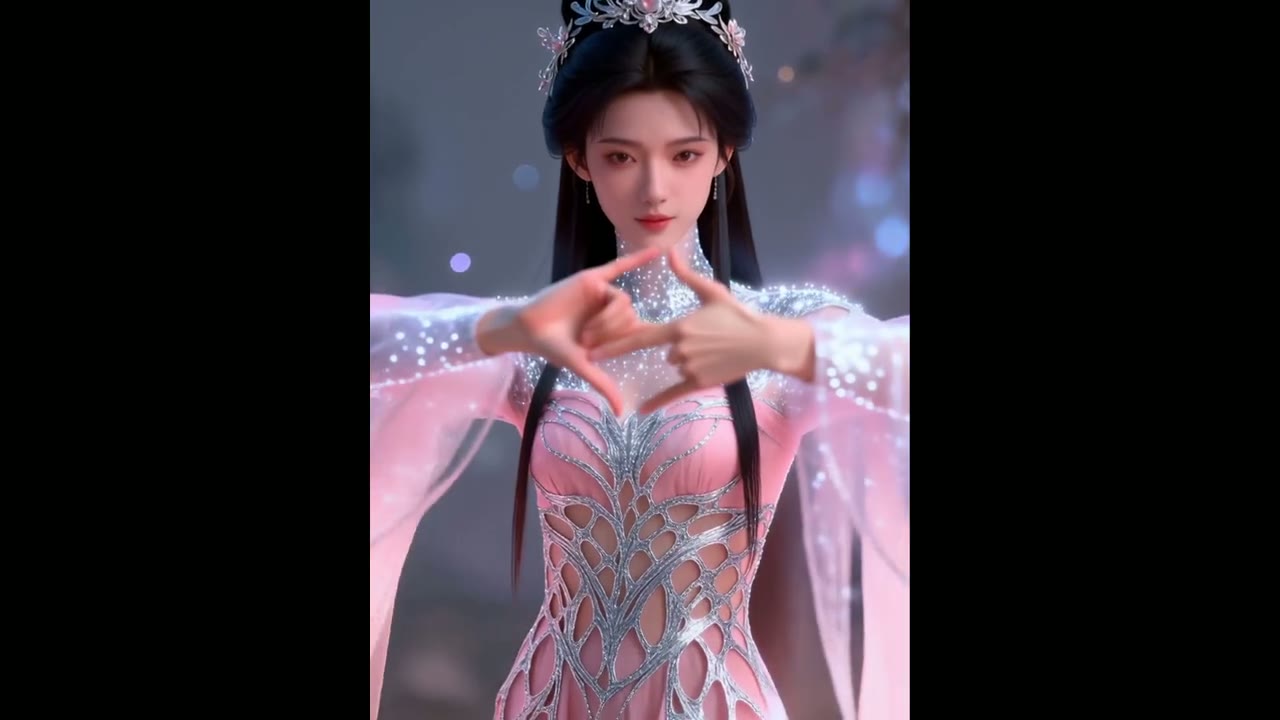
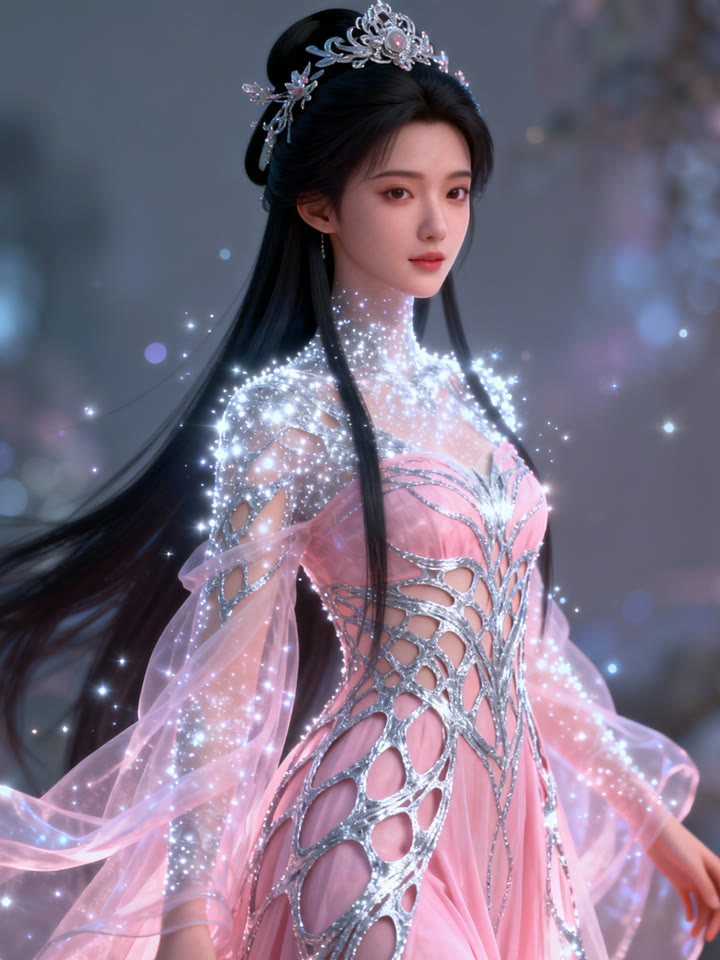 1Kling 2.6 Motion Control
Up to 30 Seconds in One Take
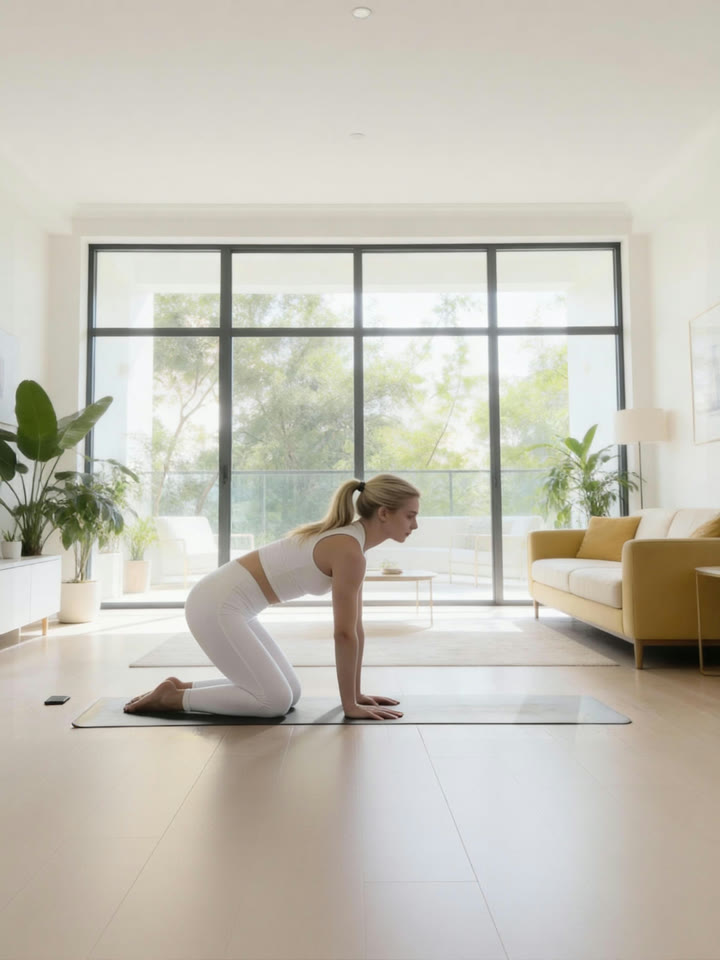
There is no duration setting: the clip you get is as long as the motion video you upload, anywhere from 3 to 30 seconds. Kling’s 29-second yoga demo moves a full stretching routine from a woman on a park lawn to a different woman in a bright living room, in one continuous take.
Takes longer than 10 seconds need Character Orientation set to video. With it set to image, Yovid accepts motion videos of up to 10 seconds.
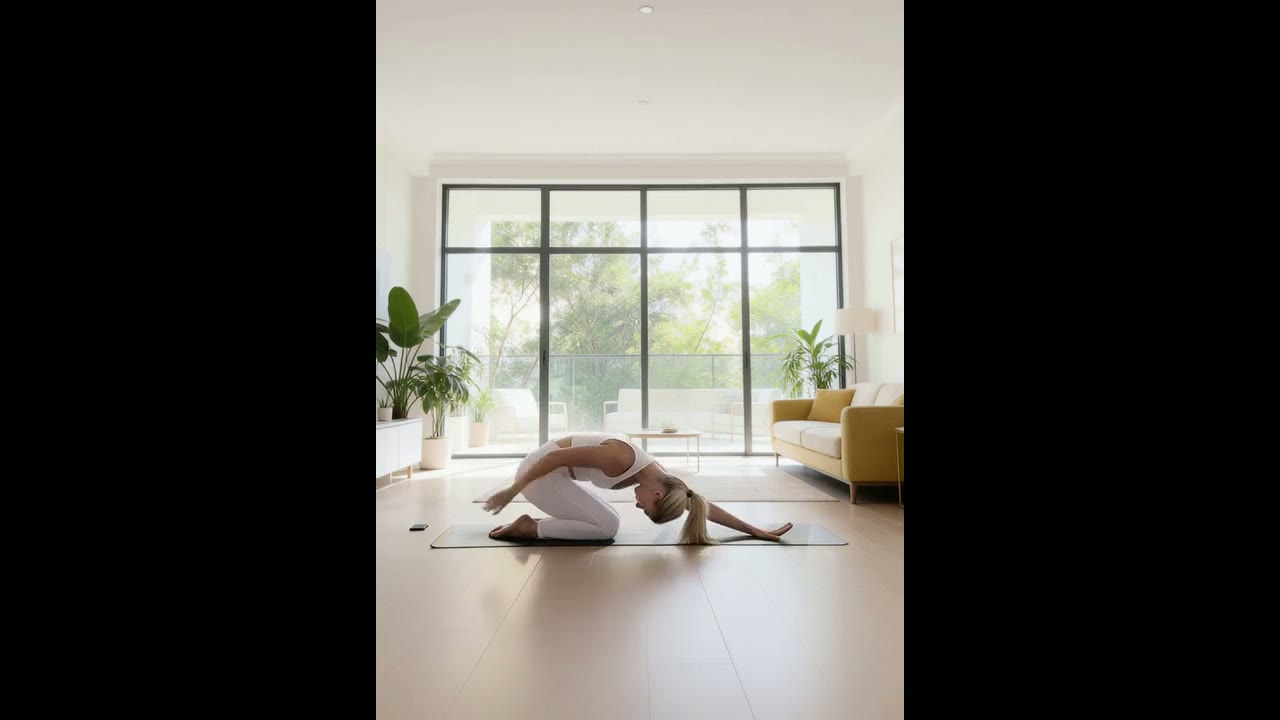
 1Kling 2.6 Motion Control
Realistic Moves, Any Art Style
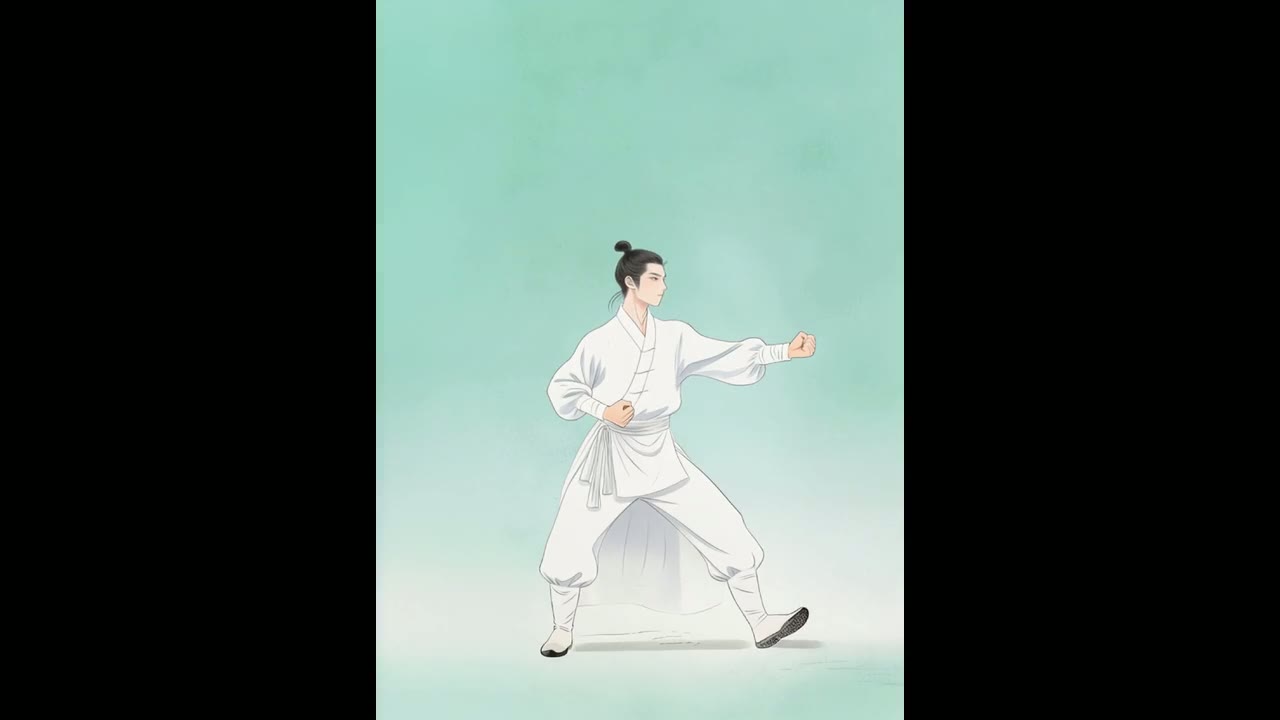
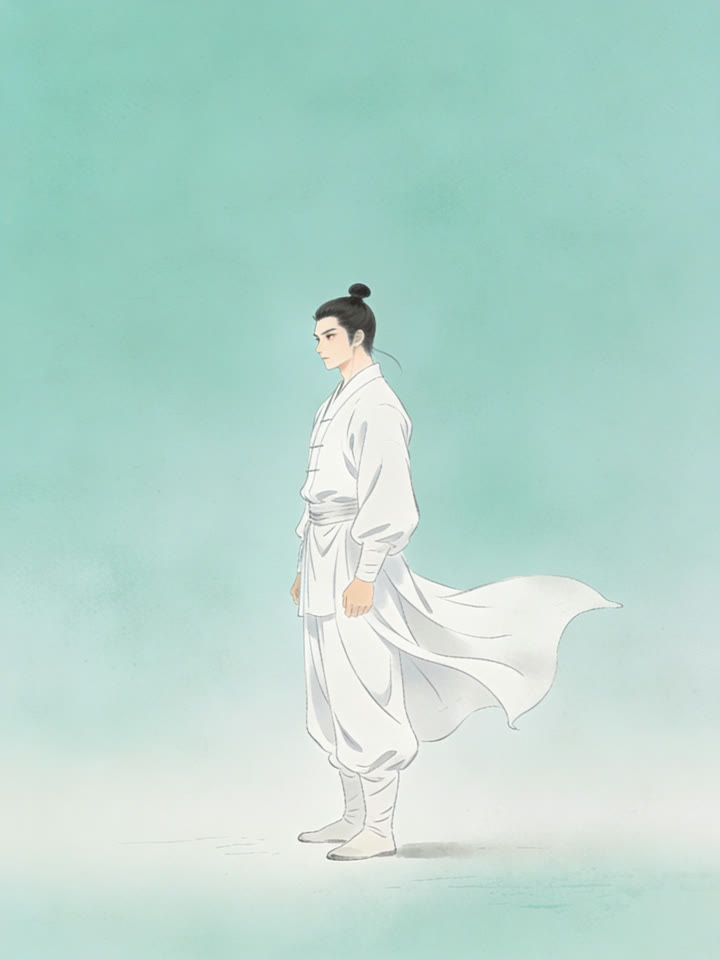
The performer and the character do not have to share a look. Here a boy practicing kung fu in a temple courtyard drives a martial artist painted in Chinese ink-wash style, and every strike and stance stays readable in the new medium.
Kling recommends real human movement for the motion video. Keep the character humanlike in build: when the image and the performer differ too much, such as a person driving an animal, Kling says results degrade.
 1Kling 2.6 Motion Control
Add Scene Details with a Prompt
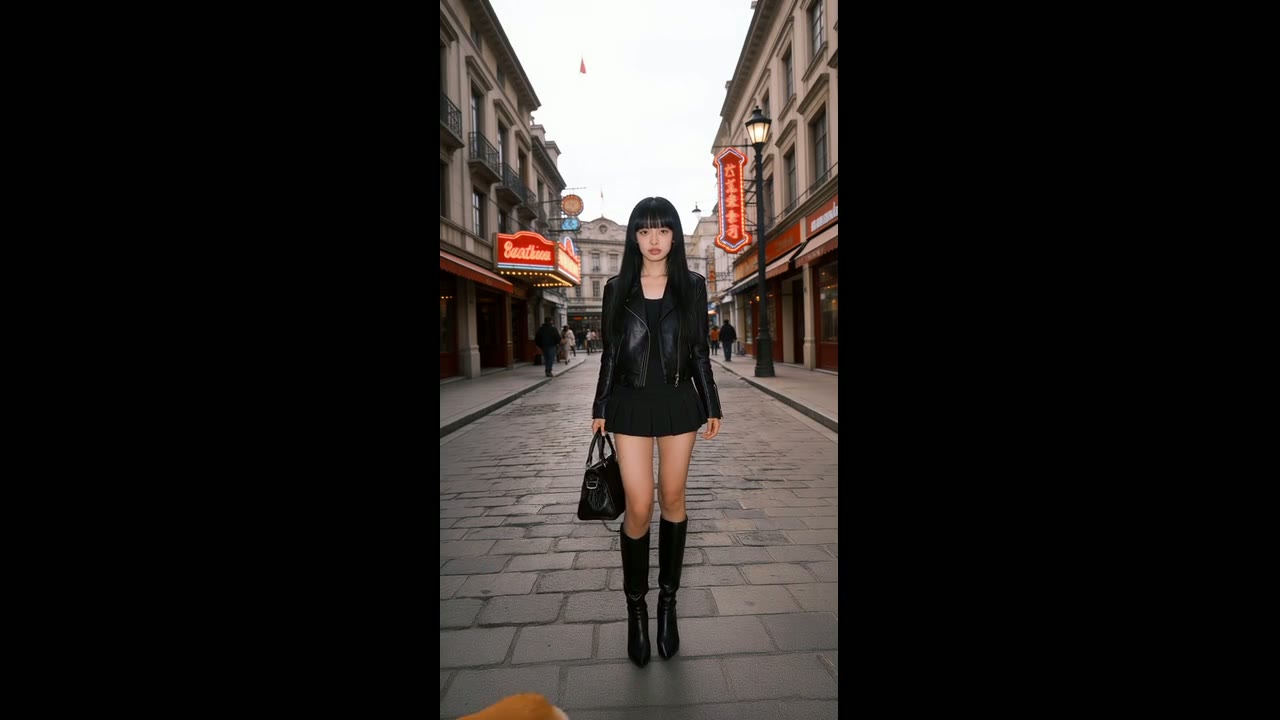
The prompt is optional, and it never has to describe the movement. Use it for what the motion video cannot supply: a background detail, an extra element in the scene, the clothing or a camera move.
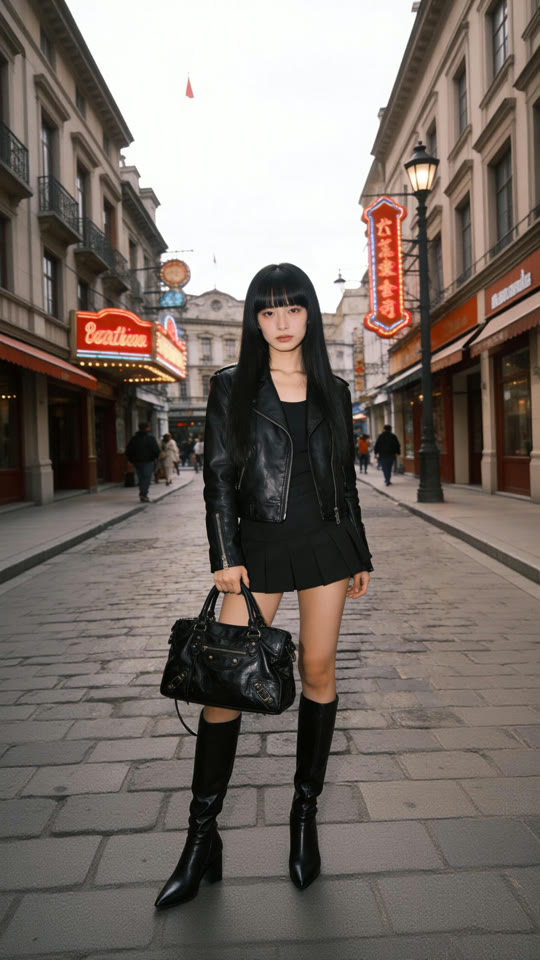
In Kling’s demo, a plain street walk gains a corgi that runs in and circles the woman’s feet, while her walk and turn still follow the reference step for step.
 1Kling 2.6 Motion Control
Choose Whose Framing to Follow
Set Character Orientation to video and the character turns, travels and is framed the way the performer was, which suits full-body choreography and clips of up to 30 seconds. Set it to image and the character keeps the facing of your still, with motion videos of up to 10 seconds.
With orientation set to image, Kling’s guide shows the camera taking direction from the prompt: zoom in, zoom out, move up, move down or hold still. The clip below is Kling’s zoom-in example.
Every Setting in One Place
Both files are required: the generate button stays locked until the character image and the motion video are attached. Everything else starts on a sensible default.
| Character image | JPG or PNG, up to 10 MBAt least 300 px on each side, aspect ratio between 2:5 and 5:2. |
|---|---|
| Motion video | MP4 or MOV, up to 100 MB3 to 30 seconds; one continuous shot with one performer works best. |
| Character Orientation | Image or videoImage is the default and allows motion videos of up to 10 seconds; video allows up to 30. |
| Quality | 720p or 1080p720p by default. |
| Prompt | Optional, up to 2,500 charactersFor the background, extra details and camera moves. |
| Sound | Kept from the motion videoThe model does not generate new audio. |
| Credits | About 2 per second at 720p, 3.2 at 1080pBase rates, counted on the length of the motion video; the composer shows your exact quote. |
Who Kling 2.6 Motion Control Is For
It fits any job where the movement already exists on video and someone, or something, else should perform it:
- Dance and trend creators: Film a routine once and post it performed by your avatar, an anime character or a mascot.
- Brands and mascot teams: Give an illustrated or 3D brand character the gestures of a real presenter without keyframing a single frame.
- Fashion and e-commerce sellers: Put a model or outfit photo in motion with a walk, a turn or a pose sequence taken from a reference clip.
- Animators and previs artists: Act out a scene on a phone and watch the final character play it, in 2D, 3D or a painted style, before committing to animation.
- Fitness and wellness instructors: Turn one recorded routine, whether yoga, tai chi or a warm-up, into clips led by the same coach character every time.
Kling 2.6 Motion Control vs Kling 3.0, Kling 3.0 Motion Control, Seedance 2.5 and Wan 3.0
Every cell except the last row is read from the settings each model exposes in Yovid’s generator today. The two motion-control models take a character image and a motion video; the others generate from text, frames or references.
| Feature / Model |  Kling 2.6 Motion Control Kling 2.6 Motion Control | Kling 3.0 | Kling 3.0 Motion Control |  Seedance 2.5 Seedance 2.5 |  Wan 3.0 Wan 3.0 |
|---|---|---|---|---|---|
| Top resolution | 1080p | 1080p | 1080p | 1080p | 1080p |
| Aspect ratios | — | 16:9, 9:16, 1:1 | — | 16:9, 9:16, 1:1, 4:3, 3:4, 21:9 | 16:9, 9:16, 1:1, 4:3, 3:4 |
| Credits for 5 s at 720p | 10 | 13 | 15 | 31 | 12 |
| Best for | Copying a filmed performance onto a character at the lowest motion-control rate. | New shots from text or a first frame, with expressive motion and sound. | Motion transfer where the face must hold steady through turns and long takes. | Long scenes built from many reference images and clips, up to 30 s. | Reference-guided clips of up to 30 s from several images and videos. |
Motion-control models have no ratio picker: the result follows your character image and runs as long as your motion video (3–30 s). Credits are base credit-pack rates for 5 seconds at 720p and follow Yovid’s live pricing; your plan can change the rate, and the composer shows the exact quote before you generate.
Strengths and Limits of Kling 2.6 Motion Control
Where it earns its place on Yovid, and where another setting or model is the better call.
Strengths
- Price: 2 credits per second at 720p at the base rate, a third less than Kling 3.0 Motion Control.
- Length: Up to 30 seconds from a single motion video, in one continuous take.
- Hands and full body: Finger signs, spins and full-body choreography carry over, as Kling’s own showcase shows.
- Sound kept: The motion video’s original audio stays on the result, so a dance keeps its track.
Limits
- Plan access: Not on the free plan or the Starter pack. Any subscription, or a Creator pack or larger, unlocks it.
- One performer: Only one person is transferred; with several in the clip, Kling uses the one filling most of the frame.
- Image orientation cap: Keeping your image’s orientation limits the motion video to 10 seconds.
- Faces in big turns: For long takes with sharp head turns, Kling says its 3.0 Motion Control keeps faces steadier.
How to Use Kling 2.6 Motion Control on Yovid
- Step 1
Open Kling 2.6 Motion Control
Start in the composer on this page or the full generator, where Kling 2.6 Motion Control is preselected, or pick it from the Kling models in the menu.
- Step 2
Add a character image and a motion video
Upload a sharp still of your character and a 3–30 second clip of the moves, then set Character Orientation and quality.
- Step 3
Add a prompt if you like, then generate
Describe the background, extra details or a camera move, check the credit quote, generate and download the MP4.
Kling 2.6 Motion Control Prompts to Start From
Motion control takes the movement from your video, so the prompt only sets the scene, extra details and the camera. The corgi prompt is Kling’s own; the other five are starter prompts for shots like these, not the originals. Camera prompts work with Character Orientation set to image.
A corgi joins the walk
Kling demo · 11 sA corgi runs in, circling around a girl's feet.
Source: Kling AI · Motion Control user guide
Try this promptSlow push-in
Zoom in · 8 sTry this promptA sunlit living room with a beige sofa, a patterned rug and a framed painting on the wall. The camera slowly pushes in from a full-body shot to a medium shot of the child, keeping her centered. Warm late-afternoon light.
Pull back to full body
Zoom out · 5 sTry this promptA city sidewalk in bright morning sun, with a closed metal shutter and an orange brick wall behind him. The camera slowly pulls back from a medium shot to a full-body shot. Crisp shadows, saturated colors.
Rising camera
Camera up · 5 sTry this promptAn underground spot with a colorful graffiti wall and a concrete floor. The camera starts low at his sneakers and rises smoothly to chest height while he dances. Natural light, gritty texture.
Lowering camera
Camera down · 10 sTry this promptChinese ink-wash painting style on a pale jade background with soft drifting mist. The camera slowly lowers as he performs, keeping his whole body in frame.
Locked-off camera
Fixed camera · 5 sTry this promptA bare concrete wall and a smooth grey floor in soft, even light. Locked-off full-body framing with no camera movement.
More Video Models on Yovid
Guides for Better Motion-Control Videos
Camera language for your prompts, starting frames that hold up in motion, and how Yovid’s video models compare.
FAQs
What is Kling 2.6 Motion Control?
How does Kling motion control work?
Can I use Kling 2.6 Motion Control for free?
How long can a Kling 2.6 Motion Control video be?
Should Character Orientation be set to image or video?
How many credits does Kling 2.6 Motion Control cost?
Does Kling 2.6 Motion Control keep the audio?
What makes a good motion reference video?
Kling 2.6 vs Kling 3.0 Motion Control: what is the difference?
Can I use Kling 2.6 Motion Control videos commercially?
Your Character, Any Move You Can Film
Pick a character image, add a clip of the moves and let Kling 2.6 Motion Control perform them.
Create with Kling 2.6 Motion Control