

MiniMax H3 Free Online AI Video Generator
Describe a shot, pin its first or last frame, or hand over up to 9 images and 3 videos as references, and get a 5–15 second clip rendered at native 2K with stereo sound already mixed in. Start creating with MiniMax H3 on Yovid.
Seedance 2.5 is live
Clips up to 30 seconds with image, video, and audio references.
Kling 3.0
Kling's latest video model, ready in your workspace.
Veo 3.1
Google's video model with native audio.

GPT Image 2.5
OpenAI's image model for creating and editing images.
AI Image Upscaler
Sharpen and enlarge images for cleaner exports.
AI Canvas
Chain image and video steps on one visual board.
What MiniMax H3 Puts on Screen
Why Make Videos with MiniMax H3 on Yovid
- Native 2K, Not an Upscale: Every clip renders at 2K, so scales, fabric and small type stay sharp on large screens.
- Stereo Sound from the Same Pass: Voices, effects and music are generated with the picture, never added afterwards.
- Pin the First Frame, the Last Frame or Both: Upload one or two images and H3 builds the motion between them.
- Steer a Shot with 9 Images and 3 Videos: References set the subject, the look, the camera move or the edit rhythm.
- Titles, Posters and Interfaces with Legible Type: Credits, headlines and UI labels come out readable, not as letter-shaped noise.
- Ad-Ready Product and Fashion Spots: Short campaign films in vertical or widescreen, from close-up to end card.
- Every Setting in One Place: Five to fifteen seconds, six aspect ratios, 2K output and three ways to start.
- 2K for Less Than Some Models Charge for 720p: About 23 credits for 5 seconds, with the exact quote shown before you generate.
Native 2K, Not an Upscale
Most video models finish at 1080p and leave the rest to an upscaler that has to guess at missing detail. MiniMax H3 takes a different route: it renders a draft and then regenerates it at 2K with the original prompt and references still in view, which is why fine texture and small lettering survive.
On Yovid, 2K is the only H3 output. There is no lower tier to pick and nothing to upscale afterwards, so the file you download is the file you deliver.



 MiniMax H3
Stereo Sound from the Same Pass
MiniMax trained H3 on video and audio together, with voice, sound effects and music modelled jointly rather than by three separate systems. Each result arrives as a stereo mix that already follows the action on screen.
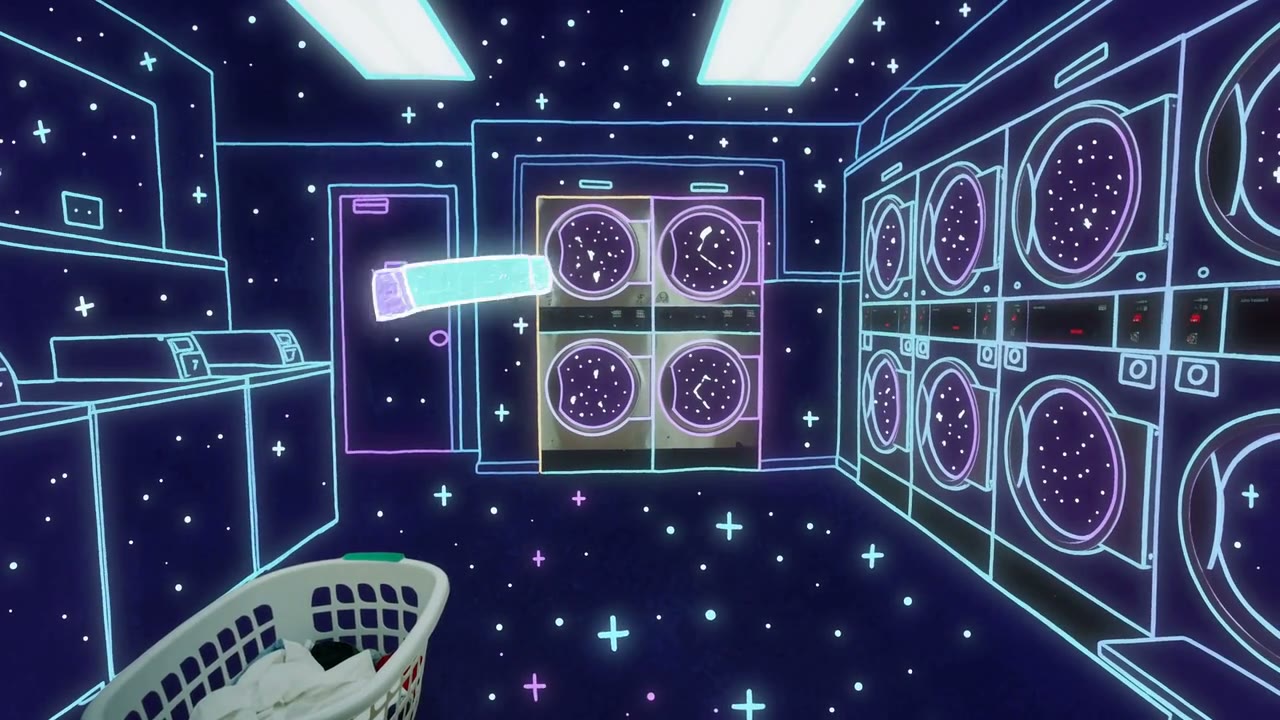
Sound is always on for H3 on Yovid, so treat it as part of the prompt: name the room tone, the footsteps, the song or the silence you want. The example below is MiniMax’s own text-to-video demo, a single first-person take with its soundtrack included.
 MiniMax H3
Pin the First Frame, the Last Frame or Both
Give H3 an opening image and the clip starts exactly there; give it a closing image and the shot lands on it; give it both and the prompt only has to describe the journey. On Yovid an end frame on its own works too, which helps when you know where a scene must finish but not how it opens.
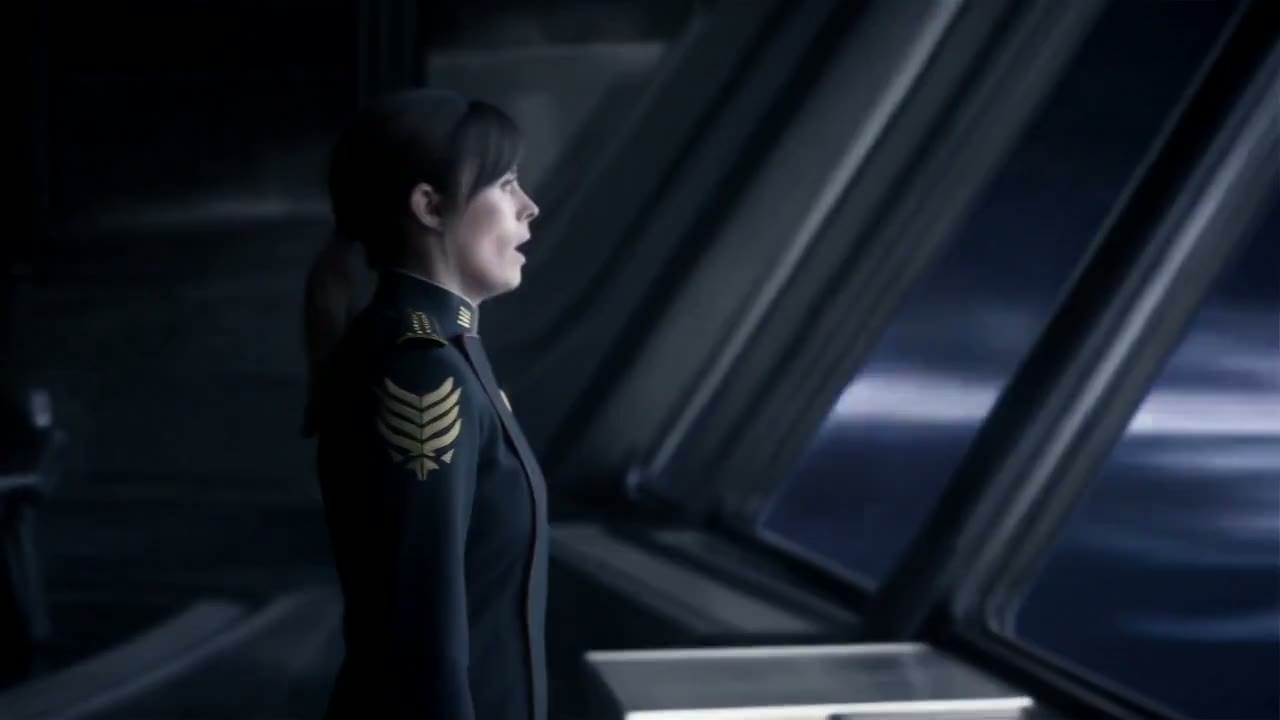
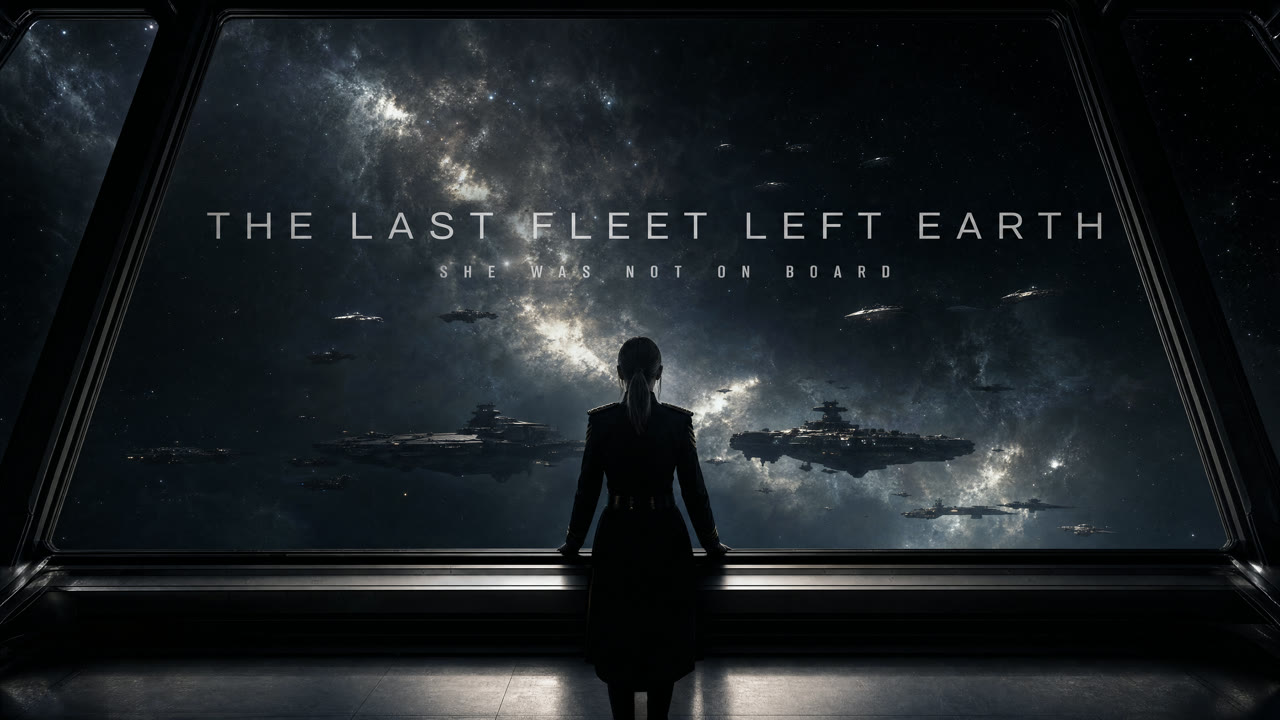
Frame-based clips take their shape from the image you upload, so crop the frame to the ratio you want before you start. The trailer below is MiniMax’s example for this mode.
 MiniMax H3
Steer a Shot with 9 Images and 3 Videos
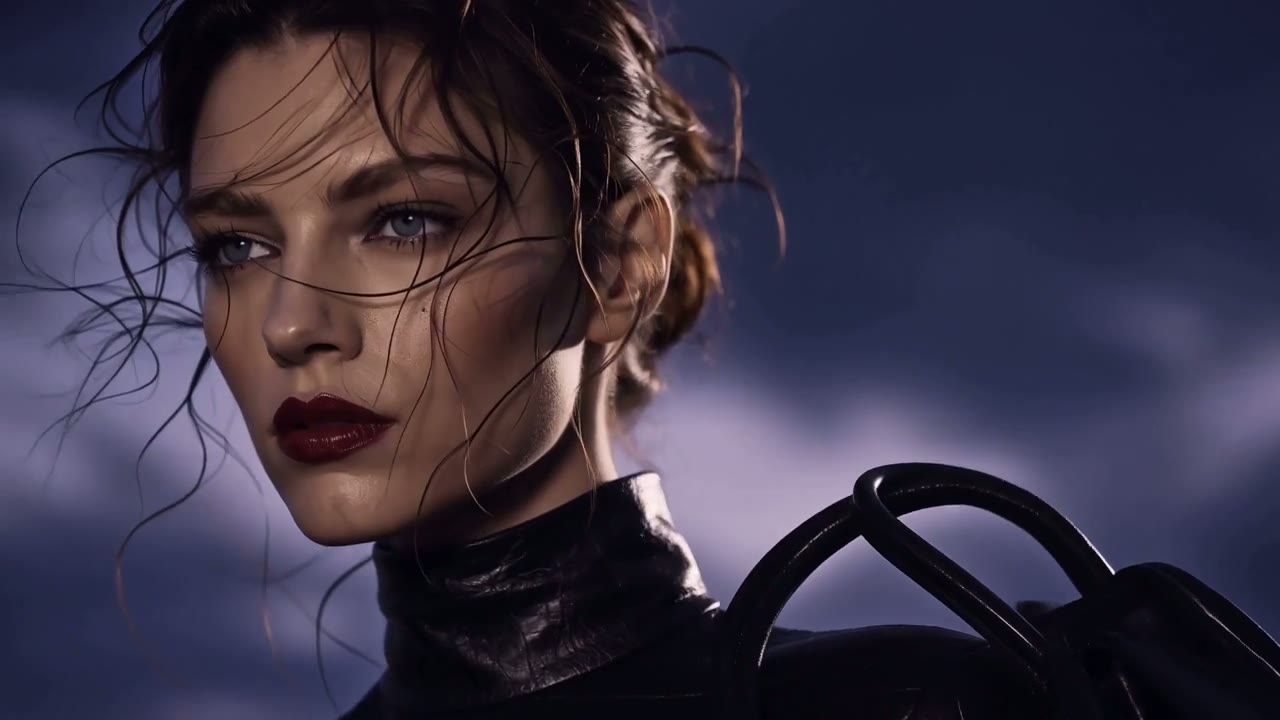
In reference mode H3 reads up to 9 images and 3 video clips together with your text. Say what each file is for, such as "the character in image 1", "the camera move from reference video 1" or "the palette of image 3", and H3 works out the rest of the relationship from your wording.
Reference clips run 2 to 15 seconds each. MiniMax’s own API also accepts voice or music clips as references; Yovid does not offer audio references for H3 yet.
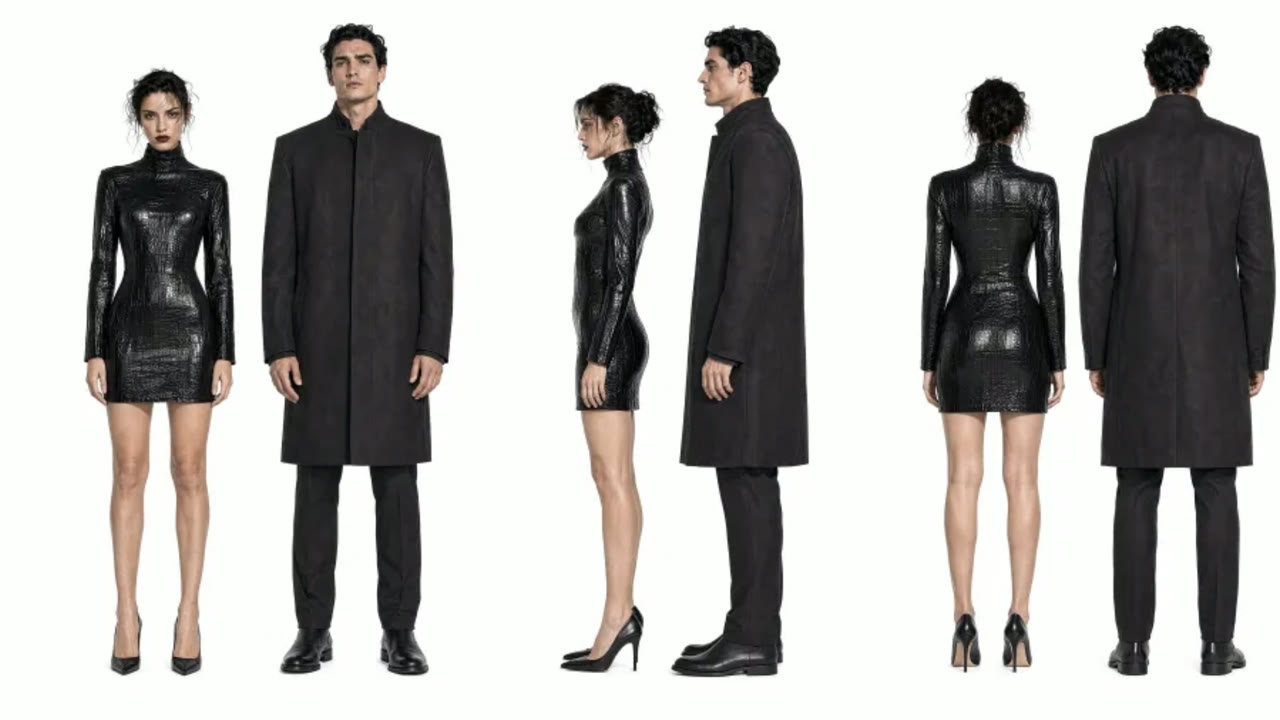
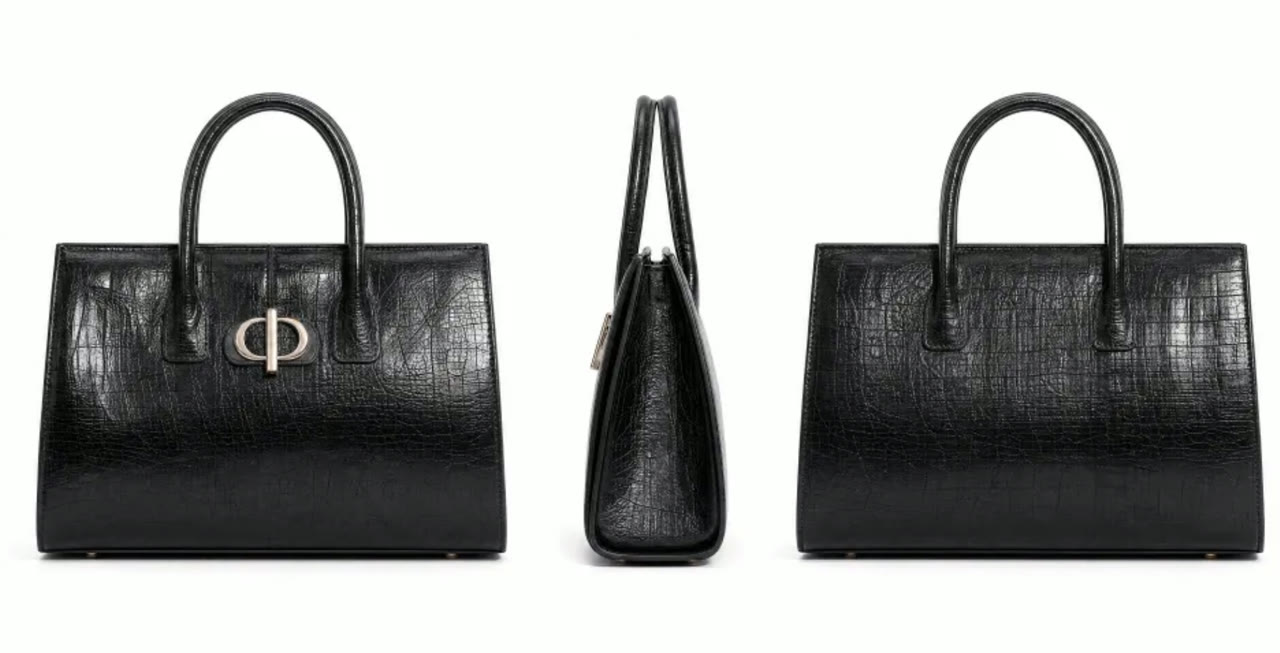
 MiniMax H3
Titles, Posters and Interfaces with Legible Type
MiniMax built H3 for design-heavy work, and accurate text and brand rendering is one of the strengths it calls out. Opening credits, poster headlines, menu screens and product labels hold their letterforms from frame to frame.
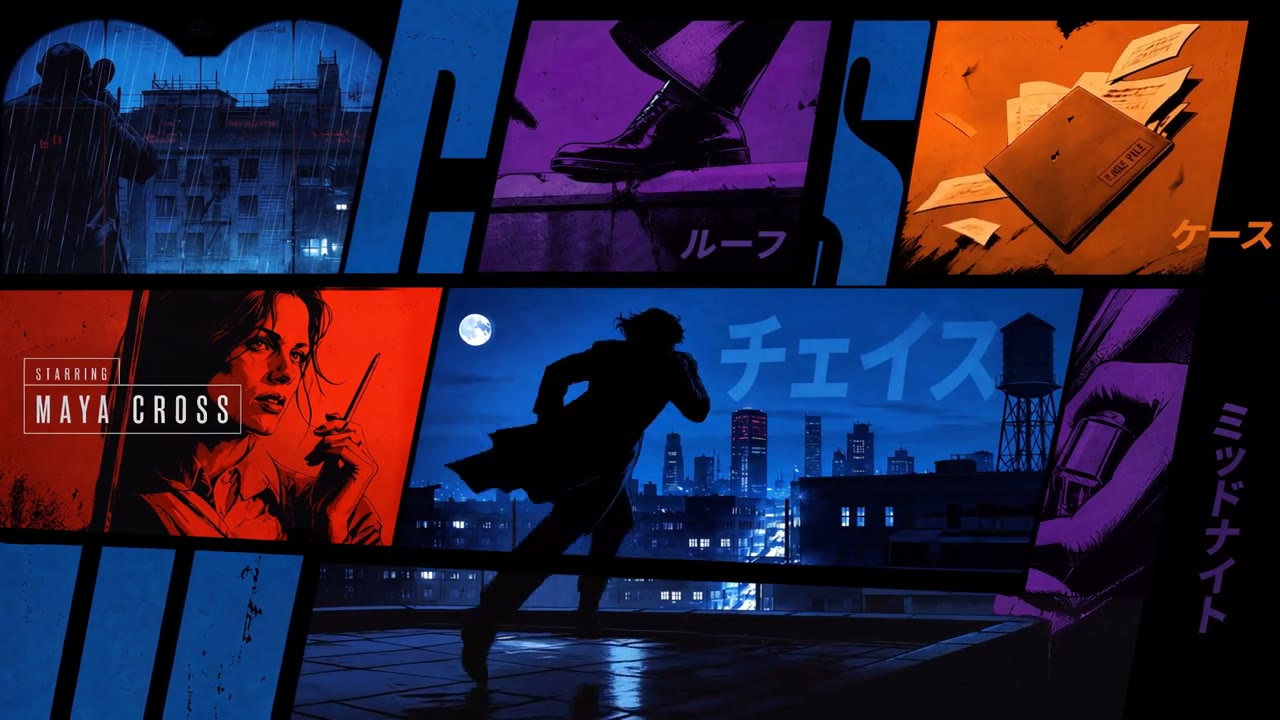
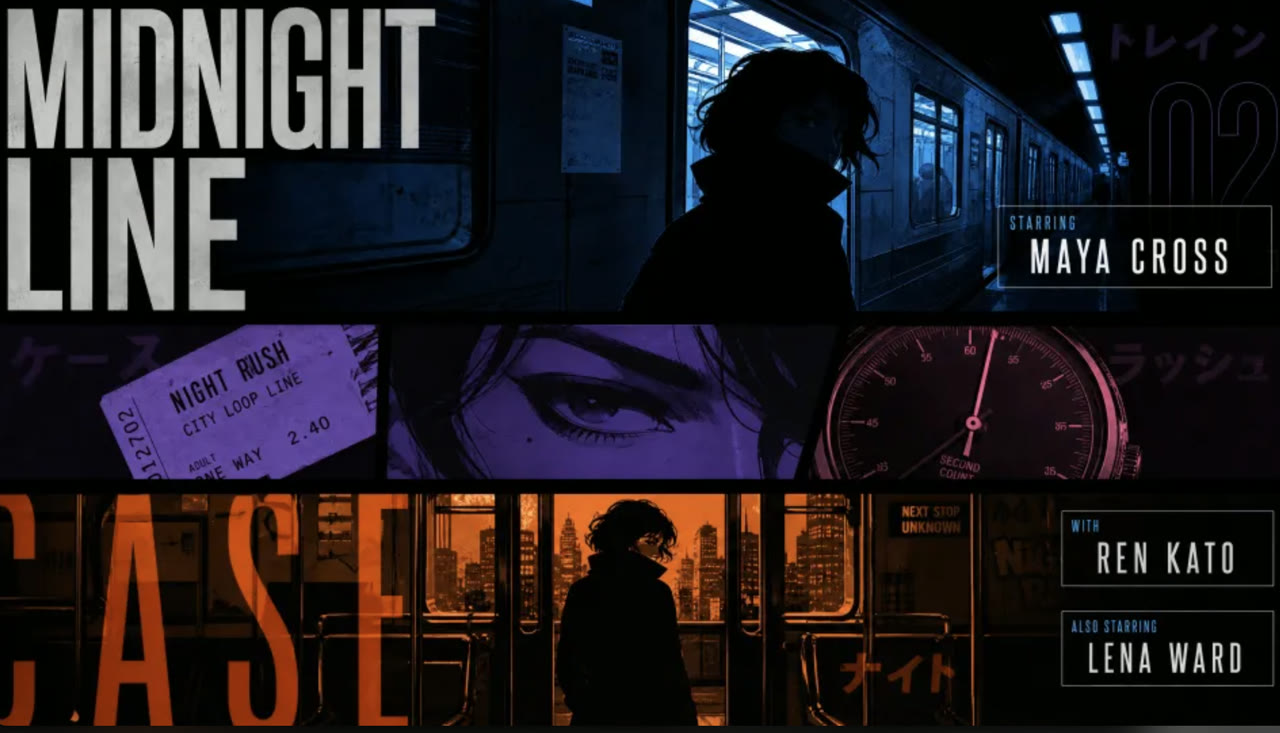
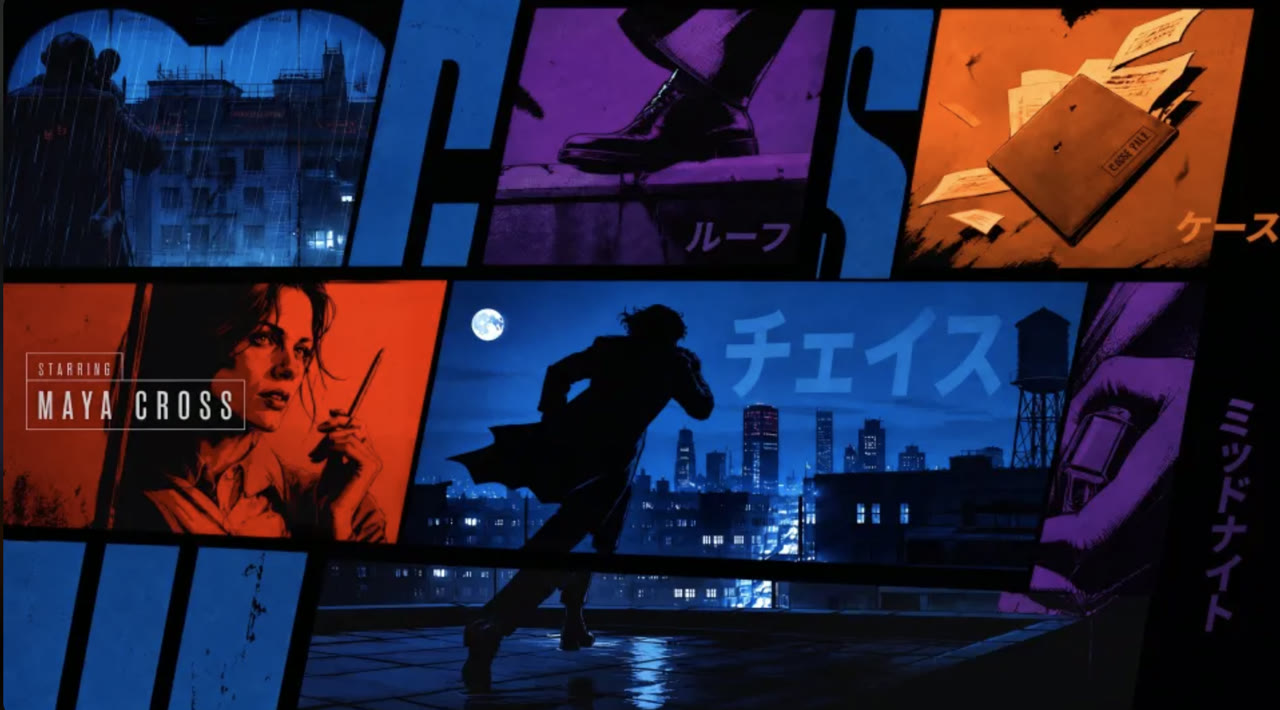
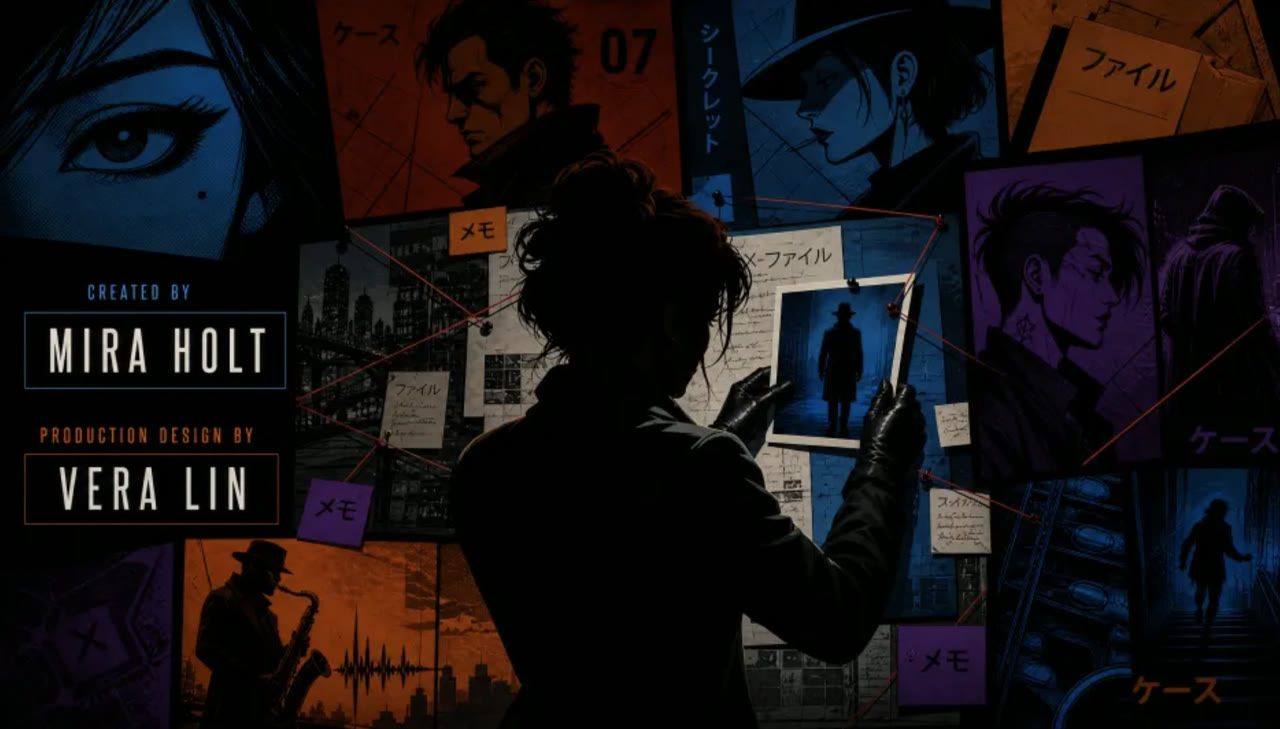
Put the exact words in quotes, say where they sit in the frame and keep each line short. The title sequence below, from MiniMax’s H3 cookbook, was built from five storyboard frames and mixes English credits with Japanese katakana.
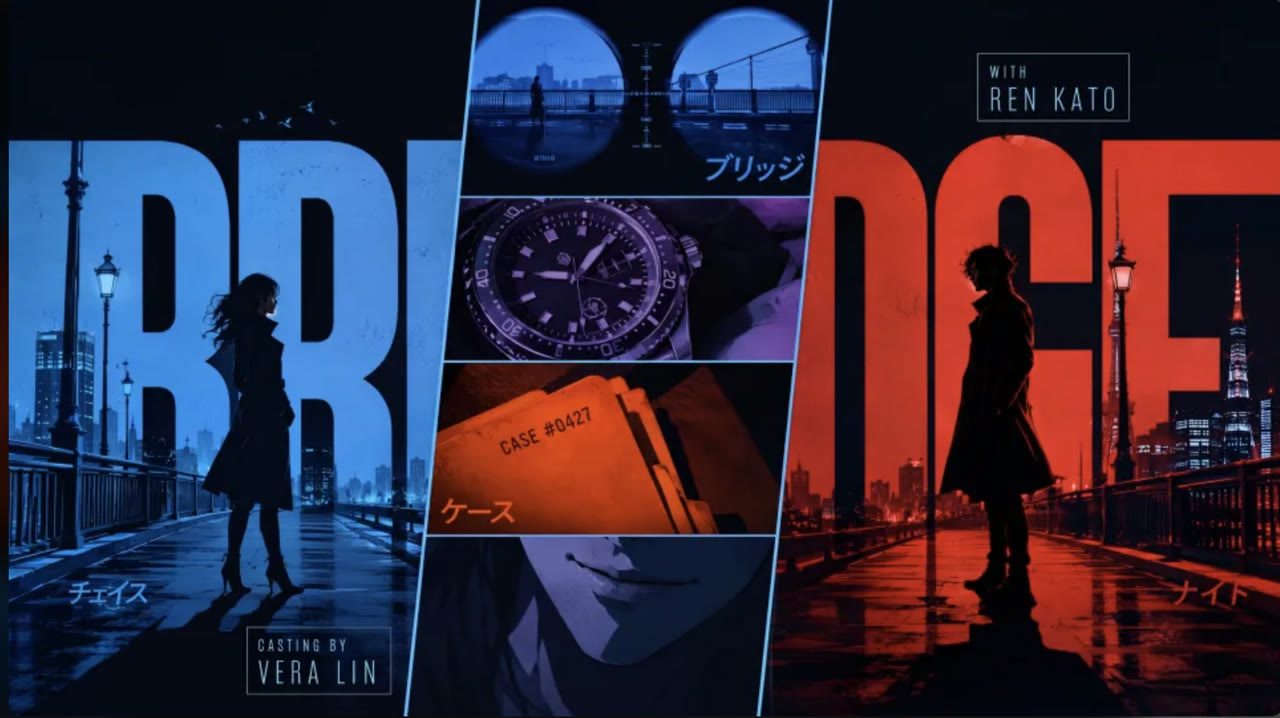
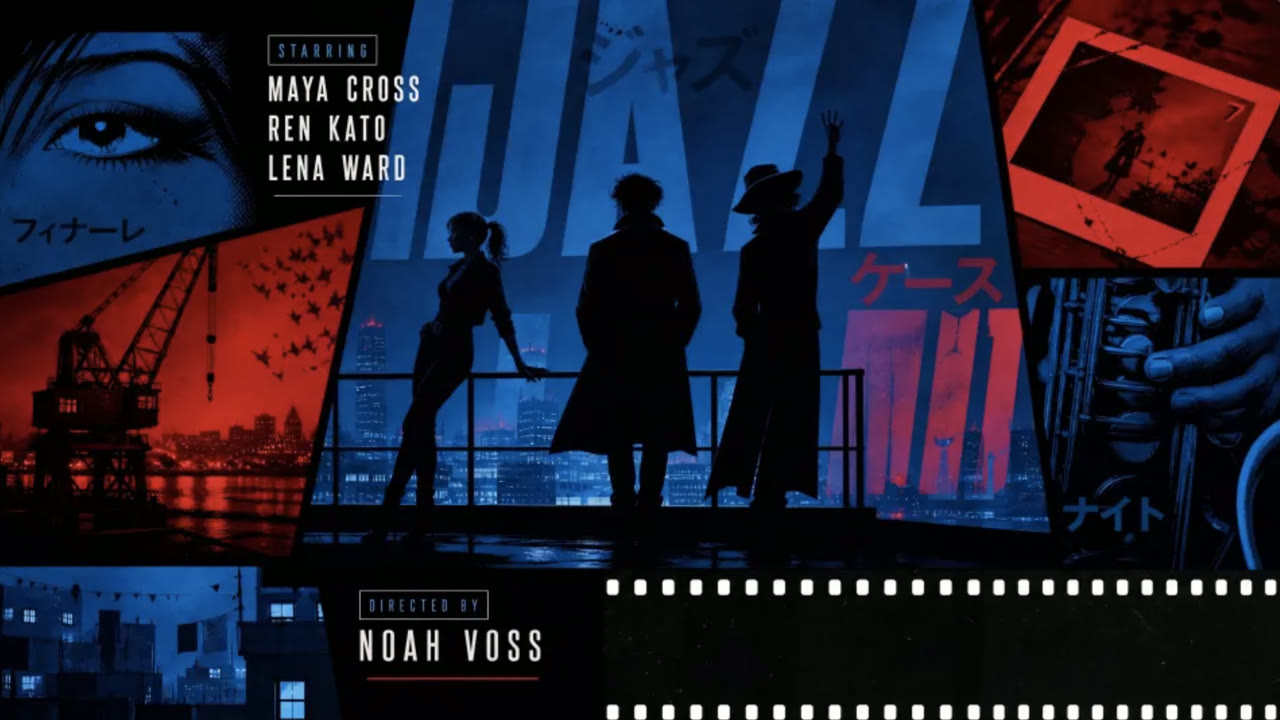 MiniMax H3
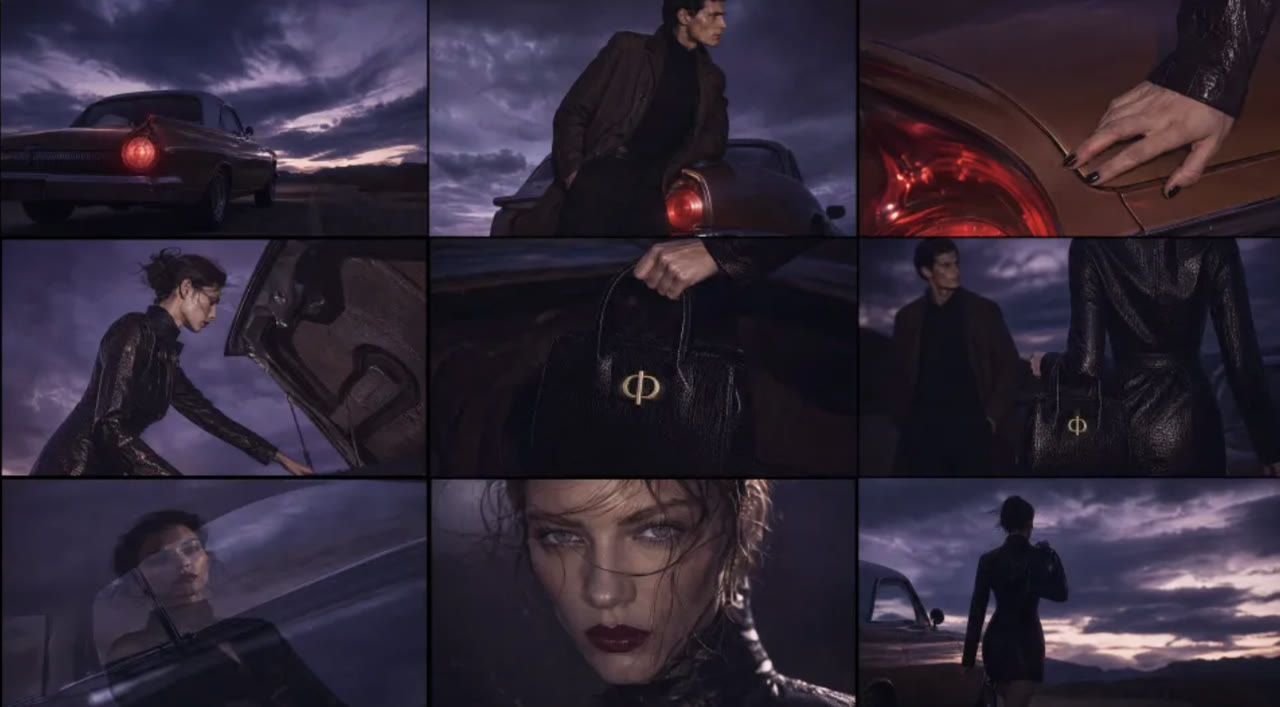
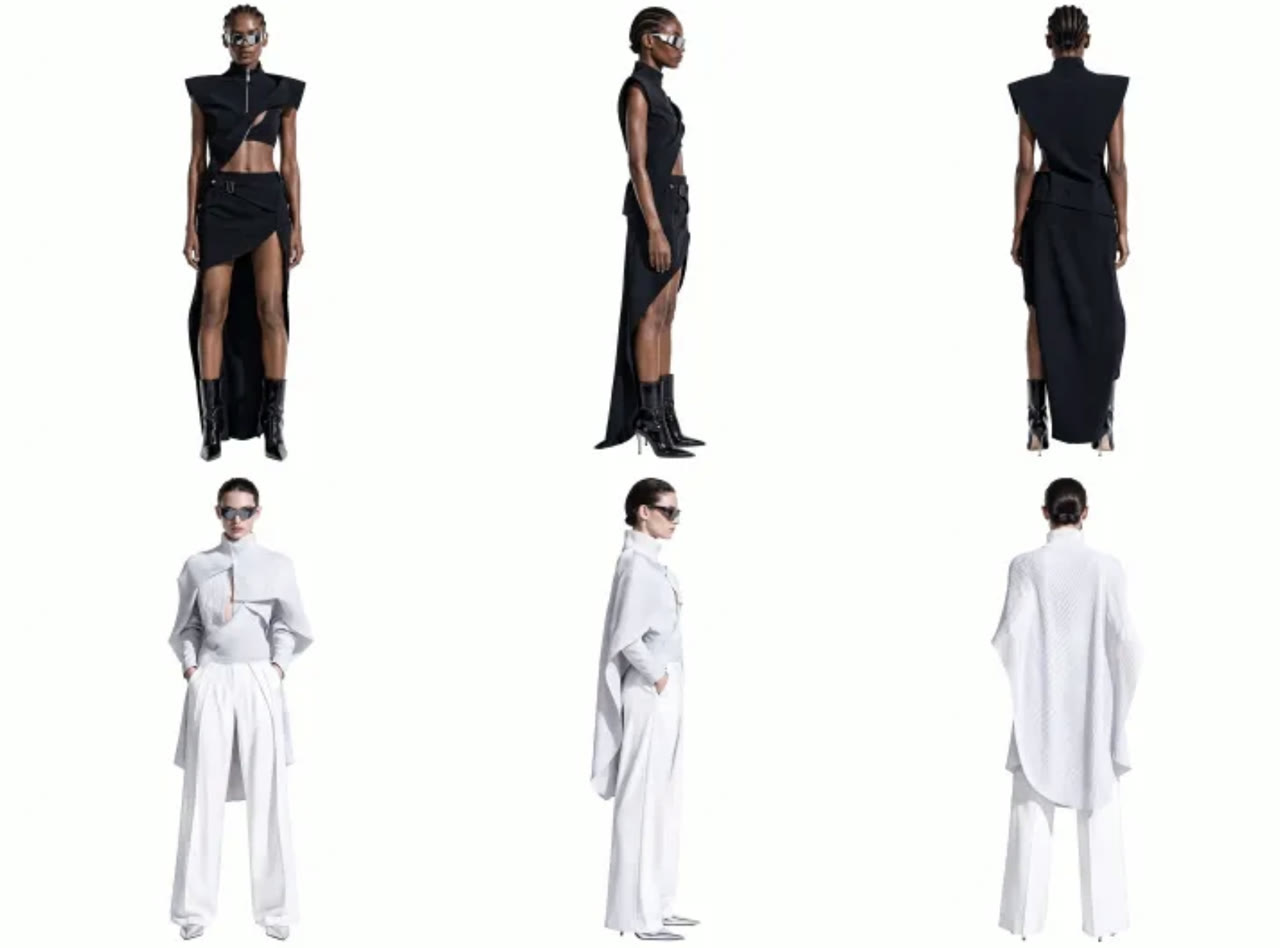
Ad-Ready Product and Fashion Spots
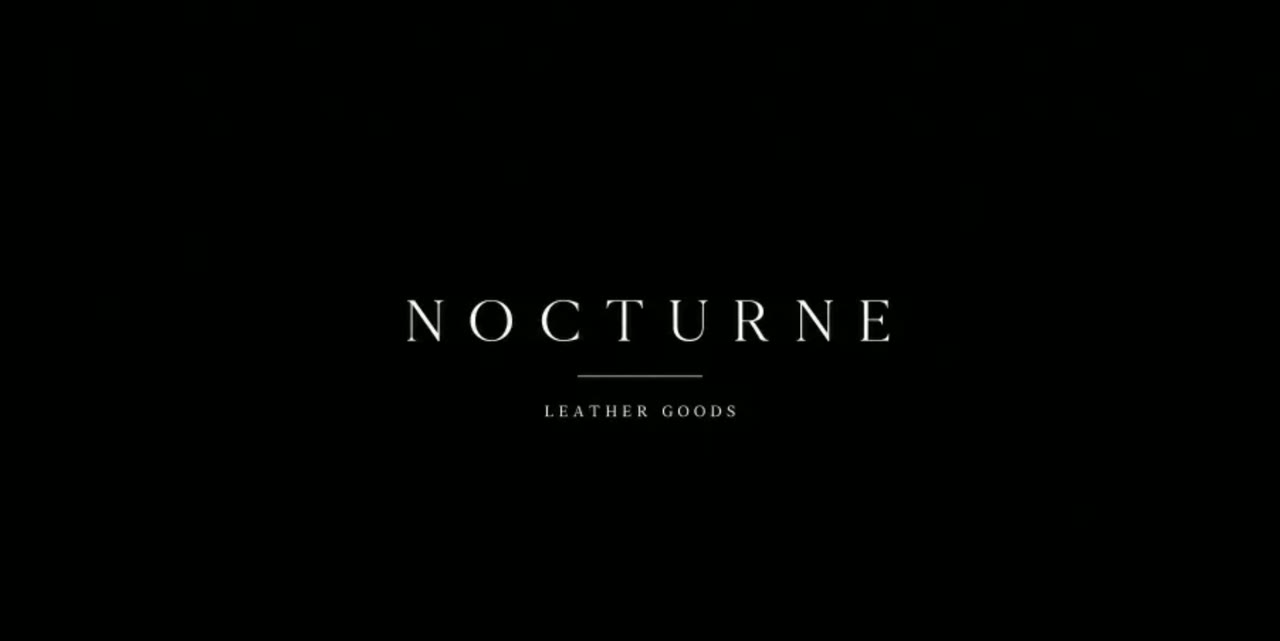
Advertising, branding and e-commerce are the uses MiniMax lists first for H3. A single generation can move from a macro product shot to a full look and close on a clean brand card, with the cut timing and the music carried by the model.
For product work, upload clear photos of the item as references so its shape, colour and logo placement stay put, and choose 9:16 for social placements or 16:9 for the web.
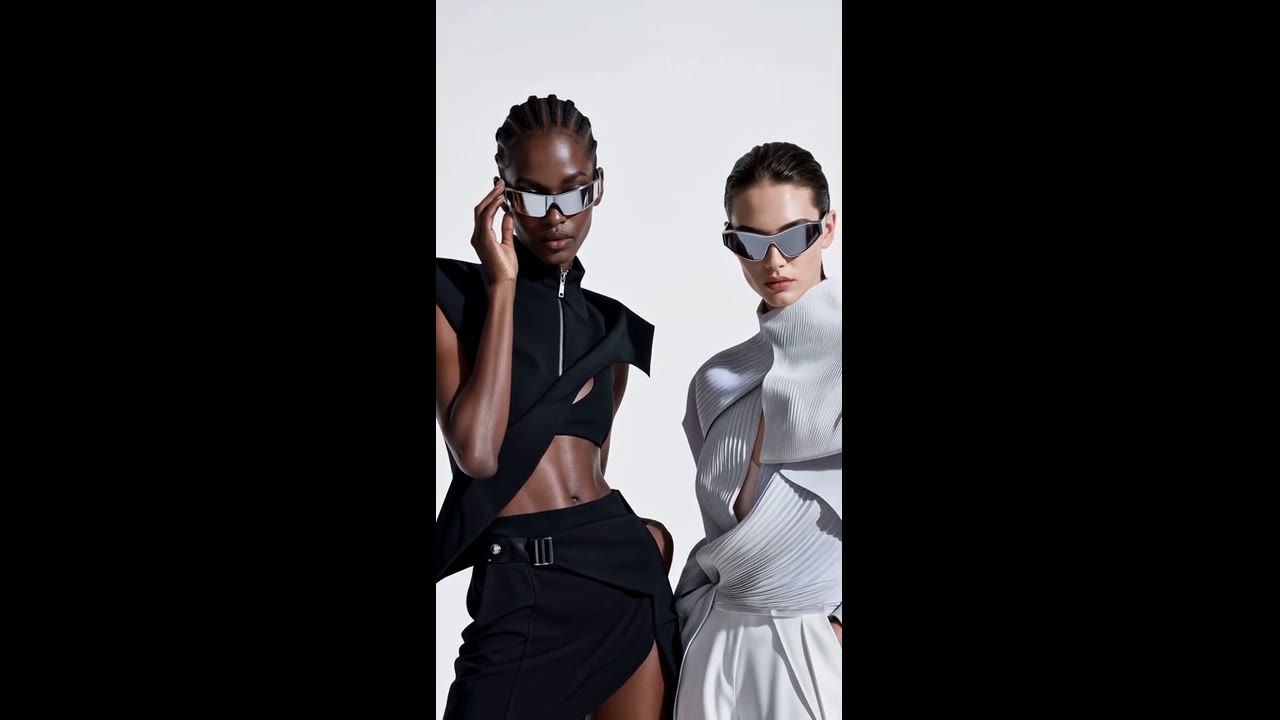
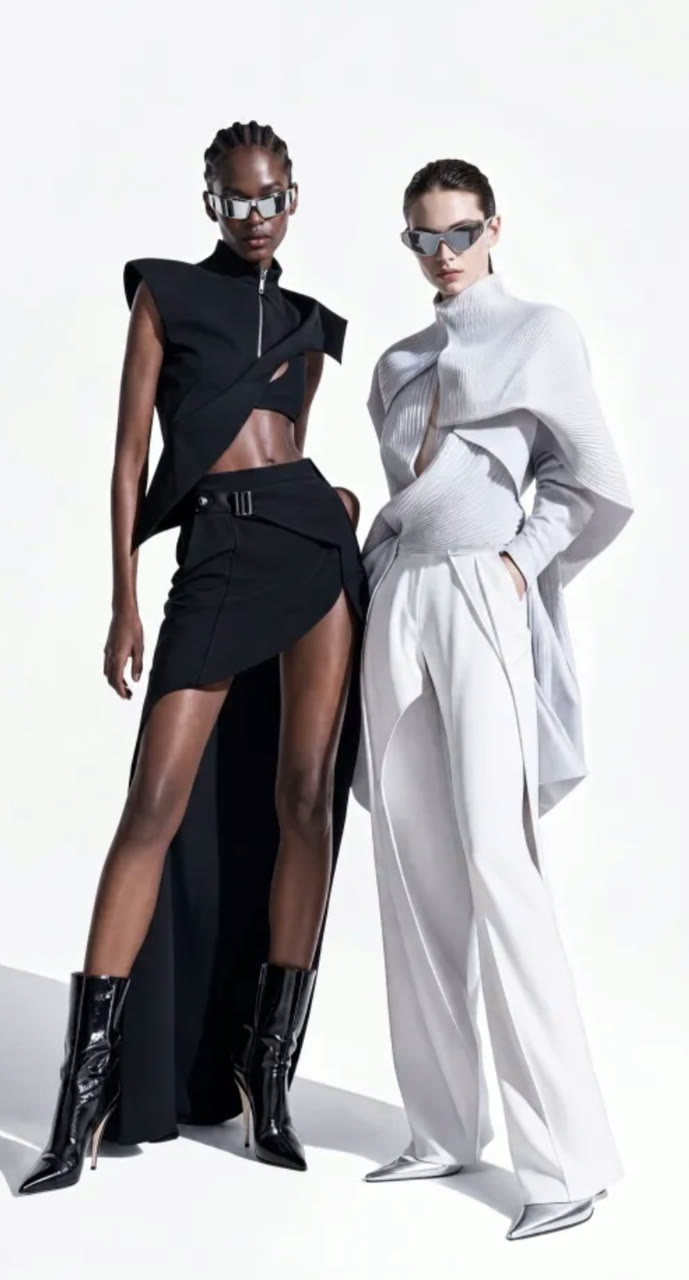
 MiniMax H3
Every Setting in One Place
Pick the ratio before you write, so the subject and any on-screen text are composed for that frame. Clips that start from a first or last frame follow the uploaded image instead.
| Length | 5 to 15 secondsWhole seconds; 5 by default. |
|---|---|
| Resolution | 2KThe only H3 output on Yovid. |
| Aspect ratio | 21:9, 16:9, 4:3, 1:1, 3:4 or 9:16Frame-based clips follow the uploaded image. |
| Inputs | Text, a first and/or last frame, or referencesUp to 9 images and 3 videos per generation. |
| Sound | Always onStereo, generated together with the picture. |
| Prompt length | Up to 7,000 characters |
2K for Less Than Some Models Charge for 720p
H3 is billed per second of output at a single 2K rate. At base rates a 5-second H3 clip costs less than Seedance 2.5 charges for the same length at 720p, and the composer shows the exact figure before anything is spent.
| Per second | About 4.55 creditsBase credit-pack rate; subscribers pay less per job. |
|---|---|
| 5 s / 15 s clip | About 23 / 68 credits |
| Reference videos | Their seconds are billed tooA 5-second reference clip adds about 23 credits. |
| Reference images | First 5 includedEach image after the fifth adds about 1.4 credits. |
| Access | Pro, Premium or a credit packLite tops out at 1080p, below H3’s 2K. |
Who MiniMax H3 Works Best For
Native 2K and readable type make H3 a fit for work that ends up on big screens or carries words. These are the jobs it suits best:
- Brand and e-commerce teams: Product reveals and campaign spots with the item pinned by reference photos and the music generated in the same pass.
- Motion and title designers: Opening credits, animated posters and kinetic type where every letter has to stay legible.
- Filmmakers and trailer editors: Teasers and pitch shots that start or end on a frame you already designed.
- Social creators: Vertical 9:16 clips rendered at 2K, for feeds where a sharp first frame decides the scroll.
- Game and app studios: Menu screens, character turnarounds and UI motion concepts before anything is built.
MiniMax H3 vs Seedance 2.5, Kling 3.0, Wan 3.0 and Veo 3.1
Every cell except the last row is read from the settings each model exposes in Yovid’s generator today, so you can weigh resolution, length, references and cost before you spend a credit.
| Feature / Model |  MiniMax H3 MiniMax H3 |  Seedance 2.5 Seedance 2.5 |  Kling 3.0 Kling 3.0 |  Wan 3.0 Wan 3.0 |  Veo 3.1 Fast Veo 3.1 Fast |
|---|---|---|---|---|---|
| Longest clip | 15 s | 30 s | 15 s | 30 s | 8 s |
| Top resolution | 2K | 1080p | 1080p | 1080p | 4K |
| Aspect ratios | 21:9, 16:9, 4:3, 1:1, 3:4, 9:16 | 16:9, 9:16, 1:1, 4:3, 3:4, 21:9 | 16:9, 9:16, 1:1 | 16:9, 9:16, 1:1, 4:3, 3:4 | 16:9, 9:16 |
| Reference images | 9 | 30 | — | 10 | — |
| Reference videos | 3 | 10 | — | 5 | — |
| Credits for a 5 s clip | 23 | 31 | 13 | 12 | 15 |
| Best for | Sharp 2K shots with on-screen text, products or a fixed first or last frame. | Takes up to 30 s, dialogue scenes and editing clips you already have. | Expressive character motion in short 1080p clips. | 30-second clips at a lower price per second. | Short cinematic shots, with a 4K option. |
Credits are base credit-pack rates for a 5-second clip at 720p, or at the nearest resolution a model offers (2K for MiniMax H3), and follow Yovid’s live pricing; subscribers pay less per job.
Strengths and Limits of MiniMax H3
Where H3 is the best pick on Yovid, and where another model or setting serves you better.
Strengths
- Resolution: Native 2K on every clip, sharper than every other model on Yovid except Veo 3.1 Fast in 4K.
- Cost at 2K: About 23 credits for 5 seconds at base rates, less than Seedance 2.5 at 720p.
- Text and design: Titles, posters and interface screens with type that stays readable.
- Control: Start from a first frame, a last frame or both, or steer with 9 images and 3 videos.
Limits
- Length: 15 seconds per clip, half of what Seedance 2.5 and Wan 3.0 allow.
- One resolution: 2K only, so there is no cheap low-resolution draft before the final render.
- Audio control: Sound cannot be switched off, and audio references are not available on Yovid.
- Plan access: Not on free credits or Lite; it needs Pro, Premium or a one-time credit pack.
How to Use MiniMax H3 on Yovid
- Step 1
Pick MiniMax H3
Open the video generator; this page preselects MiniMax H3, or find it under MiniMax in the model menu.
- Step 2
Describe the shot and its sound
Write the prompt, add a first or last frame or up to 9 images and 3 clips, then set the length and ratio.
- Step 3
Generate and download in 2K
Check the credit quote, generate, and save the finished 2K MP4 from your library.
MiniMax H3 Prompts to Start From
These are starter prompts we wrote for shots like MiniMax’s demos, not the original prompts. Open one in the generator and change the details to make it yours.
Café street song
Text to video · 16:9 · 7 sTry this promptA young woman with curly hair and freckles sits at a wicker café table on a sunny European street, a glass of coffee in front of her. She closes her eyes and sings a soft soul ballad straight to camera, one hand keeping time. Handheld medium close-up, warm afternoon light, quiet street chatter under her voice.
Collectible toy poster
Text to video · 9:16 · 10 sTry this promptAn animated vertical poster on an off-white background. A pink panel slides in behind the bold headline "POPUP!", then a 3D collectible figure in a fuzzy pink dinosaur hoodie bursts toward the camera, one paw reaching out of the frame. Small print reads "SERIES 001" in the corner. Clean graphic design, playful pop sound effects.
Cappuccino to dunes
Text to video · 16:9 · 15 sTry this promptMacro shot of cocoa powder sprinkled onto a cappuccino in a cozy café. The camera slowly dives into the foam until its ripples become wind-carved sand dunes, then rises over a vast desert at sunrise. One continuous move, warm brown tones, soft wind replacing the café murmur.
Sci-fi teaser
Text to video · 16:9 · 15 sTry this promptA dark sci-fi teaser. An officer in a navy uniform stands alone at the giant observation window of a starship as a fleet drifts past a nebula. Slow push-in to her profile, then cut to black. Thin title cards fade in: "THE LAST FLEET LEFT EARTH". Low drones, a distant engine hum, a single held breath.
Laundromat turns neon
Text to video · 16:9 · 15 sTry this promptFirst-person POV in an empty late-night laundromat. A glowing purple lint ball floats out of a dryer, a cartoon jellyfish and a sock drawn in light lead the way between the machines, and as the camera reaches the end of the room everything turns into a neon wireframe drawing on a starry blue background. Hum of washers, soft magical chimes.
Gecko macro
Text to video · 16:9 · 6 sTry this promptAn extreme macro shot of a crested gecko’s head against a pure black background. The camera holds still on the slit-pupil eye and the spiny crest, every orange-and-cream scale in focus, as the gecko slowly licks its lips. Studio lighting, shallow depth of field, near silence.
More Video Models on Yovid
Guides for Getting More out of MiniMax H3
A side-by-side of every video model on Yovid, a prompt formula and worked image-to-video examples.
FAQs
What is MiniMax H3?
Is MiniMax H3 the same as Hailuo 3?
Can I use MiniMax H3 for free?
How many credits does a MiniMax H3 video cost?
What resolution and length does MiniMax H3 support?
Does MiniMax H3 generate audio?
What can I upload as a reference?
MiniMax H3 vs Seedance 2.5: which should I use?
Can I use MiniMax H3 videos commercially?
Is MiniMax H3 available through the Yovid API?
Your Next 2K Shot Starts Here
Describe the scene and its sound, pin a frame or add references, and let MiniMax H3 render it at 2K.
Create with MiniMax H3