
Seedance 2.5 Free Online AI Video Generator
Turn a prompt, a pair of frames, or up to 40 reference files into one continuous 4–30 second clip with sound generated alongside the picture. Draft at 480p, then finish the take you like at 1080p. Start creating with Seedance 2.5 on Yovid.

What Seedance 2.5 Puts on Screen
Why Make Videos with Seedance 2.5 on Yovid
- 30-Second Takes in One Generation: Ask for anything from 4 to 30 seconds and get one continuous clip, not stitched fragments.
- Sound and Dialogue Generated with the Picture: Speech, ambience and effects come out of the same pass, synced to the action.
- Up to 40 References in the Browser, 50 via API: Combine up to 30 images and 10 video clips; the API adds up to 10 audio files.
- Edit a Clip by Describing the Change: Upload a video, say what to replace, remove or restyle, and keep the rest of the shot.
- Extend a Shot Without Breaking It: Continue an uploaded clip with the same people, set and props in place.
- Draft at 480p, Finish at 1080p: Preview cheaply, then upgrade only the take you keep, with the same content.
- Turn Green Screen and Previz into Finished Shots: Use a green-screen plate or a grey-box animatic as the blueprint for the shot.
- Every Setting in One Place: Seven aspect ratios, three resolutions, sound on or off, and text, frame or reference inputs.
30-Second Takes in One Generation
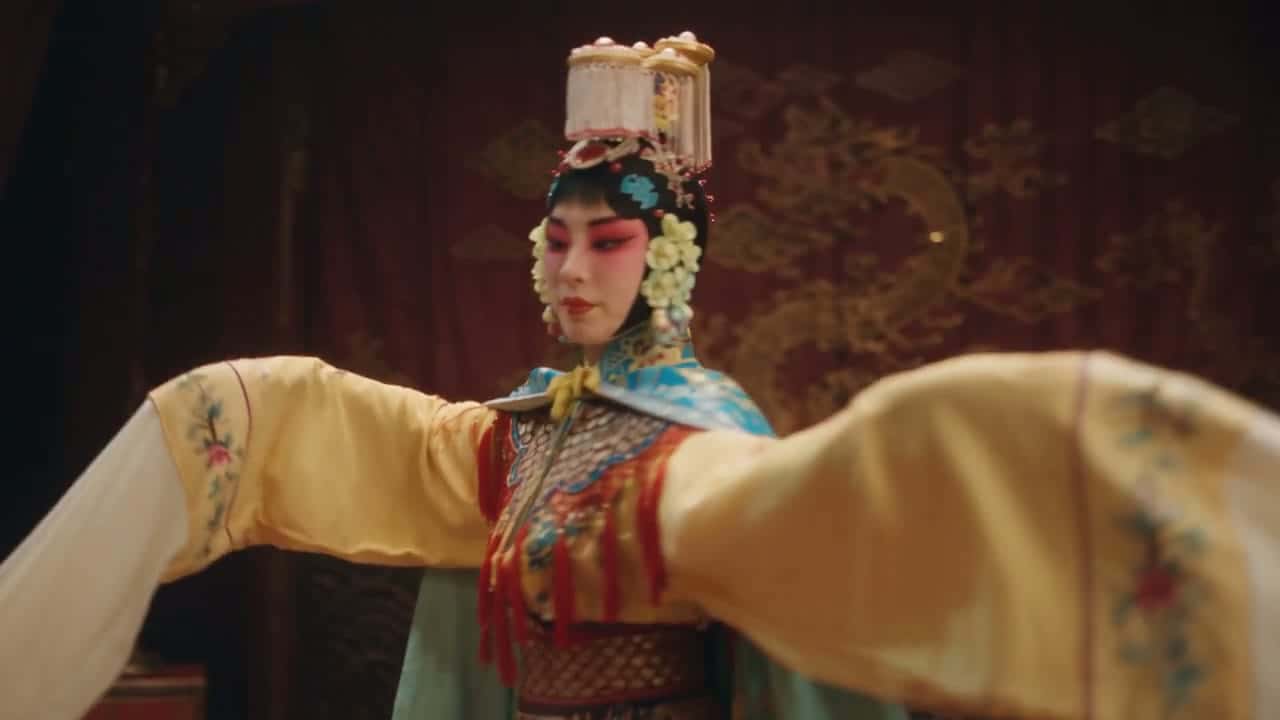
Seedance 2.5 renders up to 30 seconds per generation, enough for a single prompt to carry a setup, a turn and a payoff. Faces, lighting and the set hold from the first frame to the last because nothing is spliced together afterwards.
On Yovid the length is a slider from 4 to 30 seconds. Short clips are the cheap way to test an idea; save the full 30 seconds for the take you plan to keep.
 Seedance 2.5
Sound and Dialogue Generated with the Picture
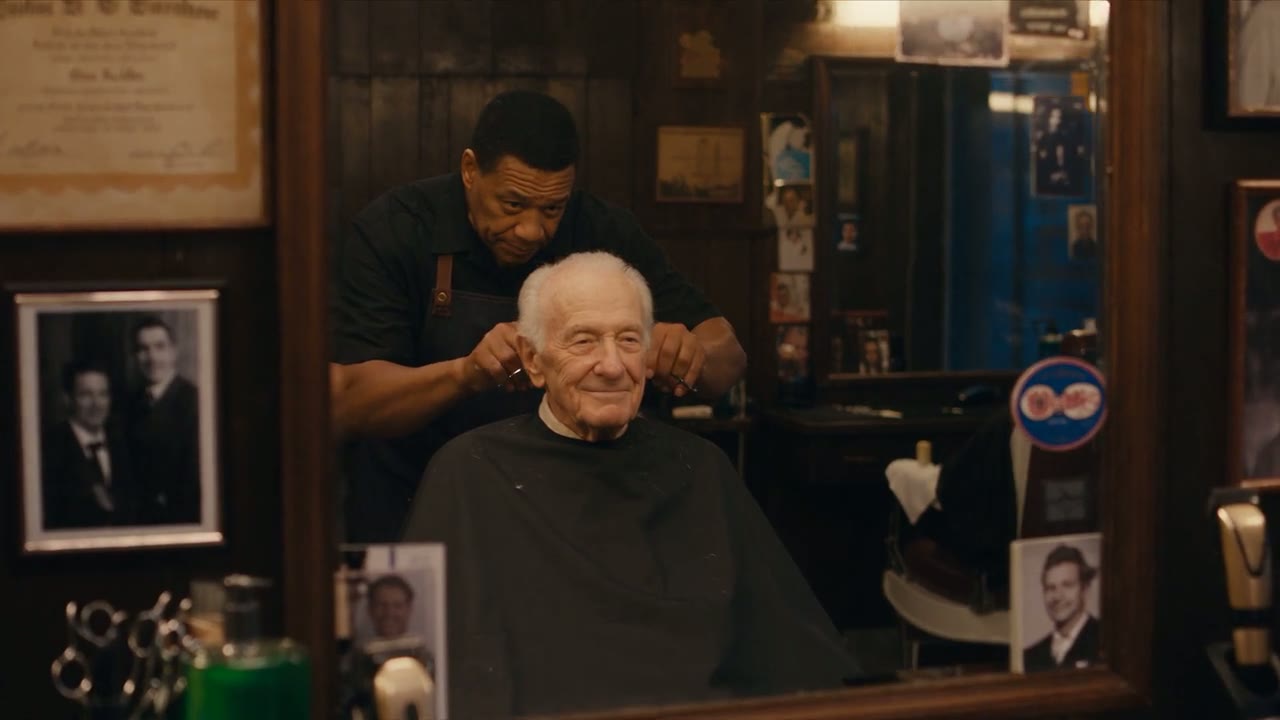
Sound is on by default. Seedance 2.5 produces dialogue, room tone and effects together with the frames, so lines, footsteps and door chimes land where the action is.
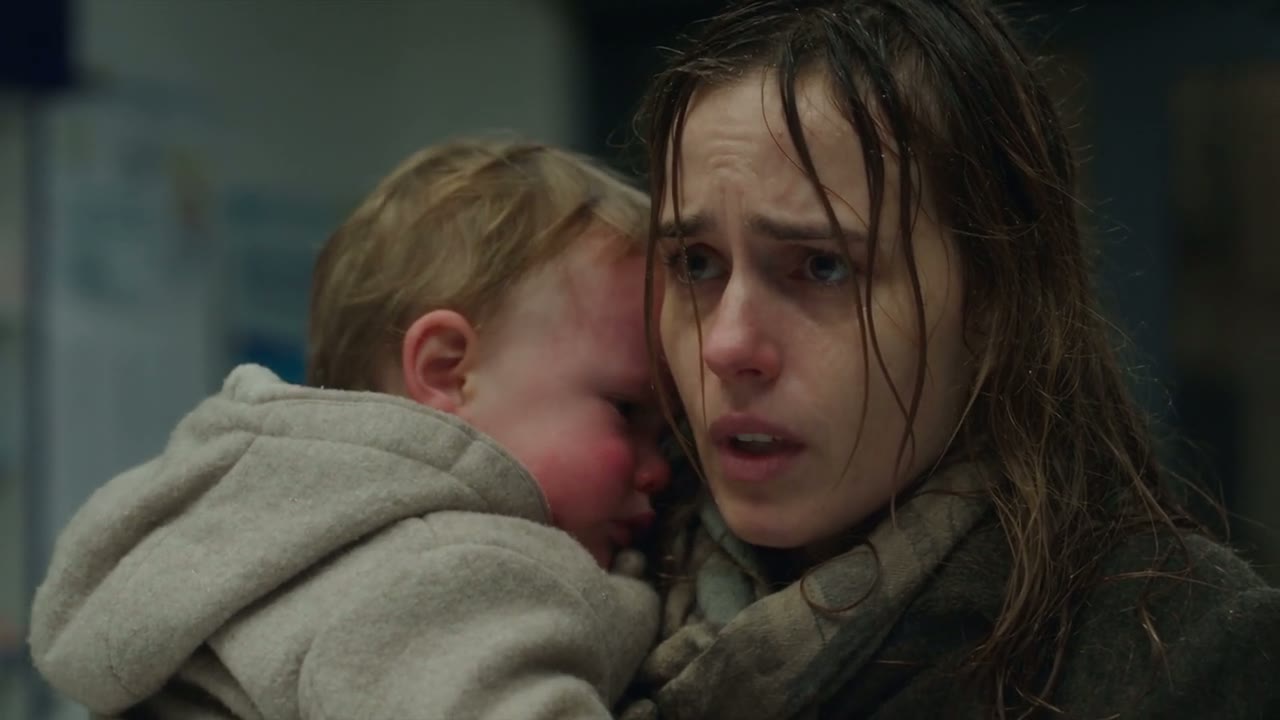
Put the lines you want spoken in quotes and name the language; the demo below keeps a French exchange between a pharmacist and a tired mother. Switch sound off in the settings when you plan to score the clip yourself.
 Seedance 2.5
Up to 40 References in the Browser, 50 via API
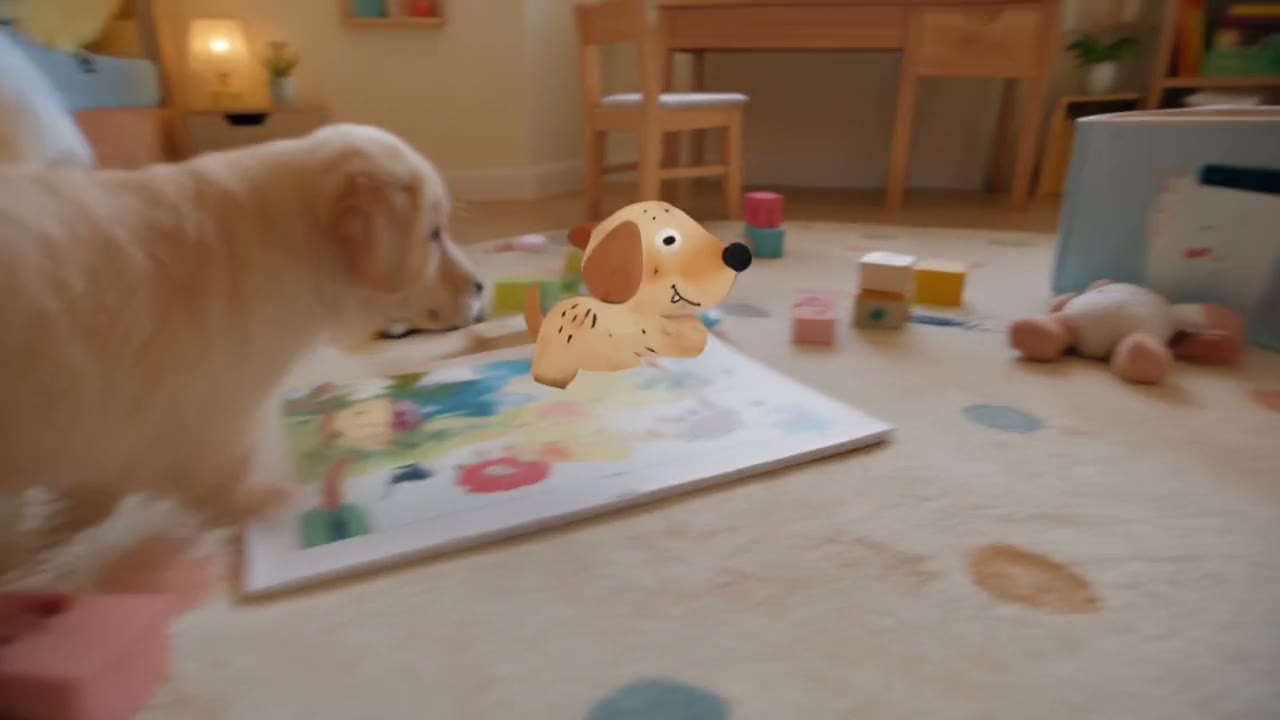
Seedance 2.0 stops at 9 images and 3 videos. Seedance 2.5 takes 30 images and 10 videos in the Yovid composer, and the API accepts up to 10 audio references on top for a voice, a track or a rhythm.
Give every file one job and name it in the prompt, such as @image1 for the character, @image3 for the room and @video1 for the camera move. The demo below used eight images, from a paper-puppy character sheet to a child’s drawing, to drop a 2D character into a real home.

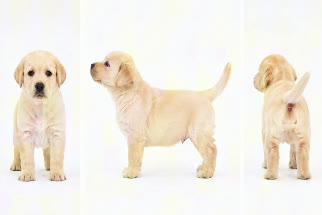
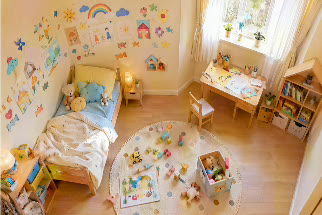
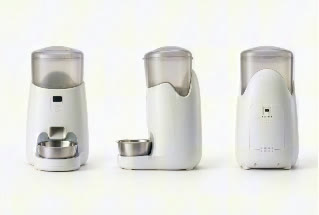
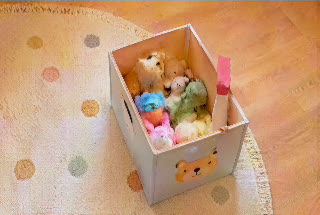

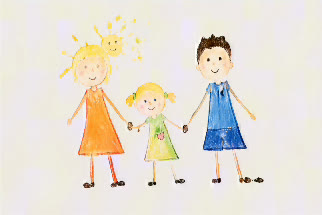
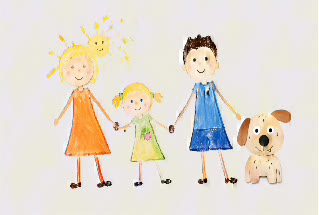 Seedance 2.5
Edit a Clip by Describing the Change
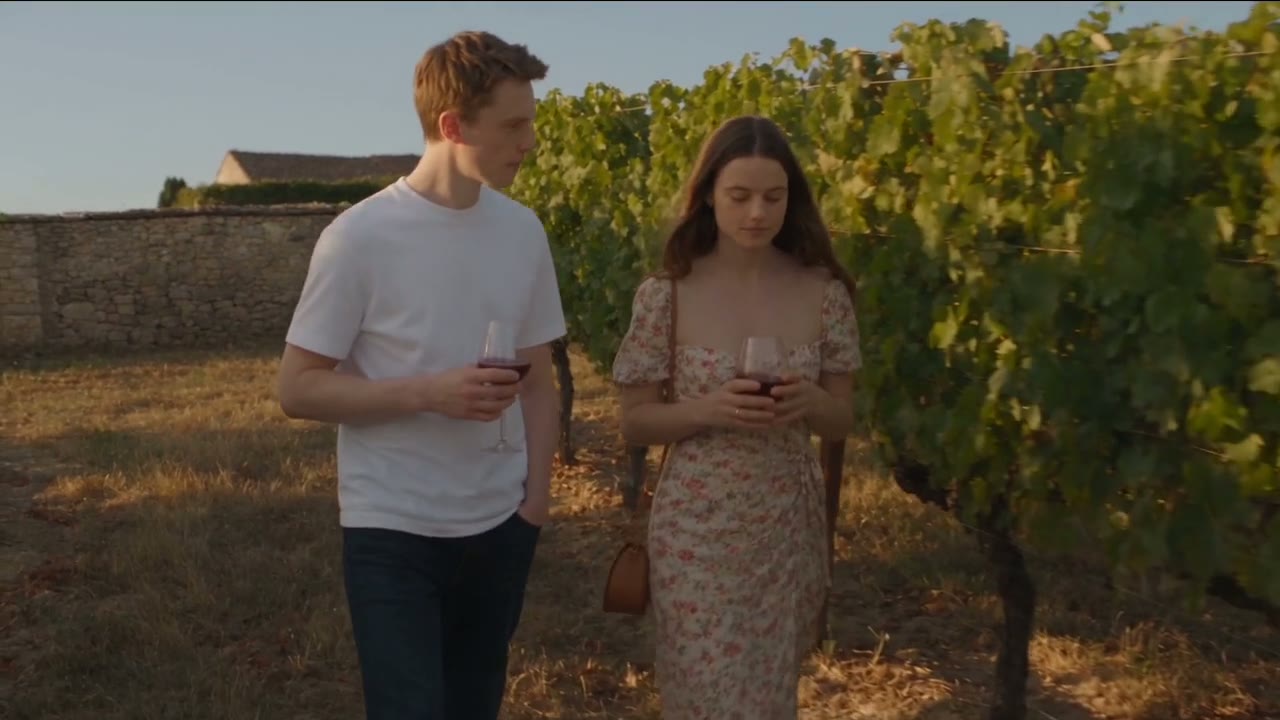
Upload a clip as a reference and write the change in plain words: move the scene to a vineyard, swap the coffee for wine glasses, change an outfit. Yovid reads the edit from your wording and sends it to Seedance 2.5’s edit mode, which keeps the camera move, the timing and everything you did not mention.
It is the quickest fix for a prop, a background or a costume that is wrong in an otherwise good take, with no full regeneration.
 Seedance 2.5
Extend a Shot Without Breaking It
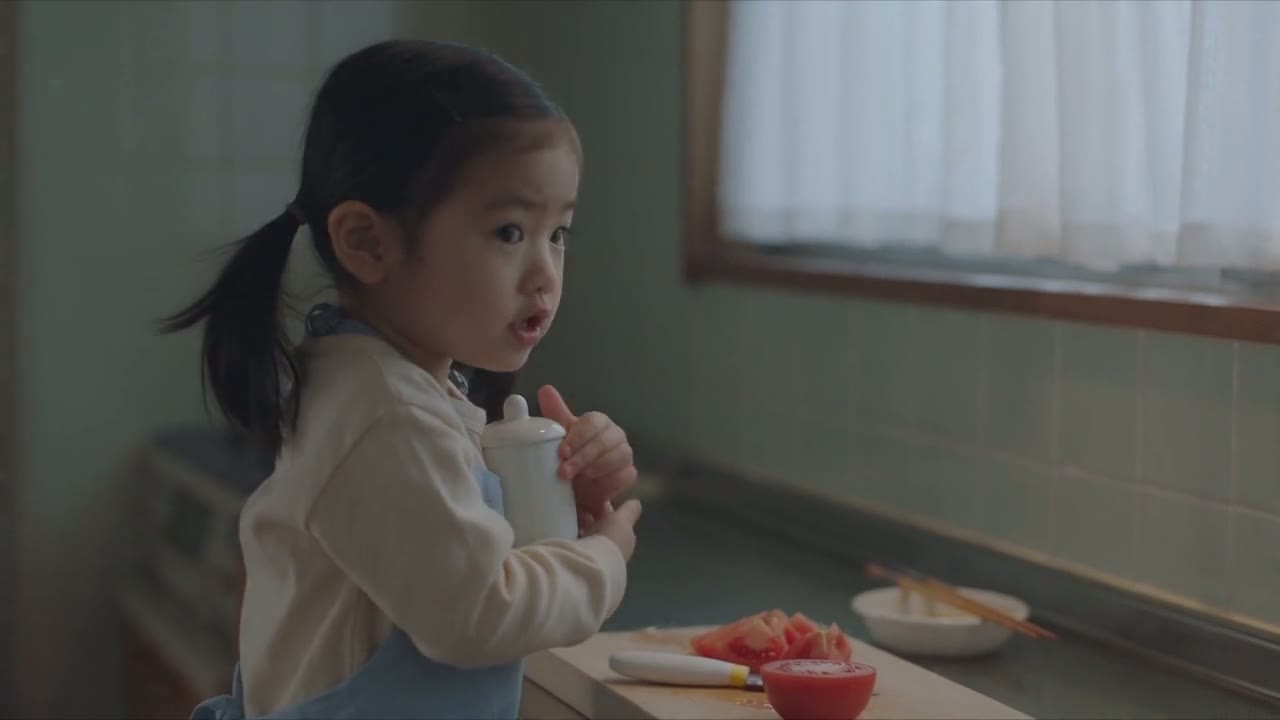
Ask Seedance 2.5 to extend a clip and it picks up where the footage ends rather than starting over: the same child, the same kitchen, the tomatoes still on the board. ByteDance describes two extensions in a row as the way to build a longer story.
On Yovid, upload the clip, start the prompt with "Extend @video1" and describe what happens next.
 Seedance 2.5
Draft at 480p, Finish at 1080p
Draft mode renders your prompt at 480p first. When a draft is the one, a single click turns it into a 1080p final with the same content instead of rolling the dice on a new generation.
Drafts are billed at the 480p rate and the upgrade at the 1080p rate, so full price only goes to the version you publish.
| 480p draft | About 3 credits per secondA 5-second draft costs about 15 credits. |
|---|---|
| 720p | About 6 credits per secondThe default resolution; a 5-second clip is about 31 credits. |
| 1080p final | About 15 credits per secondOn Pro, Premium and credit packs. Lite tops out at 720p. |
| Upgrade window | About 24 hoursCounted from the moment the draft finishes. |
Turn Green Screen and Previz into Finished Shots
Seedance 2.5 reads a reference video for its framing, camera path and blocking, not just its motion. Keep the actor and the set pieces from a green-screen plate and describe the world behind them, and the background is rebuilt around the original performance.
The same goes for previz: feed it a grey-box animatic plus image references for the real cars, actors or set, and it renders the shot with the choreography you already approved.
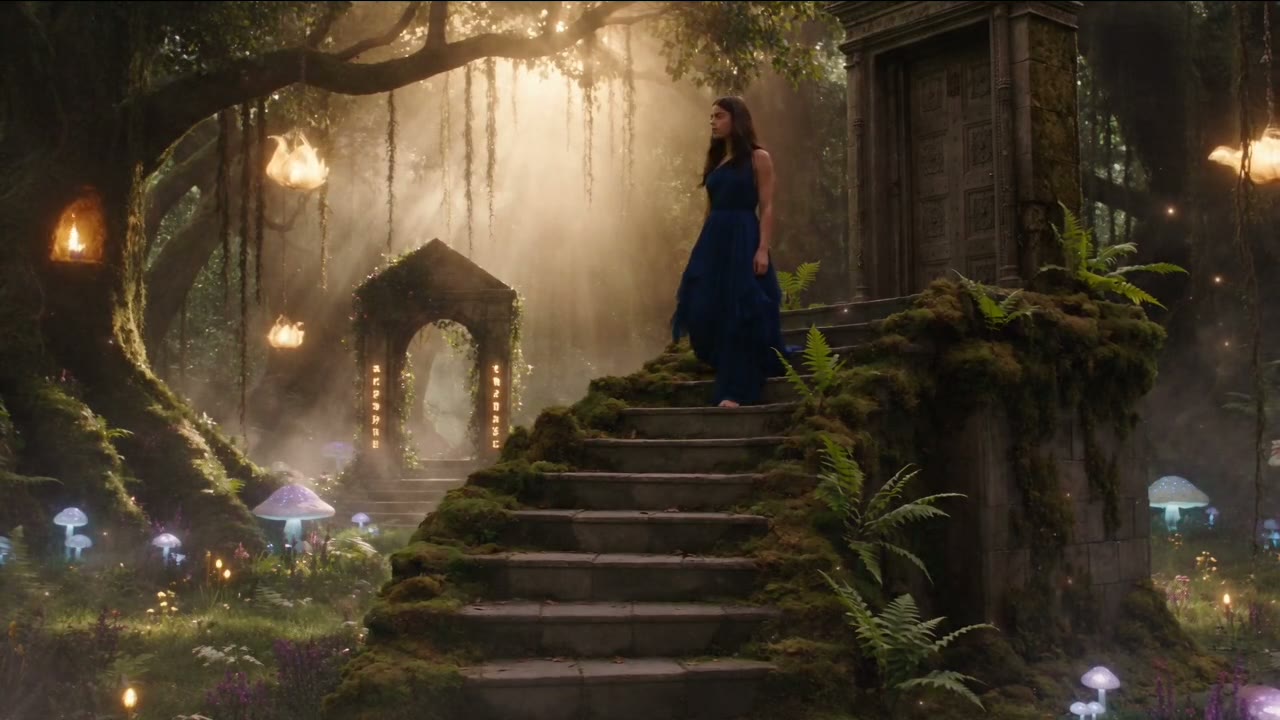 Seedance 2.5
Every Setting in One Place
Pick the frame before you write the prompt so the subject, camera path and final frame are composed for it. When you start from an image, Seedance 2.5 follows that image’s shape with the adaptive ratio.
| Length | 4 to 30 seconds5 seconds by default. |
|---|---|
| Resolution | 480p, 720p or 1080p720p by default, plus the 480p draft. |
| Aspect ratio | 16:9, 9:16, 1:1, 4:3, 3:4, 21:9 or adaptive |
| Inputs | Text, a first frame and optional last frame, or referencesUp to 30 images and 10 videos in the composer; audio references through the API. |
| Sound | On by defaultTurn it off per generation. |
| Output | MP4 |
Who Seedance 2.5 Works Best For
Thirty seconds and a big reference budget change what one generation can deliver. These are the jobs it handles best:
- Brand and performance marketers: Full 15–30 second spots in one take, with the product pinned by reference images and the voice-over generated in the same pass.
- Filmmakers and previs artists: Grey-box animatics and green-screen plates turned into lit, acted shots, and dialogue scenes tested before a shoot.
- E-commerce teams: New backgrounds, outfits or props in an existing product clip through edit mode, instead of a reshoot.
- Social and UGC creators: Vertical 9:16 clips with spoken lines and the same face across a whole series.
- Animators and storytellers: Stylized looks, from felt stop-motion to 2D characters in real rooms, held steady across a 30-second arc.
Seedance 2.5 vs Wan 3.0, MiniMax H3, Kling 3.0 and Veo 3.1
Every cell except the last row is read from the settings each model exposes in Yovid’s generator today, so you can choose by length, references and price before you spend a credit.
| Feature / Model |  Seedance 2.5 Seedance 2.5 |  Wan 3.0 Wan 3.0 |  MiniMax H3 MiniMax H3 |  Kling 3.0 Kling 3.0 |  Veo 3.1 Fast Veo 3.1 Fast |
|---|---|---|---|---|---|
| Longest clip | 30 s | 30 s | 15 s | 15 s | 8 s |
| Top resolution | 1080p | 1080p | 2K | 1080p | 4K |
| Aspect ratios | 16:9, 9:16, 1:1, 4:3, 3:4, 21:9 | 16:9, 9:16, 1:1, 4:3, 3:4 | 21:9, 16:9, 4:3, 1:1, 3:4, 9:16 | 16:9, 9:16, 1:1 | 16:9, 9:16 |
| Reference images | 30 | 10 | 9 | — | — |
| Reference videos | 10 | 5 | 3 | — | — |
| Edit or extend an uploaded clip | Yes | — | — | — | — |
| Credits for 5 s at 720p | 31 | 12 | 23 | 13 | 15 |
| Best for | Long single takes, dialogue scenes and reference-heavy work. | Long clips on a tighter credit budget. | Sharper 2K output from a few references. | Short, expressive character motion. | Short cinematic shots up to 4K. |
Credits are base credit-pack rates for a 5-second clip at 720p (or the nearest resolution a model offers) and follow Yovid’s live pricing; subscribers pay less per second.
Strengths and Limits of Seedance 2.5
Where it beats the rest of the lineup on Yovid, and where another model or setting is the better call.
Strengths
- Length: 30 seconds per generation, twice the 15-second ceiling of Seedance 2.0.
- Reference budget: 30 images and 10 videos in the composer, the most of any model on Yovid.
- Edit and extend: Edits or extends an uploaded clip from a plain-text instruction, with no mode to pick.
- Draft mode: Low-cost 480p previews that convert to 1080p with the same content.
Limits
- Resolution: Tops out at 1080p; for 4K, run the result through Yovid’s video upscaler.
- Plan access: Not on the free plan. Lite and above or a credit pack unlocks it, and 1080p needs Pro, Premium or a pack.
- Audio references: Uploading audio as a reference is API-only for now.
- Long takes cost more: A 30-second 1080p clip is a big spend, so draft first.
How to Use Seedance 2.5 on Yovid
- Step 1
Pick Seedance 2.5
Open the video generator; this page preselects Seedance 2.5, or choose it from the model menu.
- Step 2
Write the prompt, add references
Describe the scene, attach a first frame or up to 30 images and 10 clips, then set length, ratio and resolution.
- Step 3
Generate and keep the best take
Review the clip, upgrade a 480p draft to 1080p if it works, and download the MP4.
Seedance 2.5 Prompts to Start From
Real Seedance 2.5 prompts, trimmed, next to the clips they produced. Open one in the generator and change the details to make it yours.
Seaside conversation
Text to video · 25 sA 25-second French New Wave summer drama at dusk: natural light, restrained camera, gentle irony. Two young adults sit on a seaside bench after swimming, looking at the sea, not at each other. She says softly, "You always say you like being alone." He shrugs: "I do. Except when someone keeps me company without making noise." Keep only the natural sound of the waves.
Source: ByteDance Seed · Seedance 2.5
Try this promptPeking opera, one take
Text to video · 20 s16:9, ultra-realistic Peking opera stage in one continuous take, shallow depth of field, low-key light. The camera circles Xiang Yu through a beard flick, armor shake and spinning flip, flows to Yu Ji for her water-sleeve turn, then pulls back to a full-stage tableau of all three performers.
Source: ByteDance Seed · Seedance 2.5
Try this promptLantern festival night
Text to video · 30 sA 30-second cinematic film of Lantern Festival night in Southern Song Lin’an: wet bluestone streets, layered wooden pavilions, silk and fish-and-dragon lanterns, fireworks like falling stars. A weary scholar-general searches the crowd alone, then turns and sees a figure far away where the lights fade.
Source: ByteDance Seed · Seedance 2.5
Try this promptBouldering top-out
Text to video · 11 sA realistic 11-second sports film in a bright indoor bouldering gym with ambient sound only. A young woman swings from the angled wall to the front wall, grabs the holds precisely, tops out, drops onto the mat, runs toward the camera and freezes on a high-five.
Source: ByteDance Seed · Seedance 2.5
Try this promptFelt stop-motion meadow
Text to video · 10 sA 10-second warm stop-motion scene on a handmade miniature meadow in soft morning sun. A felt rabbit and a felt squirrel with visible wool fibers move with a subtle frame-by-frame stutter among tiny wildflowers.
Source: ByteDance Seed · Seedance 2.5
Try this promptMonochrome couture dance
Text to video · 20 sA 16:9 black-and-white haute couture dance film, 24 fps. Three dancers in wide-brim hats, structured coats and platform boots move in sync in a minimalist grey studio, mixing runway, jazz and hat-dance moves. Front-facing camera with slow push-ins, all three always fully in frame.
Source: ByteDance Seed · Seedance 2.5
Try this prompt
More Video Models on Yovid
Guides for Getting More out of Seedance 2.5
Prompt formulas, image-to-video examples, model comparisons and the API reference.
FAQs
What is Seedance 2.5?
How long can a Seedance 2.5 video be?
Can I use Seedance 2.5 for free on Yovid?
How many credits does a Seedance 2.5 video cost?
What can I upload as a reference?
How do I edit or extend a clip I already have?
What is draft mode?
Does Seedance 2.5 generate audio and dialogue?
How is Seedance 2.5 different from Seedance 2.0?
Can I use Seedance 2.5 videos commercially?
Your Next 30-Second Take Starts Here
Write the scene, attach your references and let Seedance 2.5 handle the camera, the cast and the sound.
Create with Seedance 2.5