
GPT Image 2 Free Online AI Image Generator
Describe a poster, a product shot or a classroom diagram, or upload up to 16 reference images, and get back images with legible text built into the layout. Draft at low quality for 1 credit an image, then finish at up to 4K. Start creating with GPT Image 2 on Yovid.
Seedance 2.5 is live
Clips up to 30 seconds with image, video, and audio references.
Kling 3.0
Kling's latest video model, ready in your workspace.
Veo 3.1
Google's video model with native audio.

GPT Image 2.5
OpenAI's image model for creating and editing images.
AI Image Upscaler
Sharpen and enlarge images for cleaner exports.
AI Canvas
Chain image and video steps on one visual board.
What GPT Image 2 Can Make
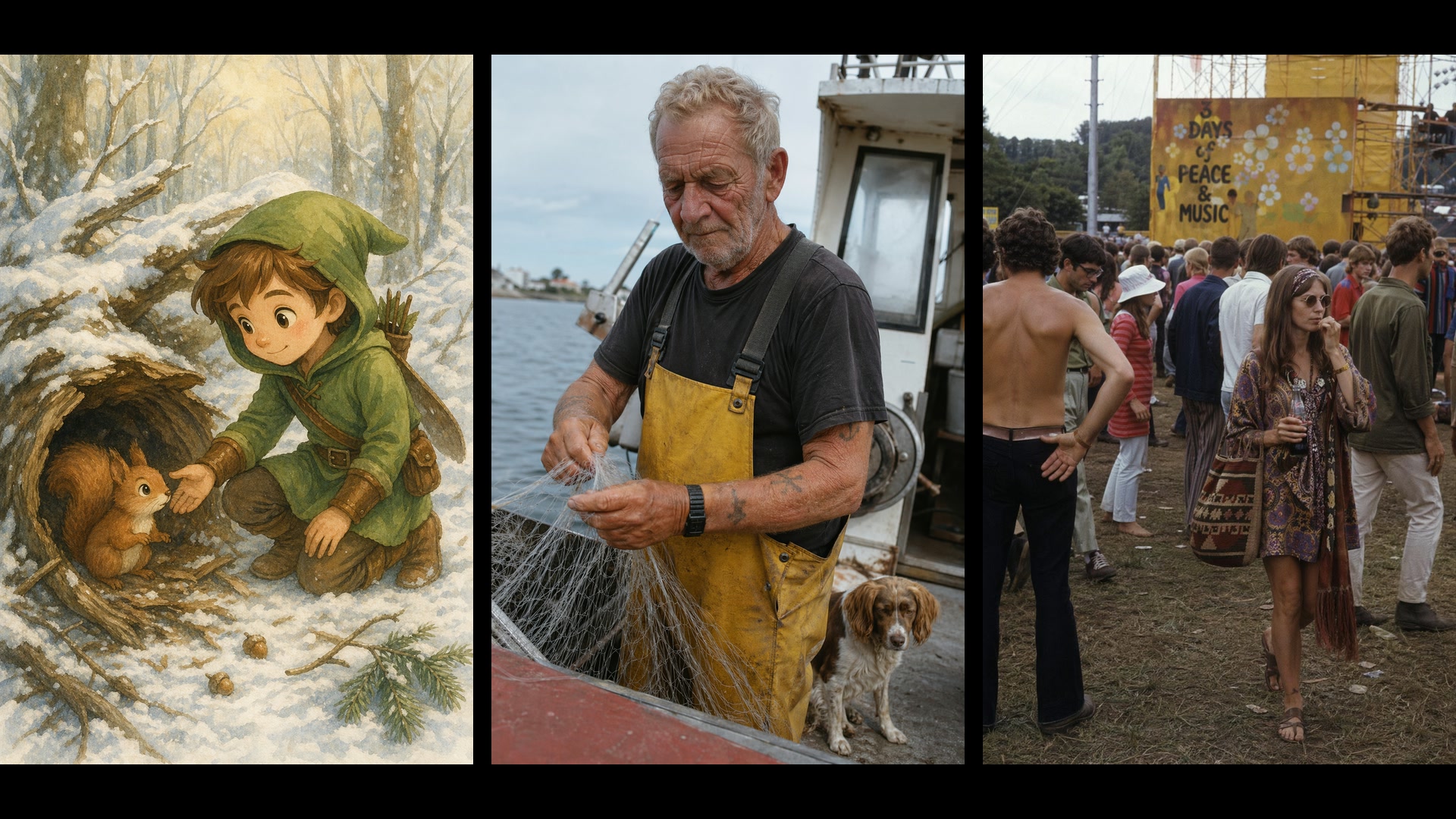
Why Create Images with GPT Image 2 on Yovid
- Text You Can Actually Read: Taglines, headlines and labels come out legible and sit where the layout needs them.
- Infographics, Diagrams and Slides: Labeled diagrams, charts and deck slides that read like finished handouts.
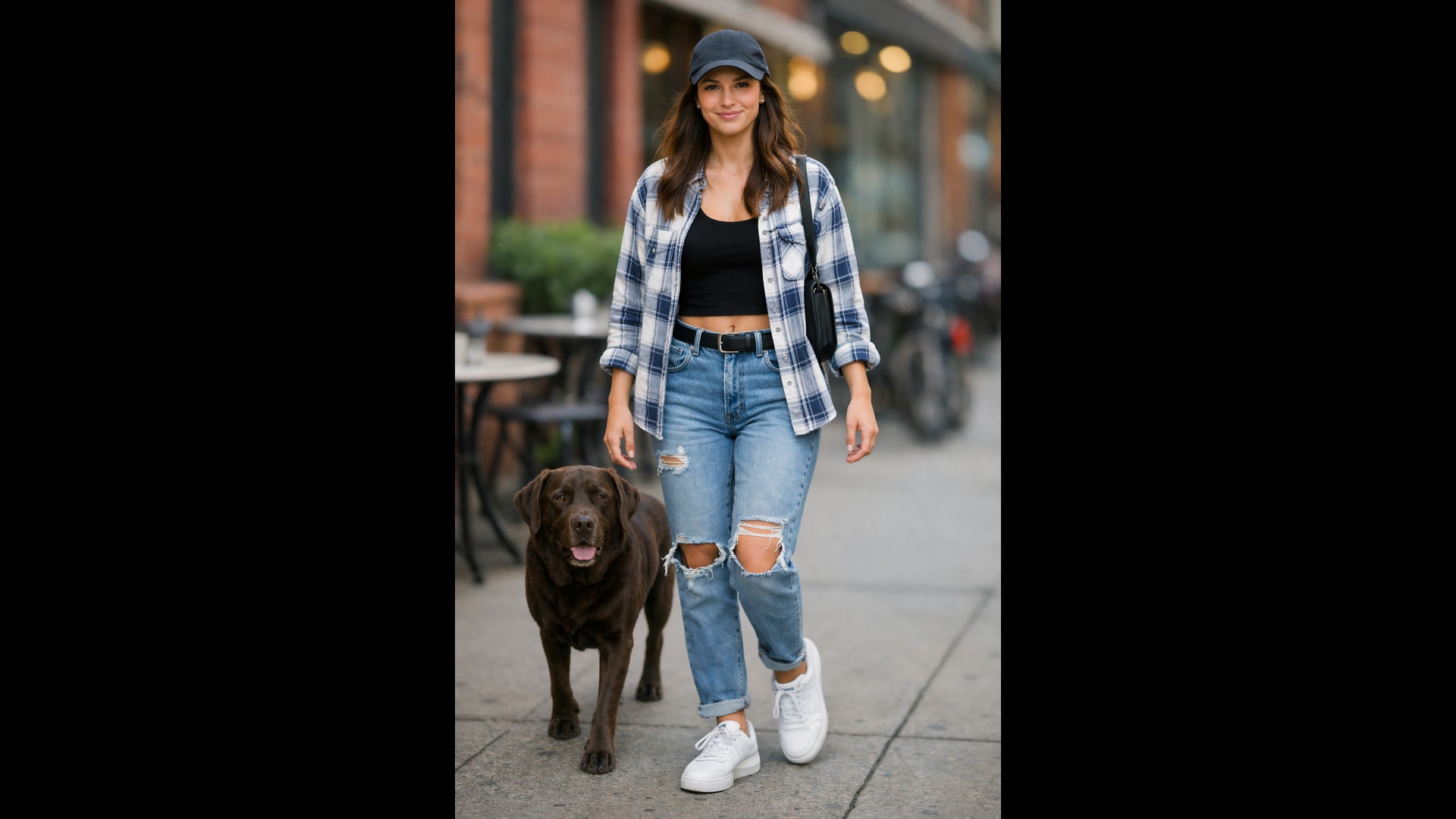
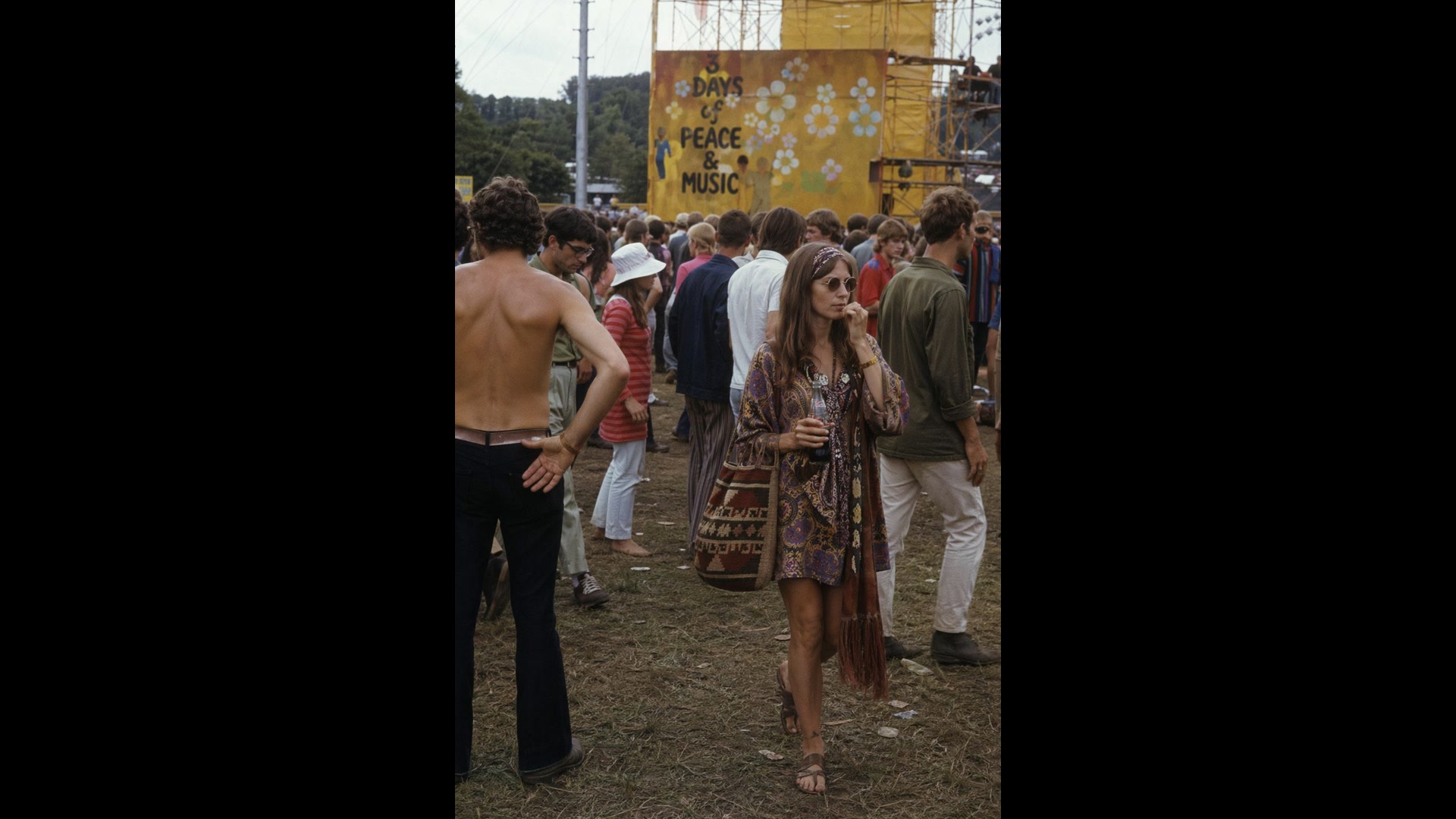
- Photorealism That Looks Unposed: Real skin, worn fabric and daylight instead of glossy studio polish.
- Edit a Photo by Describing the Change: Upload an image, say what to remove, swap or restyle, and keep everything else.
- Up to 16 Reference Images in One Request: Combine people, products and garments from separate photos into one shot.
- From a Sketch or Style Reference to a Finished Image: Turn a rough drawing into a photo, or draw something new in a reference image’s style.
- Up to 10 Options from One Prompt: Ask for several takes at once and keep the one that works.
- Settings and What They Cost: Three quality levels, 1K to 4K, 15 ratio presets plus custom sizes, and transparent backgrounds.
Text You Can Actually Read
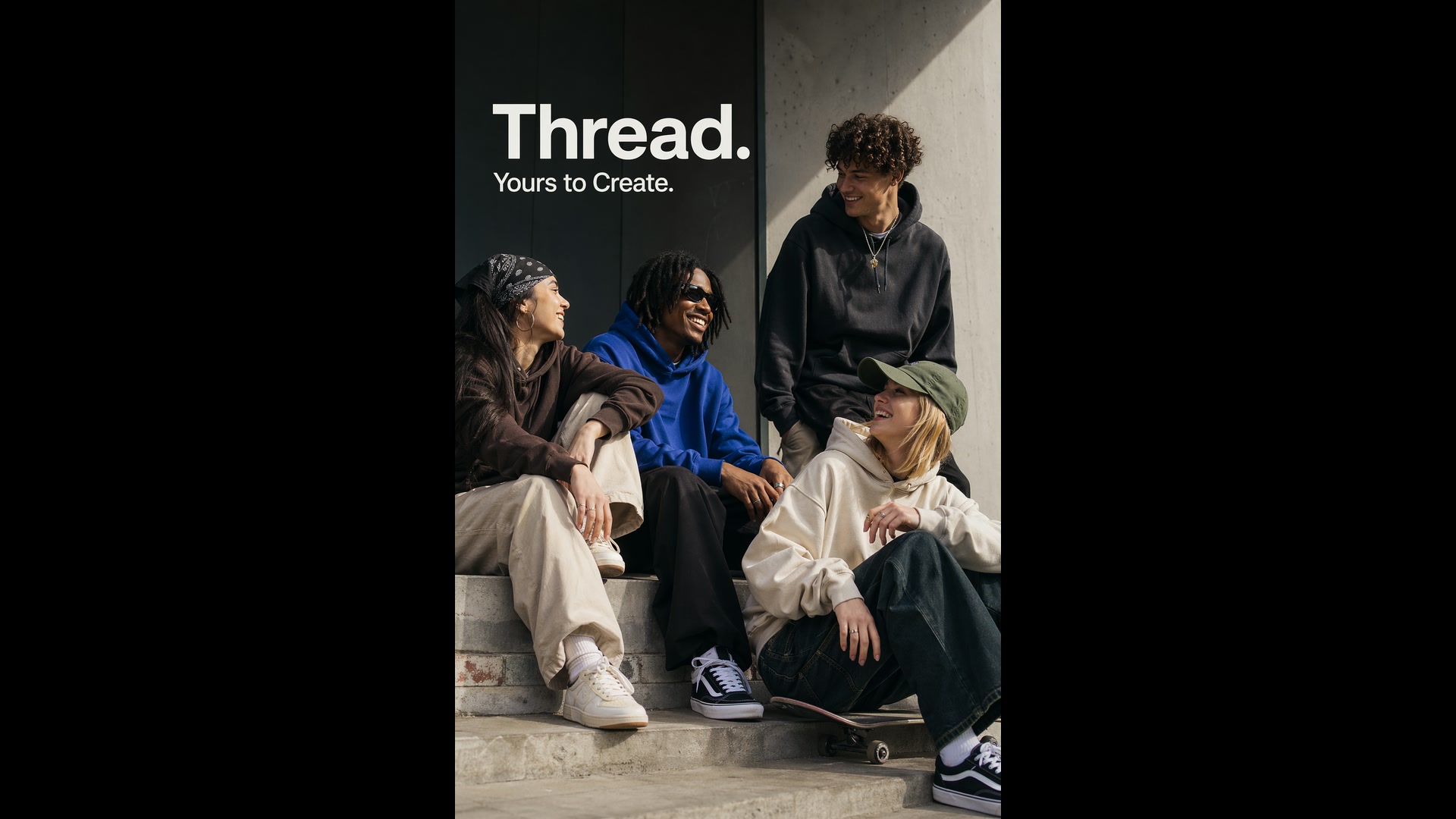
OpenAI built GPT Image 2 for production graphics, so lettering is crisp and set into the composition instead of floating on top of it. Put the exact words in quotes, say where they go and how the type should feel, and the copy arrives as part of the design.
Short headlines are the sweet spot. For small print or dense copy, choose medium or high quality and proofread before you publish: OpenAI notes that precise text placement can still take a second try.
 GPT Image 2
Infographics, Diagrams and Slides
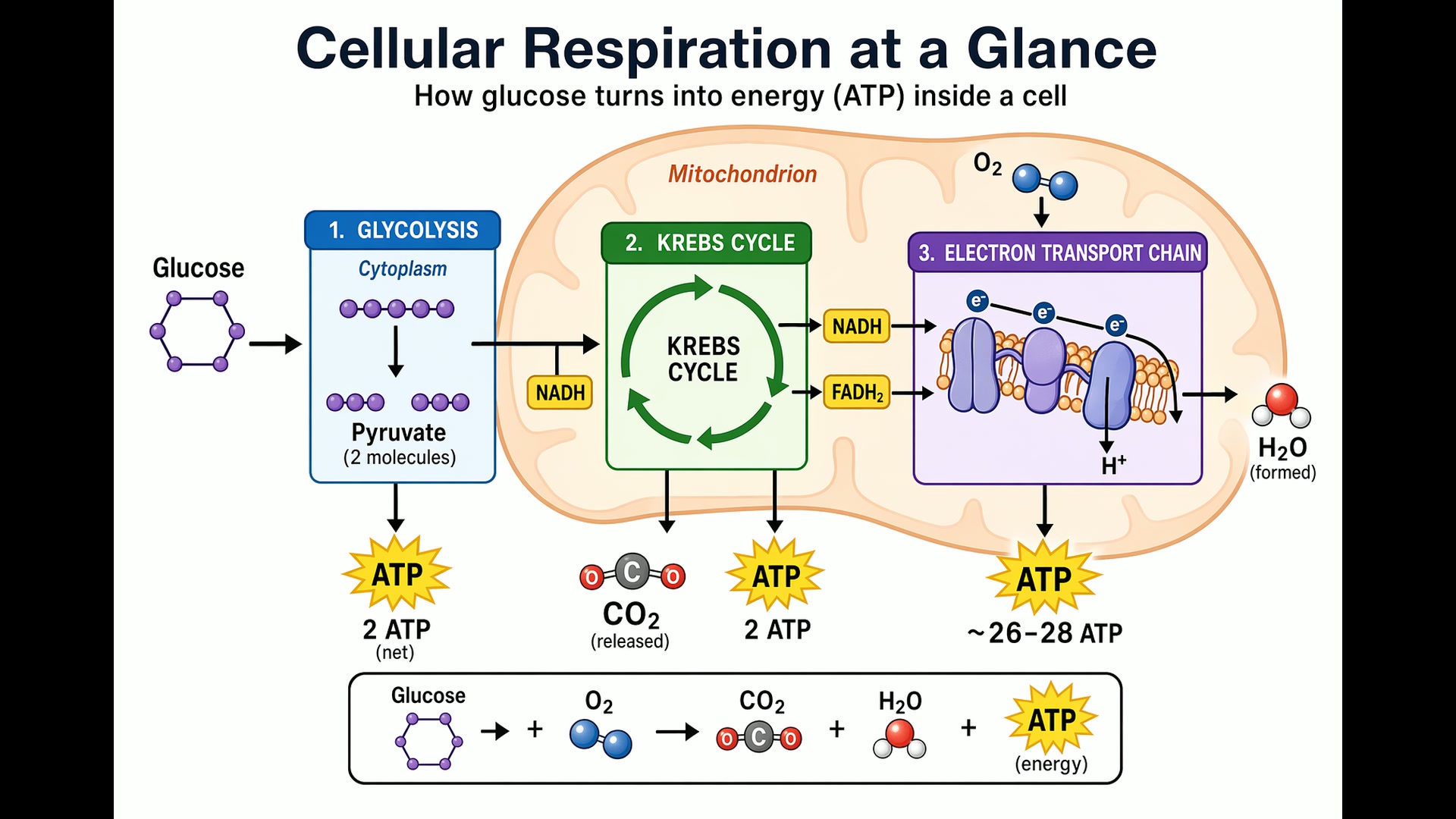
Brief it like a designer, not a painter: who the visual is for, the title, every label and number that must appear, and what to leave out. GPT Image 2 lays out arrows, legends and labels as one structured image, from a biology handout to a fundraising slide.
Pick a landscape ratio for slides, and high quality when the image carries small text, chart axes or footnotes.
 GPT Image 2
Photorealism That Looks Unposed
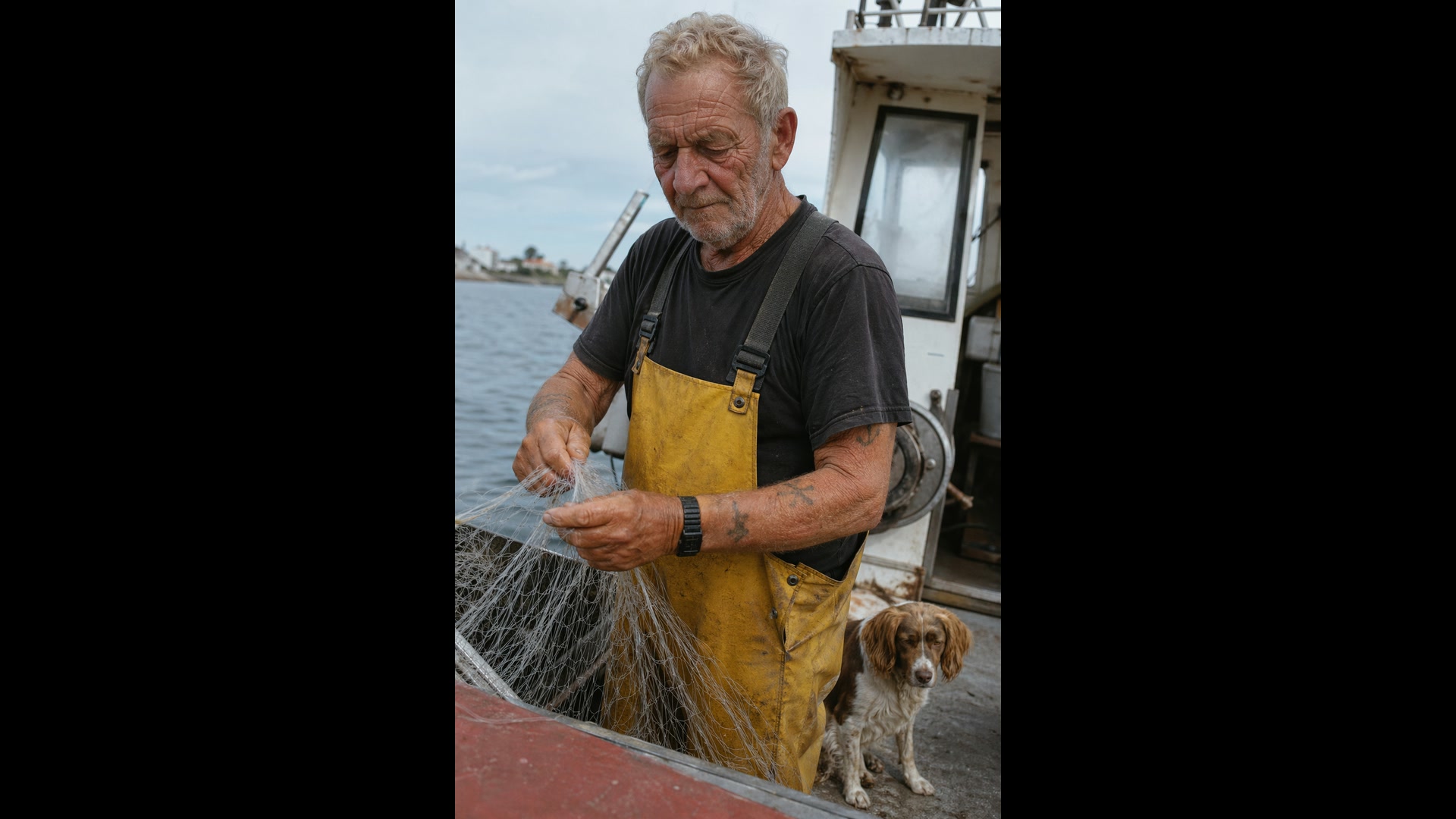
Write the prompt as if a photographer were catching the moment: the lens, the light, the framing and the imperfections you expect to see. OpenAI’s own advice is to include the word "photorealistic", which pushes GPT Image 2 into its photographic mode, and to ask for pores, wrinkles and film grain.
Leave out words like "studio" or "glamour" unless you want them; they steer the result toward retouched advertising.
 GPT Image 2
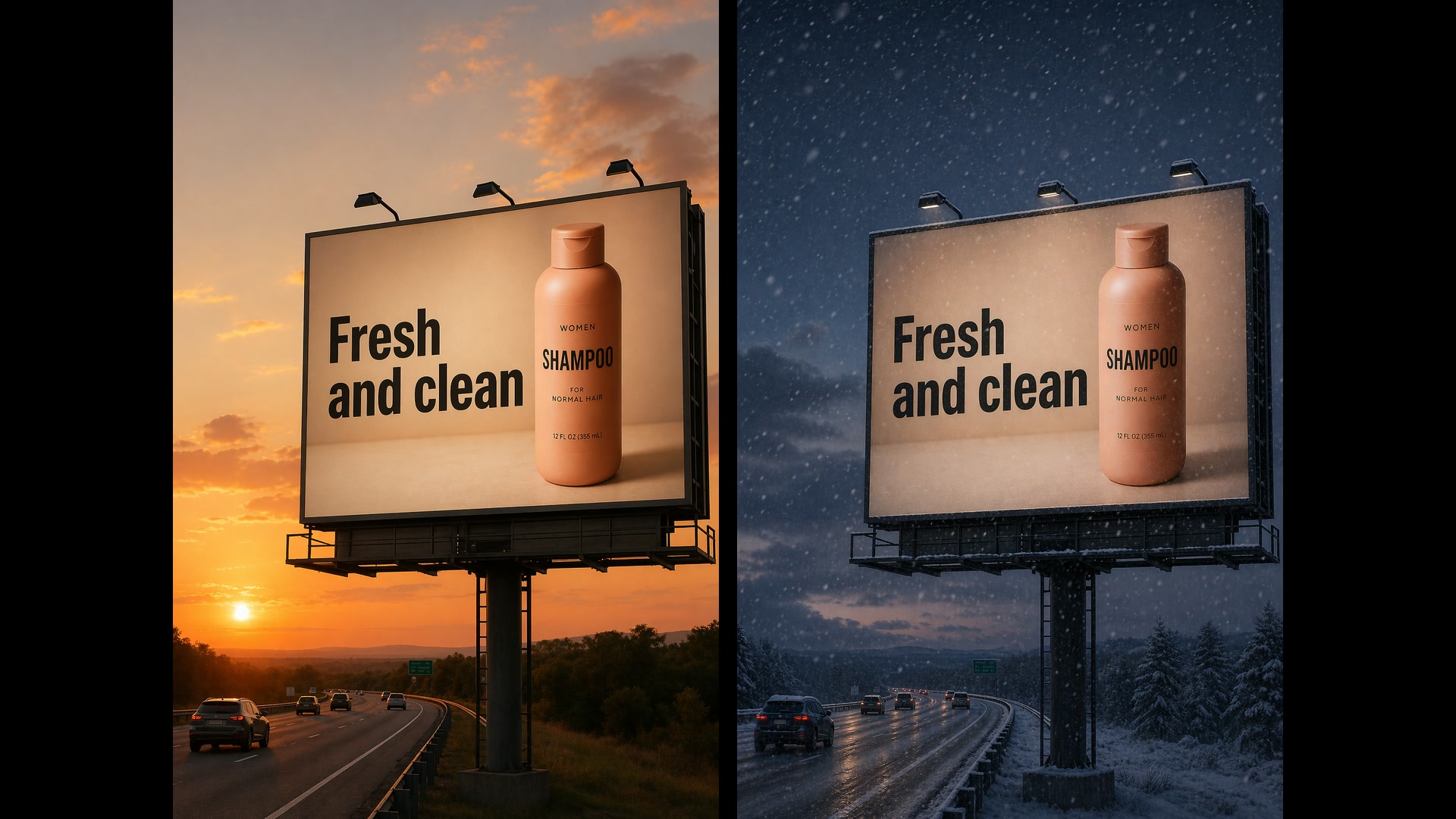
Edit a Photo by Describing the Change
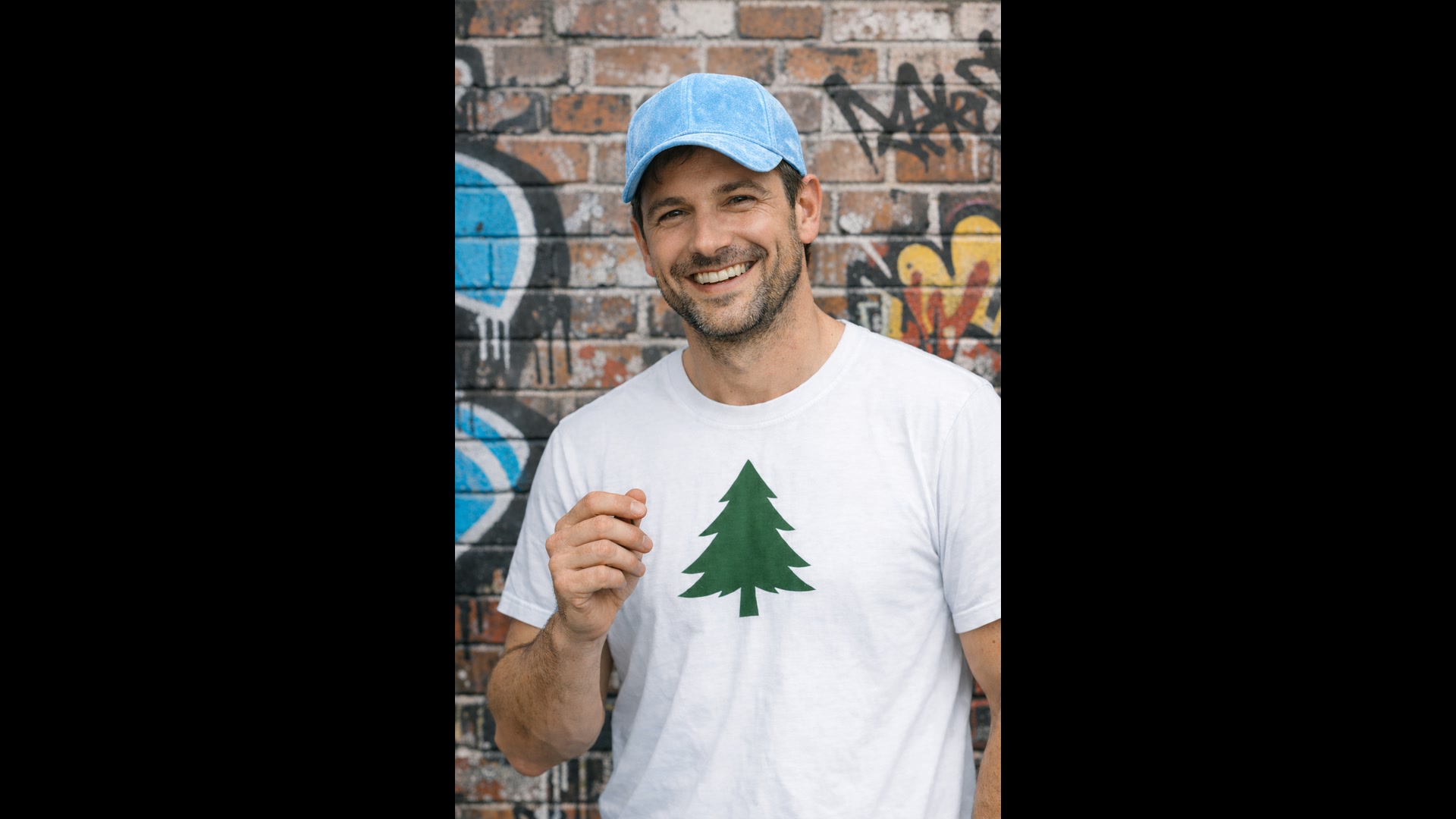
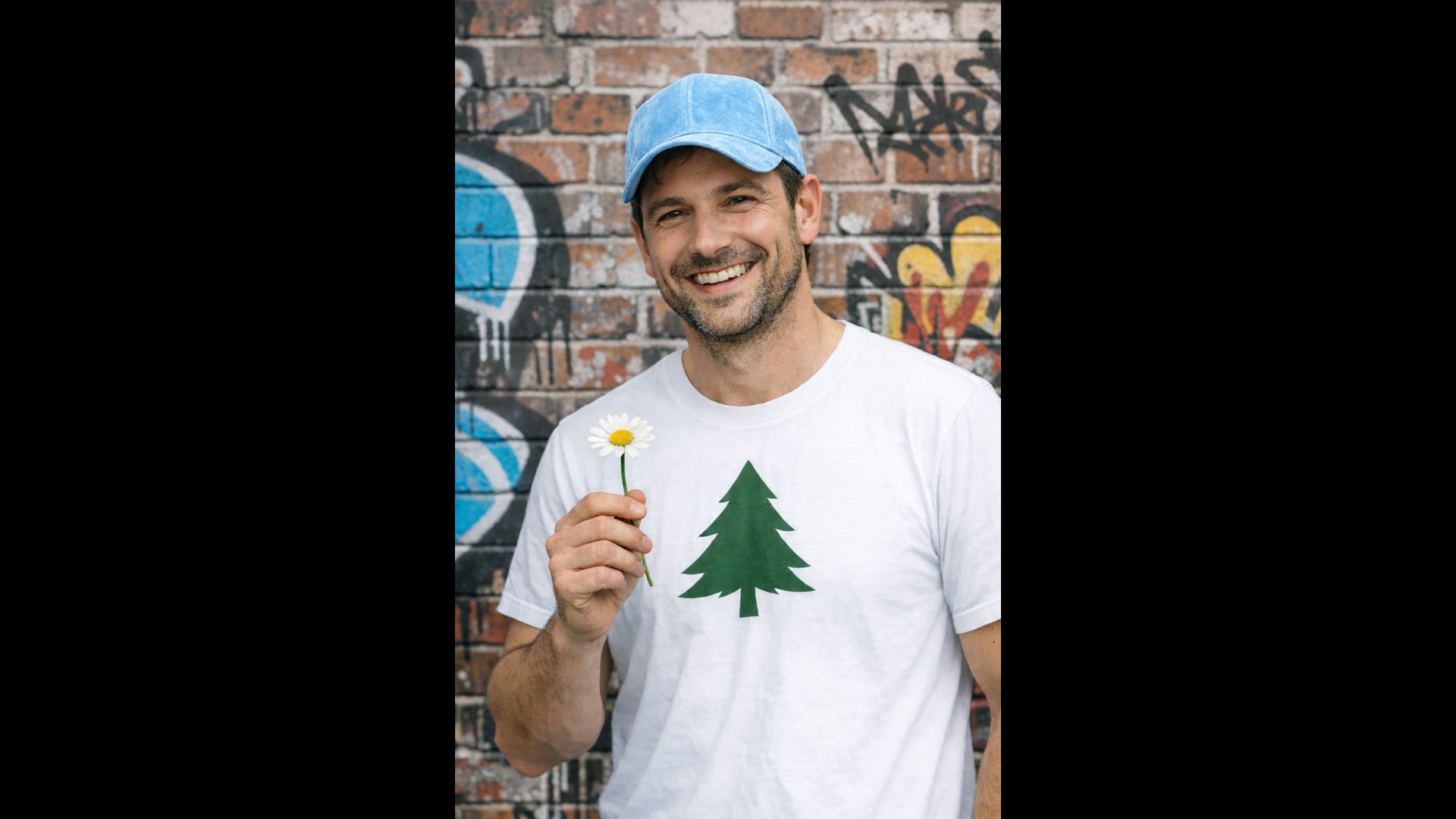
Name the one thing that should change and list what must stay: the face, the pose, the crop, the light. GPT Image 2 reads every uploaded image at high fidelity, so a small edit stays small instead of redrawing the frame.
The same approach swaps furniture in a room, re-lights a scene for another season or clears a stray object. Repeat the keep-list in each follow-up so details do not drift.
 1GPT Image 2
Up to 16 Reference Images in One Request
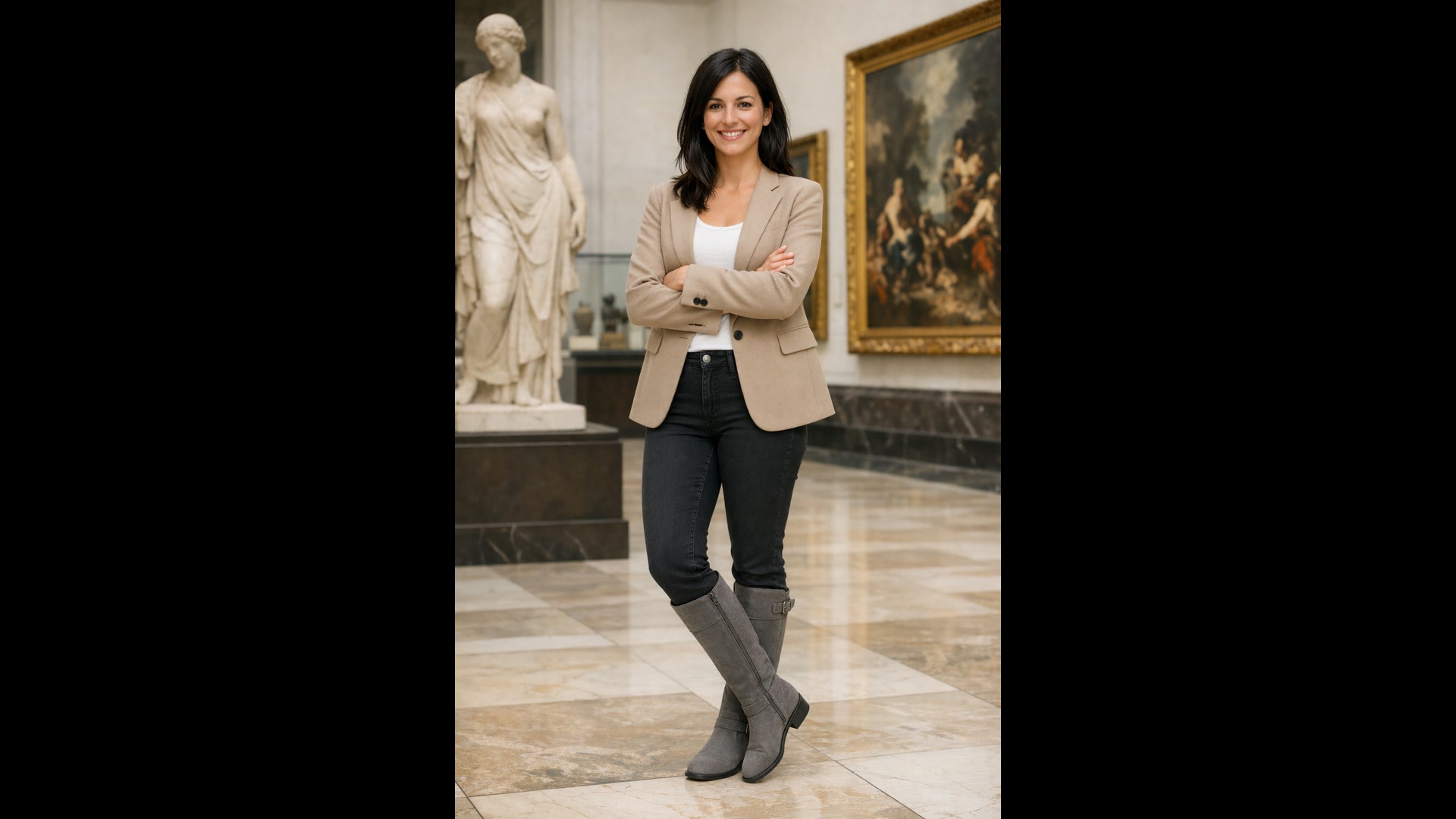
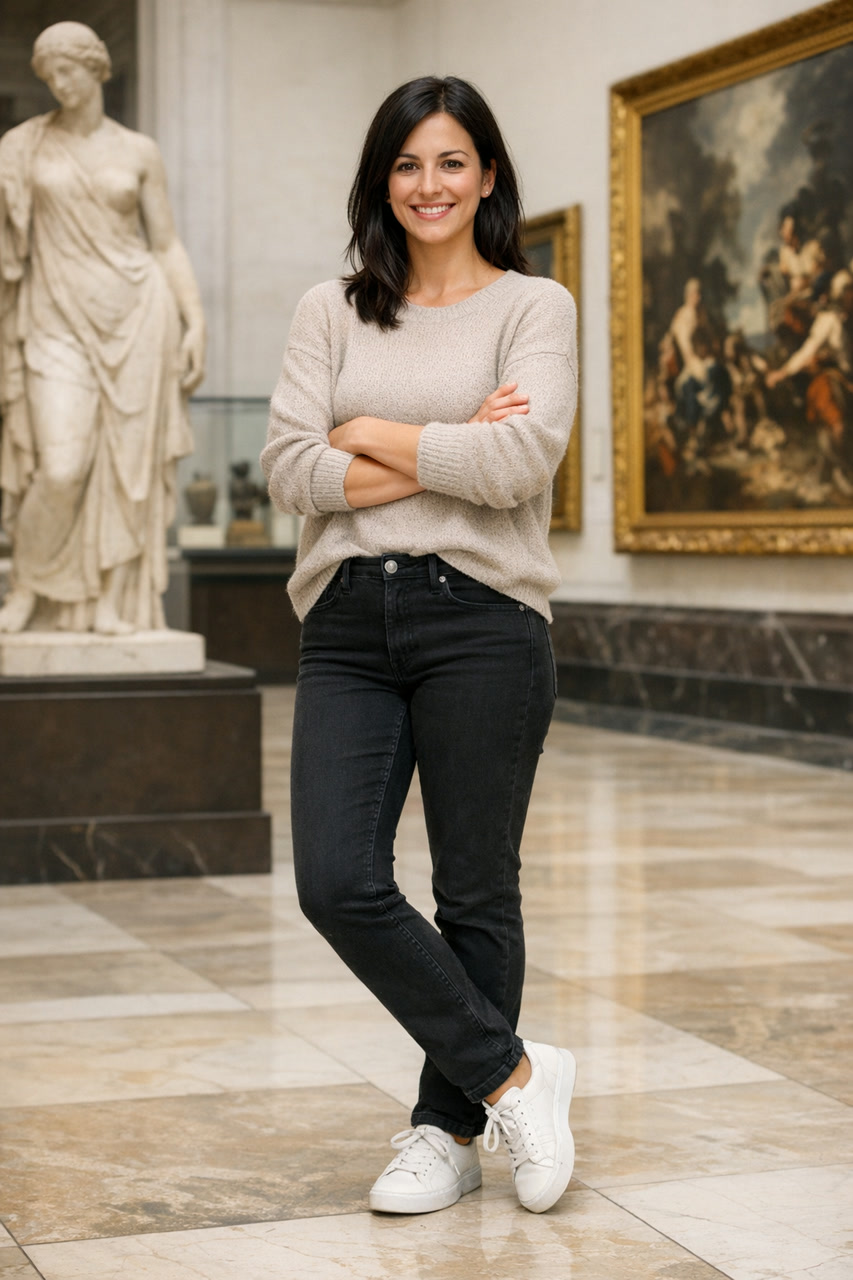
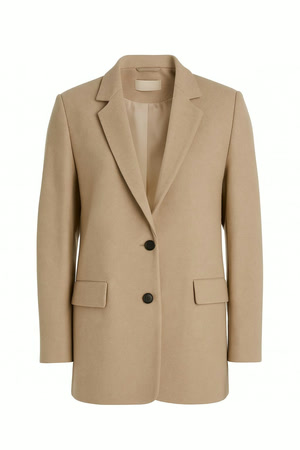
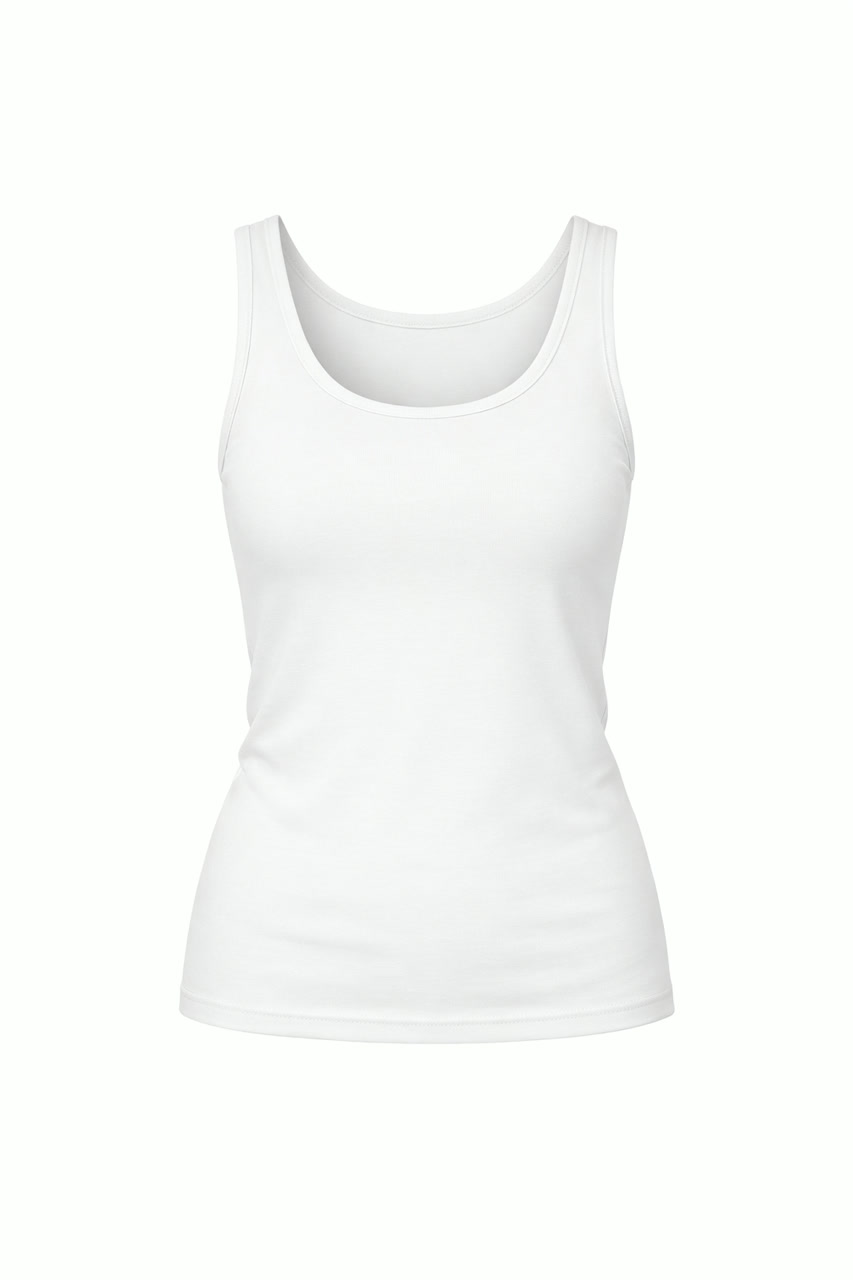
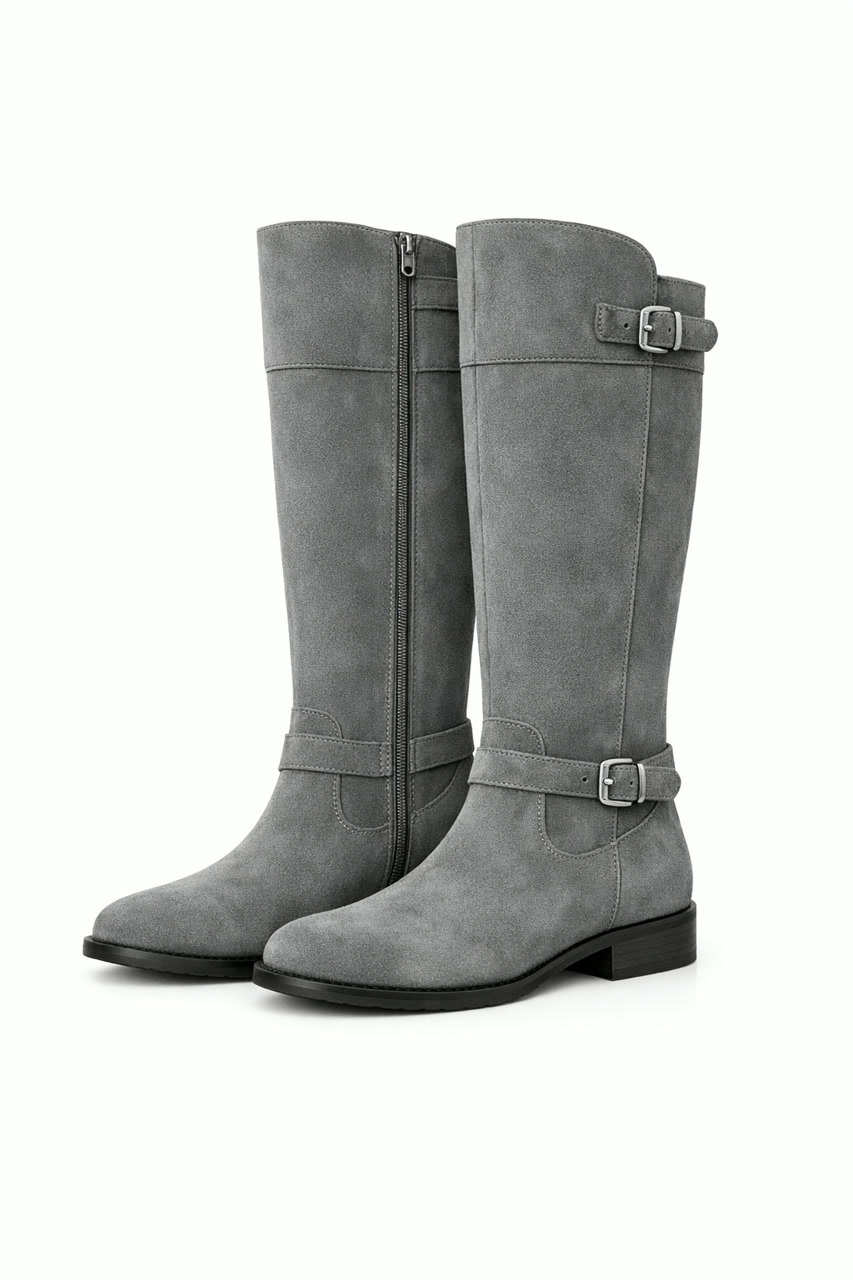
Attach up to 16 images and say what each one is for: Image 1 is the person, Image 2 the blazer, Image 3 the top, Image 4 the boots. GPT Image 2 dresses, places or composites them into one picture and matches the light, shadows and color of the scene.
Virtual try-on, products dropped into lifestyle scenes and a pet added next to its owner all work this way. Number the inputs in the prompt and say exactly what moves where.
 GPT Image 2
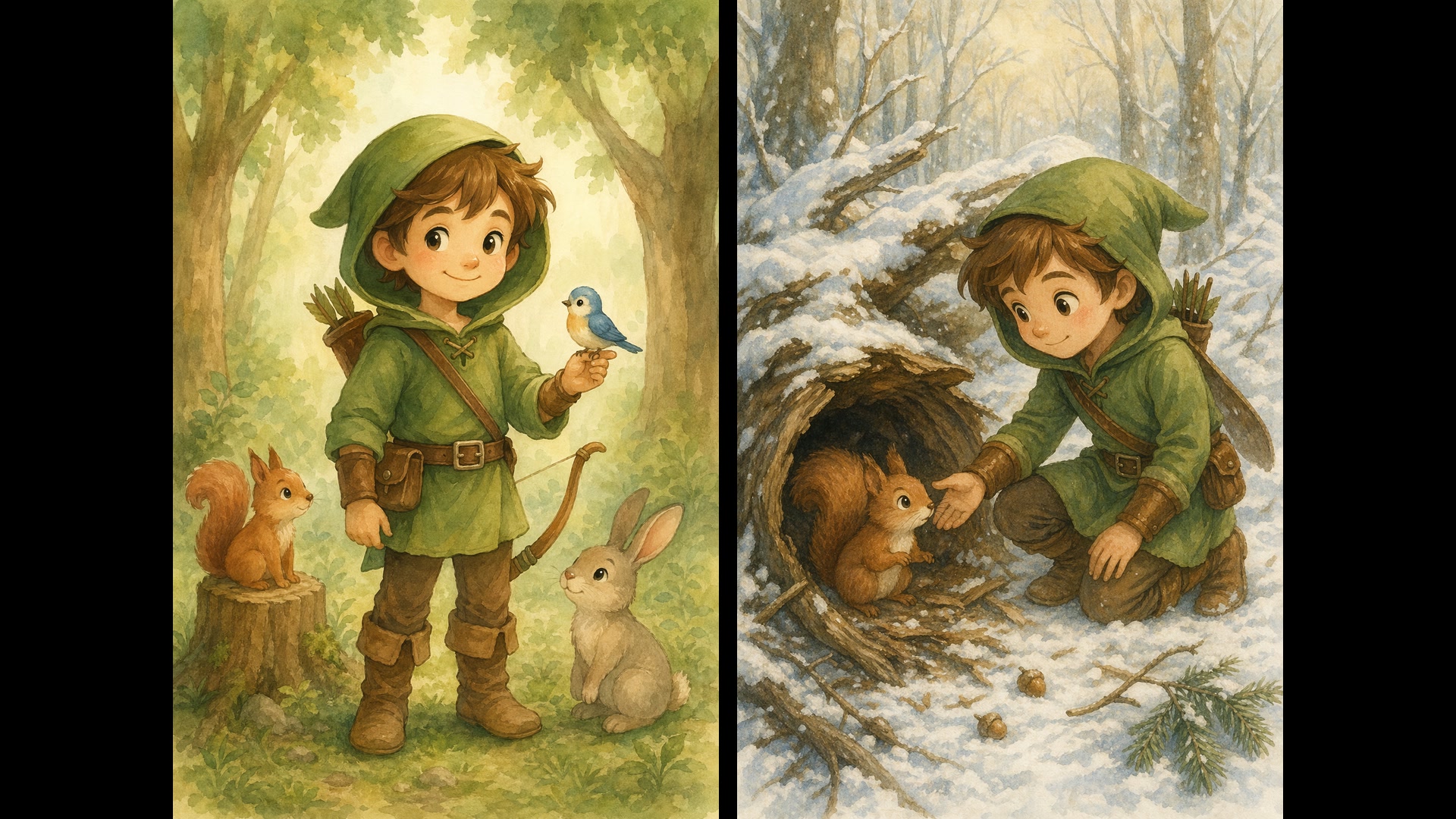
From a Sketch or Style Reference to a Finished Image
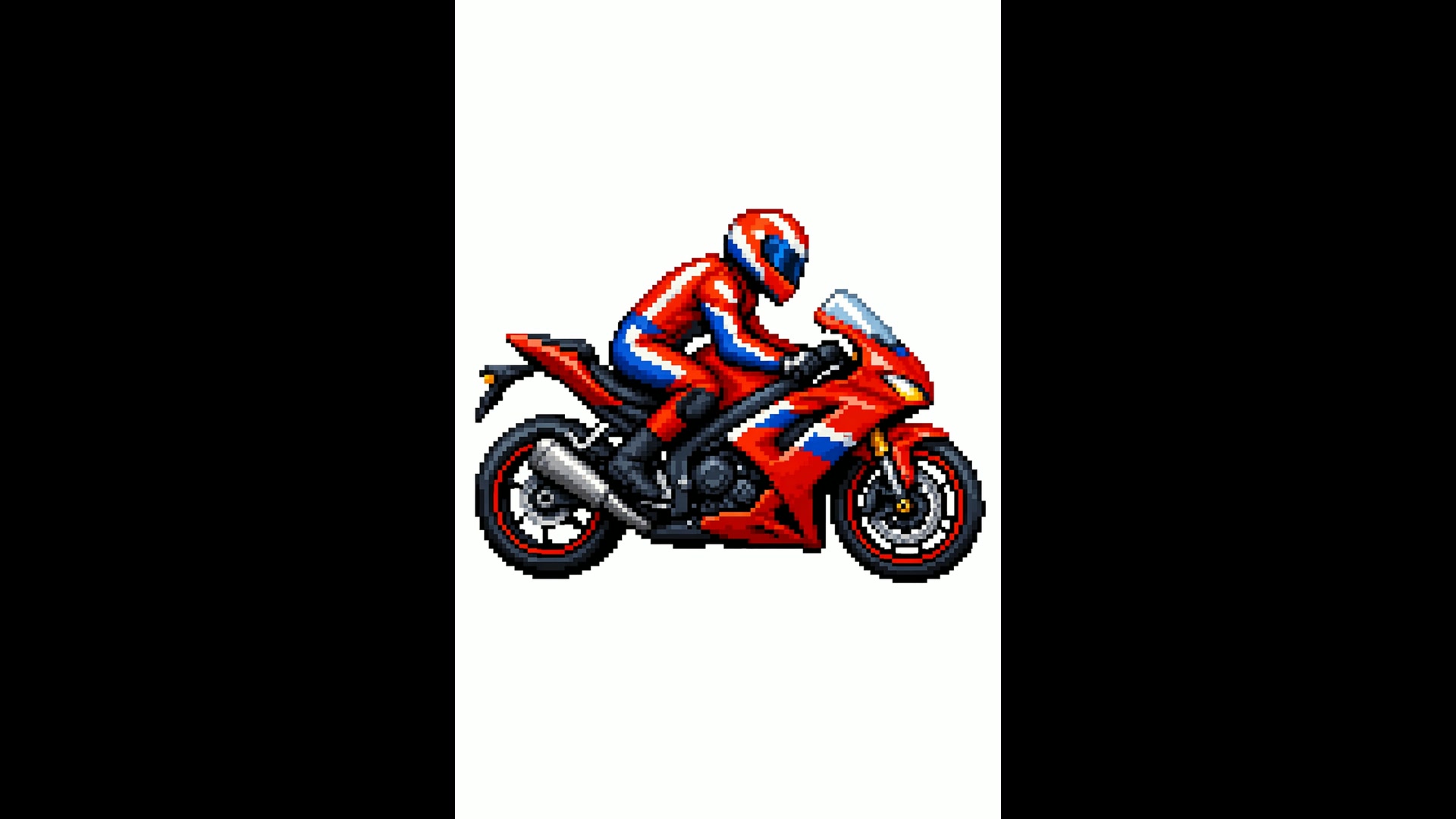
Upload a line drawing and GPT Image 2 renders it with real materials and light, keeping what you drew and roughly where you drew it. Point it at a style reference instead, such as a piece of pixel art, and it draws a new subject in that same visual language.
When the sketch is the brief, tell it not to add new elements or text.
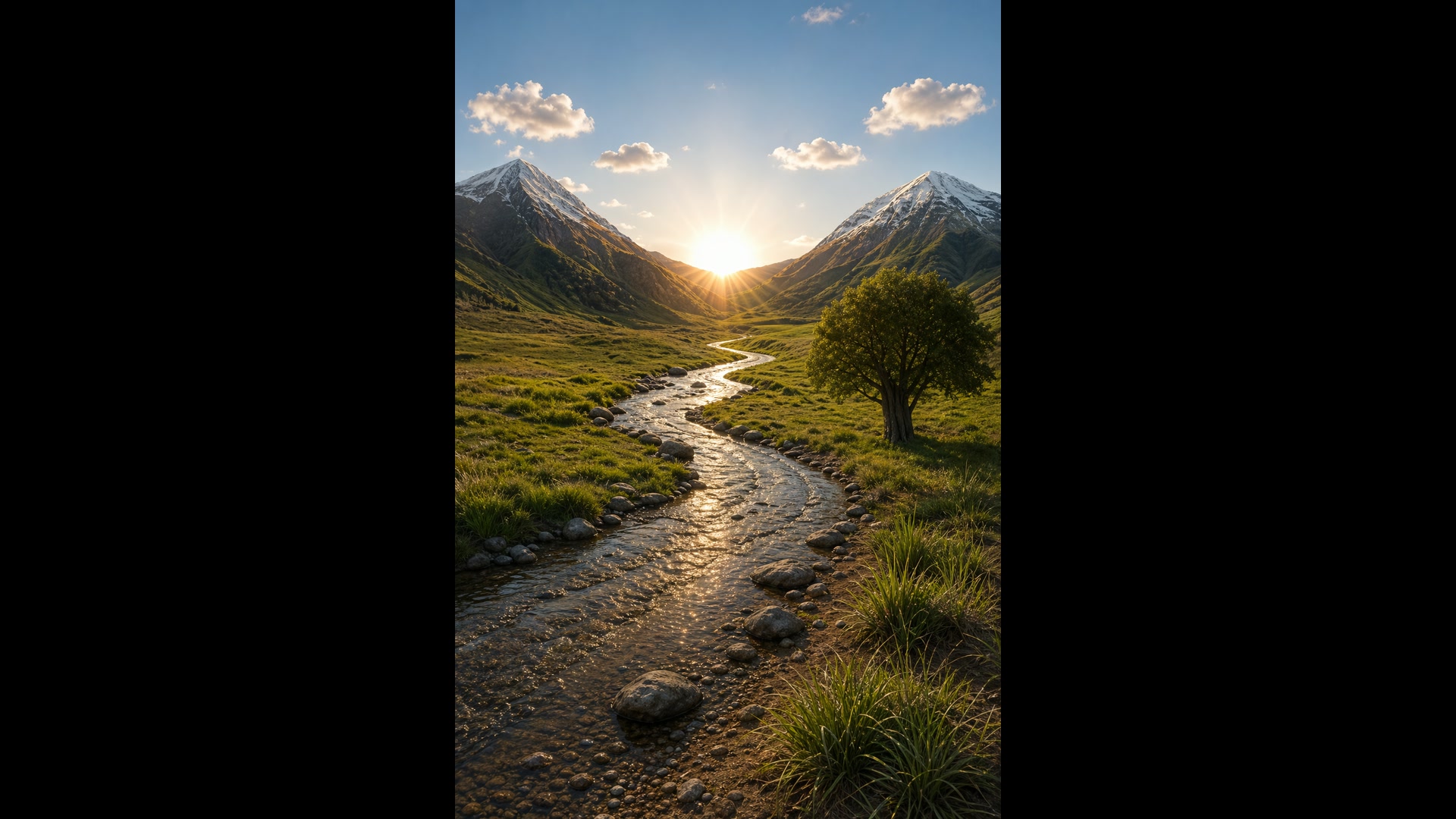
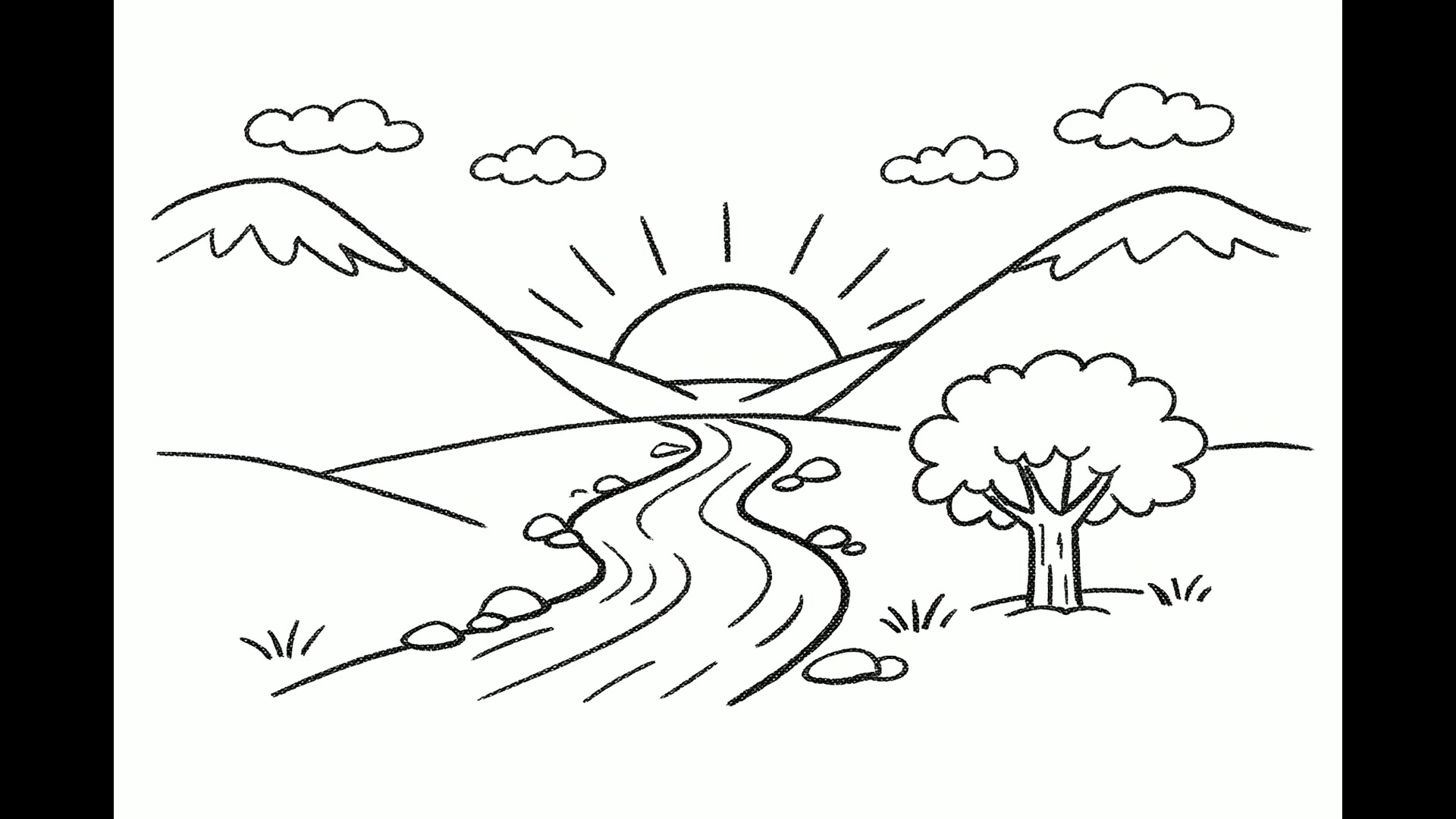 1GPT Image 2
Up to 10 Options from One Prompt
Set the image count anywhere from 1 to 10 and the whole batch comes from the same prompt, the quickest way to explore logos, ad layouts or packaging before you commit. Each image is billed at the quality and resolution you chose.
The four bakery marks below came back from a single request.
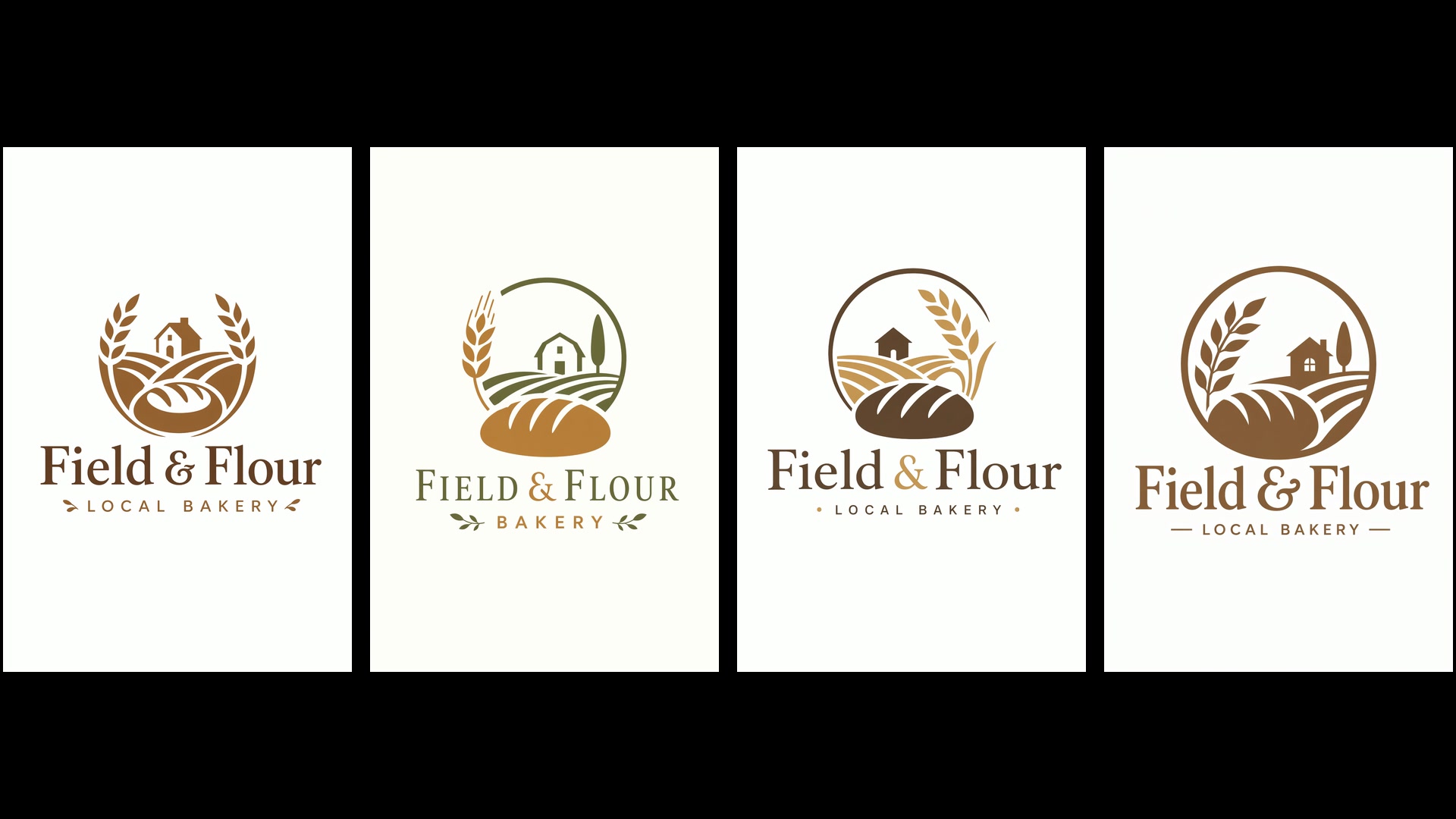 GPT Image 2
Settings and What They Cost
Stay on low quality while you are still finding the idea: it costs 1 credit an image at any resolution. Move up to medium or high once the composition is right. OpenAI treats output above 2K (2560x1440) as experimental, so look closely at 4K results.
| Quality | Low, medium or highMedium by default. |
|---|---|
| Resolution | 1K, 2K or 4K1K by default. Custom sizes go up to 3840 px per edge. |
| Credits per image | Low 1 · medium 2 to 9 · high 8 to 33At 1K, 2K and 4K: medium costs 2, 6 or 9 credits, high costs 8, 21 or 33. |
| Aspect ratio | 15 presets from 3:1 to 1:3, auto or customIncludes 1:1, 4:5, 2:3, 3:2, 16:9, 9:16 and 21:9. |
| Images per request | 1 to 10 |
| Reference images | Up to 16 |
| Background | Opaque or transparentOpenAI still labels transparent output a preview feature. |
| Prompt length | Up to 32,000 characters |
Who GPT Image 2 Works Best For
Legible text, faithful edits and big reference budgets make it a working tool rather than a toy. These are the jobs it handles best:
- Marketers and ad teams: Campaign concepts, billboards and social ads with the headline already set, and up to ten variations from one brief.
- E-commerce and fashion teams: Virtual try-on from separate garment photos, products placed into new scenes, and backgrounds changed without a reshoot.
- Teachers and explainer writers: Labeled diagrams, infographics and handouts where every term you list has to appear on the page.
- Founders and product designers: Pitch-deck slides, app screen mockups and logo explorations to react to before any design time is spent.
- Illustrators and storytellers: Picture-book characters that stay on model from page to page, comics planned panel by panel, and stills ready to animate with Yovid’s video models.
GPT Image 2 vs GPT Image 2.5, Nano Banana 2.1, Nano Banana Pro and Seedream 5.0
Every cell except the last row is read from the settings each model exposes in Yovid’s image generator today, so you can compare resolution, references, batch size and price before you spend a credit.
| Feature / Model | GPT Image 2 | GPT Image 2.5 Sunburst | Nano Banana 2.1 | Nano Banana Pro | Seedream 5.0 Pro |
|---|---|---|---|---|---|
| Top resolution | 4K | 4K | 4K | 4K | 2K |
| Aspect ratio presets | 1:1, 1:2, 2:1, 1:3, 3:1, 2:3, 3:2, 3:4, 4:3, 4:5, 5:4, 9:16, 16:9, 9:21, 21:9 | 1:1, 1:2, 2:1, 1:3, 3:1, 2:3, 3:2, 3:4, 4:3, 4:5, 5:4, 9:16, 16:9, 9:21, 21:9 | 1:1, 1:4, 4:1, 1:8, 8:1, 2:3, 3:2, 3:4, 4:3, 4:5, 5:4, 9:16, 16:9, 21:9 | 1:1, 2:3, 3:2, 3:4, 4:3, 4:5, 5:4, 9:16, 16:9, 21:9 | 1:1, 4:3, 3:4, 3:2, 2:3, 16:9, 9:16, 4:5, 5:4, 21:9, 9:21 |
| Reference images | 16 | 16 | 14 | 14 | 10 |
| Images per request | 10 | 10 | 1 | 1 | 1 |
| Credits per image (default settings) | 2 | 1 | 3 | 6 | 2 |
| Best for | Text-heavy layouts, faithful edits and batches of up to 10. | The most precise edits, plus xhigh and max quality. | Quick single images, including extreme ratios up to 8:1. | Detailed, complex single images up to 4K. | ByteDance’s flagship look for generation and edits. |
Credits are for one image at each model’s default settings on Yovid (GPT Image 2 and 2.5: medium quality at 1K; the others at their default resolution) and follow Yovid’s live pricing.
Strengths and Limits of GPT Image 2
Where it leads the image lineup on Yovid, and where another model or setting is the better call.
Strengths
- Text in images: Headlines, labels and interface copy come out legible and stay inside the layout.
- Edits that stay put: Every upload is read at high fidelity, so faces, products and backgrounds you did not mention are kept.
- References and batches: 16 reference images, more than any Nano Banana or Seedream model on Yovid, and up to 10 images per request.
- Cheap drafts: Low quality costs 1 credit an image at any resolution, so testing ideas is inexpensive.
Limits
- 4K is experimental: OpenAI rates output above 2560x1440 as experimental, so results vary more at 4K.
- Complex prompts are slow: OpenAI notes that complex prompts can take up to two minutes.
- Recurring details can drift: A character or brand element may shift between generations; reuse the same references and repeat what must stay.
- Newer option for precision: GPT Image 2.5 Sunburst adds xhigh and max quality and is the pick when edit precision matters most.
How to Use GPT Image 2 on Yovid
- Step 1
Pick GPT Image 2
Open the image generator; this page preselects GPT Image 2, or find it under OpenAI in the model menu.
- Step 2
Write the brief, add references
Describe the subject, the layout and any exact text in quotes, attach up to 16 images, then set ratio, resolution, quality and count.
- Step 3
Generate and keep the best one
Compare the results, upload a favorite as a reference for one focused fix if needed, and download the image you keep.
GPT Image 2 Prompts to Start From
Real GPT Image 2 prompts, trimmed, next to the images they produced. Open one in the generator, set the same ratio and change the details to make it yours.
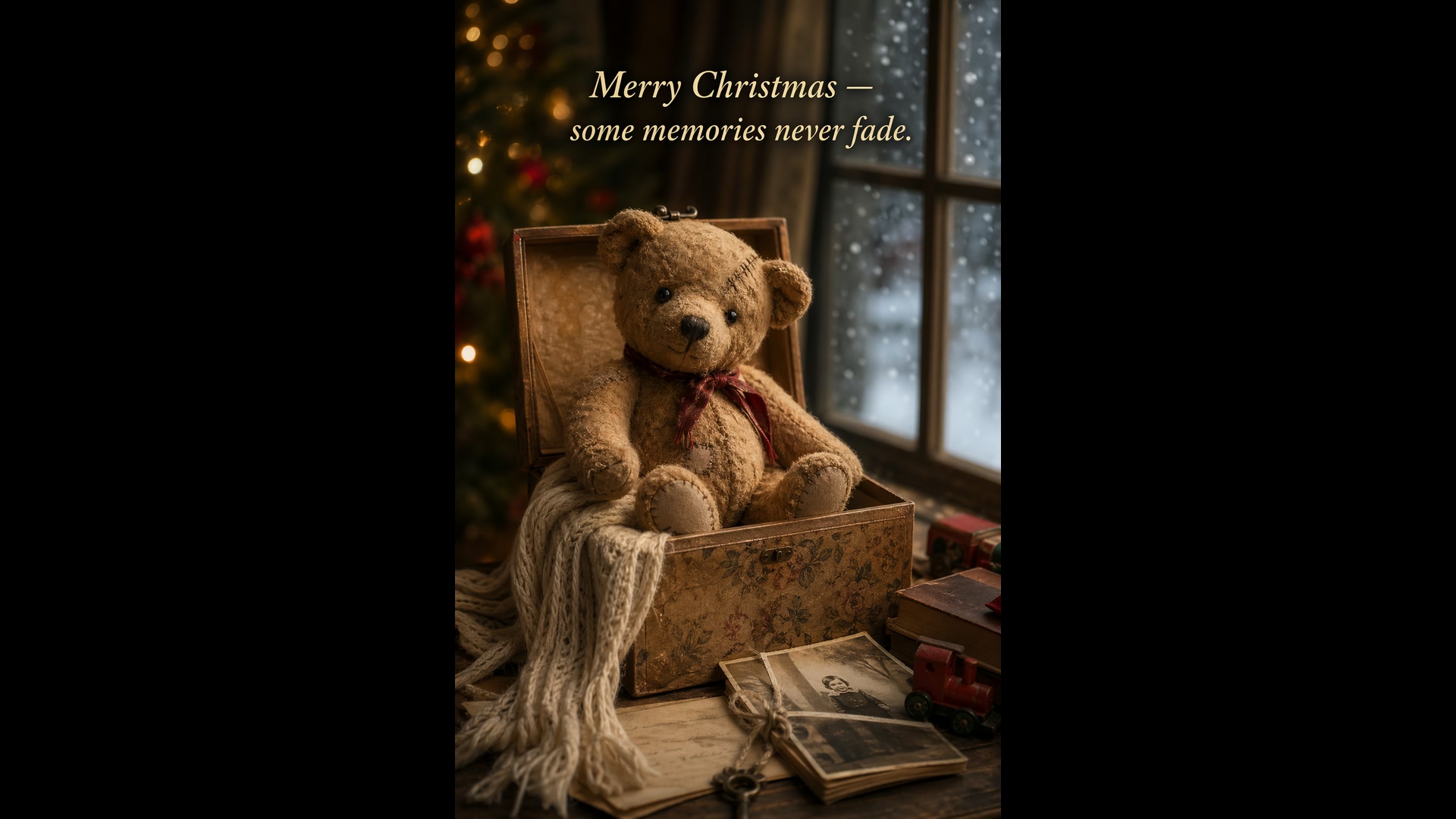
Holiday card with a teddy
Text to image · 2:3Create a Christmas holiday card illustration. Scene: a cozy Christmas scene with an old teddy bear sitting inside a keepsake box, slightly worn fur, soft stitching repairs, placed near a window with falling snow outside. Mood: warm, nostalgic, gentle, emotional. Style: premium holiday card photography, soft cinematic lighting, realistic textures, shallow depth of field. Include ONLY this card text (verbatim): "Merry Christmas — some memories never fade."
Source: OpenAI Cookbook
Try this prompt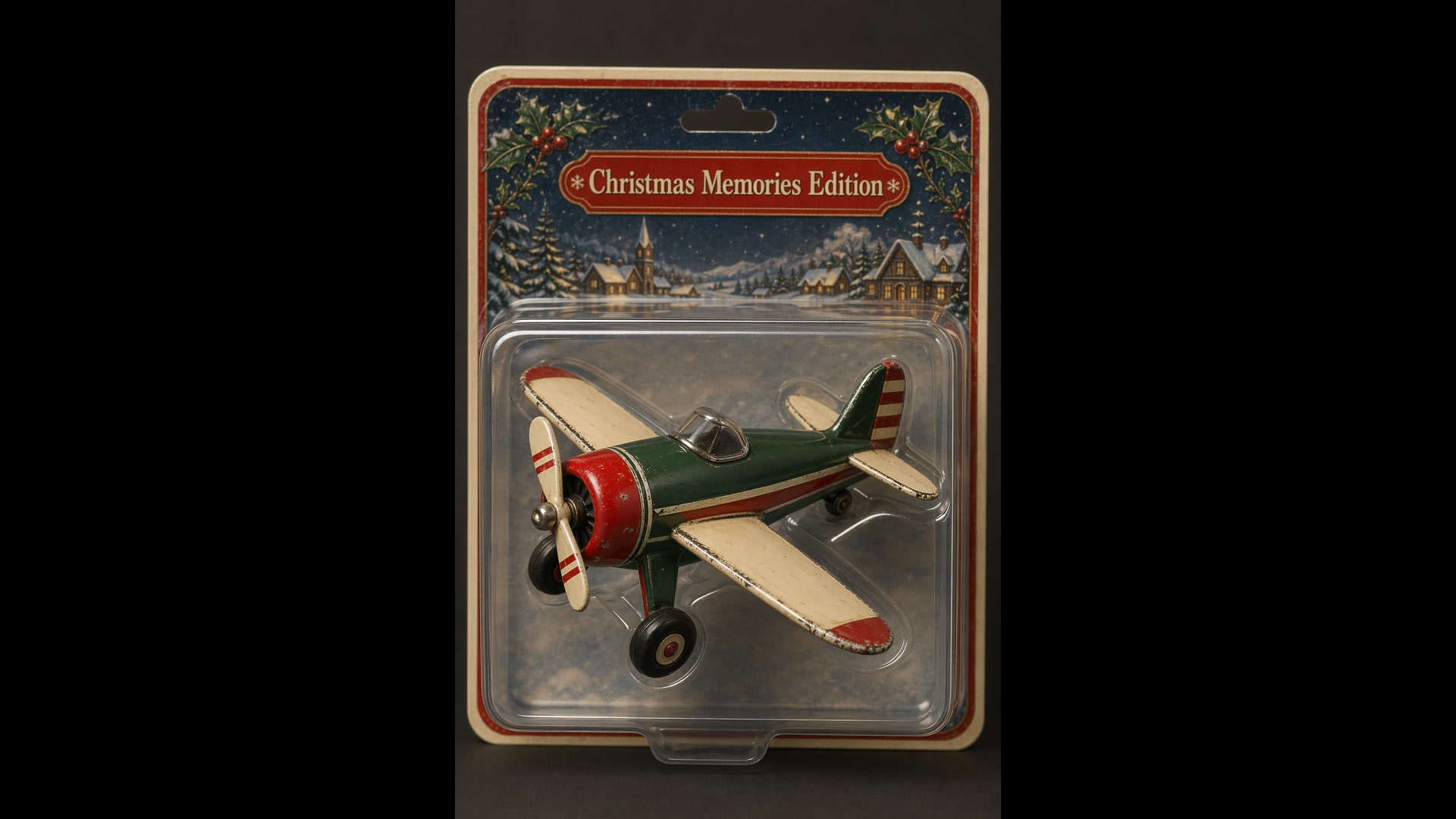
Collectible in a blister pack
Text to image · 2:3Create a collectible action figure of a vintage-style toy propeller airplane with rounded wings, a front-mounted spinning propeller, slightly worn paint edges, in blister packaging. Style: premium toy photography, realistic plastic and painted metal textures, studio lighting, shallow depth of field, sharp label printing. Include ONLY this packaging text (verbatim): "Christmas Memories Edition"
Source: OpenAI Cookbook
Try this prompt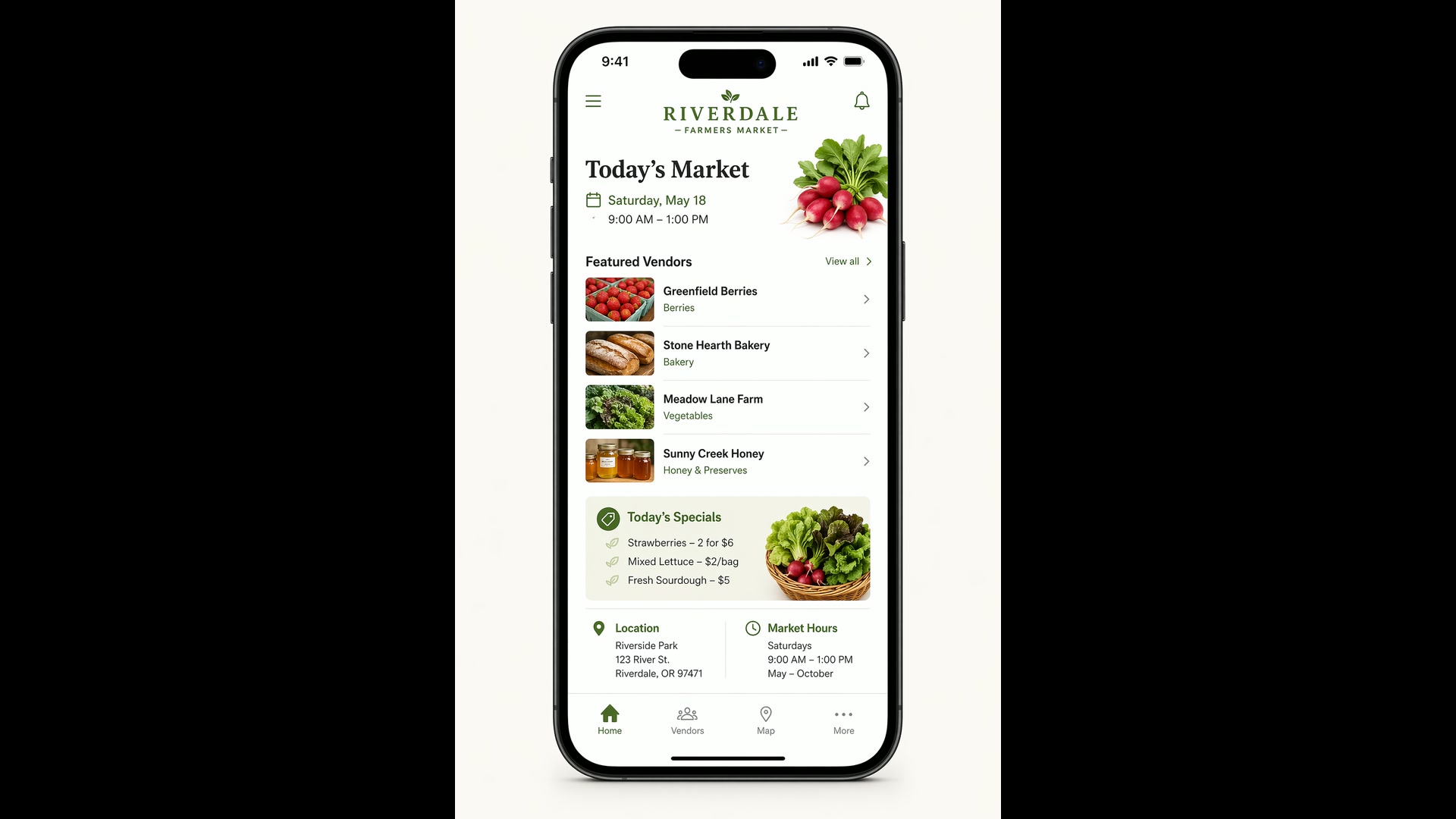
Farmers-market app screen
Text to image · 2:3Create a realistic mobile app UI mockup for a local farmers market. Show today’s market with a simple header, a short list of vendors with small photos and categories, a small “Today’s specials” section, and basic information for location and hours. White background, subtle natural accent colors, clear typography, and minimal decoration. Place the UI mockup in an iPhone frame.
Source: OpenAI Cookbook
Try this prompt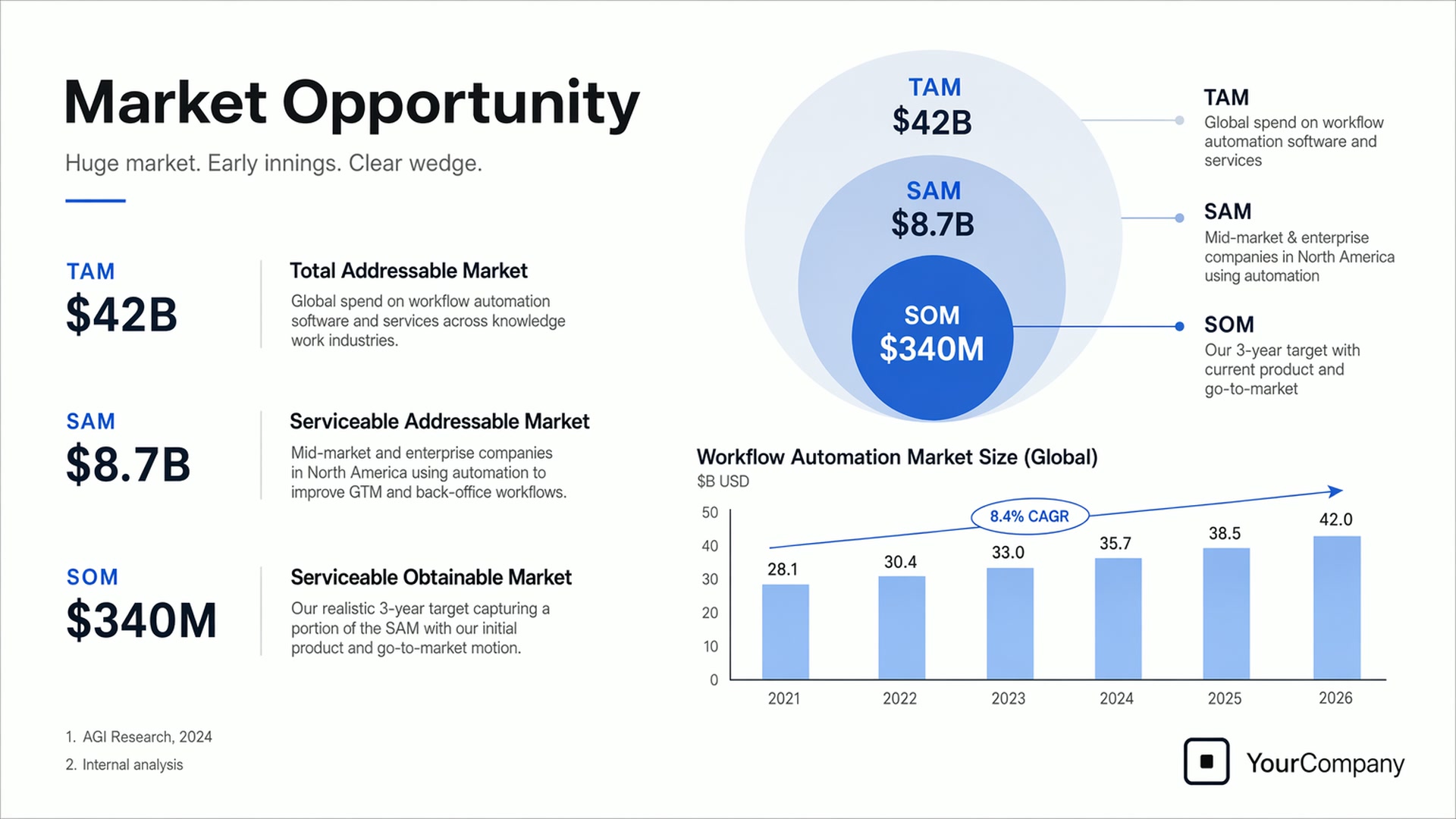
Pitch-deck slide
Text to image · 16:9Create one pitch-deck slide titled "Market Opportunity" that feels like a real Series A fundraising slide. Use a clean white background, modern sans-serif typography, and a crisp, minimal layout. Include a TAM/SAM/SOM concentric-circle diagram in muted blues and grays (TAM: $42B, SAM: $8.7B, SOM: $340M), a clean bar chart showing market growth from 2021 to 2026, and a company logo placeholder in the bottom-right corner.
Source: OpenAI Cookbook
Try this prompt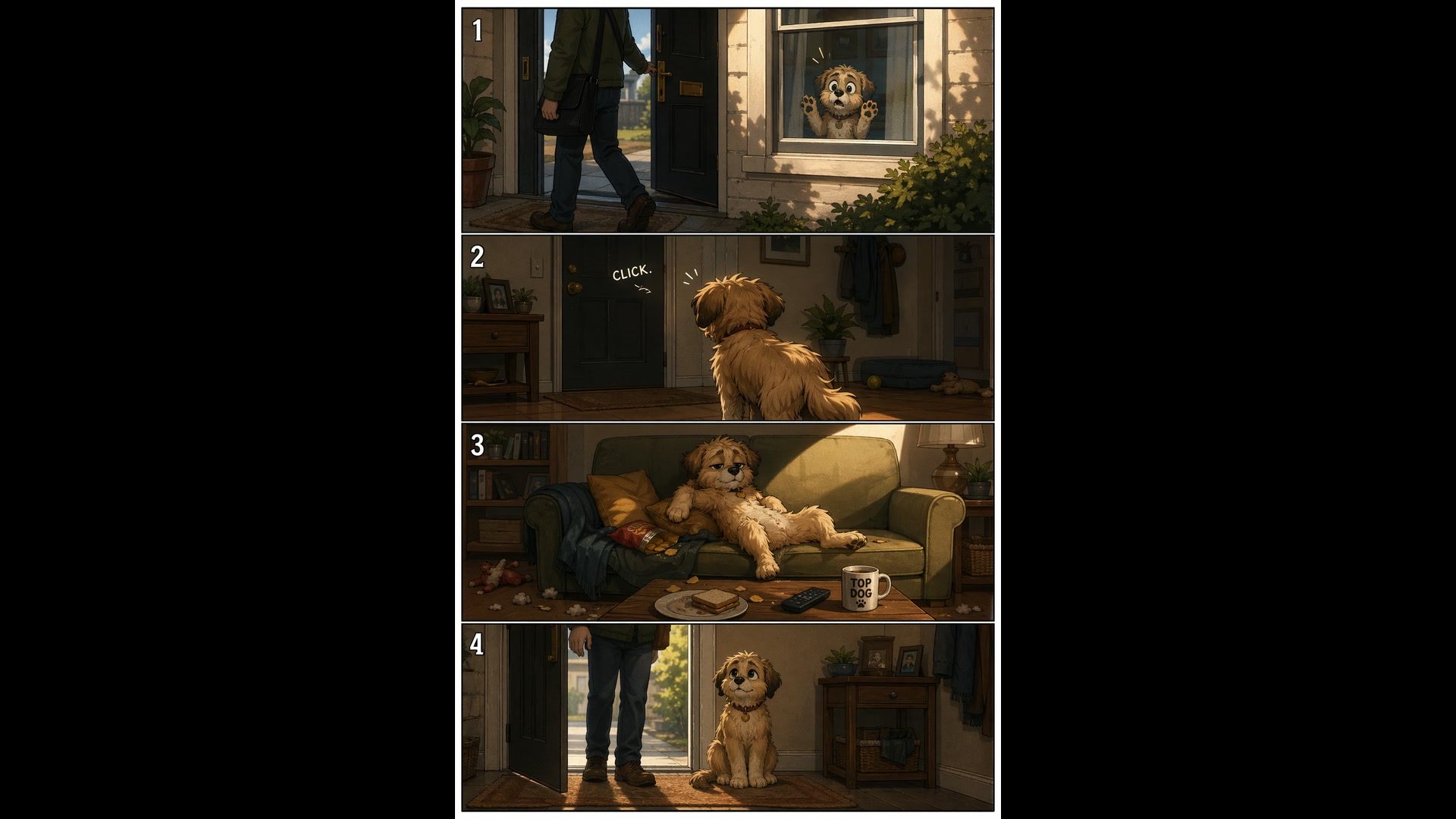
Four-panel pet comic
Text to image · 2:3Create a short vertical comic-style reel with 4 equal-sized panels. Panel 1: The owner leaves through the front door. The pet is framed in the window behind them, small against the glass, eyes wide. Panel 2: The door clicks shut. The pet slowly turns toward the empty house, eyes sharp with possibility. Panel 3: The pet sprawls across the couch like it owns the place, crumbs nearby. Panel 4: The door opens. The pet is seated perfectly by the entrance, as if nothing happened.
Source: OpenAI Cookbook
Try this promptSailor on a fishing boat
Text to image · 2:3Create a photorealistic candid photograph of an elderly sailor standing on a small fishing boat. He has weathered skin with visible wrinkles, pores, and sun texture, and a few faded traditional sailor tattoos on his arms. He is calmly adjusting a net while his dog sits nearby on the deck. Soft coastal daylight, shallow depth of field, subtle film grain, natural color balance. No glamorization, no heavy retouching.
Source: OpenAI Cookbook
Try this prompt
More Image and Video Models on Yovid
Guides for Taking Your Images Further
Turn a GPT Image 2 still into video: image-to-video prompts, a shot-by-shot prompt formula and the video models compared.
FAQs
What is GPT Image 2?
Can I use GPT Image 2 for free?
How many credits does a GPT Image 2 image cost?
What resolutions and aspect ratios does GPT Image 2 support?
Can GPT Image 2 edit my photos?
How many reference images can I upload?
Is GPT Image 2 good at putting text in images?
Can GPT Image 2 make images with a transparent background?
Do GPT Image 2 images have a watermark, and can I use them commercially?
How is GPT Image 2 different from GPT Image 2.5?
Your Next Image Starts with One Prompt
Write the brief, attach your references and let GPT Image 2 handle the layout, the light and the lettering.
Create with GPT Image 2