
Nano Banana Free Online AI Image Generator
Google’s Nano Banana image models in one place: Nano Banana 2.1 for fast everyday images, Nano Banana Pro for text-heavy designs, and Nano Banana 2 for quick drafts. Write a prompt or upload up to 14 images, describe the change, and get a 1K, 2K or 4K result. Start creating with Nano Banana on Yovid.
Seedance 2.5 is live
Clips up to 30 seconds with image, video, and audio references.
Kling 3.0
Kling's latest video model, ready in your workspace.
Veo 3.1
Google's video model with native audio.

GPT Image 2.5
OpenAI's image model for creating and editing images.
AI Image Upscaler
Sharpen and enlarge images for cleaner exports.
AI Canvas
Chain image and video steps on one visual board.
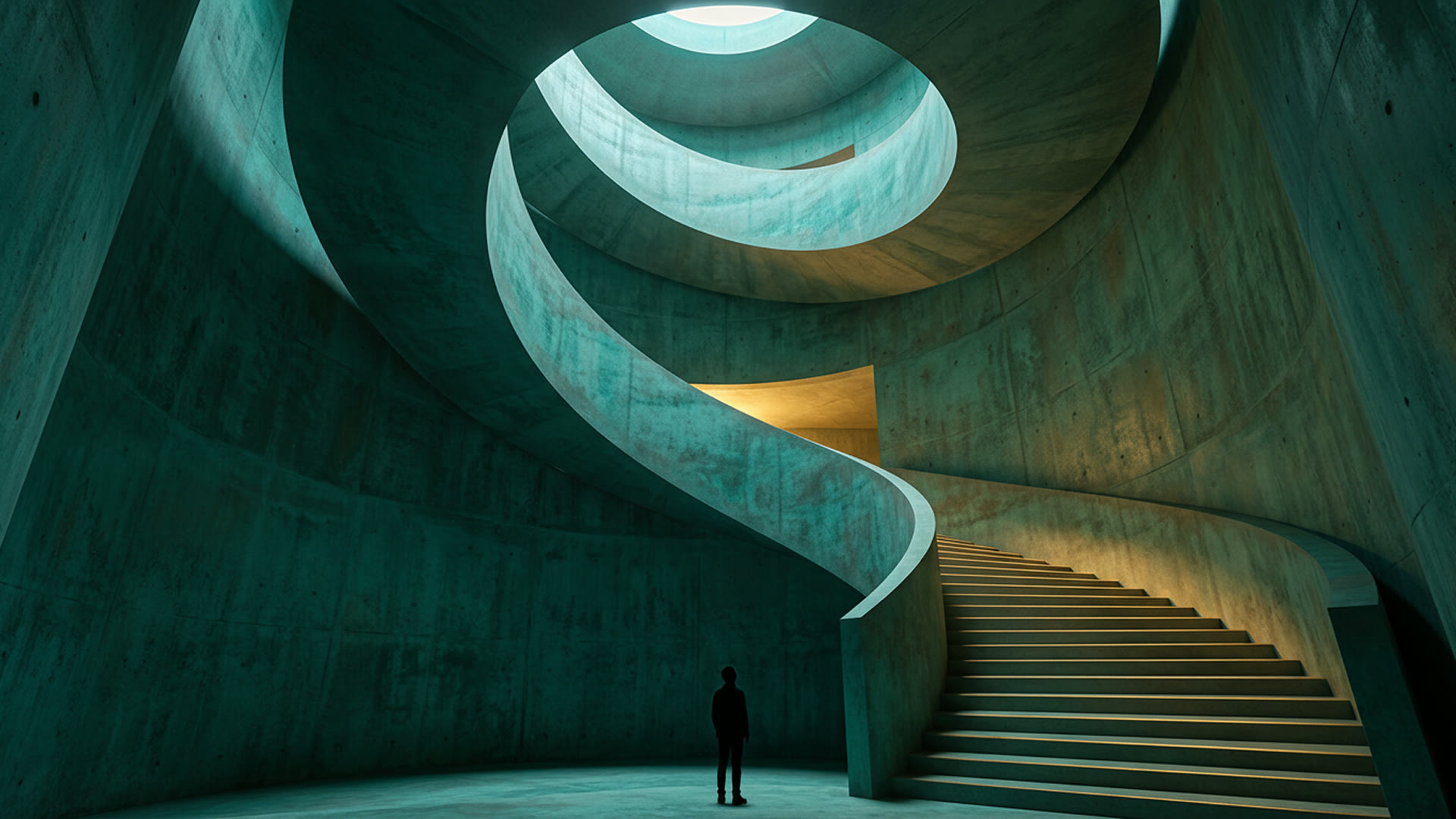
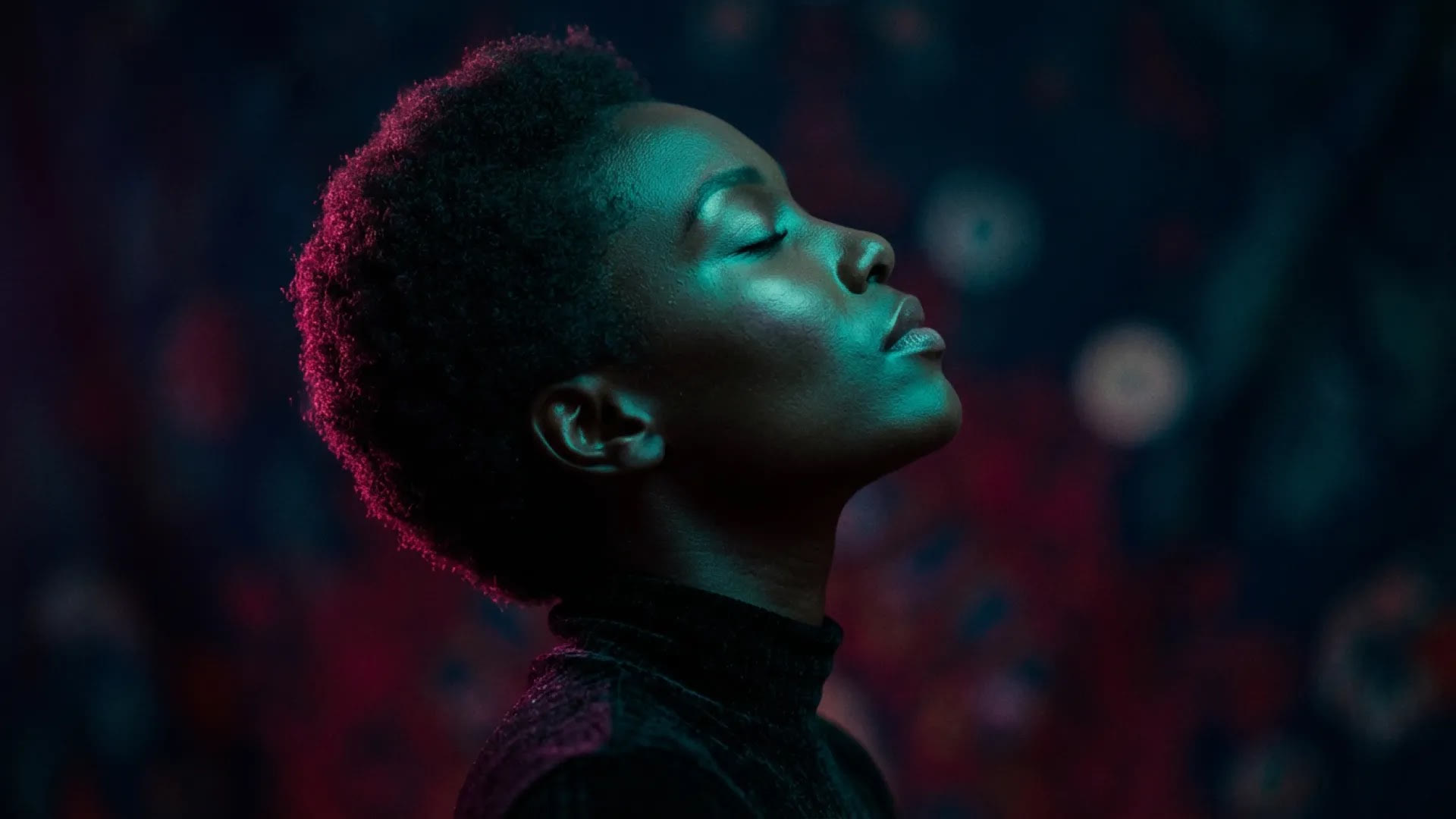
What Nano Banana Can Make
What Sets Nano Banana Apart
- One Name, Three Google Models on Yovid: Nano Banana 2.1, Nano Banana 2 and Nano Banana Pro share one model menu, each priced for a different job.
- Words That Read Correctly Inside the Picture: Headlines, signs and labels are drawn as part of the scene, spelled the way you typed them.
- Infographics Drawn from Real Knowledge: Ask for a process, recipe or diagram and get labelled, numbered steps in a designed layout.
- Edit a Photo by Saying What Should Change: Upload an image, describe one change, and the parts you didn’t mention stay as they were.
- Up to 14 Reference Images per Generation: Give every character, product or prop its own reference and they stay recognizable together.
- Relight, Refocus or Reframe a Shot: Direct the photography itself: light direction, depth of field, camera distance, time of day.
- Translate the Text in an Image: Turn a label, sign or poster into another language and keep the design around it.
- Sizes, Shapes and Limits at a Glance: Up to 4K, shapes from 1:8 to 8:1, one image per request and prompts up to 2,000 characters.
One Name, Three Google Models on Yovid
“Nano Banana” started as the nickname of Google’s Gemini image model in August 2025 and now names a whole family. Yovid runs three of its members: Nano Banana 2.1, Google’s October 2026 update to its Flash image model; Nano Banana 2, built on Gemini 3.1 Flash Image; and Nano Banana Pro, built on Gemini 3 Pro Image. The original Nano Banana and the budget Nano Banana 2 Lite are not offered here.
This page opens the generator on Nano Banana 2.1, the version Google now recommends for new projects and the cheapest of the three at every size they share. Switch to Pro in the model menu when a layout is dense or the text is long.
| Nano Banana 2.1 | 1K, 2K or 4K · 2, 3 or 5 creditsOpens by default. A large stack of reference images can add a credit. |
|---|---|
| Nano Banana 2 | 0.5K to 4K · 2 to 6 creditsGemini 3.1 Flash Image, and the only one with a 0.5K draft size. |
| Nano Banana Pro | 1K, 2K or 4K · 6 or 9 creditsGemini 3 Pro Image, Google’s premium model for its most complex visual tasks. |
| Not on Yovid | Nano Banana and Nano Banana 2 LiteGoogle’s 2025 original (Gemini 2.5 Flash Image) and its 1K-only budget model. |
Words That Read Correctly Inside the Picture
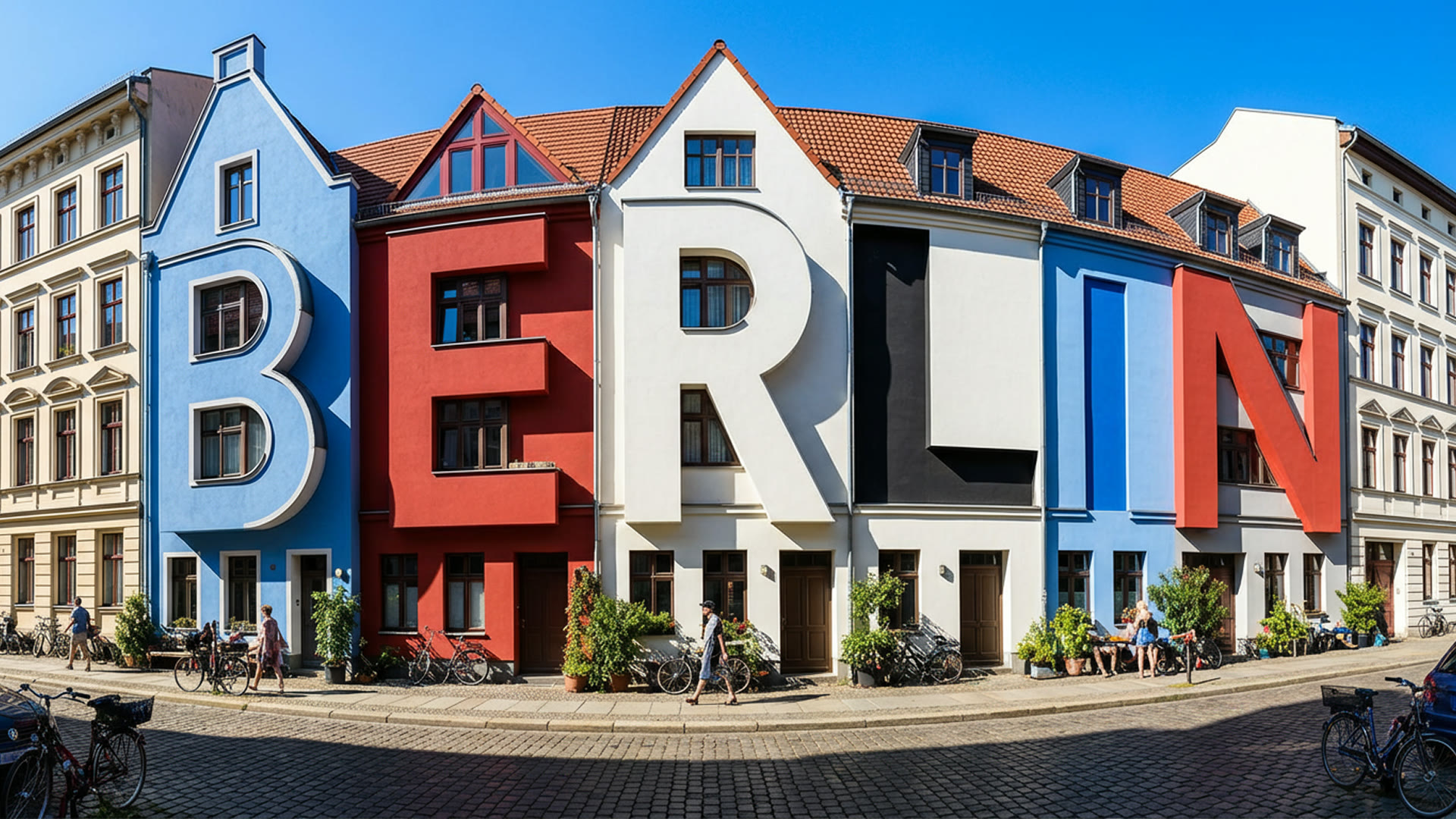
Put the exact words in quotes and say where they belong: a poster headline, a shop sign, the label on a jar. The current Nano Banana models think through the layout before they render, so lettering can become part of the scene itself, like the Berlin terrace below whose houses spell the city’s name.
For long or multilingual copy, try Nano Banana Pro, which Google pitches for its most complex visual tasks. Google still advises checking every word, since small type is where mistakes slip in.
 Nano Banana
Infographics Drawn from Real Knowledge
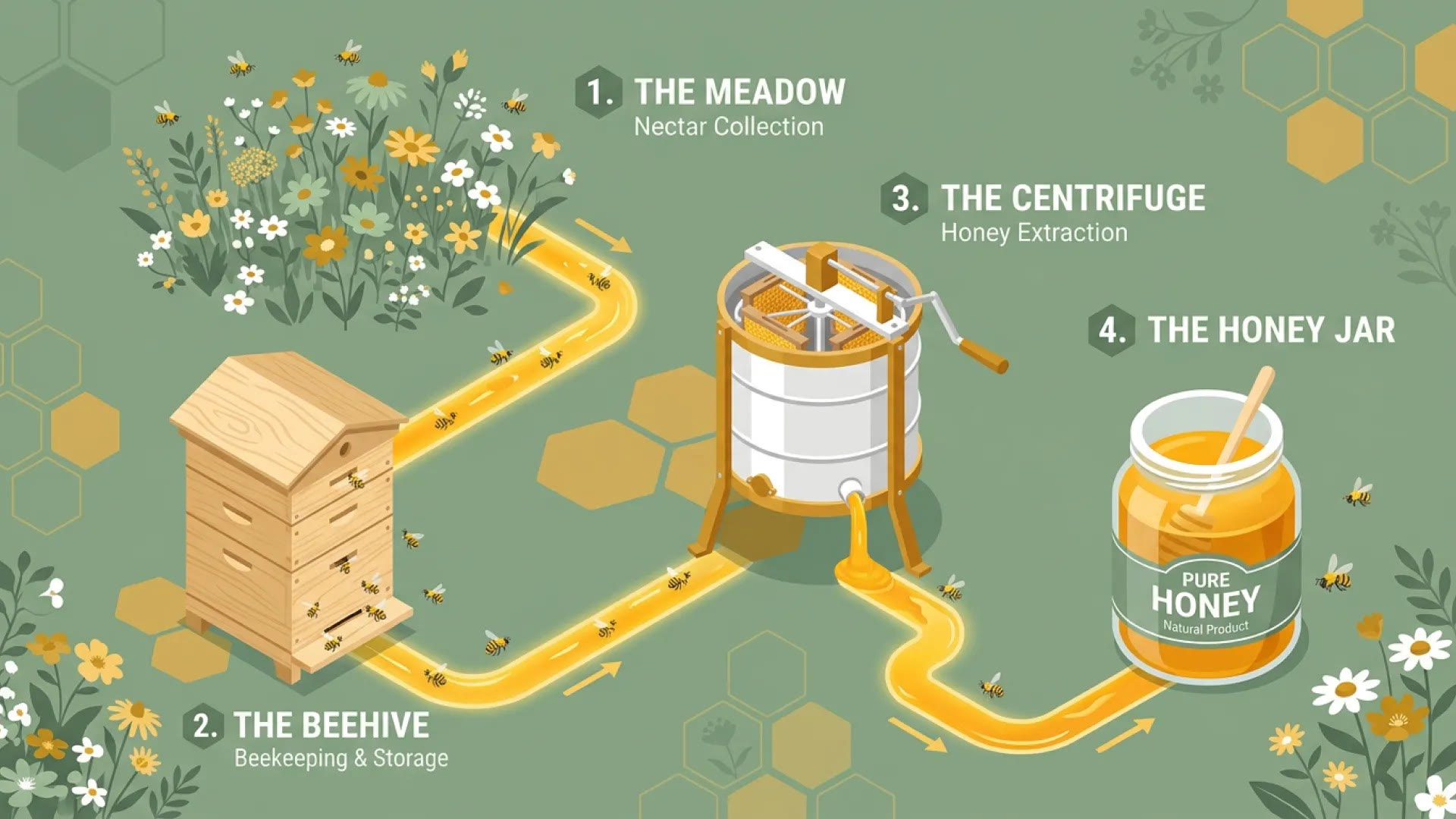
Because the models sit on top of Gemini, they already know how honey travels from meadow to jar or how a prism splits light, and they lay that out as numbered steps, labels and icons. A one-line request is often enough for a first draft of an explainer, a classroom handout or a menu board.
Treat that draft as something to fact-check. Google warns that the models can misread information or get facts wrong, so verify every number and label before it goes out.
 Nano Banana
Edit a Photo by Saying What Should Change
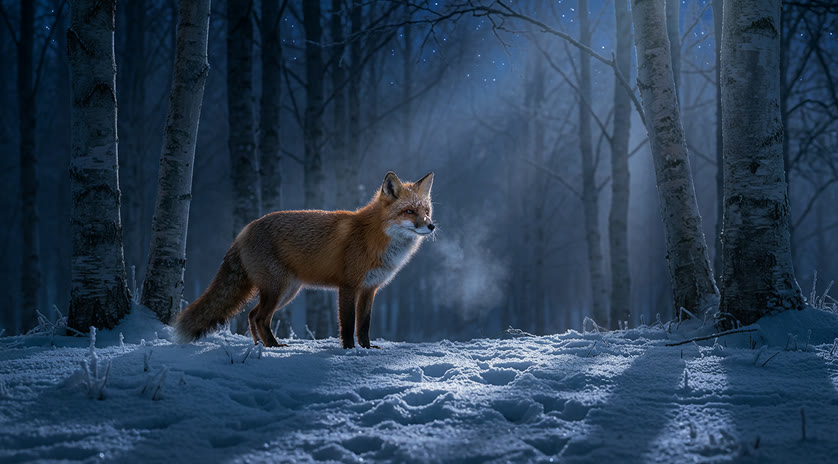
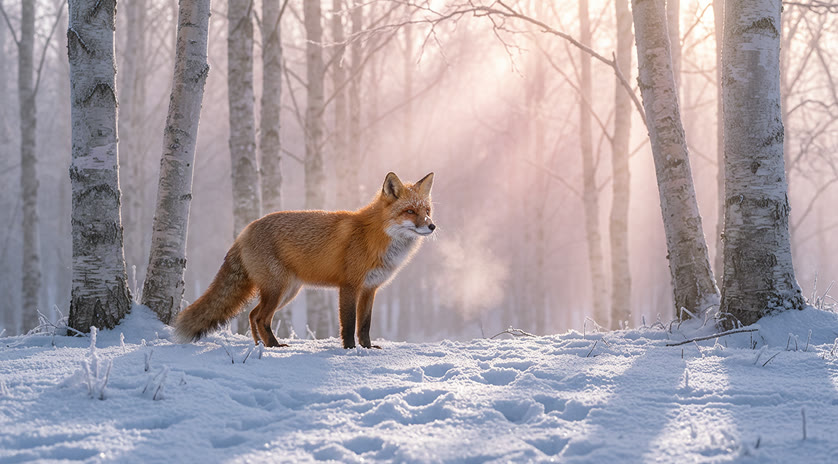
Upload a photo and write the change the way you would say it out loud: make it night, swap the backdrop, take the cup off the table. Nano Banana keeps the subject, framing and textures you left out of the instruction, so a new mood doesn’t cost you the shot.
When something must not move, say so, for example “keep the face and the logo unchanged”. One change per pass is easier to steer than five at once.
 1Nano Banana
Up to 14 Reference Images per Generation
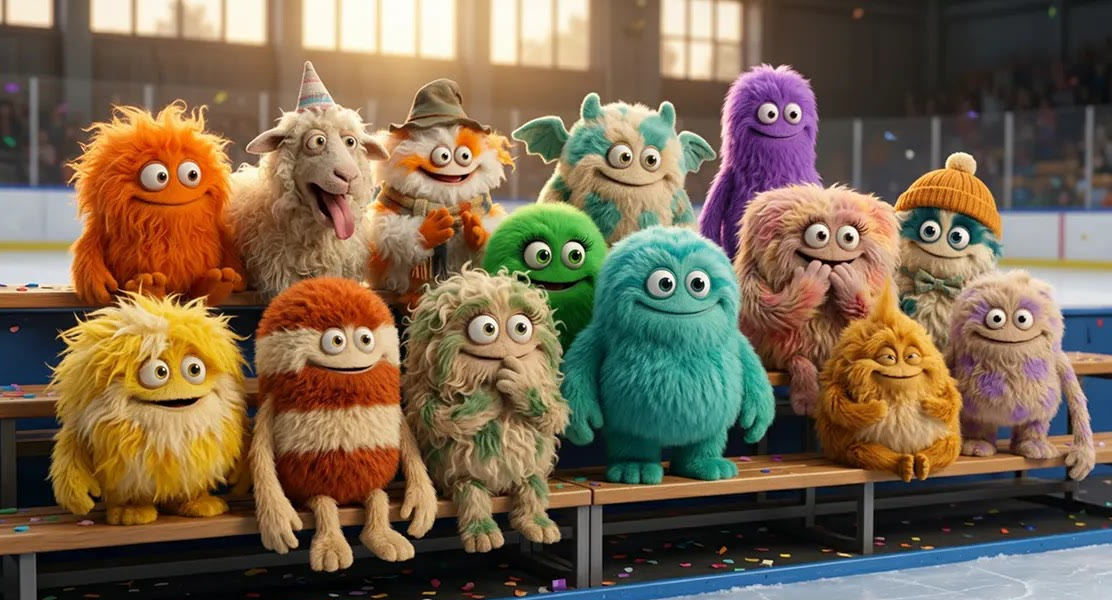
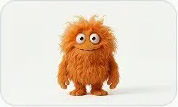
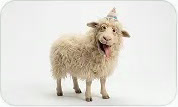
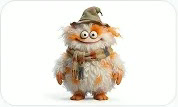
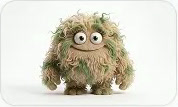
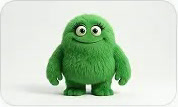
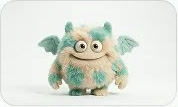
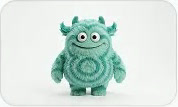
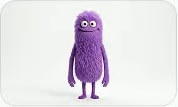
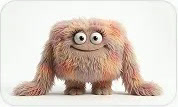
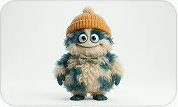
All three Nano Banana models on Yovid take up to 14 reference images in one request. Google rates them for keeping up to five characters consistent at once alongside objects and props, which is enough for a cast, a product range or a full set dressing.
For the image below, 14 plush monsters, each designed separately, were seated on ice-rink bleachers in a single generation with their colors and outfits intact. Describe the scene and spell out what must not change; the references carry the details.
 Nano Banana
Relight, Refocus or Reframe a Shot
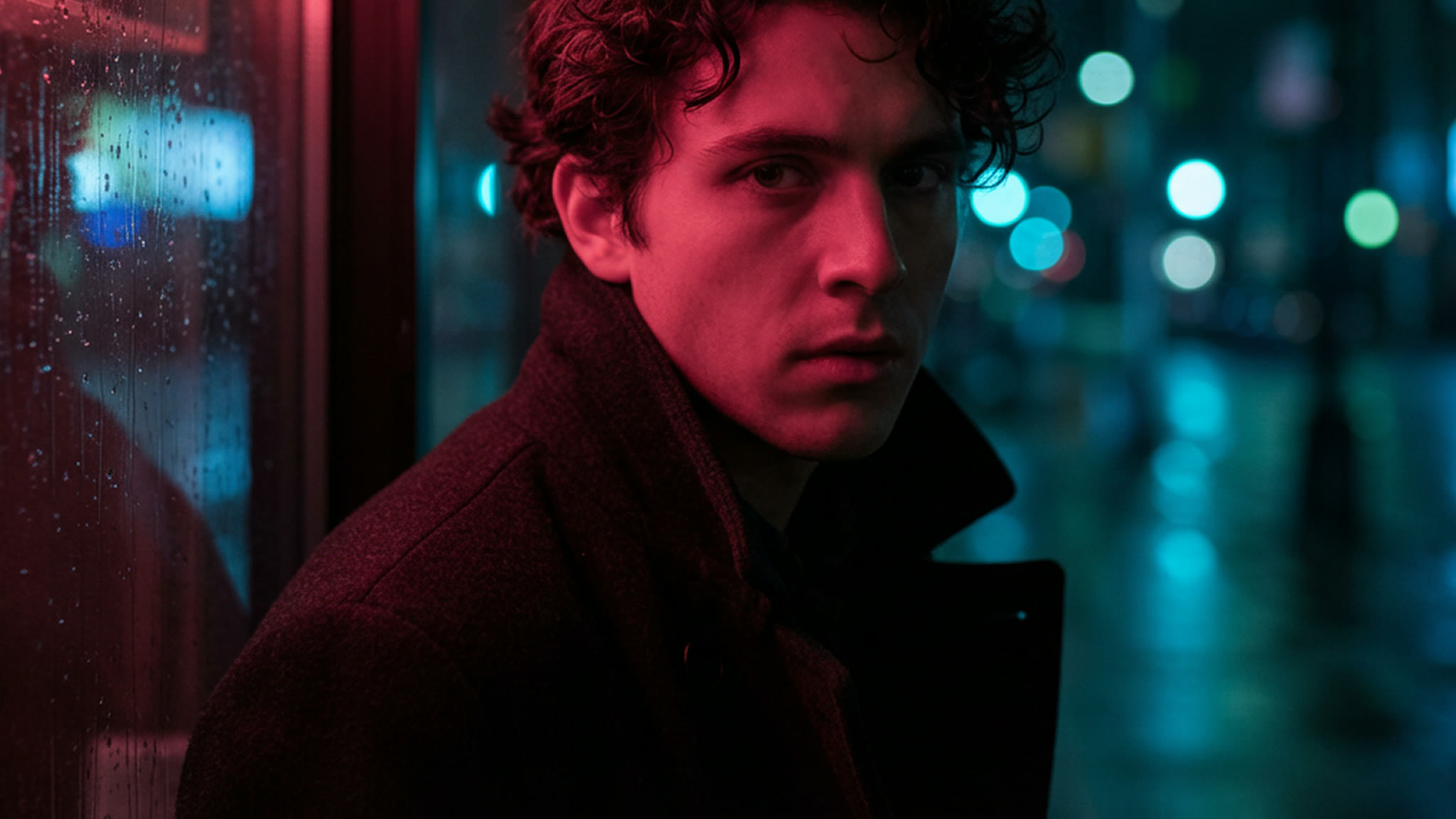
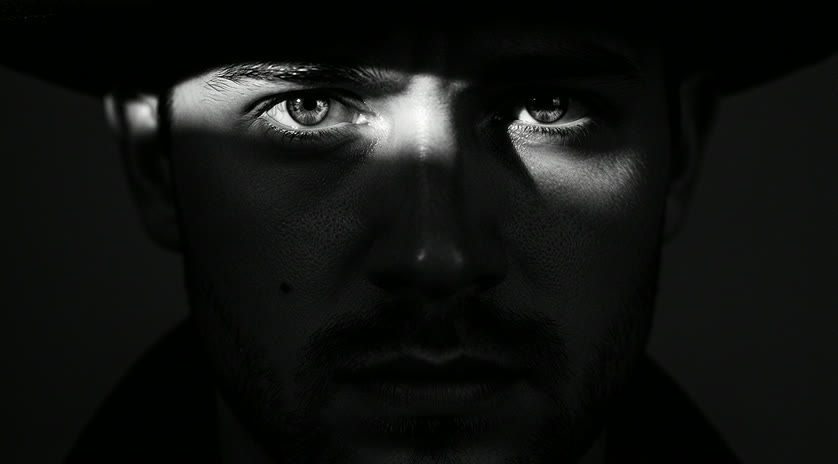
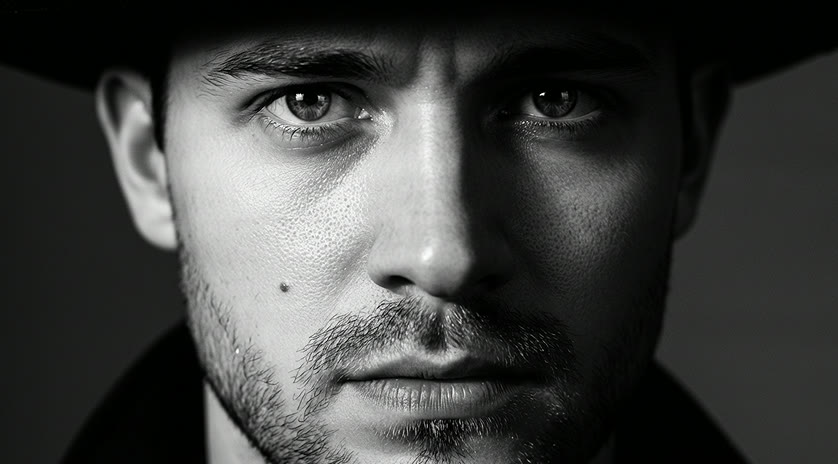
Beyond adding and removing things, you can direct how a shot is lit and framed: hard light from above, focus pulled onto a hand, a wider view of the same moment. Google built Nano Banana Pro for this studio-style control, and the portrait below keeps the man’s features and expression while the light around him changes completely.
Describe light the way a photographer would, with its direction, its hardness and what it should leave in shadow.
 1Nano Banana
Translate the Text in an Image
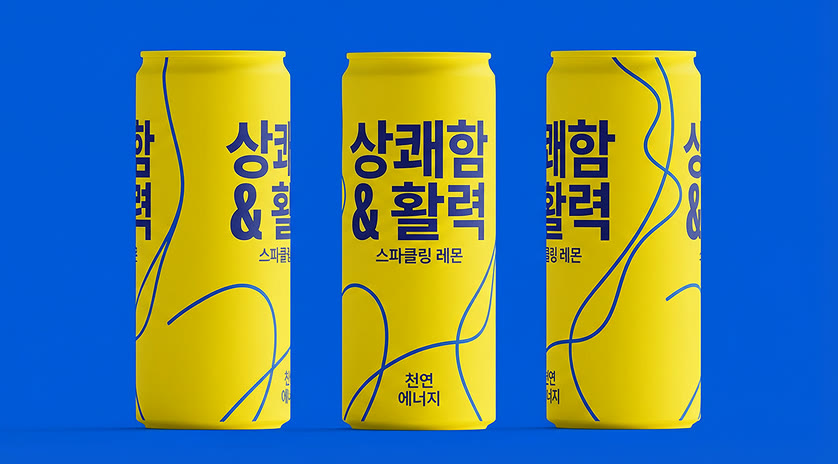
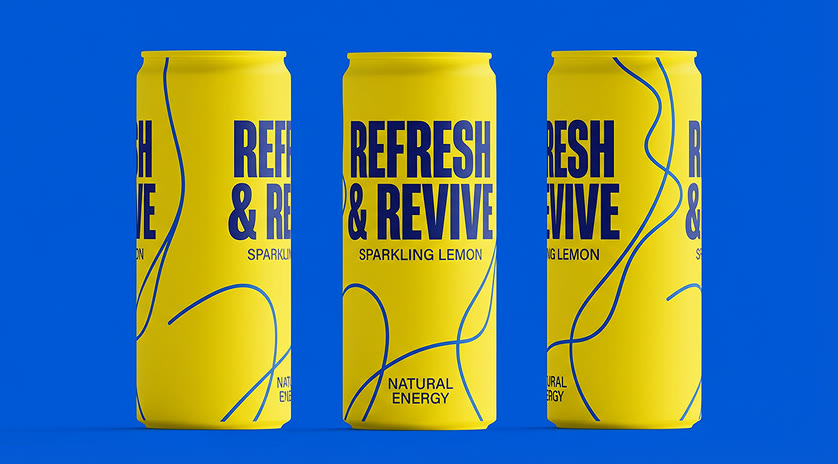
Ask for the words on a can, a poster or a sign in another language and Nano Banana redraws them in the new script while the layout, colors and product stay put. It is a fast way to mock up packaging or ads for a new market before a designer does the final version.
Have a native speaker read the result: Google lists grammar, spelling and idioms among the things the models can still get wrong.
 1Nano Banana
Sizes, Shapes and Limits at a Glance
Choose the shape before you write the prompt so the composition is planned for it, or leave it on Auto and let the model pick a frame that suits the request.
| Resolution | 0.5K, 1K, 2K or 4K2K by default. 0.5K is Nano Banana 2 only. |
|---|---|
| Aspect ratio | Auto or up to 14 fixed shapes1:1, 2:3, 3:2, 3:4, 4:3, 4:5, 5:4, 9:16, 16:9 and 21:9 on all three; 2.1 and 2 add 1:4, 4:1, 1:8 and 8:1. |
| Inputs | A prompt, plus up to 14 imagesAttaching an image turns the request into an edit. |
| Prompt length | Up to 2,000 characters |
| Per request | One imageRun it again for another variation. |
| Watermark | None added by YovidGoogle’s invisible SynthID mark stays embedded in every image. |
Who Nano Banana Works Best For
Edits by description, legible text and a deep reference budget make it a working tool rather than a toy. These are the jobs it handles best:
- Marketers and social teams: Ad and post variations with the headline drawn into the image, then re-cut from 1:1 to 9:16 or 16:9 for each channel.
- E-commerce sellers: Products placed on new backgrounds, labels translated for another market, and the same item kept consistent across a set of shots.
- Designers and illustrators: Posters, lettering studies, packaging comps and storyboard frames, with Nano Banana Pro for dense layouts.
- Teachers and explainers: Diagrams, process infographics and handouts drafted from a one-line request, then fact-checked before use.
- Video creators: Keyframes and character sheets made here, then animated in Yovid’s image-to-video generator.
Nano Banana 2.1, Pro and 2 vs GPT Image 2 and Seedream 5.0
Every cell except the last row is read from the settings each model exposes in Yovid’s image generator today, so you can pick by size, references and price before you spend a credit.
| Feature / Model | Nano Banana 2.1 | Nano Banana Pro | Nano Banana 2 | GPT Image 2 | Seedream 5.0 Pro |
|---|---|---|---|---|---|
| Top resolution | 4K | 4K | 4K | 4K | 2K |
| Aspect ratios | 1:1, 1:4, 4:1, 1:8, 8:1, 2:3, 3:2, 3:4, 4:3, 4:5, 5:4, 9:16, 16:9, 21:9 | 1:1, 2:3, 3:2, 3:4, 4:3, 4:5, 5:4, 9:16, 16:9, 21:9 | 1:1, 1:4, 4:1, 1:8, 8:1, 2:3, 3:2, 3:4, 4:3, 4:5, 5:4, 9:16, 16:9, 21:9 | 1:1, 1:2, 2:1, 1:3, 3:1, 2:3, 3:2, 3:4, 4:3, 4:5, 5:4, 9:16, 16:9, 9:21, 21:9 | 1:1, 4:3, 3:4, 3:2, 2:3, 16:9, 9:16, 4:5, 5:4, 21:9, 9:21 |
| Reference images | 14 | 14 | 14 | 16 | 10 |
| Images per request | 1 | 1 | 1 | 10 | 1 |
| Credits per image | 3 | 6 | 4 | 2 | 2 |
| Best for | Everyday images and edits at the lowest Nano Banana price. | Text-heavy layouts, infographics and studio-style lighting control. | Cheap 0.5K drafts before you commit to a size. | Batches of up to 10 images and transparent backgrounds. | Low-cost stills at exact custom pixel sizes. |
Credits are for one image at each model’s default size (2K for the Nano Banana models, 1K at medium quality for GPT Image 2, 1.5K for Seedream 5.0 Pro) and follow Yovid’s live pricing. Larger sizes cost more, and a big stack of references can add a credit on Nano Banana 2.1.
Strengths and Limits of Nano Banana
Where the Nano Banana family beats the other image models on Yovid, and where another model or a little extra checking is the better call.
Strengths
- Edits by description: Changes only what you name and keeps the rest of the photo intact.
- Text in images: Readable headlines, signs and labels, including translations into other scripts.
- Reference budget: Up to 14 images per request on all three models, with several characters kept consistent.
- Three tiers, one name: From 2 credits for a 1K Nano Banana 2.1 image to 4K with Nano Banana Pro.
Limits
- One image per request: GPT Image 2 returns up to 10 at once; here you run the prompt again for each variation.
- Proofreading still needed: Small type, small faces and facts in infographics can come out wrong, as Google itself notes.
- Pro costs more: Nano Banana Pro is 6 credits at 2K and 9 at 4K, and skips the 1:4, 4:1, 1:8 and 8:1 shapes.
- No live search: Google Search grounding, which Gemini can use for current facts, is not part of Yovid’s generator.
Make a Nano Banana Image in Three Steps
- Step 1
Pick a Nano Banana model
Open the image generator; this page preselects Nano Banana 2.1, and Nano Banana 2 and Pro are in the same menu.
- Step 2
Write the prompt, add images
Describe the picture or the edit, attach up to 14 references, then set the aspect ratio and the size.
- Step 3
Check it and download
Read any text in the result, download the image, or upload it again with the next change.
Nano Banana Prompts to Start From
Google’s own prompts behind these Nano Banana 2 and Nano Banana Pro images, trimmed. Each one opens in Nano Banana 2.1; switch the model to match the original, then make the details yours.
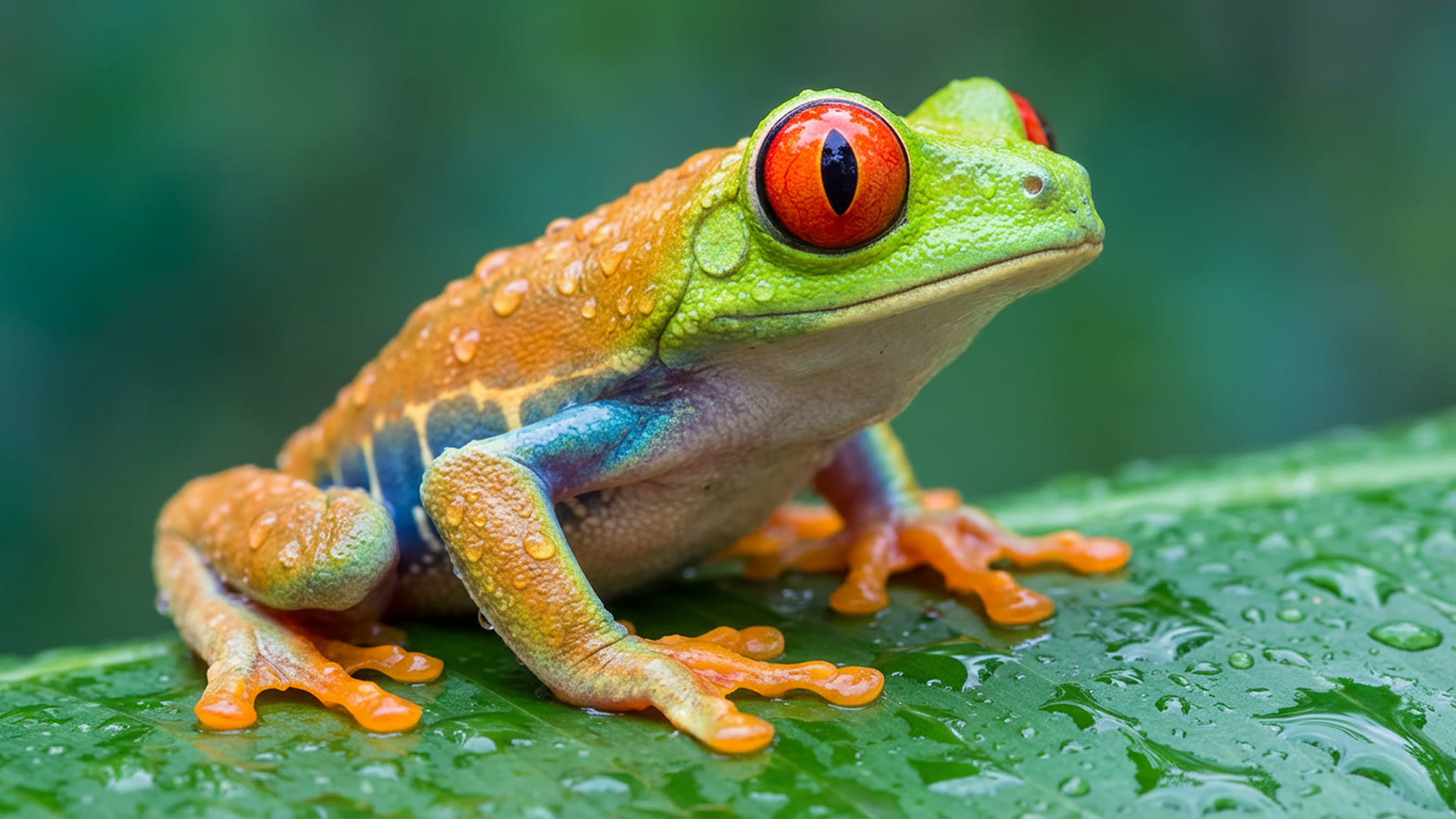
Red-eyed tree frog
Nano Banana Pro · macroA stunning close-up photograph of a red-eyed tree frog on a large, dewy green leaf, its body angled away but its head turned to face us. Lime-green head and back fading to orange legs, an iridescent blue band along its side, a pale translucent belly. Frog and leaf are covered in glistening water droplets; the background is a soft, out-of-focus blend of green and teal. So detailed you can see the skin texture and the tiny suction pads on its orange feet.
Source: Google DeepMind · Nano Banana Pro
Try this prompt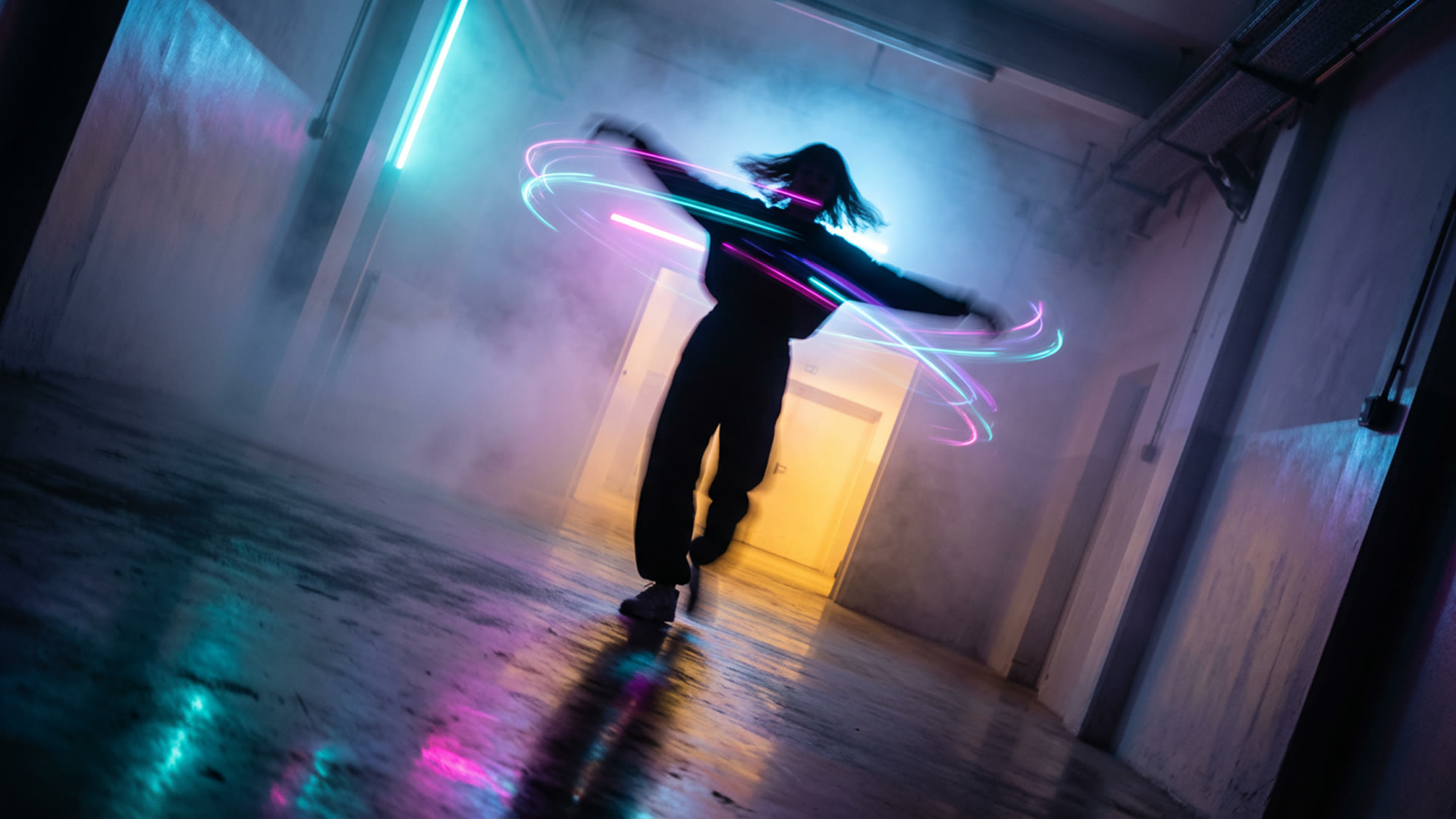
Spin in the mist
Nano Banana Pro · long exposureA figure captured mid-spin in a corridor of light and mist, arms flung wide, head tilted back. The twirl stirs the dense colored fog into eddies of cyan, magenta and violet light around the silhouette. A warm yellow-orange portal lights the mist from ahead while a cool blue glow from behind adds depth. The dark, mirror-like floor reflects a blurred smear of motion. Slight Dutch angle.
Source: Google DeepMind · Nano Banana Pro
Try this prompt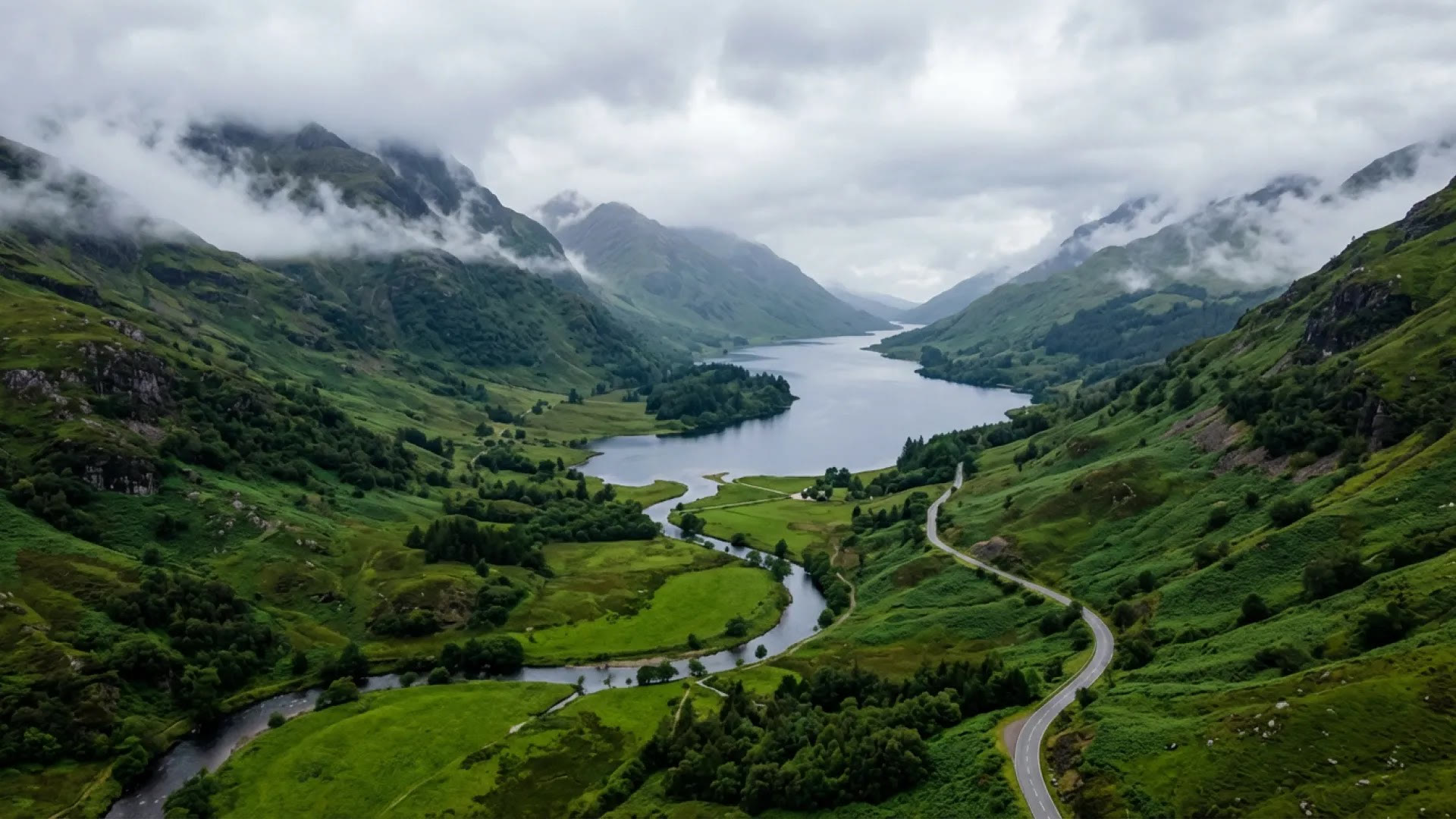
Highland valley from above
Nano Banana 2 · aerial landscapeA moody aerial shot looking down into a misty valley of rolling, verdant hills, with a winding river and a dark blue-grey loch reflecting an overcast sky. A narrow road snakes through the hills on the right; steep green mountains rise on both sides, their peaks shrouded in low mist. Soft, diffused light and deep emerald greens; serene, untamed wilderness like the Scottish Highlands.
Source: Google DeepMind · Nano Banana 2
Try this prompt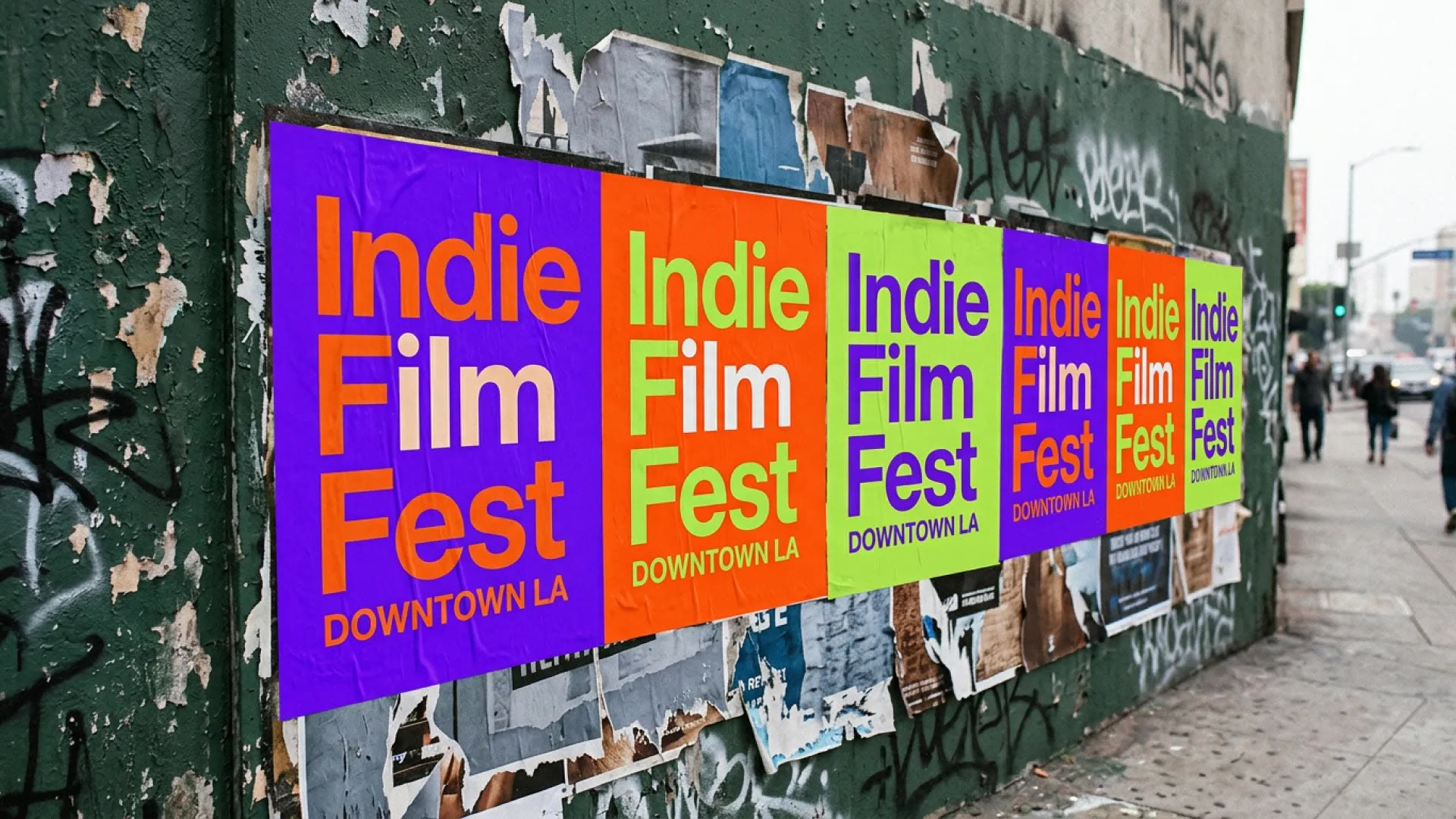
Film festival posters
Nano Banana 2 · text in a sceneA candid photograph of freshly wheat-pasted posters on a heavily textured dark green wall in Downtown Los Angeles. The posters read "Indie Film Fest" with "DOWNTOWN LA" in smaller letters below, alternating electric purple, blazing orange and lime green backgrounds. Torn, faded older posters underneath, graffiti tags and peeling paint around them. Diffused daylight, blurred pedestrians and traffic, slightly grainy.
Source: Google DeepMind · Nano Banana 2
Try this prompt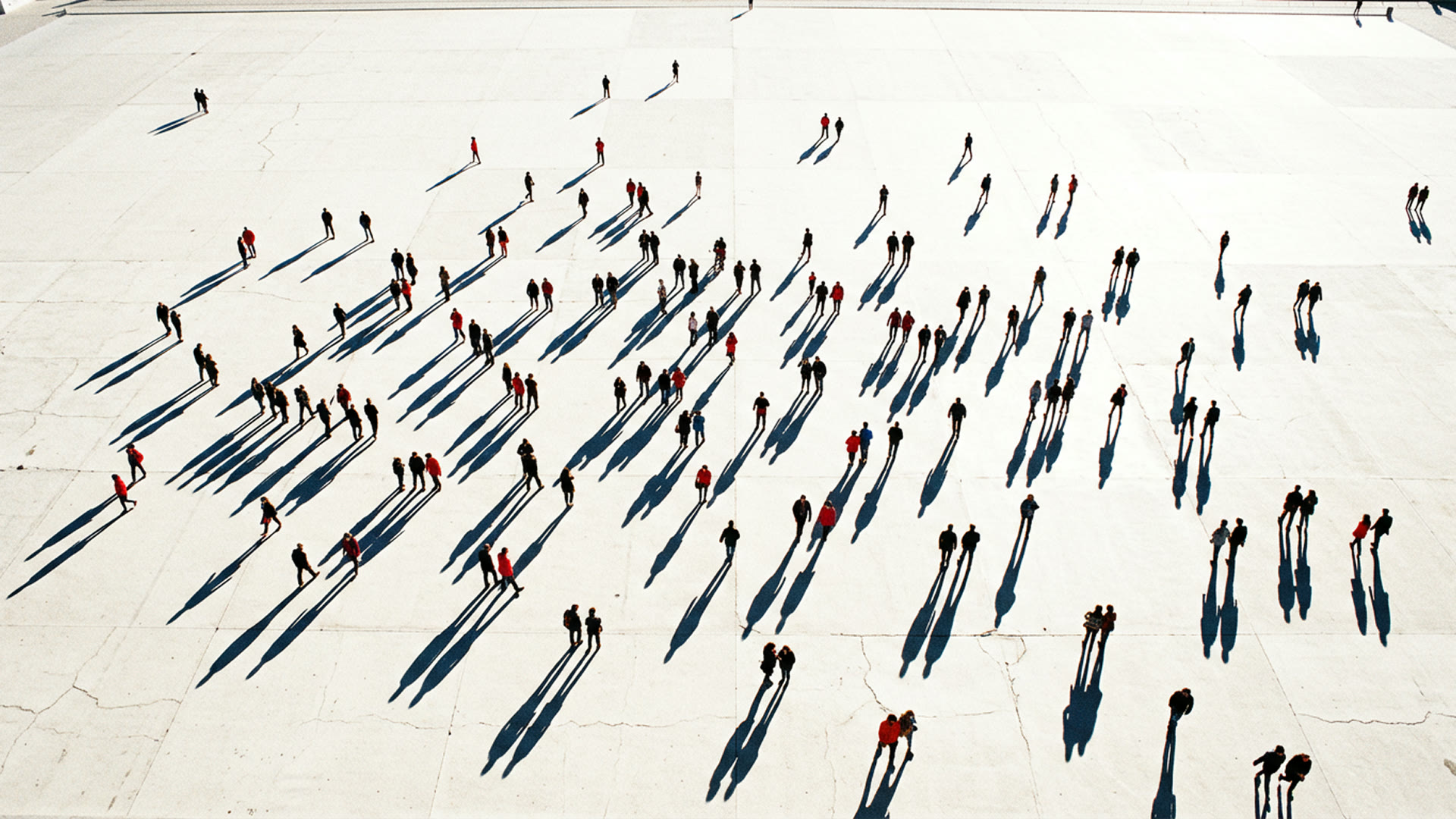
Long shadows on a plaza
Nano Banana Pro · high angleA high-angle, almost top-down photograph of a crowd dispersed across a vast, pale, sun-drenched concrete plaza, figures scattered unevenly. A low, bright sun casts long, dark, sharply defined shadows from each person, all pointing the same way, slicing across the ground like graphic lines. The people are small dots of red, black and blue against the bleached-out ground.
Source: Google DeepMind · Nano Banana Pro
Try this prompt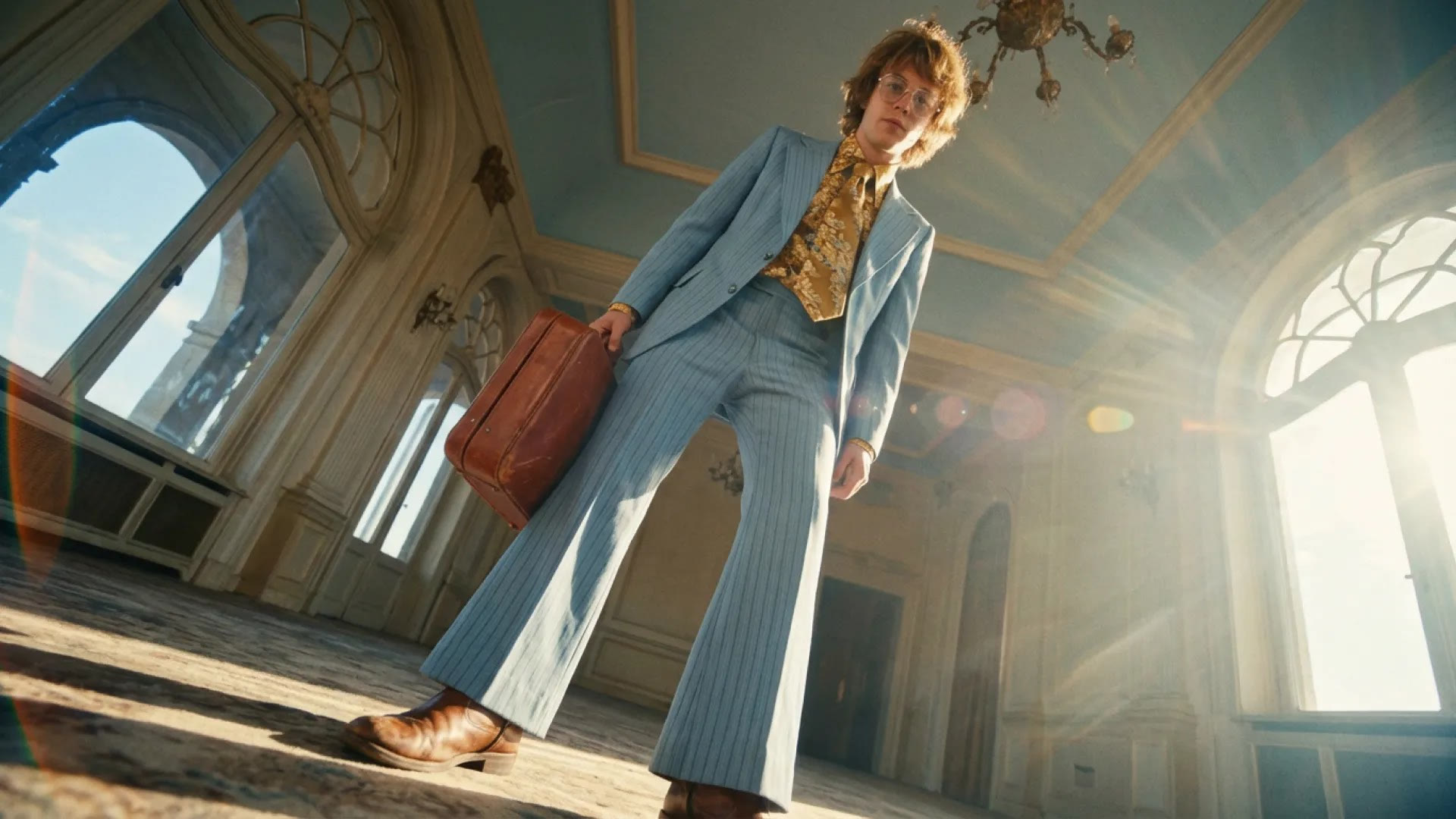
Pinstripe suit, low angle
Nano Banana 2 · cinematic portraitA cinematic still shot with a wide-angle lens from an extremely low angle: a young, slender man in a light blue pinstripe suit with bell-bottoms, a gold floral shirt and tie, wire-rimmed glasses and shaggy sun-kissed hair, holding a worn reddish-brown leather briefcase. Golden sunlight flares from behind his shoulder in a grand room with arched windows and a pale blue ceiling. Cool blues and warm amber, a nostalgic art-house look.
Source: Google DeepMind · Nano Banana 2
Try this prompt
More Models on Yovid
Guides for Taking Your Images Further
Bring a finished still to life: image-to-video prompts, a video model comparison and a shot-by-shot prompt formula.
FAQs
What is Google Nano Banana?
Can I use Nano Banana for free online?
Nano Banana 2.1 vs Nano Banana Pro vs Nano Banana 2: what is the difference?
How many credits does a Nano Banana image cost?
Can Nano Banana edit my own photos?
Do Nano Banana images have a watermark?
What resolutions and aspect ratios does Nano Banana support?
How many images can I upload to Nano Banana at once?
Is Nano Banana on Yovid the same model as in Gemini?
Are Nano Banana images OK for commercial use?
Your Next Image Starts with a Sentence
Describe it, add your references, and choose Nano Banana 2.1, 2 or Pro for the job.
Create with Nano Banana