
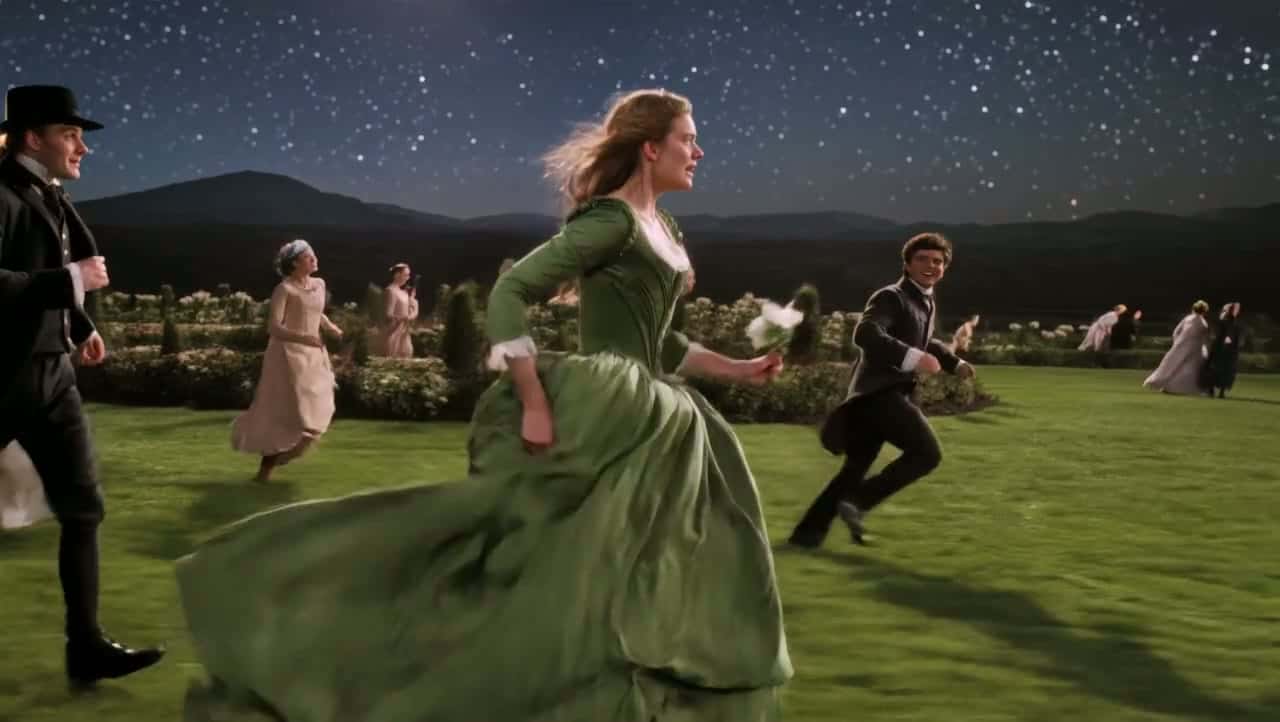
Kling 3.0 Free Online AI Video Generator
Turn a prompt or a still image into a 4–15 second clip where characters deliver their own lines in English, Chinese, Japanese, Korean or Spanish, with sound generated alongside the picture. Render at 720p or 1080p in 16:9, 9:16 or 1:1. Start creating with Kling 3.0 on Yovid.
Seedance 2.5 is live
Clips up to 30 seconds with image, video, and audio references.
Veo 3.1
Google's video model with native audio.

GPT Image 2.5
OpenAI's image model for creating and editing images.
AI Image Upscaler
Sharpen and enlarge images for cleaner exports.
AI Canvas
Chain image and video steps on one visual board.
What Kling 3.0 Puts on Screen
Why Make Videos with Kling 3.0 on Yovid
- Up to 15 Seconds, Paced Beat by Beat: Pick any length from 4 to 15 seconds and tell the model what happens at each second.
- Start From a Still and Keep Its Look: Attach a first frame, and optionally a last frame, and Kling animates from it.
- Several Speakers, Each With the Right Lines: Name who says what, and Kling 3.0 gives each character their own voice and lip movement.
- Dialogue in Five Languages, Even in One Scene: Characters speak English, Chinese, Japanese, Korean or Spanish, and can switch mid-scene.
- Accents and Dialects on Cue: Tag a line with an accent or dialect, from British English to Cantonese.
- Sound Included at the Same Credit Rate: Credits depend on length and resolution only, so leaving sound on costs nothing extra.
- Every Setting in One Place: Three aspect ratios, two resolutions, 4–15 seconds, sound on or off, text or frame input.
Up to 15 Seconds, Paced Beat by Beat
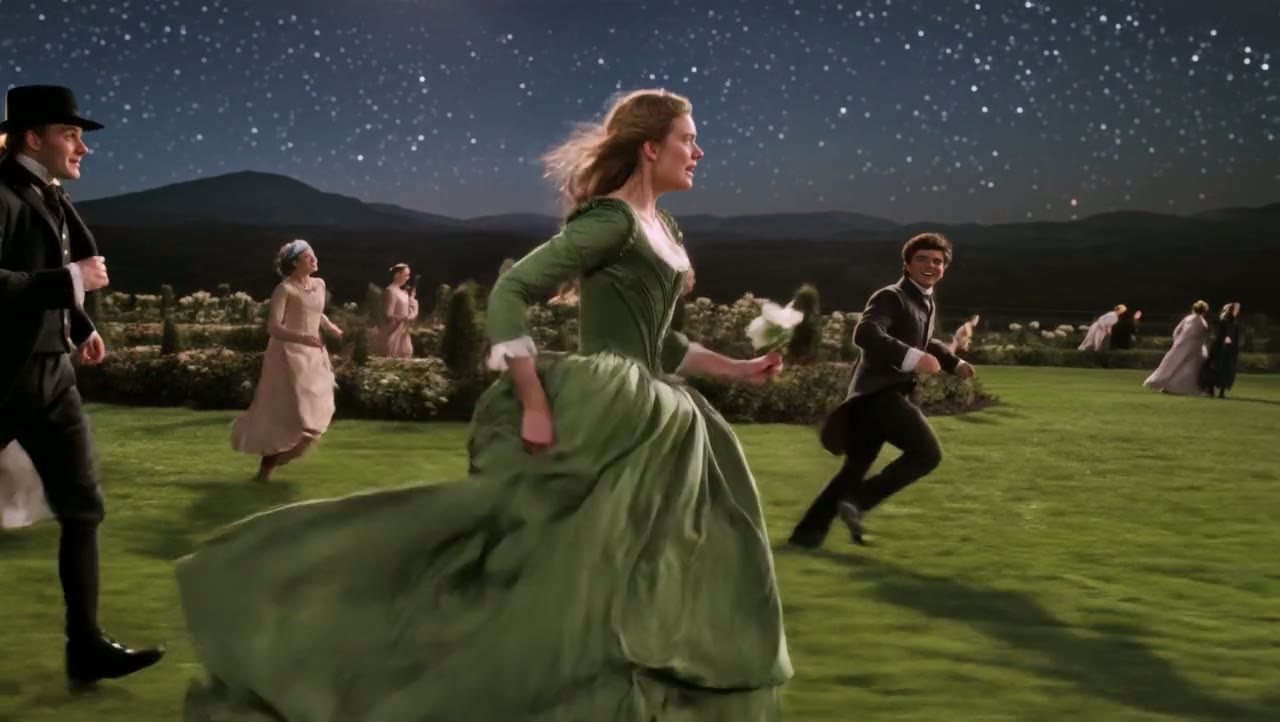
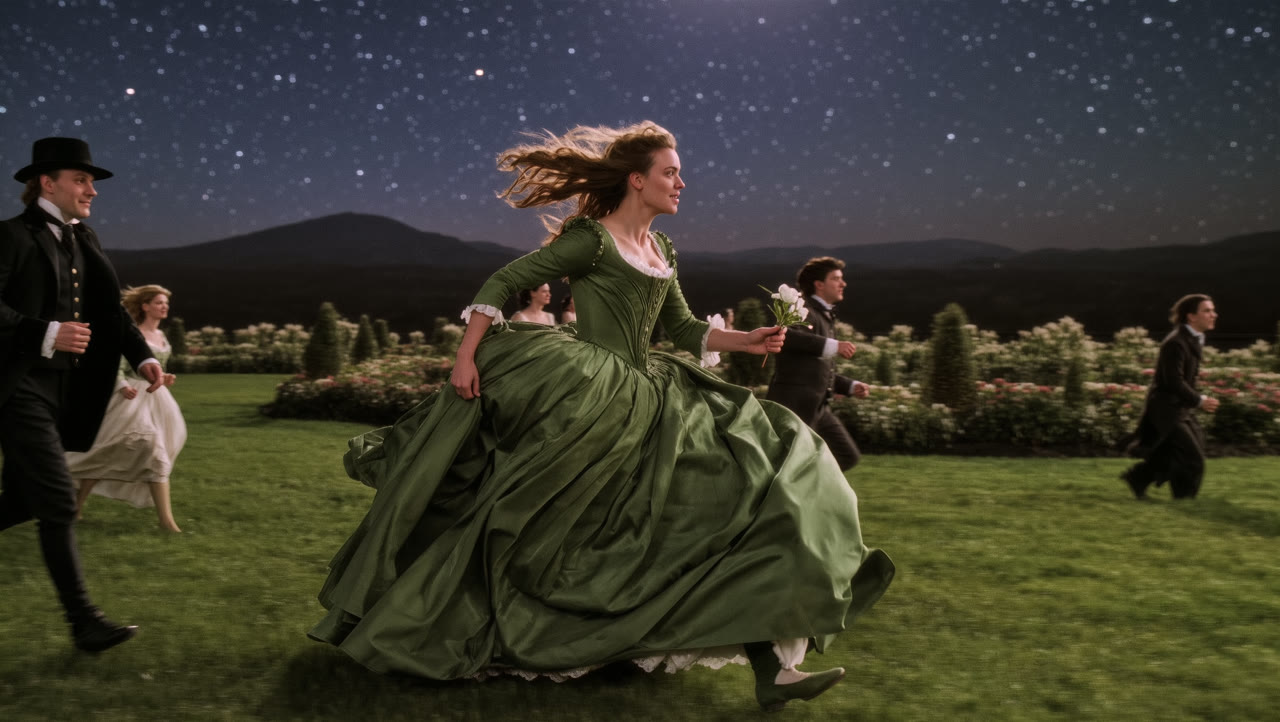
Kling 3.0 renders up to 15 seconds in a single generation, three times the 5-second default and long enough for a scene to build, turn and land. Because the clip is one continuous render, costume, light and the people in frame carry through to the last second.
You can script the beats right in the prompt: the demo below schedules what changes at the 4th, 8th and 12th second, from the crowd joining in to the flower toss.
 Kling 3.0
Start From a Still and Keep Its Look
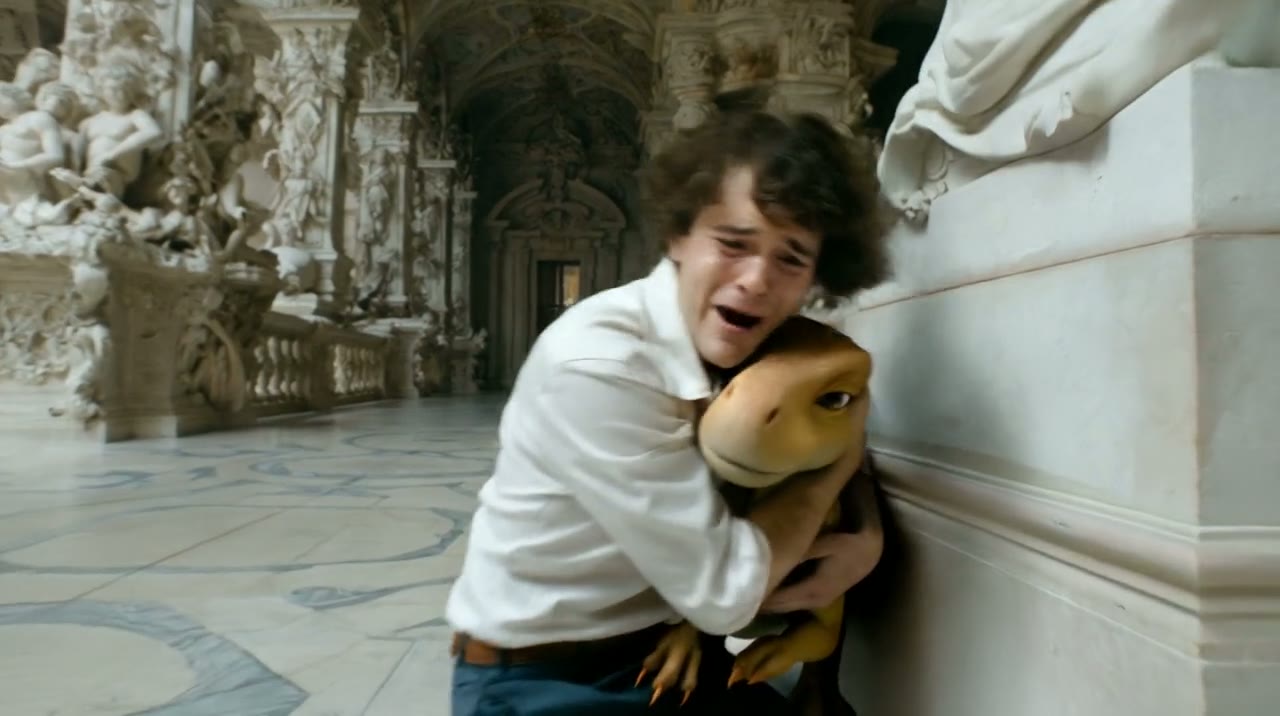
Upload an image as the first frame and Kling 3.0 continues the scene from that exact composition: the same face, the same wardrobe, the same set. Add a second image as the last frame when the shot has to land on a specific picture.
Yovid routes the generation to Kling’s image-to-video mode as soon as a frame is attached, so there is no separate model to find. The demo below starts from the still on the left and carries an orbiting camera, two spoken lines, a creature reveal and an embrace in one take.
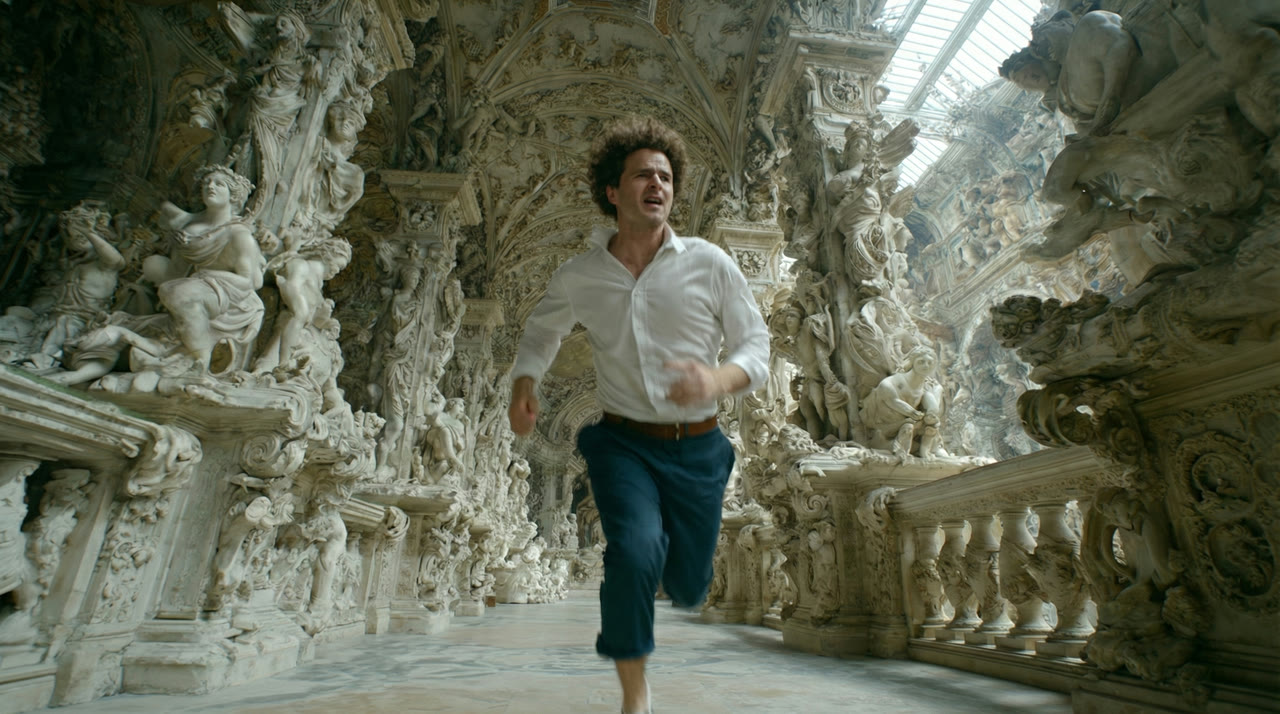 Kling 3.0
Several Speakers, Each With the Right Lines
Sound is generated with the picture, and Kling 3.0 matches spoken lines to the person you assign them to, even with three or more characters in the scene. Kling built this upgrade specifically for multi-character scenes, where earlier versions could mix up who was talking.
Write each line after the speaker’s name and a short delivery note, such as "Dad (in a low, calm voice):". The tone, the room sound and the timing of the replies all come out of the same generation.
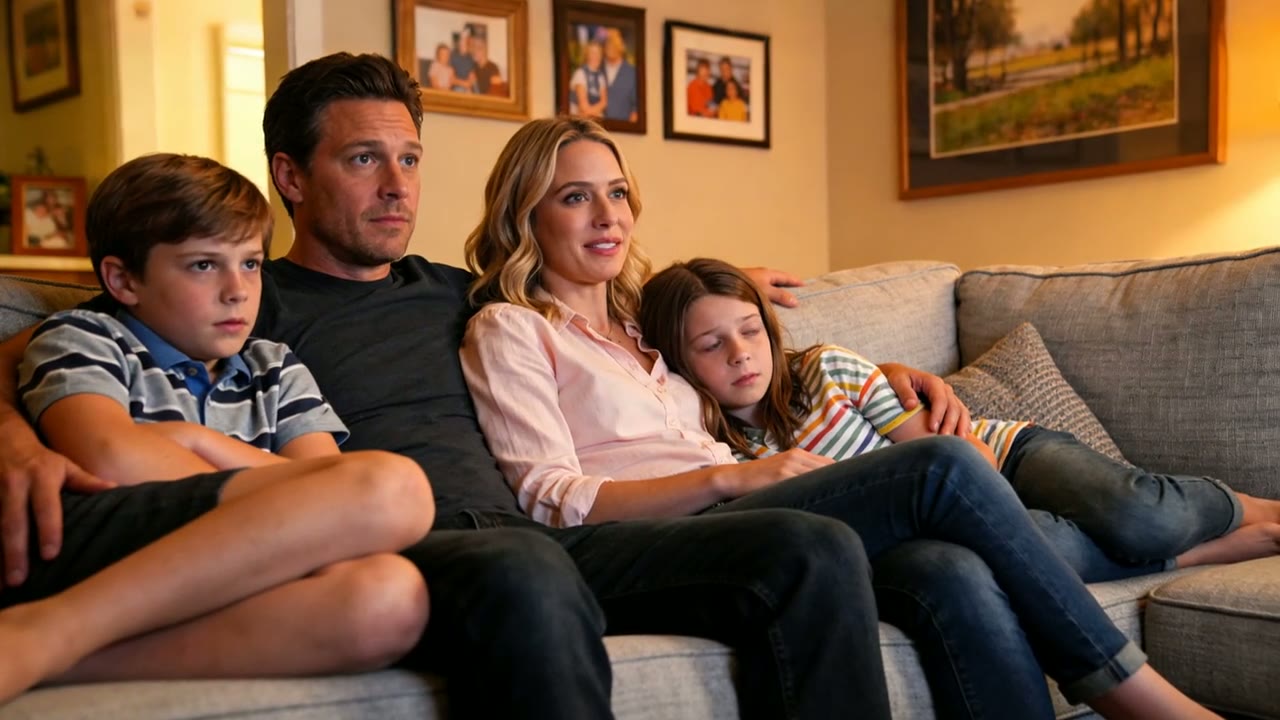
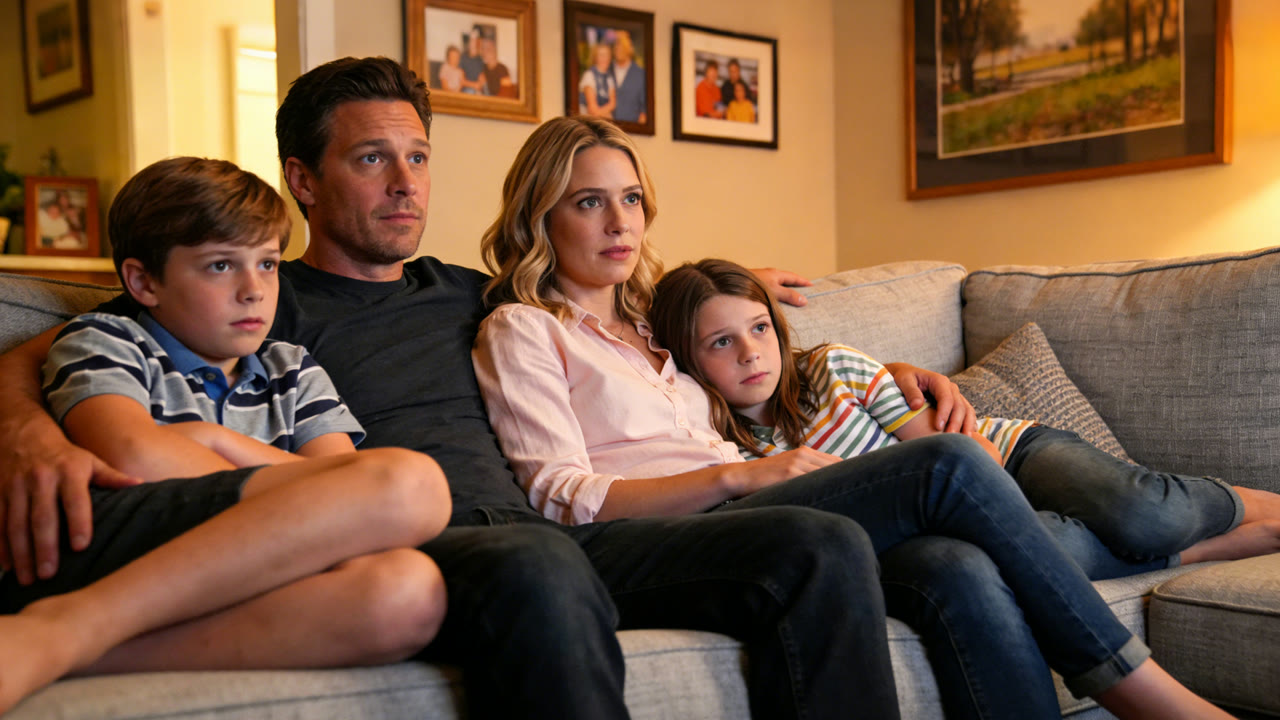 Kling 3.0
Dialogue in Five Languages, Even in One Scene
Kling 3.0 voices dialogue in English, Chinese, Japanese, Korean and Spanish, with lips synced to the words. Characters can also switch languages inside the same clip, which suits bilingual scenes and localized ads.
Type the lines in the language you want to hear. Kling notes that dialogue in any other language is translated and spoken in English.
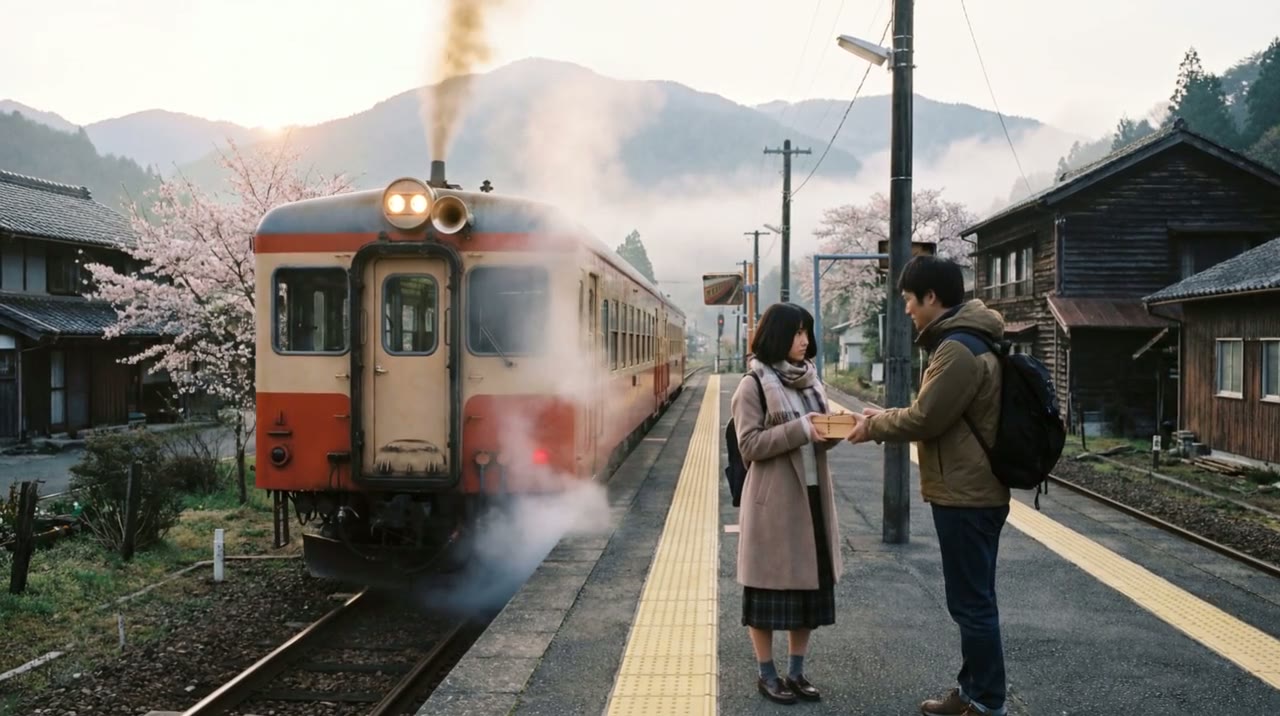
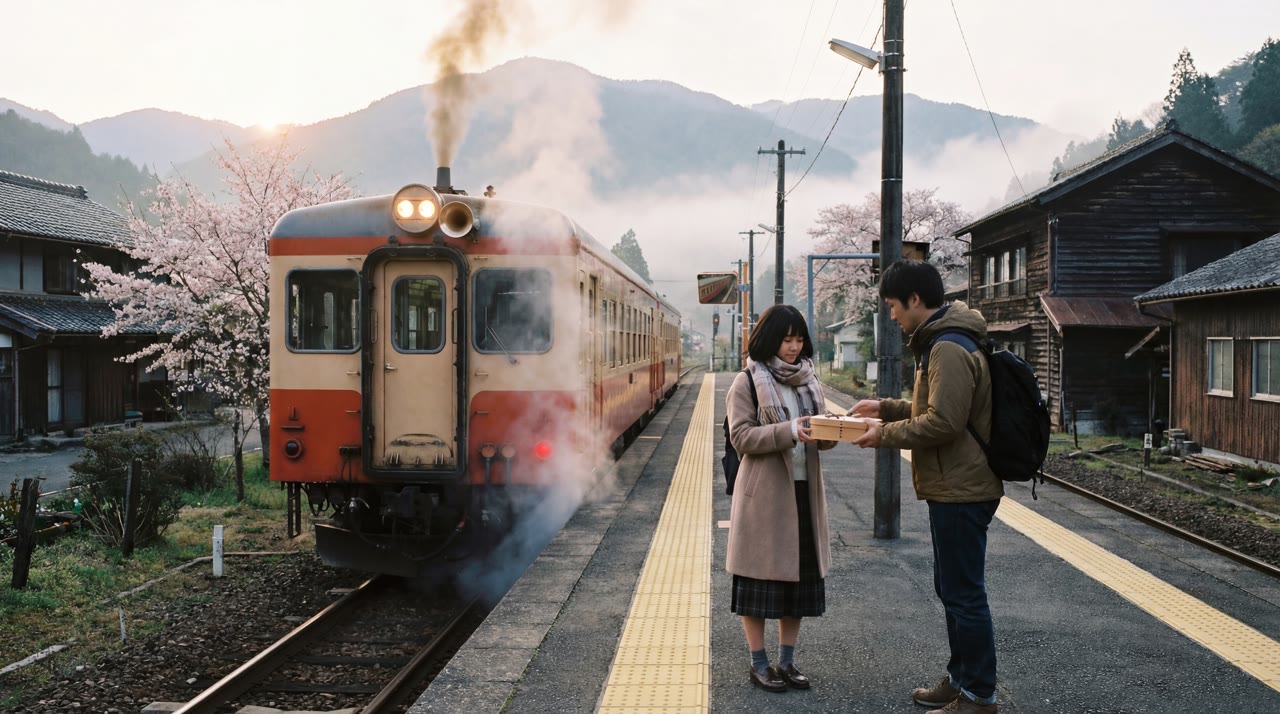 Kling 3.0
Accents and Dialects on Cue
Say how a character should sound and Kling 3.0 shapes the intonation to match: American, British or Indian English, or Chinese dialects such as Cantonese, Sichuanese, the Beijing and Northeastern dialects, and Taiwanese.
Put the tag right before the line, for example "says in Cantonese:" or "speaks English with an Indian accent". In the demo below, the speaker mixes Cantonese with English office jargon the way people really talk.
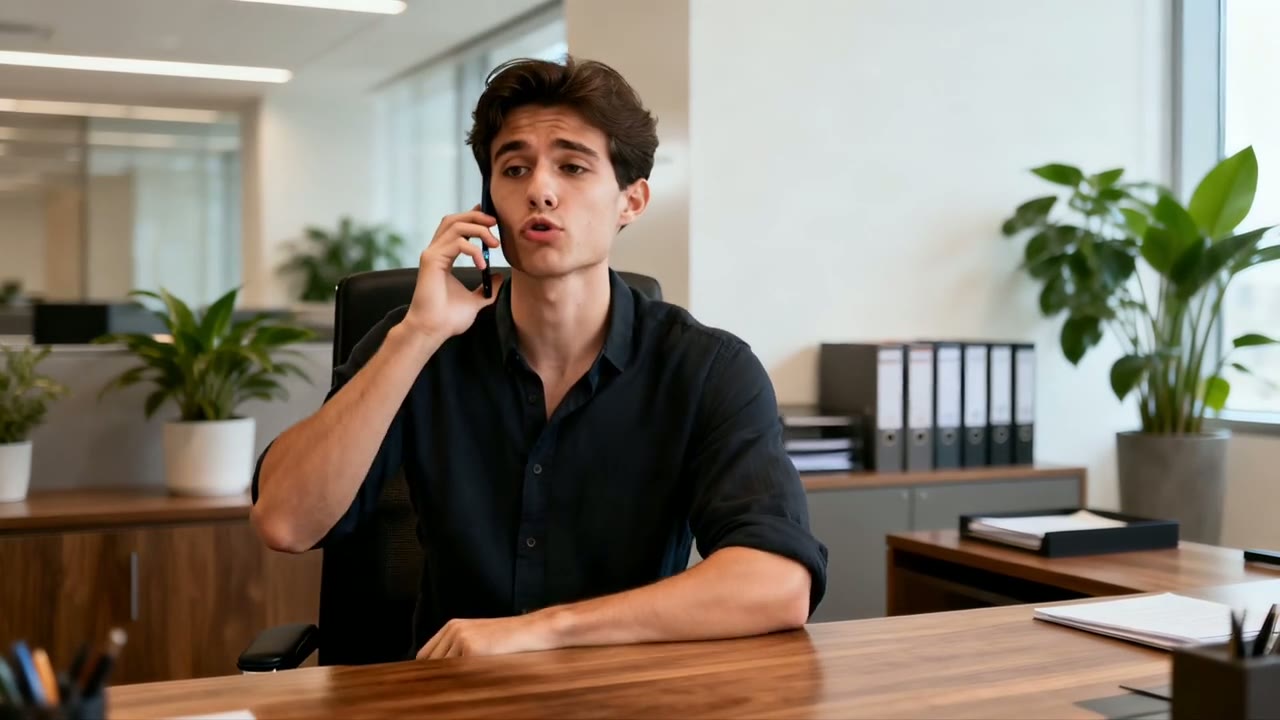
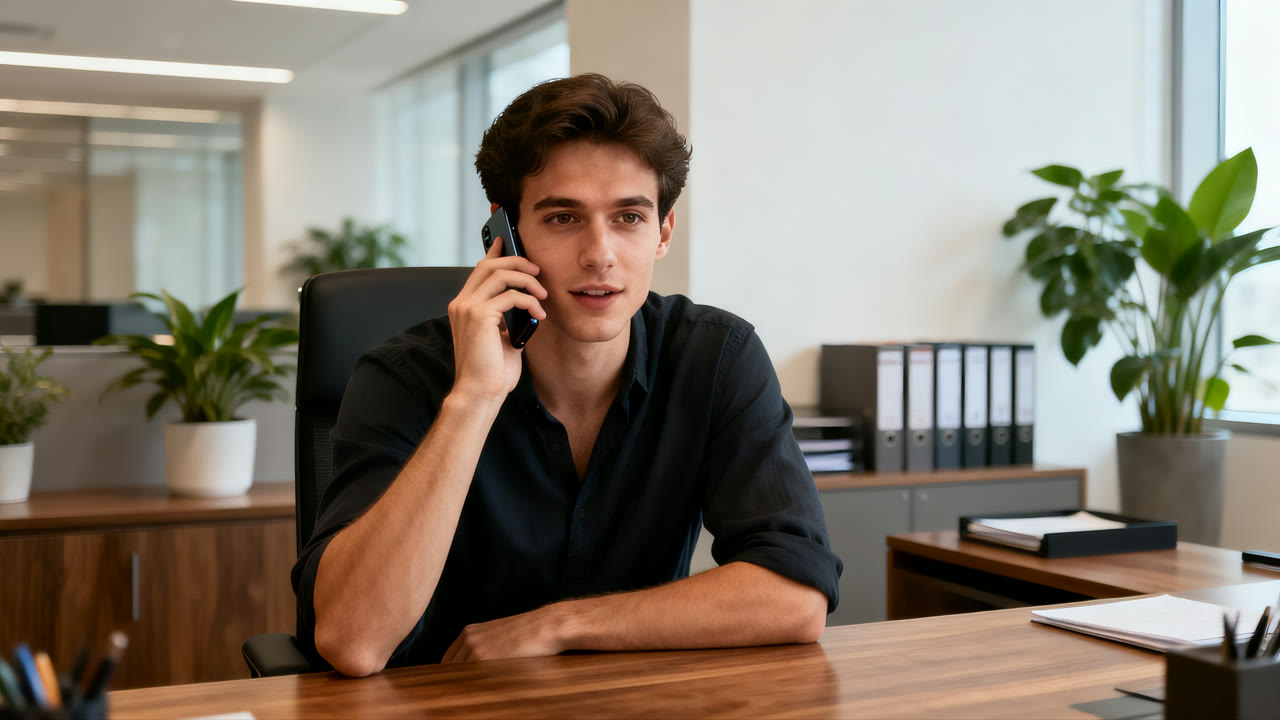 Kling 3.0
Sound Included at the Same Credit Rate
Kling’s own app sells native audio as a separate, pricier mode. On Yovid, Kling 3.0’s credit-pack rate is set by length and resolution alone, so the default of sound on adds nothing to the bill.
Credits are charged per second of video, and the composer shows the exact figure before you generate.
| 720p | About 2.5 credits per secondA 5-second clip is about 13 credits, a 15-second clip about 38. |
|---|---|
| 1080p | 4 credits per second20 credits for 5 seconds, 60 for the full 15. |
| Sound | Same rate on or offOn by default; switch it off per generation. |
| Subscribers | Fewer credits per secondLite, Pro and Premium pay less than credit-pack rates. |
Every Setting in One Place
Choose the frame before you write, so the action and camera path are composed for it. 1:1 renders as a true square rather than a crop of a widescreen clip.
| Length | 4 to 15 seconds5 seconds by default. |
|---|---|
| Resolution | 720p or 1080p720p by default; 1080p on every plan that unlocks Kling 3.0. |
| Aspect ratio | 16:9, 9:16 or 1:1 |
| Inputs | Text, or a start frame with an optional end frameNo reference images or reference videos on this model. |
| Prompt | Up to 2,500 characters |
| Sound | On by defaultDialogue, ambience and effects; turn it off per generation. |
| Output | MP4 |
Who Kling 3.0 Works Best For
Talking characters, several languages and 15 seconds per clip make it a strong fit for these jobs:
- Short-form and social creators: Vertical 9:16 skits and reaction clips with spoken lines and sound, ready to post without a separate voice-over.
- Marketers localizing campaigns: The same scene voiced in English, Spanish, Japanese, Korean or Chinese, with accents that fit each market.
- Short-drama and story makers: Dialogue scenes with three or more characters, each speaking their own lines in a single 15-second take.
- E-commerce and product teams: A product photo turned into a moving shot from the first frame, or a square 1:1 clip for feeds from a text prompt.
- Animators and illustrators: Stylized looks such as 3D animation, carried from a single key image through camera moves and dialogue.
Kling 3.0 vs Seedance 2.5, MiniMax H3, Veo 3.1 and Wan 3.0
Every cell except the last row is read from the settings each model exposes in Yovid’s generator today, so you can choose by length, references and price before you spend a credit.
| Feature / Model |  Kling 3.0 Kling 3.0 |  Seedance 2.5 Seedance 2.5 |  MiniMax H3 MiniMax H3 |  Veo 3.1 Fast Veo 3.1 Fast |  Wan 3.0 Wan 3.0 |
|---|---|---|---|---|---|
| Longest clip | 15 s | 30 s | 15 s | 8 s | 30 s |
| Top resolution | 1080p | 1080p | 2K | 4K | 1080p |
| Aspect ratios | 16:9, 9:16, 1:1 | 16:9, 9:16, 1:1, 4:3, 3:4, 21:9 | 21:9, 16:9, 4:3, 1:1, 3:4, 9:16 | 16:9, 9:16 | 16:9, 9:16, 1:1, 4:3, 3:4 |
| Reference images | — | 30 | 9 | — | 10 |
| Reference videos | — | 10 | 3 | — | 5 |
| Credits for 5 s at 720p | 13 | 31 | 23 | 15 | 12 |
| Best for | Talking characters and multilingual dialogue at a low per-second rate. | Long single takes, reference-heavy work and editing existing clips. | Sharper 2K output from a few references. | Short cinematic shots up to 4K. | Long clips up to 30 seconds on a tight credit budget. |
Credits are base credit-pack rates for a 5-second clip at 720p (or the nearest resolution a model offers) and follow Yovid’s live pricing; subscribers pay less per second.
Strengths and Limits of Kling 3.0
Where it earns its place in the lineup on Yovid, and where another model or setting is the better call.
Strengths
- Dialogue: Lines matched to the right speaker in multi-character scenes, in five languages plus accents and dialects.
- Price: About 2.5 credits per second at 720p, well under half of Seedance 2.5’s rate.
- Sound included: Credit-pack rates are the same with sound on or off.
- Format range: Up to 15 seconds in 16:9, 9:16 or a native 1:1 square, from text or a start frame.
Limits
- Single shot: Kling’s multi-shot storyboard is not available on Yovid; each generation is one continuous shot.
- Resolution: Tops out at 1080p; for 4K, use Veo 3.1 Fast on Premium or Yovid’s video upscaler.
- No reference media: Takes a start and end frame only; for reference images or clips use Seedance 2.5, or Kling O3 for a reference video.
- Plan access: Not on the free plan; Lite and above, or a Creator credit pack or larger, unlocks it.
How to Use Kling 3.0 on Yovid
- Step 1
Pick Kling 3.0
Open the video generator; this page preselects Kling 3.0, or find it under the Kling filter in the model menu.
- Step 2
Write the scene and the lines
Describe the action, give each spoken line a speaker and a language, add a start frame if you have one, then set length, ratio, resolution and sound.
- Step 3
Generate and download
Watch the take, tweak the prompt for another pass if needed, and download the MP4.
Kling 3.0 Prompts to Start From
Kling’s own prompts for these demos, trimmed, next to the clips they produced. Each demo started from a still image and some were made with Kling’s multi-shot switch on; on Yovid a prompt renders as one continuous shot, from text alone or from a first frame you add.
Office long take
Start frame + prompt · 15 sAuthentic workplace texture, one continuous long take without any cuts. The camera follows the professional woman in a medium shot, tracking her when she walks and freezing when she pauses: she steps out of the elevator, takes off her sunglasses and tucks them into her bag, hangs her bag and coat on the coat rack, signs a document a young colleague hands her, then sits at her desk and sips her tea.
Source: Kling AI · Video 3.0 user guide
Try this promptRooftop after class
Start frame + prompt · 10 sOn the rooftop of a Korean high school at night, distant city lights glimmer and a soft wind rustles. The girl leans against the railing, lost in thought. The boy walks over with two cans of cola and hands her one; she pops the tab. Boy (casual tone, Korean): "숙제 다 했어? 왜 여기 있어?" Girl (sighing, Korean): "시험이 너무 무서워." Boy (gentle tone, Korean): "걱정 마, 넌 잘할 거야."
Source: Kling AI · Video 3.0 user guide
Try this promptAsking the way in Madrid
Start frame + prompt · 10 sSunlight fills the old streets of Madrid. In front of a bakery, a female tourist and a male tourist in a gray hoodie walk up to the shop clerk. Female tourist (slowly, with an awkward accent, in Spanish): "Disculpe, ¿dónde está la plaza mayor?" The white-haired clerk (pointing ahead, cheerful, in Spanish): "Por allí, a dos calles. Muy cerca." The male tourist nods: "Muchas gracias." The two turn and walk the way he pointed.
Source: Kling AI · Video 3.0 user guide
Try this promptInvitation in the palace garden
Start frame + prompt · 10 sThe camera lingers on the noble lady and her maid: the lady’s gaze soft and mild, the maid listening with her head bowed. The lady smooths her sleeve and says in a warm, gentle tone: "오늘 후원에서 피어난 꽃을 보니, 시원한 바람이 분다. 너도 함께 걸어볼까?" The maid leans slightly forward and replies with deference: "네, 아씨님. 따라갈게요."
Source: Kling AI · Video 3.0 user guide
Try this promptSmile in the library
Start frame + prompt · 5 sThe camera gradually moves around to the front of the girl, who then lifts her head and smiles warmly at the camera, as if seeing an old friend after many years.
Source: Kling AI · Video 3.0 user guide
Try this prompt
More Video Models on Yovid
Guides for Getting More out of Kling 3.0
Prompt formulas, image-to-video examples and a side-by-side of every video model on Yovid.
FAQs
What is Kling 3.0?
How long can a Kling 3.0 video be?
Can I use Kling 3.0 for free on Yovid?
How many credits does a Kling 3.0 video cost?
Does Kling 3.0 generate audio and dialogue?
Which languages and accents can Kling 3.0 speak?
Can I turn an image into a video with Kling 3.0?
Does Kling 3.0 support multi-shot videos on Yovid?
Can I get 4K video from Kling 3.0 here?
Can I use Kling 3.0 videos commercially?
Give Your Characters Something to Say
Write the scene and the lines, add a first frame if you have one, and let Kling 3.0 handle the voices, the sound and the camera.
Create with Kling 3.0