

Hailuo 2.3 Free Online – Create with Its Successor, MiniMax H3
Yovid doesn’t run Hailuo 2.3. MiniMax’s next video model, H3, sits in the composer instead: 5–15 second clips at native 2K with stereo sound, from a prompt, a first or last frame, or up to 9 images and 3 videos. Start creating with MiniMax H3 on Yovid.
Seedance 2.5 is live
Clips up to 30 seconds with image, video, and audio references.
Kling 3.0
Kling's latest video model, ready in your workspace.
Veo 3.1
Google's video model with native audio.

GPT Image 2.5
OpenAI's image model for creating and editing images.
AI Image Upscaler
Sharpen and enlarge images for cleaner exports.
AI Canvas
Chain image and video steps on one visual board.
Made with MiniMax H3, the Model After Hailuo 2.3
From Hailuo 2.3 to MiniMax H3: What Changed
- Hailuo 2.3 at a Glance, and Why Yovid Runs H3: What MiniMax shipped in October 2025, and what took its place in July 2026.
- From a 1080p Ceiling to Native 2K: Hailuo 2.3 reached 1080p only on 6-second clips; H3 renders every Yovid clip at 2K.
- Sound Comes Out with the Picture: Hailuo 2.3 clips were silent; H3 returns a stereo track from the same generation.
- 15 Seconds and Several Shots in One Clip: Up from 6 or 10 seconds, with cuts the model plans inside a single generation.
- Motion and Style, Rebuilt Rather Than Patched: H3 is a new architecture, not a 2.3 update, so retest the moves and looks you relied on.
- Land on a Last Frame, Not Just Start from a First: Hailuo 2.3 animated one starting image; H3 can also finish on an ending image.
- Up to 9 Images and 3 Videos as References: Pin the character, product, look or camera move instead of hoping the prompt carries it.
- H3 on Yovid: Settings, Credits and Access: 5–15 s at 2K, six aspect ratios, about 23 credits for 5 seconds, on Pro, Premium or a credit pack.
Hailuo 2.3 at a Glance, and Why Yovid Runs H3
Hailuo 2.3 arrived from MiniMax on October 28, 2025, building on Hailuo 02 with work on body movement, facial micro-expressions, stylized looks such as anime and ink wash, and tighter response to motion instructions. A faster, cheaper Hailuo 2.3 Fast handled image-to-video only.
On July 31, 2026 MiniMax launched H3, and its API docs now file Hailuo 2.3 under legacy models. Yovid does not run 2.3: the MiniMax model in its generator is H3, and every clip on this page was made with H3, not with Hailuo 2.3.
| Released | October 28, 2025Built on Hailuo 02, alongside a Hailuo 2.3 Fast variant for image-to-video. |
|---|---|
| Output | 768p for 6 or 10 s, 1080p for 6 s24 fps, picture only with no generated sound. |
| Inputs | Text, or one first-frame imagePrompts up to 2,000 characters, with 15 bracketed camera commands such as [Push in]. |
| Known for | Body movement, micro-expressions and stylized looksAnime, illustration, ink wash and game CG, per MiniMax’s launch post. |
| Status | Legacy modelMiniMax’s current video models are H3 and H3 Max. |
| On Yovid | Not availableMiniMax H3 runs in its place, and this page’s generator opens on it. |
From a 1080p Ceiling to Native 2K
Hailuo 2.3 offered 1080p on 6-second clips and dropped to 768p when you wanted 10 seconds. H3 outputs 2K, and it gets there without a separate upscaler: the model regenerates its own draft at full resolution with the prompt and references still in context, which MiniMax says brings back small text and fine detail that super-resolution can only guess at.
On Yovid 2K is the only H3 setting, at every length from 5 to 15 seconds, so there is no resolution to trade against duration.



 MiniMax H3
Sound Comes Out with the Picture
With Hailuo 2.3, voices, music and effects had to be laid in afterwards in an editor. H3 models speech, sound effects and music together with the frames and hands back a native stereo mix, so a hum or a footstep lands on the frame that causes it.
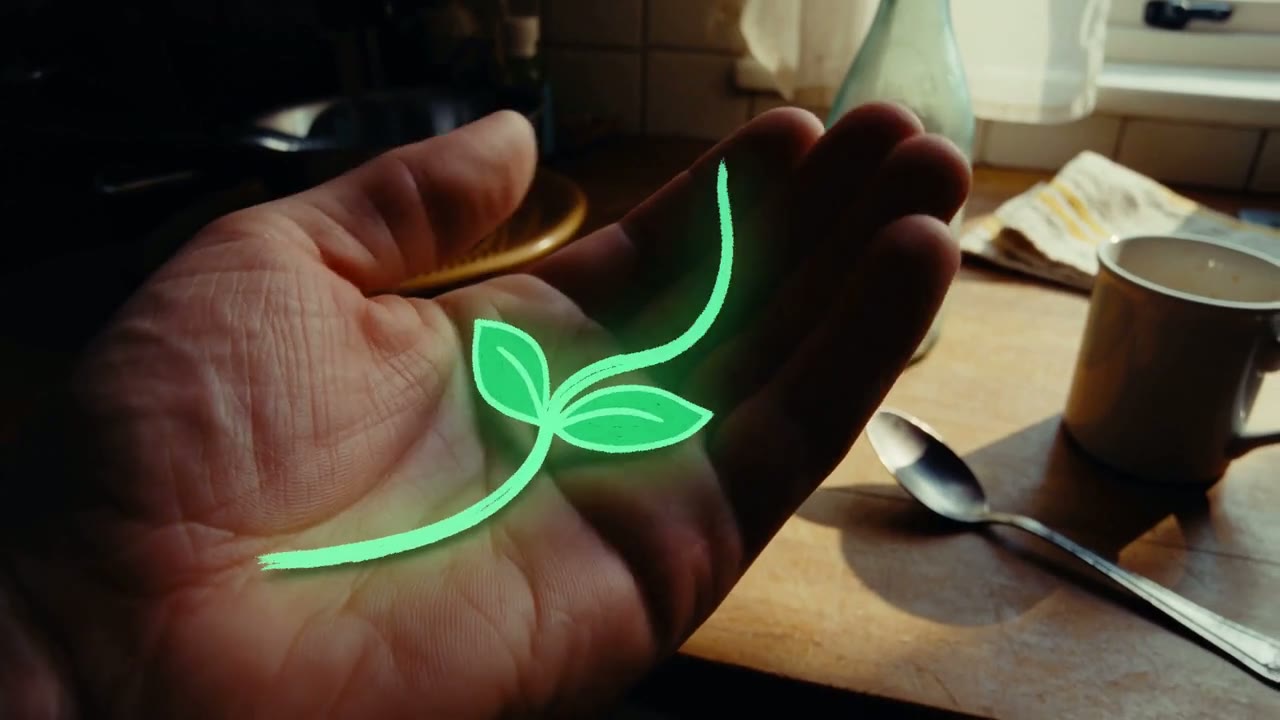
Sound is always on for H3 on Yovid. Write it into the prompt the way MiniMax did for the clip below, which asks for “kitchen ambience plus the creature’s soft electronic hums.”
 MiniMax H3
15 Seconds and Several Shots in One Clip
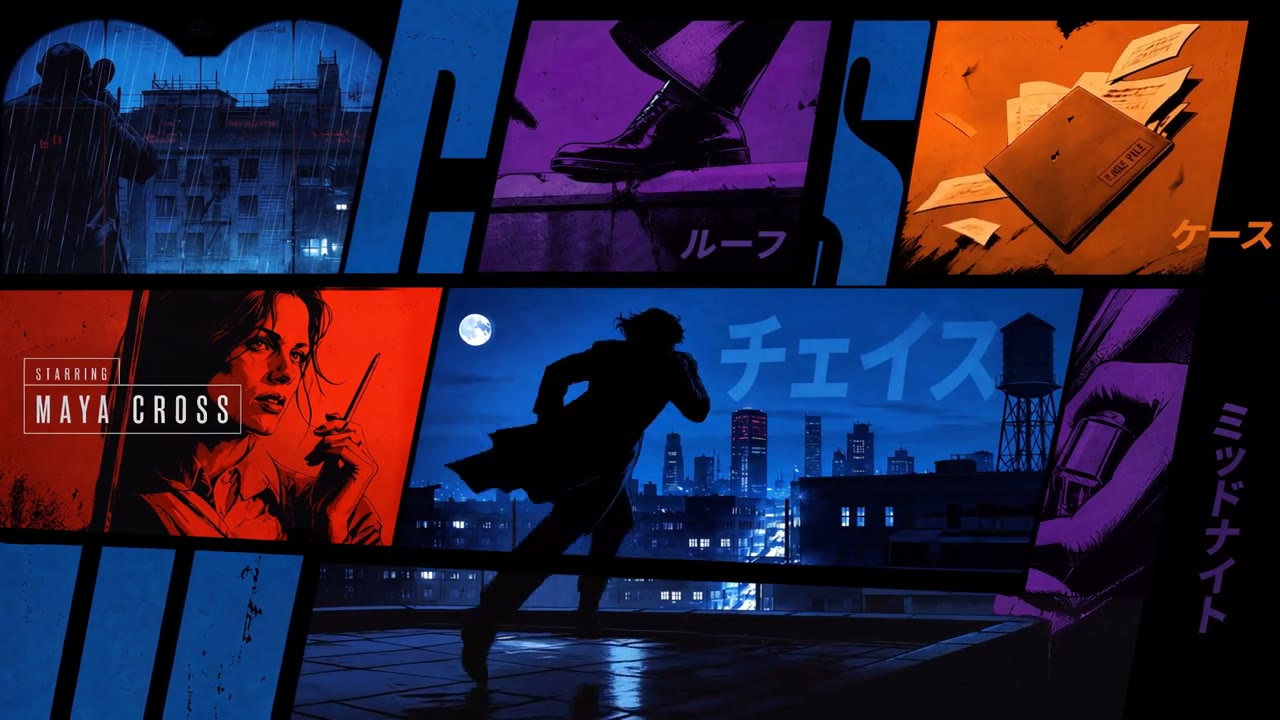
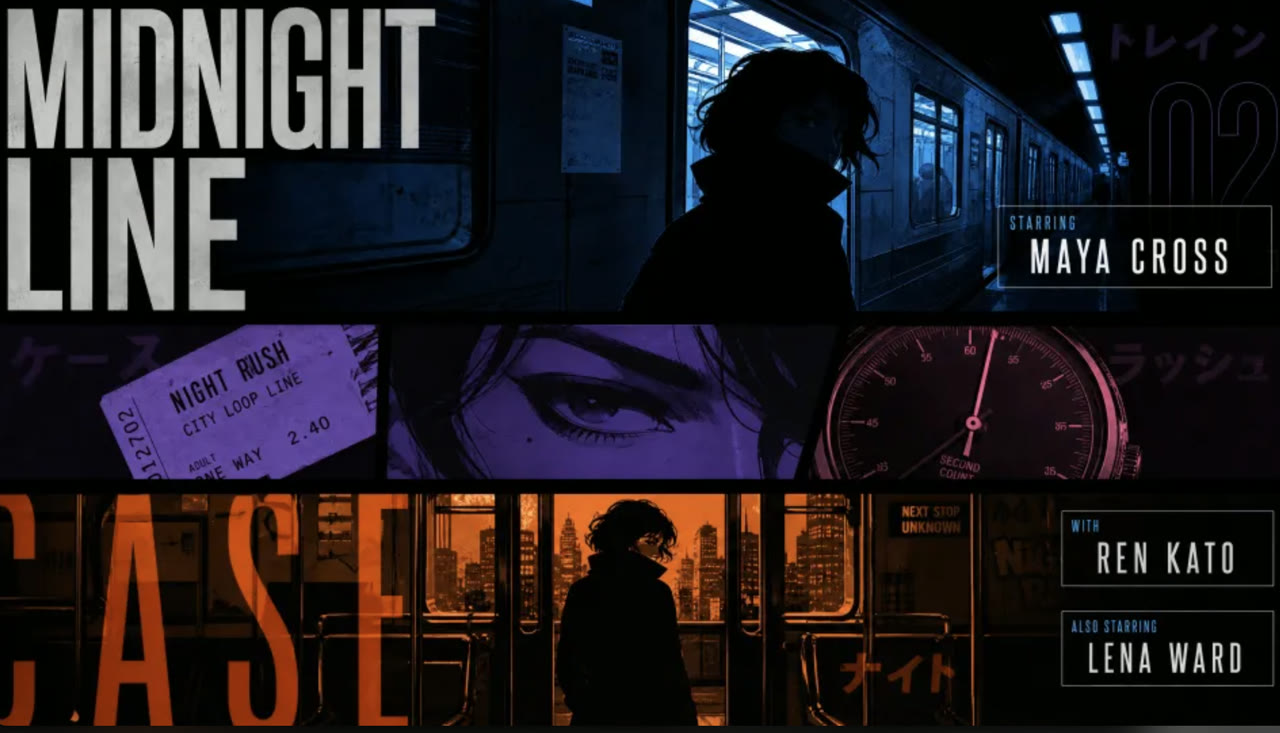
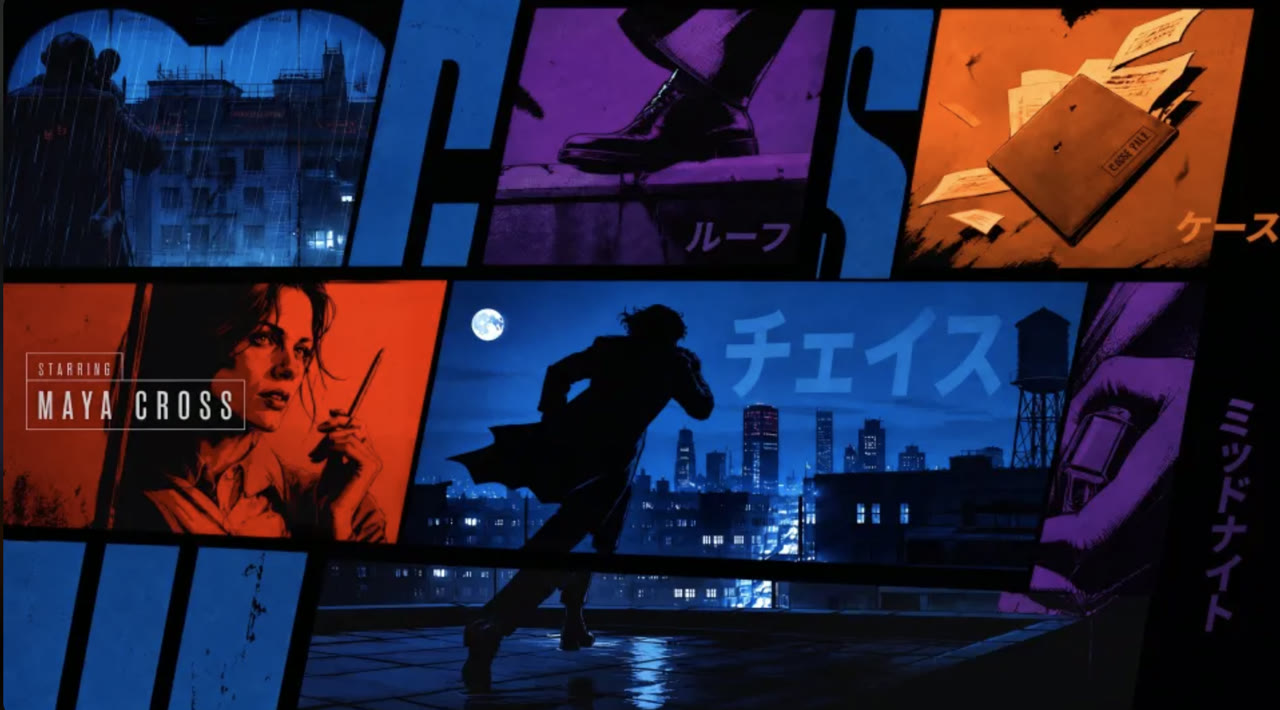
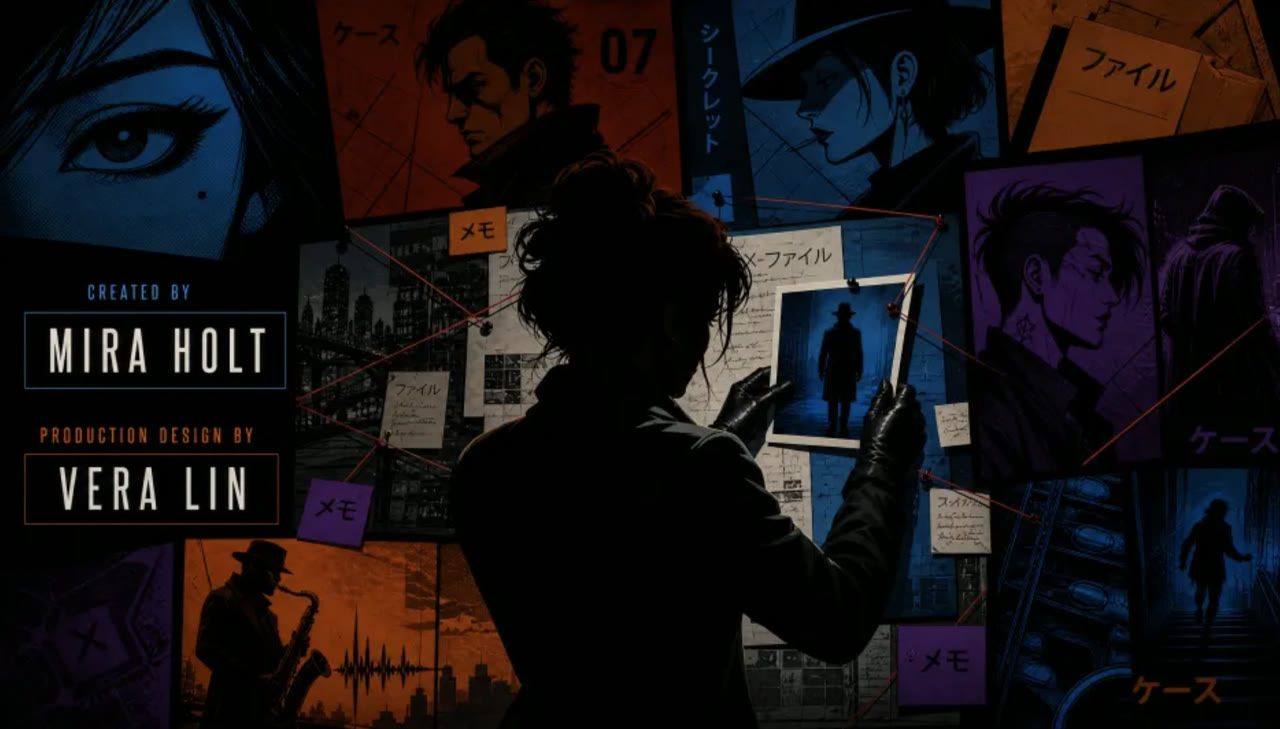
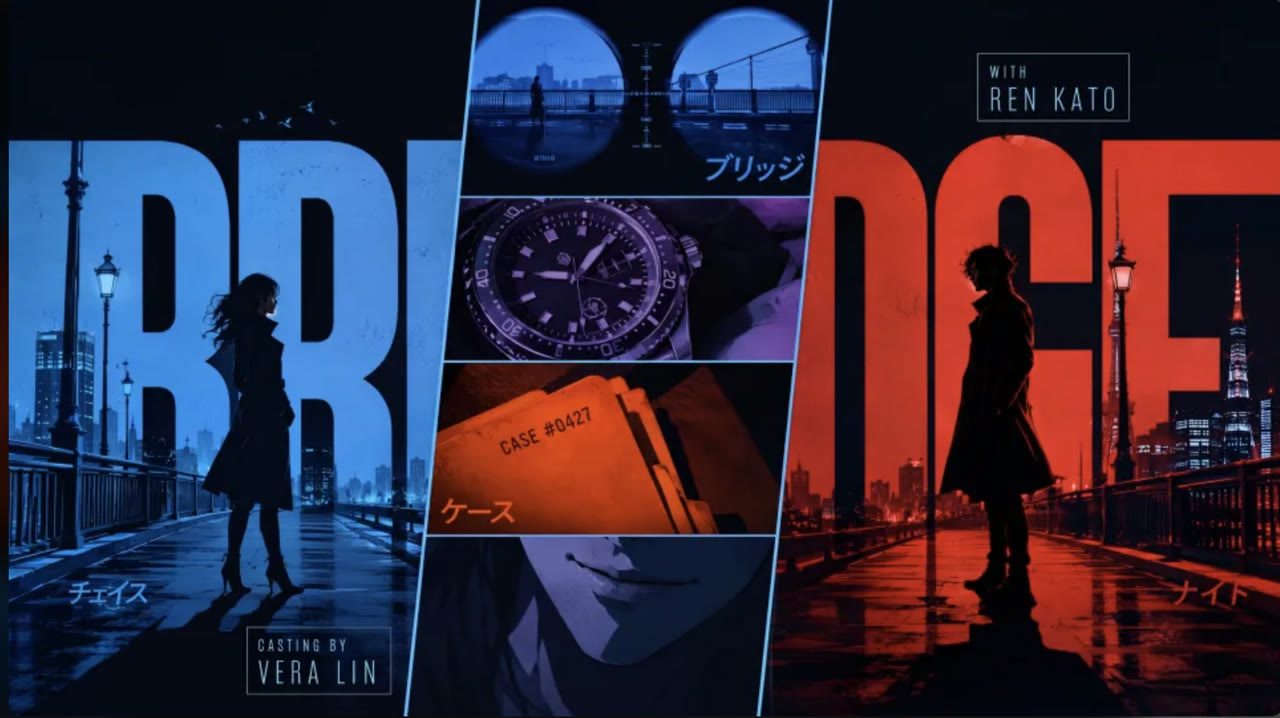
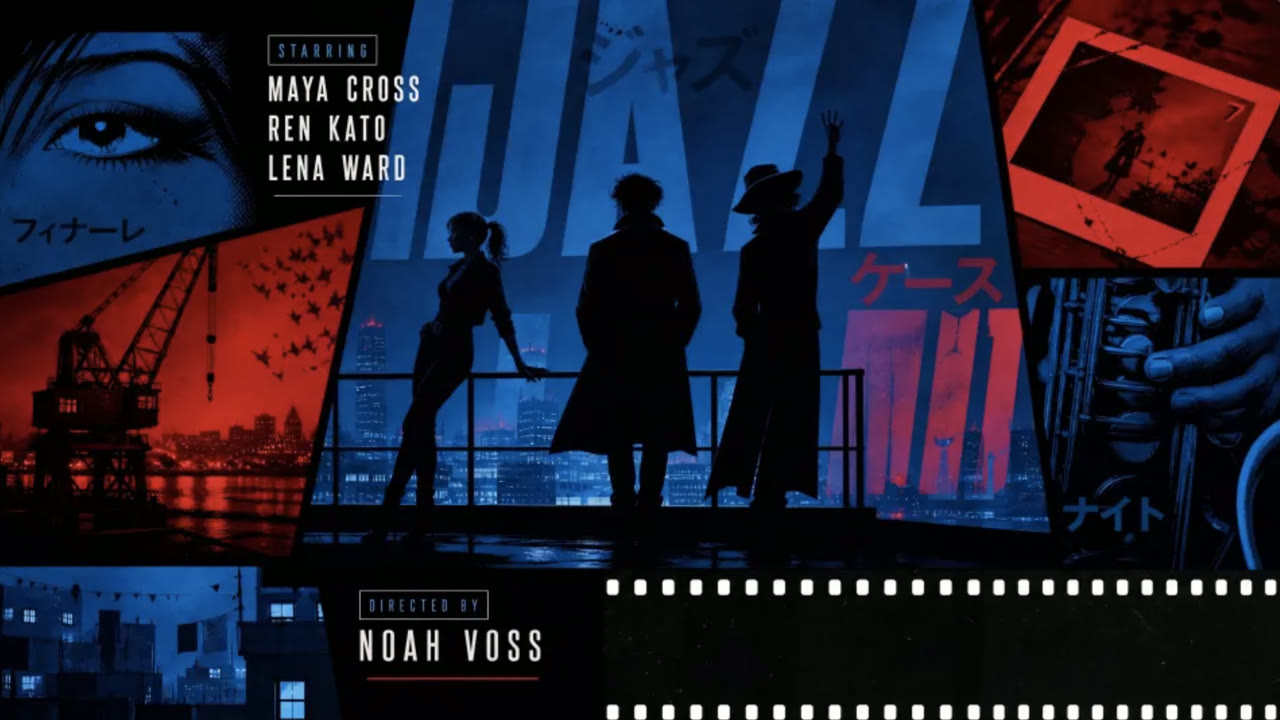
Hailuo 2.3 clips ran 6 or 10 seconds. H3 runs 5 to 15 seconds on Yovid, in whole seconds, and MiniMax trained it with native multi-shot modeling, so one generation can cut from a wide shot to a close-up or move through a run of panels without you stitching anything together.
MiniMax also lists accurate text and brand rendering among H3’s strengths, which is why the credits in the opening sequence below stay readable from frame to frame.
 MiniMax H3
Motion and Style, Rebuilt Rather Than Patched
People picked Hailuo 2.3 for movement: dance and fight choreography, faces that shift subtly, and looks from anime to ink wash. For H3, MiniMax built a new tokenizer and transformer and set the Hailuo 02 architecture aside, so it is a fresh model rather than 2.3 with extras bolted on.
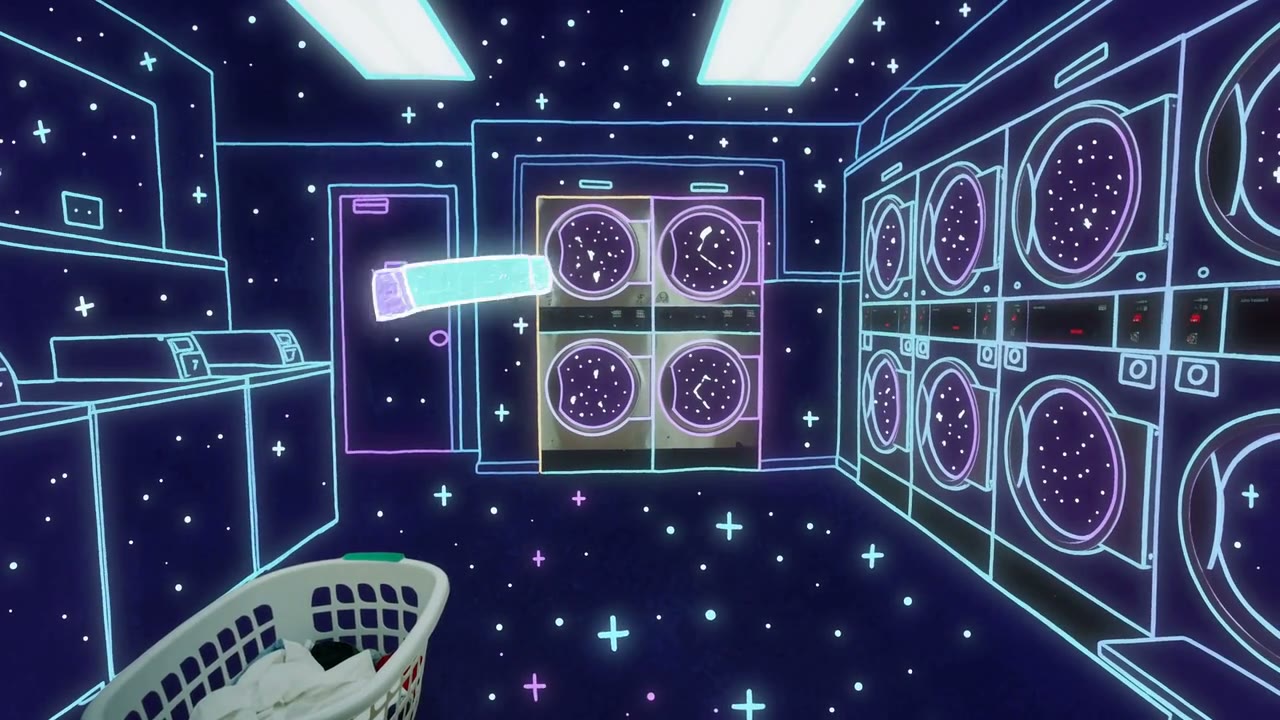
MiniMax pitches H3 for stylized animation, game CG and anime-style promos as well as live action. The first-person clip below moves through a laundromat and turns the whole room into a neon line drawing in one take. Run your favorite 2.3 prompts once on H3 before you plan a series around them.
 MiniMax H3
Land on a Last Frame, Not Just Start from a First
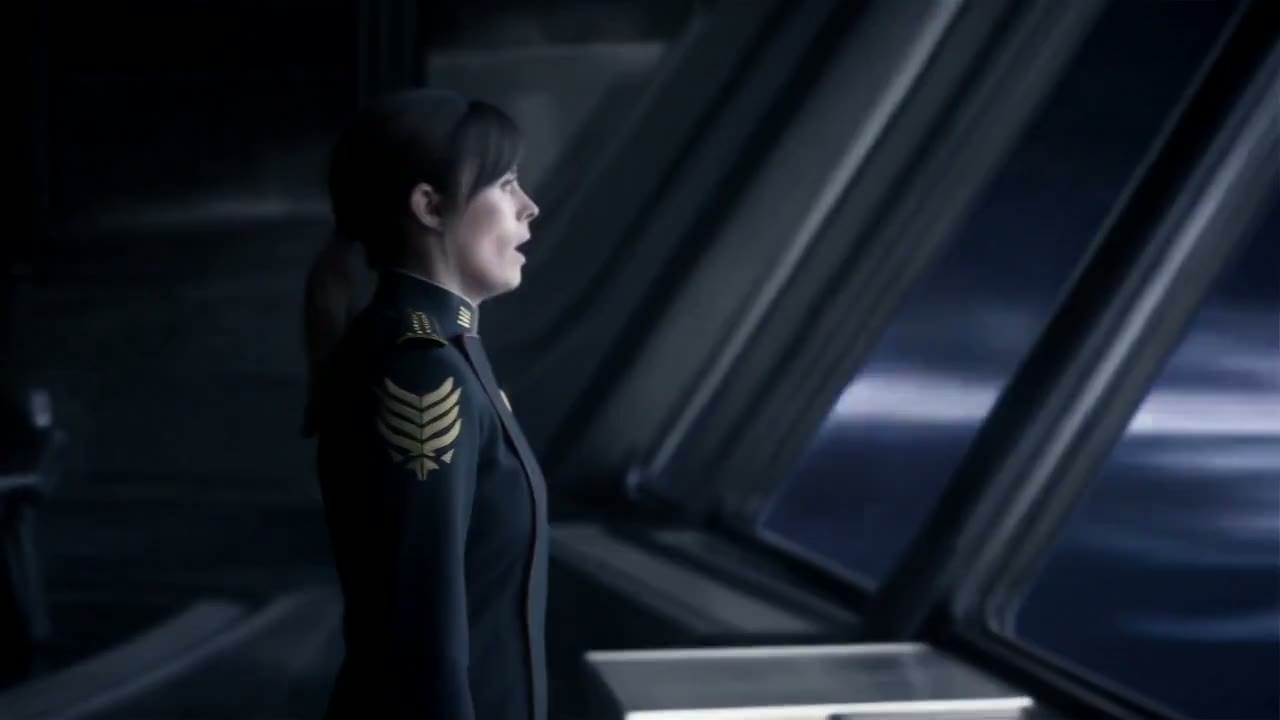
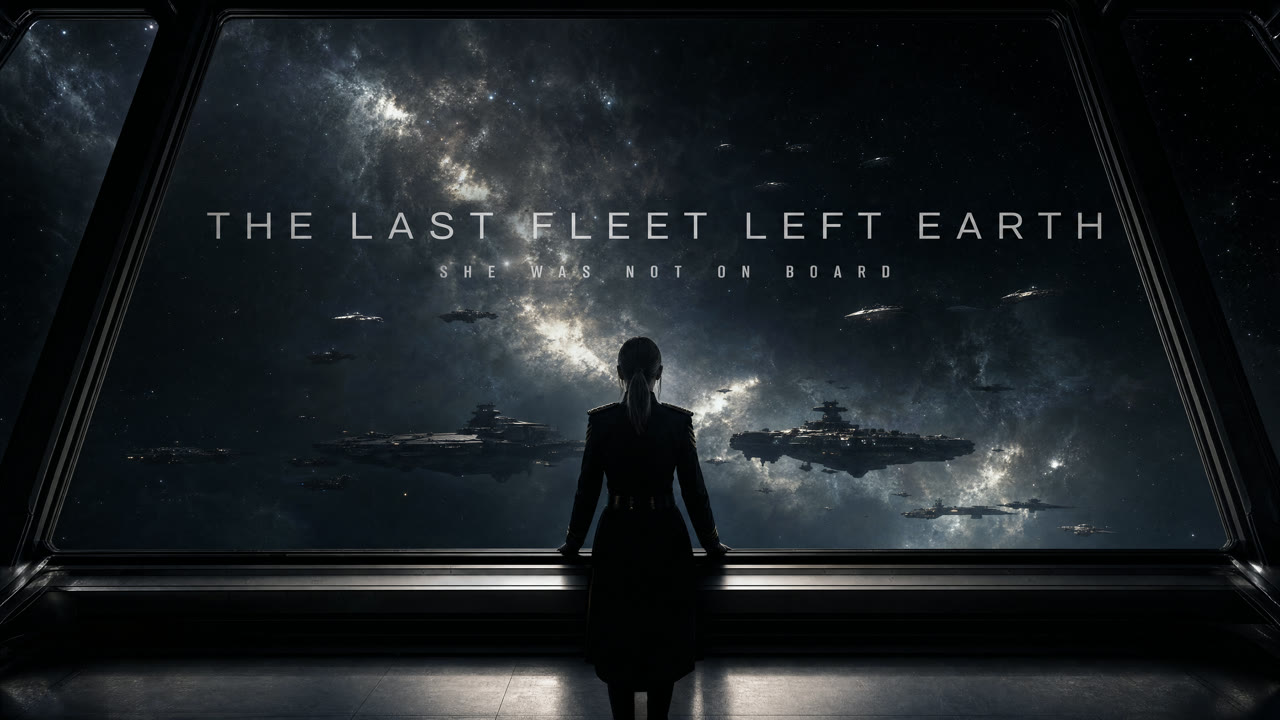
Hailuo 2.3’s image-to-video took a single starting image, and MiniMax’s start-and-end-frame mode stayed with Hailuo 02. H3 accepts a first frame, a last frame or both, and builds the motion between them from your prompt.
On Yovid an end frame on its own works too, which helps when you know exactly where a shot must finish. Frame-based clips follow the shape of the uploaded image, so crop it to the ratio you want first.
 MiniMax H3
Up to 9 Images and 3 Videos as References
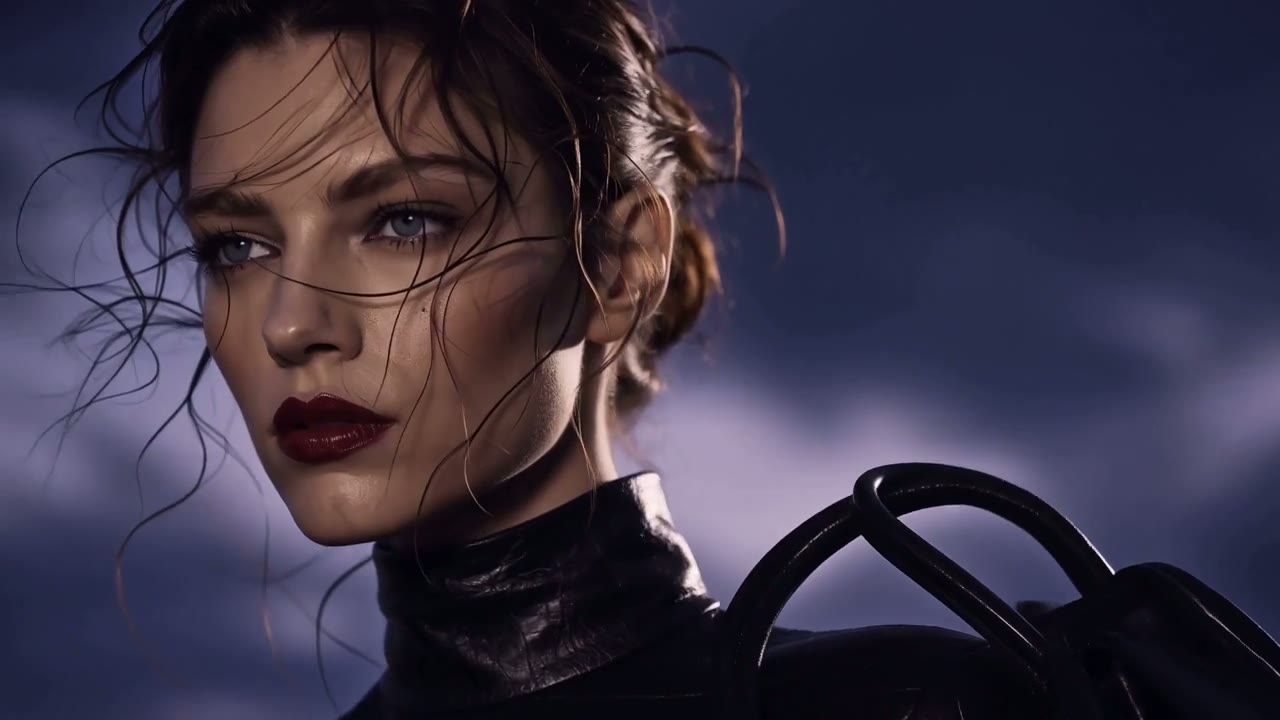
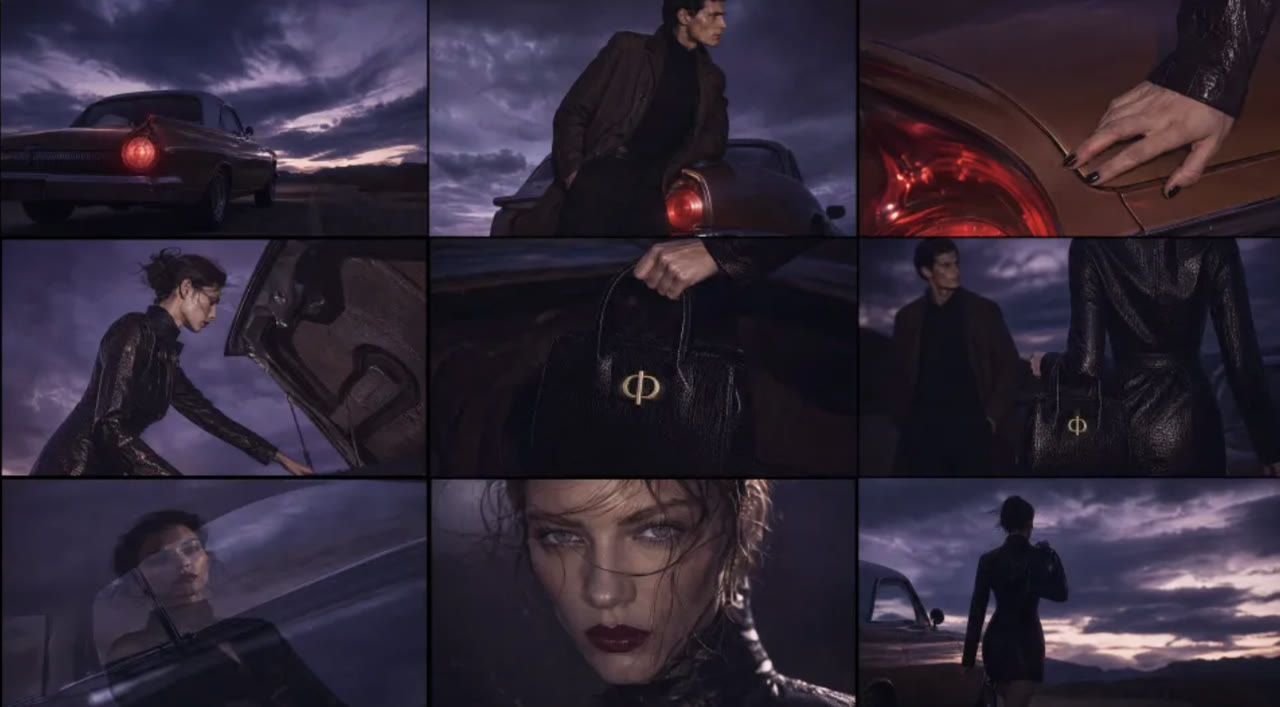
Hailuo 2.3 took at most one image, as the opening frame. In reference mode on Yovid, H3 reads up to 9 images and 3 video clips of 2 to 15 seconds alongside your text. Give each file a job in the prompt, such as “Image 1: mood”, “Image 2: character” or “Image 3: the bag”, and H3 works out how they fit together.
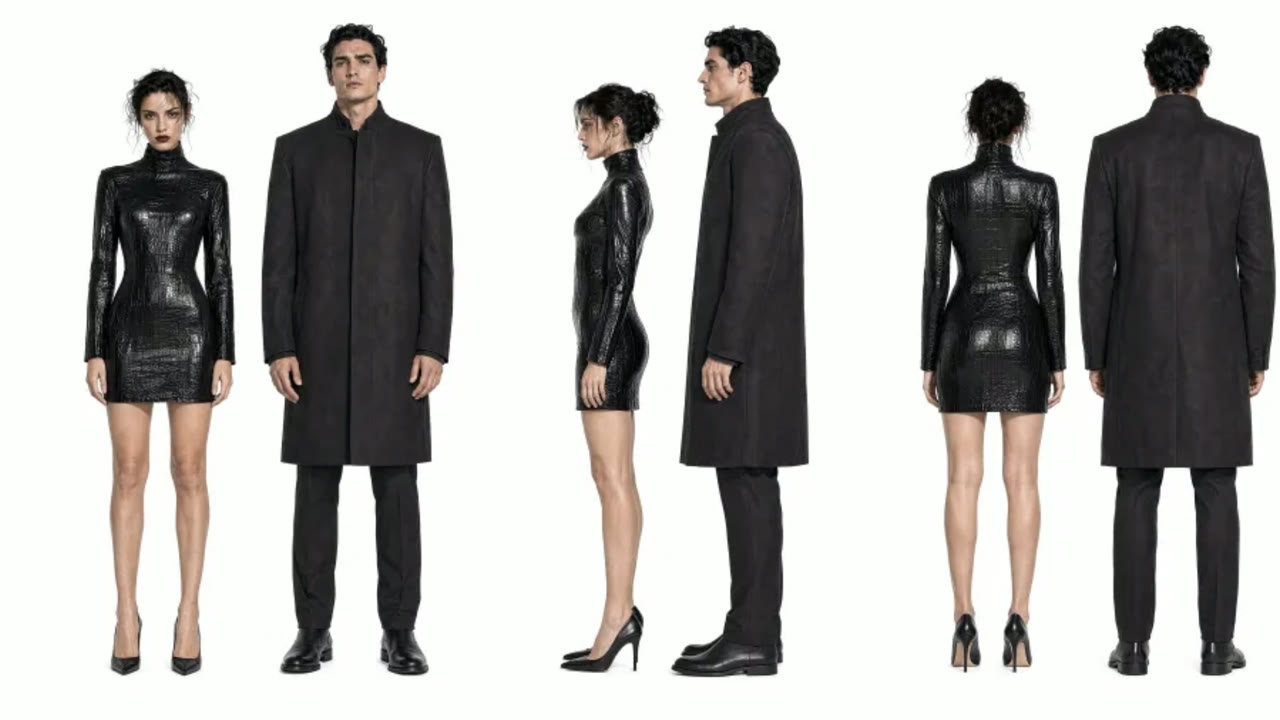
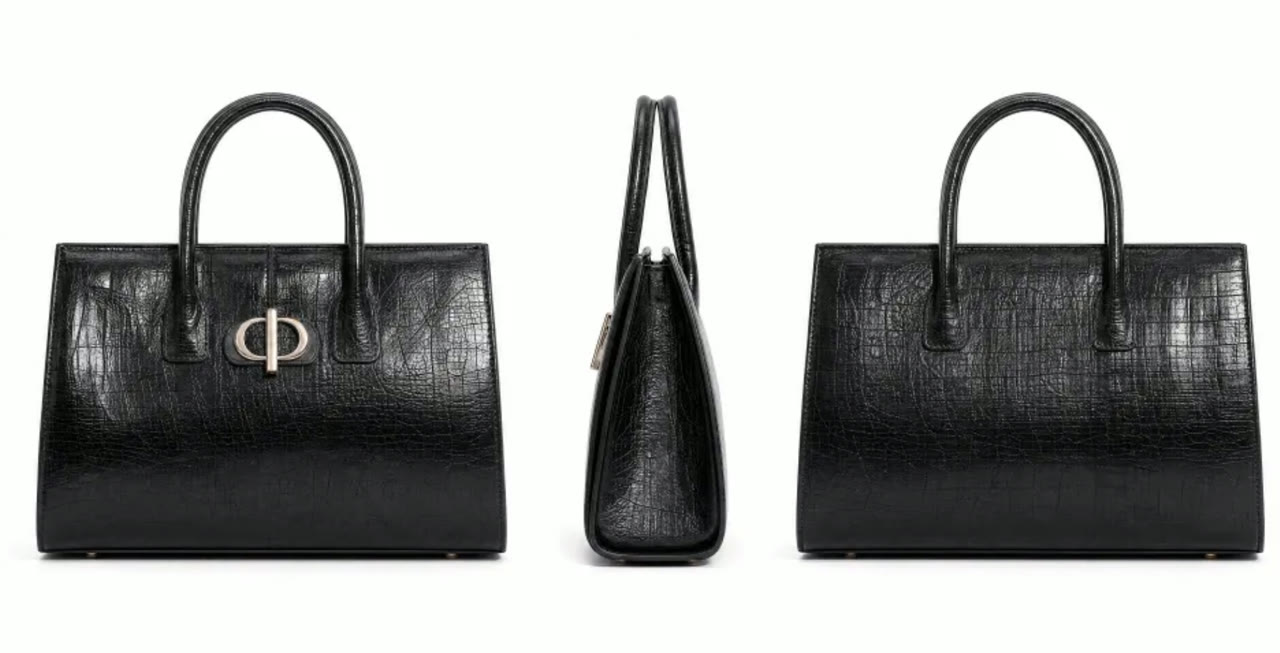
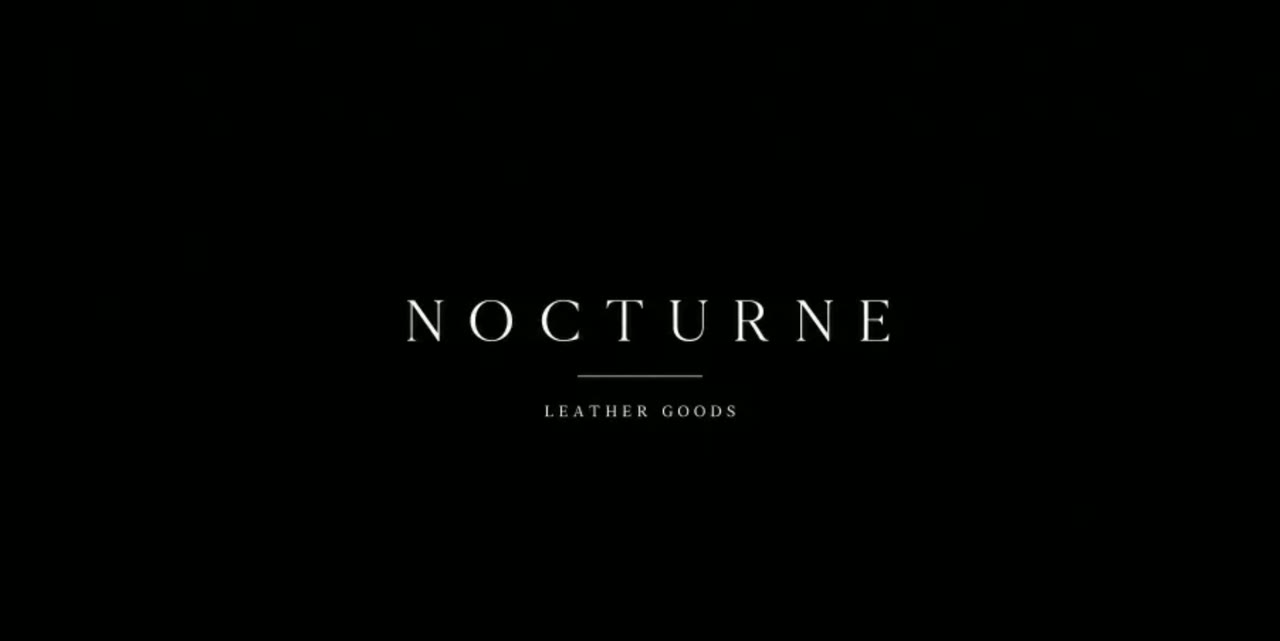
The campaign below came from four images: a mood board, the model, the handbag and the closing logo. MiniMax’s API also takes up to 3 audio clips, 12 files in all; Yovid does not offer audio references for H3 yet.
 MiniMax H3
H3 on Yovid: Settings, Credits and Access
Everything below is read from the H3 settings in Yovid’s generator. The composer shows the exact credit quote before you generate, so nothing is spent until you confirm.
| Length | 5 to 15 secondsWhole seconds, 5 by default. MiniMax’s API starts at 4. |
|---|---|
| Resolution | 2KMiniMax’s 768p tier is not offered on Yovid. |
| Aspect ratio | 21:9, 16:9, 4:3, 1:1, 3:4 or 9:16Clips that start or end on an uploaded frame follow that image. |
| Inputs | Text, a first and/or last frame, or referencesUp to 9 images and 3 videos; prompts up to 7,000 characters. |
| Sound | Always on, in stereo |
| Credits | About 4.55 per secondAbout 23 for 5 s and 68 for 15 s at base rates. Reference-video seconds are billed too, and each image after the fifth adds about 1.4. |
| Access | Pro, Premium or a credit packNot on the free plan, and Lite stops at 1080p, below H3’s 2K. |
Who Should Move Their Hailuo 2.3 Work to H3
If one of these was your reason for using Hailuo 2.3, H3 is where that work goes next on Yovid:
- E-commerce sellers: Product ads were a launch use case for 2.3; H3 adds 2K, reference photos that keep the product on model, and music in the same file.
- Anime and stylized creators: Stylized animation, game CG and anime-style promos are among the uses MiniMax lists for H3, now with sound.
- Short-drama makers: Vertical 9:16 trailers and scenes up to 15 seconds, with the leads and the set pinned by reference images.
- Brand and film teams: Teasers, opening titles and brand films that cut between shots and keep on-screen type legible.
- Image-to-video regulars: The same photo you animated with 2.3, now as a first or last frame, up to 15 seconds and with a soundtrack.
Hailuo 2.3 Alternatives on Yovid: MiniMax H3, Seedance 2.5, Kling 3.0 and Wan 3.0
Hailuo 2.3 has no column because Yovid can’t run it; its published specs are in the first section of this page. Every cell below except the last row comes from the settings each model exposes in Yovid’s generator today.
| Feature / Model |  MiniMax H3 MiniMax H3 |  Seedance 2.5 Seedance 2.5 |  Kling 3.0 Kling 3.0 |  Wan 3.0 Wan 3.0 |
|---|---|---|---|---|
| Longest clip | 15 s | 30 s | 15 s | 30 s |
| Top resolution | 2K | 1080p | 1080p | 1080p |
| Aspect ratios | 21:9, 16:9, 4:3, 1:1, 3:4, 9:16 | 16:9, 9:16, 1:1, 4:3, 3:4, 21:9 | 16:9, 9:16, 1:1 | 16:9, 9:16, 1:1, 4:3, 3:4 |
| Reference images | 9 | 30 | — | 10 |
| Reference videos | 3 | 10 | — | 5 |
| Credits for a 5 s clip | 23 | 31 | 13 | 12 |
| Best for | MiniMax’s own follow-up to 2.3: 2K shots with sound, frames or references. | Long takes up to 30 s and edits to footage you already have. | Short 1080p clips built around character movement. | Clips up to 30 s at a lower per-second price than H3. |
Credits are base credit-pack rates for a 5-second clip at 720p, or at the nearest resolution a model offers (2K for MiniMax H3), and follow Yovid’s live pricing; subscribers pay less per job.
Hailuo 2.3 vs MiniMax H3: What You Gain and What to Watch
Moving a Hailuo 2.3 workflow to H3 on Yovid is mostly an upgrade, with a few trade-offs worth knowing before you start.
What you gain
- Resolution: Native 2K on every clip, against 2.3’s 1080p ceiling on 6-second clips.
- Length: Anything from 5 to 15 seconds instead of a choice between 6 and 10.
- Sound: A stereo track generated with the picture, where 2.3 returned silent video.
- Control: First and last frames, or 9 images and 3 videos as references, where 2.3 took one starting image.
What to watch
- Plan access: Not on the free plan or Lite; H3 needs Pro, Premium or a one-time credit pack.
- No budget tier: H3 is 2K only on Yovid, with nothing like 2.3’s 768p option or the cheaper 2.3 Fast.
- Audio control: There is no sound switch, and Yovid doesn’t take audio references for H3.
- Different model: H3 is a new architecture, so a prompt tuned for 2.3 can come out differently; test it before a big batch.
How to Turn a Hailuo 2.3 Idea into an H3 Video
- Step 1
Open H3 from this page
The composer above already has MiniMax H3 selected; in the full generator, pick it under MiniMax in the model menu.
- Step 2
Bring your 2.3 prompt or image
Paste the prompt and add the sound you want, use the same photo as a first or last frame, or attach up to 9 images and 3 clips.
- Step 3
Pick 5–15 s and generate in 2K
Choose the length and ratio, check the credit quote, then download the finished MP4 from your library.
Real MiniMax H3 Prompts to Start From
These are the prompts MiniMax published with its H3 demos, shown next to the clips they produced (two brand names trimmed). Three were written for reference images, so attach your own in the same order before you generate.
Leather brand film
Reference to video · 4 images · 15 sA 16:9 high-fashion brand campaign. Image 1: mood, setting, film grain. Image 2: character. Image 3: bag. Image 4: ending logo. Core story: on a desert highway beside a vintage car, the woman takes a black bag from the trunk, shares a brief quiet moment with the man, then leaves. Tone premium and cool; edit agile and fashion-forward.
Source: MiniMax API docs · Video prompt guide
Try this promptGlowing kitchen sprites
Text to video · 16:9 · 15 s15s, 16:9. Live-action footage of a small kitchen at dusk fused with hand-drawn glowing animation. Old wooden table, half-washed mug, foggy jar, hanging dishcloth. Subtle handheld shake, hesitant close-focus, backlit exposure fluctuation — as if someone at home rushed to capture something inexplicable. Sound: kitchen ambience plus the creature's soft electronic hums.
Source: MiniMax API docs · Video prompt guide
Try this promptVampire romance trailer
Reference to video · 9:16 · 2 images15s, 9:16 vertical trailer for an overseas live-action vampire-romance short drama. Image 1: male and female leads. Image 2: setting. Story: an innocent human heroine wanders into a forbidden castle and wakes the sleeping vampire aristocrat; he develops a dangerous, controlling fascination — she fears him but doesn't submit. Dark romance, danger, destiny. Medium-close and close shots for eye contact and tension.
Source: MiniMax API docs · Video prompt guide
Try this promptEyewear commercial
Reference to video · 9:16 · 3 images9:16 high-fashion eyewear commercial on a minimal white cyc. Image 1: two full-body female models. Image 2: facial details. Image 3: eyewear design — wrap-around curves, sharp cat-eye/goggle hybrid silhouettes, mirror reflections, streamlined temples. Keep the runway attitude and cool demeanor.
Source: MiniMax API docs · Video prompt guide
Try this prompt
More Video Models on Yovid
Guides for Moving Your Hailuo Prompts to H3
How H3 stacks up against every other video model on Yovid, plus prompt formulas for text and image starts.
FAQs
What is MiniMax Hailuo 2.3?
Can I use Hailuo 2.3 free online on Yovid?
Is Hailuo 2.3 discontinued?
Is MiniMax H3 the next version of Hailuo?
What is the difference between Hailuo 2.3 and MiniMax H3?
Will my Hailuo 2.3 prompts work on H3?
How much does a MiniMax H3 video cost on Yovid?
Does Hailuo 2.3 or MiniMax H3 generate sound?
Can I use MiniMax H3 videos commercially?
Is Yovid connected to MiniMax?
Bring Your Hailuo 2.3 Ideas to H3
Paste the prompt or the photo you used with 2.3, and MiniMax H3 renders it at 2K with sound, up to 15 seconds long.
Create with MiniMax H3