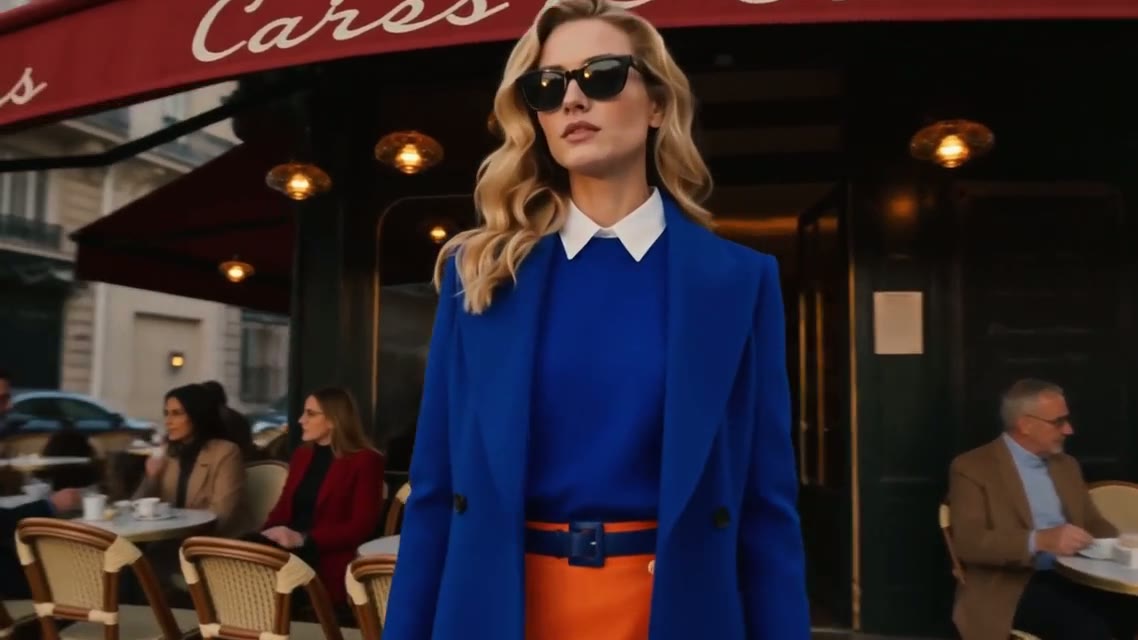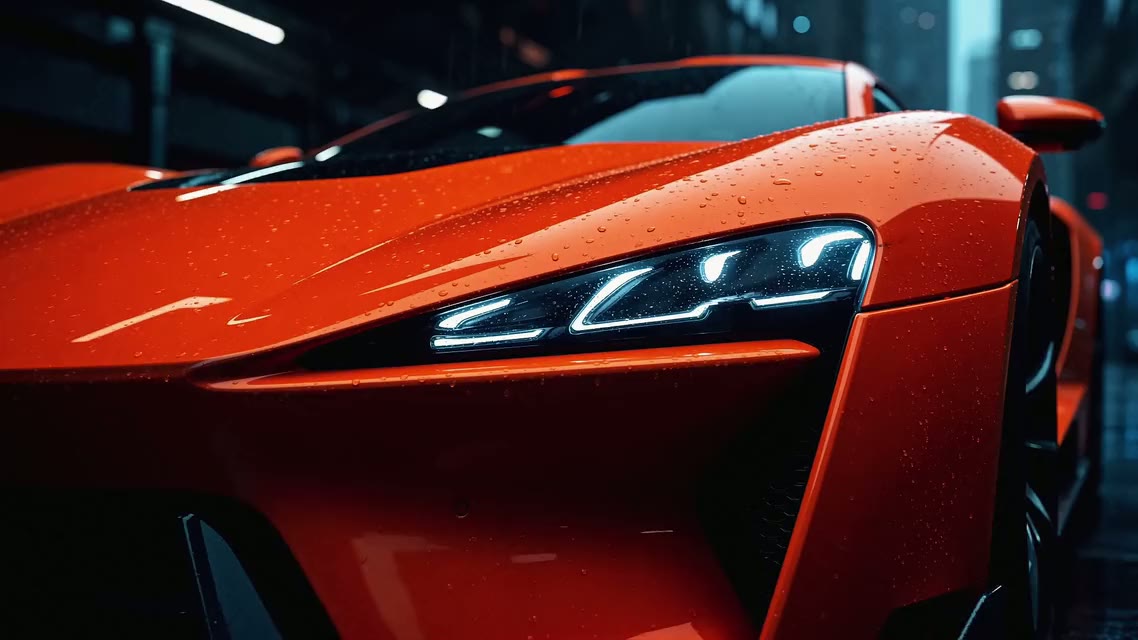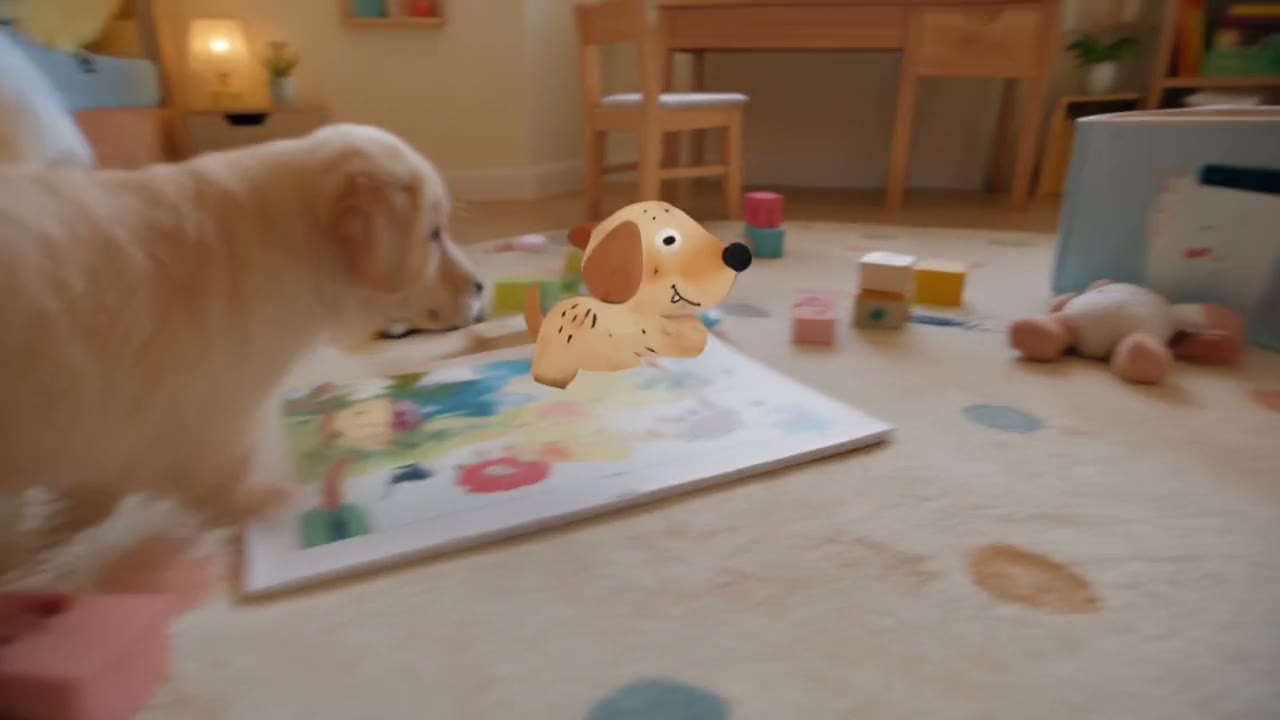
Direct answer: a good Seedance 2.5 prompt reads like a short shooting script. Say the format and length first, describe the cast once, then give the action in timed beats (one beat per 5 to 10 seconds), with the camera move, the light and the sound inside each beat. Put spoken lines in quotes and name the language. When you attach files, name each one in the prompt (@image1, @video1) and say what it controls. The 13 prompts below cover long takes, dialogue, sound, references, edits and extensions.
Contents
- What is different about prompting Seedance 2.5
- The seven-part structure
- Six rules that matter most
- 30-second prompts in timed beats
- Dialogue and sound prompts
- Reference prompts
- Edit and extend prompts
- Common mistakes and fixes
- Which Seedance model to draft on
- FAQ
What is different about prompting Seedance 2.5
ByteDance Seed describes Seedance 2.5 as an audio-video model "built for 30-second storytelling". Four things follow from that, and each one changes how you write:
- Length. One generation runs from 4 to 30 seconds on Yovid. A single paragraph rarely fills 30 seconds well, so long clips need a plan in beats.
- Sound in the same pass. Dialogue, ambience and effects are generated with the picture, and sound is on by default. If you leave sound out of the prompt, the model still invents some.
- A big reference budget. The Yovid composer takes up to 30 images and 10 video clips. More files only help when the prompt says what each file is for.
- Edits and extensions. Upload a clip and describe a change, or ask it to continue. Yovid reads the intent from your wording, so the verbs you choose matter.
If you are new to video prompts in general, start with the shot-by-shot text to video formula; this guide builds on it with what is specific to Seedance 2.5.
The seven-part structure
| Part | What to write | Example |
|---|---|---|
| Format and length | Genre, frame, duration | "A 30-second 16:9 short drama" |
| Cast | Who is on screen, described once | "an old barber in a white smock; a regular customer in his sixties" |
| Action in beats | What happens, in order, with times | "0–10s: …, 10–20s: …, 20–30s: …" |
| Camera | One or two moves per beat | "slow push-in", "handheld follow", "one unbroken take" |
| Light and look | Time of day, light source, grade | "blue dusk outside, warm tungsten inside" |
| Sound and dialogue | Lines in quotes, language, effects | "Dialogue in French: …", "scissors snipping, a radio low" |
| Constraints | Short exclusions only | "no on-screen text, no music" |
Order matters less than coverage, but describing the cast before the beats keeps faces steady: the model reads who these people are before it reads what they do.
Six rules that matter most
- One action per beat. Two actions in a five-second beat usually turn into one rushed action.
- Describe the cast once and keep it identical. If the coat is "cobalt-blue" in the first line, do not call it "navy" later.
- Quote every spoken line and attribute it. Write who says it, then the line:
She says softly, "You always say you like being alone."Name the language if it is not English. - Tie sound to action. "A door chime as she walks in" works better than "realistic sound design".
- Give every reference one job. "@image1 is the character, @image2 is the product, @video1 sets the camera move."
- Draft first. Run a new prompt as a 480p draft, then upgrade the take you like to 1080p instead of paying full price for every attempt.
30-second prompts in timed beats
Write each beat on its own line, starting with its time range. On this blog, prompts written this way are drawn as a timeline so you can check the pacing before you copy them.
1. One-take street chase
- 0–8sa young courier in a yellow rain jacket bursts out of a subway exit into a crowded night street, the camera chasing close behind her
- 8–16sshe weaves between umbrellas and food stalls as a taxi brakes hard, neon reflections streaking across the wet asphalt
- 16–24sshe vaults a low railing and cuts across a crosswalk, the camera swinging around to face her in one unbroken move
- 24–30sshe stops at a door, catches her breath and knocks twice. Rain, traffic horns and her footsteps, no music
Every beat moves the same character forward, and the last beat ends on a clear final frame instead of fading out.
2. A 30-second product spot with sound cues
- 0–6sextreme macro of a matte black wireless earbud case on wet slate, a single drop of water rolling off the lid. Soft click as the lid opens
- 6–14sslow orbit as the earbuds rise out of the case, studio rim light tracing their edges. A low synth swell starts
- 14–22sa runner in a grey hoodie puts one earbud in at dawn on an empty bridge and starts jogging, the city muffled behind her
- 22–30sclose-up of her face relaxing as the beat drops, then a wide shot of the bridge as she runs into the sunrise
Sound is written as events (the click, the swell, the beat drop) so the soundtrack follows the edit.
3. Documentary morning at a fish market
- 0–10swide establishing shot of a harbor fish market before sunrise, fluorescent lights, gulls overhead, crates of ice being stacked
- 10–20shandheld medium shot of a fishmonger in rubber boots hosing down the floor and shouting prices to early buyers
- 20–30sclose-up of her hands weighing a silver mackerel on a steel scale, then a slow pull back as the first customers arrive. Natural ambience only
4. A six-beat story in one paragraph
Beats do not have to be on separate lines. This prompt, abridged from ByteDance Seed's Seedance 2.5 showcase, lists six beats in a single sentence:
A neighborhood barbershop on its last night, in six beats: a slow push-in on the chair, a sideburn trim, the brush-off, a long handshake ("Will you be open tomorrow?" "Not tomorrow. Tonight's the last night."), the customer leaving into blue dusk, and the barber locking up.
Clip: ByteDance Seed's Seedance 2.5 showcase, 28 seconds, sound on.
Dialogue and sound prompts
5. Two people, lines in English
A 20-second French New Wave style scene at dusk, natural light, restrained camera. Two young adults sit on a seaside bench after swimming, looking at the sea, not at each other. She says softly, "You always say you like being alone." He shrugs: "I do. Except when someone keeps me company without making noise." Keep only the sound of the waves.
The lines are short, each is attributed, and the prompt says which sounds to keep.
6. Dialogue in another language
A wet Paris street late at night, a green pharmacy cross flashing in the rain. A mother carrying a feverish child hurries in. Dialogue in French: "Quel âge ?" "Deux ans." "Il a mangé ?" "Un peu, dans le taxi." Restrained, documentary tone.
Clip and prompt (abridged): ByteDance Seed's Seedance 2.5 showcase, 30 seconds. Unmute to hear the French exchange.
7. A sound-led scene with no dialogue
A 15-second close-up study of a ramen cook at a late-night counter. Steam rising from a pot, noodles lifted and shaken over the bowl, broth ladled in one smooth pour. Sound only: bubbling broth, the hiss of the burner, chopsticks tapping the rim, a quiet radio in the back. No music, no speech.
Listing the sounds and then excluding music and speech gives a clean foley track you can mix later.
Reference prompts
8. Character, product and location from three images
@image1 is the main character, a woman with short silver hair and round glasses. @image2 is the ceramic coffee mug she holds, keep its shape and logo. @image3 is the kitchen. 12-second handheld shot: she walks into the kitchen from @image3, pours coffee into the mug from @image2, turns to the window and smiles. Morning light, soft kettle hiss.
9. Borrow a camera move from a video
Use @video1 only for the camera path and timing. The subject is the red vintage motorcycle from @image1, parked on a coastal road at golden hour. Keep the slow 180-degree orbit and the final low angle. Engine ticking as it cools, waves below.
ByteDance says Seedance 2.5 reads a reference video for its framing and camera language, not only its motion, so name the parts of the clip you want to keep. Avoid edit verbs such as "replace" or "remove" in a prompt like this: with a video attached, Yovid would read them as an edit request (see the next section).
10. A stylized look held across the clip
A 10-second warm stop-motion scene on a handmade miniature meadow in soft morning sun. A felt rabbit and a felt squirrel with visible wool fibers move with a subtle frame-by-frame stutter among tiny wildflowers. Keep the felt texture and the stutter for the whole clip.
Edit and extend prompts
Upload the clip first. Wording such as "replace", "remove" or "change the background" sends the request to edit mode; starting with "Extend @video1" sends it to extension mode. You do not pick a mode yourself.
11. Change the setting, keep the performance
Change the background to a vineyard in France, replace the coffee in their hands with red wine glasses, change her outfit to a floral wrap dress with a small shoulder bag. Keep everything else unchanged.
Edited clip from ByteDance Seed's Seedance 2.5 showcase. The original showed the same couple with takeaway coffee in a park.
"Keep everything else unchanged" is the most useful sentence in an edit prompt: it protects the camera move, the timing and the faces.
12. Remove one object
Remove the parked white van on the left side of the street from @video1. Keep the camera move, the pedestrians and the lighting exactly as they are.
13. Continue a shot
Extend @video1. Keep the characters, kitchen, clothing and prop positions. The mother stops at the kitchen doorway, hair a little messy, and asks softly in Chinese, "Xiao Cheng?" The child turns around holding a tomato.
ByteDance describes extending a clip twice as the way to build a longer story, so plan the second extension before you write the first.
Common mistakes and fixes
| What went wrong | Likely cause | Fix |
|---|---|---|
| Action rushed into the first seconds | One paragraph for a 30-second clip | Split into timed beats |
| The same action loops | Too little action for the length | Add a beat or shorten the clip |
| A face changes halfway | Cast described differently in two places | Describe once, then refer to "she" or the name |
| Wrong person speaks a line | Line not attributed | Put the speaker before every quote |
| Music you did not ask for | Sound left open | List the sounds you want and add "no music" |
| References ignored | Files attached but not named | Name each file and give it one job |
| An edit changed too much | No protection clause | End with "keep everything else unchanged" |
Which Seedance model to draft on
Seedance 2.5 prompts also run on Seedance 2.0, which costs less per second and stops at 15 seconds. A cheap way to work is to test a short version of the idea there, then render the full take on Seedance 2.5. The differences are covered in Seedance 2.5 vs Seedance 2.0.
FAQ
How long can a Seedance 2.5 prompt be?
The model accepts up to 10,000 characters on Yovid, but length is not the goal. For a 5 to 10 second clip, 40 to 80 words is usually enough. For 30 seconds, write three to six timed beats rather than more adjectives.
Do timed beats have to add up to the clip length?
Yes. Set the duration in the composer to match the last beat, for example 30 seconds for a beat that ends at 30s. If the beats and the duration disagree, the model compresses or stretches the action.
How do I write dialogue in Seedance 2.5?
Put each line in quotes, attribute it to a character, and name the language when it is not English. ByteDance's own Seedance 2.5 demos include English, French and Chinese dialogue. Keep lines short; long speeches crowd out the action.
Can I use these prompts with reference images?
Yes. Add the images in the composer and add one sentence per file that says what it controls, such as "@image1 is the character". Up to 30 images and 10 video clips fit in one generation on Yovid.
Why does my prompt open the text to video page?
The "Try this prompt in Yovid" button under each prompt opens Yovid's text to video generator with Seedance 2.5 selected and the prompt filled in. Add a first frame or reference files there before you generate.
Ready to try one? Pick a prompt above and press "Try this prompt in Yovid", or read whether Seedance 2.5 is free to see what a draft costs first. Developers can send the same prompts through the Seedance 2.5 API.