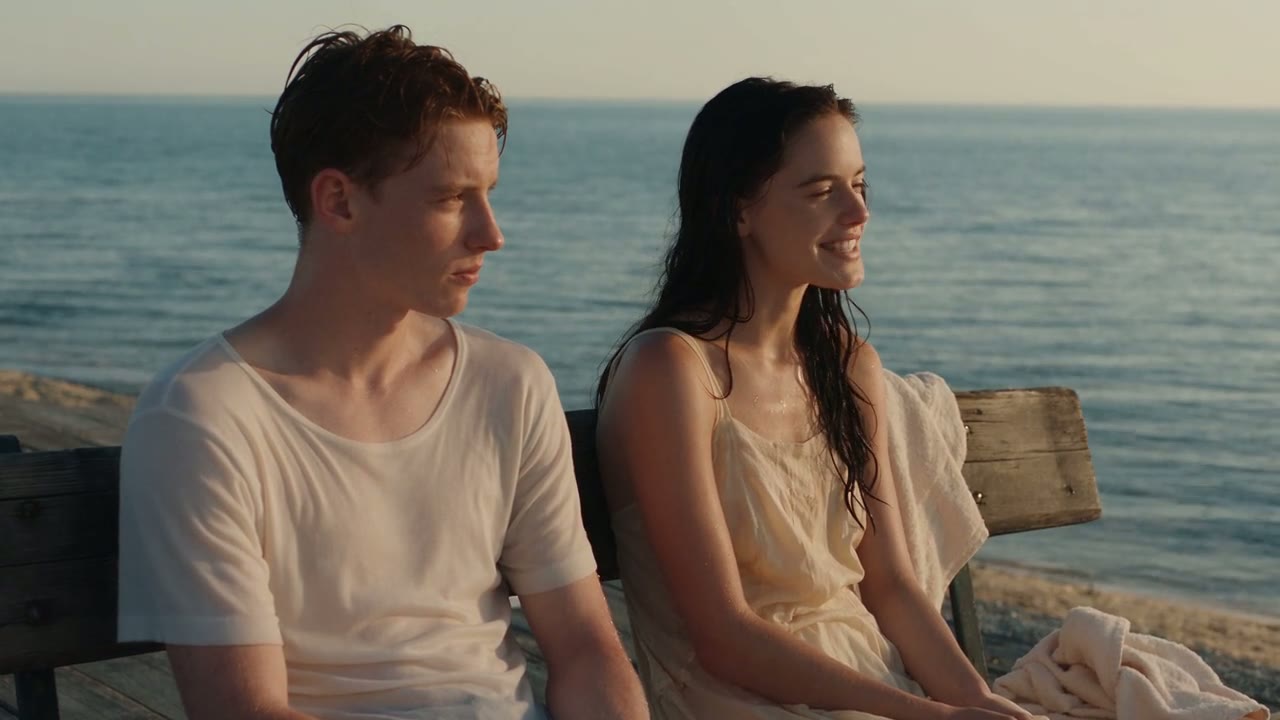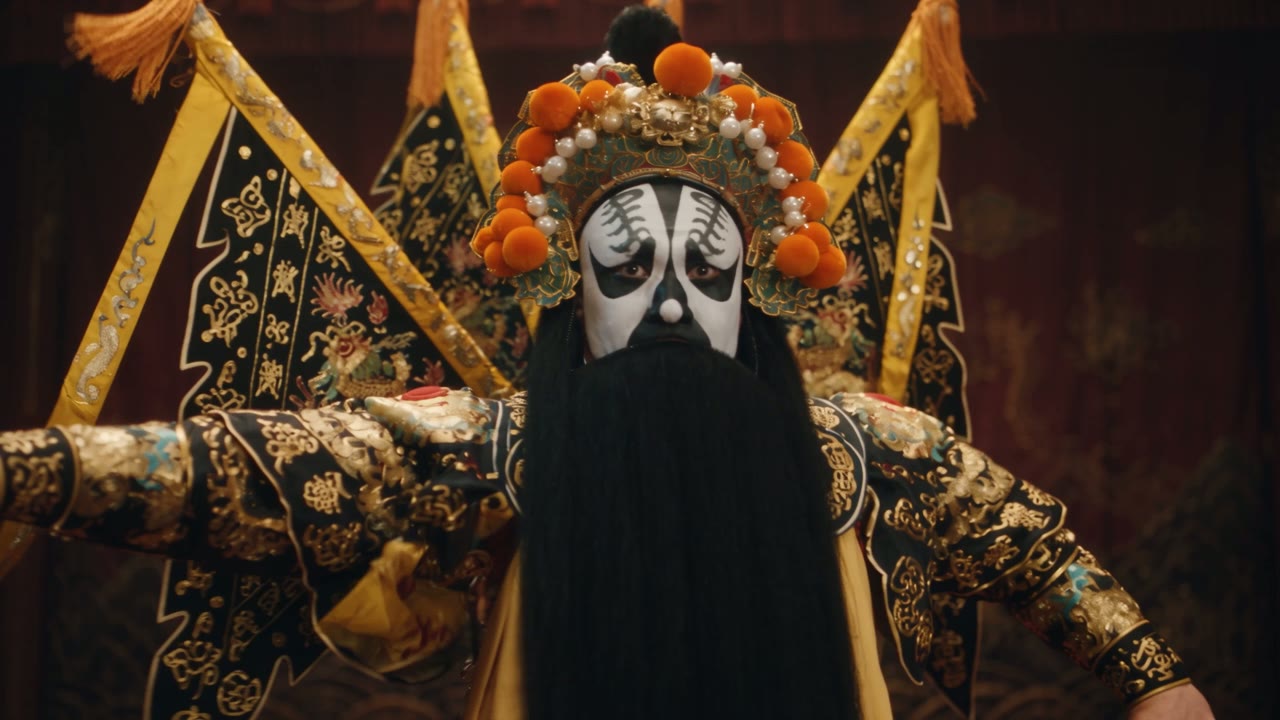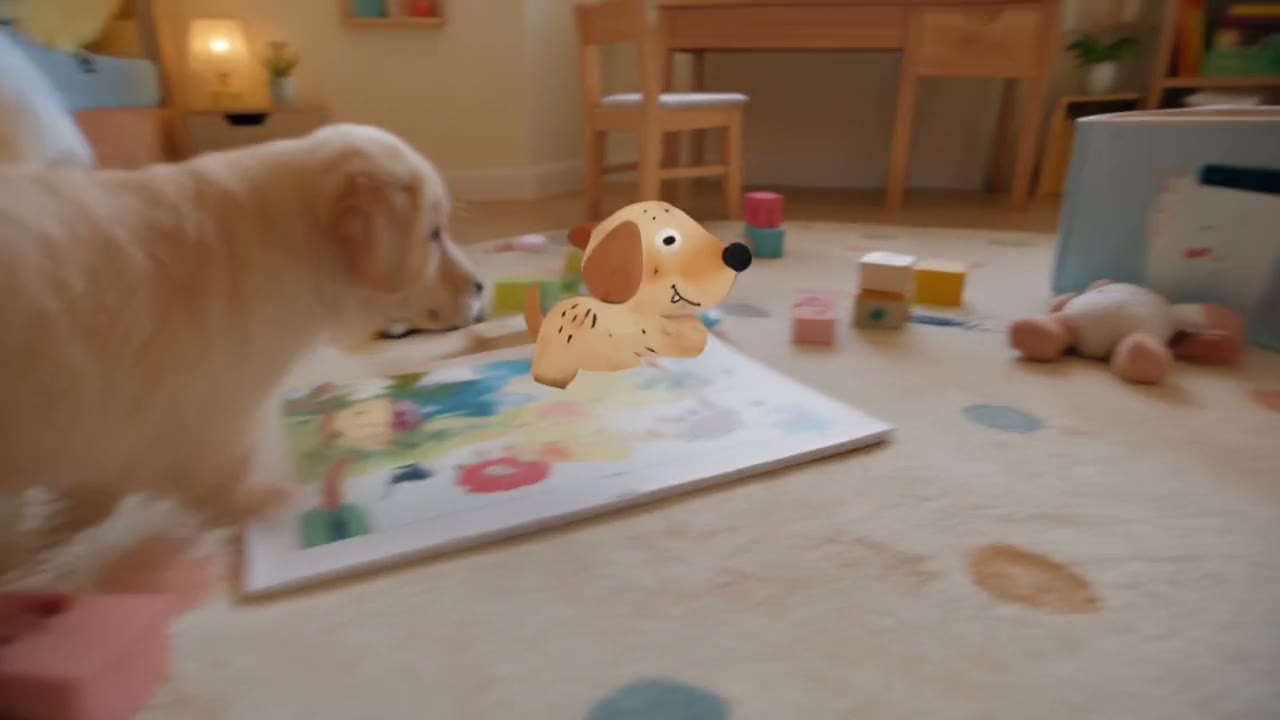
Direct answer: Seedance 2.5 doubles the longest clip from 15 to 30 seconds, raises the reference budget from 9 images and 3 videos to 30 images and 10 videos, adds modes that edit or extend a clip you upload, and adds a cheap 480p draft that upgrades to 1080p. Seedance 2.0 costs less per second, goes up to 4K on Yovid, and is still the sensible choice for clips of 15 seconds or less.
Contents
- What changed, at a glance
- What ByteDance says is new
- The four upgrades you will notice on Yovid
- When Seedance 2.0 is still the better pick
- What a clip costs
- Moving your 2.0 prompts to 2.5
- FAQ
What changed, at a glance
Every row is read from the settings each model exposes in Yovid's generator on October 22, 2026.
| Seedance 2.0 | Seedance 2.5 | |
|---|---|---|
| Clip length | 4 to 15 s | 4 to 30 s |
| Resolution | 480p, 720p, 1080p, 4K | 480p draft, 720p, 1080p |
| Aspect ratios | 16:9, 9:16, 1:1, 4:3, 3:4, 21:9, adaptive | Same seven |
| Reference files in the composer | Up to 9 images and 3 videos | Up to 30 images and 10 videos |
| Audio references | No | Up to 10, through the API |
| Edit an uploaded clip | No | Yes, from a plain-text instruction |
| Extend an uploaded clip | No | Yes, "Extend @video1" |
| Draft mode | No | 480p draft, one-click 1080p upgrade |
| Sound and dialogue | On by default | On by default |
| Credits per second at 720p | about 5 | about 6.1 |
Credits are credit-pack base rates; subscribers pay less per second.
What ByteDance says is new
ByteDance Seed's Seedance 2.5 page makes four claims about the new model:
- Longer narratives: up to 30 seconds per generation, "with the option to extend twice", and motion that is smoother and more consistent, with more realistic visuals.
- Smarter references: reference videos are read for their intention, framing and cinematic language, not just copied for their motion.
- More reliable editing: a wider range of audio and visual edit requests.
- Production workflows: control from grey-box ("white model") previz and green-screen editing, plus professional camera movement and performance blocking.
Those are ByteDance's descriptions. We have not run a benchmark of our own, so the comparison below sticks to what you can see in the settings and the cost.
As for timing: ByteDance Seed launched Seedance 2.5 on July 31, 2026, rolling it out that day on Jimeng AI, Doubao Pro and other platforms. Press reports say Volcano Engine had previewed it on June 23, 2026, and opened API access in China on August 7.
The four upgrades you will notice on Yovid
1. 30 seconds in one take
Seedance 2.0 tops out at 15 seconds. Seedance 2.5 renders up to 30 in one continuous clip, long enough for a setup, a turn and a payoff without a cut. Write long clips in timed beats; the Seedance 2.5 prompt guide shows how.
2. A reference budget three times larger
Seedance 2.0 takes up to 9 images and 3 video clips. Seedance 2.5 takes up to 30 images and 10 video clips in the composer, and the API adds up to 10 audio files. That is room for a full character sheet, several products, a location and a camera reference in one generation.
3. Edit and extend
Upload a clip to Seedance 2.5 and describe a change ("change the background", "remove the van", "replace the coffee with wine glasses"): it edits that clip while keeping the camera move and timing. Start the prompt with "Extend @video1" and it continues the shot with the same people and set. Seedance 2.0 has neither mode.
Green screen is a good example. Keep the performer from a green-screen plate and describe the world behind her:
Keep the girl and the mossy stairs from the green-screen video and replace the green screen with a fairy-tale forest: ancient trees forming a dome, hanging vines, ferns, glowing mushrooms and drifting specks of light.
Seedance 2.5: the finished shot from a green-screen plate, from ByteDance Seed's showcase. Prompt abridged.
4. Draft at 480p, finish at 1080p
Seedance 2.5's draft mode renders at 480p for about 3 credits per second. If the draft works, one click turns it into a 1080p final with the same content, billed at the 1080p rate, within about 24 hours (Pro, Premium or a credit pack). On Seedance 2.0 there is no draft: a cheap test is a separate 480p generation, and the 1080p version is a new roll of the dice.
When Seedance 2.0 is still the better pick
Clips of 15 seconds or less on a budget. Seedance 2.0 costs about 5 credits per second at 720p against about 6.1 for Seedance 2.5, and about 11.3 against 15.1 at 1080p.
4K. On Yovid, Seedance 2.0 renders at up to 4K (Premium or a credit pack). Seedance 2.5 stops at 1080p.
Multi-shot scenes that fit in 15 seconds. Seedance 2.0 already handles several shots in one generation with sound, so a 10 to 15 second scene does not need 2.5.
Seedance 2.0: a 15-second multi-shot scene from the BytePlus ModelArk Seedance 2.0 model card, made from two images and one video reference.
For even cheaper drafts, Seedance 2.0 Fast and Seedance 2.0 Mini read the same prompt style, and Seedance 2.0 Mini runs on free sign-up credits at up to 720p.
What a clip costs
Credit-pack base rates on Yovid, rounded the way the generator rounds them:
| Clip | Seedance 2.0 | Seedance 2.5 |
|---|---|---|
| 5 s at 480p | about 12 | about 15 (draft) |
| 5 s at 720p | about 25 | about 31 |
| 15 s at 720p | about 75 | about 92 |
| 15 s at 1080p | about 169 | about 227 |
| 30 s at 720p | needs two 15 s clips (about 150) | about 183 in one take |
| 5 s at 4K | about 115 | not offered |
Generations with a reference video are billed on the reference clip's length plus the output, at a lower per-second rate, on both models. Current prices are on the pricing page, and whether Seedance 2.5 is free covers the cheapest way to try it.
Moving your 2.0 prompts to 2.5
Your Seedance 2.0 prompts run on Seedance 2.5 as they are. To get more out of the new model:
- Add beats for the extra length. A 15-second 2.0 prompt stretched to 30 seconds will drag; add one or two beats instead.
- Give the extra references a job. Name each file in the prompt and say what it controls.
- Use edit and extend instead of rerolling. If a take is right except for one prop or background, edit it rather than regenerating it.
- Draft first. Render the new version at 480p, then upgrade the keeper.
For how both compare with the rest of the lineup, see 14 AI video models compared, Seedance 2.5 vs Kling 3.0 and Seedance 2.5 vs Veo 3.1.
FAQ
Is Seedance 2.5 better than Seedance 2.0?
It does more: twice the length, three times the references, edit and extend modes and draft mode. For a short clip that fits in 15 seconds, Seedance 2.0 is cheaper and also generates sound and multiple shots, so 2.5 is not automatically the better buy.
What is the main difference between Seedance 2.0 and 2.5?
Length and control. Seedance 2.5 makes up to 30 seconds per generation (2.0 stops at 15), takes up to 30 images and 10 videos as references (2.0 takes 9 and 3), and can edit or extend an uploaded clip.
Does Seedance 2.5 support 4K?
On Yovid, Seedance 2.5 offers 480p, 720p and 1080p. Seedance 2.0 renders at up to 4K on Premium or with a credit pack.
Is Seedance 2.0 still available?
Yes. Seedance 2.0, 2.0 Fast and 2.0 Mini all stay on Yovid next to Seedance 2.5, in the browser and through the API.
Can I use Seedance 2.0 prompts with Seedance 2.5?
Yes. They run unchanged. For clips longer than 15 seconds, add timed beats so the extra time has its own action.
Ready to compare them? Open the AI video generator, run your prompt on Seedance 2.0, then as a Seedance 2.5 draft.