Direct answer: pick Seedance 2.5 when the shot is longer than 15 seconds, needs many reference files, or starts from footage you want to edit or extend. Pick Kling 3.0 for short talking-character clips up to 15 seconds, for a 1:1 square or 4K output, and when cost per second matters most: on Yovid it costs less than half as much per second at 720p. Both generate sound and dialogue in the same pass.
Contents
- Side-by-side on Yovid
- Where Seedance 2.5 is the better pick
- Where Kling 3.0 is the better pick
- Dialogue and sound
- What a clip costs
- How to compare them on your own prompt
- FAQ
Side-by-side on Yovid
Every row below is read from the settings each model exposes in Yovid's generator on October 22, 2026.
| Seedance 2.5 | Kling 3.0 | |
|---|---|---|
| Made by | ByteDance Seed | Kuaishou (Kling AI) |
| Clip length | 4 to 30 s | 4 to 15 s |
| Resolution | 480p draft, 720p, 1080p | 720p, 1080p, 4K |
| Aspect ratios | 16:9, 9:16, 1:1, 4:3, 3:4, 21:9, adaptive | 16:9, 9:16, 1:1 |
| Start from | Text, first frame (+ last frame), or references | Text, first frame (+ last frame) |
| Reference files | Up to 30 images and 10 videos | None |
| Edit or extend an uploaded clip | Yes | No |
| Sound and dialogue | On by default, can be switched off | On by default, can be switched off |
| Multi-shot in one generation | Yes, written as beats in the prompt | One continuous shot on Yovid |
| Draft mode | 480p draft, one-click 1080p upgrade | No |
| Credits per second at 720p | about 6.1 | about 2.5 |
| Unlocked by | Any paid plan or any credit pack | Any paid plan or a Creator, Studio, Max or Agency pack |
Credits are credit-pack base rates; subscribers pay less per second. The generator always shows the exact cost before you start.
Where Seedance 2.5 is the better pick
Anything longer than 15 seconds. Seedance 2.5 renders up to 30 seconds in one generation. Kling 3.0 stops at 15, so a 30-second scene means two Kling clips and a cut between them. If the camera, the light and the faces need to carry through without a splice, Seedance 2.5 is the only one of the two that can do it.
Reference-heavy work. A character sheet, a product, a location and a camera move can all go into one Seedance 2.5 generation (up to 30 images and 10 video clips in the composer). Kling 3.0 on Yovid takes a first frame and an optional last frame, but no reference files.
Fixing footage instead of regenerating it. Upload a clip to Seedance 2.5, write "change the background to…" or "remove the…", and it edits that clip while keeping the camera move and timing. Write "Extend @video1" and it continues the shot. Kling 3.0 on Yovid always generates new footage.
Planned beats. ByteDance built Seedance 2.5 for 30-second storytelling, and it follows a prompt written as timed beats ("0–10s: …, 10–20s: …"). The Seedance 2.5 prompt guide has 13 prompts in that format.
Wide and classic frames. 21:9 for a cinematic letterbox and 4:3 or 3:4 for a retro or portrait look are only on Seedance 2.5.
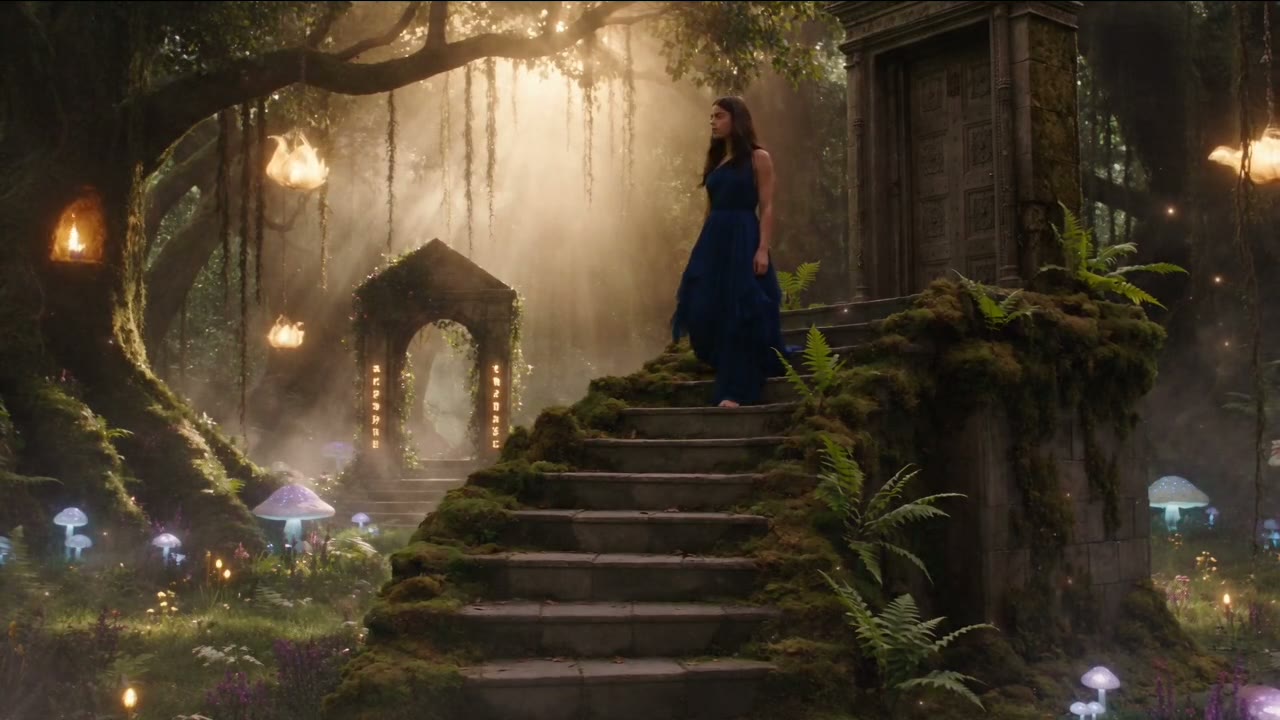
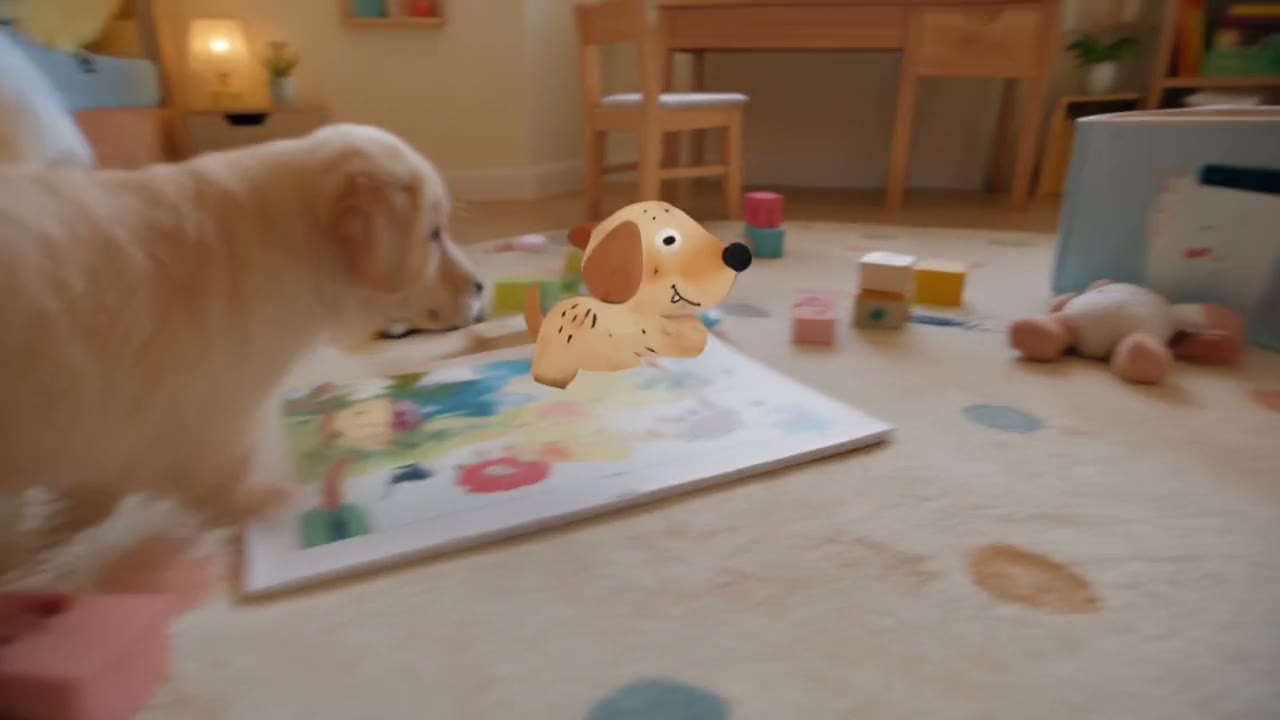
Seedance 2.5: a 25-second two-person dialogue scene from ByteDance Seed's showcase.
Where Kling 3.0 is the better pick
Cost per second. At credit-pack rates, a 5-second 720p clip is about 13 credits on Kling 3.0 and about 31 on Seedance 2.5. At 1080p the gap is wider: about 4 credits per second against about 15. For short clips that you will iterate on many times, Kling 3.0 is the cheaper engine.
4K output. Kling 3.0 renders at 720p, 1080p or 4K on Yovid; 4K is open on Premium and with Creator, Studio, Max or Agency credit packs. Seedance 2.5 offers up to 1080p.
Square video. Both have 1:1, but if square and 4K are both requirements, only Kling 3.0 delivers them together.
Talking characters in several languages. Kling's own VIDEO 3.0 user guide lists English, Chinese, Japanese, Korean and Spanish speech, switching between languages in one scene, and accents and dialects such as British English or Cantonese. It also describes matching each line to the right speaker in multi-character scenes.
One limit to know: Kling's own app can split a generation into several planned shots, but Yovid runs Kling 3.0 in single-shot mode, so every Kling clip here is one continuous shot.
Kling 3.0: a 15-second single take from Kling AI's VIDEO 3.0 user guide, made from a start frame.
Dialogue and sound
Both models generate dialogue, ambience and effects together with the picture, and both let you switch sound off for a silent render. Write the dialogue the same way for either model:
A rooftop at night, city lights below. A young woman in a denim jacket leans on the railing; her friend joins her with two cans of soda. She says quietly, "I got the job in Seoul." He pauses, then smiles: "Then we celebrate tonight." Distant traffic, a soft breeze, no music.
Name the language when it is not English. ByteDance's Seedance 2.5 demos include English, French and Chinese dialogue; Kling lists the five languages above. If a scene depends on a specific language or accent, Kling's list is the more explicit of the two.
What a clip costs
Credit-pack base rates on Yovid, rounded the way the generator rounds them:
| Clip | Seedance 2.5 | Kling 3.0 |
|---|---|---|
| 5 s, 480p draft | about 15 | no draft mode |
| 5 s at 720p | about 31 | about 13 |
| 5 s at 1080p | about 76 | about 20 |
| 15 s at 1080p | about 227 | about 60 |
| 30 s at 720p | about 183 | needs two 15 s clips (about 76) |
| 5 s at 4K | not offered | about 50 |
Two things narrow the gap in practice. Seedance 2.5's 480p draft lets you test a prompt for about 3 credits per second and upgrade only the take you keep, and one 30-second Seedance clip replaces two Kling clips plus the work of matching them. Current prices and plans are on the pricing page.
How to compare them on your own prompt
There is no single winner across every shot, and we do not publish a head-to-head quality score. The fair test is your own prompt:
- Write one shot of 5 to 10 seconds, with the camera move and sound described.
- Run it on Kling 3.0 at 720p and on Seedance 2.5 as a 480p draft.
- Compare motion, faces and lip sync, then upgrade the better take.
If the idea grows past 15 seconds or needs references, move to Seedance 2.5. If it stays short and the budget is tight, stay on Kling 3.0. For the wider field, see 14 AI video models compared and Seedance 2.5 vs Veo 3.1.
FAQ
Is Seedance 2.5 better than Kling 3.0?
It is better for long takes, reference-driven shots and editing existing footage. Kling 3.0 is better value for short clips, offers 4K and lists more dialogue languages. Which one looks better depends on the shot, so test both on the same prompt.
Which is cheaper, Seedance 2.5 or Kling 3.0?
Kling 3.0. At credit-pack rates it costs about 2.5 credits per second at 720p and 4 at 1080p, against about 6.1 and 15.1 for Seedance 2.5. Seedance 2.5's 480p draft mode, at about 3 credits per second, is the cheapest way to test a Seedance prompt.
Can Kling 3.0 make 30-second videos?
Not in one generation. Kling 3.0 stops at 15 seconds, so a 30-second piece needs two clips joined in an editor. Seedance 2.5 and Wan 3.0 make up to 30 seconds in one take on Yovid.
Which one supports 4K?
Kling 3.0, at up to 4K on Premium or with a Creator, Studio, Max or Agency credit pack. Seedance 2.5 offers 480p, 720p and 1080p.
Can I use reference images with Kling 3.0?
On Yovid, Kling 3.0 takes a first frame and an optional last frame, not reference files. For a character, product or location pinned by several images, use Seedance 2.5, which takes up to 30 images and 10 videos.
Do I need a paid plan for either model?
Yes. Both are unlocked by any paid plan; Seedance 2.5 also by any credit pack, and Kling 3.0 by the Creator, Studio, Max or Agency packs. Free sign-up credits cover the entry models; see whether Seedance 2.5 is free for the details.
Ready to test both? Open the AI video generator, write your shot, and switch between the two models in the model menu.