
AI Video and Image Models on Yovid
One generator, one credit balance, every leading model. Pick by length, resolution and price: the facts on each card are read from the live settings in Yovid’s composer, not from a spec sheet.
AI Video Models
From a free 4-second test to a 30-second take with sound. Each family has its newest version first; the family page compares every version side by side.

Seedance
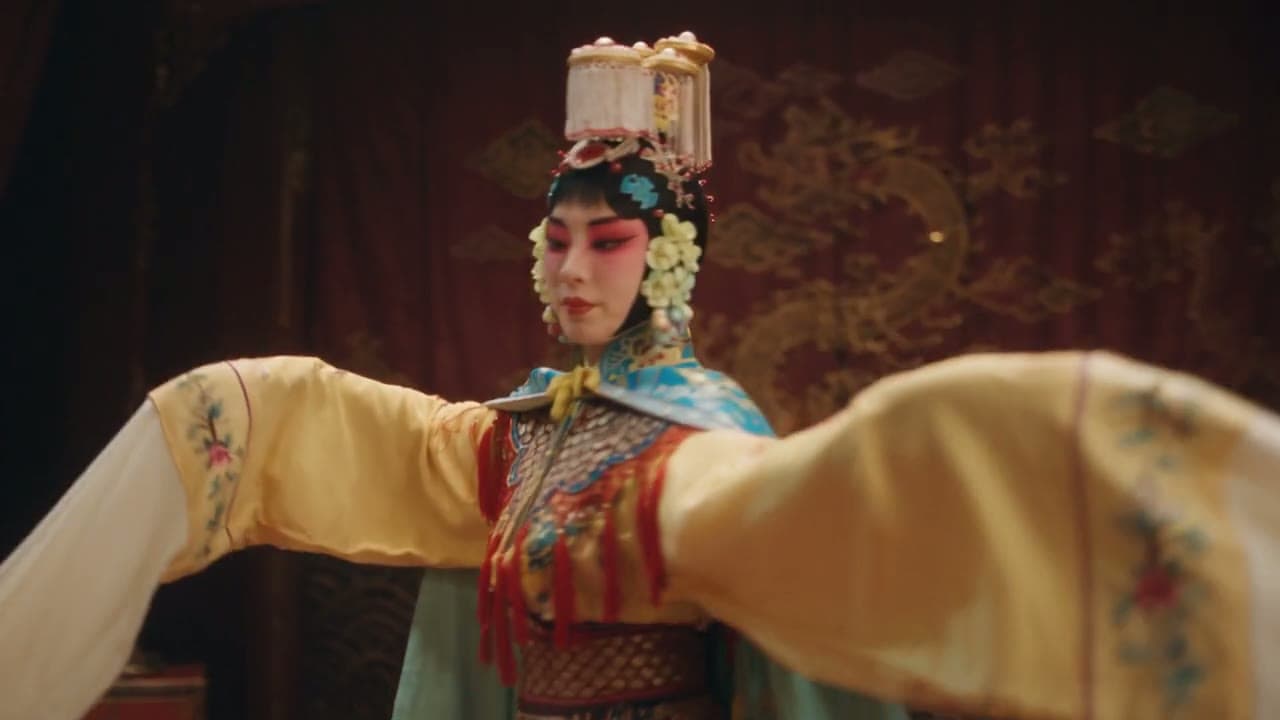
ByteDance’s video family: long takes, references and sound, with three versions on the free plan.
Seedance 2.5
New30-second takes with dialogue and sound, up to 30 images and 10 clips as references, edit and extend.
- up to 30 s
- up to 1080p
- 31 credits / 5 s
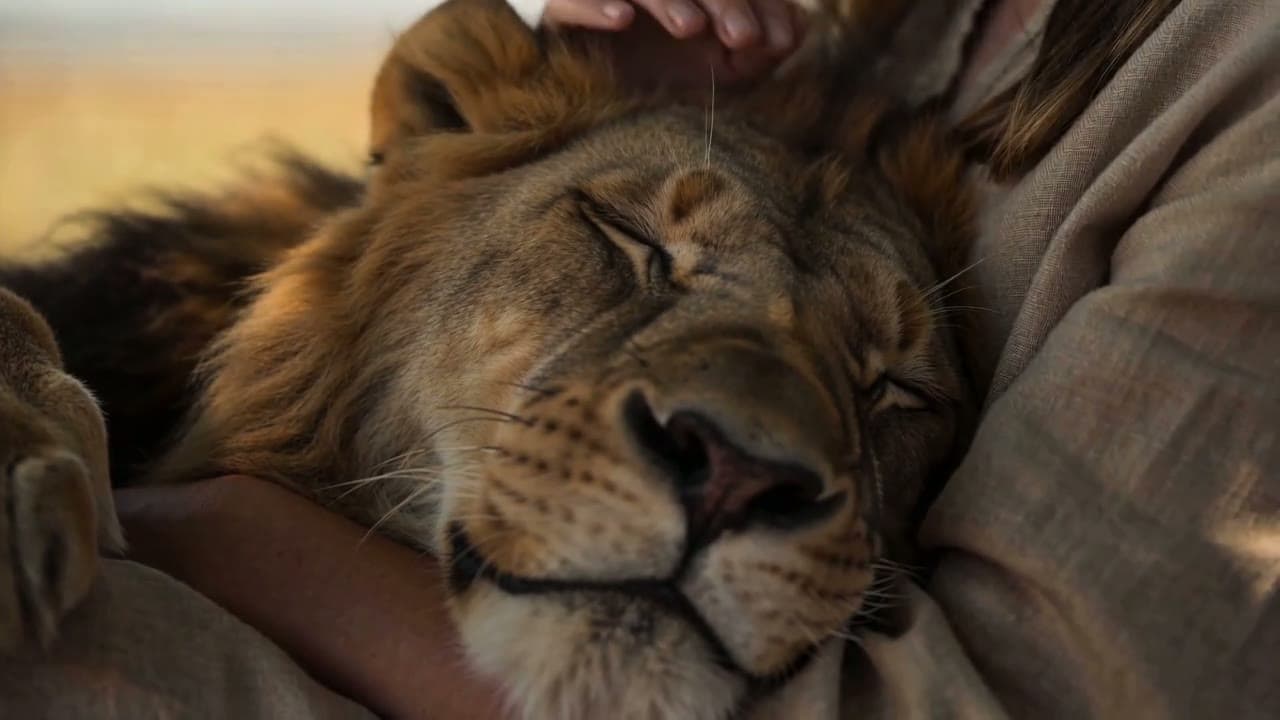
15-second multi-shot scenes with stereo sound, steered by up to 9 images and 3 clips.
- up to 12 s
- up to 1080p
- 20 credits / 5 s
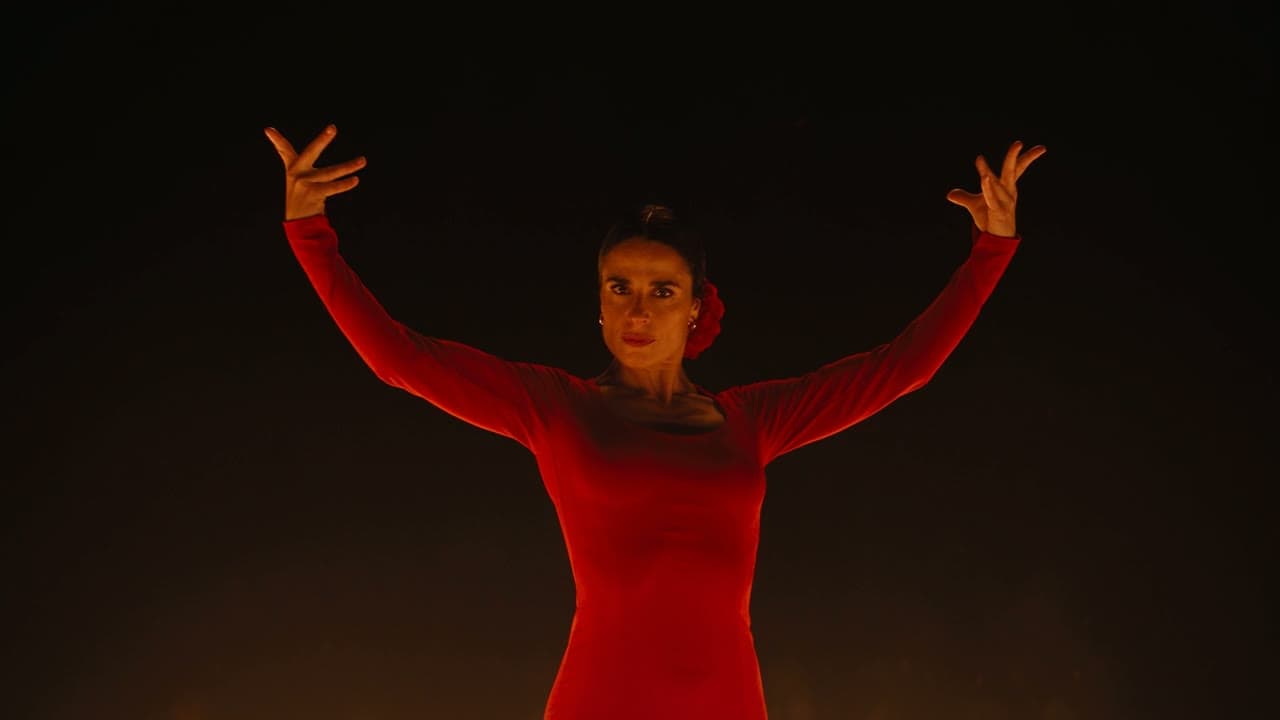
The free-plan Seedance: 4–15 second clips with sound at up to 720p.
- up to 15 s
- up to 720p
- 13 credits / 5 s
Seedance 3.0
Not releasedNot released yet; the page tracks what ByteDance has confirmed and runs Seedance 2.5 meanwhile.


Kling
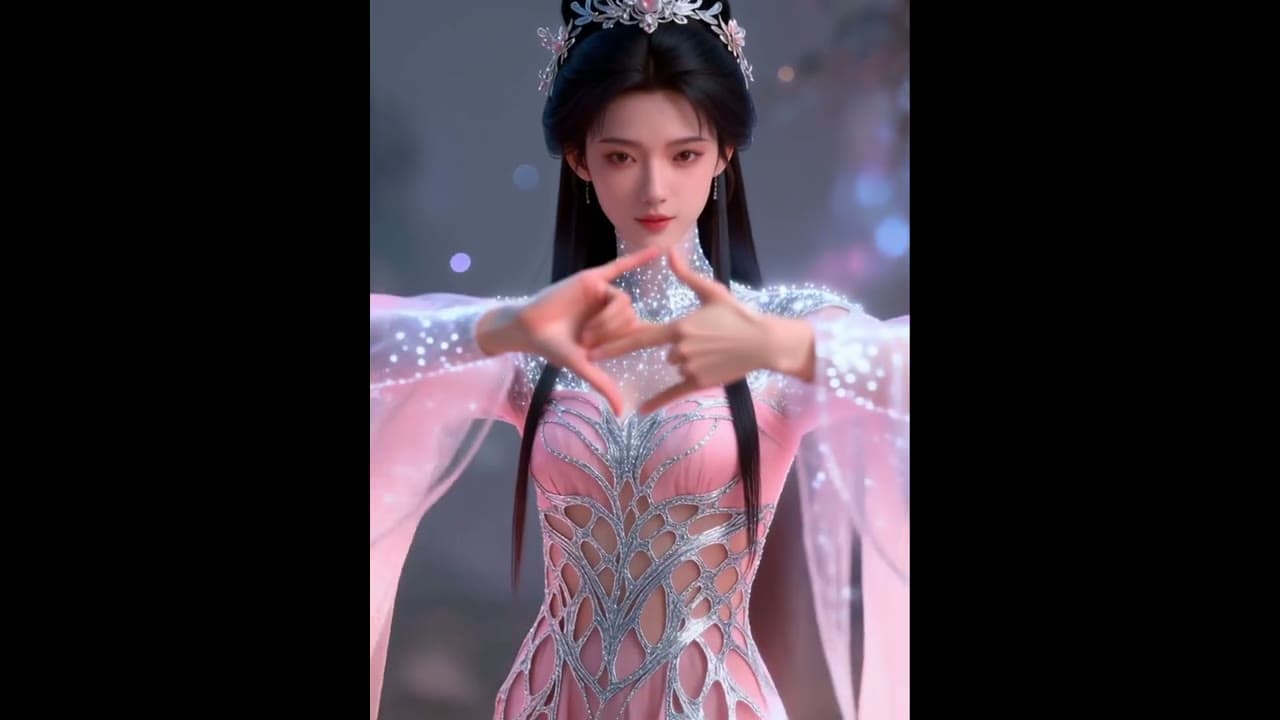
Kuaishou’s Kling: expressive character motion, up to 4K, and motion control from a reference clip.
Kuaishou’s latest: expressive character motion in 4–15 second clips at up to 4K.
- up to 15 s
- up to 4K
- 13 credits / 5 s
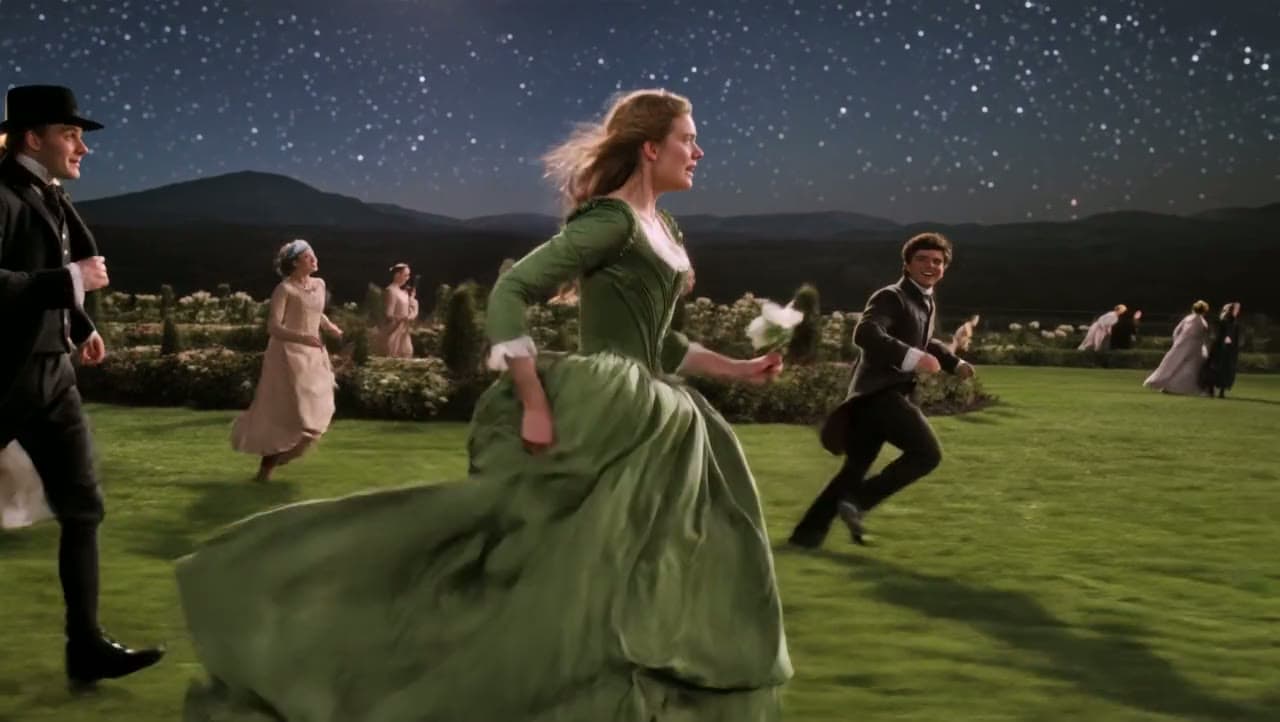
Drives a character image with the motion of a reference video.
- up to 1080p
- 10 credits / 5 s

Veo
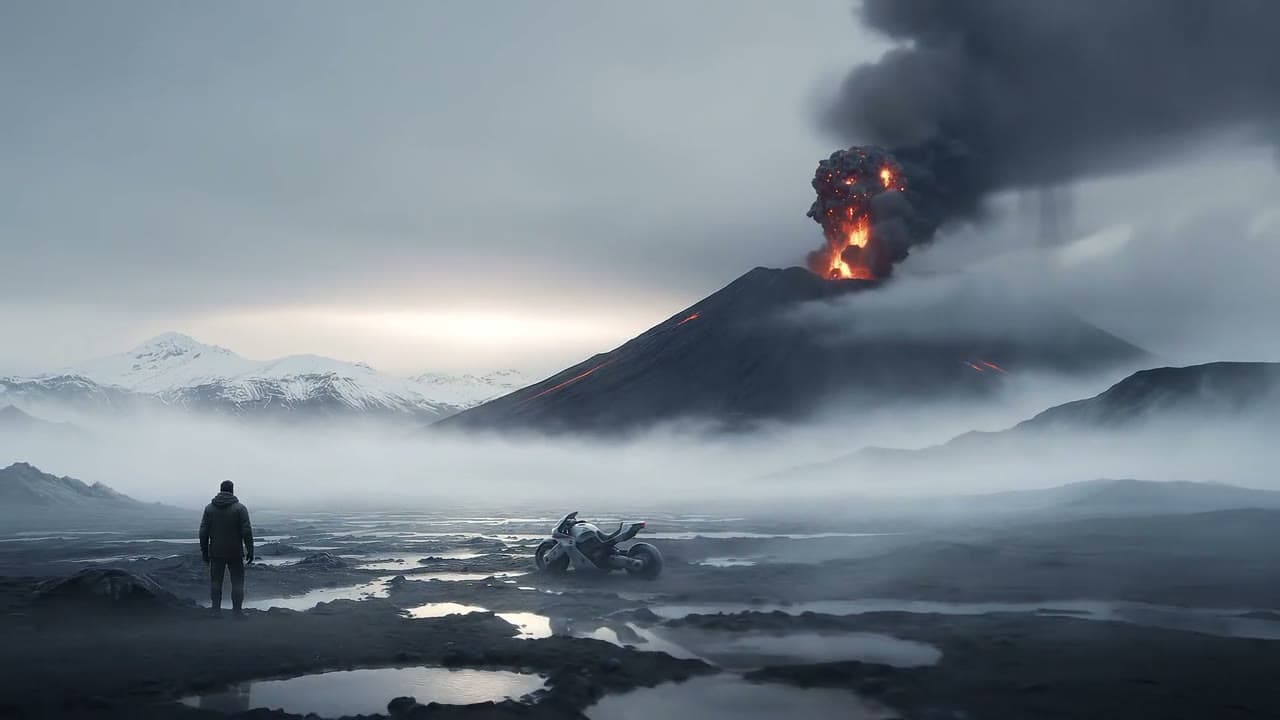
Google DeepMind’s Veo: short cinematic shots at up to 4K.
Google’s cinematic model: 4–8 second shots at up to 4K.
- up to 8 s
- up to 4K
- 15 credits / 5 s

Sora
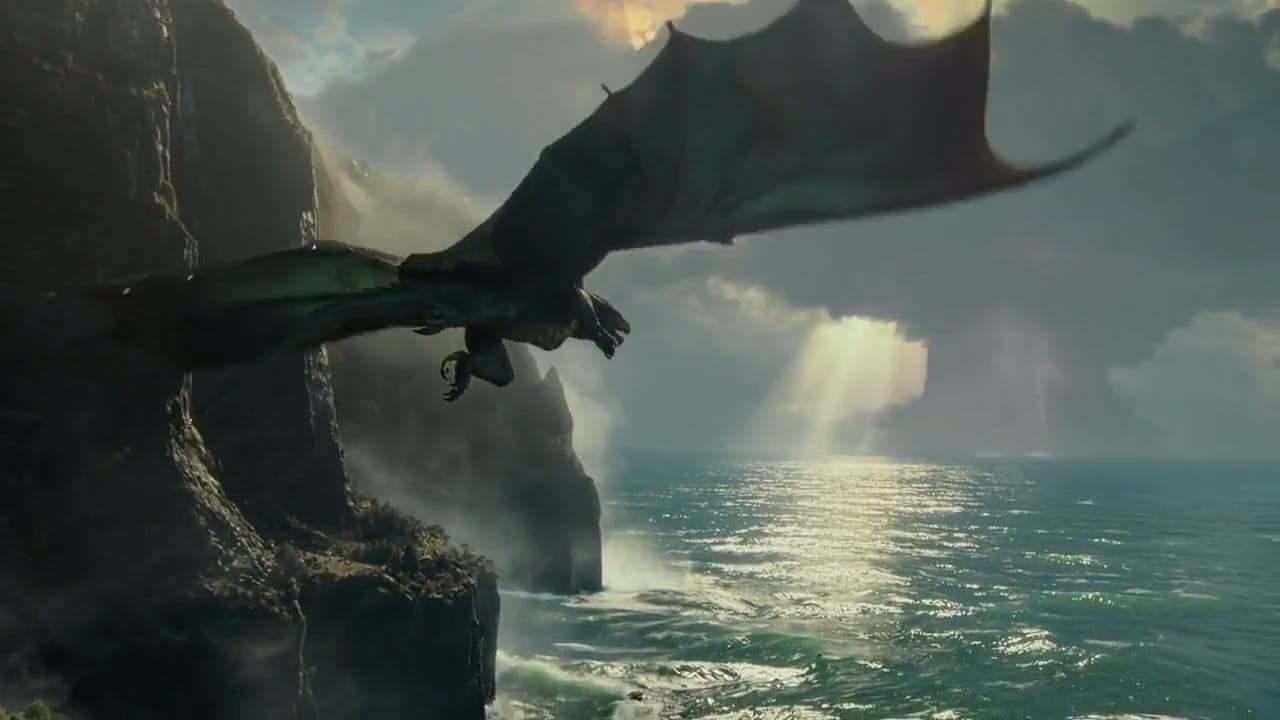
OpenAI’s Sora 2, with the API wind-down timeline and what to use after it.
OpenAI’s model for 4–12 second clips, with the shutdown timeline and alternatives.
- up to 12 s
- up to 720p
- 10 credits / 5 s

Hailuo / MiniMax
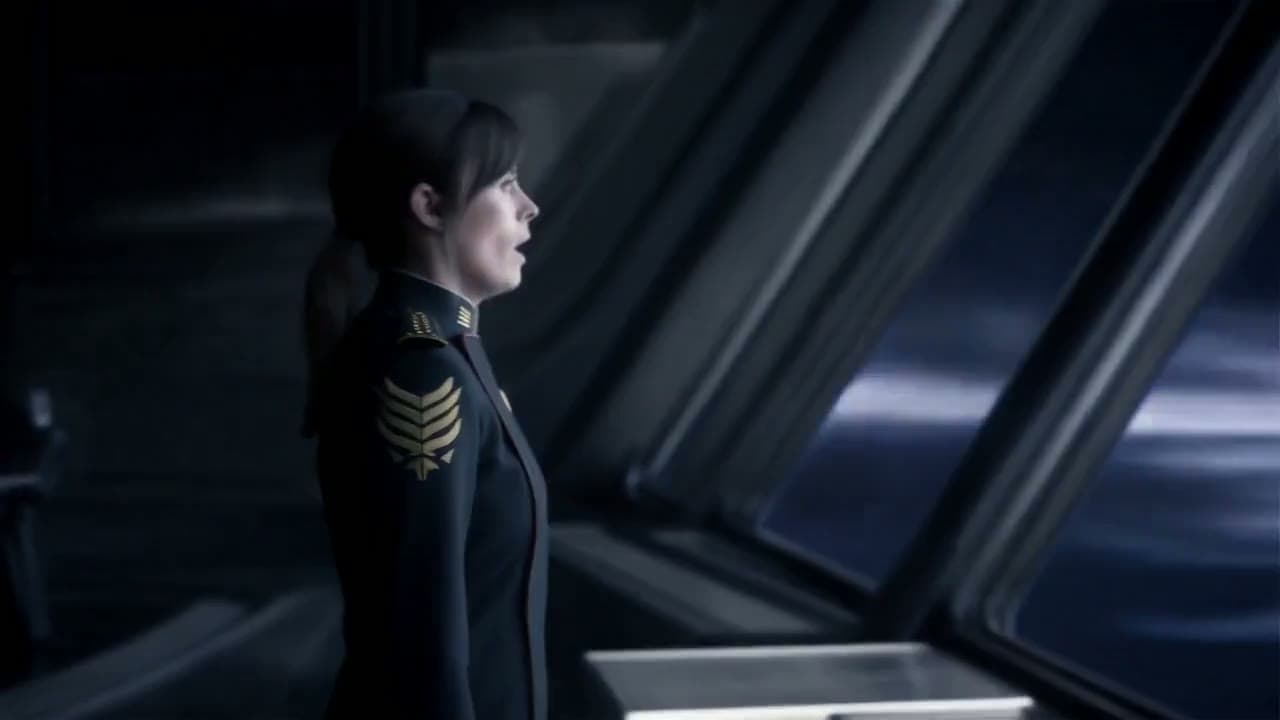
MiniMax’s Hailuo line: sharp 2K output from a few references.
Hailuo 3: 2K output from text, frames or references, 5–15 seconds.
- up to 15 s
- up to 2K
- 23 credits / 5 s

Wan
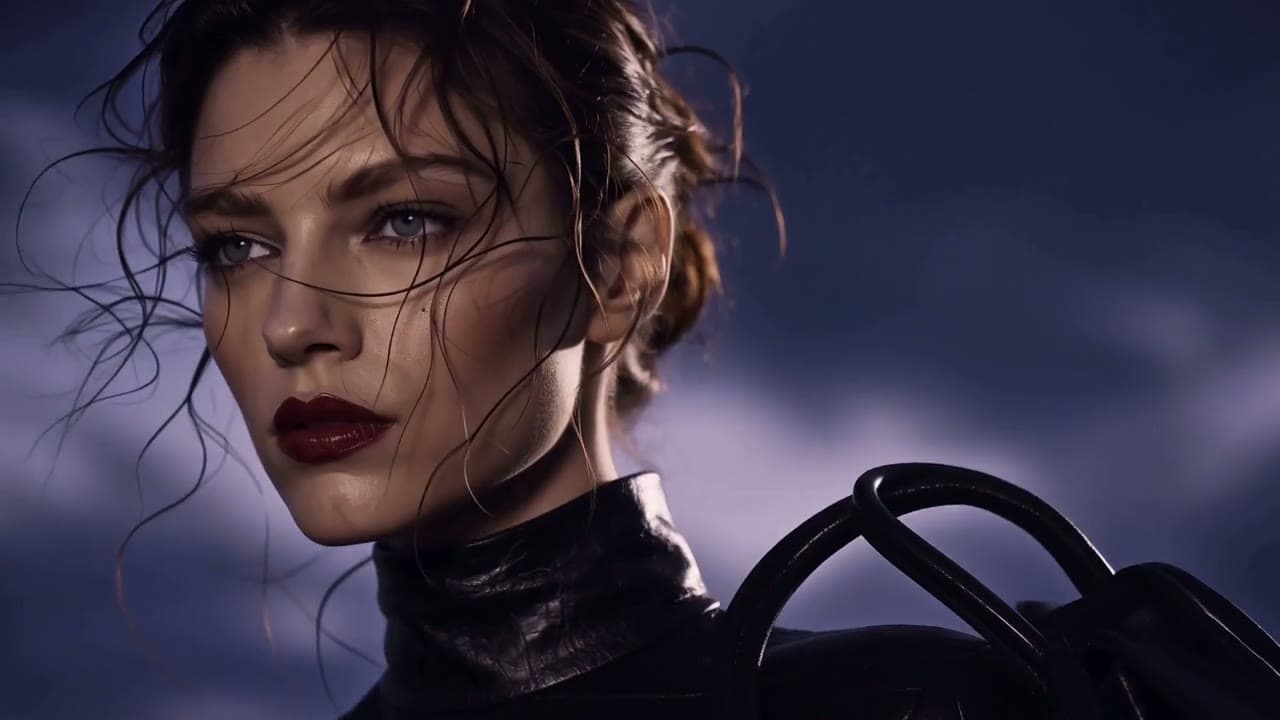
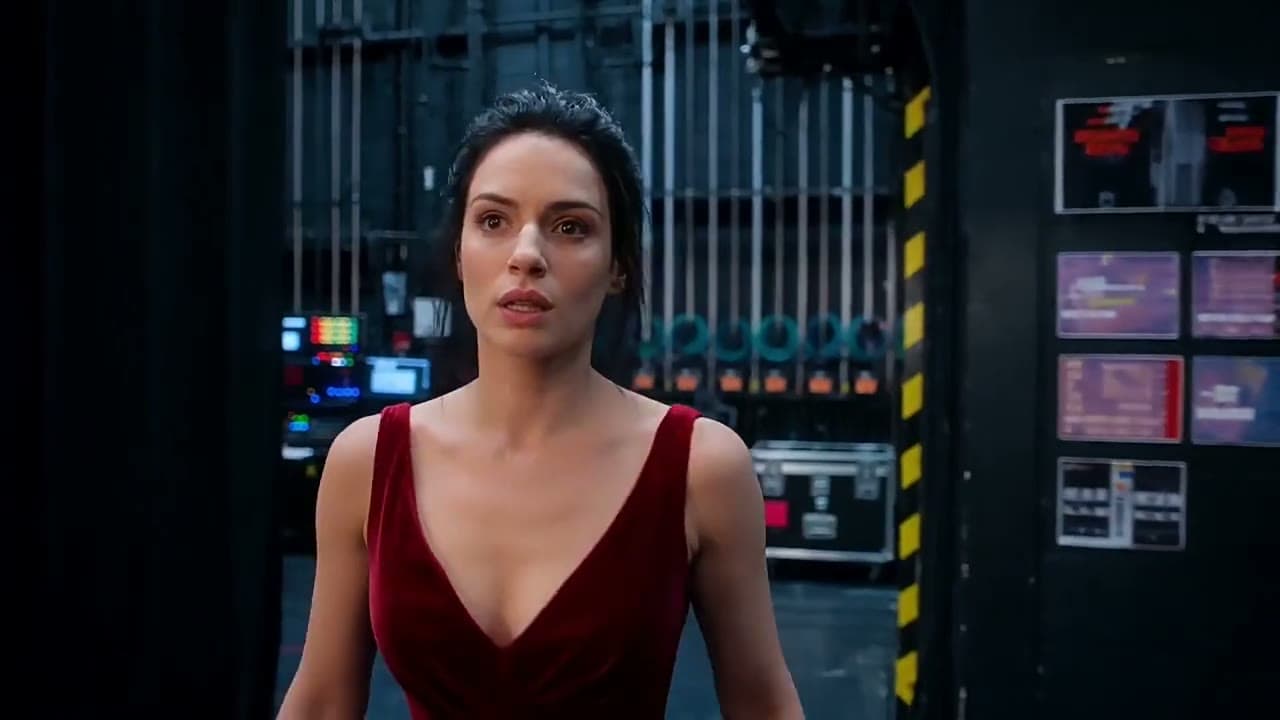
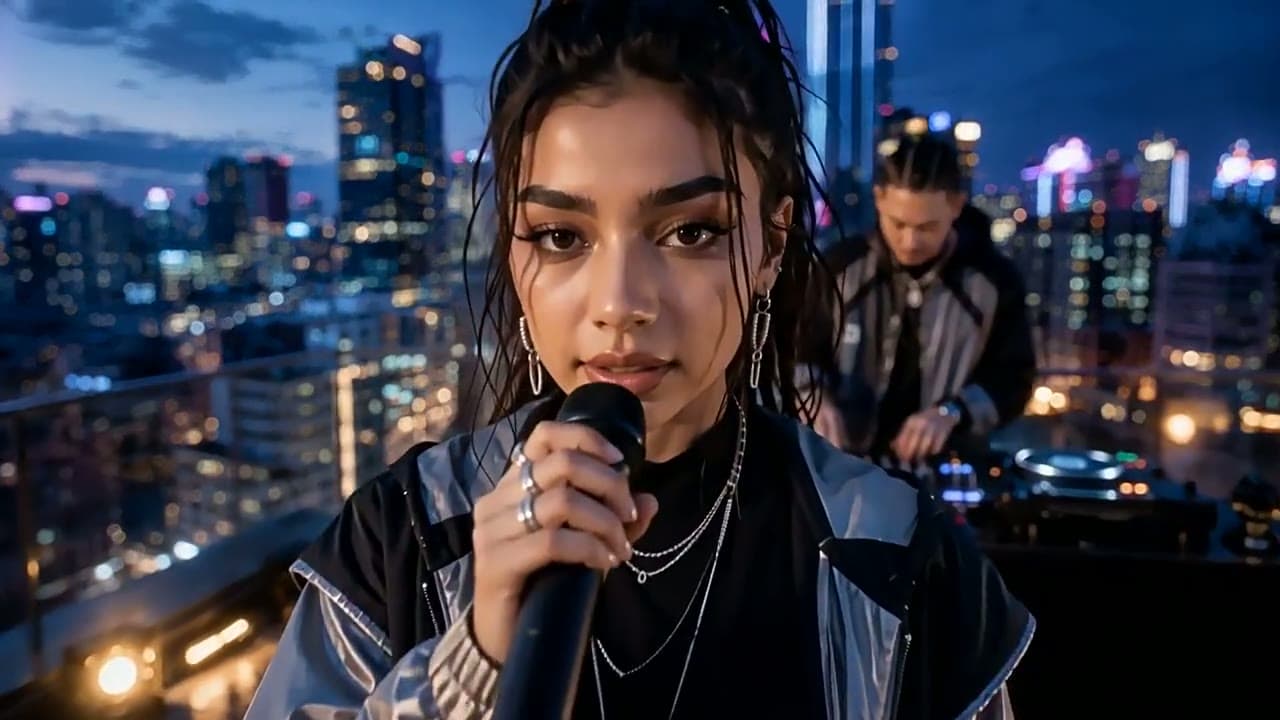
Alibaba’s Wan: 30-second clips with sound at a low credit rate.
Alibaba’s model for clips up to 30 seconds with sound and reference control.
- up to 30 s
- up to 1080p
- 12 credits / 5 s
AI Image Models
Text-to-image and edits from OpenAI, Google and ByteDance, sharing the same credits as the video models.

GPT Image
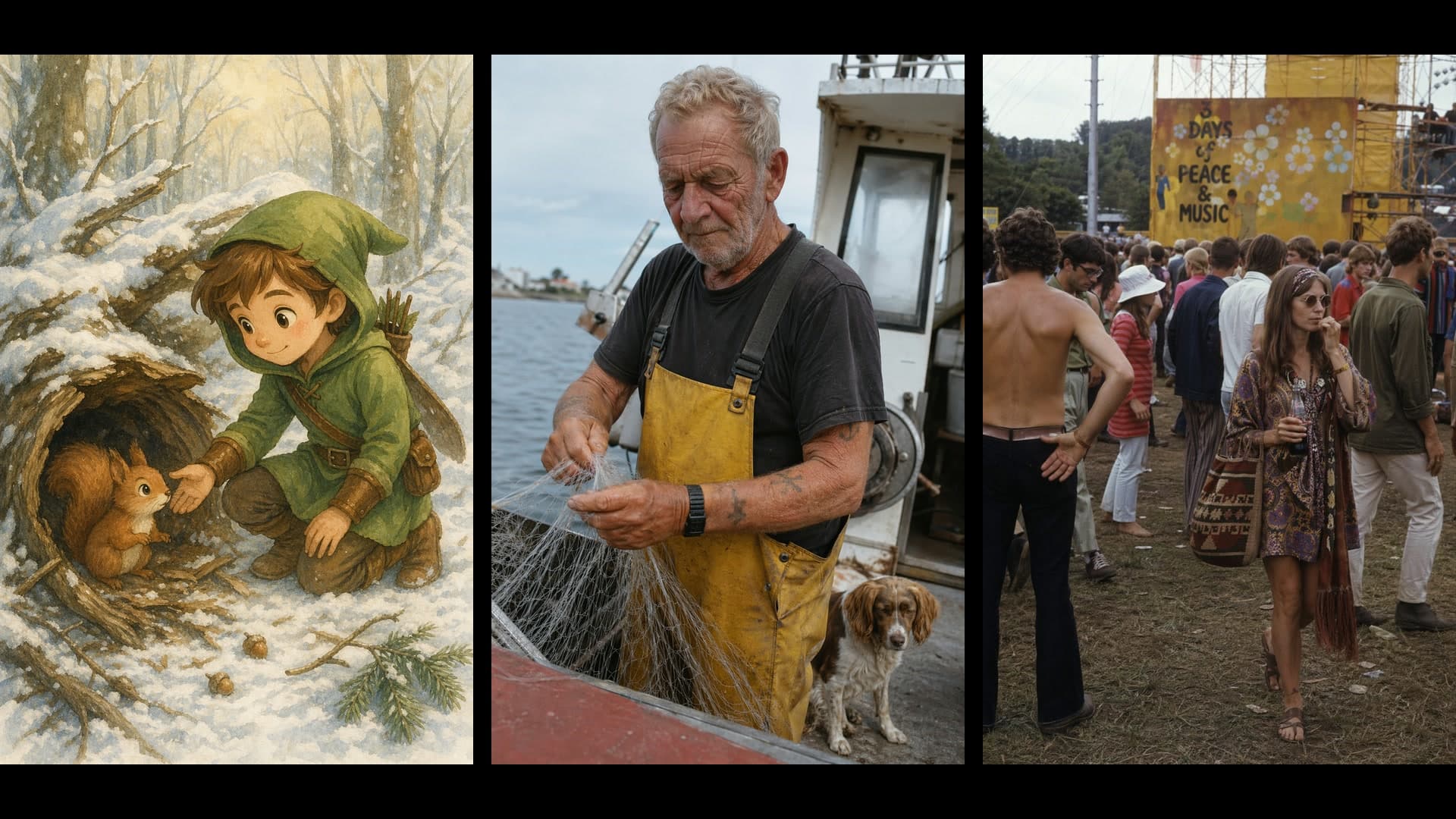
OpenAI’s image models for prompts, edits and product shots.
OpenAI’s newest image model, in its Sunburst and Flare variants.
- up to 4K
- 1 credit / image
OpenAI’s GPT Image 2 for text-to-image and edits.
- up to 4K
- 2 credits / image


Nano Banana
Google’s Nano Banana line for fast edits and consistent characters.
Google’s Nano Banana 2.1 for fast edits and consistent characters.
- up to 4K
- 3 credits / image
The Nano Banana family: every version and when to use each.
- up to 4K
- 3 credits / image
Seedream
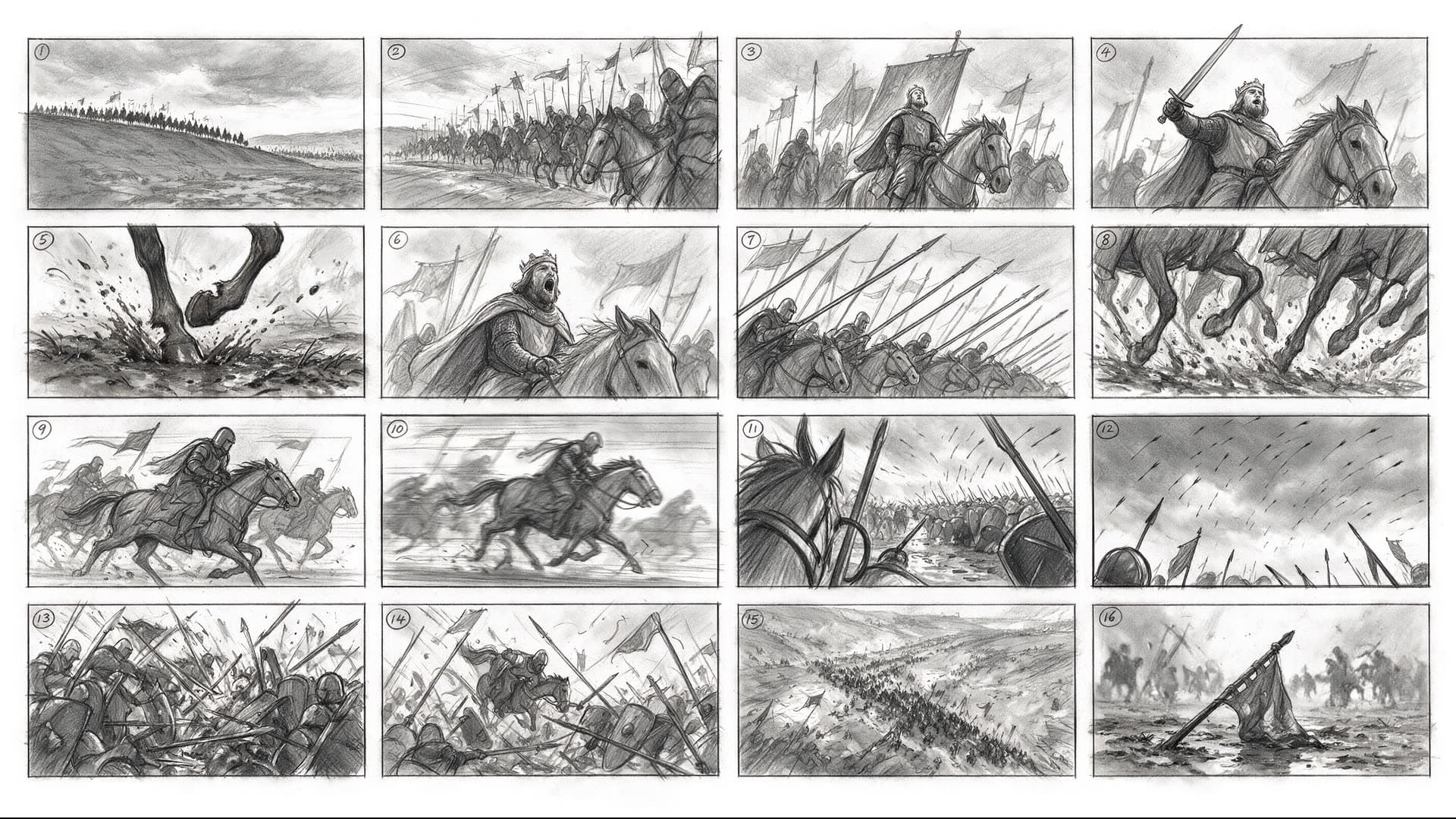
ByteDance’s Seedream for high-resolution stills and storyboards.
ByteDance’s Seedream 5.0 Pro and Lite for high-resolution stills.
- up to 2K
- 2 credits / image
Length, resolution and credits are read from each model’s live settings in Yovid’s generator. Credits are base credit-pack rates for 5 seconds at 720p (or one image at default settings); subscribers pay less.
FAQs
Which AI video model should I start with?
Which models are free on Yovid?
Do I need separate accounts for each model?
How are credits charged across models?
Pick a Model and Make Something
Start on the free plan, or open the generator and switch models as the shot demands.
Open the generator