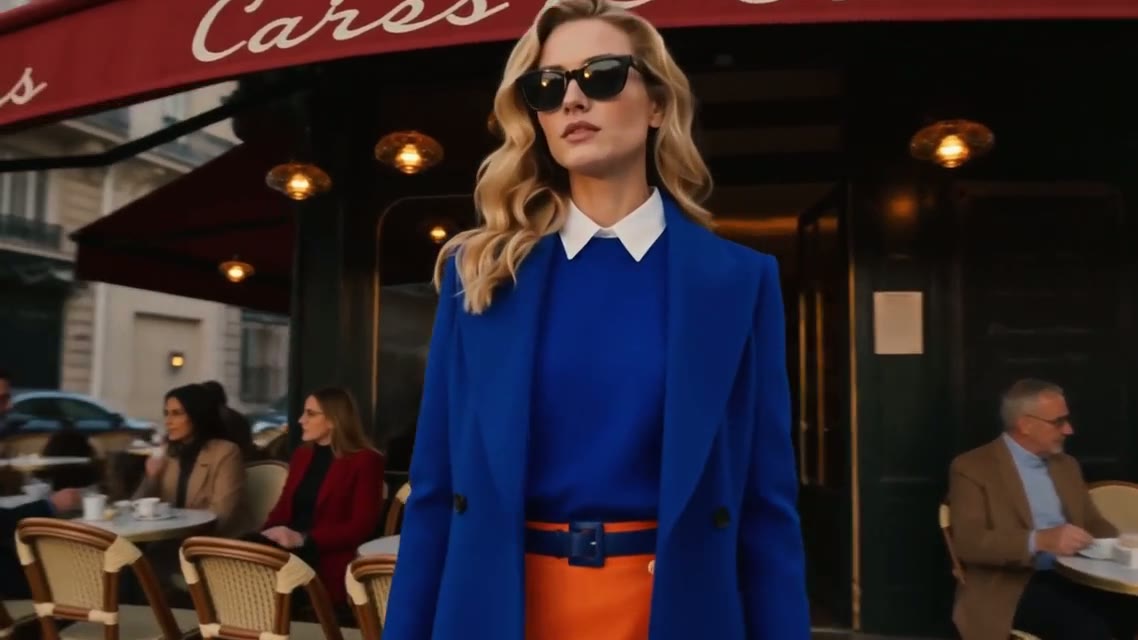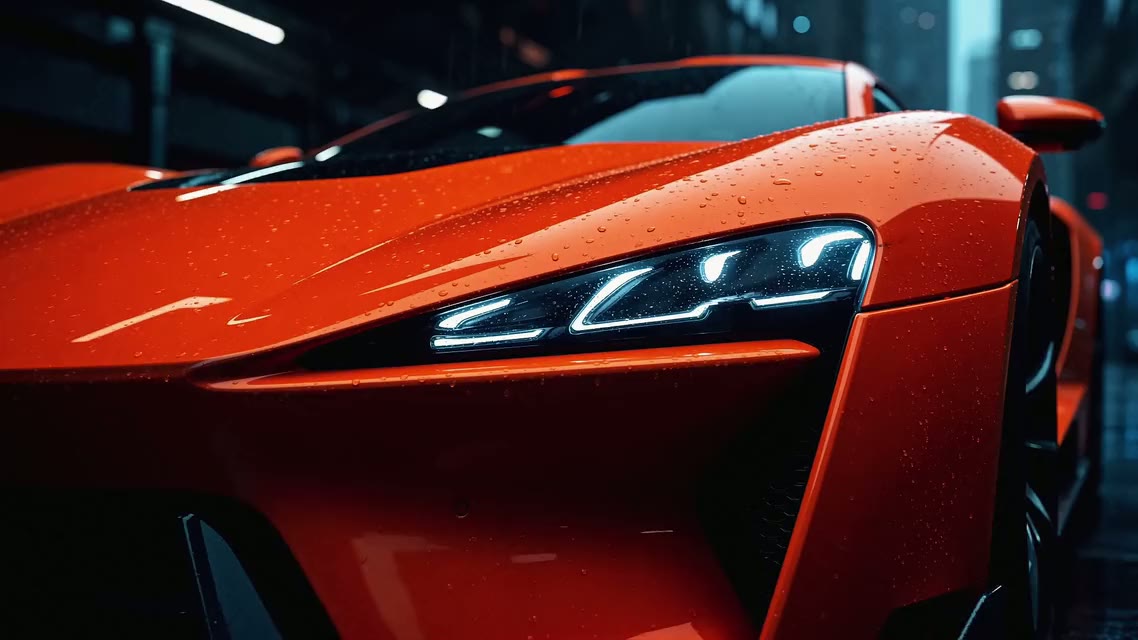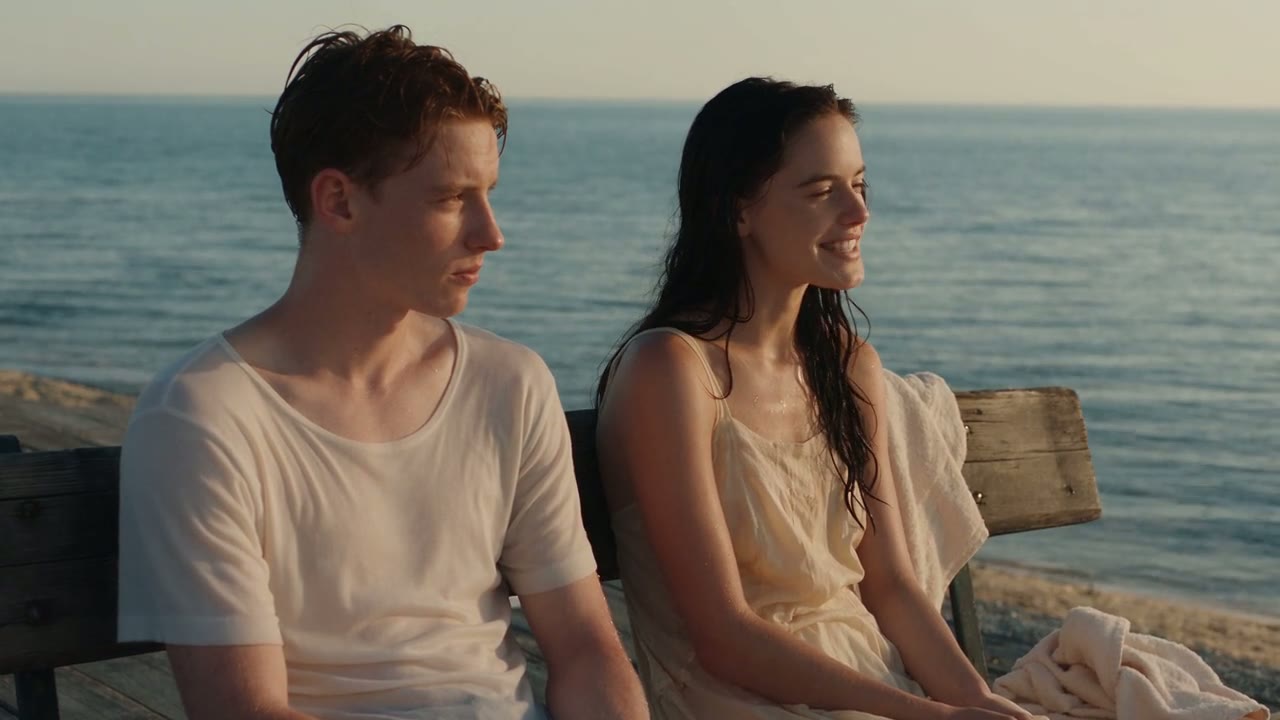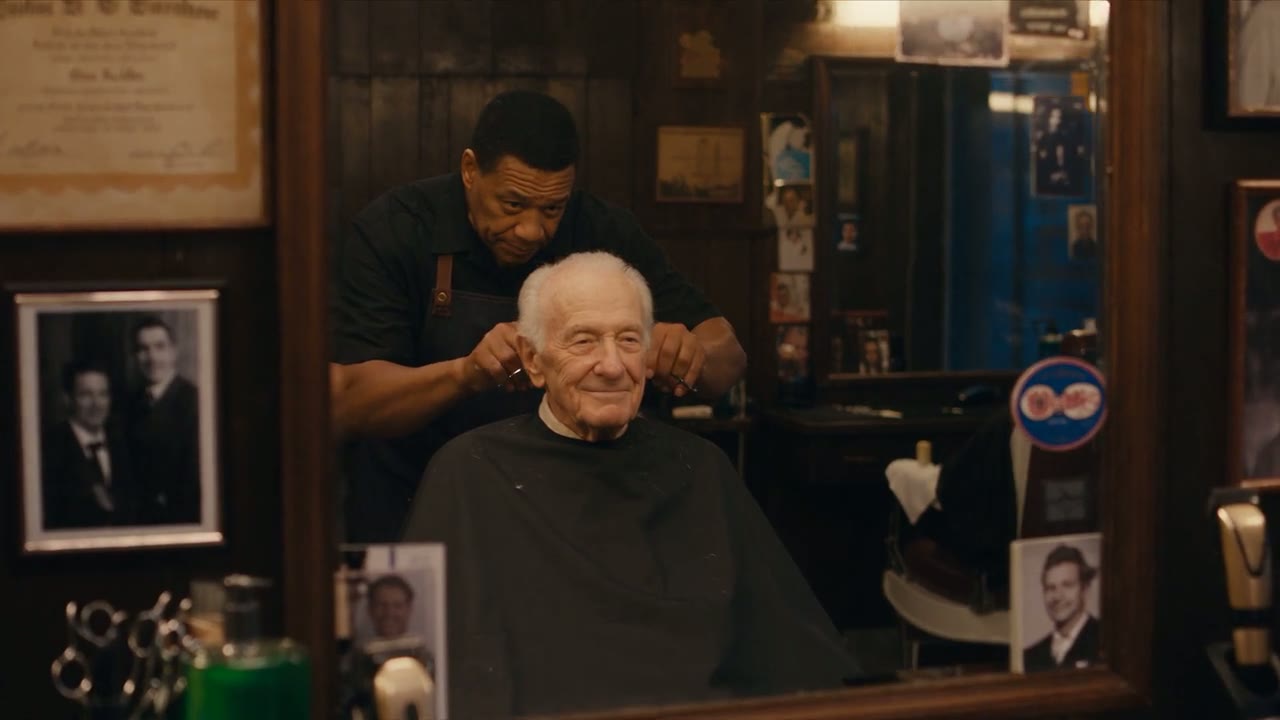
Direct answer: A good Kling 3.0 prompt names the subject, what it does, where it happens, how the camera moves, the light and the sound, in that order and in plain sentences. Write one main action per clip, say how fast it moves, and put spoken lines after the speaker's name with a short note on tone and language. On Yovid, choose Kling 3.0 in the text-to-video generator, paste a prompt below, and set a length of 4 to 15 seconds, 720p, 1080p or up to 4K, and sound on or off. To animate a picture, attach it as the first frame and describe only the motion.
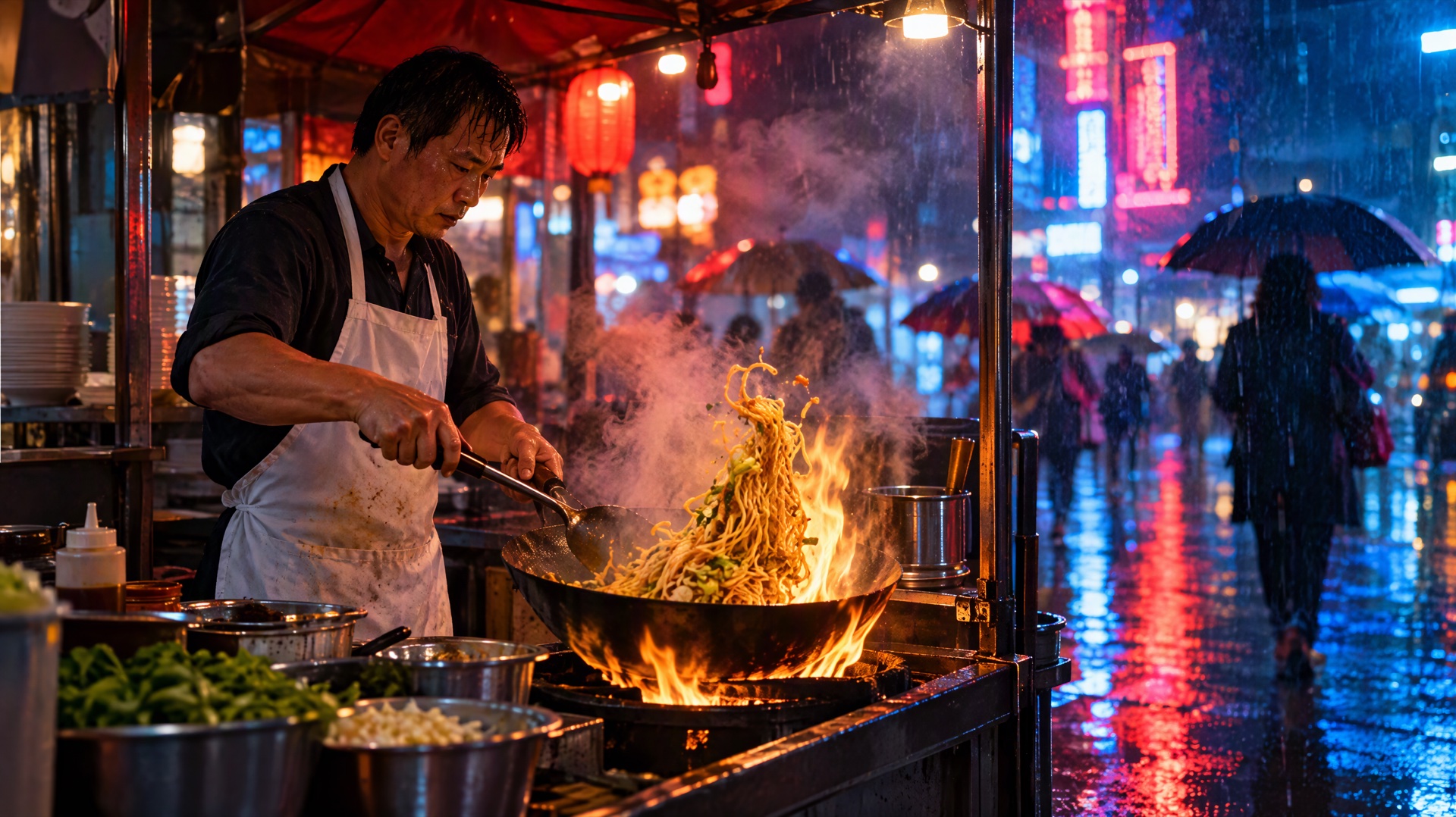
Image prompt: Cinematic photograph of a night street food stall in the rain. A cook in a white apron tosses noodles in a flaming wok, steam rising into red and blue neon light, umbrellas passing in the blurred background, shallow depth of field, warm highlights.
Last verified: 2026-10-27
Contents
- The Kling 3.0 prompt formula
- Kling 3.0 settings and credits on Yovid
- 12 text-to-video prompts
- 8 image-to-video prompts
- 5 dialogue and sound prompts
- 5 prompts for 4K detail shots
- How to fix common Kling 3.0 problems
- FAQ
The Kling 3.0 prompt formula
Kling 3.0 reads full sentences well, so you don't need keyword lists. Build each prompt from six parts:
Subject + action + scene + camera + light + sound
- Subject: who or what is on screen, with one or two details that identify it (a red fox, an older woman in a wool coat).
- Action: one main thing that happens, plus how fast. "Slowly turns toward the camera" works better than "moves around".
- Scene: the place and the time of day.
- Camera: one clear move, such as a slow push in, a tracking shot, an orbit or a static wide shot.
- Light: the light source and the mood (golden hour, neon, overcast daylight).
- Sound: Kling 3.0 generates audio with the picture, so name the sounds you want. Write "no music" or "no dialogue" when you want them left out.
Two more habits help. Kling's own guide shows that the model follows timing written into the prompt, such as "at the 4th second" or "in the final 3 seconds", which is useful for clips of 10 to 15 seconds. And Yovid's Kling 3.0 settings don't include the Multi-Shot switch from Kling's own app, so the prompts below are written as one continuous shot.
For a broader method that works across models, see the text-to-video prompt guide.
Kling 3.0 settings and credits on Yovid
| Setting | Options on Yovid |
|---|---|
| Input | Text only, or a first frame with an optional last frame |
| Length | 4 to 15 seconds |
| Quality | 720p, 1080p or 4K |
| Aspect ratio | 16:9, 9:16 or 1:1 |
| Sound | On or off, at the same credit rate |
| Prompt length | Up to 2,500 characters |
Credits depend only on length and quality:
| Quality | Credits per second | 5-second clip | 10-second clip | 15-second clip |
|---|---|---|---|---|
| 720p | 2.5 | 13 | 25 | 38 |
| 1080p | 4 | 20 | 40 | 60 |
| 4K | 10 | 50 | 100 | 150 |
Kling 3.0 is included in every paid plan and in the Creator, Studio, Max and Agency credit packs. Lite and Pro render it at up to 1080p. 4K needs the Premium plan or a Creator (or larger) credit pack. Free sign-up credits and the Starter pack don't cover Kling 3.0. Current prices are on the pricing page.
12 text-to-video prompts
Each prompt below has a "Try this prompt in Yovid" button that opens the generator with the text filled in. Switch the model to Kling 3.0 before you generate. Start at 720p and 5 to 10 seconds to check the motion, then render the keeper at a higher quality.
Cinematic scenes
- Night market cook (the scene in the cover image):
Night street food market in the rain. A cook in a white apron tosses noodles in a flaming wok, steam rising into red and blue neon light. The camera starts on the sizzling wok in close-up, then pulls back slowly to a medium shot of the busy stall and passing umbrellas. Cinematic, shallow depth of field, warm highlights. Sound of sizzling oil, rain on the canvas roof and distant chatter.
- Platform at dawn:
An empty train platform at dawn. An elderly man in a long wool coat waits alone, holding a small bouquet of yellow flowers. A train arrives slowly and steam drifts across the frame. The camera holds a wide static shot, then pushes in gently on his face as the doors open. Muted film colors, soft backlight. Sound of a distant horn and hissing brakes.
- Desert highway:
A vintage red convertible drives down an empty desert highway at golden hour. Low tracking shot beside the front wheel, then the camera rises into a high aerial view of the road running toward distant mountains. Long shadows, dust trailing behind the car, warm orange light. Sound of the engine and the wind.
Product shots
- Skincare bottle:
A glass skincare bottle with a silver cap stands on wet black stone. Water droplets slide down the glass as a narrow beam of light sweeps slowly across it from left to right. The camera orbits the bottle in a slow half circle. Clean studio lighting, dark background, crisp reflections, plain unlabeled bottle. Soft ambient music and a single drop of water.
- Sneaker splash:
A white running sneaker lands in a shallow puddle in slow motion, throwing water up in a crown shape. Low-angle close-up with the shoe filling the right half of the frame, an overcast city street out of focus behind it. Sharp droplets, cool daylight. Sound of the splash, then quiet traffic.
- Latte art:
Overhead shot of a barista pouring steamed milk into a cup of espresso and drawing a leaf pattern. The camera lowers slowly from top-down to a side angle as the pattern finishes. Warm cafe light, wooden counter, steam curling up from the cup. Sound of the milk pitcher and soft cafe chatter.
Nature
- Fox in the snow:
A red fox walks through fresh snow in a pine forest at sunrise, its breath visible in the cold air. The camera tracks beside it at ground level. The fox stops, looks straight into the lens, then trots away between the trees. Golden light through the branches, light snowfall. Sound of crunching snow and a distant woodpecker.
- Storm coast:
Huge ocean waves crash against black volcanic rocks under a stormy sky. Slow-motion close-up of the spray, then a wide aerial shot pulls back to reveal the whole coastline. Cold blue and gray tones, heavy clouds. Sound of thundering surf and strong wind.
City
- Rainy crossing:
A busy city crossing at night in the rain, seen from high above. Dozens of people with clear umbrellas cross as the signal changes. The camera tilts down slowly from glowing signs to the street. Reflections on wet asphalt, cinematic color grade, signs without readable text. Sound of rain, footsteps and a crossing chime.
- Rooftop, sunset to night (with timing):
A young woman in a yellow raincoat stands on a city rooftop at sunset, seen in a static wide shot. For the first 5 seconds the sky glows orange behind her. At the 5th second the office windows across the skyline start to light up one by one. In the final 3 seconds she turns her head toward the camera and smiles. Soft city ambience and wind.
Action
- Rooftop parkour:
A parkour runner in a gray hoodie sprints across a concrete rooftop, vaults a low wall and jumps the gap to the next building. Handheld tracking shot from behind, then a side angle in slow motion during the jump. Overcast daylight, gritty urban textures. Sound of fast footsteps, breathing and wind.
- Fencing duel:
Two fencers in white uniforms duel in an empty gymnasium lit by tall windows. Medium shot as the camera circles them and their blades clash, then a close-up of one fencer's mask as she lunges and scores. Dust floating in the light beams. Sound of clashing blades and sneakers squeaking on the floor.
8 image-to-video prompts
When you attach a picture as the first frame, Yovid sends the job to Kling 3.0's image-to-video mode. The image already sets the look, so the prompt should describe motion, camera and sound, plus anything that must stay the same. Upload your image in the image-to-video generator, choose Kling 3.0 and paste the prompt. More starting points are in image-to-video prompt examples.
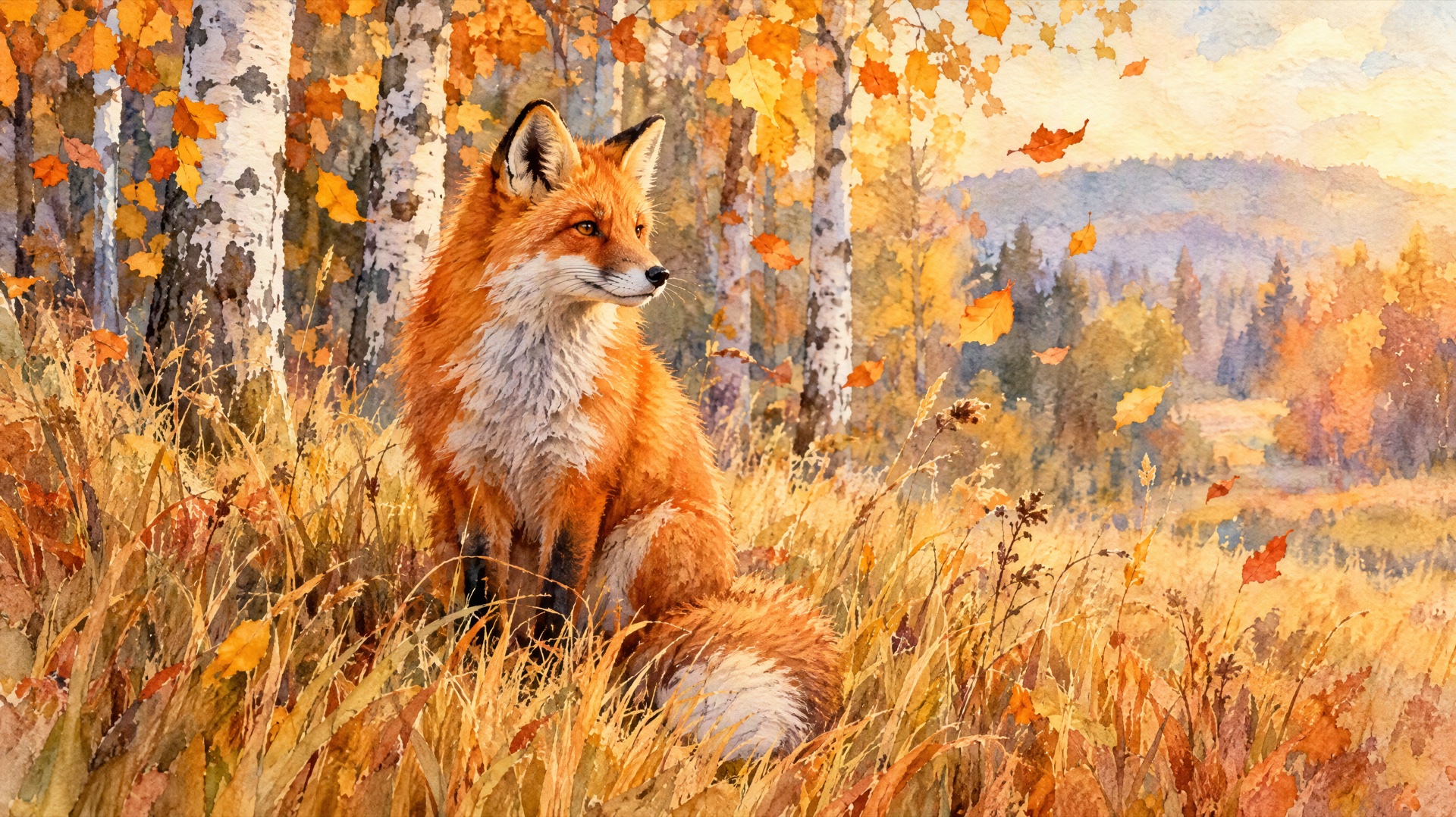
Image prompt: Watercolor illustration of a red fox sitting in tall autumn grass at the edge of a birch forest, orange and gold leaves drifting in the air, soft wet-on-wet washes, visible paper texture, warm afternoon light.
Portraits
- Window portrait:
Keep her face, hair and clothes exactly as in the image. She slowly turns from the window toward the camera and gives a small, warm smile. The window light dims slightly as a cloud passes. The camera pushes in very slowly. Quiet room tone and a ticking clock.
- Old family photo:
Animate this old family portrait gently. The man blinks, the woman beside him glances at him and laughs softly, and the child shifts on the bench. Keep the original film grain, colors and framing. The camera stays still. Faint birdsong outside.
Product photos
- Bottle orbit:
Start from this product photo. The camera orbits slowly around the bottle from left to right while soft light glides across its surface. Keep the label, shape and colors exactly as shown, with the printed text sharp. The background stays clean and still. Light ambient music.
- Floating sneaker:
The sneaker in the image lifts off the table and rotates slowly in midair, showing the sole and both sides, then settles back in the same spot. Keep every color, stitch and detail of the shoe. Studio lighting with a soft shadow underneath. A gentle whoosh as it turns.
Illustrations
- Watercolor fox (try it with the image above):
Bring this watercolor illustration to life. The fox's tail sways, autumn leaves drift down across the frame and the grass bends in a light breeze. Keep the painted brush texture and the paper grain. Slow push in toward the fox. Sound of wind and rustling leaves.
- Anime character:
Animate this anime-style drawing. The girl's hair and scarf move in the wind as she looks up at the sky and cherry blossom petals float past her. Keep the line art, flat colors and character design unchanged. The camera tilts up slowly toward the clouds. Gentle wind and distant wind chimes.
Landscape photos
- Mountain lake:
Turn this mountain lake photo into a calm moving scene. Clouds drift over the peaks, the water ripples gently and thin mist moves across the surface. Keep the composition and colors of the original photo. The camera glides slowly forward over the water. Sound of lapping water and birdsong.
- Street, noon to night (first and last frame):
Use the first image as the start frame and the second image as the end frame. The camera moves slowly down the same city street as noon turns into night, traffic grows busier and the shop lights switch on one after another. One smooth continuous move. City ambience and passing cars.
5 dialogue and sound prompts
Kling 3.0 generates speech and sound in the same pass as the picture. According to Kling's guide, it voices dialogue in English, Chinese, Japanese, Korean and Spanish, and it translates lines written in other languages into English. Put each line after the speaker's name, add the tone and language in brackets, and keep each line short enough to say in the time you set. Accents work the same way: Kling lists American, British and Indian English, and Chinese dialects such as Cantonese.
- Two speakers in English:
A cozy kitchen at night, rain on the window. An older woman stirs a pot of soup while her adult son sets the table. Mother (warm, teasing, in English): "You only visit when I make this soup." Son (laughing, in English): "That's not true. I come for the bread too." Medium shot, slow push in. Sound of rain and a simmering pot.
- Spanish at a bakery:
A small bakery in Madrid on a sunny morning. A tourist points at the pastries and asks the baker, in Spanish with a slight foreign accent: "¿Cuál me recomienda?" The baker smiles and answers in cheerful Spanish: "El de chocolate, recién hecho." Close-up on the pastries, then a two-shot of both of them. Sound of an oven door and street noise.
- British accent:
A rainy street at dusk. A delivery rider in a yellow jacket stops at a doorway and speaks into his phone with a British accent, tired but polite: "I'm outside now, by the blue door." Handheld medium shot, rain dripping from his helmet. Sound of rain, a passing bus and a faint phone line.
- Voiceover with music:
A slow aerial shot over misty rice terraces at sunrise. A calm female voiceover in English says: "Every morning here starts the same way, quietly." Soft piano music, birds and distant running water. The camera drifts forward as the sun breaks through the mist.
- Sound only, no speech:
A blacksmith hammers a glowing blade on an anvil in a dark workshop. Close-up of sparks flying with each strike, then a side shot as he plunges the blade into water and steam bursts up. No dialogue and no music. Sound of heavy hammer strikes, crackling fire and a sharp hiss of steam.
5 prompts for 4K detail shots
4K pays off when the frame is full of fine texture: skin, fabric, metal, food, water. Keep the camera slow so the detail stays readable, and test the prompt at 720p first, since a 10-second 4K clip costs 100 credits. Kling 3.0 renders up to 4K on Yovid with the Premium plan or a Creator (or larger) credit pack.

Image prompt: Extreme close-up photograph of a potter's hands shaping a wet clay bowl on a spinning wheel, slip running between the fingers, raking side light revealing every ridge and fingerprint, shallow depth of field, earthy brown tones.
- Potter's wheel:
Extreme close-up of hands shaping wet clay on a spinning pottery wheel. Water and slip run between the fingers as the bowl rises. Raking side light shows every ridge and fingerprint in the clay. Slow, steady camera and shallow depth of field. Sound of the humming wheel and wet clay.
- Watch movement:
Macro shot of a mechanical watch movement, with gears and a balance wheel ticking in a slow rhythm. The camera slides slowly across the brass and steel parts. Fine brushed metal, tiny screws, soft warm light, black background, no brand names or logos. Quiet ticking.
- Silk in the wind:
Slow-motion close-up of an emerald green silk scarf rippling in the wind against a pale sky. Light catches the woven texture and the hand-rolled edges. The camera follows the fabric gently. Soft wind sound.
- Honey on pancakes:
Macro shot of honey pouring over a stack of pancakes, the thick golden stream folding as it lands. Butter melts on top and steam rises. Warm morning window light, shallow focus, every bubble visible. Sound of a quiet kitchen and a slow drip.
- Frost at sunrise:
Close-up of frost forming on a green leaf at dawn, ice crystals spreading along the veins. Then the first sunlight reaches the leaf and the frost begins to sparkle and melt. Static macro shot. Sound of a still winter morning.
How to fix common Kling 3.0 problems
| Problem | What usually causes it | What to change in the prompt |
|---|---|---|
| Motion is too fast or rushed | Too many actions for the length | Keep one main action, add "slowly" or "gently", or raise the length to 10 or 15 seconds and give each step a time |
| Faces or hands distort | Several people interacting closely, fast turns, small faces in a wide shot | Use fewer characters, frame a medium shot or closer, and write "keep her face unchanged" when you start from an image |
| The camera wanders or shakes | No camera direction, or several moves stacked together | Name one move ("slow push in", "static wide shot") and drop words like "dynamic" or "handheld" unless you want them |
| The wrong person speaks | Lines not tied to a speaker | Put the speaker's name and tone before each line, as in prompts 21 to 23 |
| Speech in the wrong language | The line is in a language Kling doesn't voice | Write the line in English, Chinese, Japanese, Korean or Spanish, and name the language in brackets |
| Image-to-video changes the picture | The prompt describes a different look | Describe motion only, and add "keep the composition and colors of the original" |
If a result is close, change one part of the prompt at a time, such as only the camera move, so you can see what made the difference.
FAQ
What is the best prompt structure for Kling 3.0?
Subject, action, scene, camera, light and sound, written as plain sentences. Keep one main action per clip, say how fast it happens, and add timing such as "at the 5th second" for clips of 10 seconds or longer.
How long can a Kling 3.0 video be on Yovid?
From 4 to 15 seconds per generation, at 720p, 1080p or up to 4K, in 16:9, 9:16 or 1:1. Prompts can be up to 2,500 characters.
Which languages can Kling 3.0 speak?
English, Chinese, Japanese, Korean and Spanish, and characters can switch between them in one clip. Kling's guide says lines written in any other language are translated and spoken in English.
Do I need a paid plan to use Kling 3.0 in 4K?
Yes. Kling 3.0 is on every paid plan and on the Creator, Studio, Max and Agency credit packs, but Lite and Pro stop at 1080p. 4K needs Premium or a Creator (or larger) credit pack. Free sign-up credits don't cover Kling 3.0.
Should I use Kling 3.0 or Seedance 2.5 for these prompts?
Pick Kling 3.0 when you need 4K output or clips of up to 15 seconds. Seedance 2.5 on Yovid runs longer, from 4 to 30 seconds, at up to 1080p. The Seedance 2.5 vs Kling 3.0 comparison covers the differences in detail, and more prompt collections are in prompt guides.
To try one, open the Yovid video generator, select Kling 3.0, paste any prompt from this list and render a short 720p test before you go to 1080p or 4K.