Direct answer: Draft mode is a 480p preview option for Seedance 2.5 on Yovid. You pick "Draft" in the resolution menu, and the clip renders at 480p for about 3 credits per second, so a 5-second draft costs about 15 credits. If you like it, one click on "Upgrade to 1080p" renders the same content at 1080p, billed like a direct 1080p clip (about 15 credits per second). Use drafts when you expect to try several versions of a prompt, and skip them when your first render is usually the keeper or when 720p is good enough. The upgrade needs the Pro or Premium plan or a credit pack, and it stays open for about 24 hours after the draft finishes.
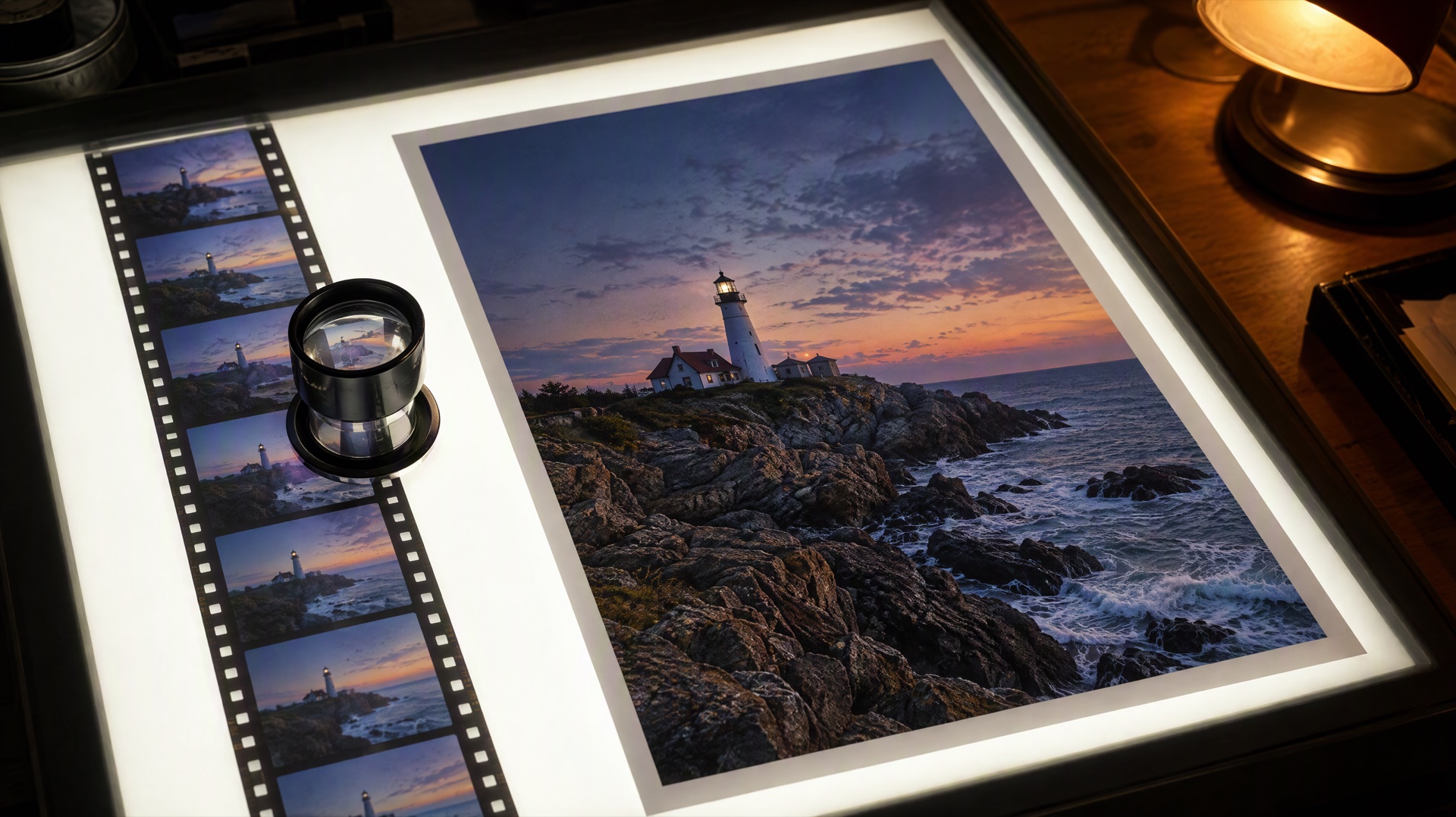
Image prompt: Overhead photograph of a backlit light table in a dim editing room. A strip of small, slightly soft film frames shows a coastal lighthouse at dusk, and next to it lies one large, crisp print of the same lighthouse scene with fine detail in the waves and rocks. A loupe rests on the film strip, warm desk lamp glow at the edge of the frame.
Last verified: 2026-10-27
Contents
- What Seedance 2.5 draft mode does
- Draft or direct 1080p: what each path costs
- How to use draft mode on Yovid, step by step
- When to skip the draft
- How to write prompts for the draft round
- 3 prompts to draft first and finish at 1080p
- FAQ
What Seedance 2.5 draft mode does
A Seedance 2.5 generation normally renders once, at the resolution you choose. Draft mode splits that into two steps:
- The draft. Your prompt, references, length, aspect ratio and sound setting render at 480p. Whatever resolution was selected before, a draft always renders and bills at 480p.
- The final. When a draft works, "Upgrade to 1080p" turns that draft into a 1080p video with the same content. The final reuses every setting from the draft, so you don't re-enter anything.
The difference from simply generating again at 1080p is that you keep the take you already approved. A new generation with the same prompt would give you a different take. Treat the final as the same scene, camera path and sound at a higher resolution rather than as a frame-for-frame copy, and check it before you publish.
Draft mode is only offered for Seedance 2.5. Other models on Yovid, including Seedance 2.0, don't show the Draft option.
Draft or direct 1080p: what each path costs
Seedance 2.5 bills by the second. At credit-pack base rates the numbers in the current Yovid configuration are:
| Resolution | Credits per second |
|---|---|
| 480p draft | 3.05 |
| 720p | 6.1 |
| 1080p | 15.1 |
Each render costs its length times the rate, rounded to a whole number. The upgrade is billed like a direct 1080p render of the same clip. That gives these totals:
| Clip length | One 480p draft | One direct 1080p render | Draft + upgrade | 3 drafts + 1 upgrade | 3 direct 1080p tries |
|---|---|---|---|---|---|
| 5 seconds | 15 | 76 | 91 | 121 | 228 |
| 10 seconds | 31 | 151 | 182 | 244 | 453 |
| 15 seconds | 46 | 227 | 273 | 365 | 681 |
| 30 seconds | 92 | 453 | 545 | 729 | 1,359 |
Reading the table:
- If your first render is right, a draft costs a little more. You pay the draft on top of the 1080p final, about 20% extra.
- If you would have needed two or more tries, drafts cost much less. Throwing away a 5-second 480p draft costs 15 credits; throwing away a 5-second 1080p render costs 76. For a 30-second clip, three drafts and one upgrade cost 729 credits, against 1,359 for three full 1080p attempts.
Subscription plans pay less per second than the pack rates above, and the Generate button shows the exact cost for your account before you start. For a wider look at Seedance 2.5 costs and the free-credit question, see whether Seedance 2.5 is free. Plan and pack prices are on the pricing page.
How to use draft mode on Yovid, step by step
| Step | What to do | What you see |
|---|---|---|
| 1 | Open the text-to-video generator and choose Seedance 2.5 in the model menu | Seedance 2.5 is marked for members; it needs a paid plan or a credit pack |
| 2 | Write the prompt and set aspect ratio, length and sound | The same controls as a normal render |
| 3 | Open the resolution menu and pick Draft, the last option with an amber bolt | The hint under it reads "480p draft first / Upgrade to 1080p if you like it" |
| 4 | Click Generate | The result is labeled as a draft preview, with an "Upgrade within …" countdown |
| 5 | Click Upgrade to 1080p on the draft you want to keep | The final usually takes a few minutes; you can switch between the Draft and 1080p views |
| 6 | Download the 1080p MP4 | The draft stays in your history too |
To start from an image, use the image-to-video generator instead and attach a first frame; the Draft option sits in the same resolution menu. If you want another variation instead of the upgrade, "Regenerate with same settings" makes a new draft, which is billed as a new 480p render.
If the 1080p render fails, Yovid shows "The 1080p render failed. No credits were charged." and the draft can be upgraded again while the window is still open.
When to skip the draft
Drafts are not always the cheaper path. Go straight to a normal render when:
- 720p is your final resolution. The upgrade only goes to 1080p. A direct 720p clip costs about 6 credits per second, less than a draft plus a 1080p upgrade.
- Your plan can't render 1080p. The Lite plan stops at 720p for Seedance 2.5, so you can make drafts but the upgrade asks you to move to Pro, Premium or a credit pack. On an account with a subscription, the plan sets the limit.
- The prompt is already proven. If you are re-running a prompt that worked last week, the draft only adds about 20% to the cost.
- You won't be back within a day. The upgrade window closes about 24 hours after the draft finishes. After that the draft can't be converted, and you would render the clip again from scratch.
- You work through the API. Draft mode is a feature of the Yovid web generator. The Yovid API for Seedance 2.5 renders clips directly at the resolution you ask for.
How to write prompts for the draft round
A draft is a test, so set it up like one. The rule that saves the most credits is to change one variable per draft. If you change the camera move, the action and the light at once and the new version is better, you won't know which change helped.
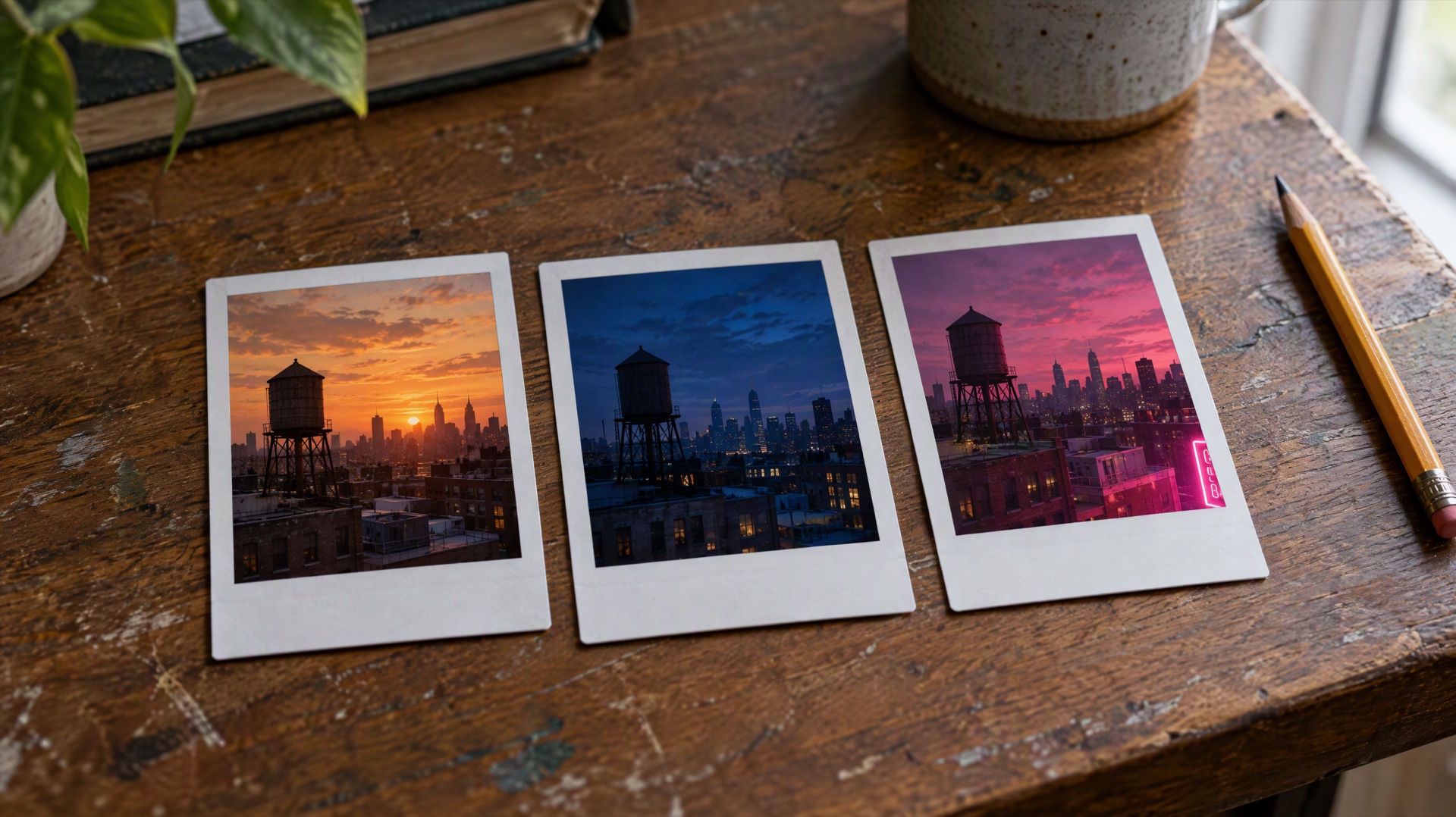
Image prompt: Three small instant photo prints lying side by side on a worn wooden desk, each showing the same city rooftop with a water tower at dusk, but lit differently: warm orange sunset, deep blue hour, and pink neon glow from a sign below the frame. Soft daylight from a window, shallow depth of field, a pencil beside the prints.
A simple routine:
- Draft 1: the base prompt. Subject, action, place, camera, light and sound, written as plain sentences.
- Drafts 2 and 3: one change each. Pick the variable that matters most for this shot. For a landscape it is usually the camera move or the light; for a person it is usually the action or the timing of a line.
- Keep a note of what changed. Something as short as "D2: slow orbit instead of push in" is enough to compare later.
- Judge motion, framing and sound, not sharpness. A 480p draft is meant to show whether the shot works. Fine texture is what the 1080p final adds.
- Upgrade one draft. If two drafts are close, upgrade the one with better motion; resolution won't fix a clumsy movement.
For the structure of the prompt itself, the Seedance 2.5 prompt guide covers subjects, camera language, dialogue and references in more depth.
3 prompts to draft first and finish at 1080p
Each prompt has a button that opens it in the Yovid generator with Seedance 2.5 selected. Choose Draft in the resolution menu before you generate.
Lighthouse at dusk (text to video, 10 seconds)
A lighthouse keeper in a yellow raincoat climbs the stone path to the lighthouse at dusk while waves crash against the rocks below. The camera starts wide from the sea and slowly pushes in as the lamp at the top switches on. Wind, rain on fabric and distant gulls, no music.
Variables to test in drafts: the camera move (slow push in, slow orbit, static wide shot) and the light (clear dusk, storm clouds, blue hour).
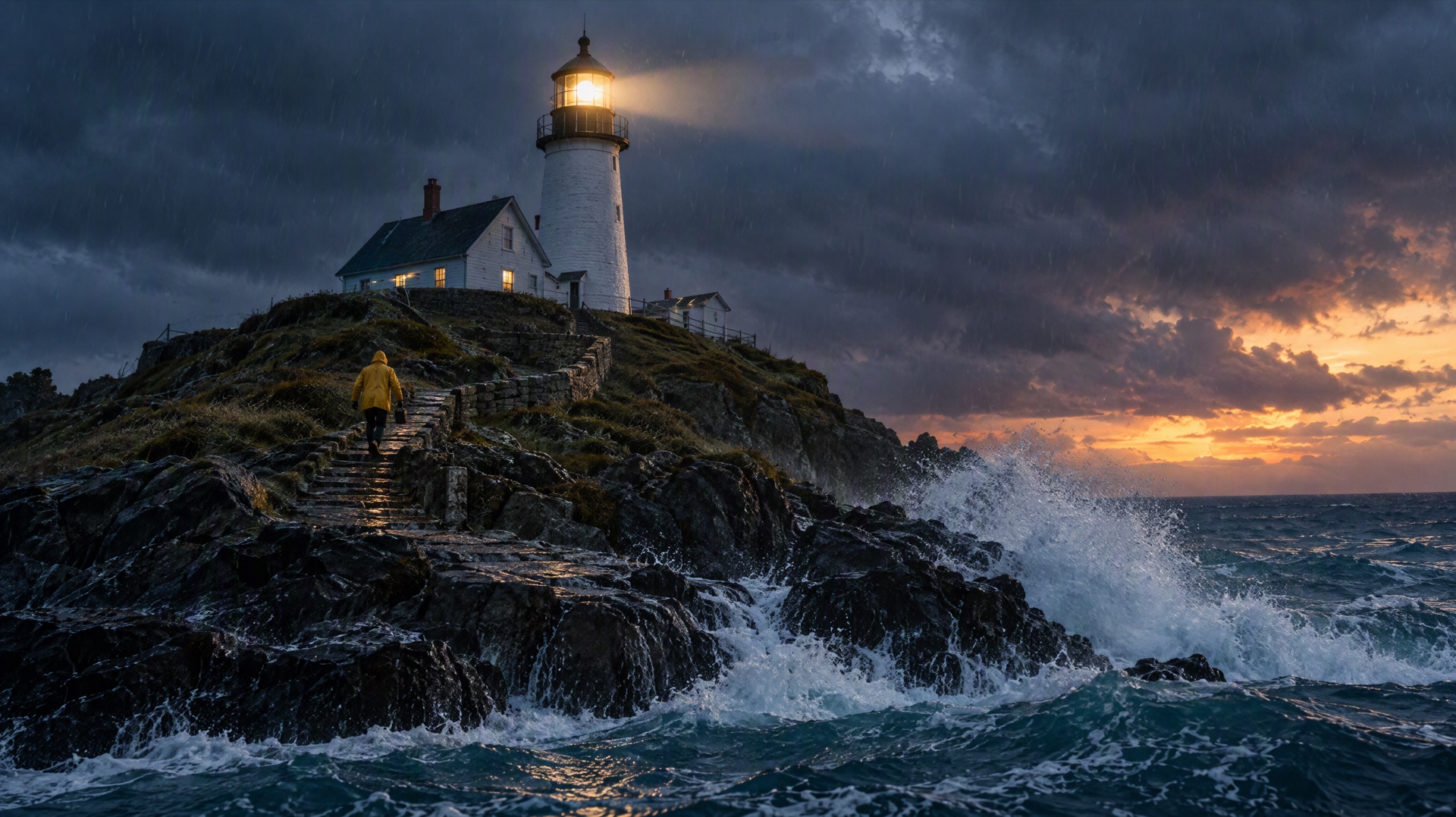
Image prompt: Cinematic film still at dusk: a lighthouse keeper in a yellow raincoat climbs a stone path toward a white lighthouse whose lamp has just switched on, waves crashing against dark rocks below, light rain, dramatic clouds, wide shot from the sea, crisp detail in the spray and wet stone.
Steaming mug (image to video, 5 seconds)
Attach a product photo of a mug as the first frame, then use:
Animate the attached product photo: the ceramic coffee mug sits on a wooden counter as steam rises slowly and morning sunlight moves across the glaze. The camera makes a slow half orbit from left to right and ends on the handle. Soft cafe ambience, no dialogue.
Variables to test in drafts: the speed of the orbit, how much steam there is, and the direction of the sunlight. Product shots are where a draft pays off most, because small motion problems are easy to see at 480p.
Subway violinist (text to video with dialogue, 15 seconds)
A street musician in a rainy subway station finishes a song on an old violin, lowers the bow and smiles at a child who drops a coin into the open case. Handheld medium shot, warm platform lights, a train arriving in the background. She says softly in English, "Thank you, that one was for you."
Variables to test in drafts: when the line is spoken (before or after the coin drops) and the tone of the delivery (soft, playful, tired). Listen to the draft with sound on; timing problems in speech are as clear at 480p as at 1080p.
FAQ
Are Seedance 2.5 drafts charged?
Yes. A draft is billed at the 480p rate, about 3 credits per second at credit-pack base rates, so a 5-second draft is about 15 credits. The 1080p upgrade is billed separately, at the same cost as a direct 1080p render of that clip. If the 1080p render fails, its credits are not charged.
How long can I upgrade a draft to 1080p?
About 24 hours from the moment the draft finishes. The result shows an "Upgrade within …" countdown. Yovid closes the button about 10 minutes before the deadline, because a conversion that starts too close to it is likely to fail.
Which plans can upgrade drafts to 1080p?
Seedance 2.5 itself needs the Lite, Pro or Premium plan or a one-time credit pack; free sign-up credits don't cover it. The 1080p upgrade needs Pro or Premium, or a credit pack on an account without a subscription. Lite stops at 720p for Seedance 2.5, so Lite users can make drafts but not upgrade them.
Do drafts have a watermark?
No. Yovid doesn't add a watermark to Seedance 2.5 drafts or to the 1080p finals made from them. A draft is a full 480p MP4 that you can download, though it is meant for review rather than publishing.
Can I use draft mode through the API?
Not at the moment. Draft mode and the 1080p upgrade are part of the Yovid web generator. The Yovid API renders Seedance 2.5 directly at the resolution you request; you can still test a prompt cheaply by sending a short 480p request first and then running the final at your target resolution, but that second run is a new generation, not a conversion of the first.
Try draft mode on your next clip
Pick a prompt above, open the Seedance 2.5 generator, choose Draft in the resolution menu and make two or three versions before you spend 1080p credits on one. More step-by-step guides are in video workflows.