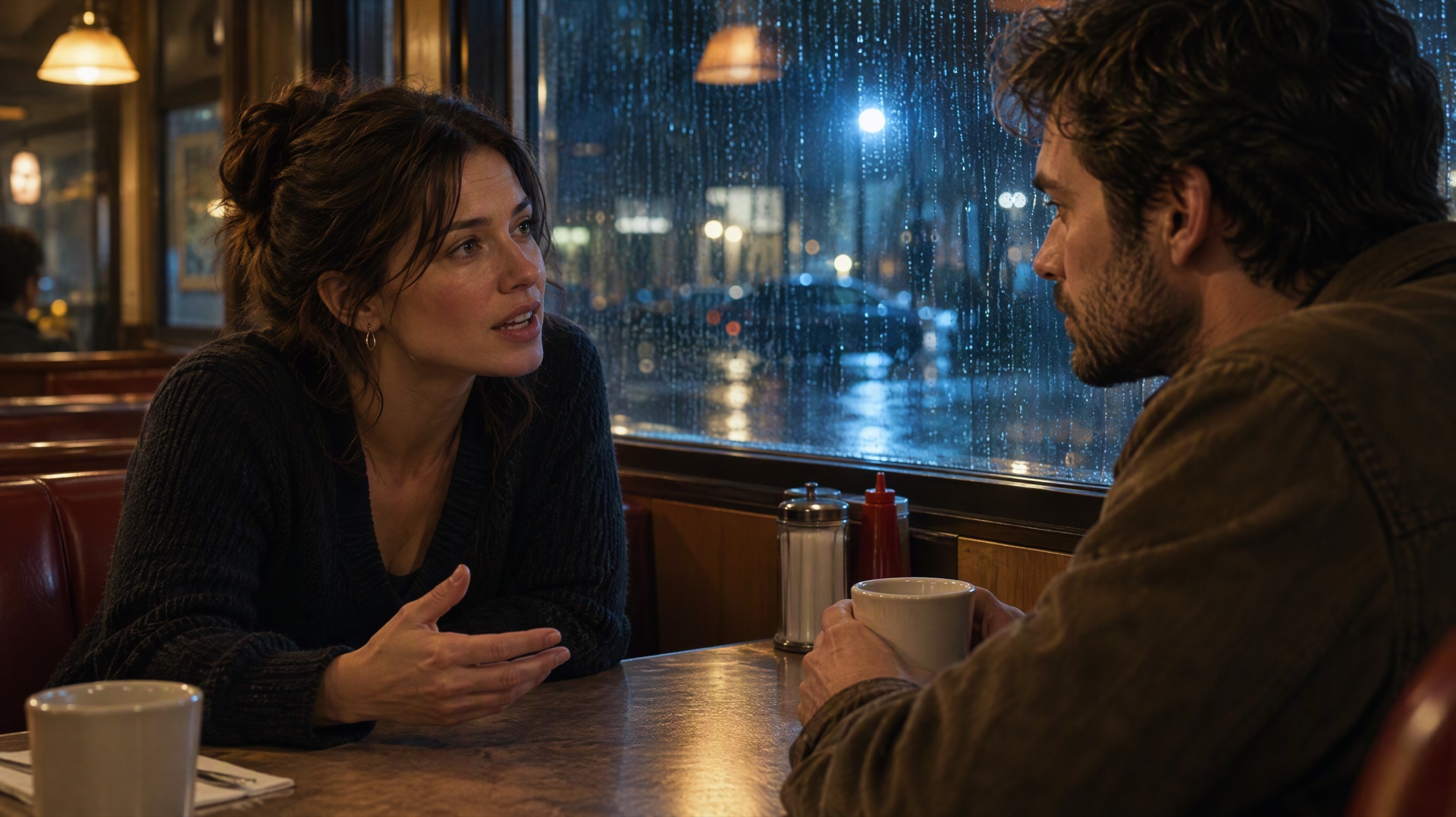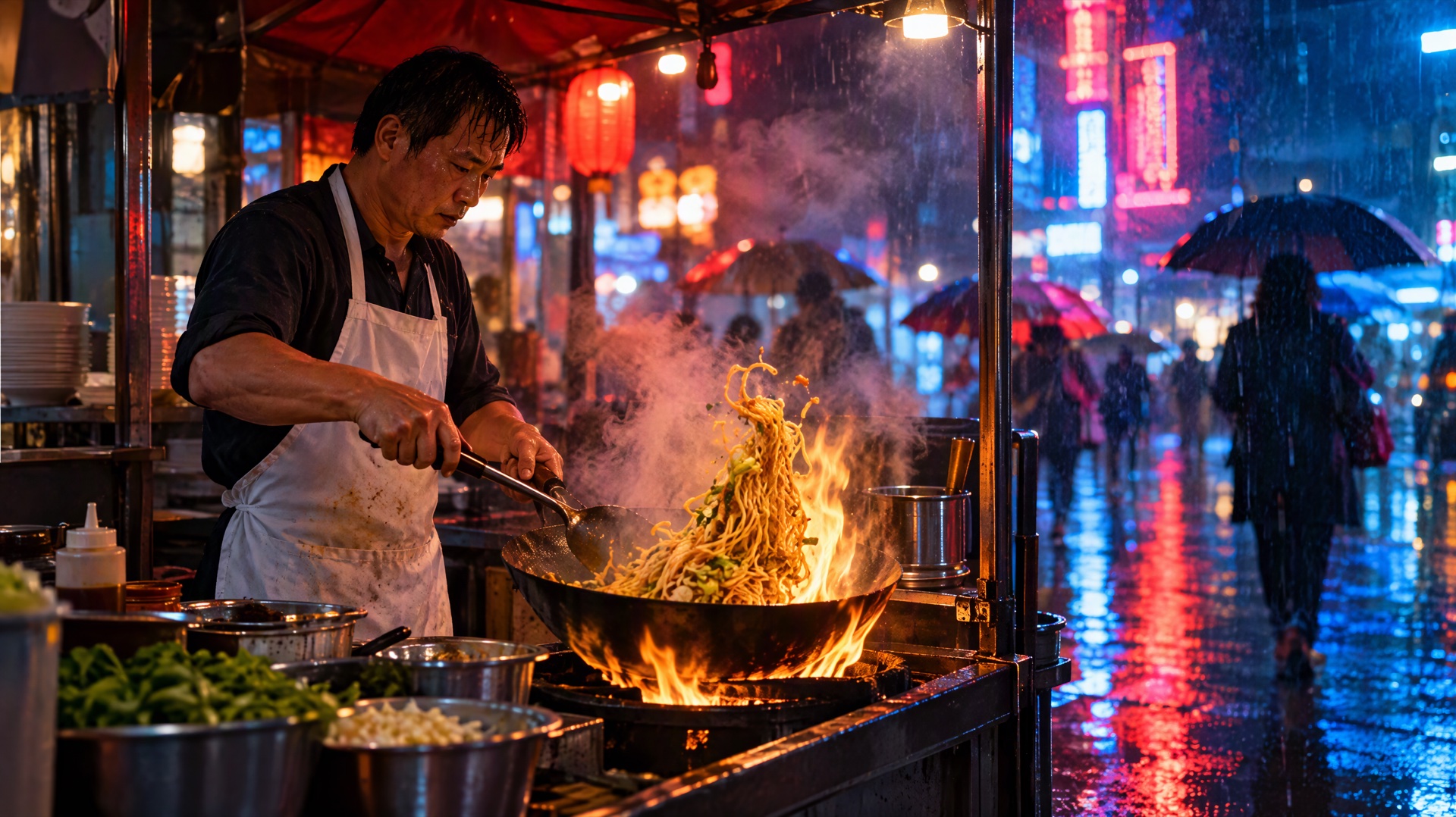
Direct answer: Seedance 2.5 generates sound in the same pass as the picture, so the prompt is also your sound design. Write sound in four layers: the ambience of the place, the effects tied to each visible action, the music (or no music), and the moments that should be quiet. Put each sound right after the action that causes it, name its source and texture ("oil crackling in a hot pan", not "cooking sounds"), and say how loud it is against everything else. For music, describe the style, tempo, instruments and mood, never a real song or a singer's name. Sound is on by default on Yovid and costs the same credits as a silent clip. Below are 15 copy-ready prompts (five ambience, five effects, five music), two 30-second timed sound designs, and what to do when you'd rather add your own soundtrack later.
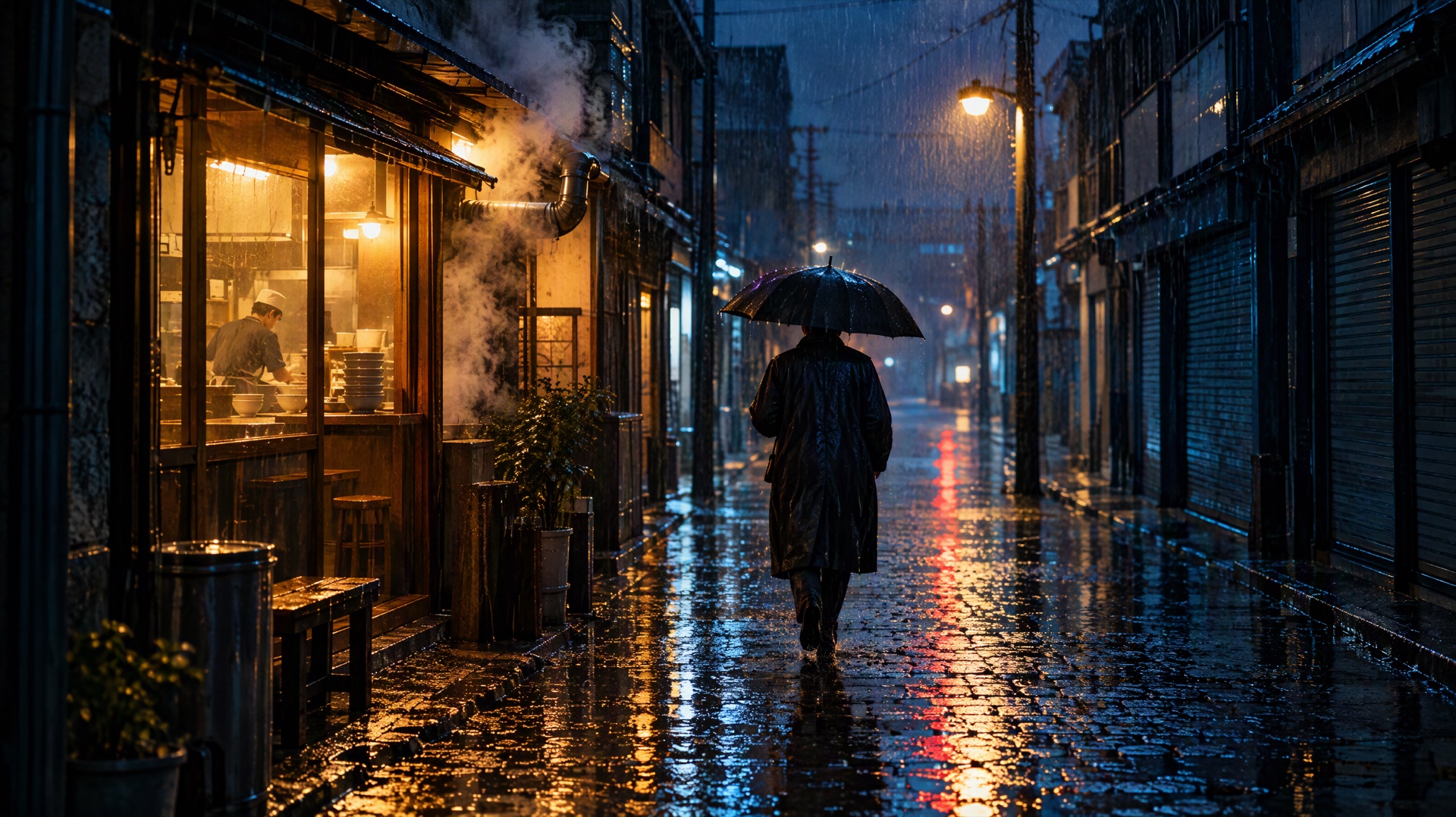
Image prompt: Cinematic film still of a narrow old city street at night in heavy rain. A lone adult in a dark raincoat walks away from the camera under a black umbrella, past a small noodle shop with a warm glowing window and steam drifting from a vent. Puddles on the cobblestones reflect colored light from blank, unlit shop fronts and a single streetlamp, rain streaks visible in the light, wet reflective surfaces, moody blue and amber palette, shallow depth of field, 35mm look. Plain storefronts with no signs, no lettering anywhere in the frame.
Last verified: 2026-10-30
Contents
- How Seedance 2.5 handles sound
- How to write sound into a prompt
- 15 copy-ready sound prompts
- Two 30-second timed sound designs
- When to turn sound off
- Audio references: browser vs API
- FAQ
How Seedance 2.5 handles sound
ByteDance Seed calls Seedance 2.5 an audio-video joint generation model: one generation produces the picture and the soundtrack together, up to 30 seconds long. You don't get a separate audio file to mix. Whatever the prompt says about sound, or leaves out, shapes what you hear.
Here is what that means on Yovid:
| Setting | What it means for sound |
|---|---|
| Sound | On by default. Switch it off per generation and the clip renders silent. |
| Cost | Sound on or off costs the same credits. At credit-pack base rates a 10-second 720p clip is 61 credits. |
| Length | 4 to 30 seconds per generation. Longer clips give a sound room to build, change or stop. |
| Resolution | 480p, 720p or 1080p. The Lite plan stops at 720p for Seedance 2.5. |
| Prompt length | Up to 10,000 characters, enough for a full timed sound plan. |
| Access | Any paid plan or any credit pack. Free sign-up credits don't cover Seedance 2.5. |
Subscriptions pay less per second than credit packs, and the Generate button shows the exact cost before you start. Plan and pack prices are on the pricing page.
Two things from ByteDance's launch notes are worth knowing. First, ByteDance says Seedance 2.5 is tuned to keep unrequested subtitles and background music to a minimum. A minimum isn't zero, so if you want a clip without music, say so. Second, it supports timestamp control: you can tell the model what happens, including what you hear, inside a specific time range. That is why the 30-second prompts below are split into timed beats.
How to write sound into a prompt
Think of the soundtrack in four layers and give each one a line or two. Most weak sound prompts only mention one layer, usually music, and leave the model to guess the rest.
| Layer | What to write | Example wording | Where it goes |
|---|---|---|---|
| Ambience | The place you'd hear with your eyes closed | "steady rain on awnings, distant traffic hiss" | After the setting is described |
| Action effects | One sound per visible action | "the knife thuds on the board with each cut" | Right after the action |
| Music | Style, tempo, instruments, mood, volume | "slow brushed-drum jazz, piano and upright bass, quiet under the room" | At the end, or at the beat where it starts |
| Silence | What should be missing, and when | "no music, no voices", "everything cuts to silence at the door slam" | At the end, or at the exact beat |
Ambience
Ambience tells the viewer where they are. Be specific about the source and the distance: "waves breaking close, gulls far off" sounds different from "beach sounds". Two or three ambience sources are plenty. Ask for more and they blur into noise.
Action sound effects
Tie every effect to something the viewer can see, and put it in the same sentence: "She snaps the lighter open, a sharp metallic click, and the flame catches." When the sound is written next to its action, the model has a better chance of landing it on the right moment. Describe texture with plain words: crunch, thud, hiss, rattle, squeak, crackle.
Music
Describe the music the way you'd brief a composer: genre, tempo in words (slow, mid-tempo, driving), the main instruments, the mood, and how loud it sits. Seedance 2.5 has no documented control for exact tempo or key, so describe the feel instead of a number. Don't name real songs, bands or singers. Write "a warm 1970s-style soul groove with bass and horns", not an artist name.
Silence and "no music"
Silence is a sound choice too. "Ambient sound only, no music" is the most useful phrase in this article for product shots, documentary scenes and anything you'll score later. For a dramatic beat, say exactly when the sound drops out: "at 6 seconds all sound stops except her breathing."
Common sound problems
| Problem | Likely cause | Fix |
|---|---|---|
| Music you didn't ask for | Nothing said about music | Add "no music" at the end of the prompt |
| Effects land at the wrong moment | Sounds listed apart from their actions | Put each sound in the same sentence as its action |
| Muddy, crowded soundtrack | Too many sources at once | Keep two or three ambience sources and one effect at a time |
| Music drowns out speech | No volume given | Add "music very low under the dialogue" |
| Unwanted captions on screen | Model added text | Add "no subtitles, no on-screen text" |
For spoken lines, see Seedance 2.5 dialogue prompts; the same placement rules apply to voices.
15 copy-ready sound prompts
The prompts are grouped by layer, but each one describes picture and sound together, because Seedance 2.5 generates them together. Each card has a button that opens the prompt in the Yovid generator with Seedance 2.5 selected. Check that Sound is on, then set length and aspect ratio. You can also paste them into the text-to-video generator yourself.
Ambience
1. Rainy street at night, 10 seconds
A 10-second wide shot of a narrow old street at night in heavy rain, a lone figure with a black umbrella walking away from the camera past a steaming noodle shop. Steady rain drumming on the umbrella and on metal awnings, water running in the gutter, a faint clatter of bowls from inside the shop. No music, no voices.
2. Forest at dawn, 10 seconds
A 10-second slow dolly through a misty pine forest at dawn, soft light breaking through the trees. Birdsong layered from near and far, a woodpecker tapping somewhere distant, a light breeze moving through the needles, dry twigs cracking under unseen footsteps. Ambient sound only, no music.
3. Busy train station, 15 seconds
A 15-second handheld shot moving through a crowded train station concourse at rush hour, travelers crossing in every direction under a high glass roof. Echoing footsteps and rolling suitcase wheels, a muffled announcement over the speakers, a train braking with a long metallic squeal on a far platform. No music.
4. Coastal cliff in wind, 10 seconds
A 10-second aerial shot drifting along a grassy coastal cliff on a gray, windy afternoon, waves exploding against dark rocks below. Strong wind buffeting the microphone, deep booming waves, gulls crying high above, long grass hissing in the gusts. Ambient sound only, no music.
5. Quiet library, 10 seconds
A 10-second static shot inside an old library with tall wooden shelves and afternoon light. A student turns a page, a pencil scratches on paper, a chair creaks softly, a clock ticks on the wall and a door closes gently far away. Very quiet room tone, no music, no voices.
Action sound effects

Image prompt: Cinematic macro close-up of a cast iron pan on a gas stove in a home kitchen. Garlic slices and chopped green onions hit hot oil and sizzle, small droplets of oil jumping, a wooden spatula entering from the right, a wisp of steam rising. Warm side light from a window, dark background, crisp detail on the bubbling oil, shallow depth of field, food film look.
6. Kitchen close-up, 10 seconds
A 10-second macro close-up of a cast iron pan on a gas stove. Sliced garlic and green onions drop into hot oil with a loud sizzle that settles into a steady crackle, a wooden spatula scrapes across the pan, the gas burner hums underneath. Close, crisp sound, no music.
7. Glass breaking in slow motion, 8 seconds
An 8-second slow-motion shot of a wine glass sliding off the edge of a marble counter and shattering on a tiled floor. A soft scrape as it slides, a beat of silence as it falls, then a sharp bright shatter and small shards skittering across the tiles. No music.
8. Skateboard trick, 10 seconds
A 10-second low-angle tracking shot of a skateboarder rolling across a concrete plaza and landing a kickflip. Rough wheels rumbling on the concrete, the sharp clack of the tail hitting the ground, a short rush of air, then a heavy landing and wheels rolling away. Ambient city noise, no music.
9. Typewriter at night, 10 seconds
A 10-second close-up of hands typing on a vintage typewriter under a desk lamp at night. Each key strikes with a crisp mechanical clack, the carriage bell rings at the end of the line, the return lever slides with a ratchet sound. A quiet room with rain faintly tapping the window, no music.
10. Campfire, 10 seconds
A 10-second close shot of a campfire at night in the woods, sparks rising into the dark. Wood popping and crackling, a log collapsing into the embers with a soft crunch, a gentle whoosh as the flames rise, crickets chirping in the background. No music, no voices.
Music and rhythm
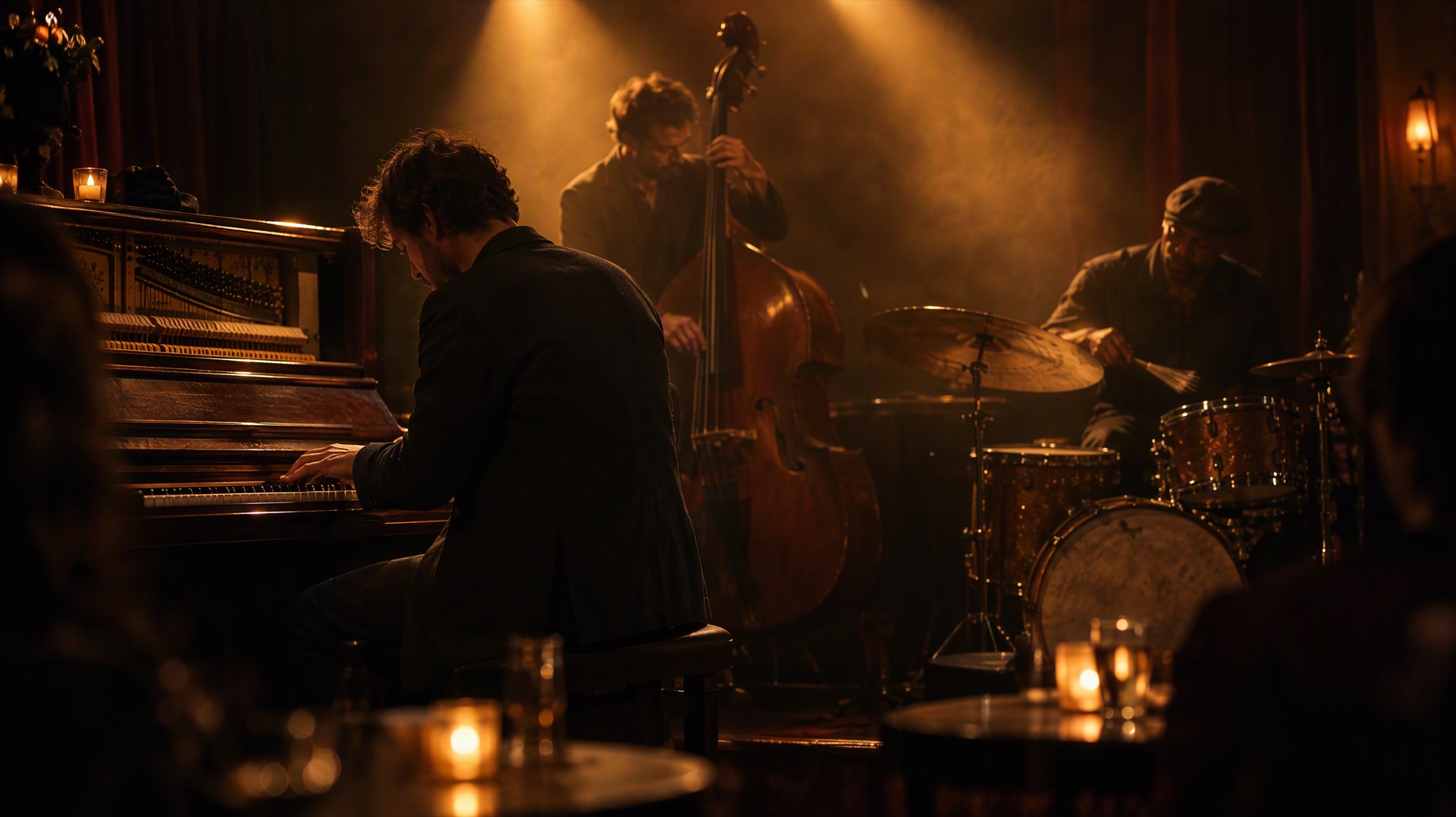
Image prompt: Cinematic film still of a small jazz trio performing on a dim club stage. An adult pianist at an upright piano in the foreground, a double bass player and a drummer behind under warm amber spotlights, haze in the air catching the light, the drummer mid-stroke on the cymbal with a brush. Intimate atmosphere, candle-lit tables blurred in the foreground, anamorphic look, shallow depth of field.
ByteDance's launch examples include a singer performing city pop on stage and a 30-second classical concert with orchestra and choir, so music played inside the scene is fair game. These prompts describe style and feel only. No real songs or artists.
11. Jazz trio on stage, 15 seconds
A 15-second slow push-in on a jazz trio playing on a dim club stage under warm amber spotlights. Mid-tempo swing with a walking upright bass, soft piano chords and brushes sweeping on the snare, the drummer's brush hitting the cymbal on the beat. Glasses clink quietly at the tables, the music stays in front.
12. Street drummer, 10 seconds
A 10-second handheld shot of a street performer drumming on upturned plastic buckets in a busy city square. Fast driving rhythm, sharp hollow hits and rim clicks matched to every stick stroke, a small crowd clapping along on the beat. City traffic low in the background.
13. Product reveal with a music bed, 10 seconds
A 10-second product shot of a matte black wireless speaker rotating slowly on a white pedestal, soft studio light sweeping across it. A calm electronic music bed with a warm synth pad and a soft pulsing beat that builds slightly as the light reaches the front of the speaker. No voices.
14. Lo-fi study room, 15 seconds
A 15-second static shot of a cozy bedroom desk at night with a cat asleep beside an open notebook and rain on the window. Relaxed lo-fi hip hop with a slow dusty drum loop, mellow electric piano and soft vinyl crackle, the rain quietly audible under the music.
15. Folk guitarist by the lake, 15 seconds
A 15-second shot of a young woman playing an acoustic guitar on a wooden dock at a calm lake at sunset. A gentle fingerpicked folk melody, unhurried and warm, with the strings squeaking softly as her fingers move, water lapping against the dock, no singing.
If you want a character to sing, write your own lyrics in quotes and describe the voice by style, such as "a soft breathy alto", never by a real singer's name.
Two 30-second timed sound designs
ByteDance says Seedance 2.5 can follow prompt instructions for a specific time range. For sound, that lets you change the soundtrack as the scene moves: one place, then another, then silence. Set the length to 30 seconds and paste one of these. Each card shows the beats as a timeline.
16. From storm to shelter
- 0–10sA hiker in a red jacket runs across an open mountain ridge as a thunderstorm breaks, heavy rain hammering the rocks, wind roaring across the microphone and a crack of thunder overhead. No music
- 10–20sShe pushes open the door of a small stone hut and slams it shut behind her. The storm becomes muffled through the walls, rain pattering on the roof, her fast breathing slowly calming down
- 20–30sShe lights a small gas stove, a soft click and a steady blue hiss, and wraps her hands around a metal cup. A warm, slow acoustic guitar melody fades in quietly under the muffled rain
17. Night market to an empty street
- 0–10sA busy night market in a narrow street, strings of warm bulbs overhead. Woks sizzle at the food stalls, vendors call out, people laugh and talk, a small radio plays upbeat pop music somewhere in the crowd
- 10–20sThe camera follows a young man carrying a paper bag of food as he leaves the market. The crowd noise and the radio fade behind him, replaced by his footsteps on wet pavement and a scooter passing
- 20–30sHe stops at a quiet corner under a single streetlamp and opens the bag. Only a light breeze, the rustle of paper and a distant dog barking. A soft, slow piano note rings out once and fades to silence
For more on timed beats, references and edits, see the Seedance 2.5 prompt guide.
When to turn sound off
Leave Sound on for most clips. Switch it off when you plan to replace the soundtrack anyway:
- You're cutting to your own music. A montage or brand edit with a licensed track doesn't need generated audio. A silent clip also keeps stray generated music out of your mix.
- You need clean ambience under a voiceover. Some editors prefer to add their own room tone and effects so every clip in the edit matches.
- You're using the clip as a visual reference. If the clip is only there to show motion or framing for a later generation, sound adds nothing.
Turning sound off doesn't save credits. If you might want the audio later, keep Sound on and mute the track in your editor instead.
Audio references: browser vs API
ByteDance's launch notes say Seedance 2.5 accepts up to 10 audio clips as references in one generation, alongside images and video. Yovid splits that by where you work:
| Browser composer | Yovid API | |
|---|---|---|
| Image references | Up to 30 | Up to 30 |
| Video references | Up to 10 | Up to 10 |
| Audio references | Not available | Up to 10 MP3 or WAV files |
| Audio limits | Not applicable | 2 to 30 seconds per file, 30 seconds combined, 15 MB or less per file |
So in the browser you describe sound in words, as in every prompt above. If you need the model to follow an actual voice, track or rhythm, send the audio files through the API. The setup and a full request example are in the Seedance 2.5 API guide, and the field reference is in the Yovid API documentation. Only use audio you own or have permission to use.
FAQ
Does Seedance 2.5 generate sound automatically?
Yes. On Yovid, Sound is on by default, and Seedance 2.5 generates ambience, effects and any music together with the picture. If your prompt says nothing about sound, the model still adds some, so describe what you want to hear.
Can I get a specific song or make it sound like a famous singer?
No. Describe the music by style, tempo, instruments and mood instead. Prompts that name real songs or artists may be refused, and you wouldn't have the rights to use the result.
Does turning sound off make a clip cheaper?
No. On Yovid, Seedance 2.5 costs the same credits with Sound on or off. Turn it off only when you plan to replace the audio.
Can I upload my own music or voice as a reference?
Not in the browser composer. The Yovid API accepts up to 10 MP3 or WAV audio references for Seedance 2.5, each 2 to 30 seconds and 30 seconds in total.
How do I stop unwanted background music?
Write "no music" at the end of the prompt, or "ambient sound only, no music" if you want just the natural sound of the scene. If music still creeps in, generate again with the same prompt, or switch Sound off and add your own track.
Browse more collections in prompt guides. When you're ready, open the Yovid text-to-video generator, pick Seedance 2.5, keep Sound on and render a 10-second test of the sound you care about most.