Hand the model a cast list instead of a first frame. Upload photos of people, products, outfits or places, tag them in your prompt, and Yovid stages a new scene around them on Seedance 2.5, Wan 3.0, MiniMax H3 and more.
References are not first frames
A reference is something the model has to recognise, not a picture the clip has to begin on. Yovid passes each file to the model as a source of identity, wardrobe, product detail, setting or style, and the model composes a fresh shot with the camera and action you write. That is how one character carries a whole series, or a product photographed on a white table turns up in a street scene.
The clip must open on your exact photo
Use the picture as the first frame and keep its composition, framing and pose, with motion added.
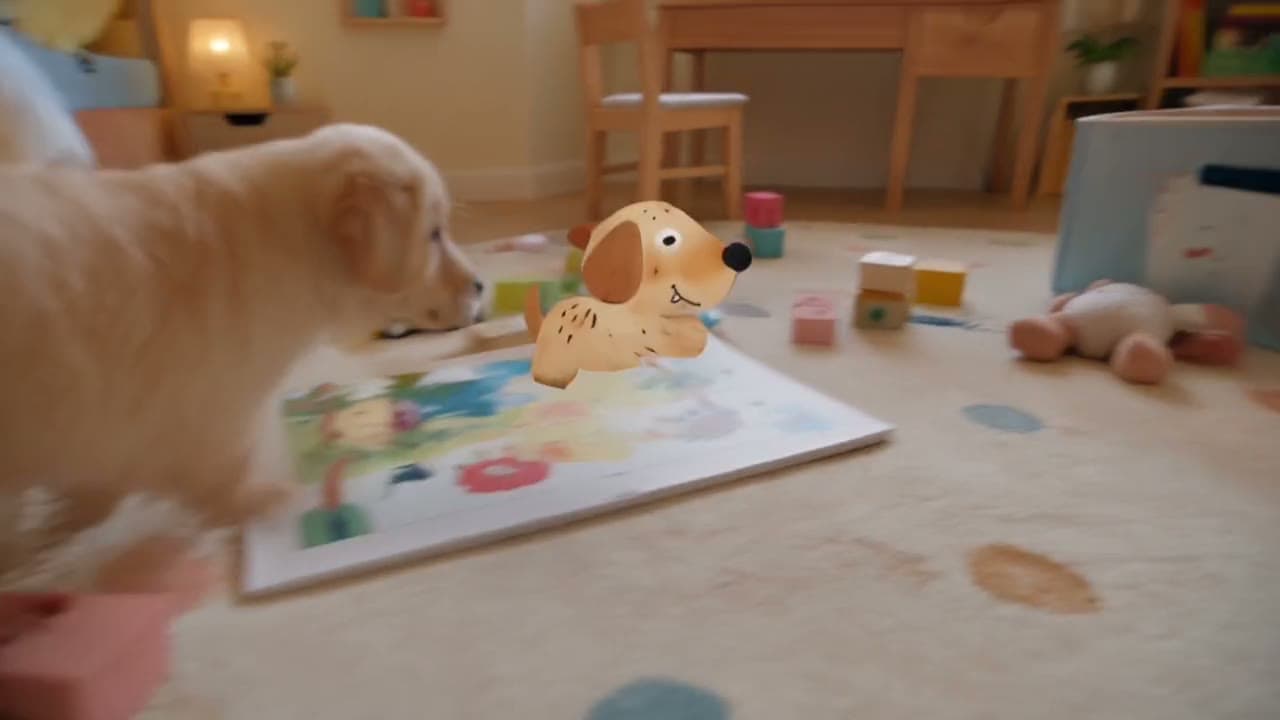
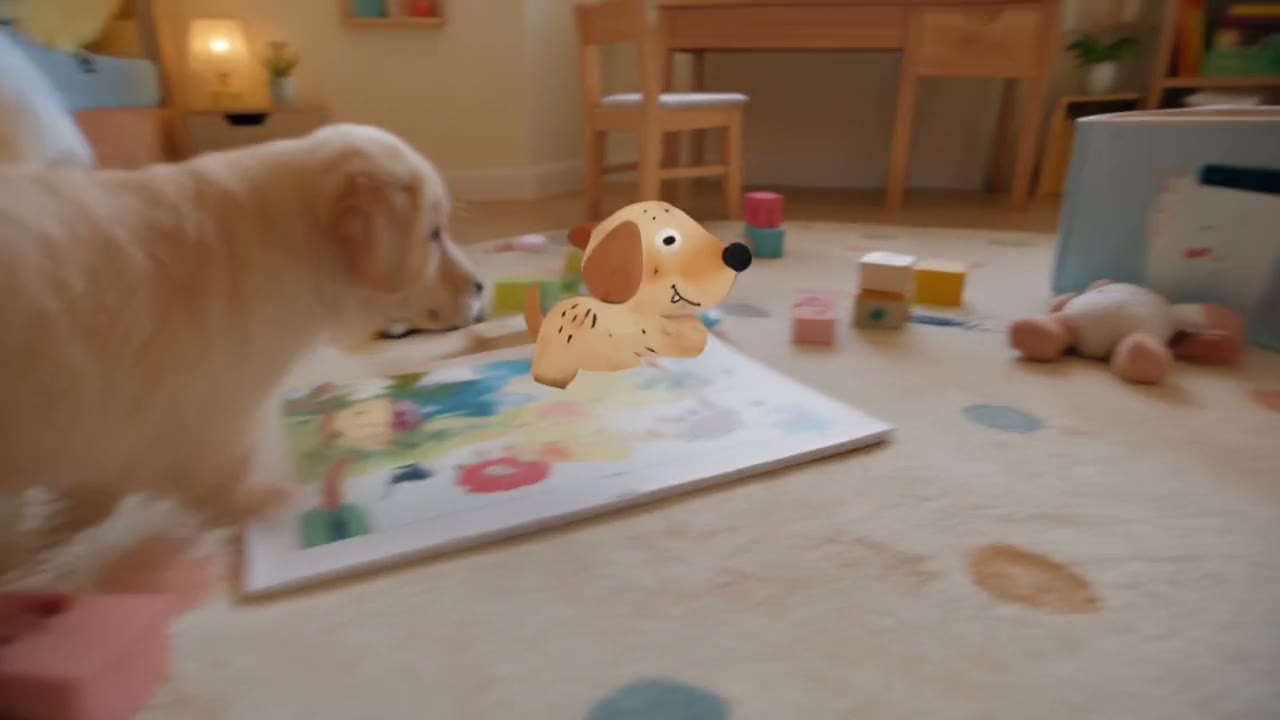
Seedance 2.5 reads up to 30 reference images and 10 reference clips per run in the Yovid composer. ByteDance’s demo below uses eight: a paper puppy’s character sheet, a real Labrador, a bedroom, a pet feeder, a toy box and a child’s drawing, all cast in one 25-second scene.
Example prompt: 2D-meets-3D, cinematic and warm. The paper puppy from @image1 is fist-sized and paper-thin, with detachable paper ears and legs and a stop-motion feel; the real yellow puppy from @image2 plays with it around the bedroom from @image3. (Seedance 2.5 · 16:9 · 25s)
A whole cast from separate pictures
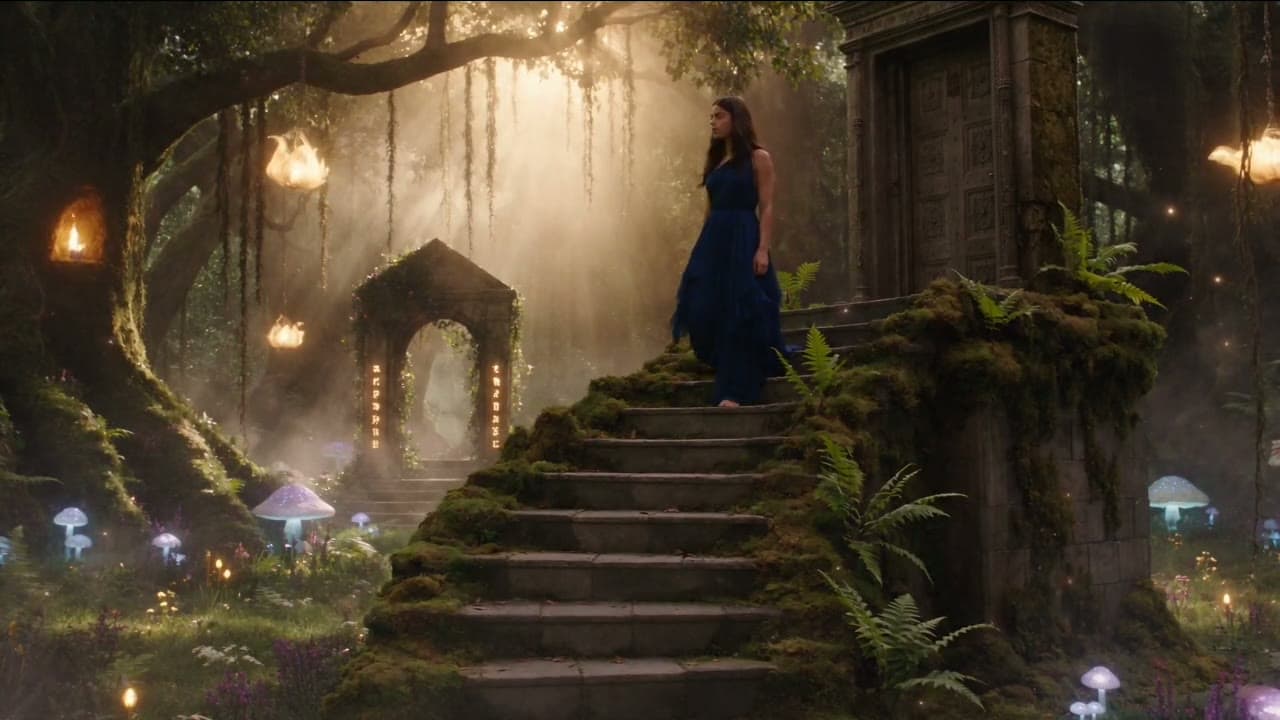
Wan 3.0 takes up to 10 images and 5 clips. In Alibaba’s example one portrait fixes the heroine, one image fixes the lotus realm, and seven sheets each show a creature in 2D and 3D; all nine appear in the same 30-second take.
Example prompt: Eastern fantasy. Image 1 is the young woman in a light-blue denim shirt, Image 2 a hidden realm of giant lotus flowers, Images 3–9 seven creatures in 2D and 3D. She enters the realm, touches a lotus, and the creatures gather around her. (Wan 3.0 · 16:9 · 30s · 1080p)
Images and clips in one reference set
The two faces come from portraits, the slurping action from a short clip. The Seedance 2.0 models take up to 9 images and 3 clips of 2 to 15 seconds per run; tag each file as @Image or @Video so the model knows what it is for.
Example prompt: K-drama–style short film, warm and sweet. The girl from @Image 1 and the boy from @Image 2 sit over steaming noodle bowls. She slurps her noodles, use @Video 1 as the action reference, then looks up, sees him watching and smiles shyly. (Seedance 2.0 · 16:9 · 15s)
Brand films that keep the product exact
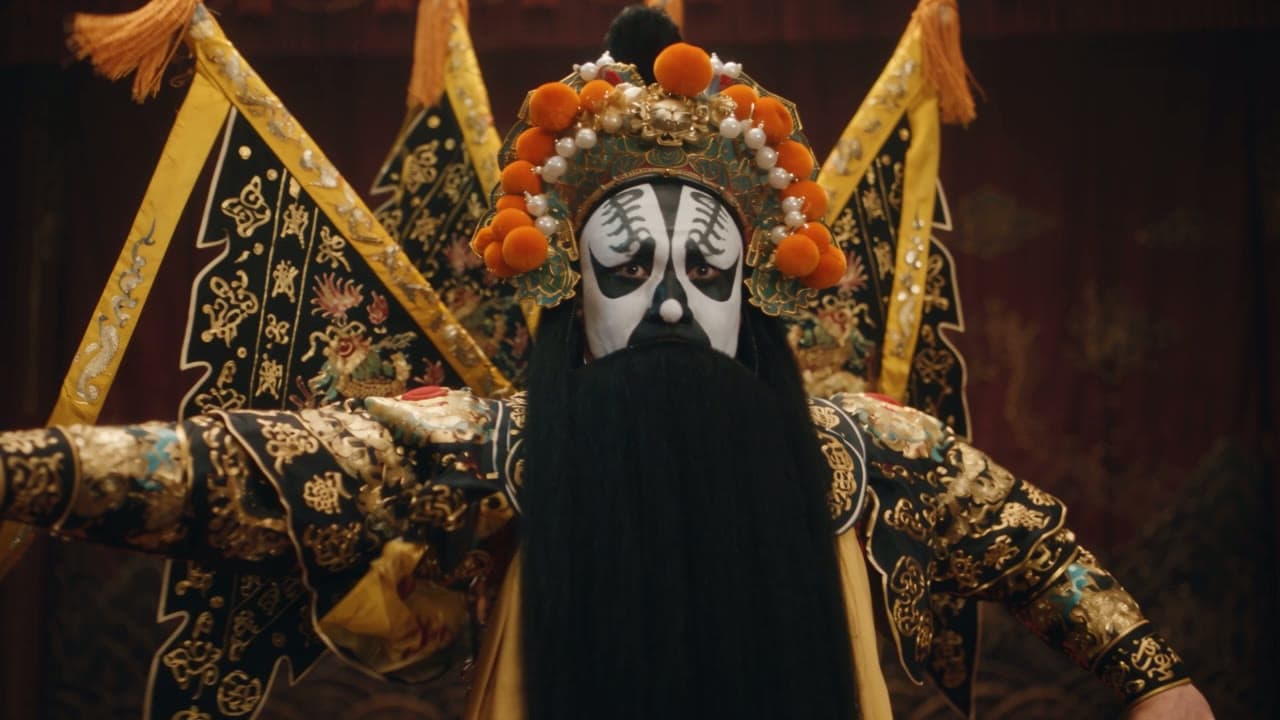
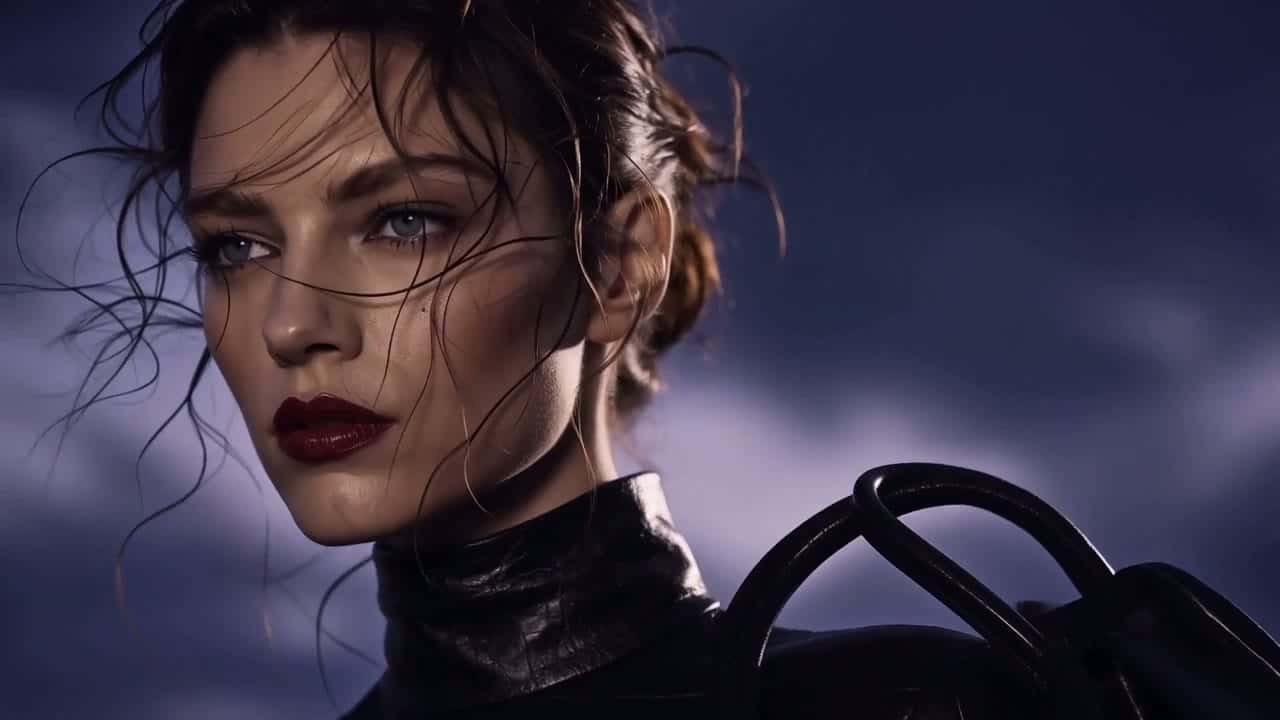
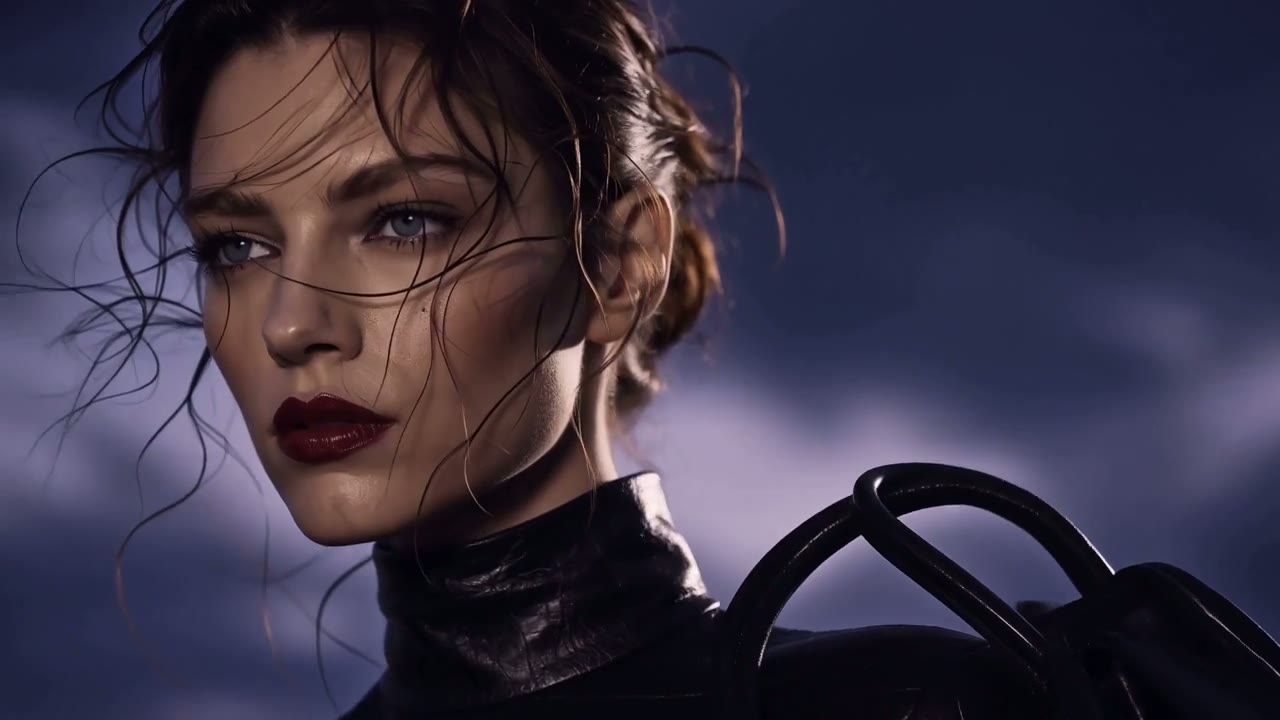
A mood board, a character sheet, a handbag shot from three angles and the closing logo: four references let MiniMax H3 cut a 15-second 2K campaign in which the bag and the end card stay on-model.
Example prompt: A 16:9 fashion campaign. Image 1: mood and film grain. Image 2: character. Image 3: bag. Image 4: ending logo. On a desert highway by a vintage car, the woman takes a black bag from the trunk, shares a quiet moment with the man, then goes. (MiniMax H3 · 16:9 · 15s · 2K)
Same face, cap and shirt from shot to shot
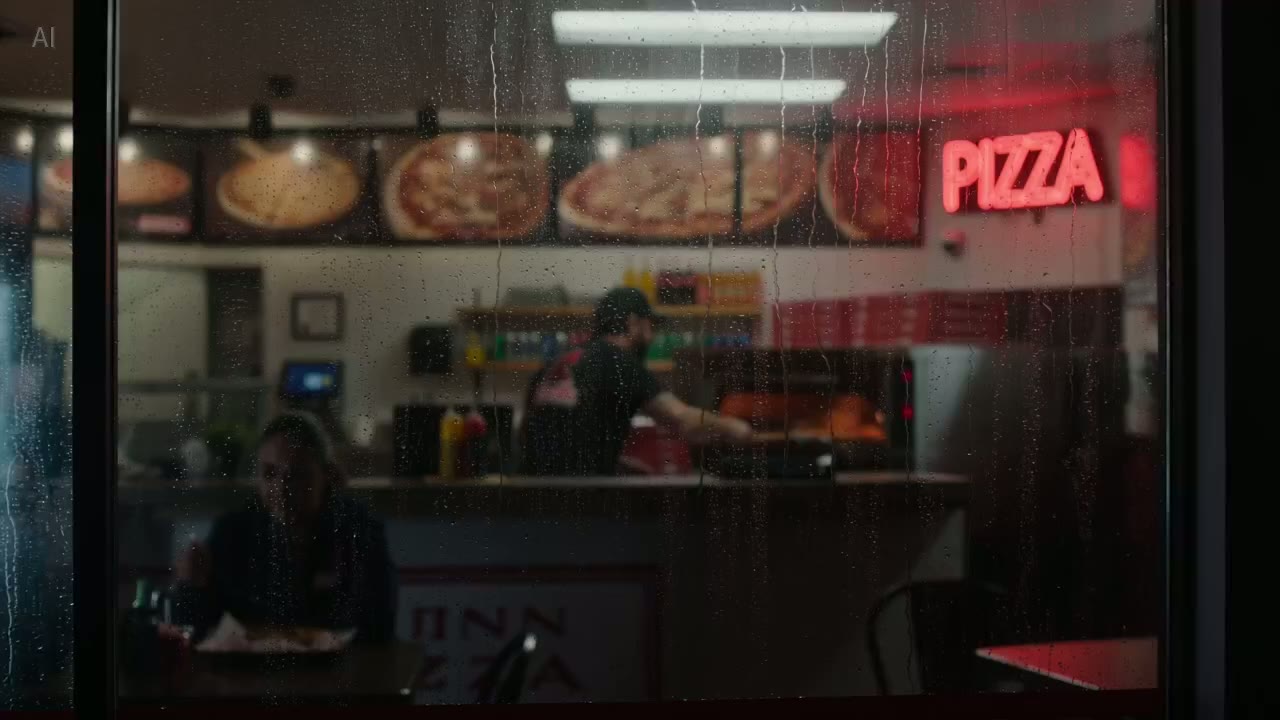
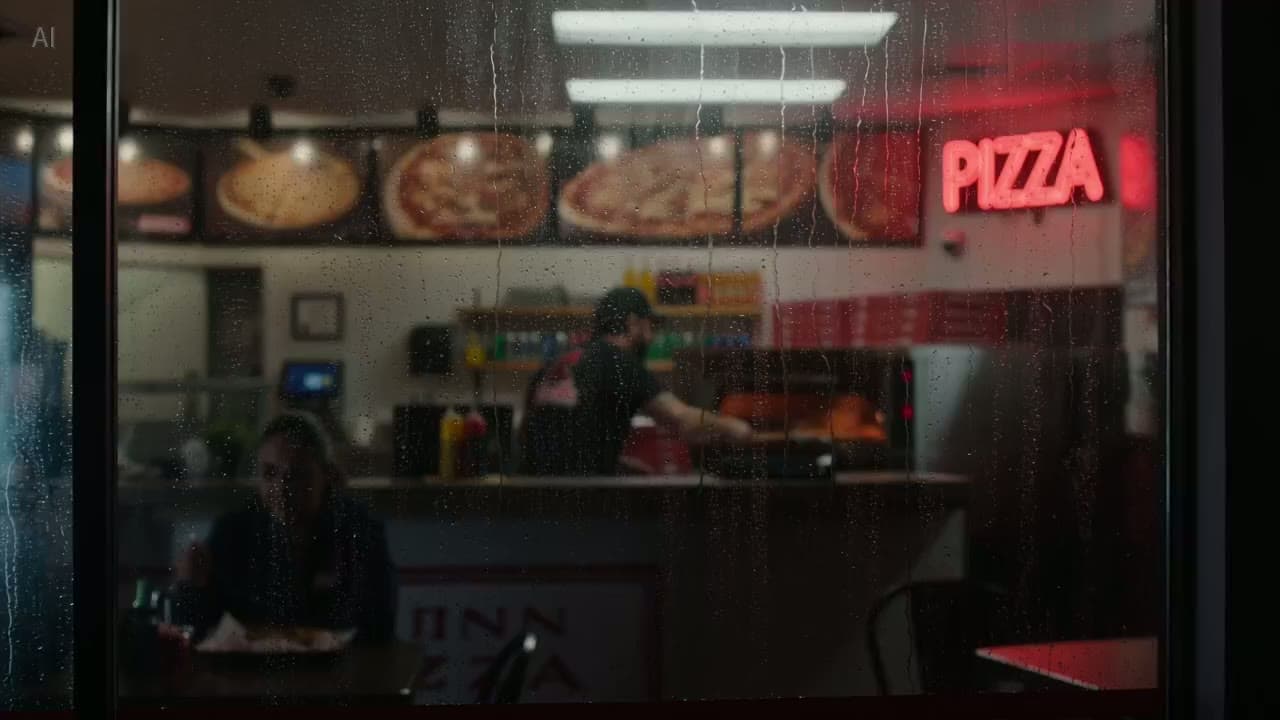
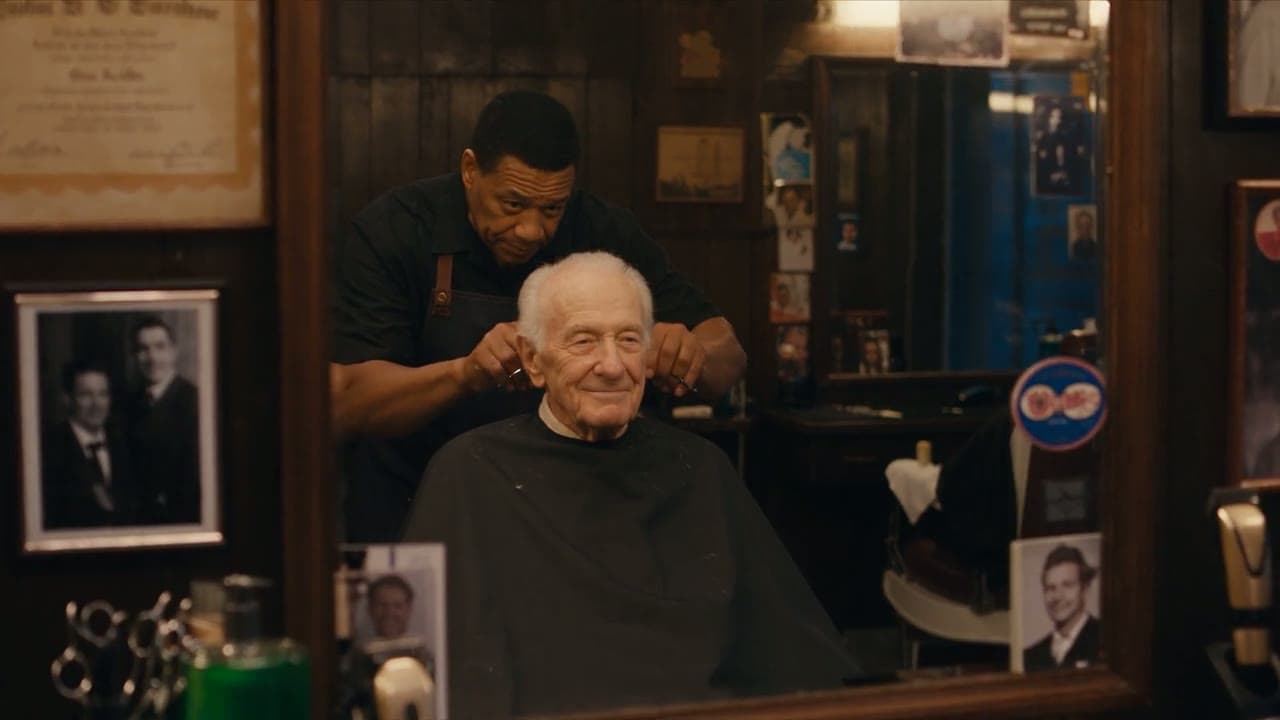
Three photos of one pizza maker and his shop kept him recognisable through a night view from the street, the oven and the hand-off at the counter in this Yovid run. Reuse the same set and the same wording to build a series around him.
Example prompt: Use the references for the pizza maker and his shop. Seen through the window at night, he slides a pizza from the oven, boxes it and hands it over the counter with a smile. Same face, cap and shirt in every shot, warm neon light. (Seedance 2.0 · 16:9 · 15s · 1080p)
Models witha reference mode
Seedance 2.5 holds the largest stack, Wan 3.0 runs 30-second takes from up to 10 images, MiniMax H3 renders at 2K, and Seedance 2.0 Mini lets you test the workflow on free credits.
Reference video models: how many files each one takes
Limits and rates come straight from the generator’s own settings, so this table changes when a model does.
AI video models on Yovid with a reference mode: reference images, reference clips, clip length, output length, top resolution, free-credit access and credits per second
Credits per second are catalogue rates for a run with image references, before plan discounts. Images add nothing on the Seedance models or Wan 3.0; MiniMax H3 adds about 1.4 credits for each image beyond five. A reference clip changes the bill: Seedance bills clip plus output seconds at its cheaper reference-clip rate, Wan 3.0 and MiniMax H3 bill both at the normal rate, and Kling O3 bills the output alone. On Wan 3.0 the clips and the output share a 30-second budget. Free credits stop at 720p.
Use cases
Who works from references
Series with a recurring cast
Keep the same host, mascot or character through every episode, ad or short by reusing one reference set.
Products in places you never shot
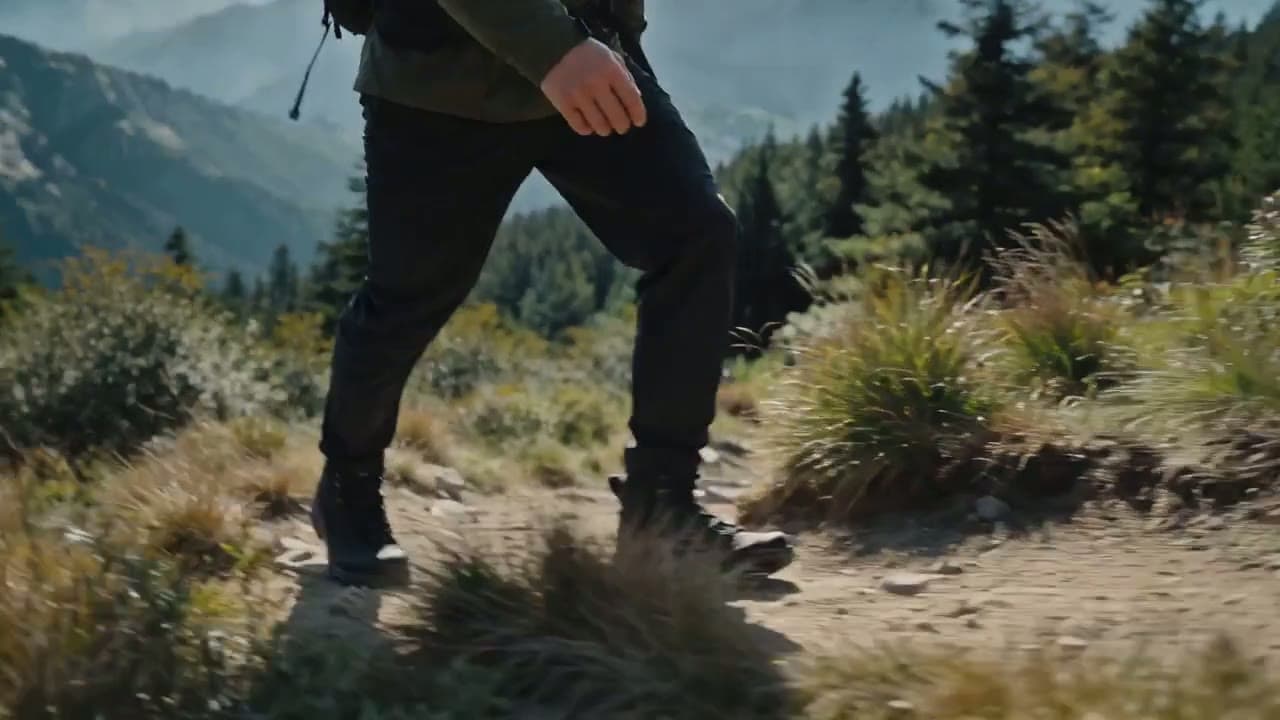
Put a packshot into a kitchen, a trail or a city street while the shape, colour and logo stay true.
Lookbooks and campaigns
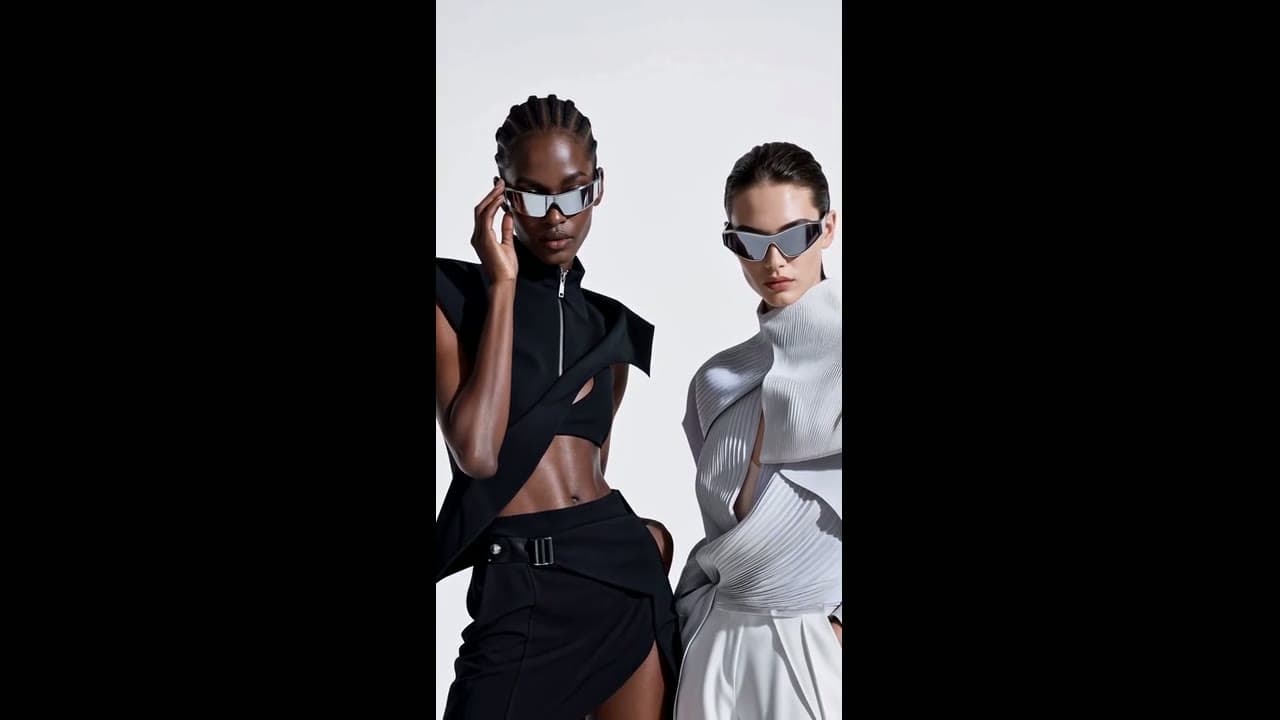
Combine models, garments and accessories from separate photos into one styled fashion film.
Illustrated characters in motion
Character sheets and drawings become animated performers that keep their design from shot to shot.
A generation mode in which your images, and on most models short video clips, tell the AI who and what should appear: a face, an outfit, a product, a place or a style. From there the model invents a new shot directed by your prompt, and no reference has to show up as an actual frame.
How is reference to video different from image to video?
With image to video the clip opens on your picture, which locks its composition and pose. Reference to video lifts what is in the pictures and stages it in a fresh composition. Choose image to video when the frame must match, reference to video when the character or product must match.
Which models support reference images on Yovid?
Seedance 2.5 leads with 30 images. Wan 3.0 takes 10. The standard, Fast and Mini versions of Seedance 2.0 take 9 each, as does MiniMax H3. Kling O3 skips images and works from one reference clip.
Can I use video clips as references too?
Seven models read clips. Seedance 2.5 handles the most, ten clips lasting 2–30 s each. The three Seedance 2.0 models and MiniMax H3 read three clips of 2–15 s, Wan 3.0 five clips of 1–15 s, and Kling O3 a single 3–10 s clip. A clip can lend its action, camera move or look, and all of these models except Kling O3 mix clips with images in one run.
Are reference images billed separately?
On Seedance and Wan 3.0 they are free: a run with images is priced like a text-only run. MiniMax H3 charges about 1.4 credits for every image past the fifth. Reference clips follow each model’s own billing, set out in the note under the table.
Is there a free way to test references?
Yes. A new account’s free credits work on Seedance 2.0 Mini, which reads up to 9 reference images and 3 clips at up to 720p. For Seedance 2.5, Wan 3.0, MiniMax H3 or Kling O3 you need a paid plan or a credit pack. Free results come without a watermark.
How do I keep a character the same across several videos?
Use the same reference images every time, best with front, side and back views and one sharp close-up of the face, and refer to them with the same tags. Vary the action, the camera and the setting from clip to clip, nothing else. With 30 image slots, Seedance 2.5 fits several characters, their costumes and the location in a single run.
Why does my character still drift between shots?
Most often the written description of the person contradicts the photo, the face is small or partly covered, or two references compete for the same role. Remove the written description, use a sharp front view and give every file a single job.

 Seedance 2.5
 Wan 3.0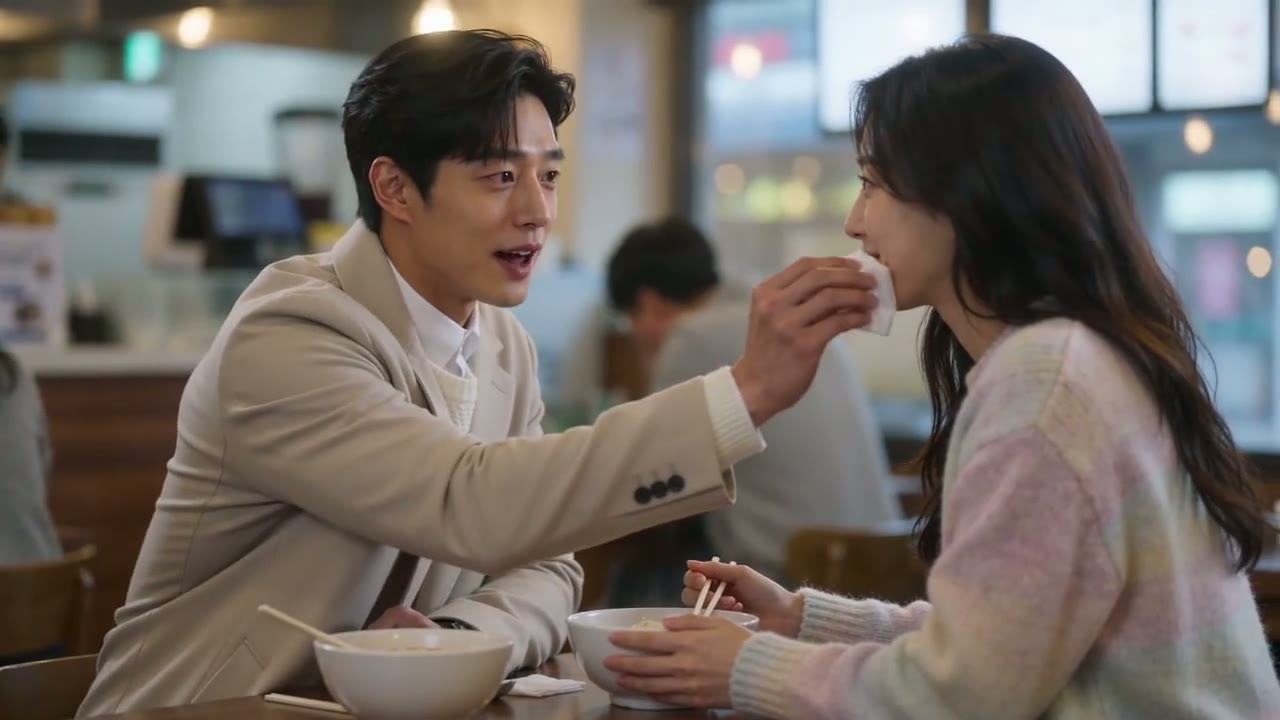
 MiniMax H3