Free AI Background Remover: Make Image Backgrounds Transparent

Upload a photo and get the subject back on a transparent PNG within seconds. Switch to Person or Product for a tighter outline on portraits and packshots. New accounts get free credits; each image costs 1 credit.

Result
Original
OriginalResultExample

Transparent Backgrounds in One Click

A cluttered setting hides a good subject and makes it hard to reuse. Yovid’s background remover works out where the person, product or object ends and the scene begins, then hands you just the subject on a transparent PNG. Place it on plain white for a listing, on a loud colour for a thumbnail, or into a fresh scene in any design app.

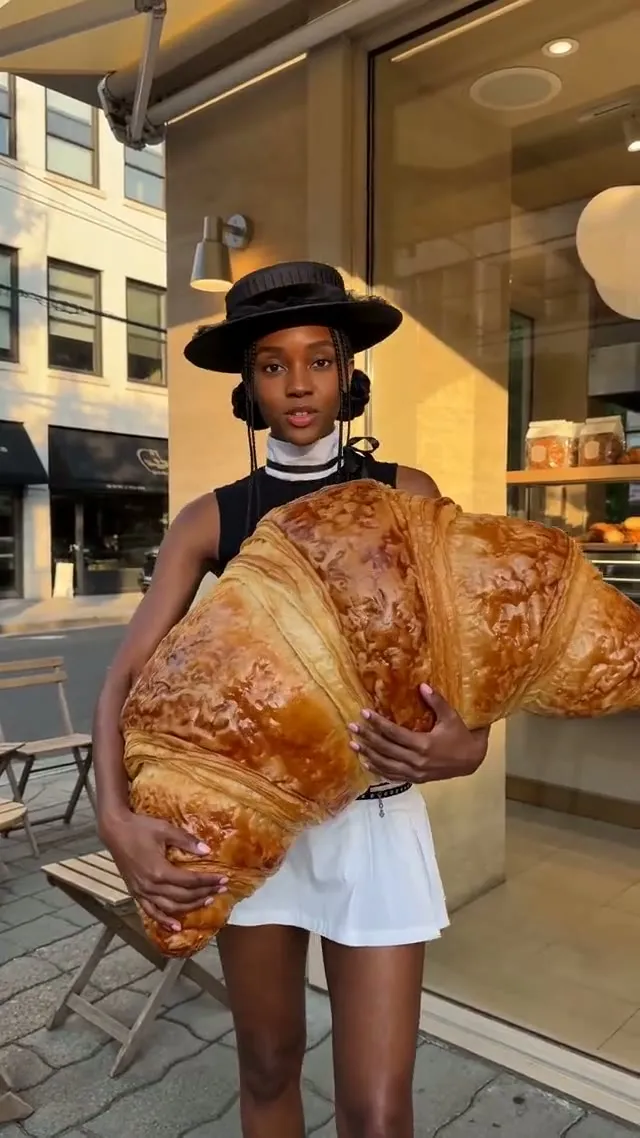
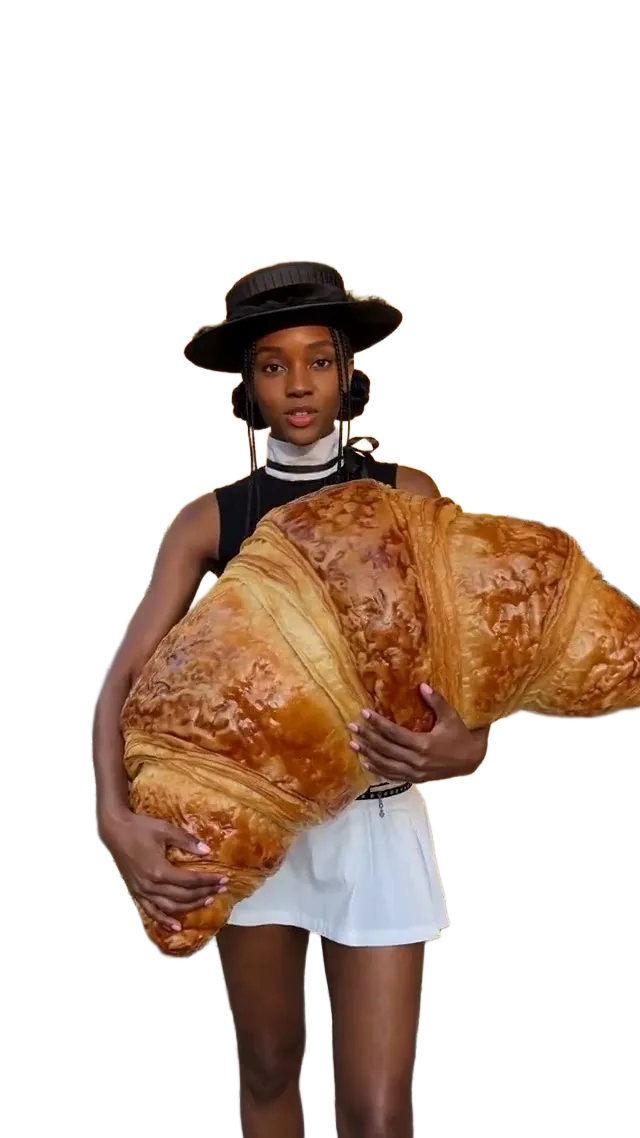
Woman carrying an oversized croissant, lifted off a café street: OriginalWoman carrying an oversized croissant, lifted off a café street: ResultOriginalResult

Three subject modes

Auto keeps whatever stands out most. Person and Product keep only that type of subject, which tightens the edges when you know what the photo shows.

True alpha channel

The download is a PNG with real transparency at the processed size, so it drops cleanly onto any colour, photo or layout.

One credit per image

Most cut-outs are ready in 10 to 20 seconds. When a run fails, its credit is returned straight away.

01

Get Product Shots Store-Ready

Product mode keeps the item and throws away the table, props and backdrop. Your bottle, handbag or device can then sit on the pure white backdrop that most marketplaces ask for, or on a seasonal colour for a promo banner.
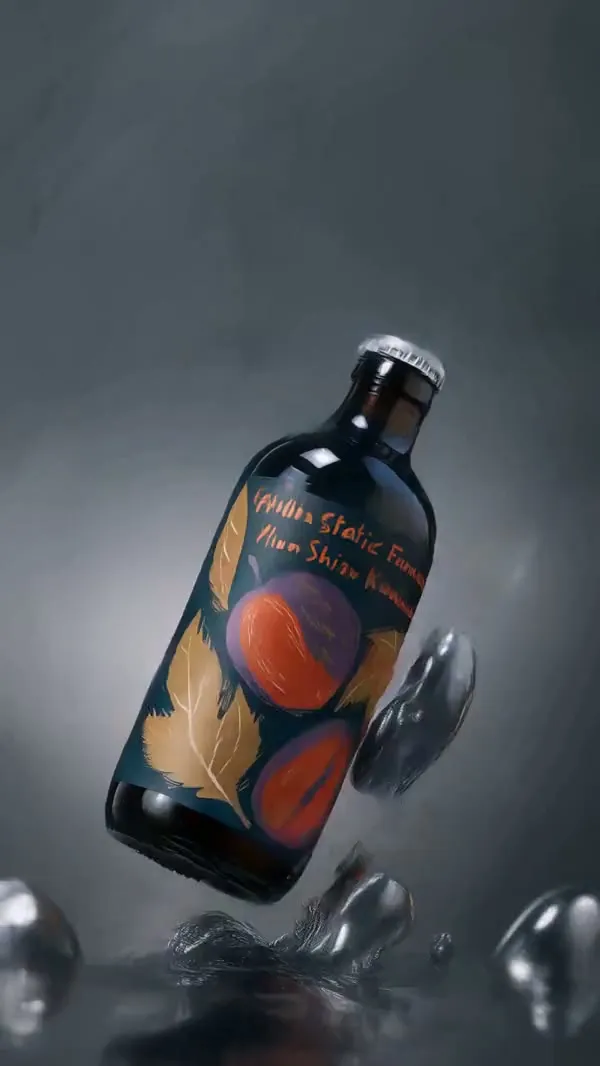
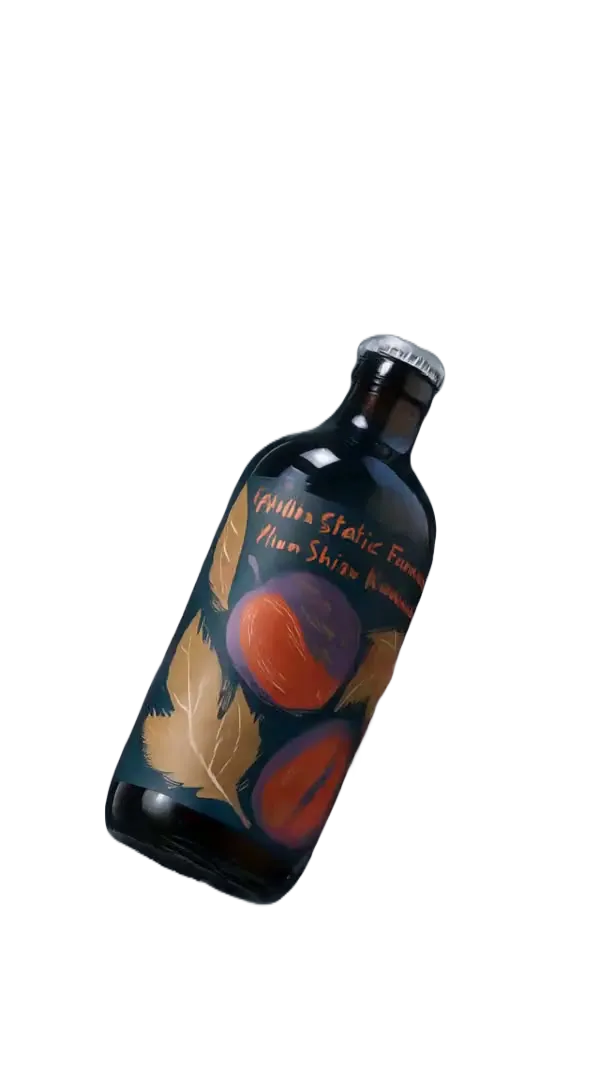
Painted glass bottle separated from a grey studio splash scene: OriginalPainted glass bottle separated from a grey studio splash scene: ResultOriginalResult

02

Turn Casual Photos into Clean Headshots

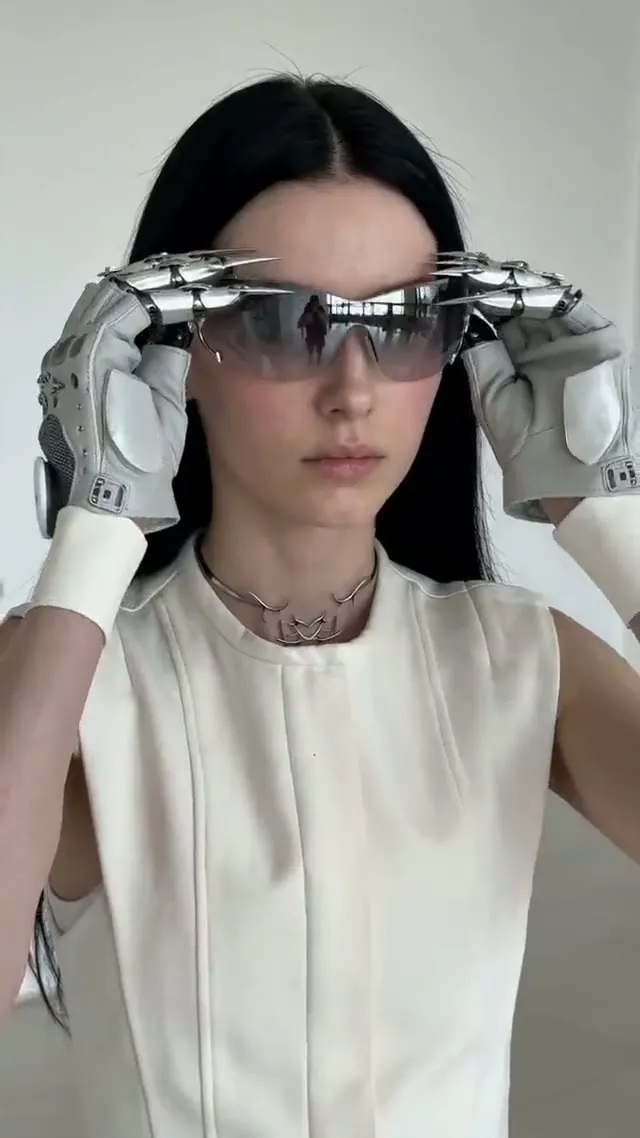
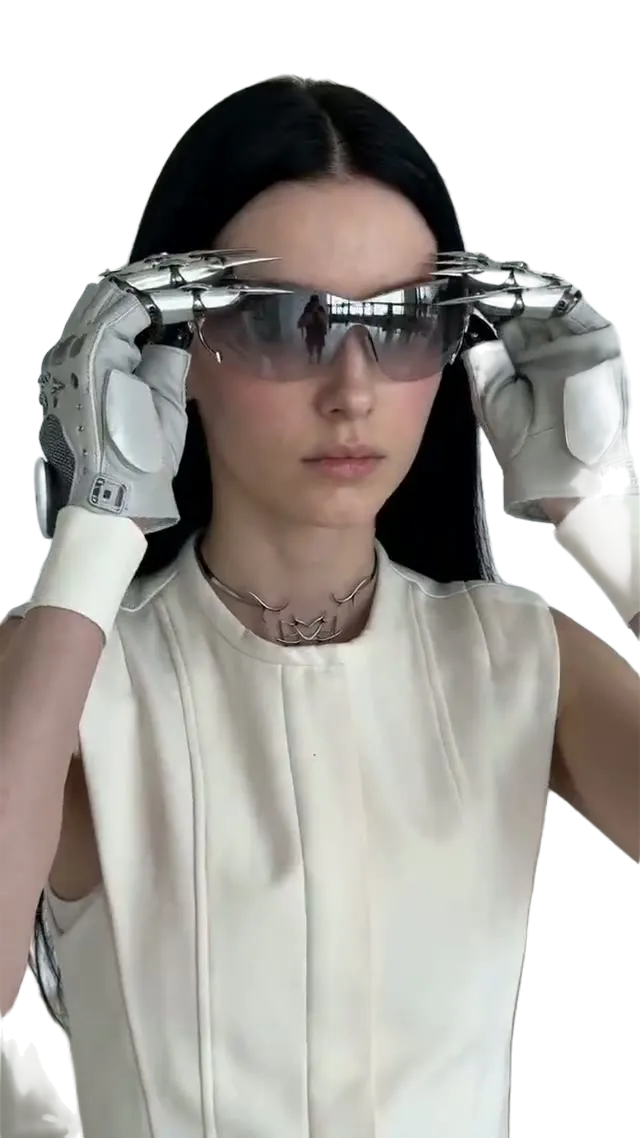
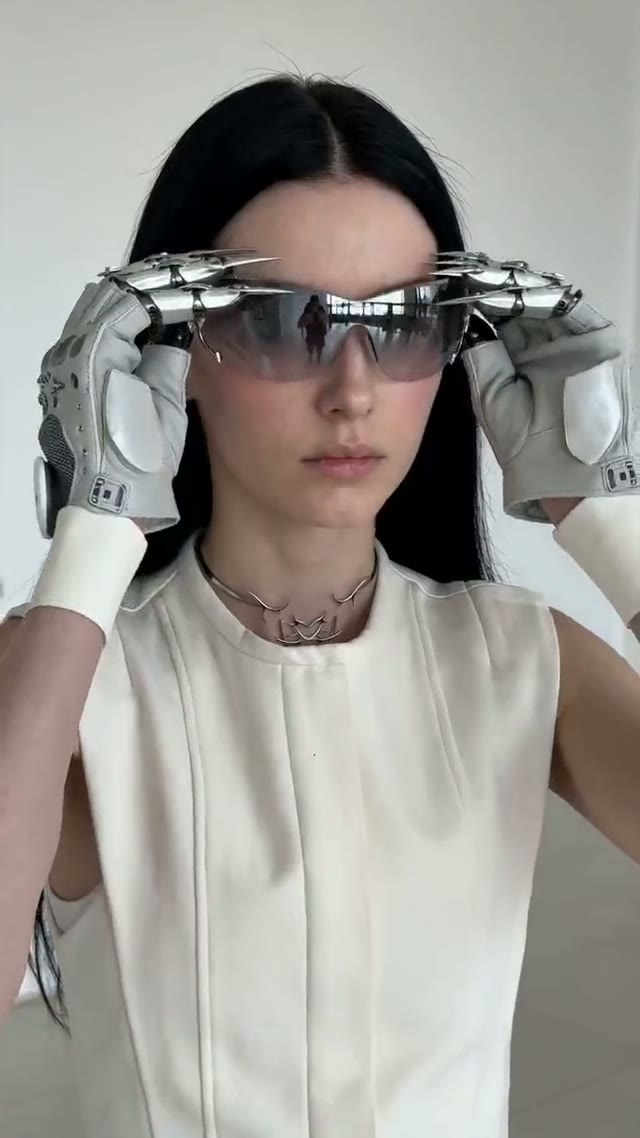
Person mode traces hair, glasses and loose clothing, so a picture snapped at home or at your desk becomes a tidy avatar, team-page photo or speaker card without booking a new shoot.

Woman wearing futuristic eyewear and silver gloves, separated from a pale wall: OriginalWoman wearing futuristic eyewear and silver gloves, separated from a pale wall: ResultOriginalResult

03

Pull People Out of Busy Scenes

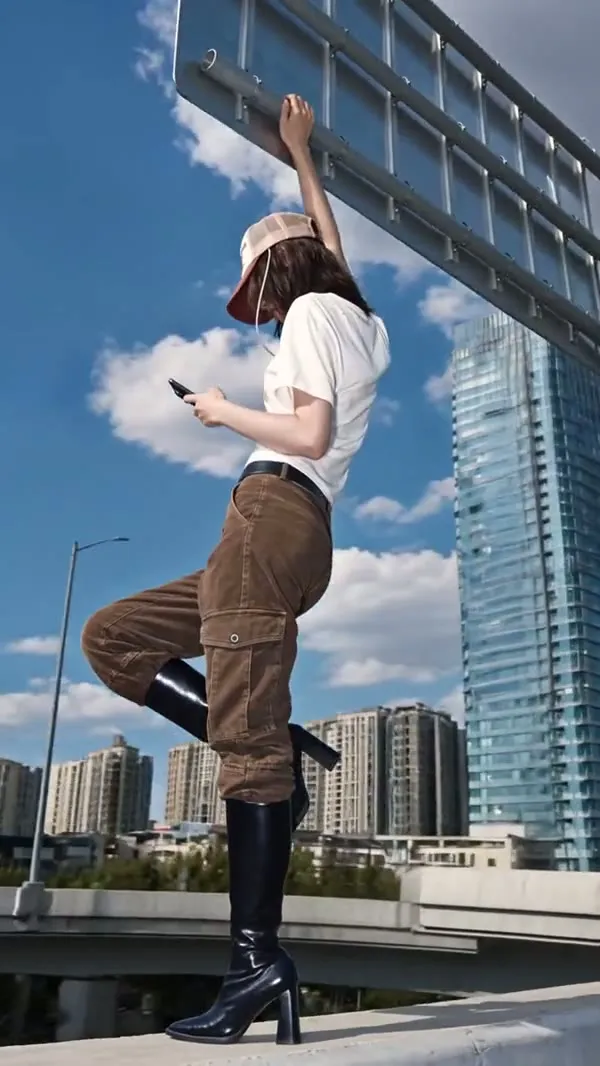
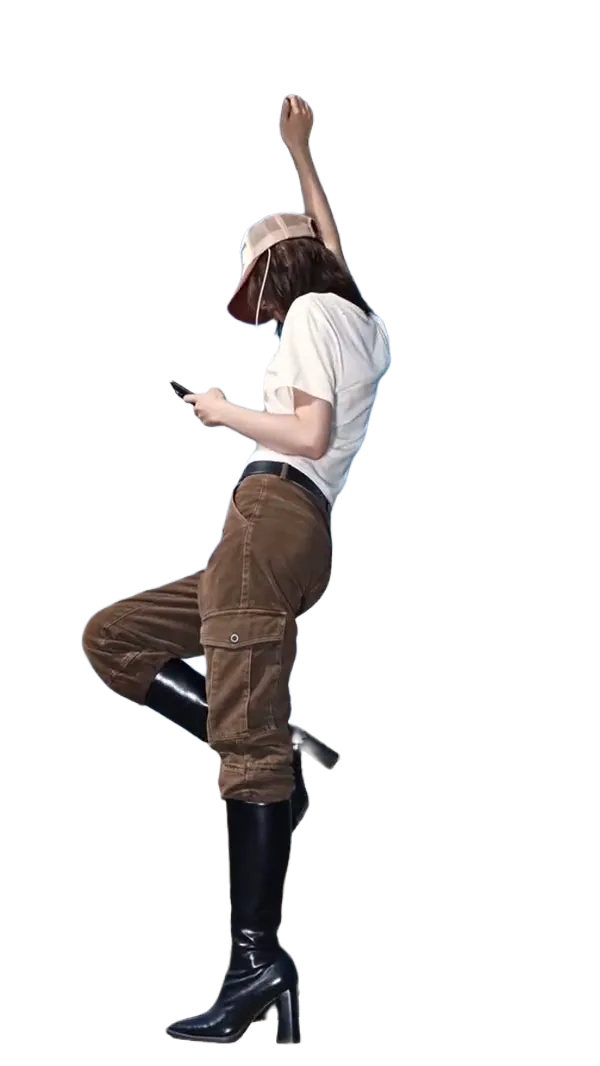
Take someone off a street, a skyline or a packed room and set them on a bold backdrop for a video cover, story or meme template, with the full pose intact from head to toe.

Woman striking a pose on a rooftop, separated from the city skyline: OriginalWoman striking a pose on a rooftop, separated from the city skyline: ResultOriginalResult

04

Isolate Objects for Mock-Ups and Collages

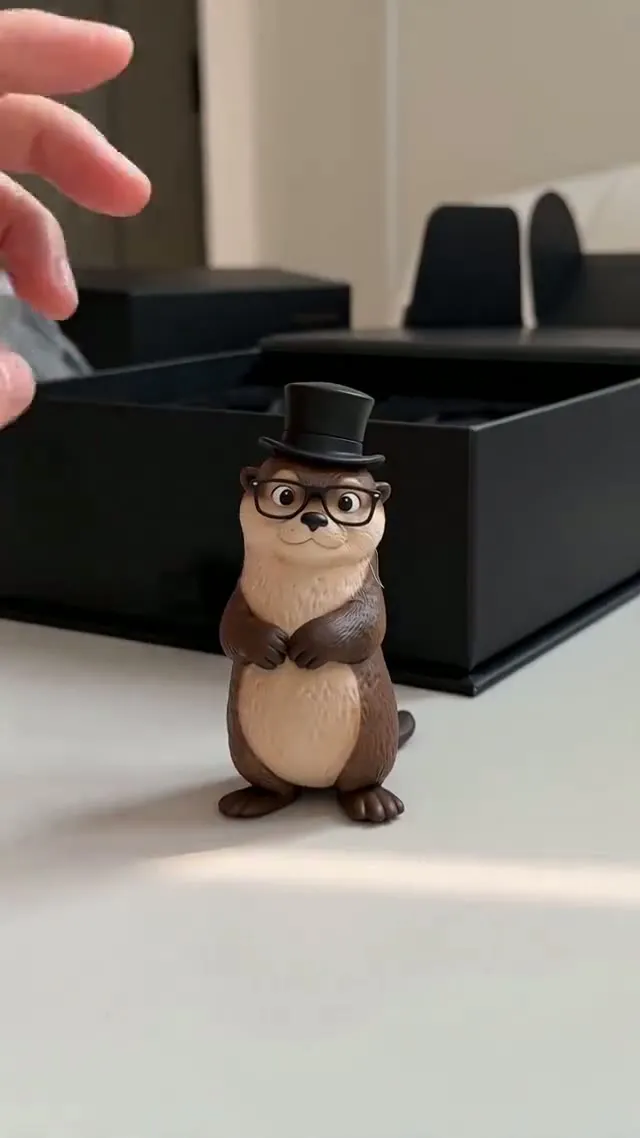
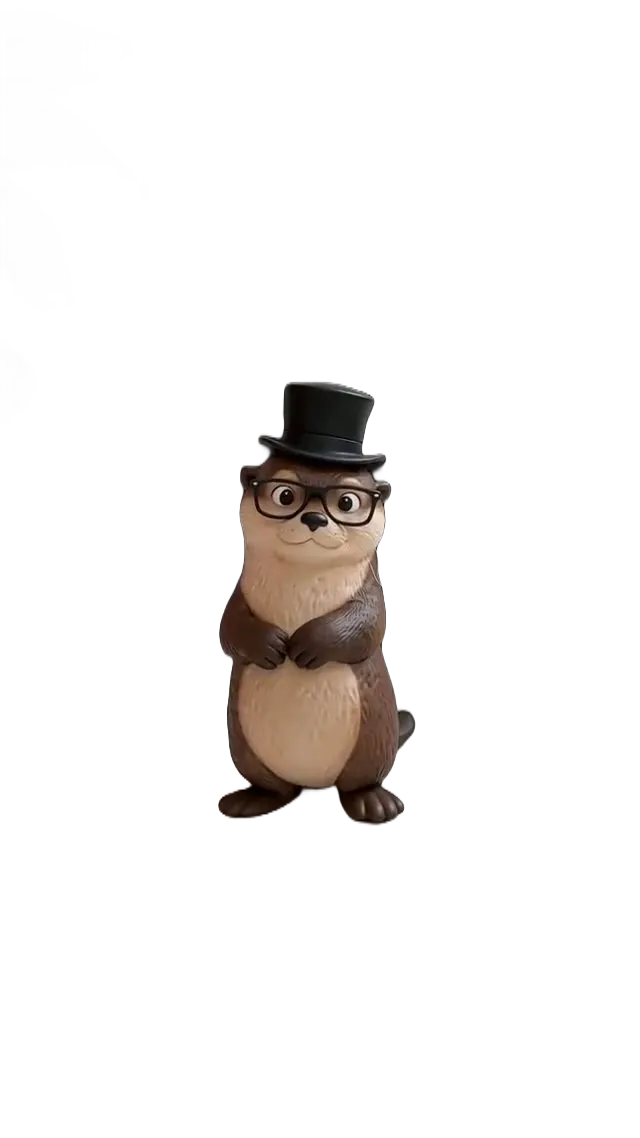
Figurines, toys, food and packaging come out as standalone layers for posters, slides and mood boards. Product mode also drops stray hands and props that creep in at the edge of the frame.

Otter figurine in a top hat, separated from a desk, a box and a hand: OriginalOtter figurine in a top hat, separated from a desk, a box and a hand: ResultOriginalResult

Who Uses a Background Remover

Anyone who needs the subject on its own, without a studio session or an hour of manual masking.

Online sellers

Online sellers

Give every listing the same plain backdrop so the catalogue looks consistent and meets marketplace photo rules.

Profiles and badges

Profiles and badges

Lift yourself out of a holiday or office snap for an avatar, a LinkedIn banner or an event pass.

Thumbnails and ads

Thumbnails and ads

Layer the isolated figure or item on a vivid colour or a different setting to make video covers and display ads pop.

Inputs for AI images and video

Inputs for AI images and video

Feed the isolated subject in as a reference when generating new scenes, product shots or clips.

Remove a Background in Three Steps

It all happens in the editor at the top of the page, and each PNG is kept in My Assets.

  1. 1

    Add your photo

    Click the upload area, drop a file in or paste from your clipboard. JPG, PNG or WebP, 20 MB max.

  2. 2

    Say what to keep

    Auto works on any subject; Person is for people and Product is for objects. The last two discard everything else.

  3. 3

    Run and save

    Press Remove background, check it against the original, then download the transparent PNG.

Background Remover Questions

How cut-outs are made, the price per image and tips for sharp edges.

Updated:

It is a tool that separates the main subject of a picture from everything behind it. The AI decides which pixels belong to the person, product or object and which to the scene, deletes the scene and returns the subject on a transparent layer, usually in seconds.

You choose between three modes (Auto, Person and Product) so the edge follows the right outline, and you get a genuine transparent PNG for 1 credit. The watermark remover, image extender and upscaler sit right next to it, so the same picture can be cleaned, reshaped or enlarged in the same place.

Drop your picture into the editor at the top of this page, choose a mode and click Remove background. Save the PNG and lay it over a backdrop of your own, or use the AI image generator to create a new setting for it.

You can try it free: new Yovid accounts receive free credits, a cut-out costs 1 credit and no card is needed to begin. Failed runs are refunded automatically. When you run low, see the pricing page for credit packs.

JPG, PNG and WebP, 20 MB at most. When you are signed in, Auto processes pictures of up to 40 megapixels at their full size, while Person and Product accept up to 7680 px on the long side and 4320 px on the short side. The free image without an account is capped at 2560 px. Anything bigger is shrunk first, and every cut-out is delivered as a transparent PNG.

Yes. Sign in and keep the mode on Auto: print files such as a 4500 × 5400 px design for Merch by Amazon or Redbubble come back at full resolution with a see-through background. If your artwork is smaller than the print size, cut it out first, then enlarge the result with the image upscaler, which keeps the transparency.

Usually 10 to 20 seconds, with no waiting line. Leave the tab open while it runs; the finished PNG also lands in My Assets.

Yes. The page runs in mobile browsers, so you can choose a shot from your gallery, clear its background and save the PNG without a computer.

Uploads and cut-outs are stored in My Assets under your account and are not shown to other people. Delete any of them from My Assets whenever you want.

Person mode is trained to follow hairlines, eyewear and loose fabric, while Auto copes with pets and objects. Very thin strands in front of a background of nearly the same colour can still look soft, so photos with good contrast between subject and backdrop give the crispest edges.

Yes, any picture works. Small or blurry sources produce softer outlines. Run them through the image upscaler first, then cut out the sharper version.

The result is always transparent, which leaves the choice to you: put it on white for a store listing, on a brand colour for a banner, or on a new photo in your favourite design tool.

Auto if you are unsure, Person for portraits and groups, Product for items on a table or plain backdrop. Person and Product leave out everything of another type, for example a dog held in someone’s arms, so choose Auto if it should stay.

Background remover

Get Your Subject on Its Own

Add a photo, choose what to keep and save a see-through PNG.

Upload a Photo