GPT Image 2.6 Free Online AI Image Generator
OpenAI’s November 2026 image model in both of its versions: Flare when you want a draft back quickly, Sunburst when an edit has to leave everything else alone. Make 4K stills, turn a prompt or a photo into a looping GIF, or circle the spot you want changed. Pick a version and start on Yovid.
GPT Image 2.6 is one of the models in Yovid’s AI image generator: the same prompt works on every image model there.
Seedance 2.5 is live
AI video clips up to 30 seconds with image, video, and audio references.
Seedance 2.5 Flash
Seedance 2.5's fast tier: 720p clips with sound for fewer credits.
Kling 4.0
Kling's latest AI video model, now in the Yovid AI video generator.
Kling 4.0 Flash
Kling 4.0's fast tier: 720p clips with sound for fewer credits.
Veo 3.1
Google's AI video model with native audio.
GPT Image 2.5
OpenAI's image model for creating and editing images.
AI Image Upscaler
Sharpen and enlarge images for cleaner exports.
AI Canvas
Chain image and video steps on one visual board.
The Kind of Images GPT Image 2.6 Is Built For
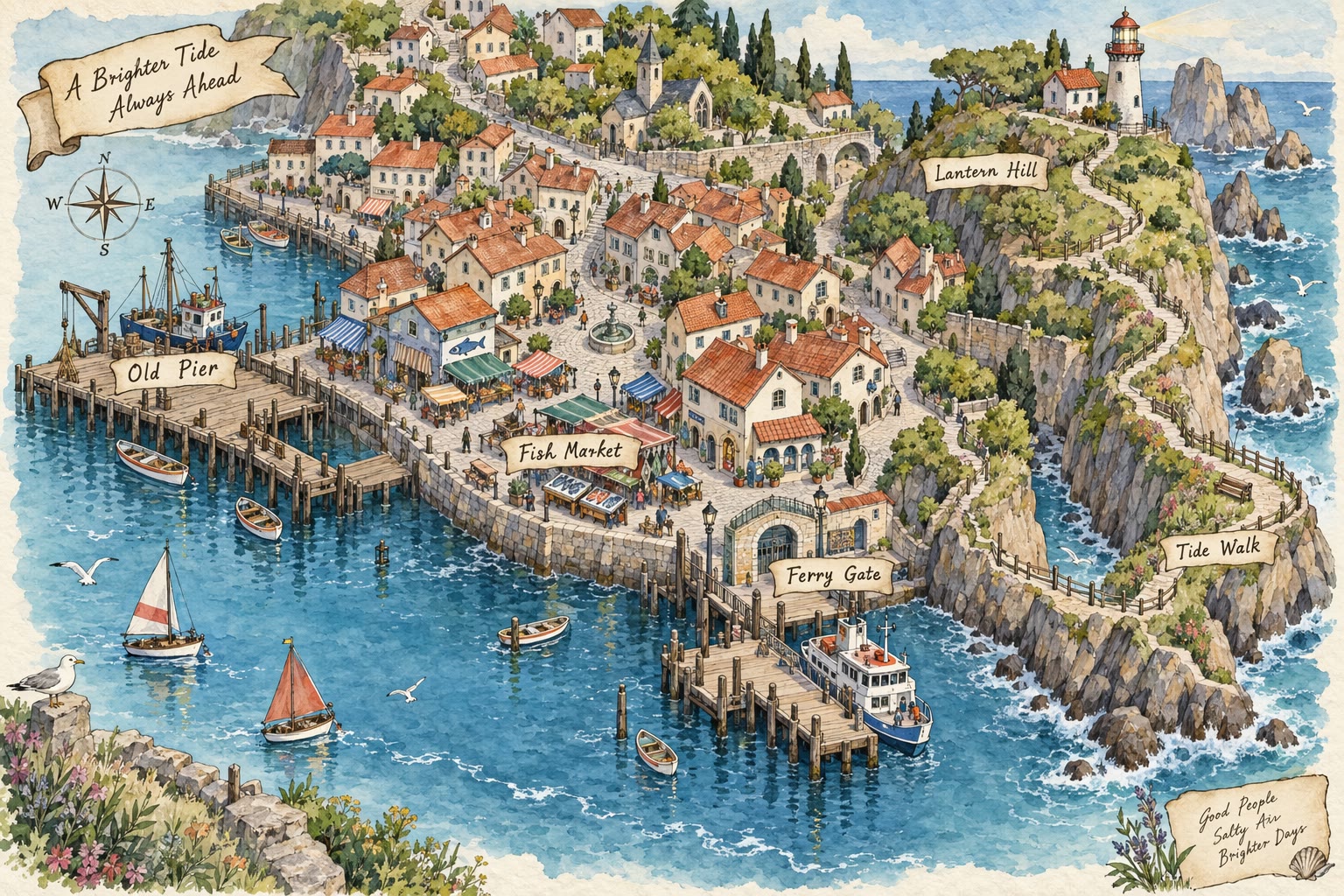
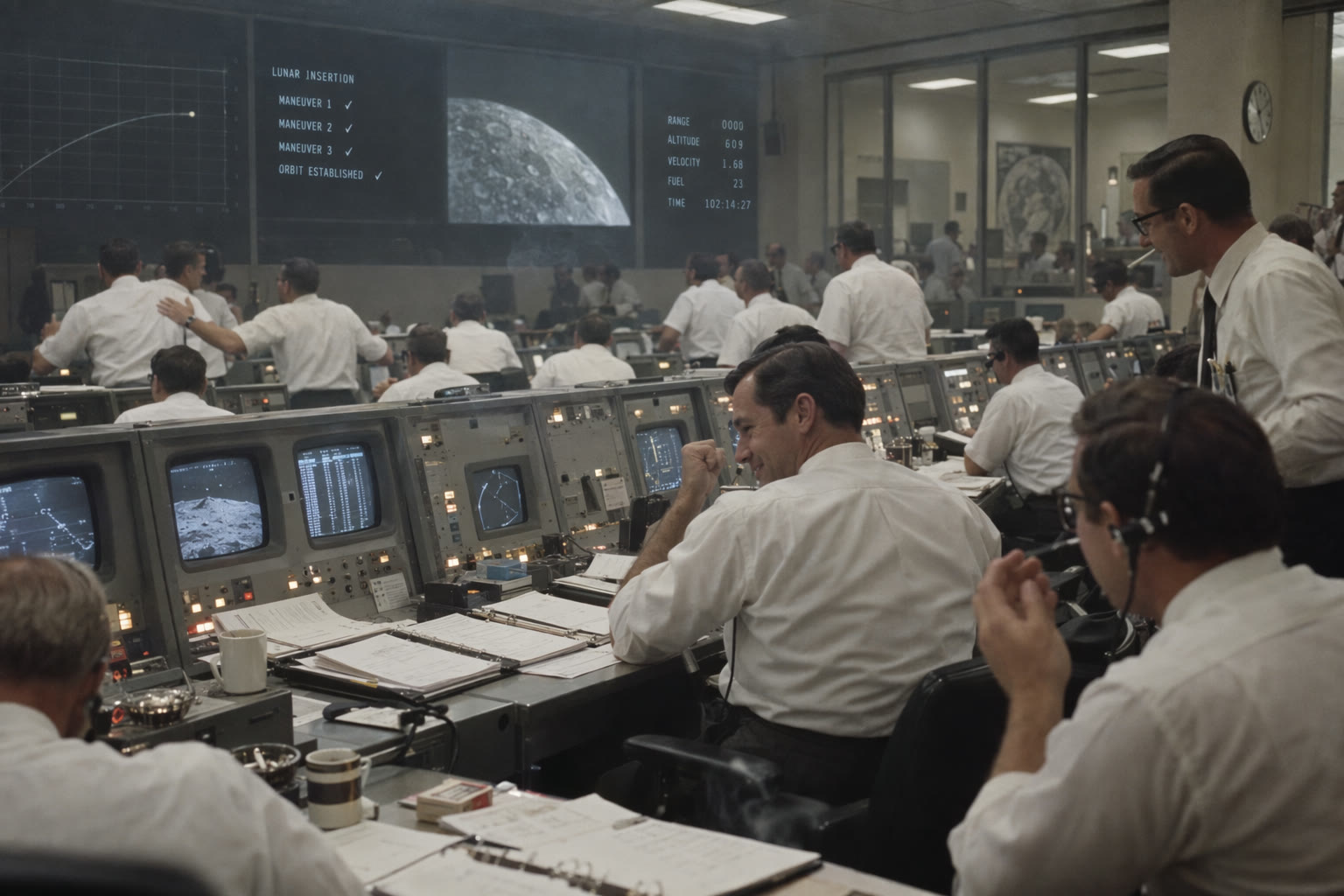
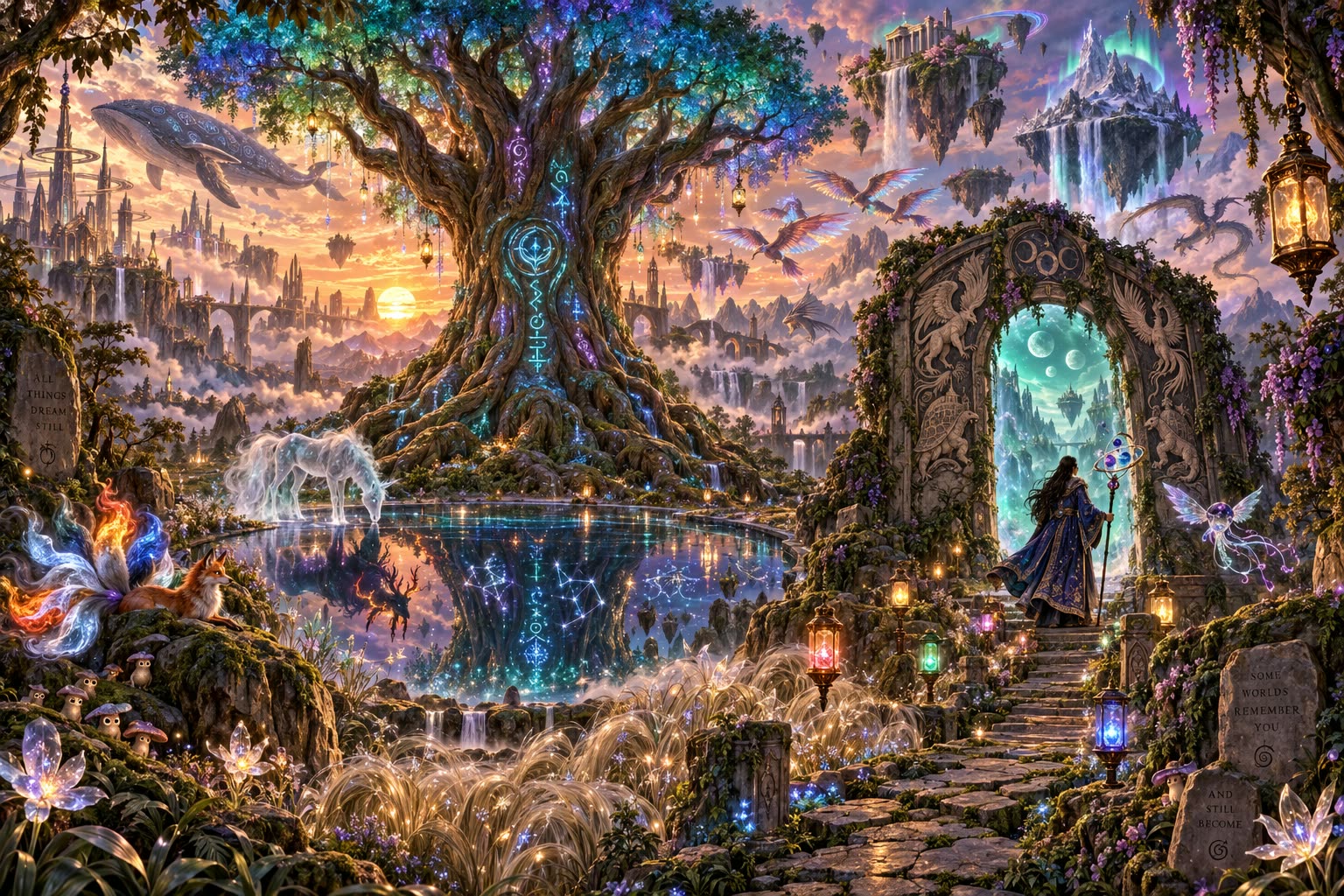
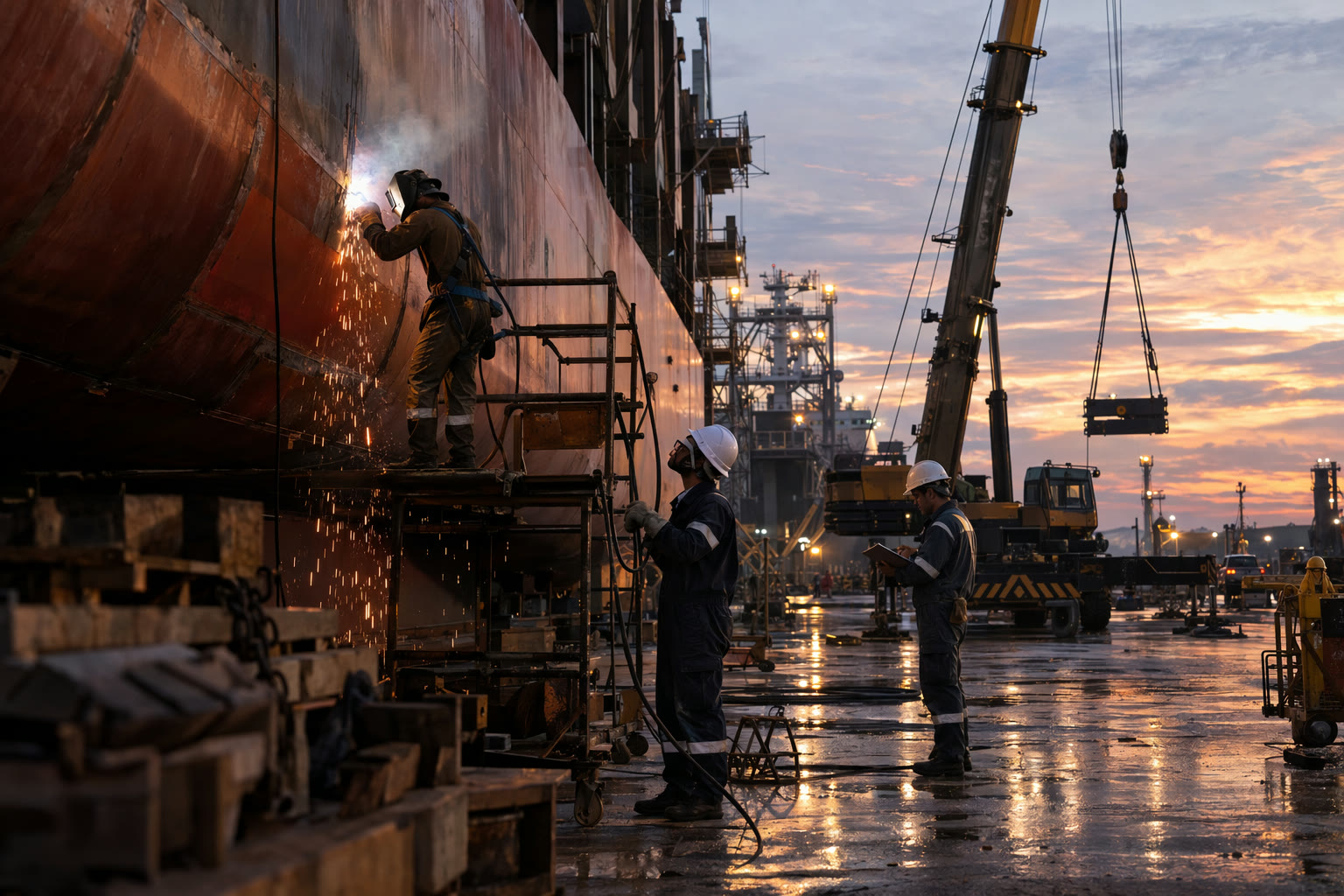
What GPT Image 2.6 Adds, and How It Runs on Yovid
- Flare for Speed, Sunburst for Precision: Two versions with the same settings and the same credits; choose by how fast you need the result.
- Edits That Leave the Rest of the Picture Alone: Attach a photo, name one change, and list what has to stay put.
- Markup Edits: Circle the Spot, Then Describe It: Draw on the first reference image so the model knows exactly where the change goes.
- Looping GIFs from a Prompt or a Photo: Switch Format to GIF and the model draws every frame of a short loop in one request.
- The Plan Setting: How Much It Thinks Before Drawing: Low, medium or high planning depth for crowded layouts, at no extra cost.
- Lettering That Stays Inside the Layout: Titles, labels and prices set as part of the design, not pasted on top.
- Credits per Image, from 2 at 1K: Draft cheaply at Low or Medium and spend more only on the image you keep.
- Every Shape from 1:3 to 3:1, up to 4K: Fifteen ratios, custom sizes, transparent PNGs and up to 10 stills per prompt.
Flare for Speed, Sunburst for Precision
OpenAI released GPT Image 2.6 on November 4, 2026, in ChatGPT, Codex and its API. It says the model draws about 50% faster than before and holds characters, products and brand details steadier from one edit to the next.
It comes as two API models. Flare is tuned for quick iteration, and OpenAI says it can return a low-quality image in about six seconds. Sunburst is tuned for detailed work and for edits that must not disturb the rest of the picture. On Yovid both sit in the OpenAI group of the model menu, with identical settings and prices.
| Flare | Fast drafts and variationsThumbnails, social variants and early concepts. |
|---|---|
| Sunburst | Detail and consistent editsFinal assets and product edits. Preselected on this page. |
| Settings | IdenticalSame sizes, quality levels, references, GIF, markup and Plan options. |
| Credits | IdenticalThe same price at every quality level and resolution. |
Edits That Leave the Rest of the Picture Alone
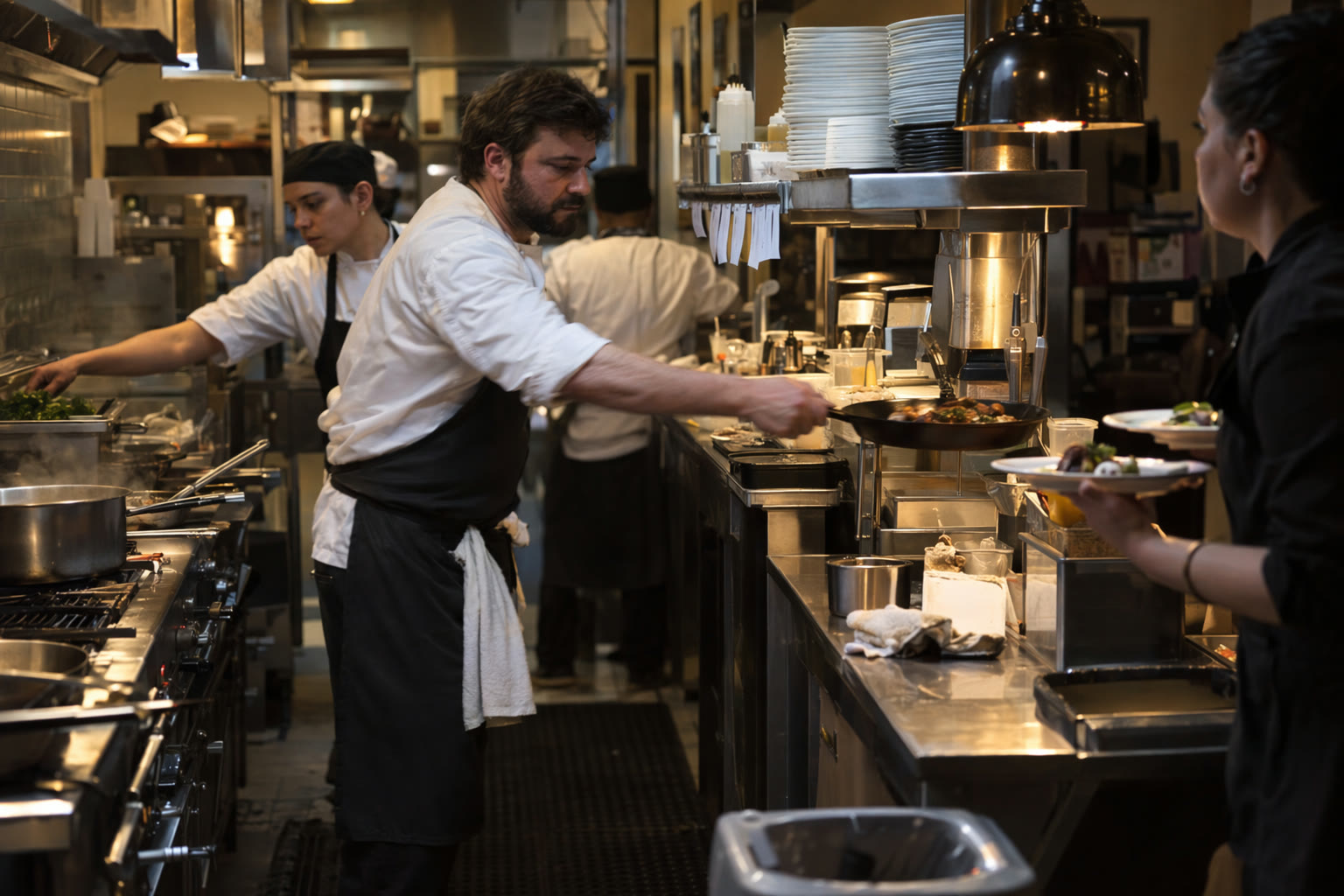
Reference edits work the same way they do in GPT Image 2.5: attach the image, write the change as an instruction and say what must not move. OpenAI built Sunburst in 2.6 to hold that line across several rounds, so a logo, a face or a product shape survives the third edit as well as the first.
The pair below is a GPT Image 2.5 Sunburst edit from OpenAI’s gallery, shown because it is exactly the request you would send to 2.6. Yovid will swap in 2.6 results once they are published.
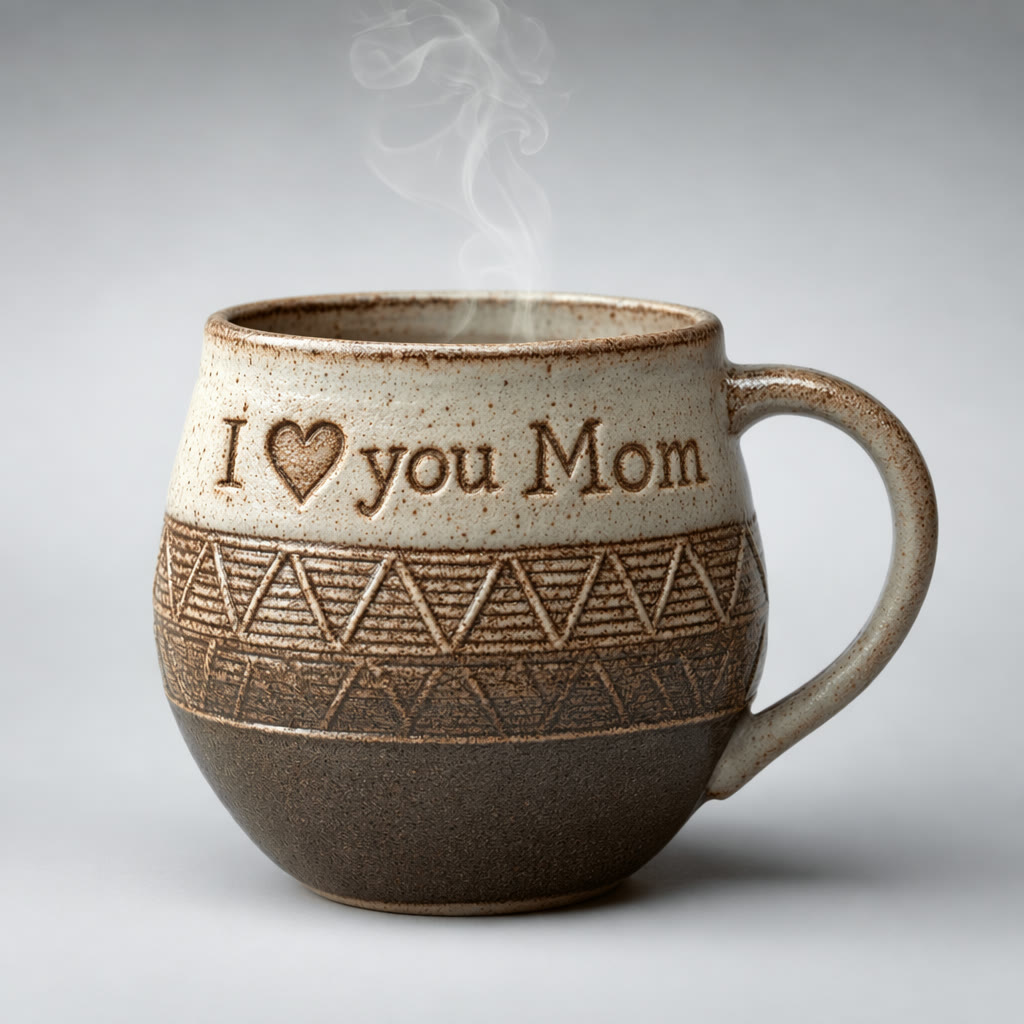
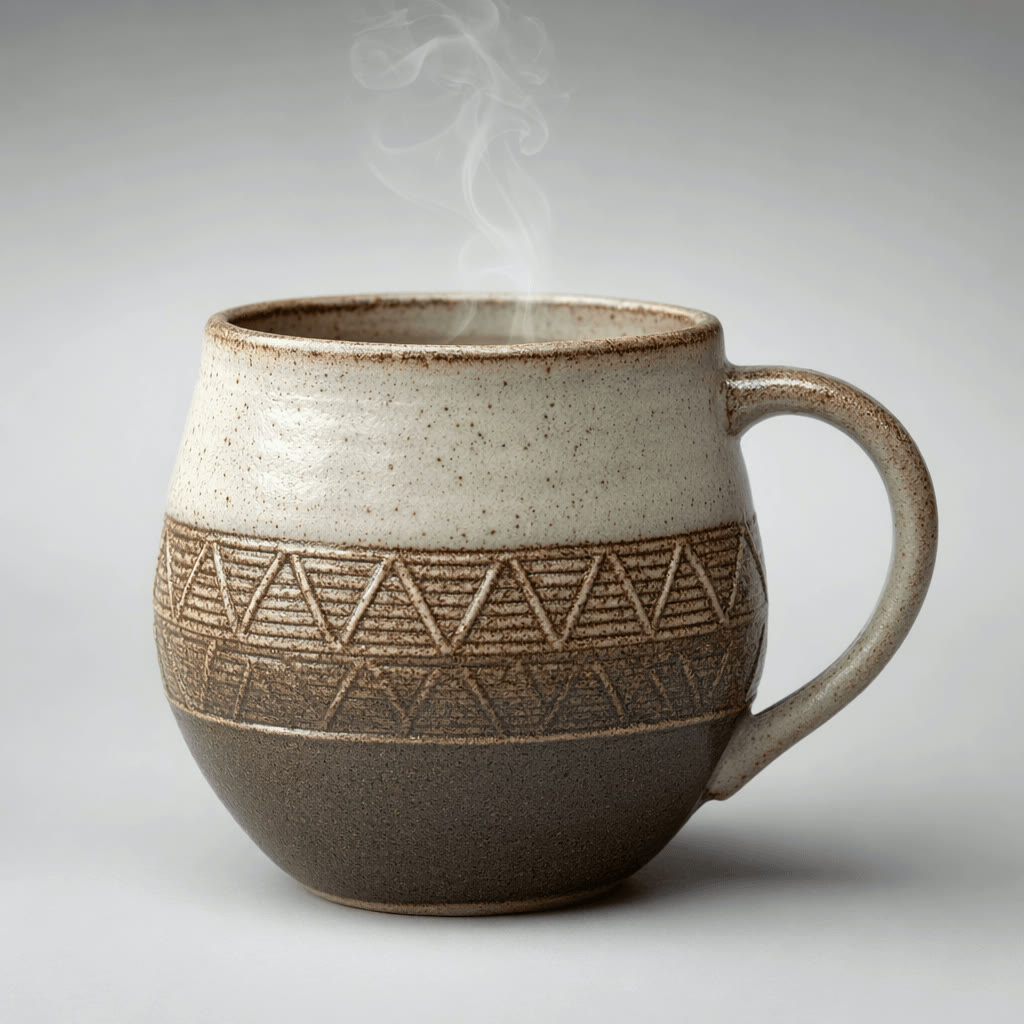 1
 GPT Image 2.5
Markup Edits: Circle the Spot, Then Describe It
Words alone are vague when a scene is busy: "the cup on the left" can mean three things. With GPT Image 2.6 you open Mark up on the first reference thumbnail, circle or sketch over the area, and then write the change in the prompt.
Your drawing travels to the model as its own transparent layer, separate from the photo, so the marks guide the edit without being painted into the result.
| Where | Mark up button on the first referenceAppears on the thumbnail once a reference is attached. |
|---|---|
| Pens | Red, yellow or blue, with undo and clear |
| Image size | Up to 16 megapixelsLarger references cannot carry a markup layer. |
| Extra credits | NoneA marked-up edit costs the same as a plain reference edit. |
| Versions | Sunburst and Flare |
Looping GIFs from a Prompt or a Photo
GPT Image 2.6 can return an animated GIF instead of a still. Describe the motion, or attach a photo to bring it to life, then choose how many frames and how long each one stays on screen.
Frames are sized automatically, so aspect ratio, resolution, transparency and image count drop out of the settings while GIF is selected. The price depends on the quality level and on how many frames you ask for.
| Frames | 4, 6, 9, 12 or 16 |
|---|---|
| Speed | 0.08, 0.12, 0.2 or 0.4 s per frame |
| Frame size | AutomaticOne GIF per request, no transparent background. |
| Credits at Low | 2 / 3 / 2 / 4Up to 8 frames / 9 / 12 / 16 frames. |
| Credits at Medium | 2 / 4 / 4 / 6Same frame bands. Higher quality levels cost more. |
The Plan Setting: How Much It Thinks Before Drawing
OpenAI calls this setting complexity; Yovid labels it Plan. It decides how much the model works out the layout before it starts drawing, which matters most for maps, planners, diagrams and other pages with many parts that must all land in the right place.
High is the model’s own default and where Yovid starts. Dropping to medium or low is worth a try for simple scenes and quick drafts; the credit price does not change either way.
| Levels | Low, medium, high |
|---|---|
| Default | HighThe model’s own default. |
| Extra credits | None |
| Works with | Stills and GIFsWhen the settings row is full, it folds into More settings. |
Lettering That Stays Inside the Layout
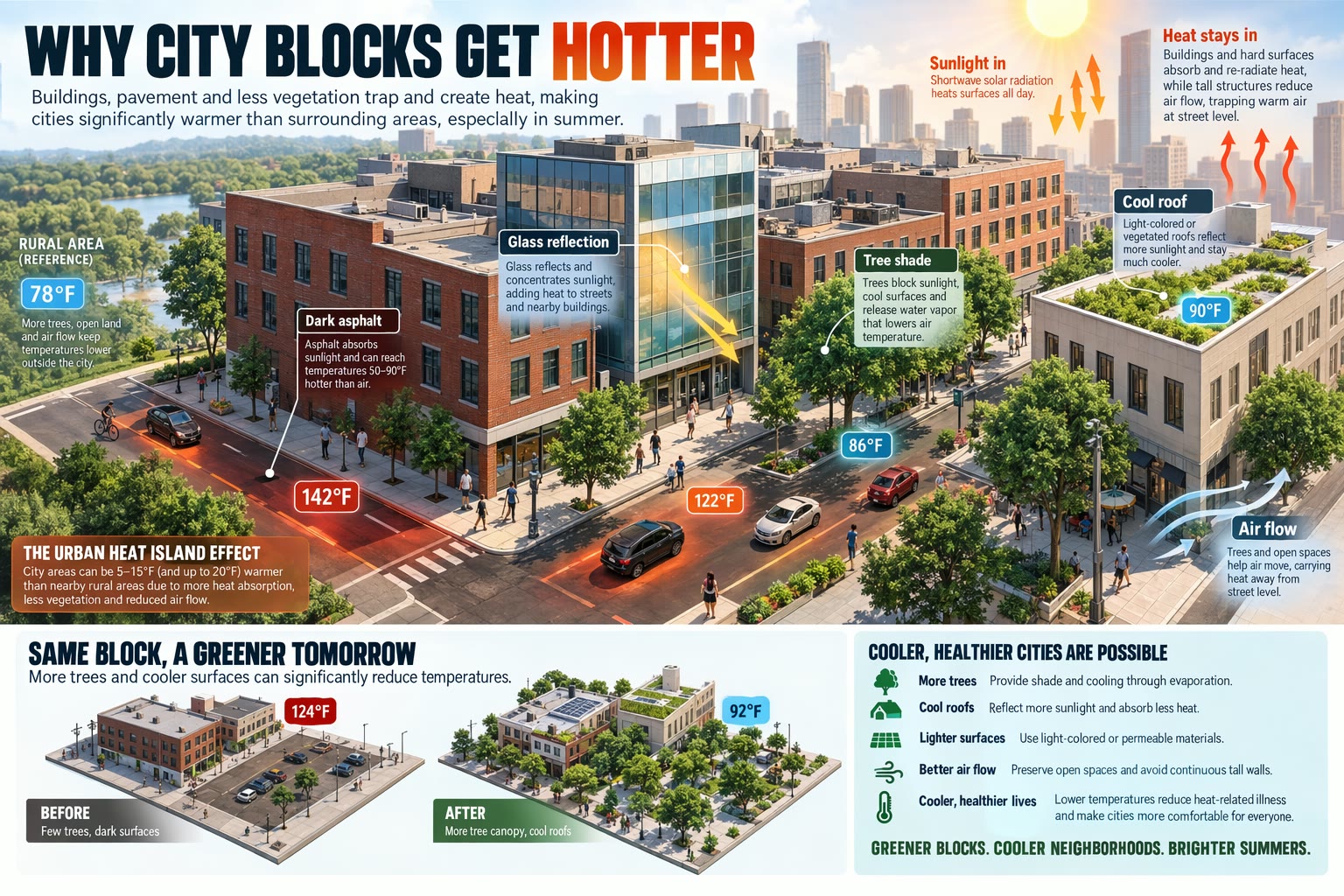
Text in images is where the GPT Image line has always been strongest, and 2.6 keeps it. Quote every word that must appear and say where it sits: on a sign, in a margin, under a photo.
The spread below is a GPT Image 2.5 Sunburst render from OpenAI’s gallery; the same prompt runs unchanged on 2.6. Proofread fine print before anything goes to print.
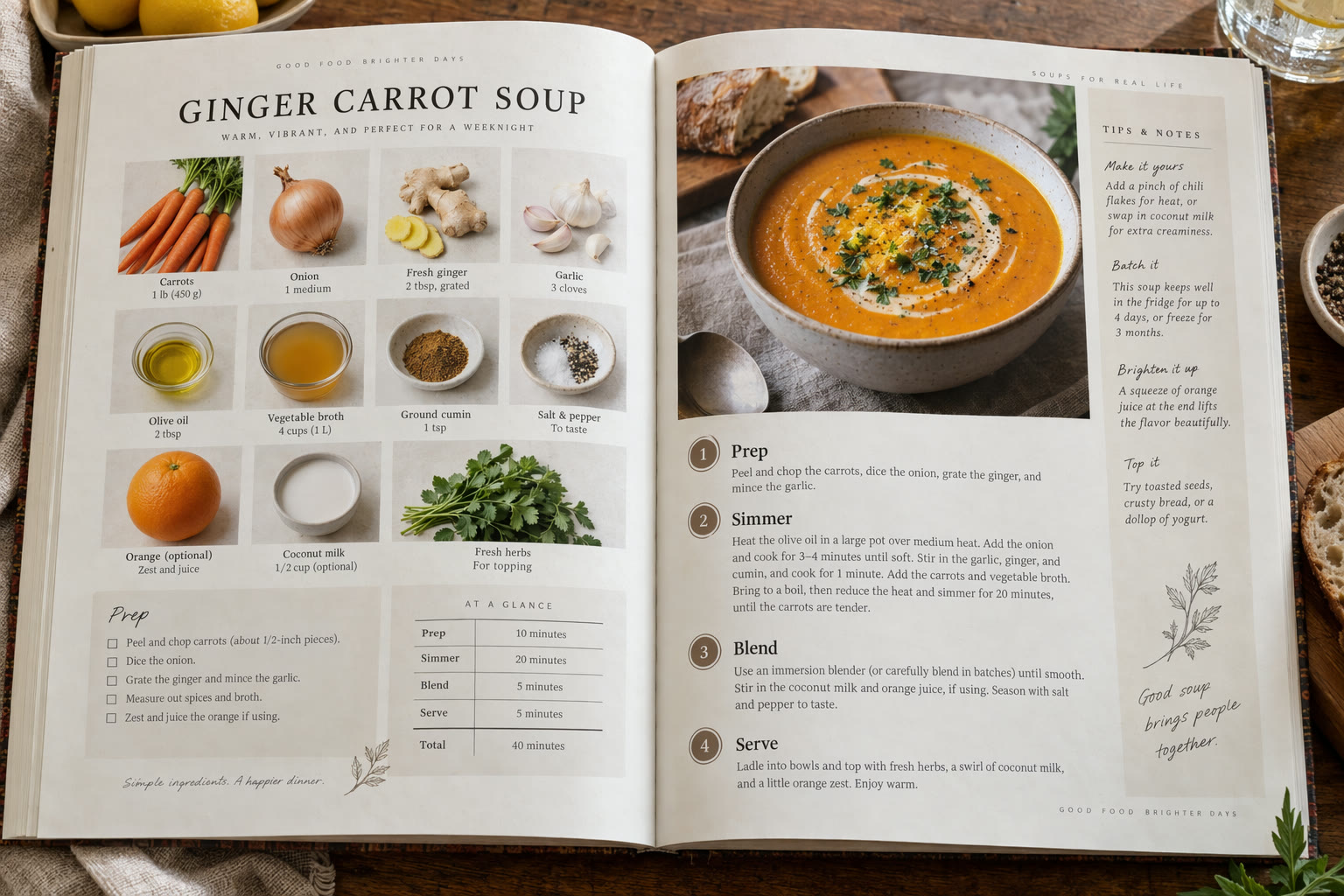 GPT Image 2.5
Credits per Image, from 2 at 1K
GPT Image 2.6 uses more output at the two lowest quality levels than GPT Image 2.5 did, so drafts cost a little more; from High upward the two are close. Sunburst and Flare are priced the same.
The price below is for one still. Asking for several images multiplies it, and each attached reference adds a small amount; the Generate button always shows the total first.
| Low | 2 / 4 / 6 creditsAt 1K / 2K / 4K. |
|---|---|
| Medium | 3 / 6 / 9 creditsAt 1K / 2K / 4K. The default. |
| High | 4 / 7 / 11 creditsAt 1K / 2K / 4K. |
| Extra high | 6 / 12 / 20 creditsAt 1K / 2K / 4K. |
| Maximum | 13 / 27 / 44 creditsAt 1K / 2K / 4K. |
| References | Billed per imageSixteen references on a Medium 1K image bring it to 13 credits. |
Every Shape from 1:3 to 3:1, up to 4K
GPT Image 2.6 takes the same size options as 2.5. Choose the frame first so the model composes for it, or set an exact pixel size with Custom.
| Aspect ratio | 15 presets1:1, 1:2, 2:1, 1:3, 3:1, 2:3, 3:2, 3:4, 4:3, 4:5, 5:4, 9:16, 16:9, 9:21 and 21:9. |
|---|---|
| Custom size | Steps of 16 pxUp to 3,840 px on an edge and 8.3 megapixels, no wider than 3:1. |
| Resolution | 1K, 2K or 4K1K by default. |
| Stills per prompt | 1 to 10 |
| Reference images | Up to 16 |
| Output | PNG, GIF or SVGTransparent PNG for stills; SVG from a text prompt only. |
| Prompt length | Up to 32,000 characters |
Where GPT Image 2.6 Earns Its Place
Use Flare to explore and Sunburst to finish. These are the jobs where the 2.6 additions pay off:
- Social and ad teams: Draft ten variations with Flare, keep the best, then rerun it with Sunburst at 2K or 4K.
- E-commerce: Mark the one product detail to change in a busy lifestyle shot and leave the styling as approved.
- Brand and sticker makers: Short looping GIFs of a mascot or icon, and transparent PNG cut-outs, from the same prompt.
- Editors and educators: Maps, planners and labelled diagrams, with Plan raised when a page has many parts.
- Video creators: Finished frames that go straight into Seedance or Kling as a start frame, in the same Yovid account.
GPT Image 2.6 vs GPT Image 2.5, Nano Banana 2.1 and Seedream 5.0
All cells but the last row come from the settings each model has in Yovid’s image generator right now.
| Feature / Model | GPT Image 2.6 Sunburst | GPT Image 2.6 Flare | GPT Image 2.5 Sunburst | Nano Banana 2.1 | Seedream 5.0 Pro |
|---|---|---|---|---|---|
| Top resolution | 4K | 4K | 4K | 4K | 2K |
| Aspect ratios | 1:1, 1:2, 2:1, 1:3, 3:1, 2:3, 3:2, 3:4, 4:3, 4:5, 5:4, 9:16, 16:9, 9:21, 21:9 | 1:1, 1:2, 2:1, 1:3, 3:1, 2:3, 3:2, 3:4, 4:3, 4:5, 5:4, 9:16, 16:9, 9:21, 21:9 | 1:1, 1:2, 2:1, 1:3, 3:1, 2:3, 3:2, 3:4, 4:3, 4:5, 5:4, 9:16, 16:9, 9:21, 21:9 | 1:1, 1:4, 4:1, 1:8, 8:1, 2:3, 3:2, 3:4, 4:3, 4:5, 5:4, 9:16, 16:9, 21:9 | 1:1, 4:3, 3:4, 3:2, 2:3, 16:9, 9:16, 4:5, 5:4, 21:9, 9:21 |
| Reference images | 16 | 16 | 16 | 14 | 10 |
| Images per prompt | 10 | 10 | 10 | 1 | 1 |
| Credits per image (default settings) | 3 · 1K medium | 3 · 1K medium | 1 · 1K medium | 3 · 2K | 2 · 1.5K |
| Best for | Final assets, product edits and marked-up changes. | Quick drafts and GIF tests at the same price. | The cheapest GPT Image drafts at 1K. | Very wide or very tall formats. | Photoreal stills from ByteDance’s model. |
Credits are for one still at each model’s default settings (1K at medium quality for the GPT Image models, 2K for Nano Banana 2.1, 1.5K for Seedream 5.0 Pro) and follow Yovid’s live pricing.
GPT Image 2.6: Strengths and Limits
What to expect before you move a workflow from 2.5 to 2.6.
Strengths
- Two speeds: Flare for fast drafts, Sunburst for careful finals, with one set of settings.
- More ways to edit: Reference edits plus a markup layer that pins the change to a spot.
- Motion from a still model: Short looping GIFs without leaving the image generator.
- Room to work: 16 references, up to 10 stills per prompt and 4K output.
Limits
- Dearer drafts: At Low and Medium a 2.6 image costs more than a 2.5 one; 2.5 stays available for cheap 1K drafts.
- GIFs are short: Up to 16 frames at an automatic frame size, one per request, no transparency.
- Markup on one image: Only the first reference can carry a drawing, and it must be under 16 megapixels.
- Proofread small text: Fine print and exact placement can still slip on dense layouts.
How to Use GPT Image 2.6 on Yovid
- Step 1
Choose Flare or Sunburst
The generator on this page opens on GPT Image 2.6 Sunburst. Switch to Flare in the model menu when speed matters more.
- Step 2
Write the prompt, add references
Quote any exact text, attach up to 16 images, and use Mark up on the first one to show where an edit goes.
- Step 3
Pick a format and generate
Set ratio, resolution and quality for a still, or switch Format to GIF and choose frames and speed. The credit cost shows before you run.
Prompts to Try on GPT Image 2.6
Four prompts from OpenAI’s GPT Image 2.5 Sunburst gallery, trimmed, shown with the 2.5 render they produced. They run on 2.6 unchanged: open one and compare.
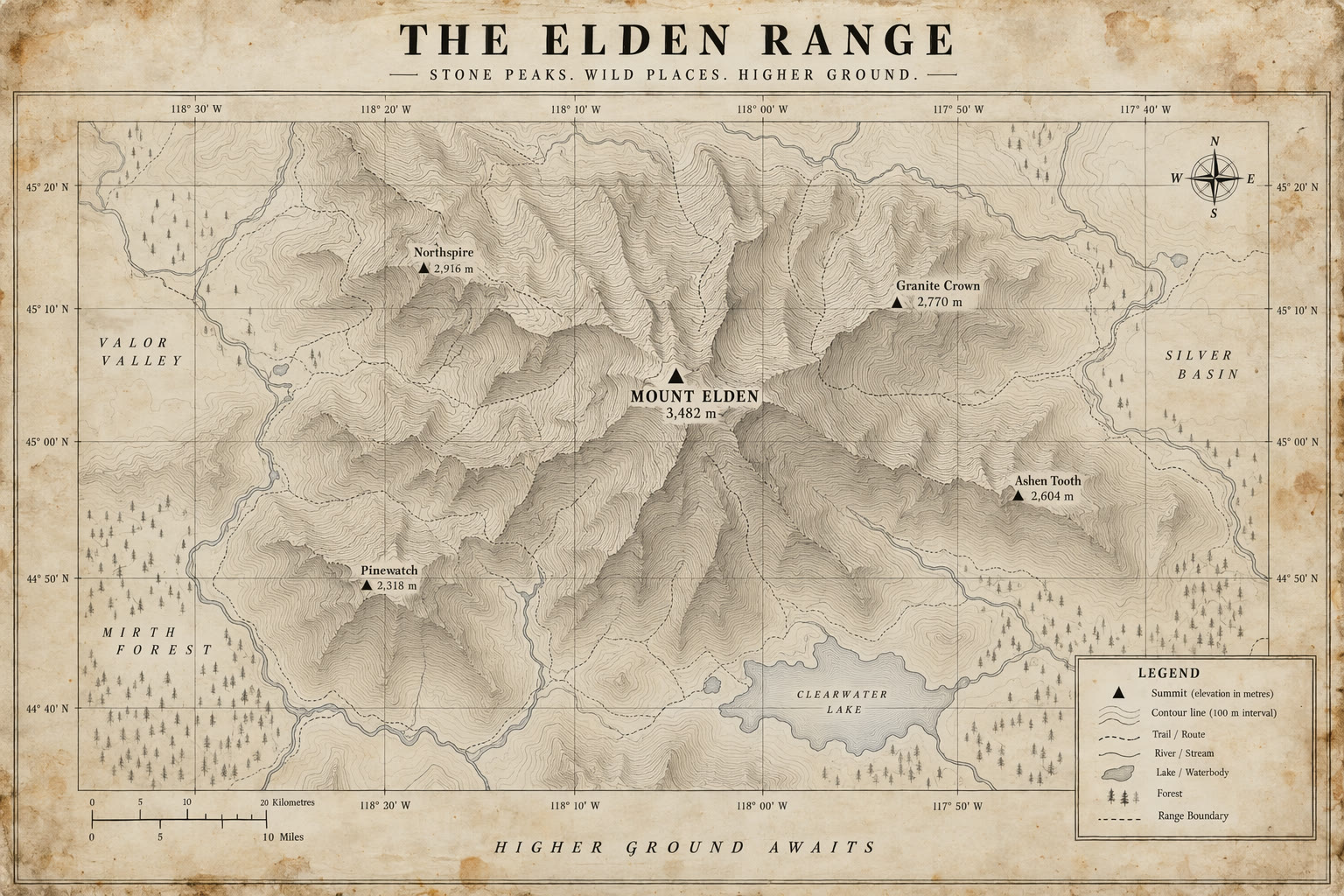
Topographic map poster
GPT Image 2.5 render · 3:2Topographic map poster on aged paper with faint stains. Thin contour lines and grid ticks, a labeled mountain range with a bold peak marker. Title centered at the top, a small legend at bottom right, high-contrast black serif type. Clean linework, flat straight-on view, no logos or watermark.
Source: OpenAI API docs · Image generation
Run this prompt on 2.6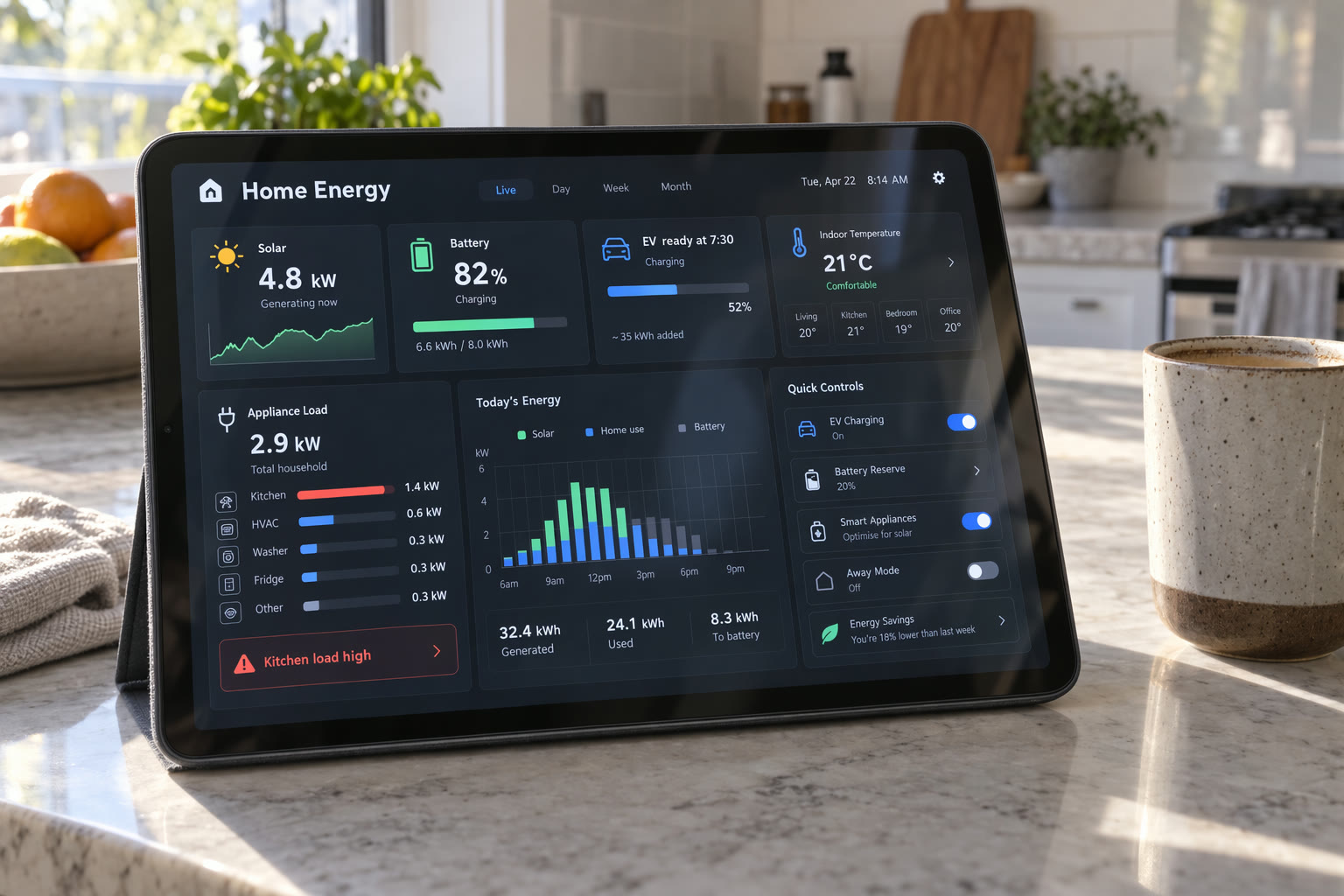
Smart-home dashboard
GPT Image 2.5 render · 3:2A tablet on a kitchen counter showing a smart-home energy dashboard with panels for solar, battery, EV charging, room temperature and appliance load, plus a small hourly chart. Exact labels: "Home Energy" "Solar 4.8 kW" "Battery 82%" "EV ready at 7:30". Legible modern UI, soft glass glare, morning light, a coffee cup beside it.
Source: OpenAI API docs · Image generation
Run this prompt on 2.6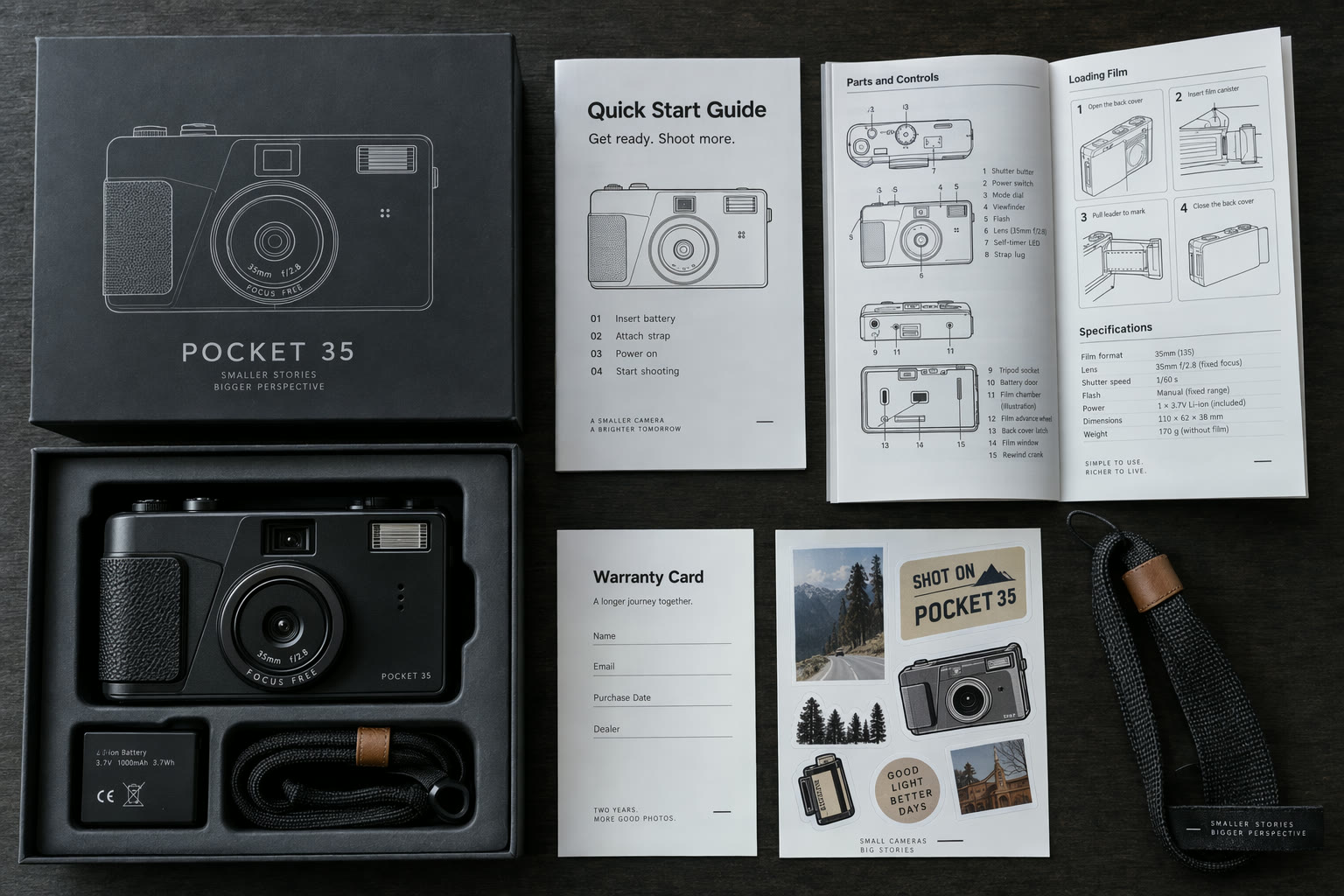
Camera unboxing flat lay
GPT Image 2.5 render · 3:2Top-down product photo of an opened compact-camera box on a dark table: camera body, battery, strap, warranty card, sticker sheet and a folded manual with dense diagrams. Exact booklet title: "Quick Start Guide". Exact sticker text: "SHOT ON POCKET 35". Realistic paper, plastic and metal. No real brand logos.
Source: OpenAI API docs · Image generation
Run this prompt on 2.6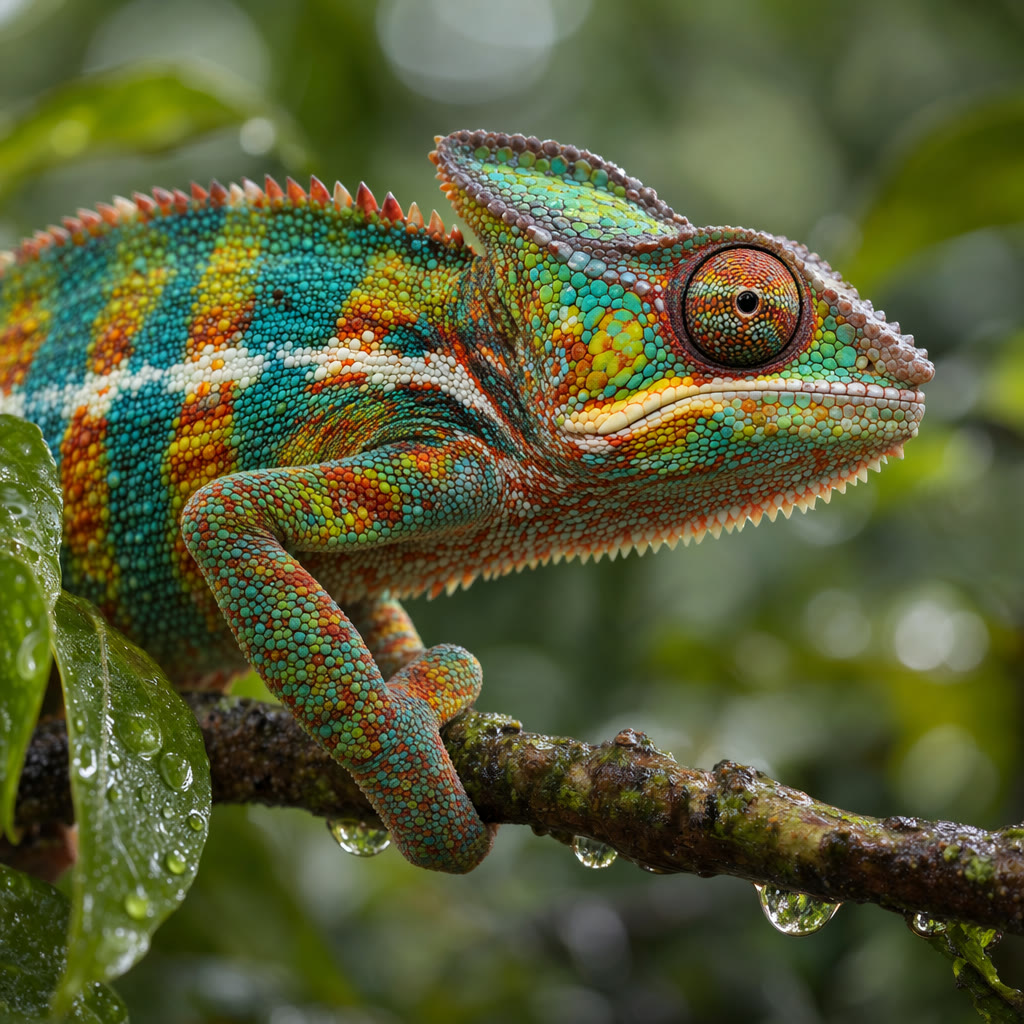
Chameleon macro
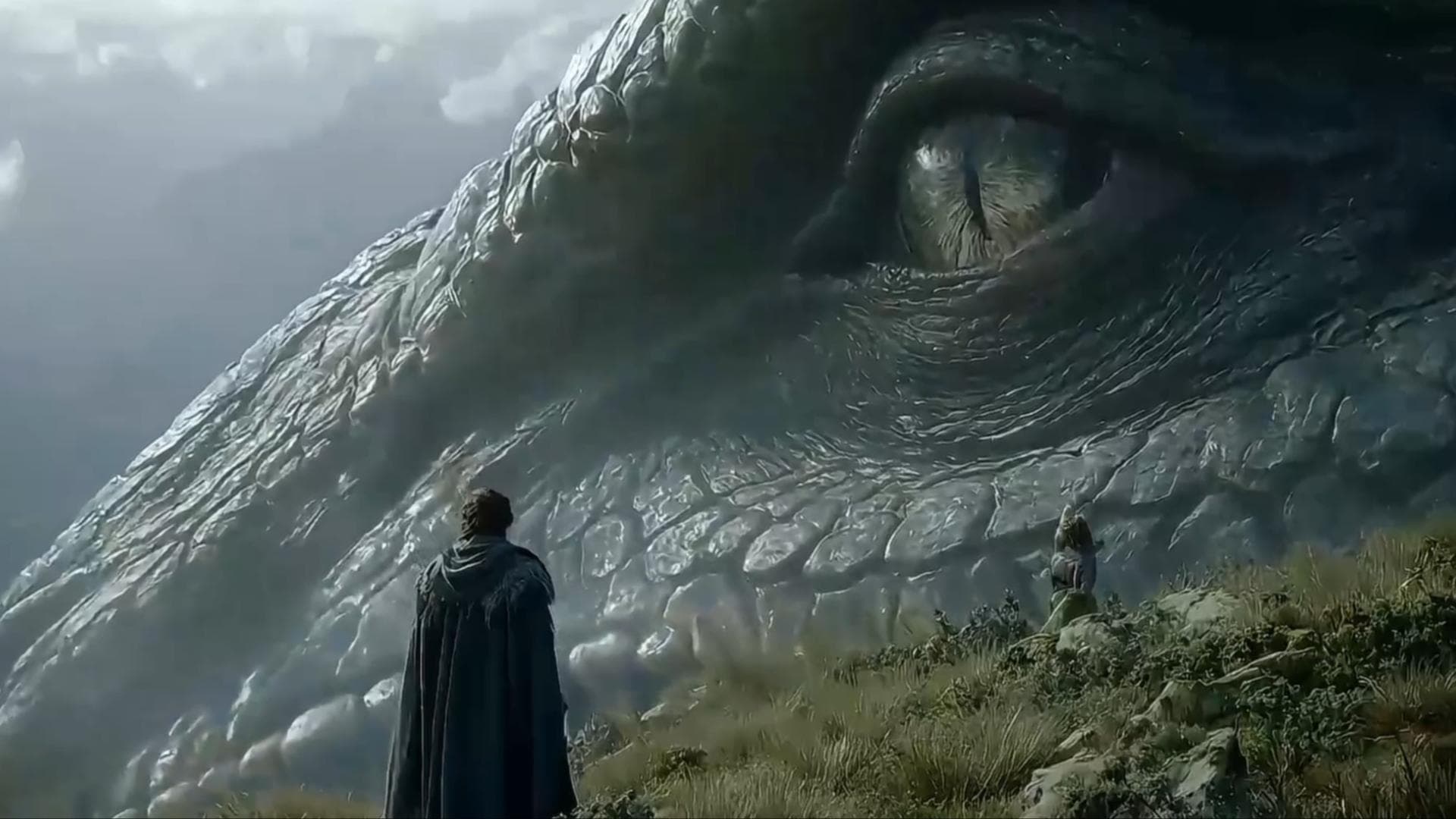
GPT Image 2.5 render · 1:1Wildlife print: a chameleon in profile on a small branch with dew drops, vivid scales and a detailed eye, against blurred tropical leaves with soft green bokeh. Photorealistic, 100mm macro, shallow depth of field, no logos or watermark.
Source: OpenAI API docs · Image generation
Run this prompt on 2.6
More Image and Video Models on Yovid
Take a Finished Image Further
Turn a GPT Image 2.6 still into a video clip and pick the model for it.
FAQs
What is GPT Image 2.6?
Should I pick Flare or Sunburst?
How many credits does GPT Image 2.6 use?
How do I make a GIF with GPT Image 2.6?
How do markup edits work?
What does the Plan setting do?
Is GPT Image 2.6 better than GPT Image 2.5?
Can I use GPT Image 2.6 for free?
Are the images on this page made with GPT Image 2.6?
Can GPT Image 2.6 export SVG?
Draft with Flare, Finish with Sunburst
One prompt, two speeds, and a GIF when a still is not enough.
Create with GPT Image 2.6