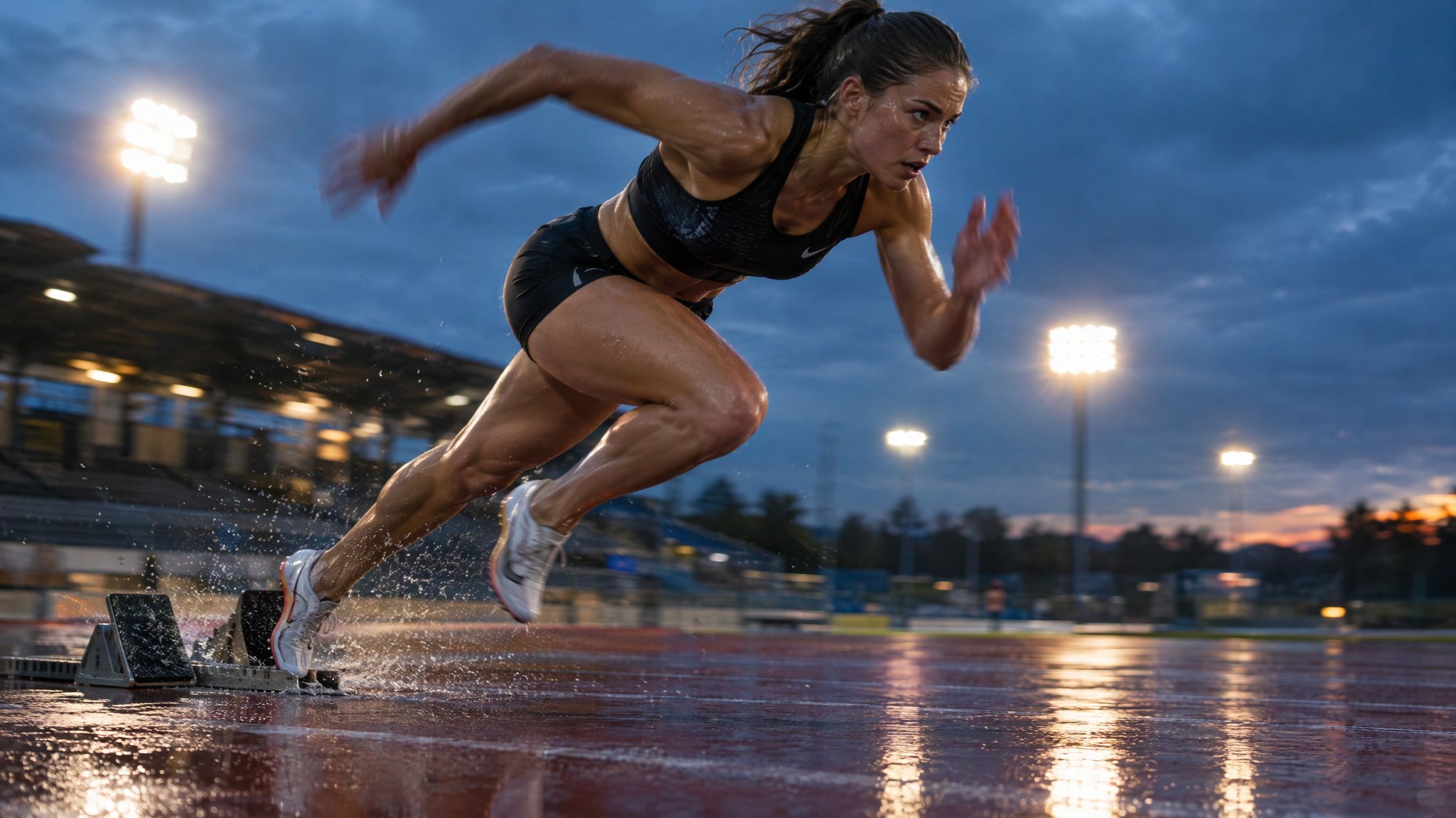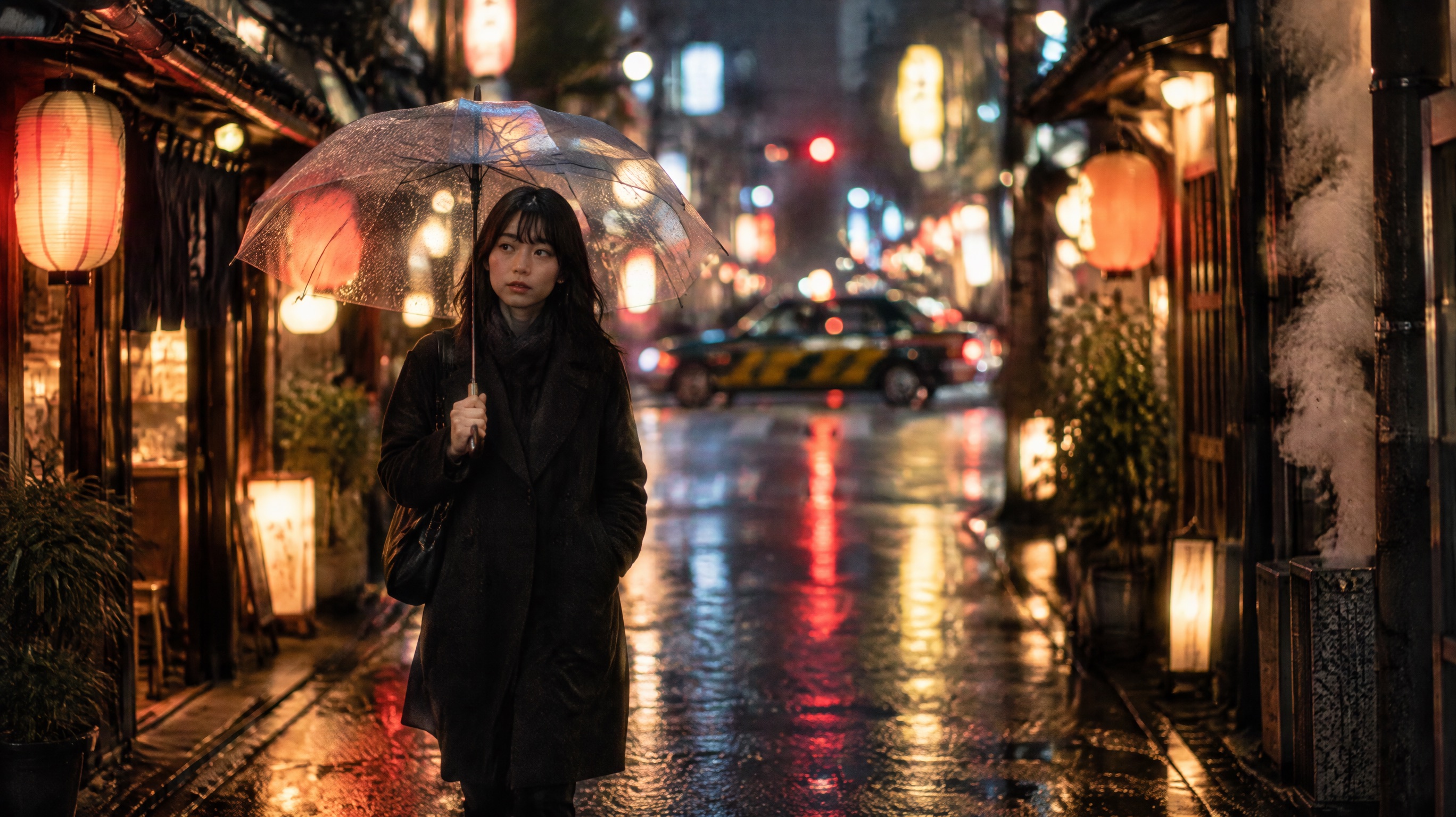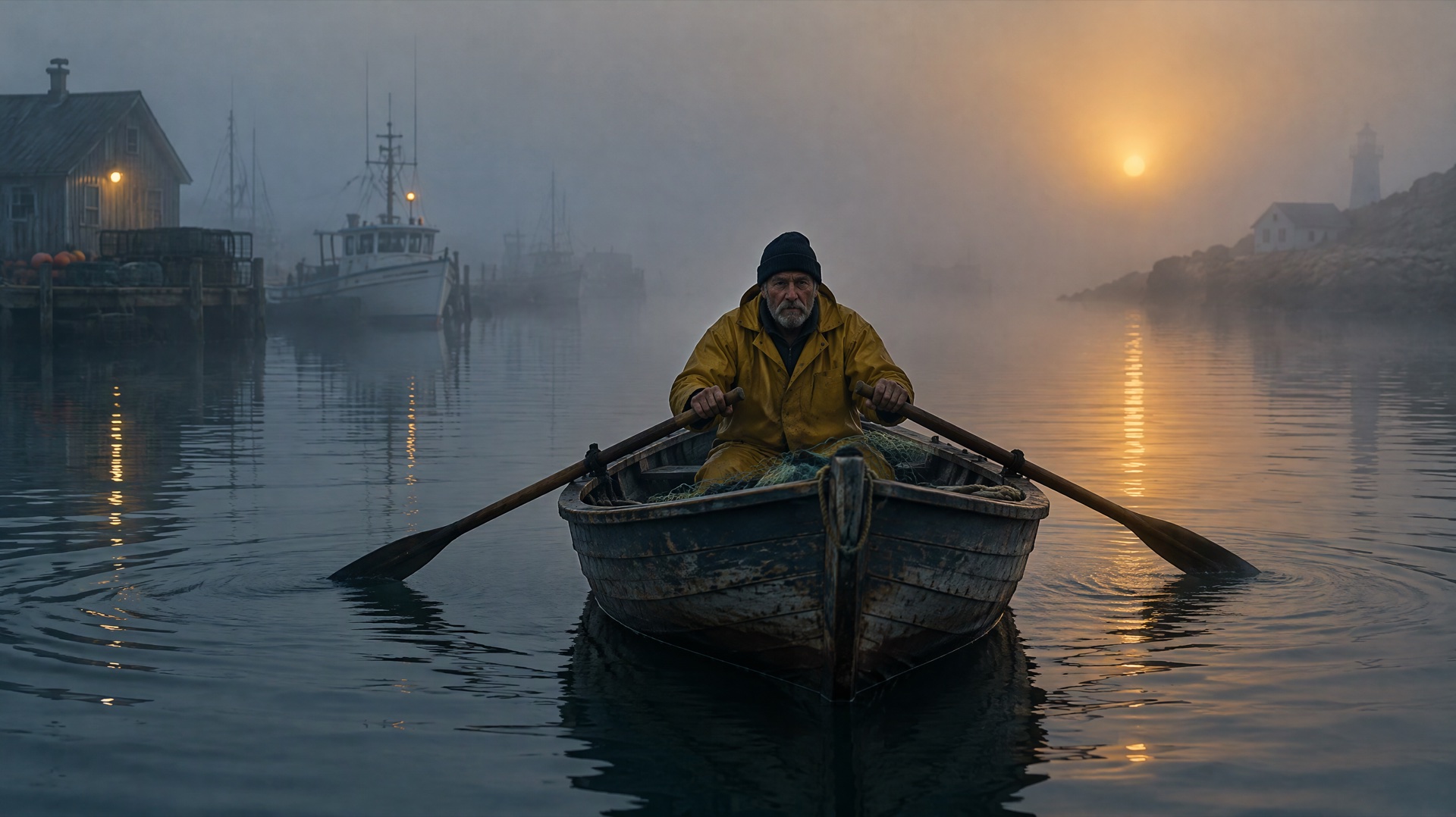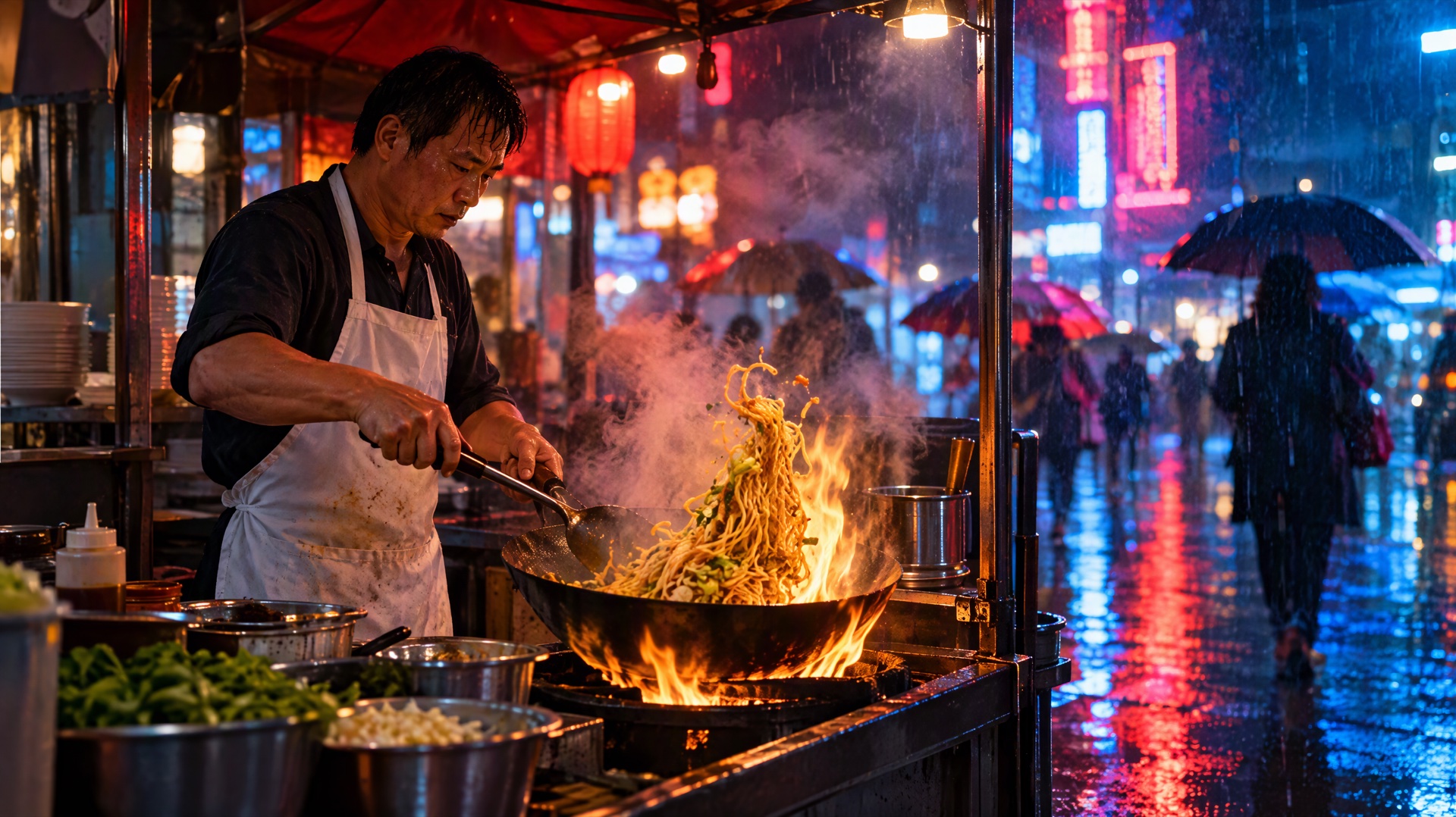
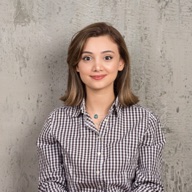
Direct answer: Wan 3.0 image to video works best when the photo already shows the subject clearly and the prompt only describes what should move. Pick a sharp photo with one main subject and a simple background, upload it as the first frame, and write the motion in one or two sentences: what moves, how much, which way the camera goes and what it sounds like. Keep the movement small for portraits and old photos, medium for landscapes and products, and save big action for illustrations. A 5-second test at 480p costs about 6 credits, so try the motion short before you render the full clip. Below are 30 copy-ready Wan 3.0 prompts for still photos, grouped into portraits, landscapes and weather, product spins, illustrations and anime, and old photos.
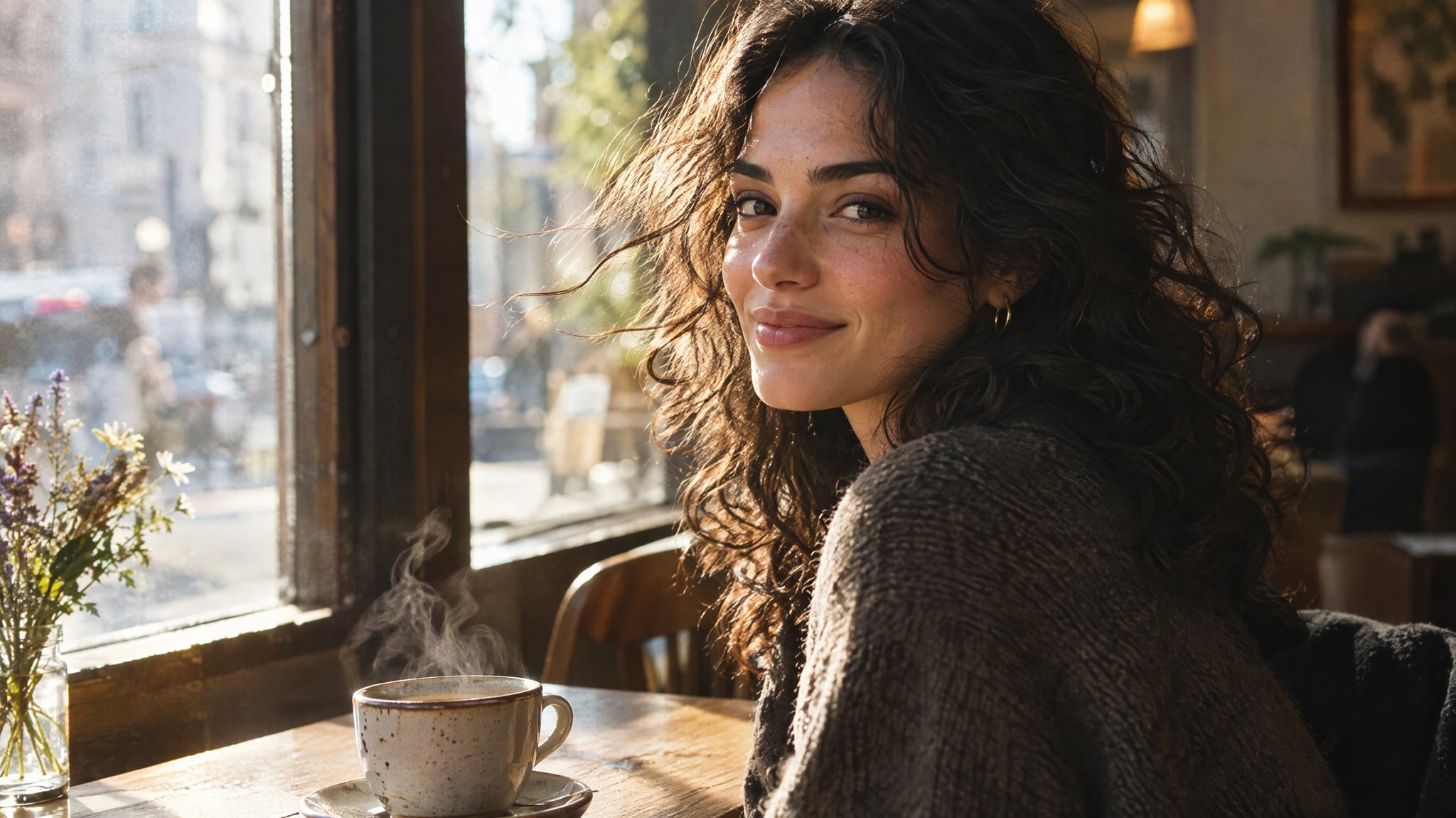
Image prompt: Cinematic photograph of a young woman with loose dark curls sitting by a sunlit cafe window, turning slightly toward the camera with a soft smile, a few strands of hair lifted by a light breeze, steam rising from a ceramic cup on the table, warm morning light, shallow depth of field, natural skin texture, 35mm film look.
Last verified: 2026-11-25. Settings, file limits and credit rates come from the live Wan 3.0 settings on that date.
What Wan 3.0 image to video does well
Wan 3.0 is the newest video model in Alibaba's Wan family. In image to video, your photo becomes the opening frame and the prompt directs everything that happens after it. These are the settings that shape how you write the prompt:
| Setting | Wan 3.0 image to video | What it means for the prompt |
|---|---|---|
| Length | 2 to 30 seconds, 5 by default | One clear movement per 5 seconds; add beats for longer clips |
| Resolution | 480p, 720p or 1080p | Test at 480p, finish at 720p or 1080p |
| Aspect ratio | Follows the shape of your photo | Crop the photo before you upload it, not after |
| Last frame | Optional second image | Use it when the clip must end on a set pose or angle |
| Sound | On by default, same price on or off | Name the sounds you want; quote any spoken line |
| Prompt length | Up to 10,000 characters | Long prompts are fine, but short motion prompts work best here |
Wan 3.0 is a good pick for still photos when you want sound in the same pass, a clip longer than 15 seconds, or a low price per second. It is a weaker pick when the photo contains on-screen text you need to stay readable: Alibaba notes that text rendering is still improving, so add titles in an editor afterwards.
How to choose a photo for Wan 3.0 image to video
The photo does most of the work. A good source image gives the model a clear subject, room to move and nothing confusing at the edges.
- One main subject, in focus. A face, a product or a landmark that fills a good part of the frame. Blurry or very small subjects drift as they move.
- A simple background. Plain walls, sky, studio sweeps and soft-focus streets animate cleanly. Crowded backgrounds tend to warp once the camera moves.
- Room in the direction of motion. If the subject will turn left or the camera will push in, leave space for it in the frame.
- The right shape. The clip keeps your photo's shape, so crop to 16:9 for YouTube, 9:16 for Reels and Shorts, or 1:1 for feeds before you upload.
- Hands and text in mind. Hands that are half hidden and signs with small letters are the first things to distort. Choose photos where hands are visible and relaxed, or out of frame.
These are the file limits for a Wan 3.0 start image, which are easy to miss until an upload is rejected:
| Check | Wan 3.0 limit |
|---|---|
| File type | JPG, PNG, BMP or WebP, without transparency |
| File size | Up to 20 MB |
| Each side | 240 to 8,000 pixels |
| Shape | From 1:8 to 8:1 |
30 Wan 3.0 image to video prompts for still photos
Each group has six prompts written for 5 to 10 seconds. Swap the subject details for what is in your own photo and keep the motion words.
Portrait prompts: small, natural movement
1. Turn and smile
The woman slowly turns her head toward the camera and breaks into a soft smile, a few strands of hair moving in a light breeze, steam rising from the cup beside her. The camera stays still. Quiet cafe sounds and a cup touching a saucer.
2. Blink and breathe
The man looks straight at the camera, blinks twice and takes a slow breath, his shoulders rising slightly. Soft window light flickers as a curtain moves. The camera holds a steady close-up. Room tone and distant birdsong.
3. Laugh with a friend off camera
The girl glances to the right as if someone off camera said something funny, laughs, then looks back toward the lens. Her earrings sway slightly. Static medium shot, natural daylight, the sound of a short laugh and street noise.
4. Hair in the wind
A gentle wind lifts the woman's long hair across her face and she tucks it behind her ear with one hand, eyes half closed. The camera drifts slowly to the left. Sound of wind and rustling leaves.
5. Look up from a book
The young man reading on the bench looks up from his book, notices something in the distance and smiles. Pages flutter slightly in the breeze. Slow push-in from a medium shot to a close-up. Park ambience and distant children playing.
6. Spoken line to camera
The woman looks into the camera and says in a warm, calm voice, "This is where it all started." She smiles at the end of the line. The camera holds still. Soft room tone behind her voice, no music.
Landscape and weather prompts: let the scene breathe
7. Clouds over mountains
Clouds roll slowly over the mountain peaks from left to right, their shadows sliding across the green valley below. A light mist rises from the trees. Slow aerial push-in. Sound of wind across open ground.
8. Waves on a rocky shore
Waves roll in and break against the dark rocks, white spray rising and falling back into the sea. Seagulls glide across the golden sky. The camera holds a wide shot. Sound of surf and distant gulls.
9. Rain starts in a city street
Light rain begins to fall on the empty city street, drops rippling in the puddles and neon signs reflecting on the wet pavement. A single taxi passes in the background. Static wide shot. Sound of rain and tires on wet asphalt.
10. Snow falling in a forest
Snowflakes drift down slowly between the pine trees, a little snow sliding off one branch and falling to the ground. Morning light filters through the trees. Very slow push-in. Quiet forest sound and the soft crunch of settling snow.
11. Sunset time-lapse
Time-lapse of the sun sinking below the horizon over the lake, the sky shifting from gold to deep pink and then blue, clouds streaking across the frame. The camera stays locked off. Gentle ambient water sounds.
12. Wheat field in the wind
A strong breeze moves across the wheat field in long waves, the stalks bending and springing back. A farmhouse stands still in the distance under a bright sky. Slow pan from left to right. Sound of wind through dry grass.
Product rotation prompts: clean turns on a set
13. Slow turntable spin
The perfume bottle rotates slowly on the marble pedestal, a full turn over the length of the clip, the rim light sliding across its edges. Background stays still and clean. Locked-off camera. Soft studio ambience.
14. Orbit around a sneaker
The camera orbits halfway around the sneaker on the white platform, keeping it centered, revealing the side and the heel. Soft shadows move across the floor. Smooth, steady motion. Quiet studio tone with a light whoosh.
15. Light sweep across a watch
A narrow beam of light sweeps across the watch face from left to right, the polished case flashing as the light passes. The watch stays still while the camera pushes in slightly. Subtle tick of the second hand.
16. Pour into a glass
Sparkling water pours into the glass beside the bottle, bubbles rising and a few drops splashing onto the wet surface. The bottle stays in sharp focus. Slow push-in, crisp studio light. Sound of pouring and fizzing bubbles.
17. Headphones float and turn
The headphones lift a few centimeters off the stand and rotate a quarter turn in the air, then settle back down. Soft gradient background, gentle shadow underneath. Static camera. A soft low tone as they land.
18. Skincare jar opening
A hand enters from the right and slowly unscrews the lid of the cream jar, lifting it to reveal the smooth texture inside. Soft daylight, clean bathroom shelf in the background. Close-up with a slight push-in. Quiet click of the lid.

Image prompt: Studio product photograph of a plain matte white ceramic perfume bottle with a brushed gold cap standing on a round marble pedestal, soft beige gradient backdrop, crisp rim light tracing the edges of the bottle, gentle reflection on the polished marble, premium commercial look, no logo and no lettering on the bottle.
Illustration and anime prompts: bigger motion works here
19. Anime character in the wind
The anime girl on the rooftop turns toward the sunset as the wind whips her scarf and hair, cherry blossom petals swirling past. The camera circles slowly around her. Hand-drawn style kept consistent. Wind and distant city sounds.
20. Watercolor village comes alive
In the watercolor painting of the village, smoke curls from the chimneys, a cat walks along a fence and birds fly over the rooftops. Paper texture and soft brush edges stay visible. Slow pan to the right. Light birdsong.
21. Fantasy creature wakes up
The small dragon curled on the pile of books opens its eyes, stretches its wings wide and lets out a tiny puff of smoke. Candlelight flickers across its scales. Slow push-in. A soft growl and the crackle of candles.
22. Comic panel in motion
The hero in the comic panel leaps from the rooftop toward the camera, cape snapping behind, speed lines streaking across the background. Bold ink outlines and flat colors stay the same. Quick zoom out. Whoosh and a heavy landing thud.
23. Pixel art scene loops
In the pixel art forest scene, fireflies blink on and off, a waterfall flows in the background and the character's cloak moves gently. Crisp pixel edges, no blur. Static camera. Soft chiptune ambient tones and running water.
24. Cel-shaded street at night
The cel-shaded city street at night comes alive: neon signs flicker, a delivery scooter zips past from right to left and steam rises from a food stall. Flat shading and clean outlines throughout. Slow dolly forward. City hum and a scooter engine.
Old photo animation prompts: restore, then move gently
25. Family on the porch
The family in the old black-and-white photo comes to life: the grandparents smile at each other, the children shift their weight and the girl tugs her bow. Film grain stays visible. Very slow push-in. Soft wind and a distant rooster.
26. Wedding portrait from the 1960s
The bride and groom in the faded wedding photo turn toward each other and smile, her veil lifting slightly in a breeze. Keep the original colors and grain of the print. Static camera. Faint church bells in the distance.
27. Soldier's portrait with a nod
The young man in uniform in the vintage studio portrait blinks, lifts his chin slightly and gives a small, proud nod. Sepia tones and photo grain stay as they are. Locked-off close-up. Quiet room tone, no music.
28. Street scene from the 1950s
In the black-and-white city street photo from the 1950s, pedestrians walk slowly along the sidewalk, a vintage car rolls past and a shop awning flutters. Original grain and contrast kept. Static wide shot. Footsteps, a horn and city murmur.
29. Grandmother in the kitchen
The grandmother in the old color photo looks up from the mixing bowl, laughs and wipes her hands on her apron. Warm, faded colors of the print stay intact. Gentle handheld feel. Kitchen sounds and a short warm laugh.
30. School class photo wave
In the old school class photo, the children in the front row break their pose: one waves at the camera, two whisper to each other and the teacher smiles. Grain and soft focus of the original stay visible. Static shot. Quiet giggles.
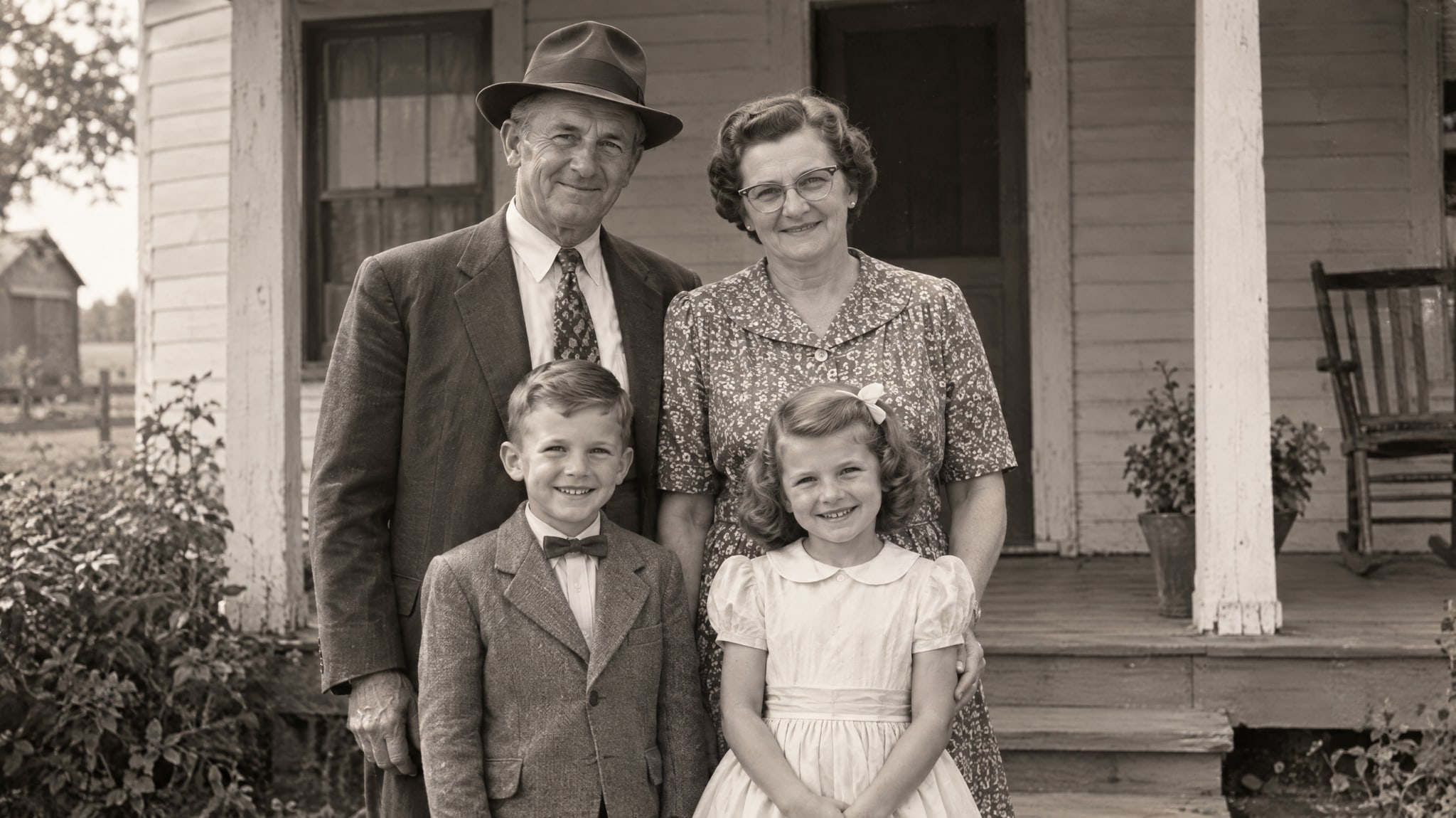
Image prompt: Restored vintage black-and-white photograph from the 1950s of a family of four standing in front of a wooden farmhouse porch, grandparents and two children in their Sunday clothes, gentle film grain, soft natural daylight, faint sepia warmth, sharp restored detail, candid and warm mood.
How strong should motion be in Wan 3.0 image to video prompts?
The same photo can drift gently or burst into action depending on a few words. Match the strength to the photo type.
| Motion strength | Words that work | Best for | Example |
|---|---|---|---|
| Slight | slowly, gently, a little, blinks, breathes, a slight turn | Portraits, old photos, products | "slowly turns her head and smiles" |
| Medium | walks, rotates a full turn, drifts across, rolls in, sways | Landscapes, product spins, street scenes | "clouds roll slowly over the peaks" |
| Strong | leaps, spins, bursts, whips, races, crashes | Illustrations, anime, action art | "leaps from the rooftop toward the camera" |
| Camera only | static, slow push-in, pan left, orbit halfway, dolly forward | Any photo where the subject should stay still | "very slow push-in, subject stays still" |
Two rules hold for every strength. Name the camera move separately from the subject's move, and keep one main action per 5 seconds. For a 15- or 30-second clip, add beats in order ("first she turns, then she laughs, then she looks away") rather than more speed.
Common Wan 3.0 image to video mistakes and fixes
- Expecting a big change from one photo. A seated portrait will not stand up and walk across a room cleanly. Ask for movement the photo can support, or use a last frame to show where the shot should end.
- The background bends or melts. Busy backgrounds warp when the camera moves. Hold the camera still, choose "slow push-in" instead of an orbit, or crop the photo tighter.
- Hands and fingers distort. Avoid prompts where hands grab, wave fast or hold small objects. Keep hands relaxed, or describe them resting.
- The face changes during the clip. Large head turns and fast motion change faces the most. Use "slight turn" and "soft smile" for portraits, and keep the clip short.
- Text on signs or labels breaks up. Wan 3.0 is not reliable with on-screen lettering. Pick photos without readable text, or add the text later in an editor.
- Old photos look over-animated. Ask the model to keep the grain, tones and soft focus of the original, and use slight motion only.
What a Wan 3.0 image to video test costs on Yovid
Wan 3.0 is billed per second of output, and only the resolution changes the rate. Sound, aspect ratio and adding a photo do not change the price. These are credit-pack base rates on Yovid as of 2026-11-25:
| Clip | 480p | 720p | 1080p |
|---|---|---|---|
| Rate per second | 1.2 credits | 2.4 credits | 4.8 credits |
| 5 seconds (default) | 6 credits | 12 credits | 24 credits |
| 10 seconds | 12 credits | 24 credits | 48 credits |
| 30 seconds | 36 credits | 72 credits | 144 credits |
A practical routine is to run each new prompt as a 5-second 480p test (6 credits), fix the motion, then render the version you keep at 720p or 1080p. Wan 3.0 is not on the free plan; any paid plan from Lite up, or any one-time credit pack, unlocks it, 1080p included.
FAQ
Which aspect ratios does Wan 3.0 image to video support?
In image to video, the clip follows the shape of your photo, so a vertical photo gives a vertical clip. For text to video you can pick 16:9, 9:16, 1:1, 4:3 or 3:4. Crop the photo to the ratio you need before you upload it.
Can Wan 3.0 add sound to an animated photo?
Yes. Sound is on by default and covers voices, music and effects, with lip sync when someone speaks. Put dialogue in quotation marks and describe the voice. The credit price is the same with sound on or off.
How long can a Wan 3.0 image to video clip be?
Any whole number of seconds from 2 to 30 in one generation. Five seconds is the default and the best length for testing a prompt on a still photo.
What is the difference between Wan 3.0 and Wan 2.5 for image to video?
Wan 2.5 made clips of 5 or 10 seconds from a first frame and took prompts of up to 1,500 characters. Wan 3.0 runs from 2 to 30 seconds, accepts prompts of up to 10,000 characters and can end on an optional last frame. Yovid runs Wan 3.0; Wan 2.5 is not offered.
How many credits does Wan 3.0 image to video use?
About 1.2 credits per second at 480p, 2.4 at 720p and 4.8 at 1080p at credit-pack base rates. A 5-second 480p test is about 6 credits and a 10-second 720p clip about 24.
Try these Wan 3.0 image to video prompts
Start with the group that matches your photo, run a 5-second 480p test and adjust only the motion words before you go longer. For more photo-to-motion ideas, the image to video prompt examples break down six prompts line by line, and the Kling 4.0 image to video guide covers the same job on a different model. More prompt collections are in Prompt Guides.
When you are ready, open image to video, upload your photo, choose Wan 3.0 in the model list and paste a prompt from above. Plans and credit packs are listed on the pricing page, and every other model is one click away in our AI video generator.